Work doesn't disappear between standups. It drifts. A feature that was "in progress" last Tuesday is still in progress today, and nobody is quite sure why. The backlog has twelve items marked urgent, two engineers waiting on design, and a product review that got buried in Slack. The status meeting happens, the board gets updated, and the cycle repeats.
Kanban project management software exists to break that cycle. A well-configured board makes work visible at every stage, forces a team to confront how much is actually in flight, and surfaces bottlenecks before they become missed releases. According to Capterra's 2025 research, 41% of organizations now use hybrid project-management methodologies, which means most teams are mixing Kanban thinking with other delivery frameworks. The tool you pick determines whether that hybrid approach adds clarity or just more columns to ignore.
This guide covers 14 kanban tools evaluated for product managers, engineering leads, and cross-functional product teams. Pricing and G2 ratings are verified against live sources.
What's inside
This guide compares 14 kanban project management software options for product and delivery teams.
- Who it's for: PMs, senior PMs, and product leaders managing roadmap work, discovery, feature delivery, and cross-functional execution
- How tools were chosen: SERP frequency, category fit, depth of Kanban capabilities, and PM use-case coverage
- Selection criteria:
- Board flexibility and WIP control
- Reporting and workflow visibility for cycle time, lead time, and throughput
- Integrations with product and engineering workflows
- Pricing, free-plan usefulness, and team scalability
Pricing figures and G2 ratings are verified at drafting time against vendor pricing pages and live G2 listings.
TL;DR
- Best overall for lightweight visual Kanban: Trello. Fast to set up, broad templates, and zero learning curve for most teams.
- Best for cross-functional product projects: Asana. Kanban boards sit alongside goals, portfolios, and workload views.
- Best dedicated Kanban system with analytics: Kanban Tool. Native time tracking and cumulative flow reports in a focused workspace.
- Best for AI-assisted task flow: workstreams.ai. Kanban boards built around Slack and Teams with AI-generated subtasks.
- Best for engineering-adjacent agile teams: Jira. Scrum and Kanban boards with WIP limits, agile reports, and developer integrations.
- Best for docs-first product planning: Notion. Databases with board views, linked specs, and research in one workspace.
- Best for Microsoft 365 teams: Microsoft Planner. Native task boards that live inside the tools your team already uses.
What is kanban project management software?
Kanban project management software is a visual workflow system that helps teams manage work through boards, columns, cards, and work-in-progress limits.
Each board maps a workflow. Columns represent stages such as Backlog, Ready, In Progress, Review, and Done. Cards hold individual tasks, features, bugs, or experiments. WIP limits cap how many cards can occupy a column at once, forcing teams to finish work before pulling more in. Metrics like cycle time (how long a task takes from start to done), lead time (total elapsed time from request to delivery), and throughput (items completed per period) give PMs quantitative signals about delivery health.
This is not a to-do list. Kanban software differs from Gantt-first project planning because it focuses on flow, WIP control, and continuous improvement rather than fixed schedules and dependencies.
Key capabilities to look for:
- Custom boards and workflow stages that match your actual process
- Cards with assignees, due dates, labels, and comments
- WIP limits with visible overload indicators
- Automation for status changes, assignments, and notifications
- Reporting for cycle time, lead time, throughput, and cumulative flow diagrams
- Integrations with chat, code repositories, design tools, and CRM
- Permissions and governance for teams that are scaling
PMs should choose by workflow maturity, not feature count. A solo PM managing discovery work needs something different than a group PM coordinating a five-team release. The best kanban board software matches where your team is today and costs less to maintain than it saves in status meetings.
When to use kanban project management software
Visualize cross-functional work before it stalls
Kanban board software earns its place when work spans product, design, engineering, support, and GTM simultaneously. A board shows every item's current stage without requiring a status meeting. PMs can spot a card sitting in Review for six days without touching base with every stakeholder involved.
Control work in progress across a busy roadmap
Too many items in progress at once creates hidden queues and context-switching costs that slow every individual piece down. WIP limits make this problem explicit. When a column hits its cap, the team must clear existing work before pulling the next item, which is how Kanban converts a busy roadmap into an actually moving one.
Improve delivery flow with measurable signals
Cycle time tells you how predictable your delivery is. Lead time reveals where requests sit before your team even starts them. Throughput shows how many items you complete per sprint or week, which is the raw input for capacity planning. Cumulative flow diagrams expose queues that aren't obvious on a daily board view. These metrics turn Kanban from a visual aid into a planning instrument.
Kanban project management software comparison
The table below covers all 14 tools in the order they appear in the item sections. Pricing reflects the entry paid tier billed annually. G2 ratings are verified at drafting time; N/A indicates no confirmed listing.
| # | Product | Best for | Key differentiator | Pricing | G2 rating |
|---|---|---|---|---|---|
| 1 | Trello | Lightweight visual Kanban | Card-based boards with broad templates and Power-Ups | Free plan; paid from $5/user/mo | 4.4/5 |
| 2 | Asana | Cross-functional product projects | Kanban connected to goals, portfolios, and workload | Free plan; paid from $10.99/user/mo | 4.4/5 |
| 3 | Kanban Tool | Dedicated Kanban with analytics | Native time tracking and cumulative flow reports | Free plan; paid from $6/user/mo | 4.8/5 |
| 4 | Breeze | Small project teams | Kanban, time tracking, and budget visibility together | From $9/user/mo | 4.1/5 |
| 5 | workstreams.ai | AI-assisted task flow | Kanban inside Slack and Teams with AI task generation | Free for up to 3 users; paid from $7.99/user/mo | N/A |
| 6 | Sortd | Gmail-based task management | Turns Gmail into a Kanban and shared inbox workspace | From $10/user/mo (billed annually) | 4.3/5 |
| 7 | Taskworld | Team task management with messaging | Kanban, task analytics, and project chat in one workspace | Free trial; custom pricing | 4.4/5 |
| 8 | KanbanQuick | Offline and private Kanban | Local-first boards with no required signup | Free; Pro at £2.99/mo | N/A |
| 9 | Microsoft Planner | Microsoft 365 teams | Native task boards inside the Microsoft ecosystem | Included in 365 plans; Planner Plan 1 at $10/user/mo | 4.2/5 |
| 10 | ClickUp | Customizable project operations | Highly configurable views, statuses, and automation | Free plan; paid from $7/user/mo | 4.6/5 |
| 11 | Wrike | Enterprise project visibility | Resource planning, approvals, and advanced reporting | Free plan; paid from $10/user/mo | 4.2/5 |
| 12 | Monday.com | Visual workflow management | Flexible boards with automations and dashboards | Free plan; paid from $9/seat/mo | 4.7/5 |
| 13 | Notion | Docs-first product planning | Databases with board views alongside specs and wikis | Free plan; paid from $10/member/mo | 4.6/5 |
| 14 | Jira | Software and agile delivery teams | Engineering-grade issue tracking with Kanban boards | Free for 10 users; paid from $7.91/user/mo | N/A |
Best 14 kanban project management software for 2026
1. Trello
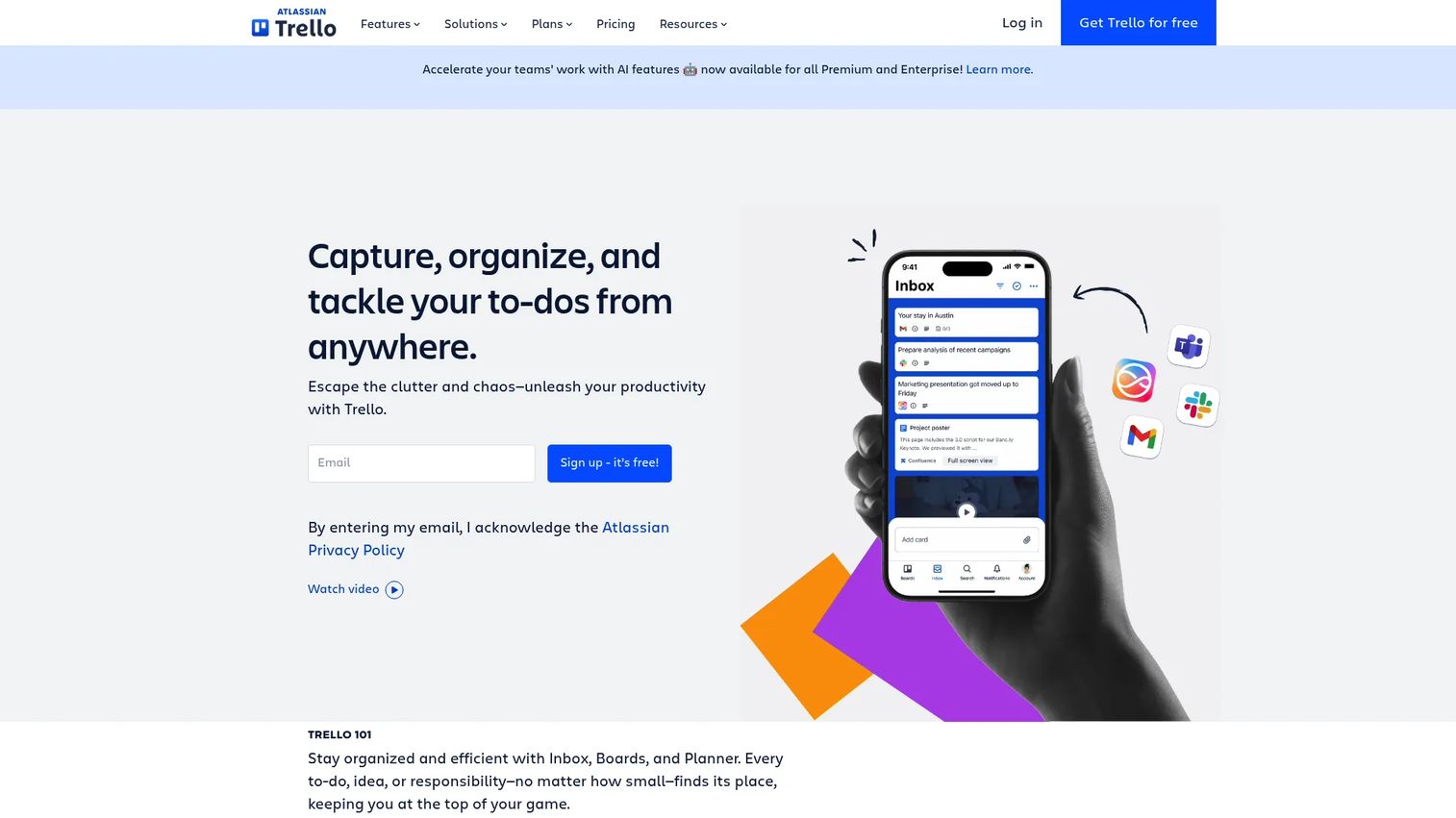
Trello is a visual work-management platform built around boards, lists, and cards. Its drag-and-drop interface has made it one of the most widely adopted kanban apps across SaaS teams, agencies, and individual contributors alike. Power-Ups extend the platform with integrations for tools like Slack, Google Drive, and Jira, and Butler automation handles repetitive status changes without code.
Best for: PMs and teams that want visual task tracking without a heavy project management rollout.
Key features
- Drag-and-drop Kanban boards with customizable lists
- Butler no-code automation for rules and triggers
- Power-Ups marketplace for integrations
- Templates for roadmaps, sprint planning, and bug tracking
- Calendar, Timeline, Dashboard, and Map views on Premium
Why choose Trello: Trello is the right call when adoption speed matters more than reporting depth. Teams that need portfolio reporting, hard dependencies, or advanced governance will hit its limits, but for a squad managing a discovery cycle or a launch checklist, it gets running in an afternoon.
Trello pricing: Free plan available with unlimited cards. Standard plans start at $5 per user per month billed annually ($6 billed monthly). Premium is $10 per user per month annually, and Enterprise runs $17.50 per user per month annually.
G2 rating: 4.4/5
2. Asana
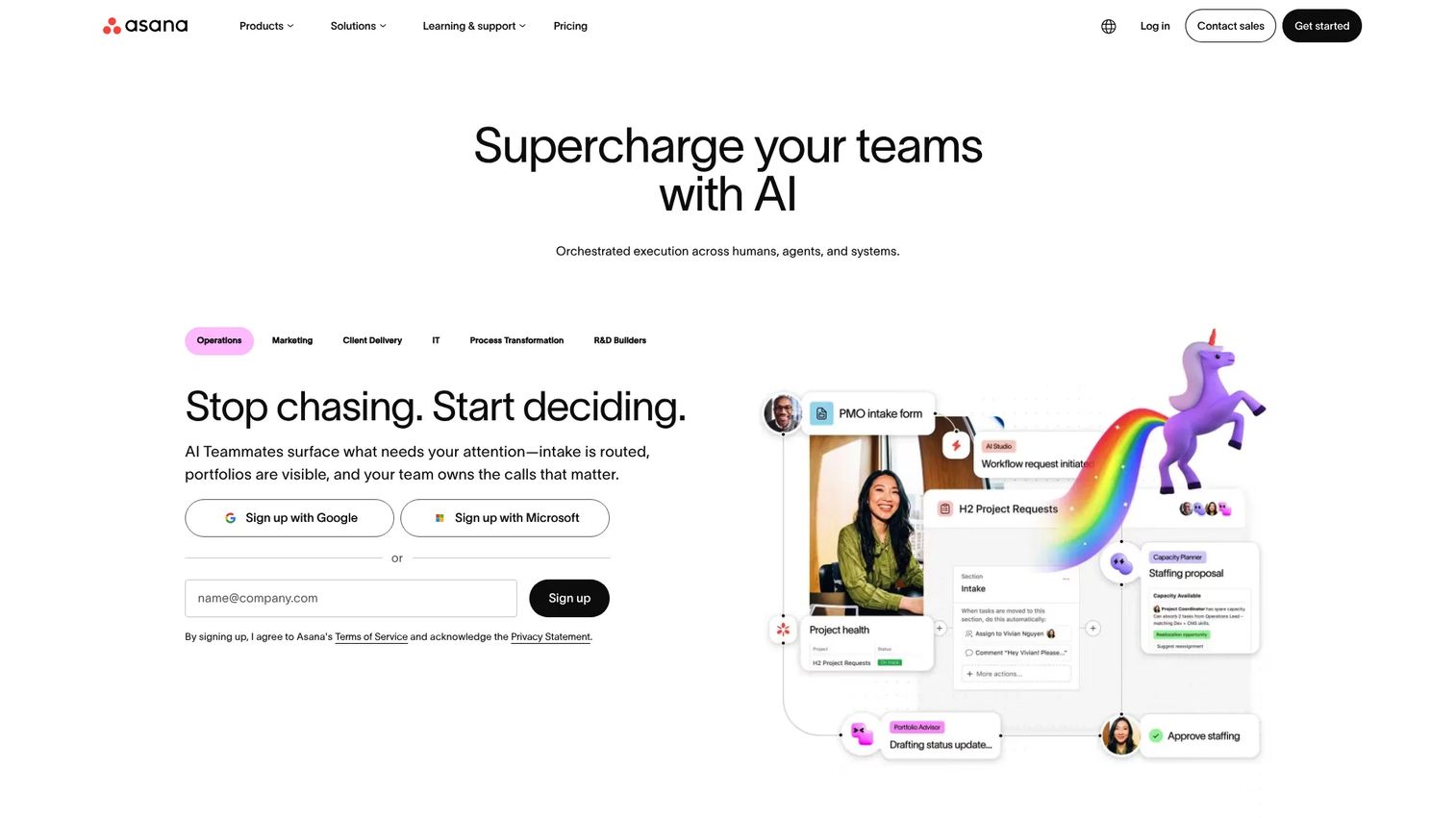
Asana is a work management platform that gives product teams Kanban boards alongside list, timeline, calendar, workload, and portfolio views. Its Workflow Builder lets PMs create intake forms that automatically route work into the right project, reducing the overhead of manually triaging requests across engineering, design, and GTM.
Best for: Product teams that need Kanban views inside a broader project management system with goals and stakeholder reporting.
Key features
- Board, list, timeline, and workload views on one project
- Workflow Builder with rules and intake forms
- Goals and portfolios for leadership-level visibility
- Reporting dashboards for cross-functional status updates
- AI features for task drafting and workflow suggestions
Why choose Asana: Asana fits PMs who coordinate across multiple functions and need to show leadership a rollup view without building a separate spreadsheet. Teams wanting a pure Kanban-only tool without the broader suite may find it more than they need.
Asana pricing: Free Personal plan available. Starter is $10.99 per user per month billed annually ($13.49 monthly). Advanced is $24.99 per user per month annually. Enterprise and Enterprise+ use custom pricing from sales.
G2 rating: 4.4/5
3. Kanban Tool
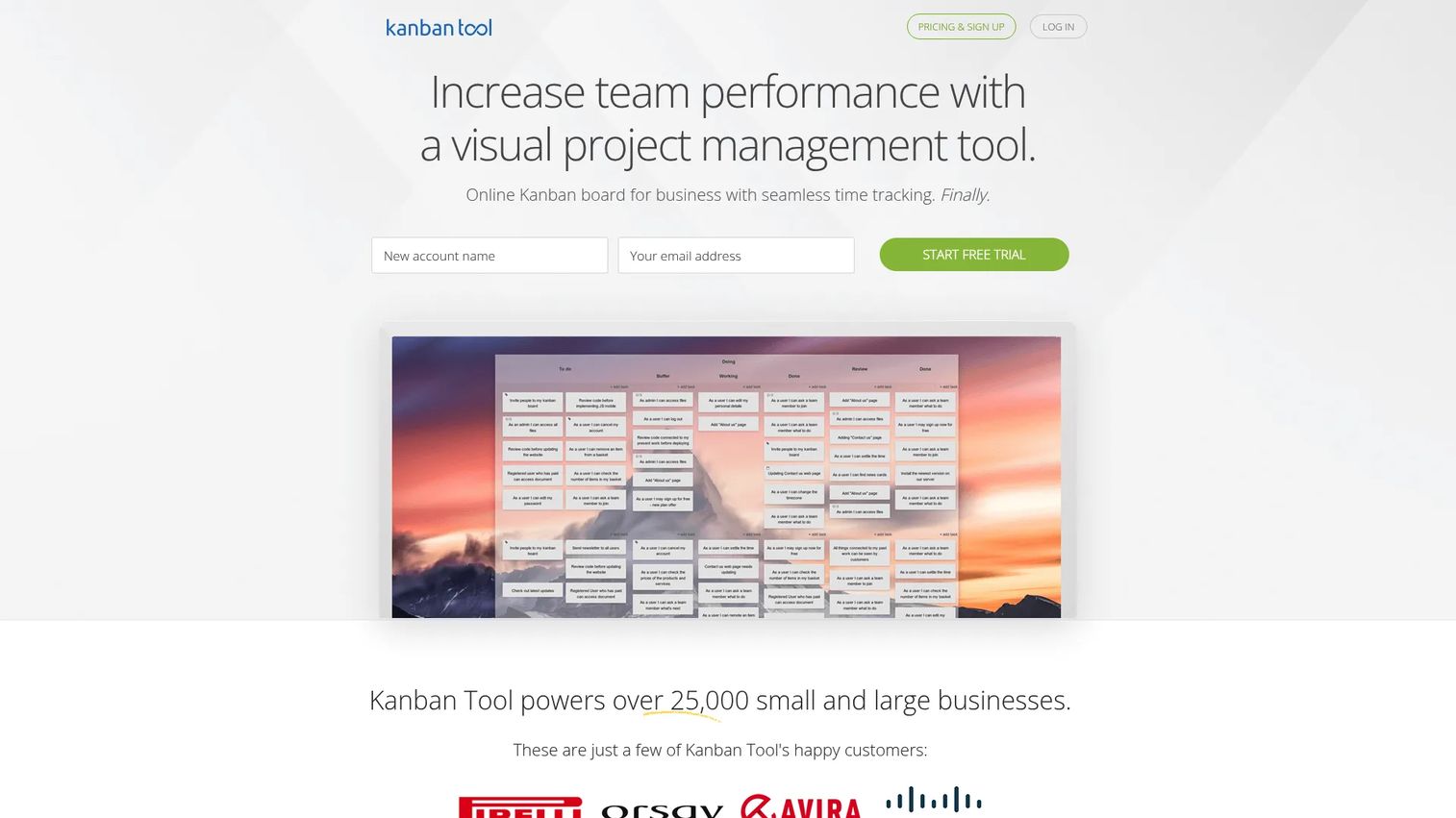
Kanban Tool is a dedicated visual management platform focused entirely on Kanban methodology. It includes real-time boards, process analytics with cumulative flow diagrams, cycle-time reports, and time tracking built into each task. For PMs who want to move beyond basic boards and actually measure flow, this is where the dedicated tools pull ahead of general-purpose platforms.
Best for: Teams that want a focused Kanban system rather than a general project management suite, especially where flow analytics and time-per-task visibility matter.
Key features
- Real-time Kanban boards with swimlanes and WIP limits
- Cumulative flow diagrams and cycle-time reporting
- Time tracking built into task cards
- Process automation and task filtering
- Custom workflow templates for business processes
Why choose Kanban Tool: It fits operations-heavy teams or product squads that care about actual delivery metrics, not just task lists. If your primary need is cycle-time visibility and flow analysis rather than cross-team portfolio management, this beats a general-purpose platform on depth.
Kanban Tool pricing: Free plan available for up to 2 boards and 2 users. Team plan is $6 per user per month. Enterprise plan with time tracking, reporting, and process automation is $11 per user per month.
G2 rating: 4.8/5
4. Breeze
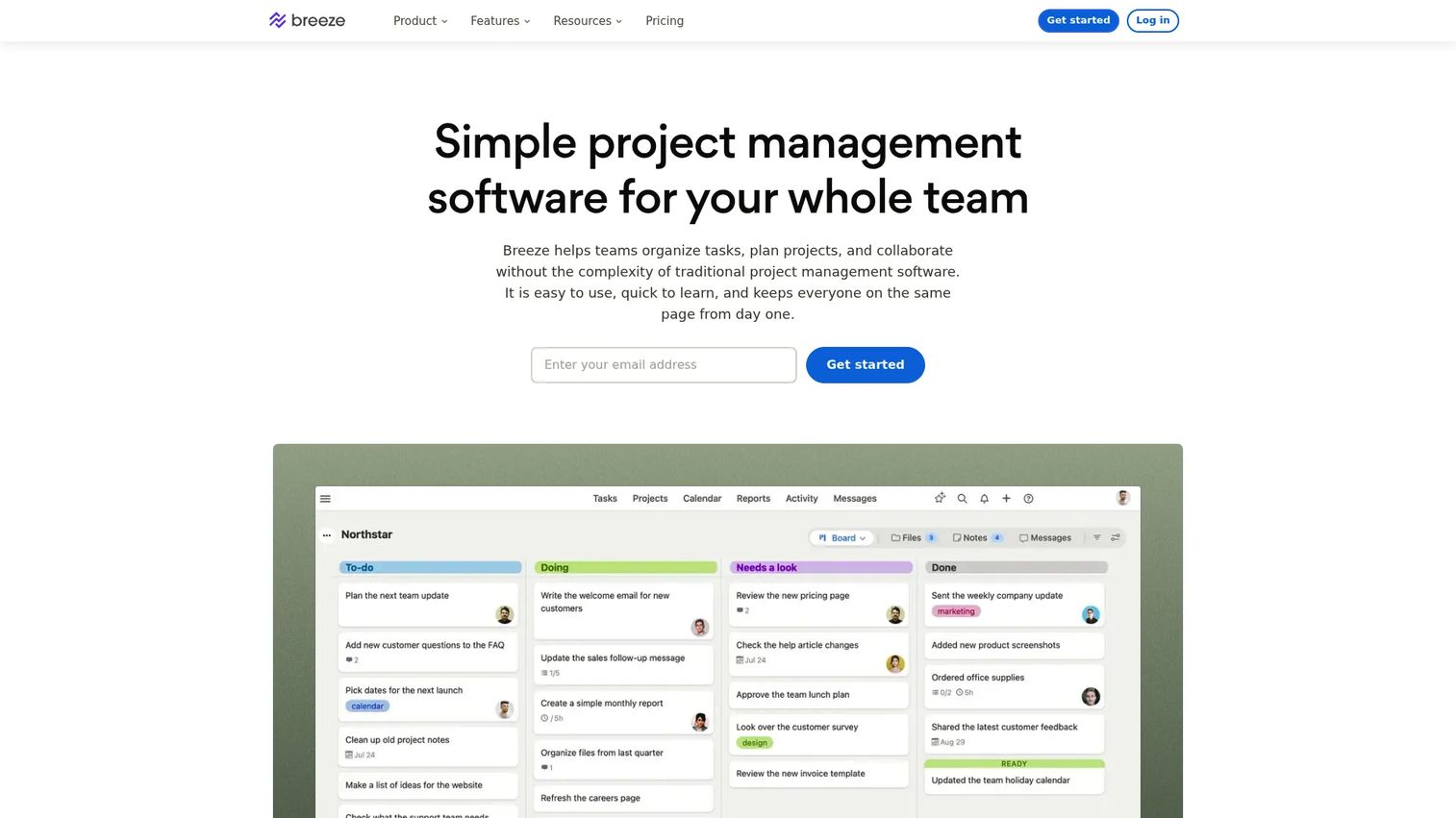
Breeze is a straightforward project-management tool that combines Kanban boards with time tracking, budgets, workload views, and team collaboration. It targets small teams that need practical project controls alongside their task boards, rather than a feature-heavy suite that takes weeks to configure.
Best for: Small product teams or service-adjacent PM roles that need Kanban boards alongside budget and workload visibility.
Key features
- Kanban project boards and task lists
- Time tracking and budget management
- Team workload and calendar views
- Automations and recurring tasks
- Web forms for request intake
Why choose Breeze: Breeze makes sense when Kanban needs to sit alongside project accounting. If your team tracks time against projects, bills clients, or needs workload visibility in the same workspace as your task board, Breeze combines those without the overhead of a larger platform. It's less suited to large enterprise governance or deep agile reporting.
Breeze pricing: Business plan at $9 per user per month, billed every 30 days. All features included; no tiered feature gating.
G2 rating: 4.1/5
5. workstreams.ai
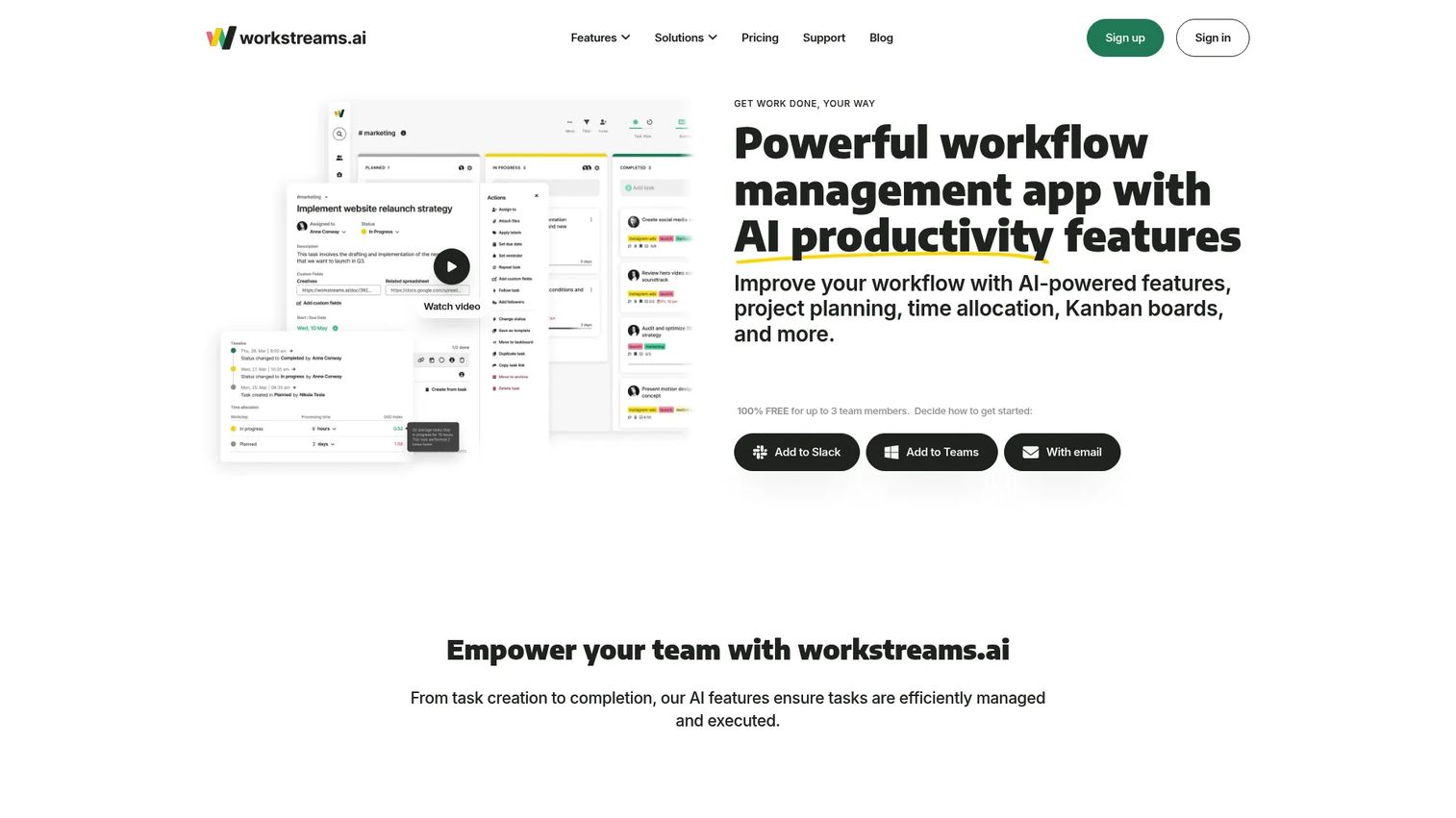
workstreams.ai is an AI-powered workflow and task-management app built to live inside Slack and Microsoft Teams. Teams create Kanban-style taskboards directly from their chat environment, and the AI generates task descriptions and subtasks automatically. For distributed teams where work starts in conversation and needs structure fast, this collapses the gap between discussion and tracked delivery.
Best for: Small and distributed teams managing tasks within Slack or Microsoft Teams who want Kanban without switching context.
Key features
- Kanban taskboards accessible directly inside Slack and Teams
- AI-generated task descriptions and subtasks
- Customizable workflows and calendar views
- Task automation and goal tracking
- Free plan for teams of up to three members
Why choose workstreams.ai: The value is friction reduction. If your team already lives in Slack or Teams and task creation is the bottleneck, workstreams.ai removes the context switch to a separate kanban app. It's a narrower tool than a full project management suite, which is the right call for smaller teams but a constraint for larger cross-functional programs.
workstreams.ai pricing: Free forever for teams of three or fewer. Pro plan is $7.99 per user per month billed annually, $8.99 billed quarterly, or $9.99 billed monthly. Enterprise uses custom pricing from sales.
6. Sortd
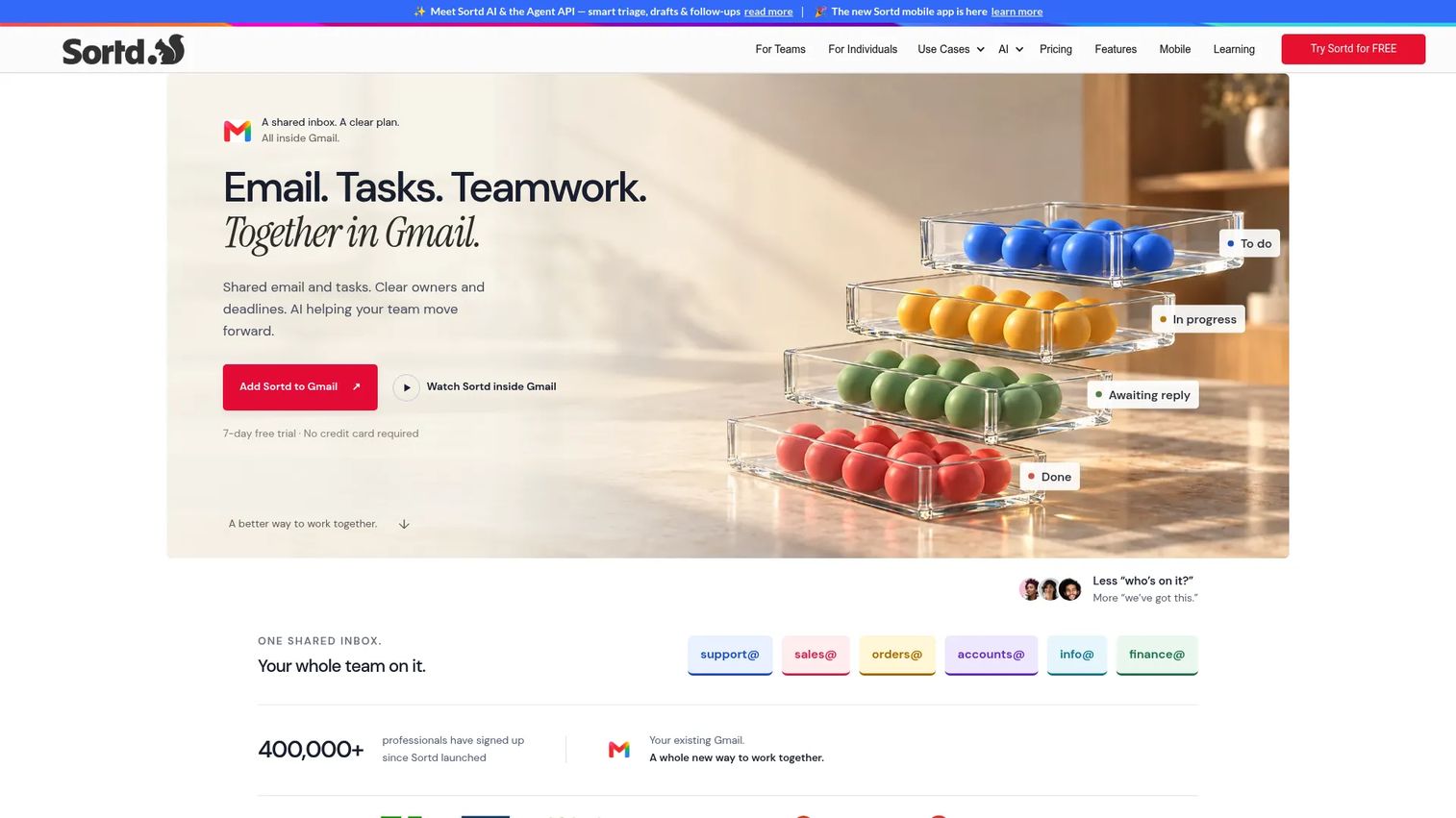
Sortd converts Gmail into a shared inbox and visual workflow platform. PMs whose work enters through email, such as stakeholder requests, support escalations, and vendor coordination, can convert emails into tasks and organize them across Kanban-style boards without leaving Gmail. It also includes built-in CRM pipelines and AI signals for urgency and sentiment.
Best for: PMs and teams that manage requests, follow-ups, and approvals primarily through Gmail.
Key features
- Gmail Kanban boards and shared inbox management
- Email-to-task conversion with drag-and-drop
- Kanban, table, deadline, and day-planner views
- Built-in CRM pipelines and sales reporting
- AI urgency, sentiment, and status signals
Why choose Sortd: It bridges the gap between email and task tracking without forcing a migration to a separate system. The tradeoff is clear: Sortd works well for inbox-heavy workflows but doesn't replace a full project management tool for coordinating engineering sprints or multi-team roadmaps.
Sortd pricing: Plans start at $10 per user per month billed annually (Starter), with Essentials at $16 and Business at $22 per user per month billed annually. All plans include a 7-day free trial.
G2 rating: 4.3/5
7. Taskworld
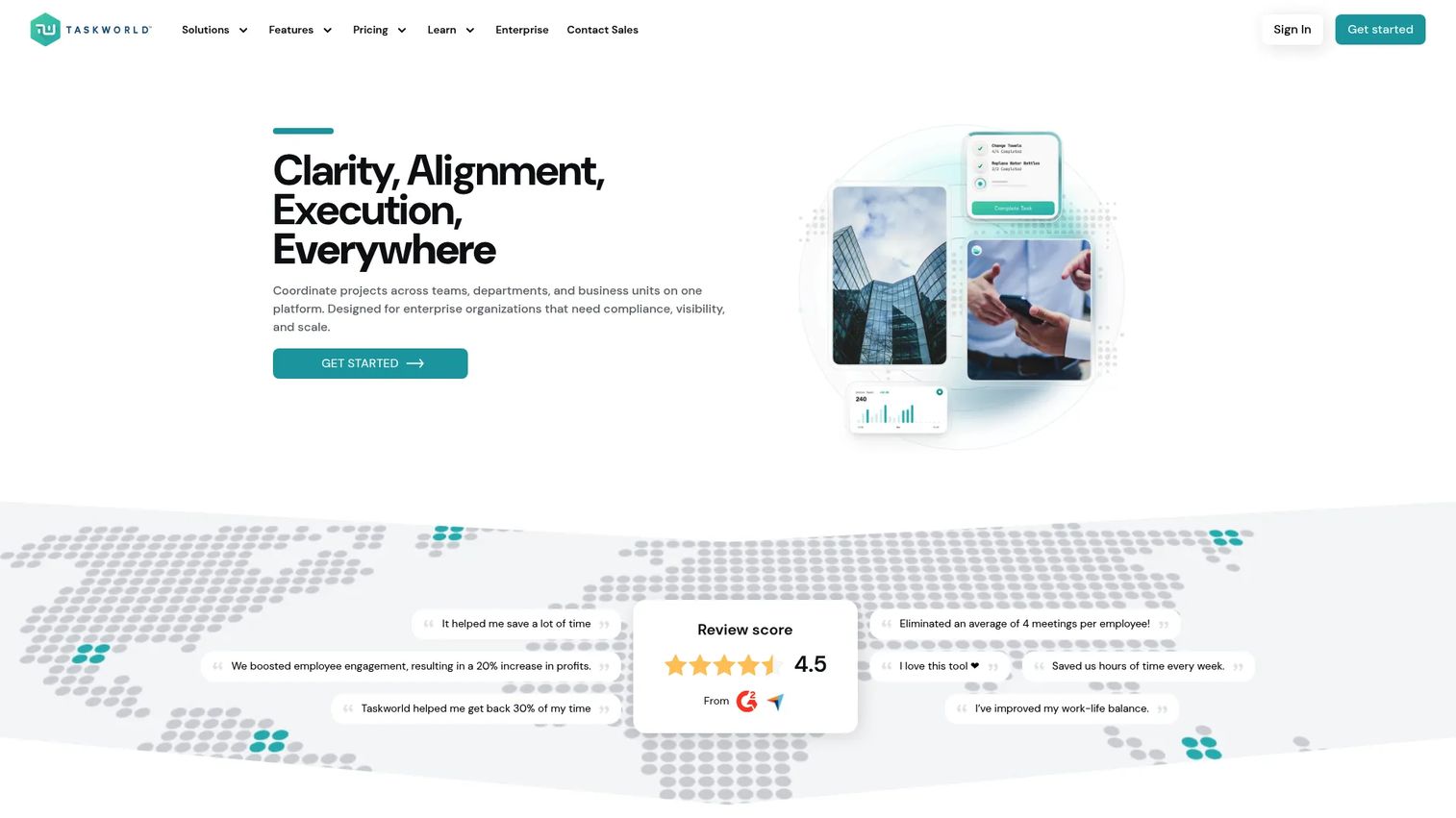
Taskworld is a cloud-based work management platform combining Kanban boards with task analytics, project chat, Gantt timelines, audit tools, and AI task assistance. It targets distributed and enterprise teams that want collaboration and task management in a single workspace rather than managing separate tools for communication and delivery.
Best for: Distributed teams or operations-heavy product organizations coordinating tasks, audits, and workflows across multiple departments.
Key features
- Kanban, table, calendar, and Gantt timeline views
- Built-in project chat and file sharing
- Task analytics, dashboards, and activity history
- Audit checklists with compliance scoring
- AI task summaries and project assistance
Why choose Taskworld: Useful when your team wants fewer tabs between conversations and tracked tasks. It's a stronger fit for operational and compliance-adjacent workflows than for pure software delivery. Teams that need deep developer integrations or agile release reporting will find better options in Jira or ClickUp.
Taskworld pricing: A 14-day free trial is available. Business and Enterprise plans are available at custom pricing; specific per-seat figures are not publicly displayed on the pricing page. Contact sales for a quote.
G2 rating: 4.4/5
8. KanbanQuick
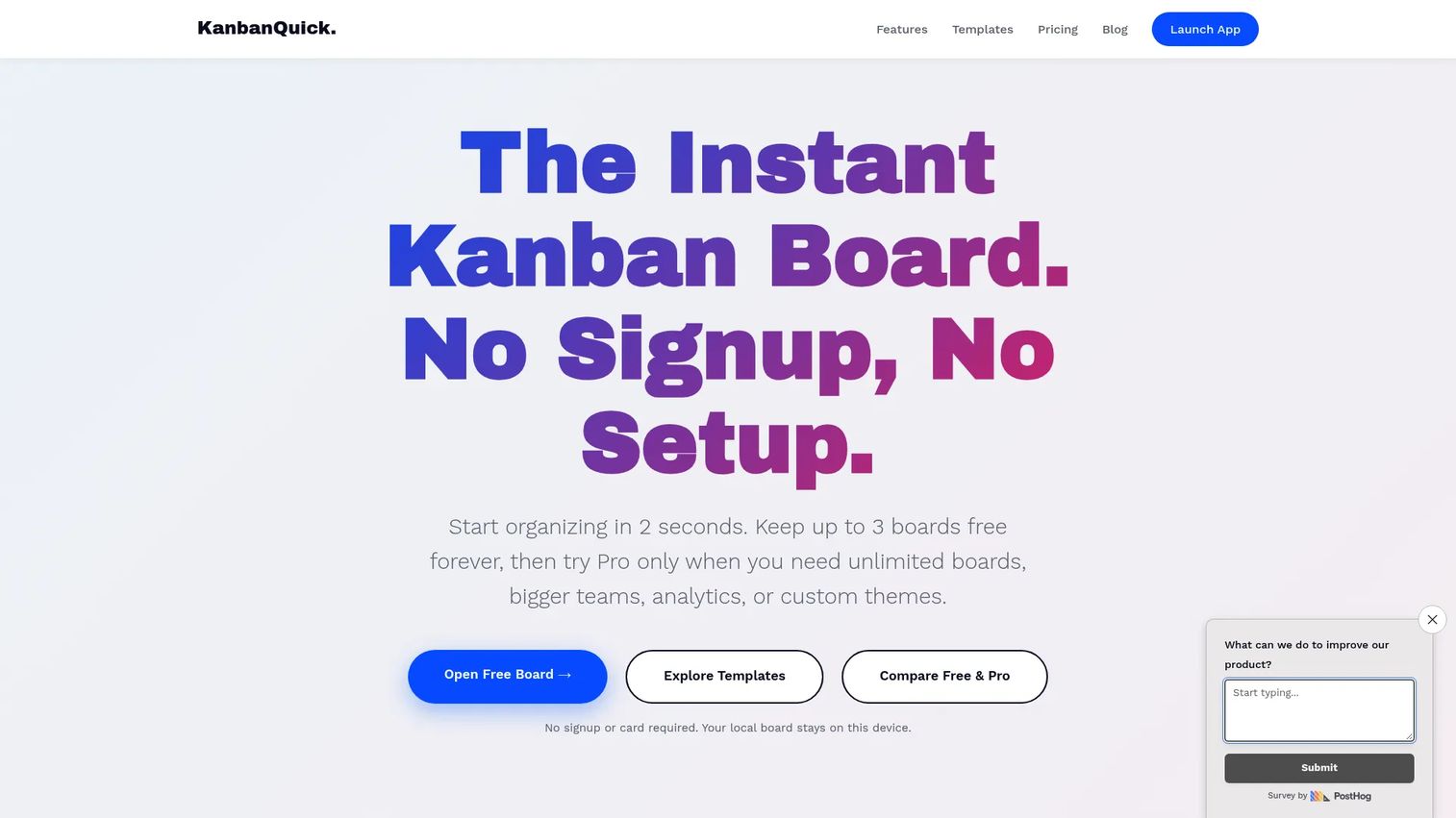
KanbanQuick is a local-first kanban board that requires no signup to start. Boards save automatically to local storage, work offline, and optionally sync to the cloud. It covers sub-tasks, dependencies, time tracking, Gantt planning, swimlanes, and RACI ownership, making it more capable than its minimal interface suggests.
Best for: Individuals and small teams wanting a fast, private kanban workflow without cloud account requirements.
Key features
- Local-first storage with offline use and automatic saving
- Sub-tasks, dependencies, and time tracking
- Gantt planning, swimlanes, and RACI ownership
- JSON and CSV export
- Ready-made Scrum, GTD, and research templates
Why choose KanbanQuick: It covers genuine Kanban needs without a subscription or account. For a solo PM who needs a personal workflow board without adding another SaaS tool to the stack, this is a reasonable choice. It does not suit teams needing real-time collaboration, permissions management, or integration with engineering tooling.
KanbanQuick pricing: Free Forever plan for up to 3 boards and 3 team members. Pro plan at £2.99 per month for unlimited boards and members, plus analytics and custom themes. Pricing is displayed in GBP.
9. Microsoft Planner
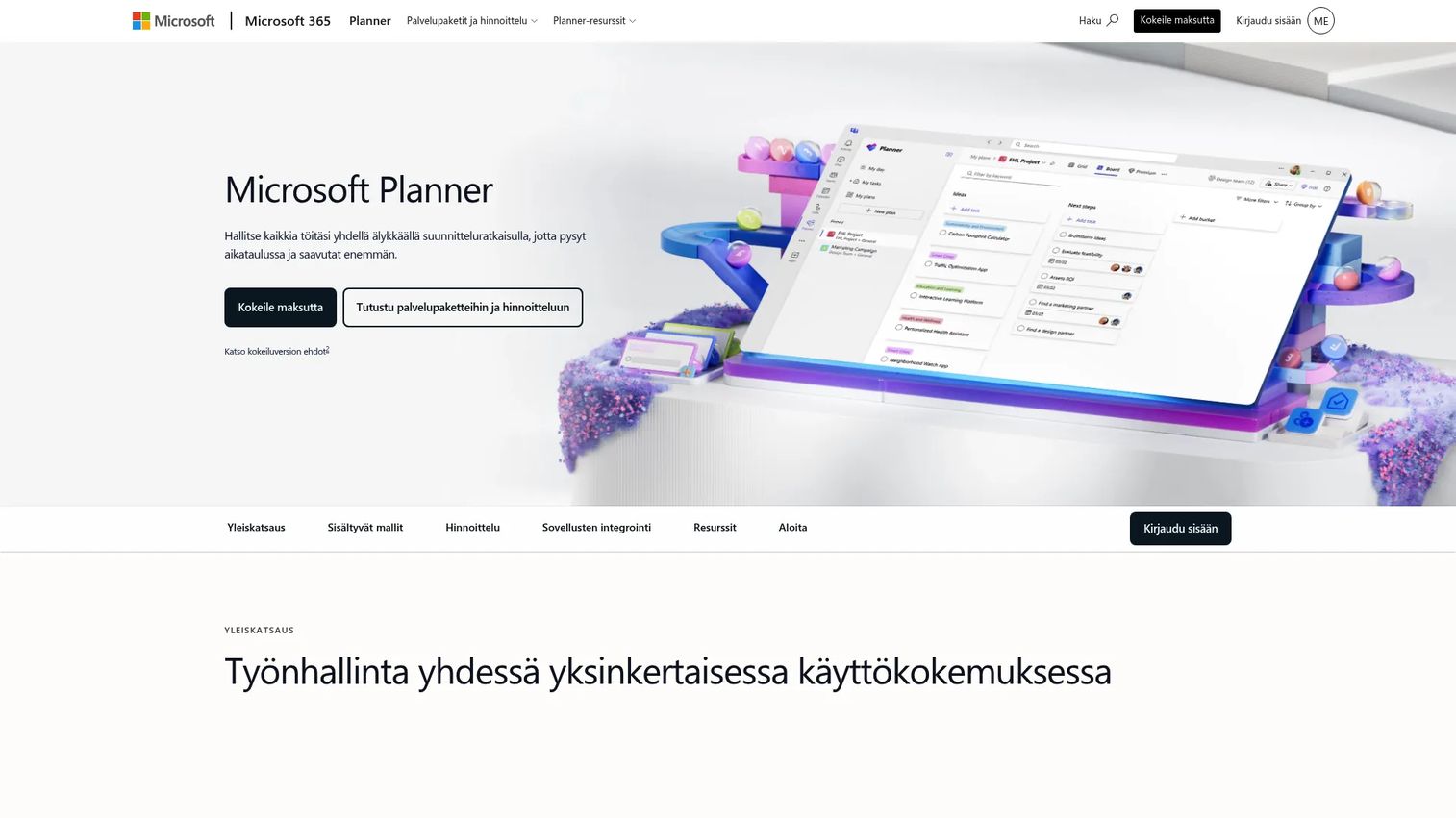
Microsoft Planner is a unified work-management tool that surfaces inside Microsoft Teams, Outlook, and the broader Microsoft 365 environment. It combines Planner boards and task buckets with Microsoft To Do lists and, on premium tiers, project-level capabilities including Gantt timelines, backlogs, sprints, and project goals.
Best for: Product and operations teams already working inside Microsoft 365 who want integrated task boards without a separate tool.
Key features
- Board and grid task views with buckets, labels, and checklists
- Microsoft Teams integration with native task access
- Task assignments with due dates, priority, and progress
- Premium: Dependencies, Gantt timeline, backlogs, and sprints
- Microsoft 365 connection across Outlook, Teams, and Loop
Why choose Microsoft Planner: Adoption friction is near zero for Microsoft-first organizations because Planner lives inside tools the team already uses. The tradeoff is depth: It's a coordination layer, not a full project management system, and teams with complex reporting or advanced agile workflow needs will outgrow the built-in views.
Microsoft Planner pricing: Basic Planner features are included in eligible Microsoft 365 enterprise plans at no additional charge. Planner Plan 1 is $10 per user per month paid yearly, adding dependencies, reports, Gantt timelines, backlogs, and sprints. Planner and Project Plan 3 is $30 per user per month paid yearly for advanced project management capabilities.
G2 rating: 4.2/5
10. ClickUp
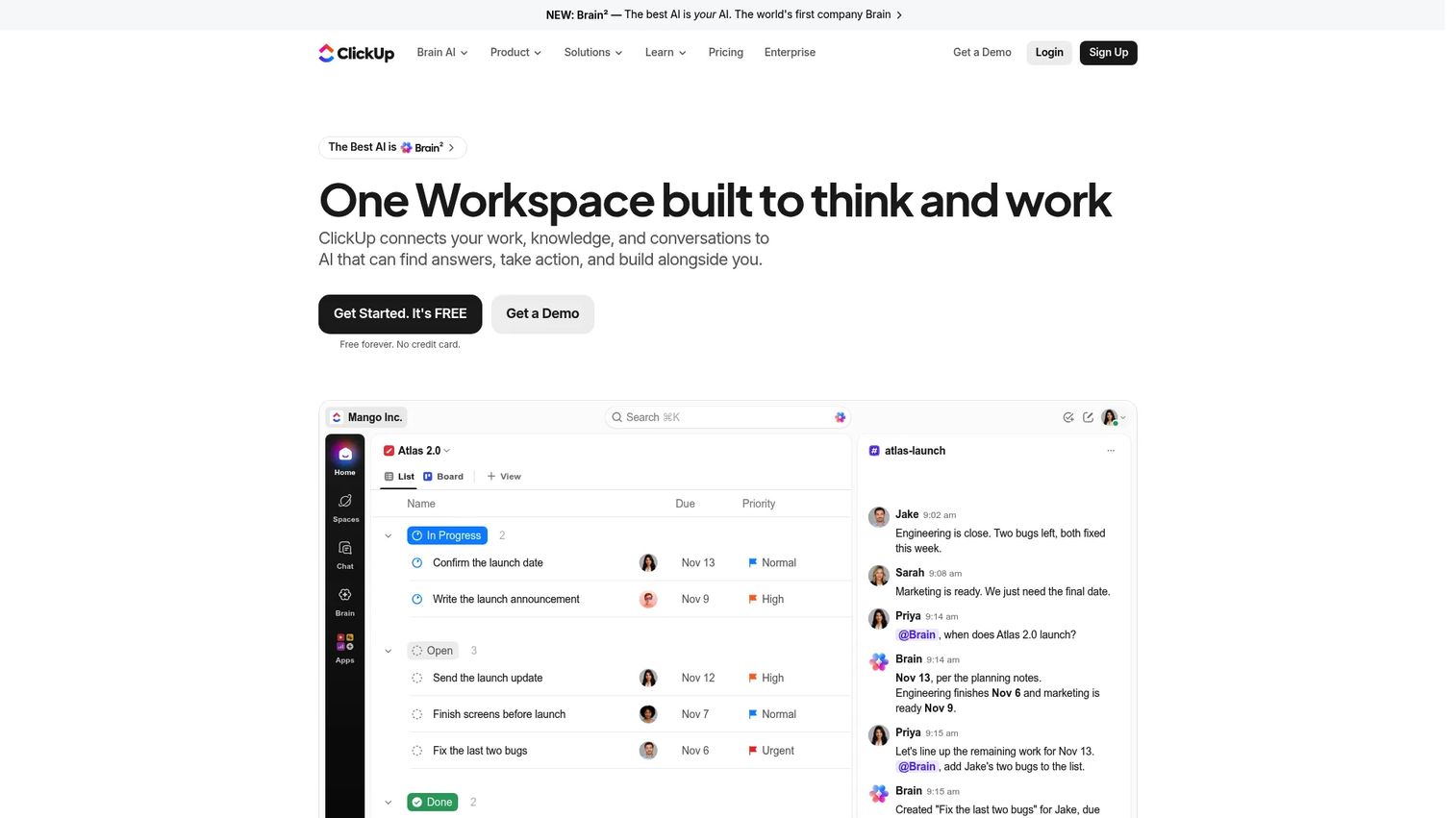
ClickUp is a unified work platform combining projects, docs, goals, chat, whiteboards, dashboards, time tracking, automations, and AI in one configurable workspace. PMs can define custom statuses, create Kanban boards alongside Gantt charts and calendar views, and connect documentation directly to the tasks it relates to. It's built for teams willing to invest in configuring a workflow that matches how they actually work.
Best for: Teams that want high customization across projects, documentation, reporting, and automation in a single platform.
Key features
- Custom statuses and Kanban board views
- Collaborative Docs and wikis linked to tasks
- Goals and progress tracking against targets
- Automations and integrations across the product stack
- Dashboards with time tracking, workload, and reporting
Why choose ClickUp: ClickUp covers the most ground of any tool on this list, but that breadth carries an operational cost. Teams need clear workflow conventions to avoid the platform becoming a disorganized catch-all. For PMs managing multiple types of work (roadmap, bugs, launch, ops) from one system, that investment often pays off. For smaller squads wanting quick adoption, it's more than necessary.
ClickUp pricing: Free Forever plan available. Unlimited plan is $7 per user per month billed yearly. Business is $12 per user per month billed yearly. Enterprise uses custom pricing from sales.
G2 rating: 4.6/5
11. Wrike
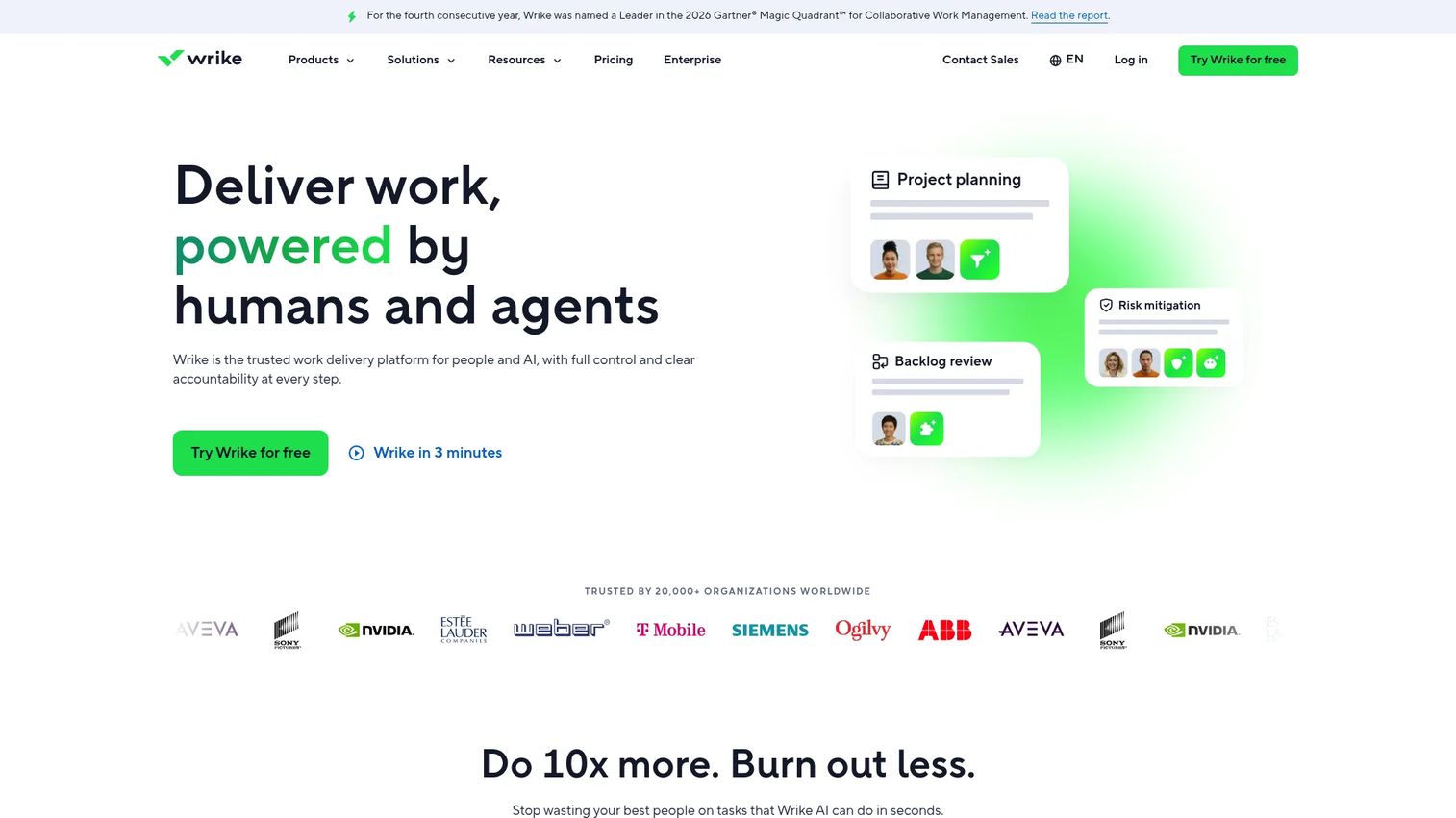
Wrike is an enterprise work-management platform that adds Kanban boards to resource planning, approval workflows, advanced dashboards, and request forms. It targets PMOs, product operations teams, and larger organizations that need governance and cross-project visibility, not just a task board.
Best for: Larger teams or enterprise product organizations that need reporting, resource management, and approval governance alongside Kanban views.
Key features
- Kanban board view alongside Gantt, calendar, and table views
- Resource management and workload planning
- Approval workflows and proofing tools
- Custom dashboards and analytics
- Request forms and enterprise permissions
Why choose Wrike: Wrike makes sense when Kanban is one view inside a governed work management system and leadership needs visibility beyond individual task cards. A small product squad won't need its depth, but a product ops team coordinating multiple programs across dozens of contributors will.
Wrike pricing: Free plan available. Team plan is $10 per user per month billed annually. Business is $25 per user per month billed annually. Pinnacle and Apex tiers use custom pricing from sales.
G2 rating: 4.2/5
12. Monday.com
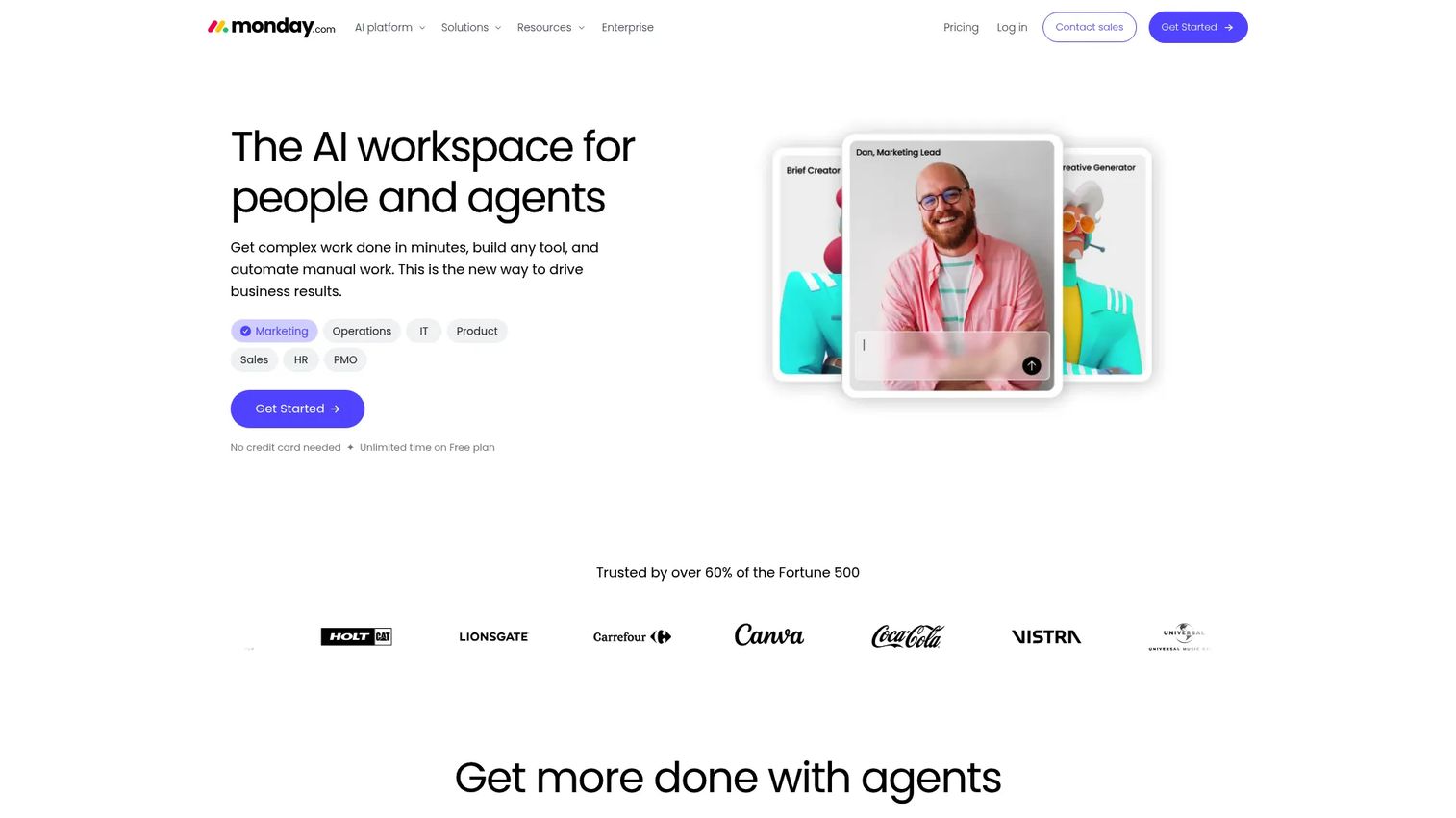
Monday.com is an AI work platform with highly visual, customizable boards that support Kanban views alongside table, timeline, Gantt, and calendar formats. Its no-code automations, integration marketplace, and dashboard builder make it a strong fit for teams that run mixed operational and product workflows from the same space.
Best for: Teams that want a visual, flexible work management platform with Kanban as one view among multiple workflow types.
Key features
- Kanban and table views with custom column types
- No-code automations for status changes and notifications
- Dashboards combining data across multiple boards
- Forms and request intake workflows
- AI assistants and workflow automation tools
Why choose Monday.com: Monday.com excels when product work intersects with campaigns, operations, or stakeholder coordination that doesn't fit a pure engineering workflow. Teams wanting strict agile issue tracking or deep developer integrations will find better precision in tools like Jira, but for cross-functional product management Monday.com provides strong visual clarity.
Monday.com pricing: Free plan available for up to 2 seats. Basic is $9 per seat per month billed annually. Standard is $12, Pro is $19, and Enterprise uses custom pricing from sales.
G2 rating: 4.7/5
13. Notion
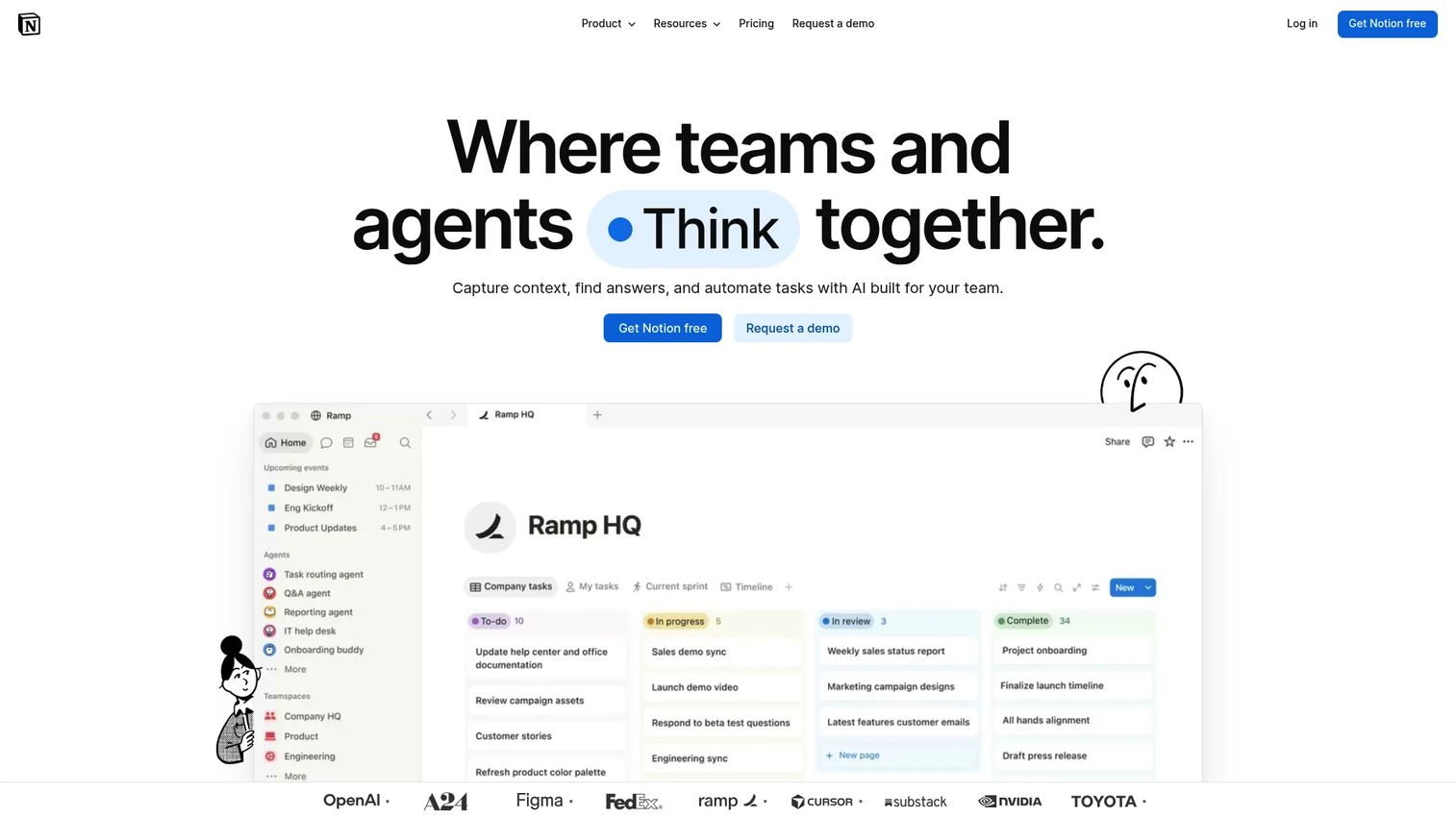
Notion is an AI workspace where knowledge, databases, and Kanban boards coexist. Product teams use it to connect task boards directly to specs, meeting notes, research repositories, and decision logs. A database row can be both a task card on a Kanban board and a linked record in a product roadmap, eliminating the doc-to-tool translation that creates drift in traditional setups.
Best for: Product teams that want Kanban boards connected to specs, research, meeting notes, and team knowledge in one workspace.
Key features
- Database board views with custom properties and filters
- Docs, wikis, and meeting notes alongside task data
- Linked databases for cross-referencing roadmaps and tasks
- Templates for product specs and project management
- AI agents for task automation and knowledge search
Why choose Notion: Notion pays off when project tracking needs context attached to it. A card is more useful when the spec, the decision log, and the research are one click away. The tradeoff is that Notion requires deliberate structure and ongoing maintenance; teams that need strict workflow governance, hard WIP enforcement, or deep agile reporting will find dedicated tools more reliable.
Notion pricing: Free plan available. Plus is $10 per member per month. Business is $20 per member per month. Enterprise uses custom pricing from sales.
G2 rating: 4.6/5
14. Jira
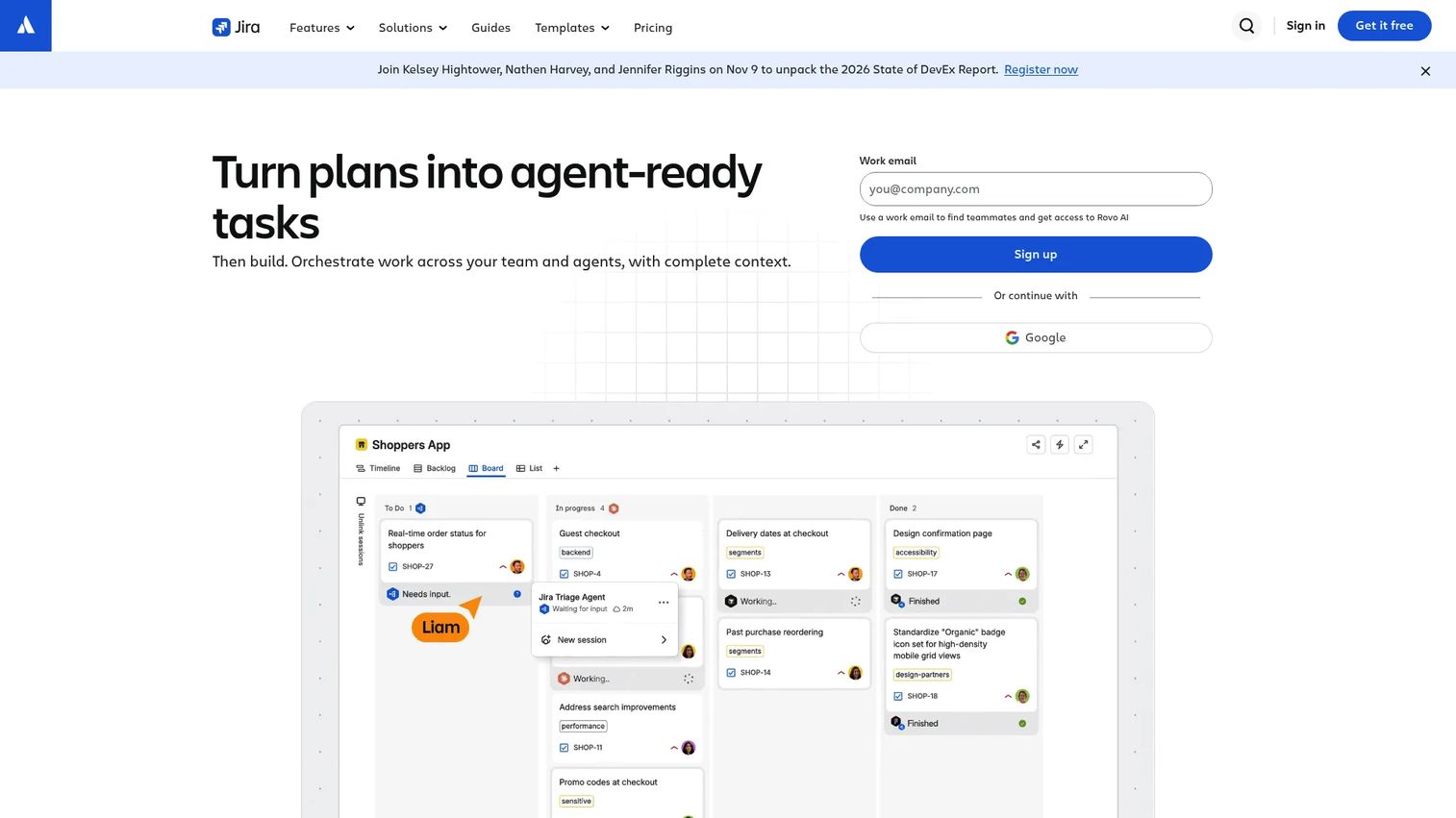
Jira by Atlassian is the reference point for software delivery tracking. Its Kanban boards include WIP limits, cycle-time reports, cumulative flow diagrams, and agile reporting. Engineers create issues, attach pull requests, and track releases without leaving the tool. For PMs coordinating closely with engineering, Jira provides a single source of truth that spans backlog, sprint, and deployment.
Best for: Product and engineering teams managing software delivery, bug tracking, epics, and release workflows together.
Key features
- Scrum and Kanban boards with WIP limits
- Custom issue workflows, priorities, and labels
- Agile reports including cumulative flow and velocity
- Backlog management and release tracking
- Developer integrations with GitHub, GitLab, and CI/CD pipelines
Why choose Jira: Jira is the strongest fit when Kanban must connect directly to engineering execution. Cycle time and flow data tie back to real commit history and release events, not just task status. Non-technical teams often find the configuration overhead and issue-centric model heavier than they need, so standalone product and operations teams may do better with ClickUp or Monday.com.
Jira pricing: Free plan available for up to 10 users. Standard is $7.91 per user per month. Premium is $14.54 per user per month. Enterprise uses custom pricing from sales, available on annual billing only.
Considerations when choosing kanban project management software
Match the tool to your workflow maturity
A solo PM managing a discovery queue needs a personal kanban app, not an enterprise work management suite. A group PM coordinating five teams across design, engineering, and GTM needs reporting, permissions, and cross-project views. Start by naming the scope of your workflow before comparing feature sets.
Check whether WIP limits are visible and enforceable
WIP limits only work if overloaded columns are obvious at a glance. Some tools display them as a soft counter; others actively block new cards from entering a full column. Understand which model each tool uses, then decide which matches your team's discipline level.
Look for metrics PMs can use in planning
Cycle time, lead time, and throughput turn a kanban board from a status display into a planning input. If your tool doesn't surface these natively, you're manually pulling data into spreadsheets every sprint. Cumulative flow diagrams are particularly useful for spotting queue buildups before they create delivery risk.
Evaluate integrations with your actual stack
The most common integration pain points for product teams are Slack or Teams for communication, GitHub or GitLab for code, Figma for design handoff, and your CRM or analytics stack for customer context. Verify the specific integration, not just whether a general connection exists, before committing.
Price against adoption, not feature volume
A tool that sits half-configured creates noise, not visibility. A cheap kanban app that nobody updates is more damaging than a more expensive platform with clear ownership and workflow discipline. Evaluate the total cost including the time it takes to maintain the board when the product changes, not just the subscription price.
Conclusion
The right kanban software for a product team depends on how your work actually moves, not on which tool has the longest feature list.
Trello covers lightweight visual Kanban with minimal setup. Asana suits cross-functional projects where goals and portfolios matter alongside task boards. Kanban Tool goes deeper on flow analytics and time tracking for teams that want genuine delivery metrics. workstreams.ai removes the context switch for teams running entirely through Slack or Teams. Microsoft Planner serves Microsoft-first organizations without adding another tool to the stack. Jira is the correct call when engineering execution and Kanban must share a single source of truth. Notion connects task tracking to the documentation that gives it context. ClickUp, Wrike, and Monday.com each serve teams that need broader operational coverage alongside their Kanban views.
A practical next step: Pick two tools from this list that match your current workflow maturity. Recreate one live workflow in each, add WIP limits, and track cycle time for two weeks. Choose based on adoption signal and data quality, not on which demo looked most polished.
FAQs
The answer depends on how your workflow is structured. Trello fits lightweight visual Kanban with fast adoption. Asana suits product teams coordinating across multiple functions with goals and portfolio reporting. Jira is the strongest choice when Kanban must connect to engineering delivery. Notion works when task tracking needs to live alongside product documentation and research.
Kanban software centers on visual workflow and WIP control, measuring flow through cycle time, lead time, and throughput. Project management software typically adds timelines, resource planning, budget tracking, approvals, goals, and portfolio reporting. Many tools combine both, but dedicated kanban tools like Kanban Tool prioritize flow analytics over project accounting features.
Kanban fits continuous flow work: Support queues, discovery, bug triage, and roadmap items with shifting priorities. Scrum fits sprint-based delivery where the team commits to a fixed scope for a two-week cycle. Many product teams run Scrum with engineering while using a Kanban board for their own roadmap and stakeholder work. The choice should follow the work type, not a methodology preference.
At minimum: Boards with custom columns, cards with assignees and due dates, labels, WIP limits with visible indicators, automation for common status changes, and basic reporting. More mature teams benefit from cycle-time and cumulative flow reports, integrations with their code and communication tools, and permissions that match their governance needs.
For non-engineering teams, yes. Operations, marketing, and product strategy work runs well on tools like ClickUp, Asana, or Monday.com. For software delivery teams, Jira's developer integrations, release tracking, and agile reports are harder to replace with a general kanban app. Teams often run both: Jira for engineering execution and a lighter kanban tool for product-level coordination.
Several tools offer genuinely usable free plans. Trello's free plan covers unlimited cards and basic automation. ClickUp's Free Forever plan includes most core features for small teams. KanbanQuick provides a free local-first board with no signup required. The right free option depends on team size, whether you need cloud collaboration, and which integrations your stack requires.
WIP limits cap the number of active cards allowed in a workflow column at one time. When a column reaches its limit, no new work enters until an existing item progresses. This forces the team to finish before pulling more in, which reduces context switching, exposes bottlenecks, and shortens the average time each item spends in progress.
Trello works for most individual workflows with its simple board and list model. Notion suits PMs who want to track tasks alongside notes, research, and decision logs. KanbanQuick is a strong option for offline or privacy-conscious personal use, with no account required. Microsoft Planner fits individuals already deep in the Microsoft 365 environment who want tasks connected to Outlook and Teams.