



A manuscript lands in an editor's inbox. Then another. Then a reviewer goes quiet for three weeks. Then a second reviewer asks for a file the author never uploaded. Then someone has to remember which decision letter template applies to a revise-and-resubmit versus a reject.
That is a normal Tuesday for most journal teams. The work is not the hard part. The coordination is.
The scholarly publishing software market reflects how many teams are trying to fix this. Future Market Report valued the journal software market at USD 13.25B in 2024, projecting it to reach USD 28.56B by 2032 at a 9.1% CAGR. Teams are spending because manual manuscript handling does not scale, and every hour lost to reviewer chasing is an hour not spent on editorial judgment.
The right journal management software removes that operational drag. It handles intake, peer review, decisions, production, and publishing in one place, so the process runs the same way every time, no matter who is on shift. This guide ranks the leading options for 2026 and shows you how to choose based on how your team actually operates.
What's inside
This guide is for journal editors, publishers, university presses, and scholarly societies comparing platforms for submission, peer review, publishing, hosting, and indexing.
We ranked each option against four criteria that matter for repeatable editorial operations:
- Workflow depth: how well it handles submission, review, decisions, and publishing in one system
- Hosting model: open source, hosted software, or bundled services
- Preservation and portability: archiving, export paths, and data ownership
- Support and interoperability: onboarding, DOI and indexing support, and standards coverage
TL;DR
- Best for open source and full control: Open Journal Systems (OJS), the standard for teams that want to own their stack.
- Best for hosted simplicity: JAMS Journal Management System, with billing and website hosting bundled in.
- Best for speed and support: Scholastica, built for editors who want a hosted setup without technical overhead.
- Best for infrastructure and preservation: PKP Hosting & Services, the managed layer for teams running OJS.
What is journal management software
Journal management software is a platform that manages the full lifecycle of a scholarly journal, from manuscript submission through peer review, editorial decisions, production, and online publication.
It replaces the email threads, spreadsheets, and shared folders that most journals start with. Instead of tracking reviewers manually, the system assigns them, sends reminders, and records decisions. Instead of assembling issues by hand, it manages metadata and pushes content to indexes.
Core capabilities of a journal management system include:
- Submission workflows: structured intake with required files, metadata, and author guidelines enforced up front
- Reviewer assignment and reminders: automated invitations, deadline tracking, and follow-ups
- Editorial roles and permissions: separate access for editors, section editors, reviewers, and authors
- Production and publication support: copyediting, typesetting, issue assembly, and galley management
- Indexing and interoperability: DOI registration, OAI-PMH, and metadata standards for discovery
- Hosting and preservation: server hosting plus archiving through services like PKP PN or LOCKSS
The best journal publishing software connects these steps so nothing falls through the cracks between them. That is the difference between a tool that stores manuscripts and a system that runs your editorial process.
When to use journal management software
Not every journal needs a full platform on day one. But three situations make the case obvious.
Streamline manuscript intake
When submissions arrive by email, someone has to check every file, chase missing metadata, and confirm the author followed the guidelines. That work grows linearly with volume, and it is where incomplete submissions slip through.
A structured journal submission software workflow enforces requirements at the point of upload. Authors cannot submit without the required files, abstract, and declarations. The editor opens a complete package every time, not a partial one that needs three follow-up emails.
Manage peer review at scale
Peer review is where journals stall. Reviewers accept and disappear. Deadlines pass without notice. Editors lose track of which manuscripts sit at which stage.
Peer review management software makes the pipeline visible. It assigns reviewers, sends automated reminders, tracks who has responded, and surfaces overdue reviews before they become a problem. Decision tracking gives editors oversight across every active manuscript at once, not just the ones they happen to remember.
Publish and distribute consistently
Publishing a journal is more than posting a PDF. Each article needs a DOI, structured metadata, and correct formatting so indexes and search engines can find it.
An end-to-end journal workflow software handles issue assembly, metadata registration, and dissemination in one pass. That consistency is what makes content discoverable and citable, and it is nearly impossible to maintain manually across dozens of articles per issue.
Comparison table
We ranked these options by relevance to teams comparing scholarly publishing software, starting with the open-source standard and moving through hosted and service-backed models. Pricing reflects each vendor's published rates, and ratings are shown only where a verified source was available.
| # | Product | Best for | Key differentiator | Pricing | G2 rating |
|---|---|---|---|---|---|
| 1 | Open Journal Systems (OJS) | Universities, societies, and publishers running scholarly journals | Open-source, full control over the entire workflow | Free to download and self-host | Not listed |
| 2 | JAMS Journal Management System | Small to mid-sized publishers needing an all-in-one platform | Bundled hosting, billing, and editorial services | Free up to 20 accepted manuscripts | 4.5/5 |
| 3 | Scholastica | Academic journals needing peer review and publishing software | Fast setup with hosted peer review and OA publishing | From $7.35 per submission | Not listed |
| 4 | PKP Hosting & Services | Journals and presses needing managed hosting for PKP software | Managed hosting and support for OJS, OMP, and OPS | Free Basic tier; paid plans from $925/year | Not listed |
Best tools for journal management
1. Open Journal Systems (OJS)
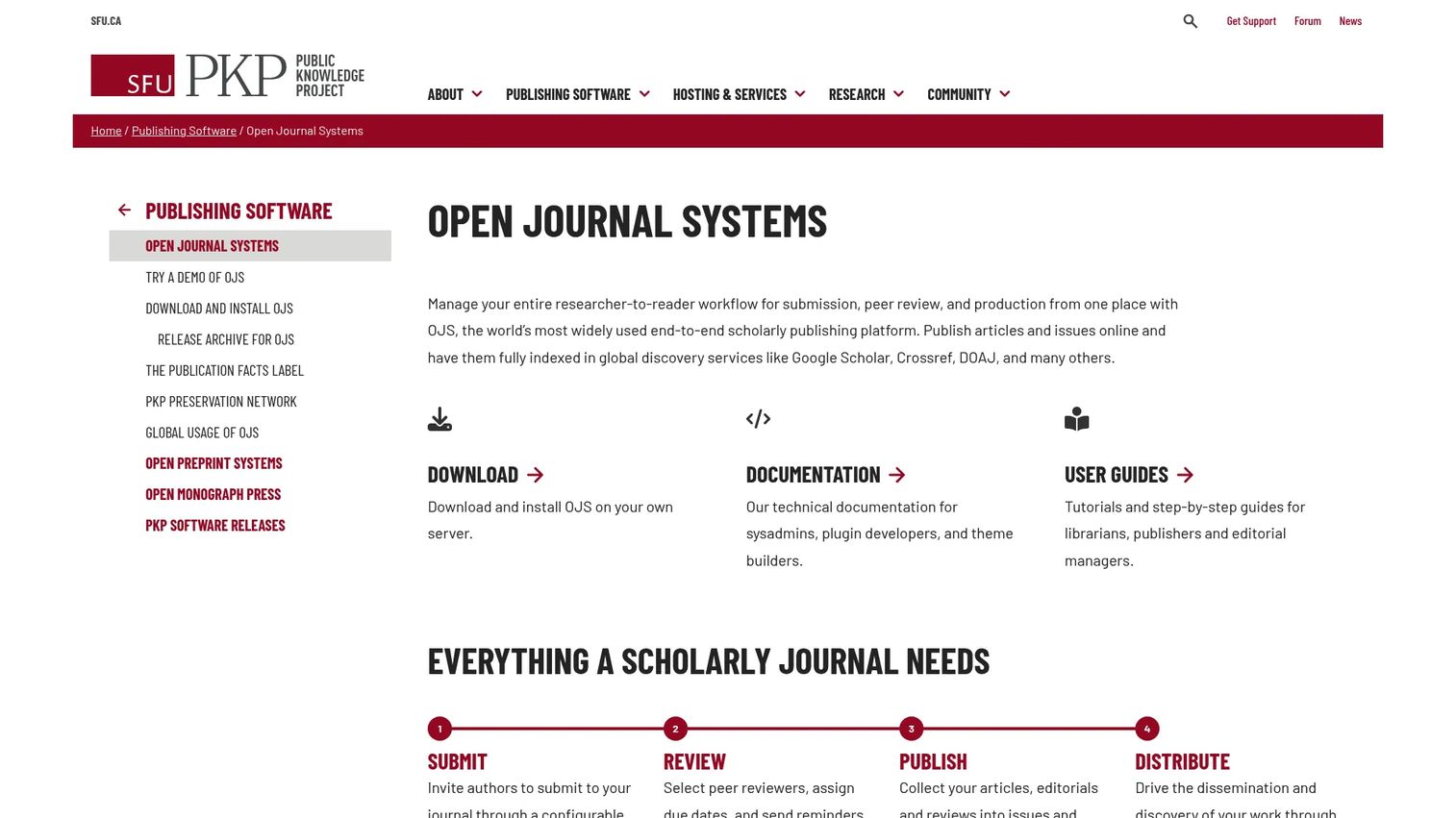
Open Journal Systems (OJS) is the open-source standard for journal management, developed by the Public Knowledge Project. It runs the full workflow: submission, peer review, editorial decisions, production, and online publication. Thousands of journals worldwide use it, and it carries strong authority in the open access community.
The appeal is control. You install OJS on your own server, own your data, and configure the workflow to match how your editorial team works. It supports DOI registration, OAI-PMH, and the metadata standards that indexes require, so discovery and interoperability are built in rather than bolted on. Preservation runs through the PKP Preservation Network and LOCKSS.
Best for: universities, scholarly societies, and publishers that want full ownership of their stack.
Key strengths
- Open-source submission and peer review workflow
- Publishing and issue management in one system
- DOI, OAI-PMH, and metadata standards support
- Preservation through PKP PN and LOCKSS
- Large community and documentation base
Why choose Open Journal Systems: OJS fits teams that value control and portability over hands-off convenience. If you have technical capacity in-house, or you pair it with managed hosting, you get a complete platform without vendor lock-in. Smaller teams without that capacity often pair OJS with a hosting service to get the same power without managing servers.
Open Journal Systems pricing: Free to download and run on your own server. PKP offers hosting and support plans separately for teams that want a managed setup.
2. JAMS Journal Management System
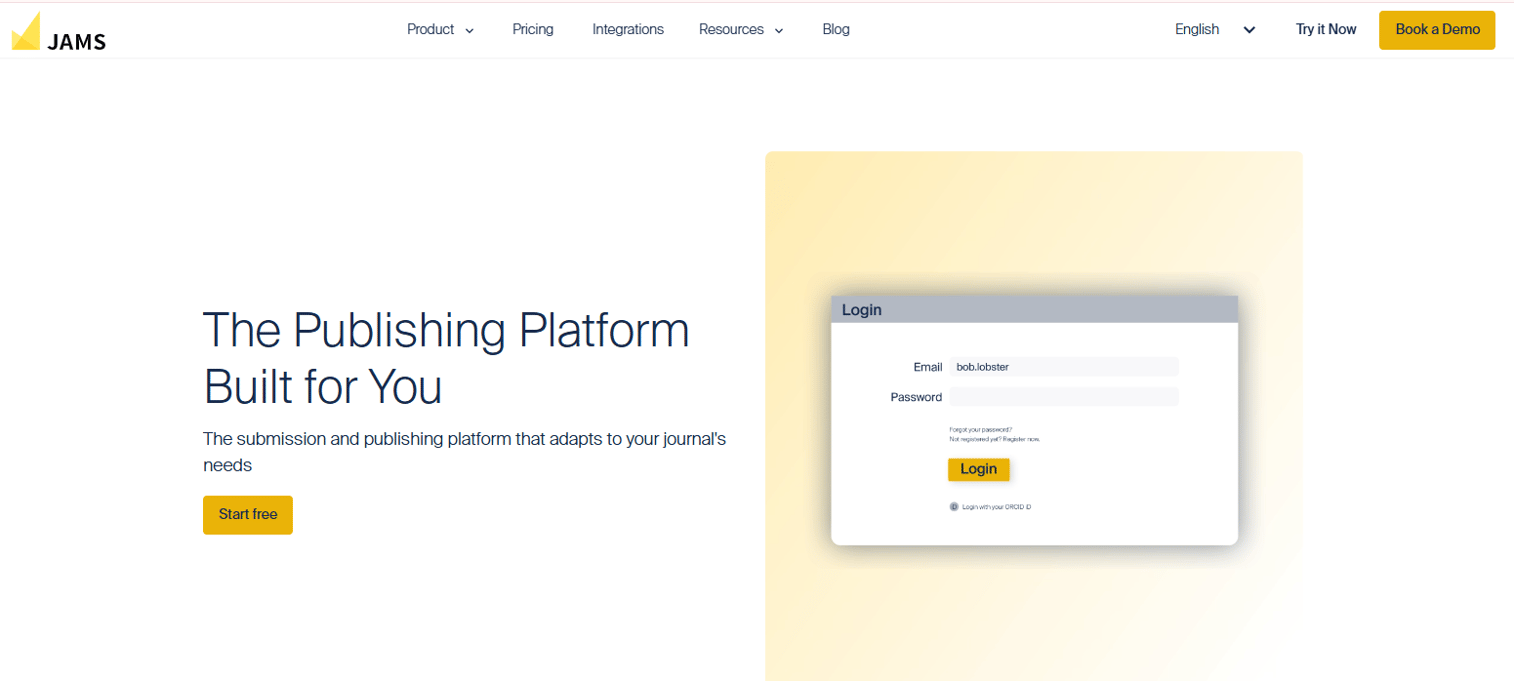
JAMS Journal Management System is an academic journal publishing platform that bundles submissions, peer review, production, website hosting, and billing into one service. Teams choose it for operational simplicity: instead of stitching together hosting, a submission system, and an editorial workflow, they get all of it in a single managed platform with support included.
The billing and website infrastructure is the differentiator. JAMS handles the operational side of running a journal, not just the manuscript pipeline. That matters for small publishers who do not want to run their own servers or manage a separate site.
Best for: small to mid-sized academic publishers needing an all-in-one journal workflow platform.
Key strengths
- Submission and peer review management
- Production workflow support
- Website hosting built in
- Billing infrastructure for journals
- Editorial services and support
Why choose JAMS: JAMS fits teams that want to run a journal without running infrastructure. The bundled model trades some configurability for a setup where hosting, billing, and workflow live under one roof and one support contact.
JAMS pricing: The Starter plan is free for up to 20 accepted manuscripts, then $27 per accepted manuscript from the 21st onward. The Premium plan is a flat $36 USD per accepted manuscript from the first one.
3. Scholastica
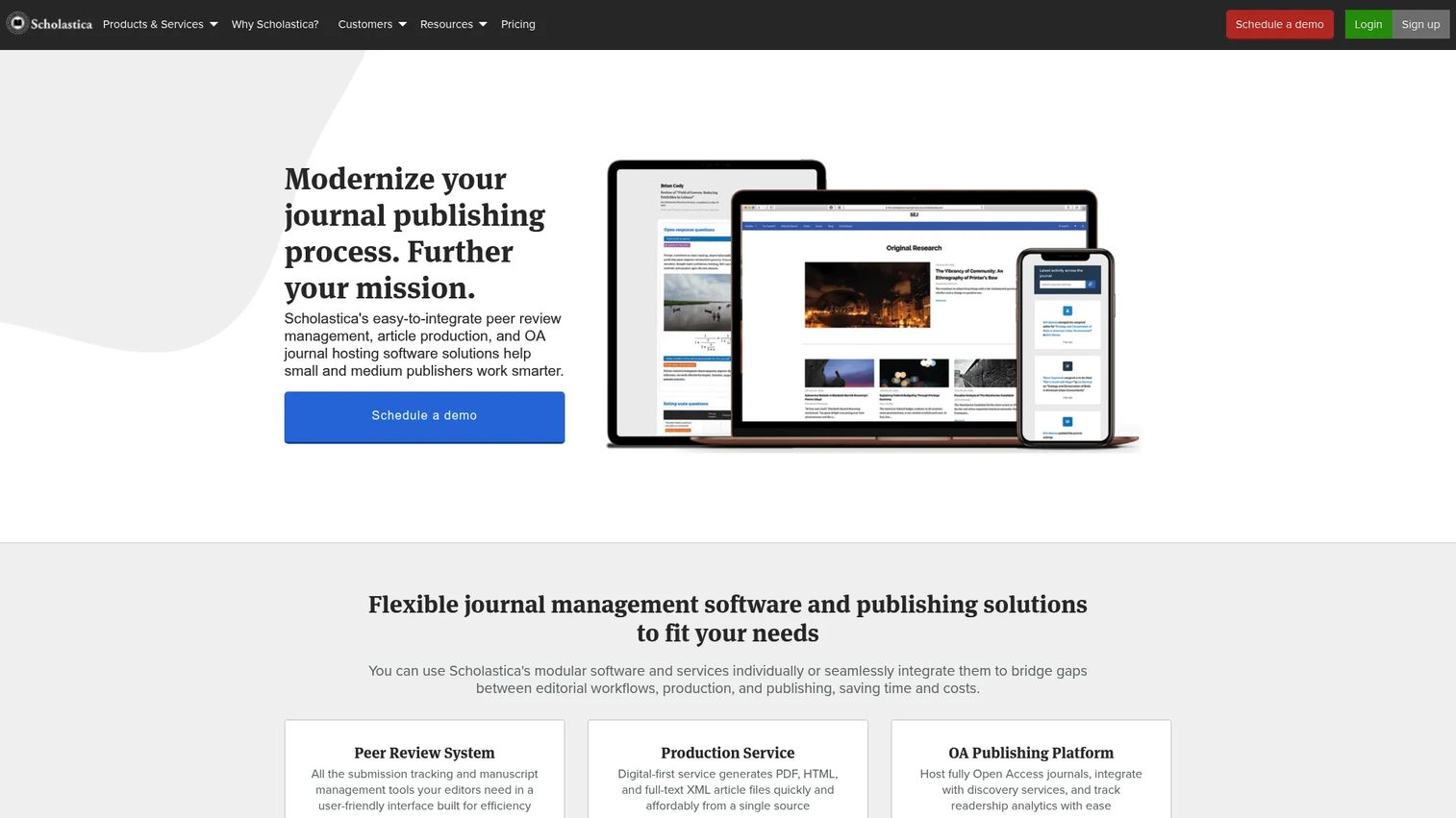
Scholastica is a cloud platform for journal peer review, production, and open-access publishing. It is built for editors who want a hosted setup without technical overhead. Setup is fast, the interface is usable for non-technical editors, and the platform layers on automations to reduce manual coordination.
Scholastica splits its offering into three parts you can adopt independently: a peer review system, a production service, and an open access publishing platform. That modularity means a journal can start with peer review and add production or hosting later, rather than committing to everything up front.
Best for: academic journals that want a hosted, less technical setup for peer review and publishing.
Key strengths
- Peer review workflow management
- Built-in email and discussion threads
- Journal analytics and reporting
- Production service for typesetting
- Open access hosting platform
Why choose Scholastica: Scholastica fits editors who value implementation speed and usability over deep configurability. If your team is small and wants to move from manual review to a structured workflow quickly, the hosted model removes the setup burden entirely.
Scholastica pricing: The peer review system is $10 per submission plus $500 per year. Production is usage-based at $7 per 500 words. The open access publishing platform is $1,549 per year per journal. Law review submissions are $7.35 per submission.
4. PKP Hosting & Services
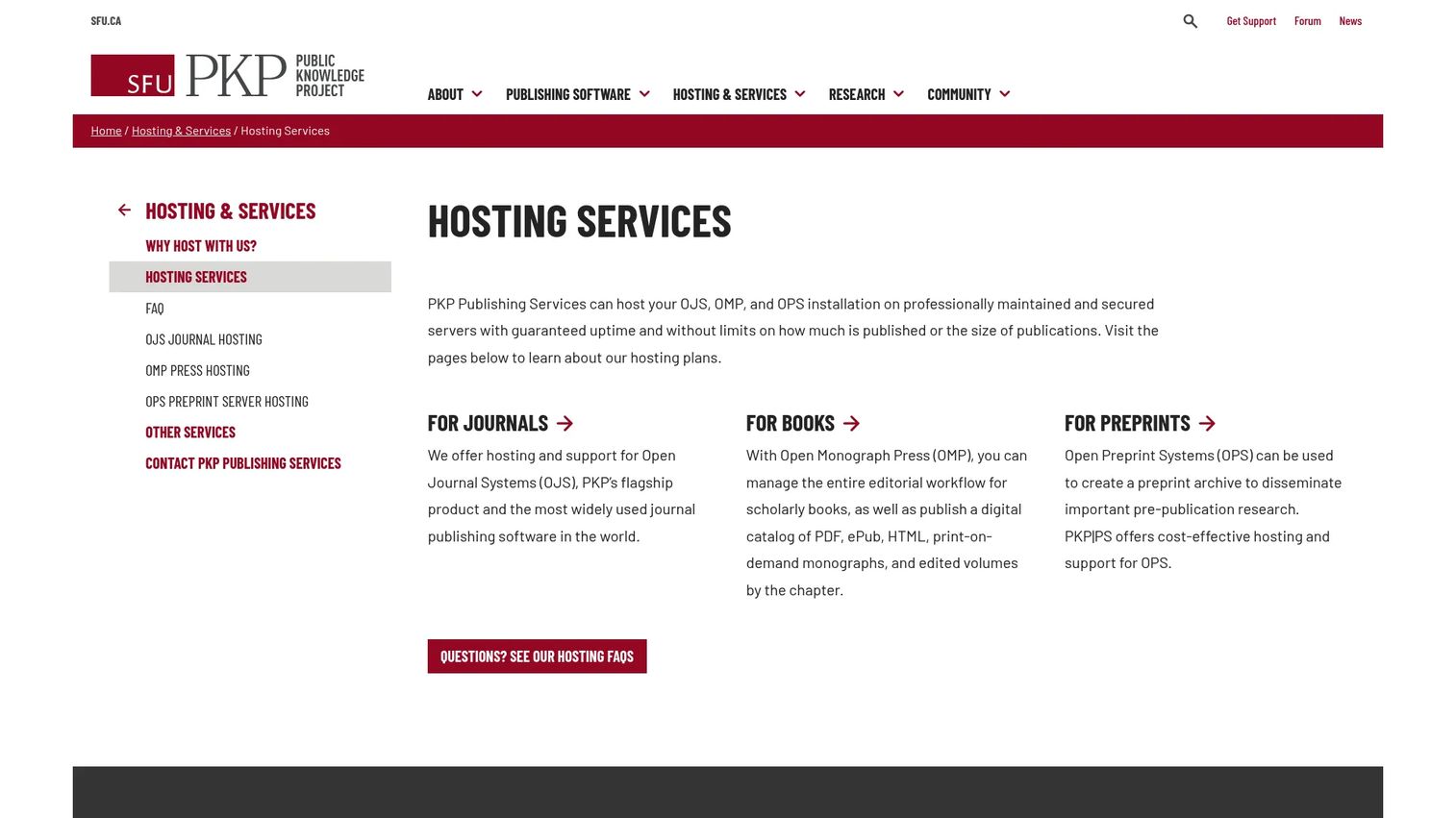
PKP Hosting & Services is the hosting and support layer for teams running or evaluating OJS, OMP, and OPS. This is infrastructure and services, not a separate software product. It gives journals the power of open-source publishing software without the burden of managing servers, backups, and upgrades in-house.
The value is clear for resource-constrained teams. PKP handles hosting, daily backups, security patches, upgrades, and priority support. That frees editors to focus on editorial work rather than system administration, while keeping the data ownership and portability that come with open-source software.
Best for: academic journals, presses, and preprint servers needing managed hosting for PKP software.
Key strengths
- Hosted and professionally maintained servers
- Unlimited storage and publications on OJS plans
- Daily backups and security patches
- Upgrades and priority email support
- Preservation and portability retained
Why choose PKP Hosting & Services: This fits teams that want OJS but lack the technical capacity to run it themselves. You keep the open-source benefits, control and no lock-in, while offloading the operational maintenance to the people who build the software.
PKP Hosting & Services pricing: The Basic plan is free. Paid OJS hosting plans are Professional at $925 per journal per year, Enterprise at $1,650, Institutional at $3,000, and Archived at $450. OMP and OPS hosting is customized and ranges from $1,650 to $4,300 per year.
Considerations
Before you commit to a platform, work through these five criteria against your team's real situation, not the ideal one.
Workflow depth
Confirm the platform handles submission, review, decisions, and publishing in one place. A tool that covers submission but hands off production to a separate system recreates the coordination gaps you are trying to close. Map your current process and check every step against the software.
Hosting model
Decide whether open source, hosted software, or bundled services fit your team's capacity. Self-hosting OJS gives full control but assumes technical staff. Hosted platforms remove that burden for an annual fee. Be honest about who will actually run the system day to day.
Preservation and portability
Check archive options, export paths, and data ownership before you sign. Ask how content gets preserved (PKP PN, LOCKSS, CLOCKSS) and how you would export everything if you left. A platform you cannot leave is a platform that owns you.
Discovery and interoperability
Verify DOI registration, indexing, OAI-PMH, and metadata standards coverage. If your content cannot be harvested by Crossref, DOAJ, and discovery services, it will not be found or cited. This is not optional for a serious journal.
Support and implementation
Assess training, documentation, onboarding, and ongoing service levels. Open-source tools rely on community support and documentation. Hosted services include support contracts. Match the support model to how much help your team will realistically need.
Conclusion
The right journal management software depends less on features and more on operating model.
If you want full control and have the technical capacity, Open Journal Systems (OJS) is the open-source standard, and pairing it with PKP Hosting & Services gives you that power without running servers yourself. If you want hosted simplicity with billing and website hosting bundled in, JAMS Journal Management System covers the operational side. If you want speed and usability without technical overhead, Scholastica gets editors from manual review to a structured workflow fast.
For open access teams, the decision comes down to discovery and preservation: DOIs, metadata standards, and export paths that protect your content long term.
The buying lens is straightforward. Control, speed, support, or infrastructure depth. Pick the one that matches your team's capacity, then shortlist two or three platforms and test them against your actual workflow before you commit.
FAQs
Journal management software runs the full lifecycle of a scholarly journal, from manuscript submission through peer review, editorial decisions, production, and online publication. It replaces email threads and spreadsheets with a structured system that assigns reviewers, tracks decisions, and manages publishing. The goal is repeatable editorial operations that do not depend on any one person remembering the process.
Neither is universally better; they fit different teams. Open source like OJS gives full control, data ownership, and no vendor lock-in, but assumes you have technical capacity to run it or pay for hosting. Hosted software removes the maintenance burden for an annual fee but offers less configuration depth. Choose based on your team's technical capacity, not on which model sounds more advanced.
A strong peer review management software workflow includes reviewer assignment, automated invitations and reminders, deadline tracking, and clear decision recording. It should give editors visibility into every active manuscript and its current stage. The point is to surface overdue reviews and stalled manuscripts before they become bottlenecks, rather than tracking them manually.
Journals handle discovery through DOI registration, structured metadata, and protocols like OAI-PMH that let indexes harvest content. Registration with Crossref assigns permanent identifiers, and listings in DOAJ and other databases make articles findable. Good journal publishing software builds these standards into the publishing workflow, so each article is discoverable and citable at the point of publication.
Match the operating model to your team's capacity first, then compare features. Confirm the platform covers your full workflow, supports the metadata and indexing standards you need, and gives you a clear export path if you ever leave. Preservation and data ownership matter as much as day-to-day features, because they determine whether your content survives long term.
Most modern journal platforms support open access publishing. OJS is widely used by OA journals, Scholastica offers a dedicated OA publishing platform, and hosted services support OA models directly. What matters is whether the platform handles DOIs, open metadata standards, and preservation, which are what make open access content both discoverable and permanent.
Hosting determines who runs the servers, and preservation determines whether your content survives outages, migrations, or a platform shutting down. Self-hosting means you own infrastructure; managed hosting like PKP Hosting & Services offloads it. Preservation through PKP PN, LOCKSS, or CLOCKSS protects the archive regardless of hosting choice. Treat both as core criteria, not afterthoughts.
OJS is open-source software you install and control yourself, with full data ownership and no lock-in, but you handle hosting and maintenance or pay a service to do it. A hosted journal system like JAMS or Scholastica runs everything for you on their infrastructure, with support included, in exchange for an annual or per-submission fee. The trade-off is control and portability versus convenience and lower operational overhead.










