A copy change needs an engineering ticket. Localization waits for the next sprint. Editors duplicate content because nobody trusts the shared model.
These problems often trace back to a CMS decision that looked sensible during architecture planning. Product managers feel the cost later through slower experiments, mounting maintenance work, and inconsistent onboarding content.
The market keeps expanding. Research and Markets valued Java CMS software at $1.62 billion in 2025 and projected $1.8 billion for 2026.
Choosing Java CMS software requires more than checking the programming language. You need to understand who owns deployment, how editors publish, and whether the platform fits your release cadence.
The right choice gives engineering architectural control without turning every content update into roadmap work.
What’s inside
This guide compares 17 Java CMS platforms for product managers, technical product leads, and enterprise architects. Selection reflects Java relevance, category fit, and current product information.
We evaluated each platform across these areas:
- Java and JVM alignment
- Headless and API first delivery
- SaaS, cloud, open source, and self hosted deployment
- Editorial workflows, localization, permissions, and content governance
- Integration depth and long term maintenance
- Verified pricing and current G2 ratings where available
The list includes established enterprise products, developer frameworks, and niche options requiring deeper technical validation.
TL;DR
- Best overall enterprise option: Contentstack fits teams seeking composable content delivery without operating CMS infrastructure
- Best for Java development teams: Enonic combines structured content, visual composition, GraphQL, and application capabilities
- Best for Git based workflows: Crafter CMS aligns content versioning with established development practices
- Best for commerce personalization: Bloomreach connects customer data with search, merchandising, and content experiences
- Best established Java platform: Magnolia combines enterprise authoring with headless delivery and flexible deployment
- Best open source evaluation: OpenCMS provides a Java foundation for self hosted websites and intranets
What is Java CMS?
A Java CMS is a content management system built on Java, designed for JVM environments, or commonly integrated into enterprise Java architectures.
The category includes several distinct platform types. Some products run natively on Java and expose extension points for Java developers. Others deliver content through APIs that Java applications consume.
A broader Java CMS comparison may also include content frameworks and enterprise repositories. These options solve different problems from a ready made editorial system.
The main categories are:
- Java native CMS: Platforms built directly on Java technologies
- Headless Java CMS: Systems separating structured content from presentation
- Java friendly API first CMS: Hosted products consumed by Java applications
- Enterprise DXP: Platforms combining content with personalization and integrations
- Content frameworks: Developer foundations for custom content applications
- Enterprise content management: Repositories focused on documents, records, and processes
Key capabilities to evaluate
- Structured content models for pages, entries, assets, and taxonomies
- Drafting, approval, localization, scheduling, and version history
- REST or GraphQL APIs for websites and applications
- Java modules, repositories, services, and custom integration points
- SaaS, cloud, self hosted, or hybrid deployment
- Roles, permissions, audit trails, and governance controls
- Personalization for audiences, journeys, or product segments
For product managers, internal technology matters less than operational impact. Ask whether editors can update activation content without waiting for a release.
Engineering still needs control over performance, data flow, identity, and system boundaries. A good JVM CMS balances those requirements without making product content another permanent backlog.
That balance affects time to value, localization speed, and support deflection. It also determines how quickly your team can test new journeys across different user segments.
When to use Java CMS software
Run content operations at enterprise scale
Use an enterprise Java CMS when content spans several markets, brands, product lines, or regulatory contexts. Central governance helps teams maintain shared models while distributing publishing responsibility.
The platform should support permissions, approval paths, and localized variants. Test these workflows with editors before committing to an architecture.
Deliver structured content across channels
Choose a headless Java CMS when the same content must reach websites, mobile apps, authenticated portals, or onboarding surfaces. APIs separate content from presentation, which supports reuse across different interfaces.
This model also lets product teams change front ends without migrating every content entry.
Give engineering control without blocking editors
Java based CMS platforms make sense when engineering needs deep integrations or deployment ownership. Editors still need usable previews and dependable publishing tools.
Validate the complete workflow. A technically elegant platform creates operational drag if every schema change requires specialist support.
Java CMS comparison
Use this table as a first pass. Technical validation should still cover the CMS deployment model, API behavior, editor workflows, security responsibilities, and support arrangements.
Pricing reflects vendor information researched in November 2026. G2 ratings use clearly matching current listings. N/A means no reliable product rating was available.
| # | Product | Best for | Key differentiator | Pricing | G2 rating |
|---|---|---|---|---|---|
| 1 | Contentstack | Enterprise omnichannel content | Composable API first content delivery | Free. Paid plans from $29 monthly | 4.3/5 |
| 2 | Enonic | Java and JVM teams | Content platform with application capabilities | Free. Professional and Enterprise require quotes | 4.5/5 |
| 3 | ButterCMS | Lightweight API delivery | Hosted headless CMS with blog engine | Free. Paid plans from $71 monthly | 4.6/5 |
| 4 | Crafter CMS | Git based content operations | Git repository and DevContentOps model | Free Community edition. Custom paid pricing | 4.5/5 |
| 5 | Bloomreach | Commerce personalization | Customer data, search, and merchandising | From $60,000 annually | 4.6/5 |
| 6 | Magnolia | Enterprise Java deployments | Visual authoring with headless delivery | From $3,500 monthly | 4.3/5 |
| 7 | OpenWGA | Legacy Java CMS environments | Java CMS and application platform | Free Community edition. Enterprise by quote | N/A |
| 8 | Ametys Platform | Portals and institutional sites | Open source CMS with collaboration tools | Open source without license fees | N/A |
| 9 | OpenCMS | Self hosted enterprise websites | Mature Java and XML foundation | Free under LGPL | N/A |
| 10 | dotCMS | Hybrid headless delivery | Visual editing with REST and GraphQL APIs | Free for qualifying companies. Paid plans by quote | 4.1/5 |
| 11 | Alfresco | Document centric operations | Content, process, and governance management | Custom pricing | 3.8/5 |
| 12 | Apache Sling | Custom Java content applications | RESTful framework built around content resources | Open source | 4.3/5 |
| 13 | Flectra | Business applications with website tools | ERP and CRM modules alongside content management | Configurable. Default starts at $0 | 4.4/5 |
| 14 | Sling CMS | Technical Sling based projects | CMS approach tied to Apache Sling | Open source | 4.3/5 |
| 15 | nCMS | Historical market research | Current software product could not be verified | Pricing unavailable | N/A |
| 16 | Expressroom | Enterprise CMS longlists | Java and XML based CMS positioning | Pricing unavailable | N/A |
| 17 | Nora CMS | Broad Java CMS discovery | Current product information requires validation | Pricing unavailable | N/A |
Best 17 tools for Java CMS
1. Contentstack
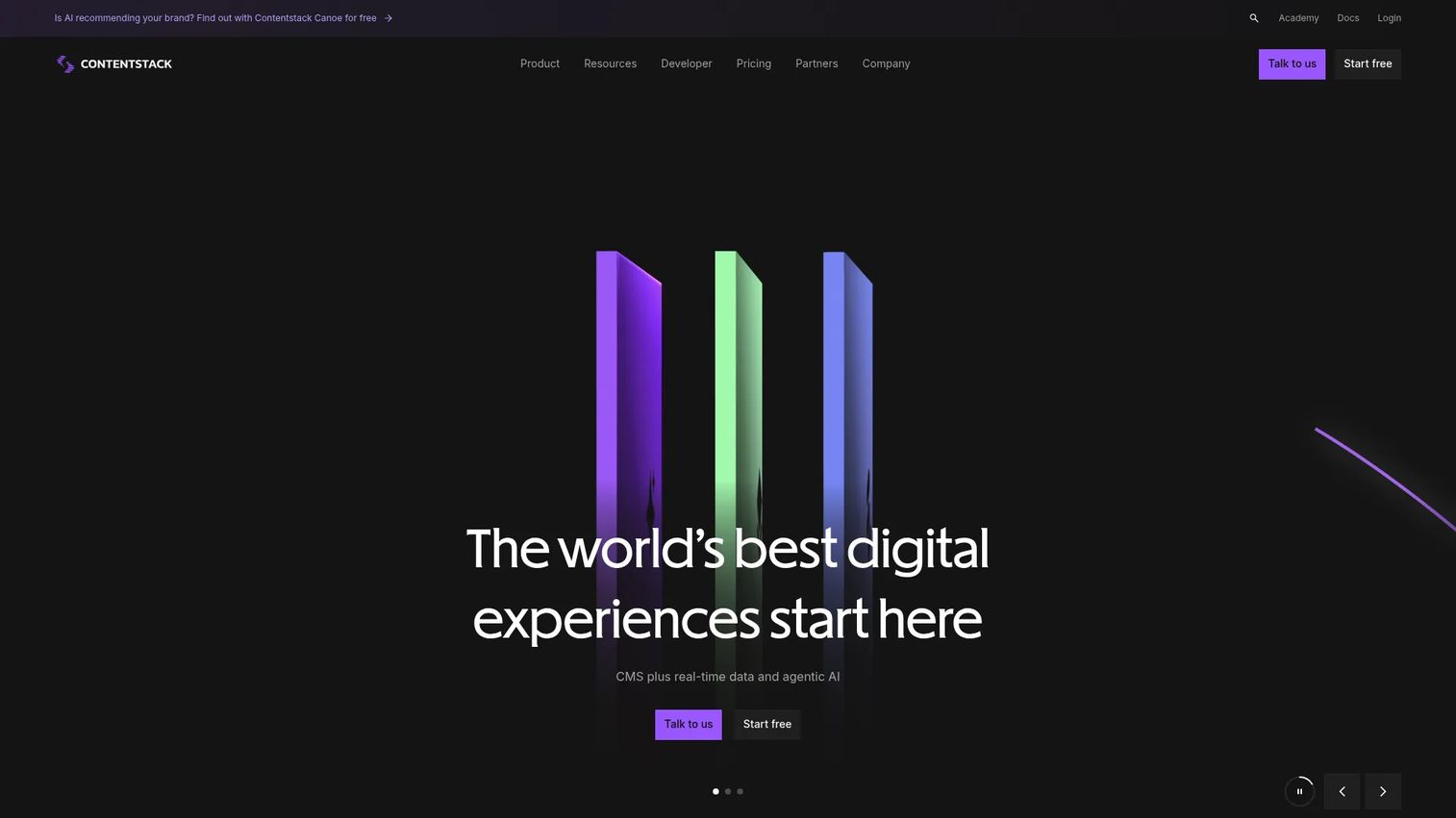
Contentstack is an enterprise headless CMS for creating and delivering structured content across digital channels. It is an API first platform rather than a traditional Java native system.
Java teams can consume its content through APIs while Contentstack manages the CMS infrastructure. Visual editing, workflows, permissions, and composable integrations support distributed content operations.
Best for: Midmarket and enterprise teams standardizing content across websites, applications, and multiple locales.
Key features
- API first structured content delivery
- Visual editing and live preview
- Enterprise workflows and permissions
- Composable DXP integrations
- Personalization and customer data capabilities
Why choose Contentstack: Choose it when editor autonomy and omnichannel content delivery matter more than running the CMS on your JVM. Its hosted model removes infrastructure ownership from the product roadmap.
For PMs, the practical advantage is separation between content releases and application deployments. Teams can reuse structured content while engineering retains control over each presentation layer.
The free tier also supports early technical evaluation. Before procurement, model one activation journey and test how localization affects that structure.
Contentstack pricing: Free is $0 monthly. Build costs $29 monthly, while Growth costs $299 monthly. Enterprise uses custom pricing.
G2 rating: 4.3/5
2. Enonic
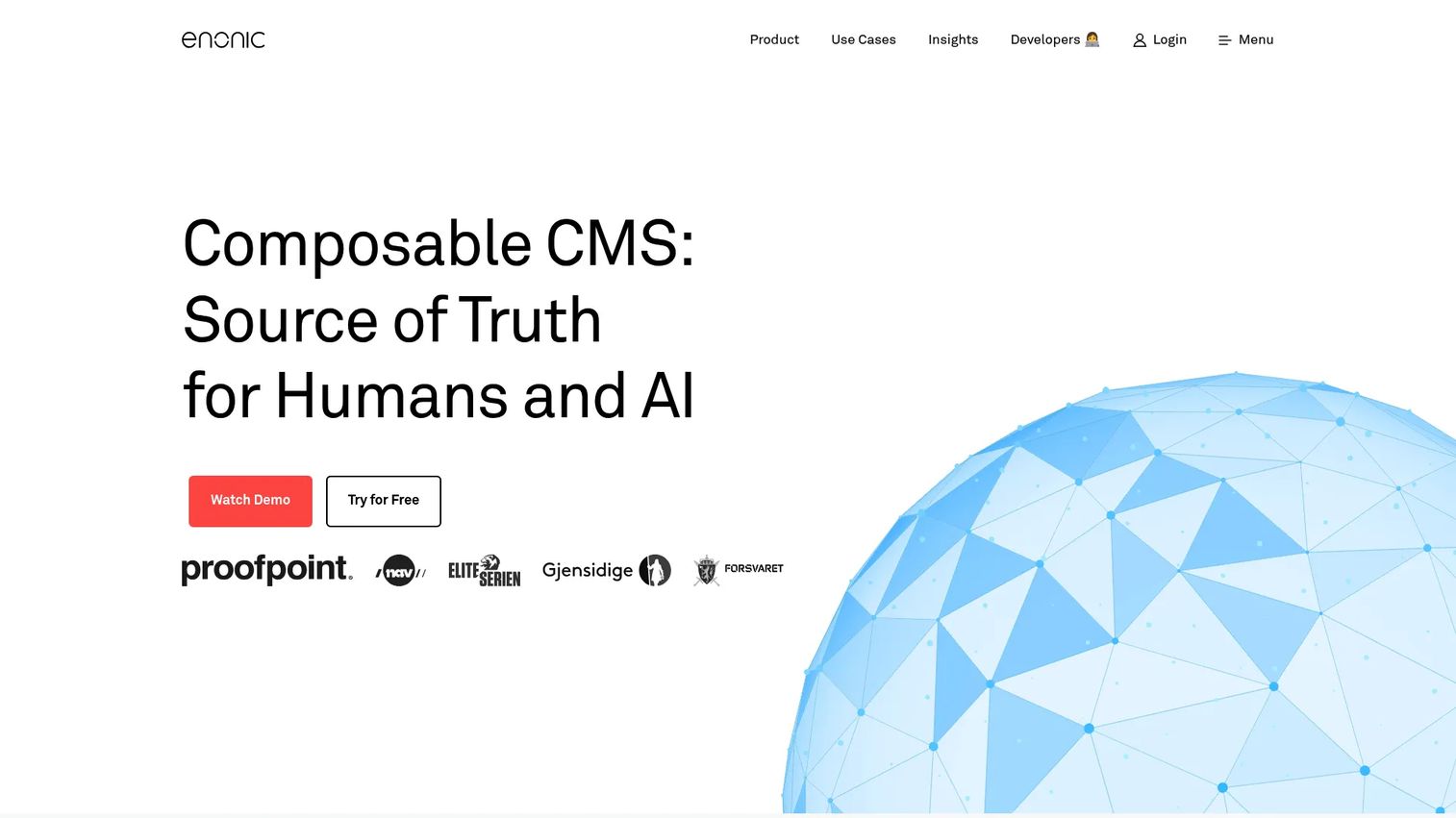
Enonic combines headless content delivery with page composition and application platform capabilities. Its architecture has strong relevance for Java and JVM teams.
Content Studio gives editors a visual workspace for structured content and page composition. Developers can deliver that material through GraphQL or the Universal API using their preferred front end.
Best for: Digital teams that want Java alignment without sacrificing editorial composition or structured content management.
Key features
- Visual content and page composition
- GraphQL and Universal API delivery
- Structured modeling and localization
- Built in storage and search
- Custom APIs and scheduled jobs
Why choose Enonic: Enonic fits teams that want the CMS close to their application architecture. Its combination of content tools and development capabilities can reduce the number of separate systems involved.
This approach also supports product experiences where content and custom functionality meet. Editors can manage material while developers build the surrounding application behavior.
During a proof of concept, test preview accuracy and localization. Include one custom integration to expose the expected engineering effort.
Enonic pricing: A Free plan is available. Professional and Enterprise use custom pricing.
G2 rating: 4.5/5
3. ButterCMS
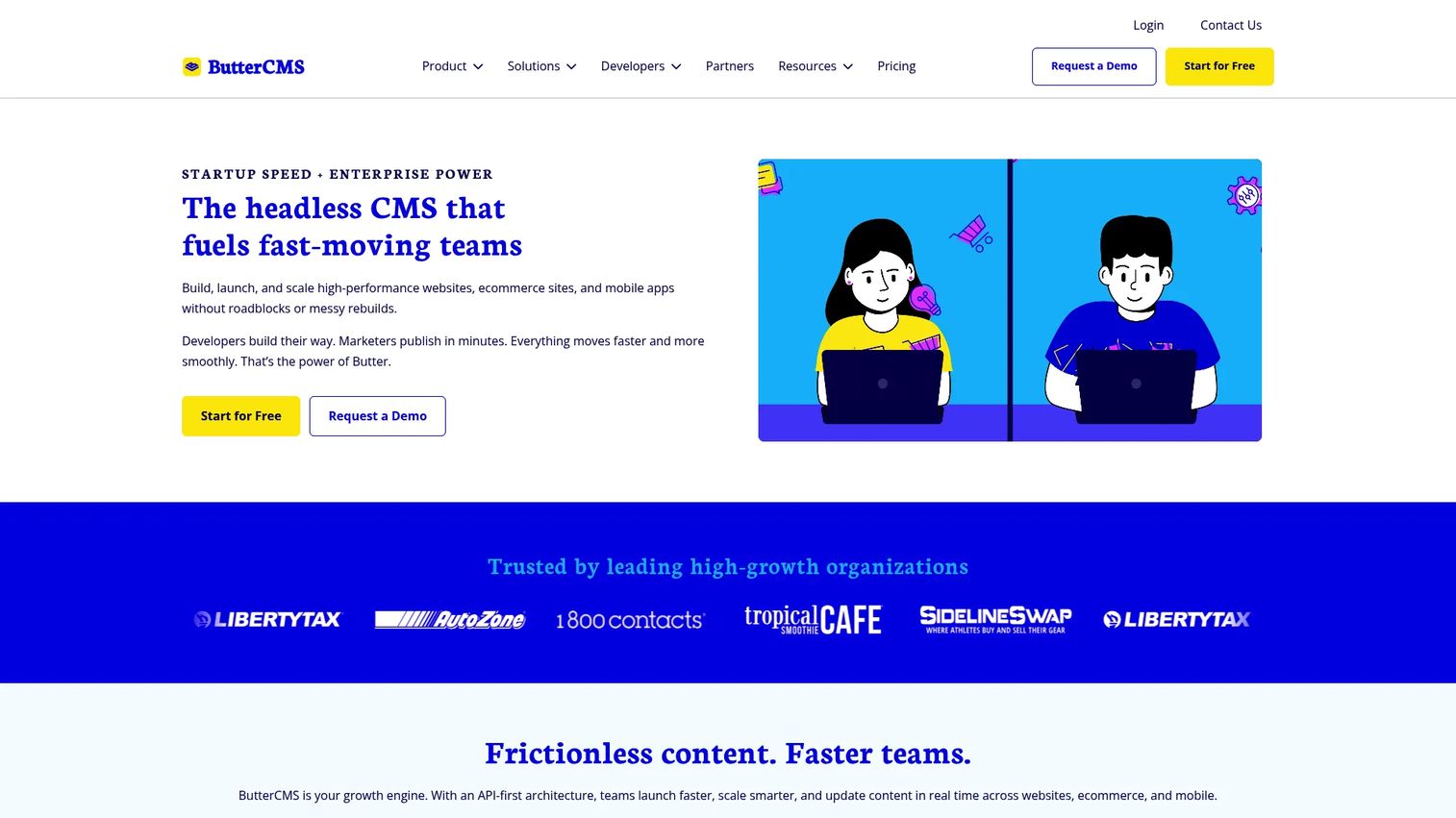
ButterCMS is a hosted headless CMS and blog engine. Java applications can consume its content through REST APIs without maintaining a separate CMS runtime.
The platform supports content models, page types, reusable components, and built in blogging. Visual editing and revision history give editorial teams control over routine publishing.
Best for: SaaS teams that need structured content delivery without operating Java CMS infrastructure.
Key features
- REST APIs and SDK support
- Pages, collections, and components
- Built in blog engine
- Visual editing and live preview
- Localization and approval workflows
Why choose ButterCMS: ButterCMS suits teams prioritizing implementation speed and low infrastructure ownership. It can support marketing content, onboarding resources, or in product education delivered through Java services.
The platform is Java friendly rather than Java native. This distinction matters if engineering needs runtime extensions or direct repository access.
Product teams should test API limits and preview behavior against a representative content model. Include a localized variant if regional expansion sits on the roadmap.
ButterCMS pricing: Free costs $0 monthly. Paid plans start at $71 monthly, with a 14 day trial and annual billing discount.
G2 rating: 4.6/5
4. Crafter CMS
Crafter CMS is an open source, API first headless CMS built for enterprise digital experiences. Its Git based content repository distinguishes it from database centered alternatives.
Content changes gain versioning and auditing through familiar development concepts. Editors still receive visual authoring and drag and drop experience building.
Best for: Technical organizations aligning content promotion with version control and established delivery pipelines.
Key features
- Git based content repository
- REST and GraphQL APIs
- Visual in context editing
- AI assisted authoring
- Multisite and multilingual management
Why choose Crafter CMS: Crafter CMS fits DevContentOps teams that want content changes to follow controlled promotion workflows. It gives PMs editorial independence while preserving traceability.
Git based operations can also help teams understand exactly what changed between releases. However, buyers should test whether their editors find the resulting workflow intuitive.
Run a proof of concept covering authoring, approval, and rollback. Include one schema change to reveal how content evolves with the product.
Crafter CMS pricing: Community is free and open source. Enterprise and Cloud use custom pricing.
G2 rating: 4.5/5
5. Bloomreach
Bloomreach focuses on personalization for commerce and marketing. Its capabilities cover customer data, ecommerce search, merchandising, and conversational shopping.
This is broader than a conventional Java content management system. The strongest fit appears where content decisions connect directly to product discovery and revenue.
Best for: Midmarket and enterprise commerce teams connecting customer data with personalized digital experiences.
Key features
- Omnichannel marketing personalization
- Ecommerce search and merchandising
- Product recommendations and SEO
- Customer and product data decisioning
- Experimentation and testing
Why choose Bloomreach: Choose Bloomreach when personalization and commerce performance drive the CMS decision. It gives PMs tools for segment based experiences and experimentation.
The platform carries more scope than teams seeking a simple editorial workflow CMS. Procurement should map required products before comparing its price with narrower platforms.
Use a proof of concept tied to one measurable journey. A search, recommendation, or campaign flow will reveal more than a generic homepage build.
Bloomreach pricing: Custom annual pricing starts at $60,000 for smaller brands. Cost changes with products, audience size, catalog scale, and usage.
G2 rating: 4.6/5
6. Magnolia
Magnolia is a composable enterprise DXP with Java roots. It supports visual editing, headless delivery, multilingual content, and multisite operations.
The platform offers managed cloud and self hosted deployment options. This flexibility makes Magnolia relevant when infrastructure ownership remains part of the architecture decision.
Best for: Enterprises needing Java based content management with strong authoring and global content operations.
Key features
- Visual WYSIWYG content editing
- Multisite and multilingual management
- Headless APIs and SPA editing
- Campaign and workflow capabilities
- Managed or self hosted deployment
Why choose Magnolia: Magnolia fits organizations that need editor friendly page building without giving up Java extensibility. It can support complex integrations across established enterprise systems.
Its deployment choices also let teams decide where operational responsibility sits. Product managers should include upgrades and support in the ownership model.
Test the visual editor with one existing design system. Then verify how reusable components behave across languages and sites.
Magnolia pricing: DX Core starts at $3,500 monthly. DX Cloud starts at $6,000 monthly.
G2 rating: 4.3/5
7. OpenWGA
OpenWGA is an open source Java enterprise CMS and web application platform. It combines browser based content authoring with an application framework.
Its feature set includes multilingual support, versioning, archiving, and site restructuring. WebTML and server side scripting support custom application development.
Best for: Organizations maintaining self hosted Java content applications or evaluating established legacy environments.
Key features
- WYSIWYG browser based authoring
- Multilingual content management
- Automatic versioning and archiving
- WebTML application framework
- Extensible plugin architecture
Why choose OpenWGA: OpenWGA belongs on the shortlist when existing applications already rely on it. It may also suit teams prepared to own hosting and specialist development.
A new implementation needs careful due diligence. Verify release activity, available expertise, documentation quality, and support coverage before committing roadmap capacity.
For PMs, the key question is future ownership. Confirm whether your organization can maintain the platform through several product release cycles.
OpenWGA pricing: Community Edition is free under the GPL. Enterprise Edition uses a yearly per server subscription with custom pricing.
8. Ametys Platform
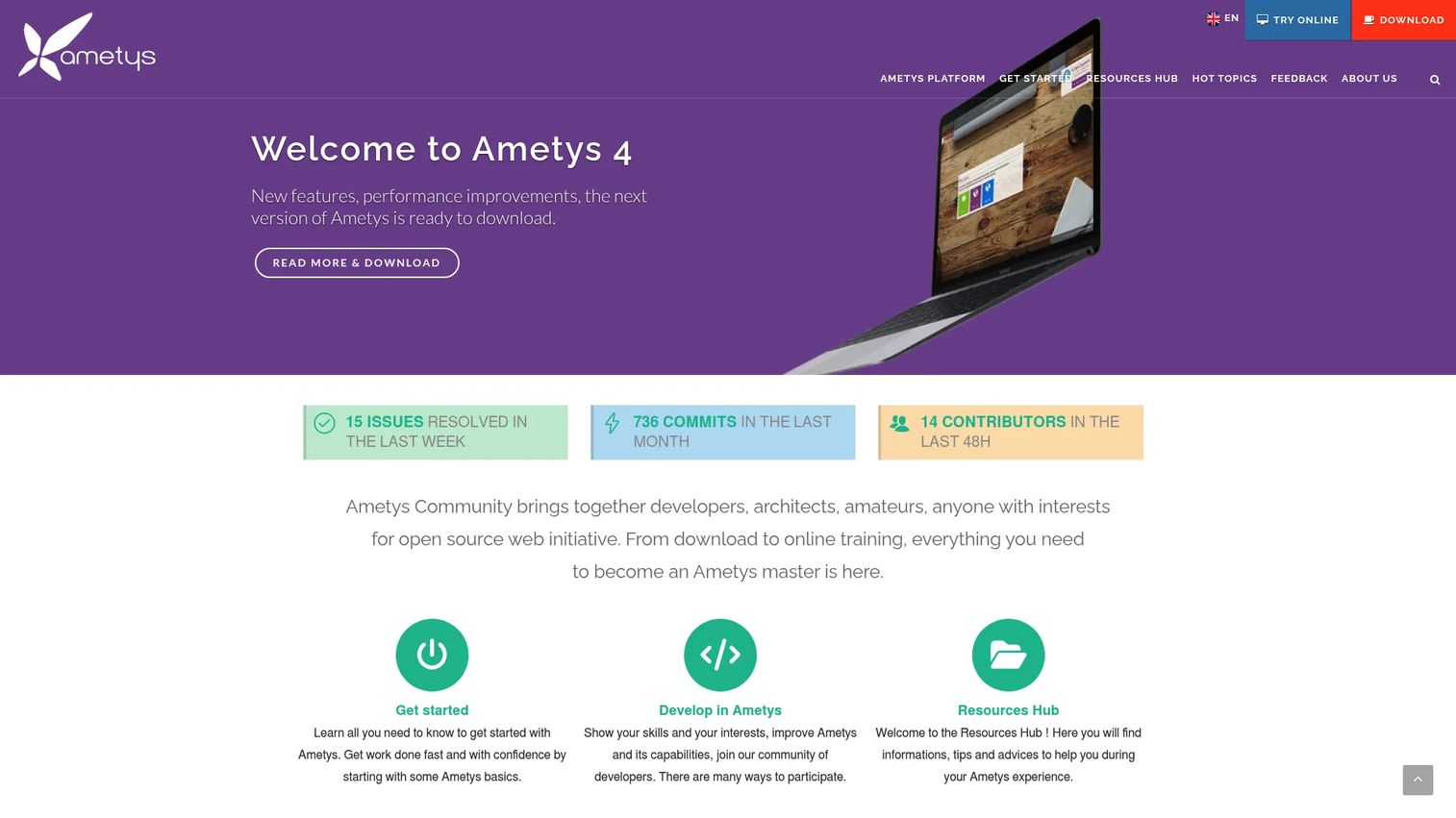
Ametys Platform is an open source platform for websites, portals, intranets, and collaboration. It combines a development framework with ready to use web applications.
The platform includes multisite management and WYSIWYG editing. Collaboration capabilities cover document sharing, calendars, tasks, and discussions.
Best for: Institutions requiring an adaptable open source CMS, portal, or intranet platform.
Key features
- Modular plugin based architecture
- Multisite website management
- WYSIWYG content editing
- Faceted search with Lucene
- Portal and collaboration tools
Why choose Ametys Platform: Ametys suits teams whose content program includes internal portals or collaborative workspaces. Its open source model gives technical teams control over deployment.
License cost does not represent total ownership. Implementation, hosting, upgrades, and specialist support still require budget and roadmap capacity.
Test directory integration if permissions depend on centralized identity. The platform supports Active Directory and LDAP single sign on.
Ametys Platform pricing: The software is open source without license fees. Hosting, implementation, and support create the operating cost.
9. OpenCMS
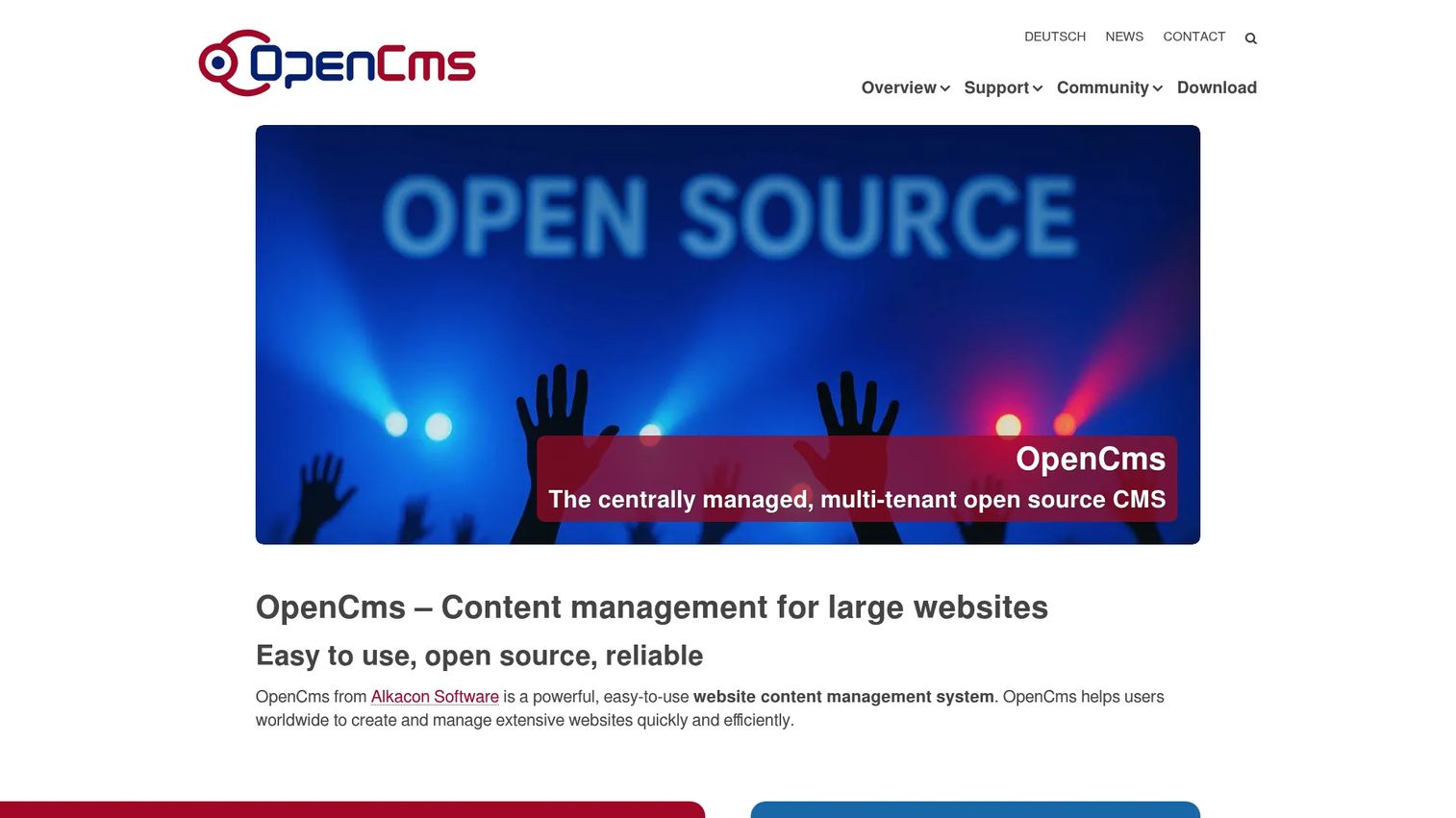
OpenCMS is a free, open source Java and XML content management system. It targets large websites and intranets that require centralized administration.
Editors receive browser based inline editing and drag and drop page composition. The platform also provides multisite management, approval workflows, search, and JSON content access.
Best for: Organizations needing a self hosted Java CMS for large websites or intranets.
Key features
- Inline WYSIWYG page editing
- JSON headless content API
- Centralized multisite management
- Online and offline approvals
- Solr powered content search
Why choose OpenCMS: OpenCMS offers a mature Java foundation without license fees. It appeals to teams that value deployment control and established web content capabilities.
The ownership model demands internal expertise or external support. Product managers should assess editor usability alongside patching and upgrade requirements.
Build one representative page during evaluation. Include approval, rollback, search indexing, and JSON delivery to expose the full workflow.
OpenCMS pricing: OpenCMS is free under the LGPL. Hosting, development, and commercial support carry separate costs.
10. dotCMS
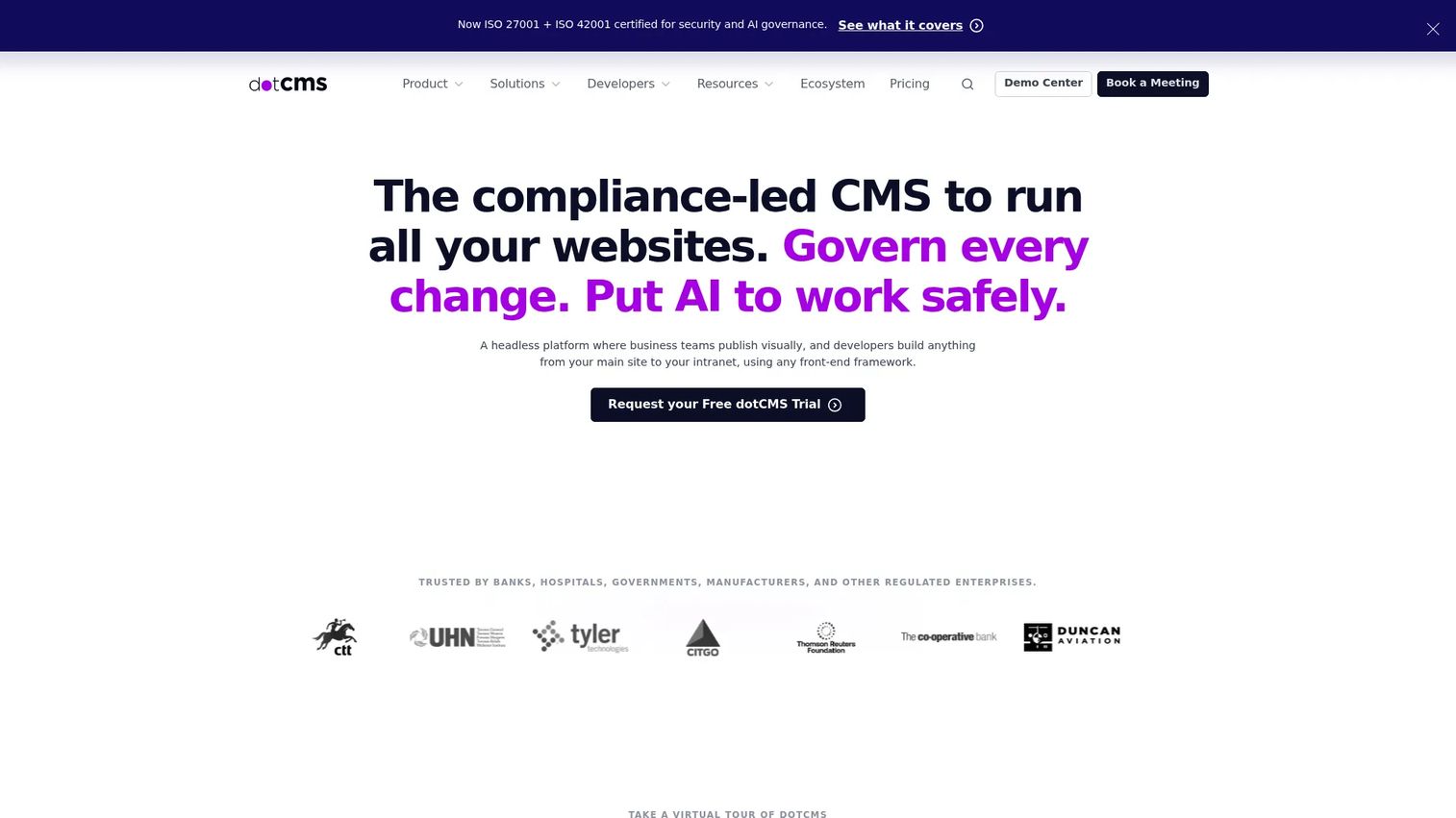
dotCMS is a hybrid headless platform with Java roots. It combines visual page building with REST and GraphQL content delivery.
Teams can manage several sites or brands using reusable content models. Governance capabilities include granular permissions, audit trails, approval workflows, and version history.
Best for: Compliance focused organizations balancing headless delivery with visual editorial control.
Key features
- Universal Visual Editor
- REST and GraphQL APIs
- Multisite reusable content models
- Granular permissions and auditing
- Personalization and content testing
Why choose dotCMS: dotCMS fits teams that want structured APIs without removing the page context editors rely on. It also supports content governance across complex organizations.
The hybrid model can reduce friction between product engineering and marketing. Both groups can work through the interface that matches their responsibilities.
During evaluation, test preview behavior against your front end framework. Include personalization and rollback if these affect activation experiments.
dotCMS pricing: Qualifying companies under $5 million in revenue can use its free BSL option. Paid Starter, Professional, Business, and Enterprise plans use custom pricing.
G2 rating: 4.1/5
11. Alfresco
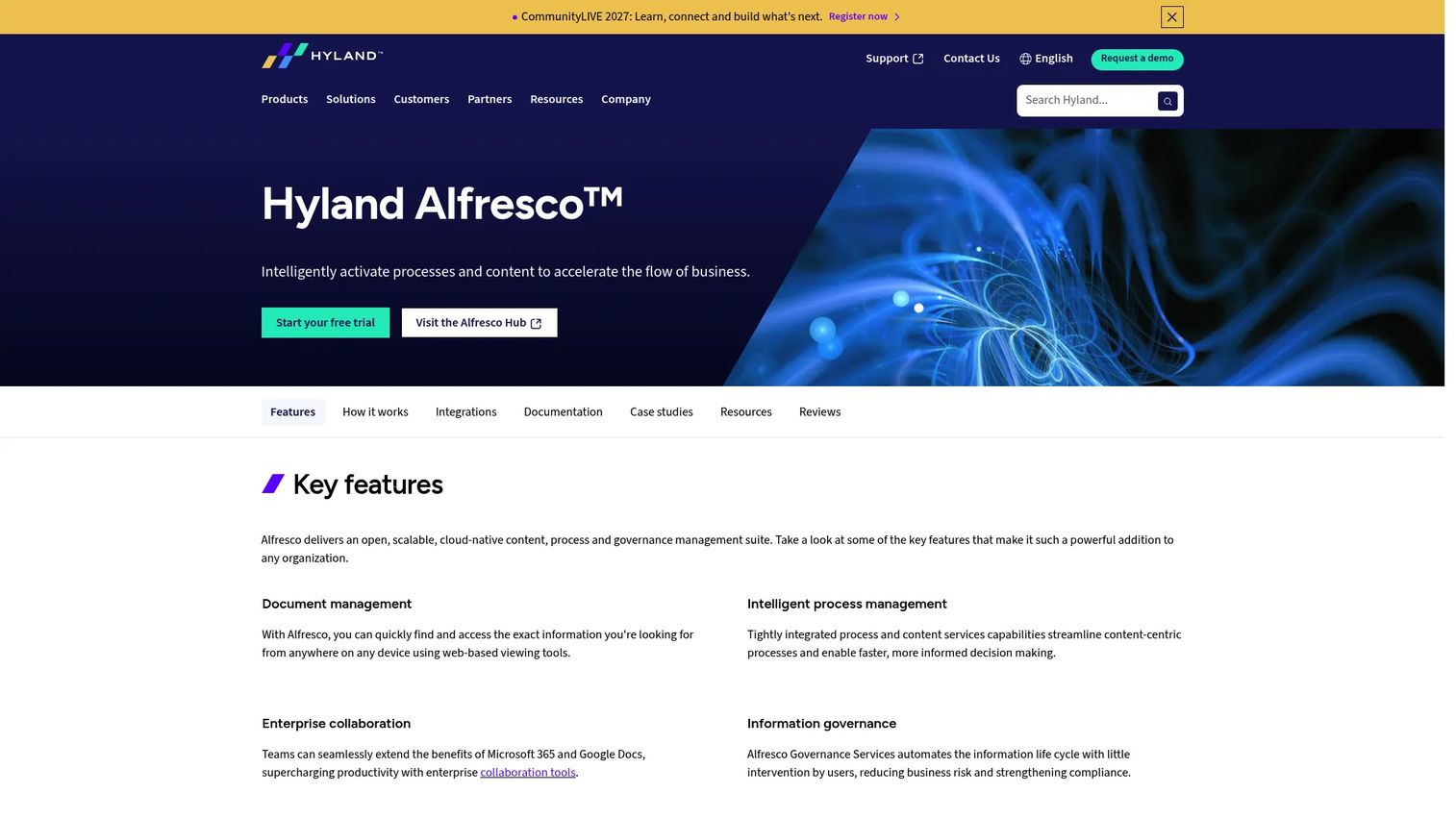
Alfresco is an enterprise content management suite covering content, process, and governance. It is better aligned with document operations than conventional website publishing.
The product supports document management and business processes. Information governance and open APIs extend its role across enterprise repositories.
Best for: Organizations managing document heavy processes, controlled records, and enterprise collaboration.
Key features
- Enterprise document management
- Intelligent process management
- Information governance controls
- Enterprise collaboration tools
- Open standards and APIs
Why choose Alfresco: Choose Alfresco when document governance drives the project. It belongs in this Java CMS comparison because its content repository can support Java centered enterprise architectures.
Teams primarily publishing marketing pages may prefer a web CMS. Alfresco addresses a broader repository and process problem.
Product managers should map the exact document lifecycle before evaluation. Include permissions, approval, retention, and integration with a business process.
Alfresco pricing: Custom pricing.
G2 rating: 3.8/5
12. Apache Sling
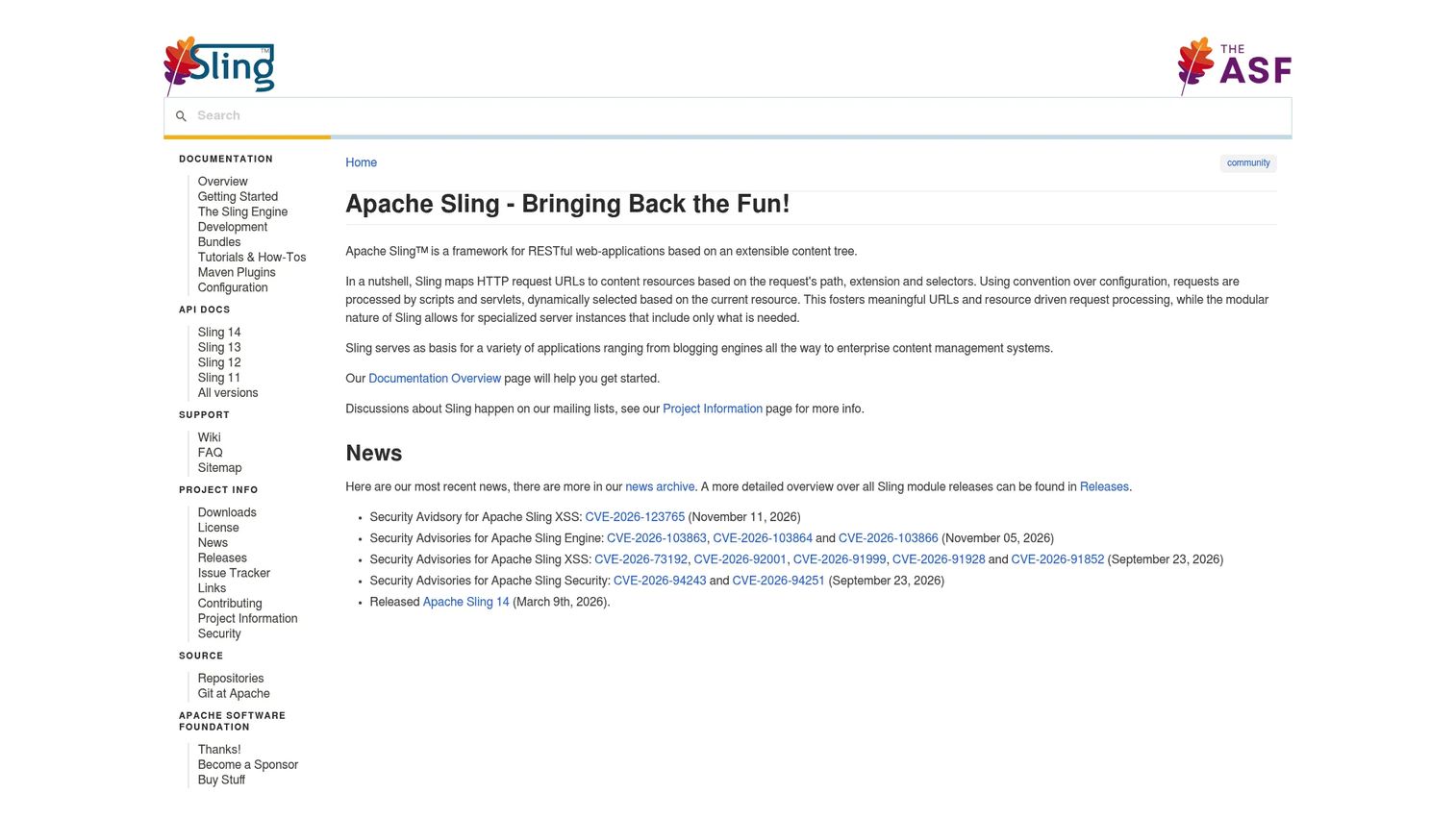
Apache Sling is an open source RESTful web framework. It maps requests to resources in an extensible content tree and works with Java Content Repository implementations.
Sling uses an OSGi powered modular runtime. Developers can handle requests through servlets or scripts while treating content as the central resource.
Best for: Engineering teams building custom modular content applications on Java.
Key features
- REST based request processing
- Java Content Repository resources
- OSGi modular runtime
- Servlet and scripting support
- Resource oriented URL handling
Why choose Apache Sling: Sling fits organizations that want a technical foundation rather than a packaged editorial CMS. Engineering controls how authoring and delivery are assembled.
This freedom creates substantial implementation responsibility. PMs should budget for editor tooling, infrastructure, governance, and long term maintenance.
Define the minimum editorial experience before choosing a framework. Otherwise, foundational work can consume roadmap capacity intended for customer value.
Apache Sling pricing: Apache Sling is open source. Implementation, hosting, maintenance, and support determine total cost.
G2 rating: 4.3/5
13. Flectra
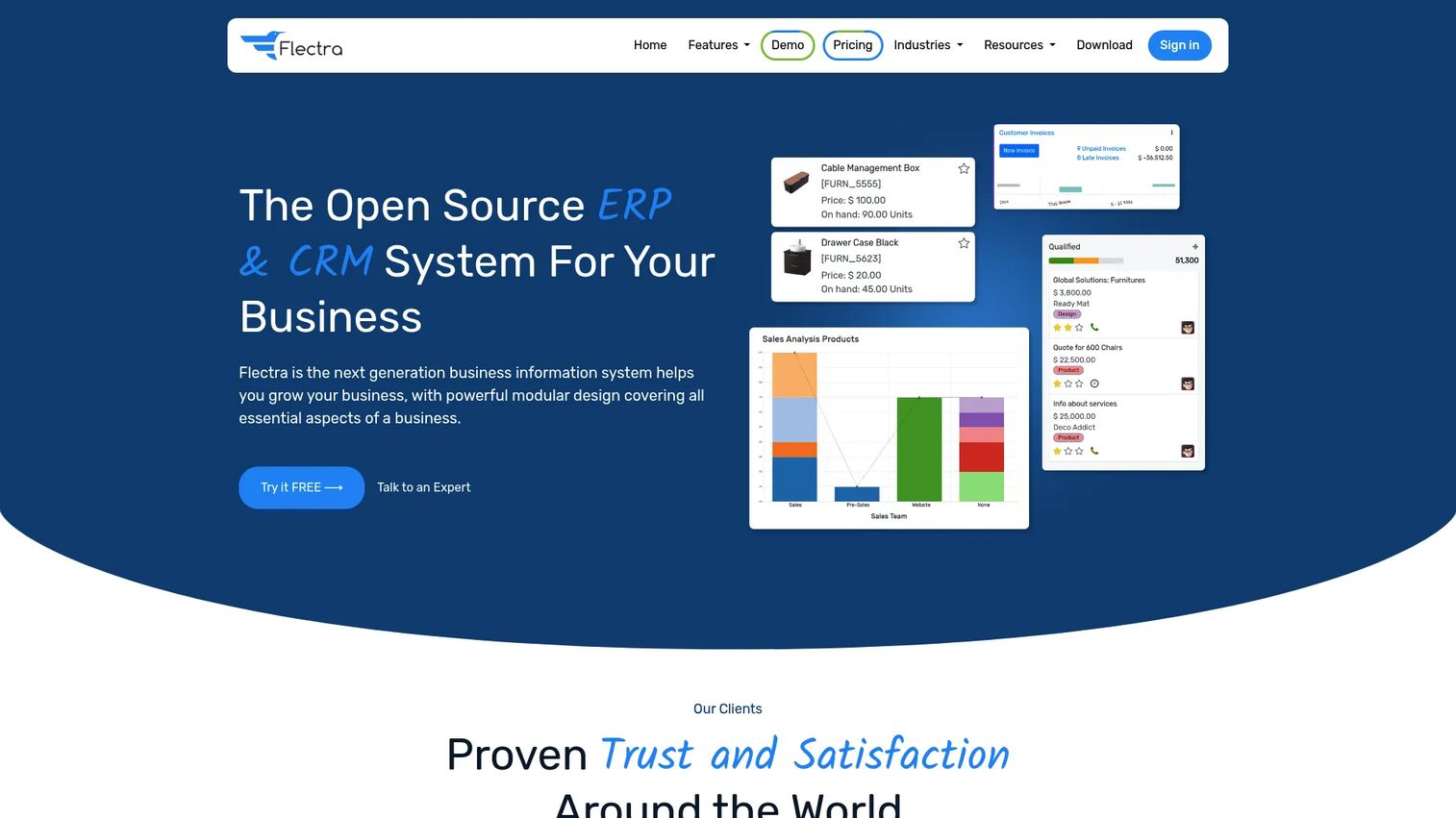
Flectra is an open source ERP and CRM platform with website and ecommerce capabilities. It is broader business software rather than a pure Java CMS.
Its modules cover sales, accounting, inventory, projects, marketing, and human resources. Website management sits inside this wider operational platform.
Best for: Businesses evaluating website management alongside ERP, CRM, or operational applications.
Key features
- Website and ecommerce management
- CRM and sales tools
- Accounting and invoicing
- Inventory and manufacturing
- No code Studio customization
Why choose Flectra: Flectra fits organizations seeking content tools within a broader application suite. It is a weak match when Java runtime alignment drives the CMS decision.
Product managers should validate the underlying technical architecture before treating it as a JVM CMS. Its inclusion reflects broad category comparisons rather than confirmed Java native positioning.
Evaluate the website workflow in context. Check whether combining business applications reduces system sprawl or introduces unwanted coupling.
Flectra pricing: Its configurable pricing page shows a default starting total of $0. Hosting choice, country, and user count change the quote.
G2 rating: 4.4/5
14. Sling CMS
Sling CMS refers here to content management built around the Apache Sling framework. The supplied product source maps to the same open source project as Apache Sling.
Its capabilities therefore center on RESTful request handling and JCR based content resources. OSGi provides modularity, while scripts or servlets handle application behavior.
Best for: Technical teams assessing a Sling based approach to custom content management.
Key features
- RESTful content resource processing
- JCR based content management
- OSGi powered modular runtime
- Script and servlet handling
- Extensible resource resolution
Why choose Sling CMS: Treat this as a technical architecture option rather than a separate ready made editorial platform. Teams must validate which CMS implementation they intend to deploy.
Production suitability depends on the components layered over Sling. Editor experience, workflow, governance, and support need their own evaluation.
Keep this entry distinct from the framework only if a specific implementation exists in your shortlist. Otherwise, consolidate the technical assessment under Apache Sling.
Sling CMS pricing: The referenced Apache Sling project is open source and has no paid plans. Operating costs come from implementation and maintenance.
G2 rating: 4.3/5
15. nCMS
The supplied nCMS homepage currently resolves to a domain sale page. Research did not identify a matching, active software product at that address.
Other products use similar names, but their domains do not match the supplied listing. Features from those unrelated services cannot support this entry.
Best for: Historical market mapping rather than an active procurement shortlist.
Key features
- Current product capabilities unverified
- Matching vendor documentation unavailable
- Active product homepage unavailable
- Current support status unverified
Why choose nCMS: Do not advance nCMS into procurement until the legal vendor and active product are identified. A directory mention alone does not establish production viability.
For a PM, the immediate risk is ownership ambiguity. You need documentation, release history, security contacts, and support terms before involving engineering.
This entry remains in the market scan because it appears in the provided Java CMS longlist. It should not enter a proof of concept without stronger evidence.
Confirm the exact vendor name before requesting architecture information. Similar product names can lead teams toward unrelated software.
16. Expressroom
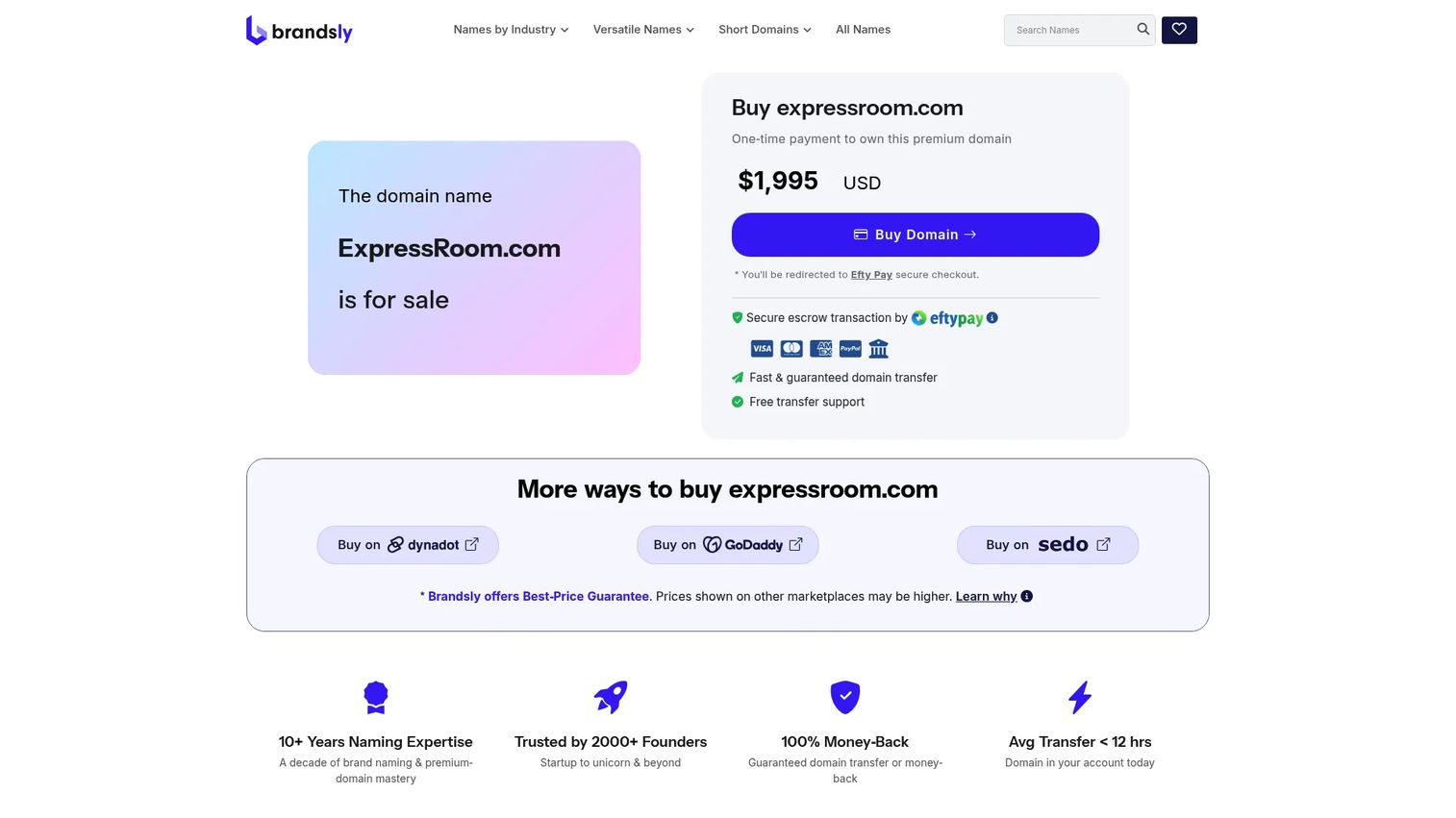
Expressroom is described in current directory information as a Java and XML based CMS for large enterprise websites. Its supplied homepage now redirects to a parked domain.
No accessible first party product pages were found during research. Third party feature descriptions were therefore excluded.
Best for: Historical Java CMS research and migration discovery.
Key features
- Java and XML based positioning
- Enterprise website focus
- Current feature documentation unavailable
- Active vendor support unverified
Why choose Expressroom: Expressroom should remain a longlist entry until active ownership and support are established. It does not currently offer enough source material for confident procurement.
A team inheriting an Expressroom implementation may still need migration research. In that case, start by identifying the installed version and available source code.
Product managers should also map content dependencies before replacement planning. Templates, integrations, and publishing workflows often carry more migration risk than raw entry counts.
Do not assume an archived CMS can be maintained cheaply. Specialist availability and unsupported dependencies can increase opportunity cost.
Expressroom pricing: Unavailable.
17. Nora CMS
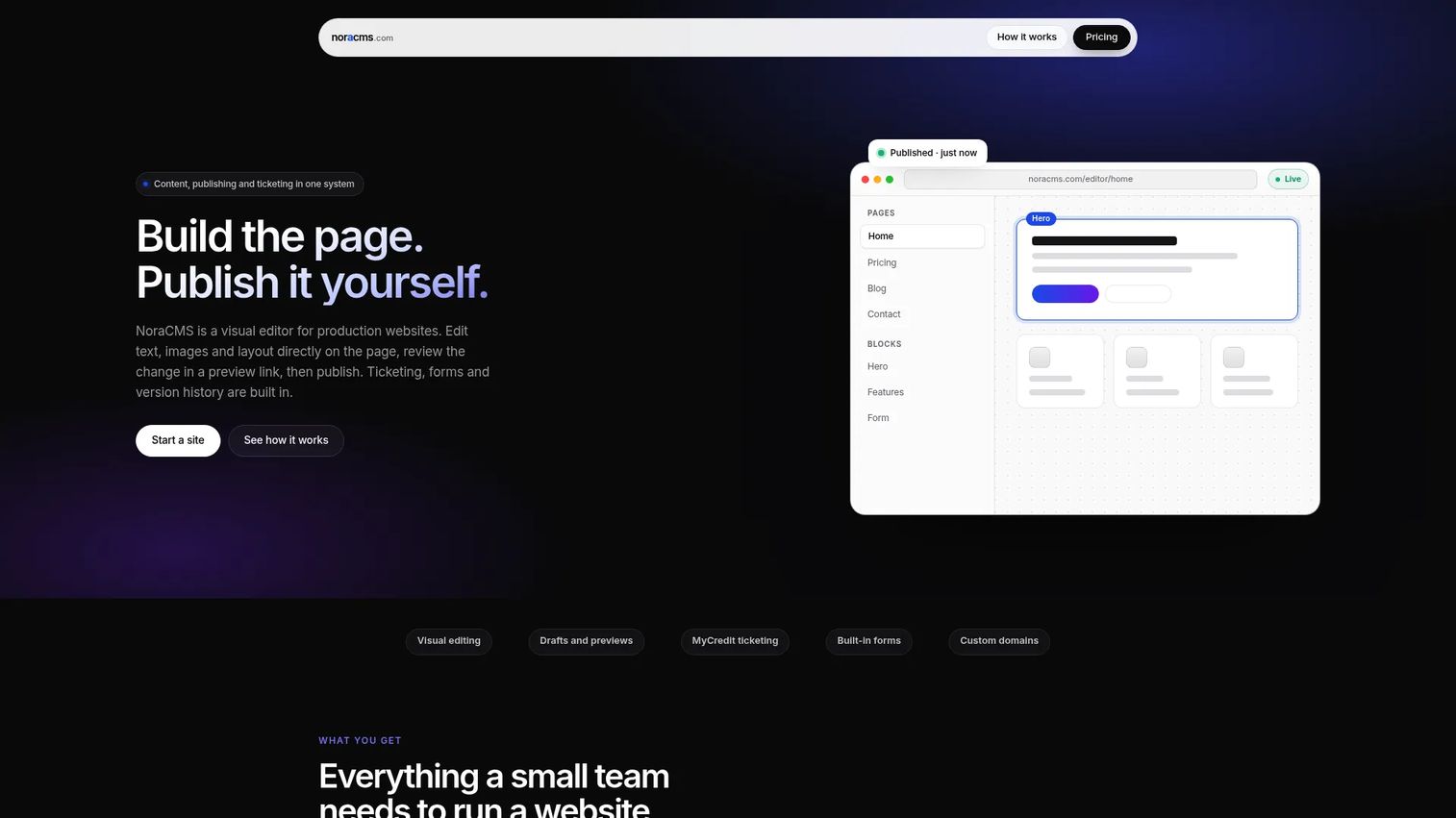
The supplied Nora CMS website could not be read during research. No verifiable first party feature or pricing information was available.
A current matching product listing was also unavailable on major software review sources. Its production status therefore remains unclear.
Best for: Broad market discovery before vendor identity and availability are established.
Key features
- Current capabilities unverified
- Pricing information unavailable
- Product documentation inaccessible
- Review presence unavailable
Why choose Nora CMS: Nora CMS should not progress beyond initial discovery without first party documentation. Procurement requires an identifiable vendor and a current support model.
Before involving engineering, request architecture details and deployment requirements. Also ask for security updates, release cadence, and customer references.
This cautious approach protects roadmap capacity. A niche CMS can be viable, but the evidence must come before a proof of concept.
The current information does not support claims about Java architecture or authoring capabilities. Treat directory classification as a lead for research, not technical proof.
Considerations when choosing a Java CMS
Java native versus Java friendly
Decide what “Java” means for your architecture. You may need a Java runtime, Java extension points, or simply APIs that a Java service can consume.
This distinction can remove several unsuitable products before deeper evaluation.
Headless delivery and editorial usability
A headless Java CMS can fit engineering architecture while creating friction for editors. Test preview, localization, approval, and rollback using your own content.
Include both technical and editorial users in the proof of concept.
Deployment and ownership
Map who owns uptime, upgrades, patches, scaling, and incident response. SaaS shifts much of that responsibility to the vendor.
Self hosted software gives greater operational control while adding maintenance work to your organization.
Integration depth
List required integrations before vendor sessions. Include identity, search, analytics, commerce, localization, internal product systems, and any digital asset repository.
Test one difficult integration rather than several easy examples.
Maintenance across the release cycle
A CMS decision lasts beyond launch. Ask how schema changes affect existing content and whether editors can update material after interface releases.
Review migration paths, version history, and governance changes. These details determine whether the platform supports your roadmap or competes with it.
Conclusion
The best Java CMS platform depends on the constraint driving your search.
Contentstack fits composable enterprise teams seeking hosted API first delivery. Enonic offers strong alignment for Java and JVM development teams. Crafter CMS stands out where Git based content operations matter.
Bloomreach connects commerce with personalization. Magnolia and dotCMS combine visual authoring with headless delivery for enterprise environments.
OpenCMS, OpenWGA, Ametys Platform, and Apache Sling deserve consideration when open source or self hosted deployment matters. Each brings a different level of implementation responsibility.
Shortlist three to five platforms using four filters:
- Required deployment model
- Editorial and localization workflow
- Integration architecture
- Long term engineering ownership
Run a proof of concept with one product content workflow and one API delivery path. Add a localized variant and a rollback test.
The result should show whether the CMS reduces engineering interrupts without weakening governance. That operational evidence matters more than the longest feature list.
FAQs
There is no single best option for every architecture. Contentstack fits composable SaaS delivery, while Enonic and Magnolia offer closer Java alignment.
Crafter CMS suits Git based workflows. Bloomreach fits commerce personalization, while dotCMS combines visual editing with headless APIs.
No. Java describes the technology stack or architectural fit. Headless describes a delivery model where content reaches front ends through APIs.
A Java CMS can be traditional, headless, or hybrid. An API first CMS can also serve Java applications without running on Java.
Current open source options in this list include Crafter CMS Community, OpenWGA Community, Ametys Platform, OpenCMS, and Apache Sling.
Licenses and commercial support differ. Review current terms before choosing an open source Java CMS for production.
Choose Java native when runtime control or deep platform extensibility drives the architecture. It also suits teams with established JVM operations and specialist expertise.
Choose an API first CMS when structured content delivery matters more than the vendor’s implementation language. This option can reduce infrastructure ownership.
Test content modeling, preview accuracy, approval workflows, permissions, localization, API delivery, and rollback. Include publishing speed, search integration, and analytics handoff.
Use a workflow tied to activation or onboarding. A generic homepage test rarely exposes the operational issues that appear after launch.
Yes, especially for legacy migration or existing self hosted environments. They can also fit organizations with established expertise and specific integration requirements.
Verify release activity, security updates, documentation, and support before procurement. Maintenance risk can outweigh license savings.
A headless or hybrid CMS stores content in structured models. APIs then deliver reusable entries to websites, applications, portals, and other interfaces.
This separation lets teams update content without rebuilding each channel. Governance and localization remain centralized while presentation stays channel specific.
A Java CMS usually focuses on content authoring and digital publishing. It may support websites, applications, portals, or personalized experiences.
Enterprise content management often emphasizes documents, records, business processes, and controlled repositories. Some platforms span both categories, but buyers should identify the primary job first.