Your launch video can be polished and still fail. Buyers skim, skip, or close the tab before your key message lands. According to Idomoo's 2025 research, 77% of consumers want interactive video from brands, yet only 30% have ever received one. That gap represents real pipeline walking away from passive content.
The fix is not always better production. Sometimes it is giving viewers something to do: A choice, a click, a path that fits their role. Interactive video software makes the content itself respond to the viewer. But there is a second decision many PMMs miss. Sometimes the buyer does not need to interact with a video. They need to experience the product. Those are different jobs, and conflating them costs you conversion.
This guide maps 15 interactive video tools to the jobs they actually do, so you can match the format to the goal instead of guessing.
What's inside
This guide compares 15 interactive video software options across branching, shoppable, training, personalization, and product exploration use cases.
- Tools selected on category fit, analytics depth, publishing flexibility, and pricing visibility
- One adjacent product demo alternative included, because PMMs often search for interactive video when they need product interaction instead
- A comparison table with verified pricing and G2 ratings
- A buyer's checklist organized around viewer action, not feature checklists
TL;DR
- Best overall interactive video platform: Vimeo, for teams that need hosting, distribution, marketing video, and broad interactive capabilities under one roof
- Best for enterprise video infrastructure: Brightcove, for large organizations with security, scale, and global streaming requirements
- Best for branching storytelling: Eko for campaign narratives and Stornaway for structured adaptive journeys
- Best for shoppable video: Spott for clickable media across formats and Smartzer for livestream commerce
- Best interactive demo alternative: Guideflow is not branching video software. It belongs here because PMMs often need a product-led interactive experience rather than another video layer. Choose it when the buyer needs to explore the product, not click inside a clip.
- Best for training and LMS: Kaltura or PlayPosit for quiz-driven learning; H5P when open-source flexibility matters more than a managed SaaS
What is interactive video software?
Interactive video software lets teams create videos where viewers can click, choose, answer, buy, or follow different paths inside the video experience itself.
The core capability set:
- Branching paths: Viewer choices determine which scene plays next
- Hotspots: Clickable regions on products, objects, or on-screen elements
- Overlays: Buttons, menus, text prompts, and contextual layers placed on video
- In-video quizzes and surveys: Questions for training, lead qualification, or engagement
- Forms and CTAs: Lead capture, booking links, and next-step prompts embedded in the player
- Shoppable elements: Product tags, add-to-cart flows, and commerce integrations
- Interactive video analytics: Clicks, path choices, completions, drop-offs, quiz scores, and viewer identity
- Publishing: Website embeds, landing pages, LMS integrations, ecommerce pages, and video hubs
Where the category boundary sits. Interactive video is the right format when the video is the main asset and the viewer action happens inside the player. An interactive demo is the right format when the product experience is the main asset and the viewer needs to click through real product flows. Product marketers should choose based on what the buyer must actually understand, not what format is trendiest.
Choosing the wrong format is a common mistake. A product tour video with hotspots pointing at UI screenshots is not the same as letting a buyer navigate the actual product. Knowing which job you are solving drives the tool decision.
When to use interactive video software
Turn a launch video into a guided choice
Product launches often have three or four audiences with different priorities. An admin wants the setup flow. An end user wants the daily workflow. A manager wants the reporting view. One linear video serves none of them well. Interactive video software lets each viewer select their path at the start, so the content that plays is actually relevant. This is where branching tools earn their place in a PMM's launch stack.
Qualify buyers inside the content
Forms, polls, and CTAs embedded in a video player generate intent signals before the sales conversation begins. A viewer who watches the pricing section, clicks "talk to sales," and skips the competitor comparison tells you something a simple view count cannot. These engagement signals help marketing and sales prioritize follow-up with more context.
Add interactive video for training and partner enablement
Customer education, partner certification, and internal sales enablement all benefit from videos that check comprehension rather than just stream it. Quiz scoring, completion tracking, and LMS grade passback turn a video into a measurable learning event. If your partner channel or customer success team runs structured training, this is where interactive video earns its keep.
Interactive video software comparison
The table below covers all 15 tools with verified pricing and G2 ratings. For tools without a current G2 listing, the rating cell shows N/A. Pricing reflects the starting price for self-serve plans where available; quote-only tools are noted.
| # | Product | Best for | Key use case | Pricing | G2 rating |
|---|---|---|---|---|---|
| 1 | Vimeo | Video marketing and hosting | Broad video platform with interactive and analytics features | From $12/seat/mo | 4.3/5 |
| 2 | Brightcove | Enterprise video infrastructure | Secure hosting, streaming, and monetization at scale | Contact sales | 4.1/5 |
| 3 | Eko | Branching campaign storytelling | Choice-based narrative experiences for campaigns | Contact sales | N/A |
| 4 | Spott | Shoppable and clickable media | Product hotspots on video, images, and ads | From €99/mo | 4.4/5 |
| 5 | Mindstamp | DIY interactive video | Buttons, hotspots, branching, and lead capture on any video | From $83/mo | 4.6/5 |
| 6 | Stornaway | Adaptive branching journeys | Story map authoring for training, marketing, and simulations | From $17/mo | N/A |
| 7 | Guideflow | Interactive product demos | Self-serve product exploration for B2B SaaS buyers | Free plan available | 5.0/5 |
| 8 | Kaltura | Enterprise learning and events | LMS-integrated video for education and corporate learning | Contact sales | 4.3/5 |
| 9 | Wistia | B2B video marketing | Branded video hosting with lead capture and analytics | From $79/mo | 4.6/5 |
| 10 | Vidyard | Sales video and buyer engagement | Personalized video for sales outreach and CRM workflows | Free; Starter $59/seat/mo | 4.5/5 |
| 11 | Idomoo | Personalized video at scale | Data-driven dynamic video for lifecycle campaigns | Custom pricing | 4.8/5 |
| 12 | Smartzer | Shoppable and livestream commerce | Clickable product video and live shopping for brands | From £89/mo | N/A |
| 13 | PlayPosit | Interactive learning video | In-video questions and LMS grade passback for educators | From $89/yr | N/A |
| 14 | H5P | Open-source learning content | Interactive video and quizzes in LMS environments | From $1,560/yr | 4.5/5 |
| 15 | Adventr | No-code branching video | Branching and voice-controlled interactive video campaigns | Contact for pricing | N/A |
Best 15 interactive video software tools for 2026
1. Vimeo
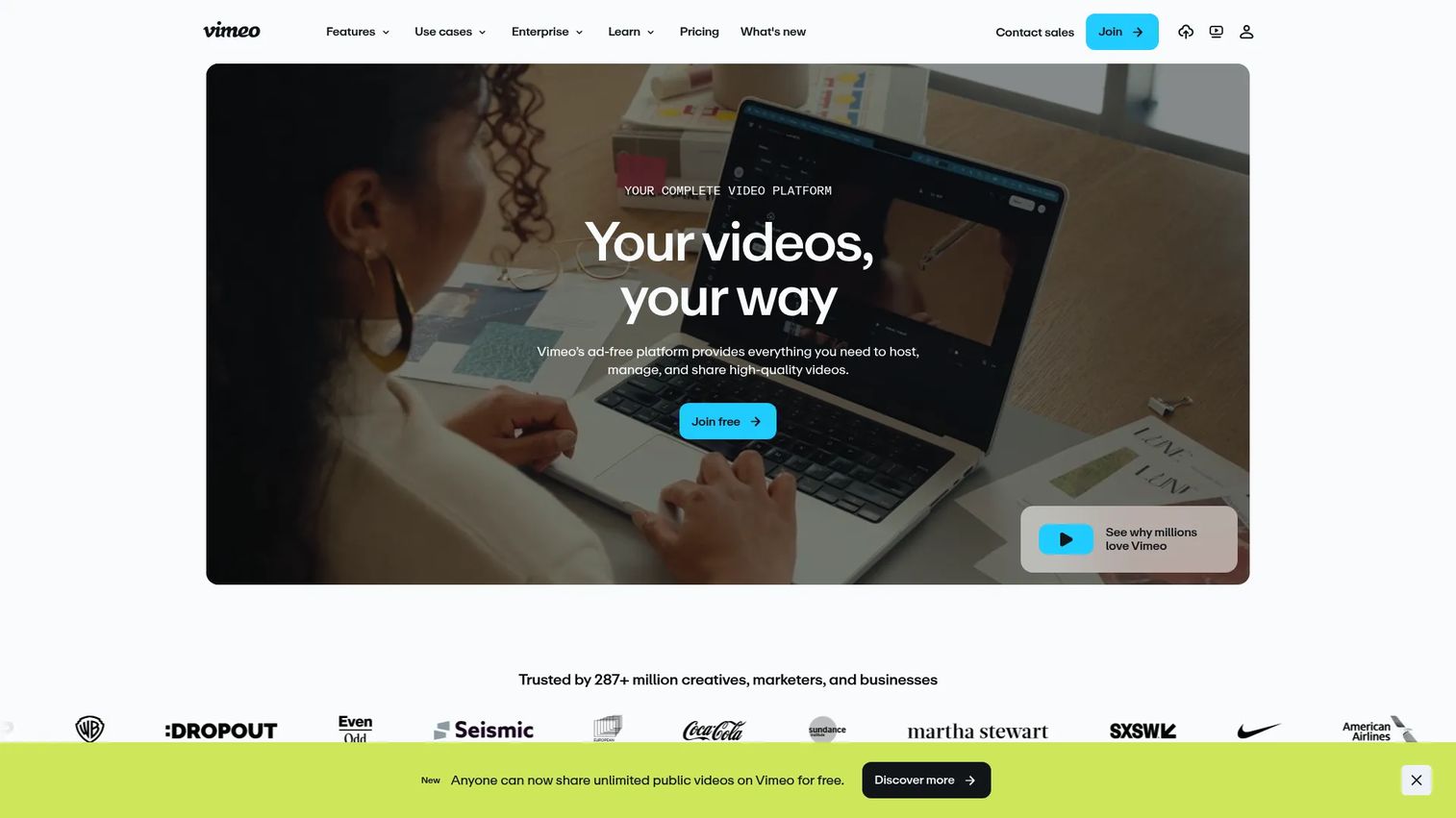
Vimeo is an all-in-one video platform covering hosting, creation, editing, live streaming, and distribution. It supports interactive overlays, lead capture tools, and video analytics, making it a practical choice for PMMs who need a single platform for video operations rather than separate tools for creation and interactivity. The ad-free player and privacy controls keep brand experiences clean.
Best for: Marketing teams that manage a large volume of video assets and need hosting, analytics, and interactive features without stitching multiple products together.
Key features
- Video hosting with ad-free 4K playback
- Screen recording and AI-assisted editing
- Live streaming and virtual events
- Lead capture forms and video analytics
- Collaboration, review, and approval workflows
Why choose Vimeo: Vimeo earns its place when the team already manages significant video volume and needs one platform that handles creation, hosting, and performance measurement. It is not a dedicated interactive video tool, but its breadth makes it the most practical starting point for most marketing teams.
Vimeo pricing: A free plan is available. Paid plans start at $12 per seat per month (Starter, billed monthly), with Standard at $25 and Advanced at $75 per seat per month. Enterprise pricing requires contacting sales.
G2 rating: 4.3/5
2. Brightcove
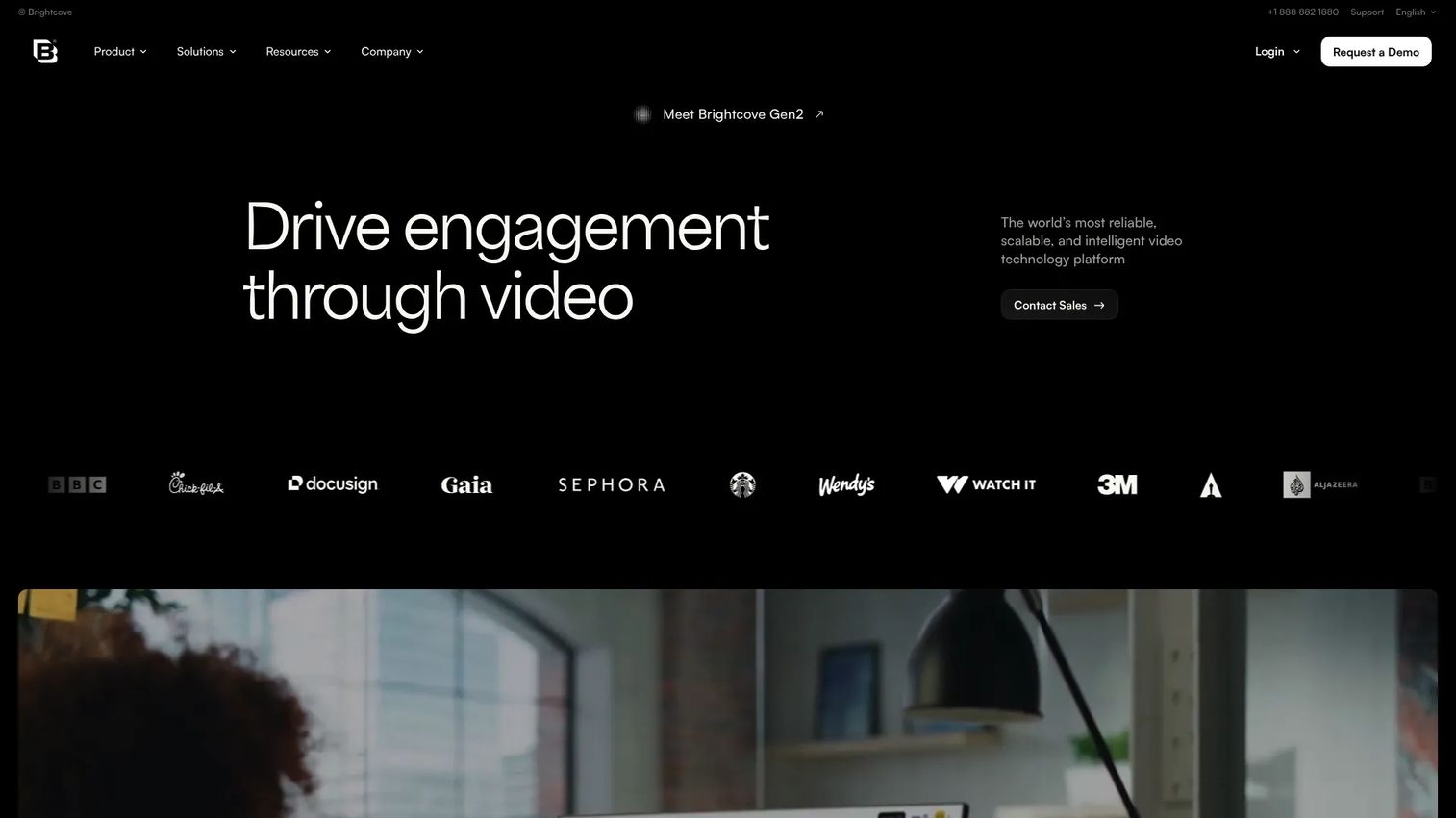
Brightcove is an enterprise video technology platform for hosting, publishing, streaming, analyzing, and monetizing video at scale. It serves marketing, internal communications, and media organizations with capabilities including live streaming, developer APIs, global delivery, and security controls. Brightcove publishes package names for Marketing Studio, Communications Studio, and Media Studio, but all pricing goes through a sales conversation.
Best for: Large organizations with dedicated video programs that require governance, security compliance, global streaming, and enterprise support structures.
Key features
- Enterprise video hosting and publishing
- Live streaming and virtual events
- Monetization and advertising support
- Developer APIs for custom integrations
- Security controls and global delivery
Why choose Brightcove: Choose Brightcove when video infrastructure is a core business requirement rather than a marketing utility. The platform suits corporate communications, media companies, and enterprise marketing teams that need scale and control rather than quick self-serve creation.
Brightcove pricing: All plans are quote-based. Pricing is determined by video volume, use case, support level, and enterprise requirements. Contact Brightcove sales for a proposal.
G2 rating: 4.1/5
3. Eko
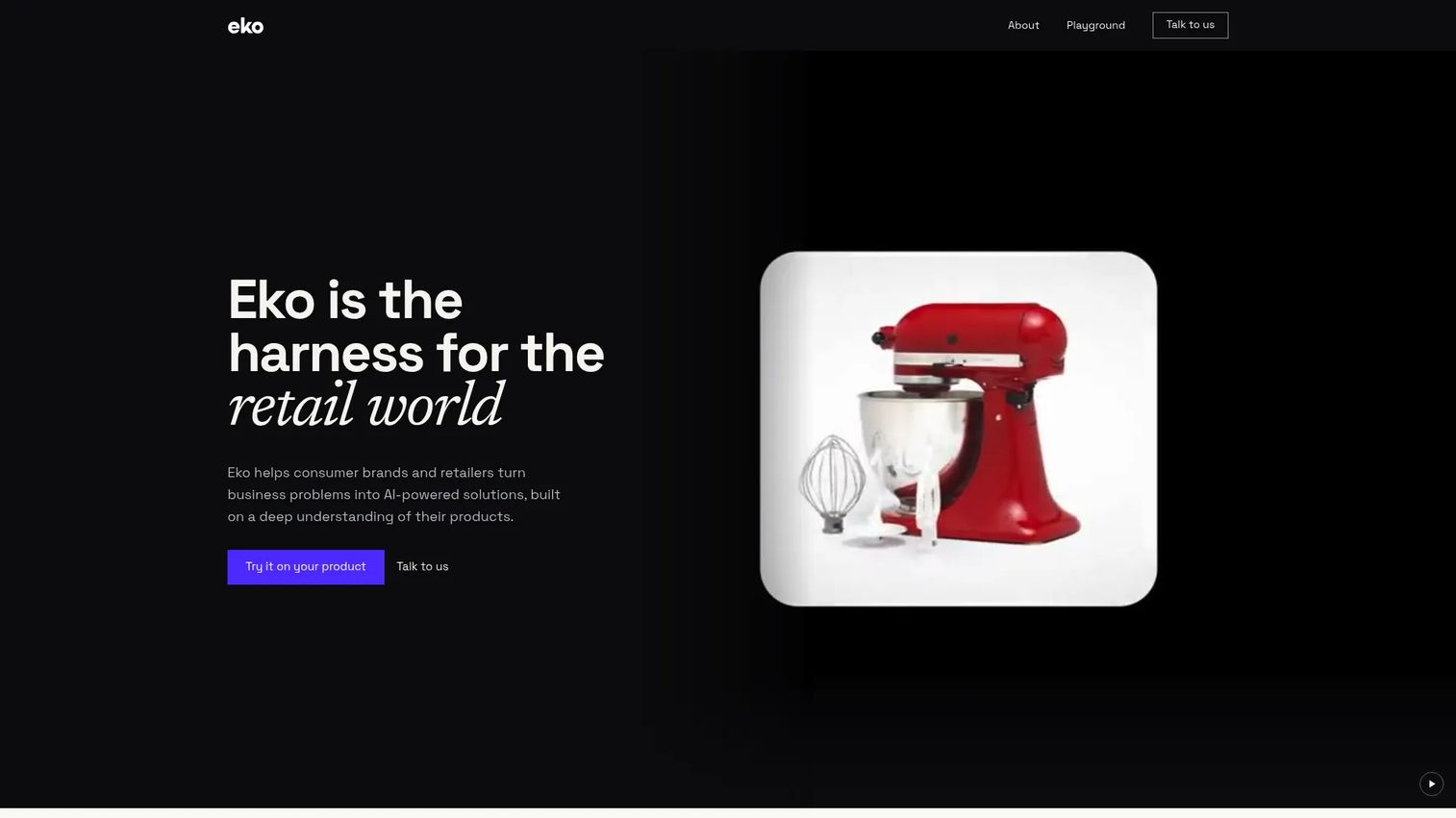
Eko specializes in viewer-driven interactive video experiences where choice is the core creative device. The platform supports branching narratives and choice-based storylines used in campaigns, branded entertainment, and experiential product education. Eko is production-oriented and suits teams with creative and technical resources to build polished narrative experiences.
Best for: Creative and brand marketing teams building campaign experiences where the viewer's story path is the primary engagement mechanic.
Key features
- Branching narratives with viewer choice logic
- Interactive story structure and scene management
- Campaign microsite experiences
- Engagement and path analytics
- Production support for branded content
Why choose Eko: Eko excels when the interactive story itself is the campaign. It is not a quick-add overlay tool. The platform is built around narrative depth, so it rewards teams with the production resources to match.
Eko pricing: Contact Eko directly for a proposal based on your campaign requirements.
4. Spott
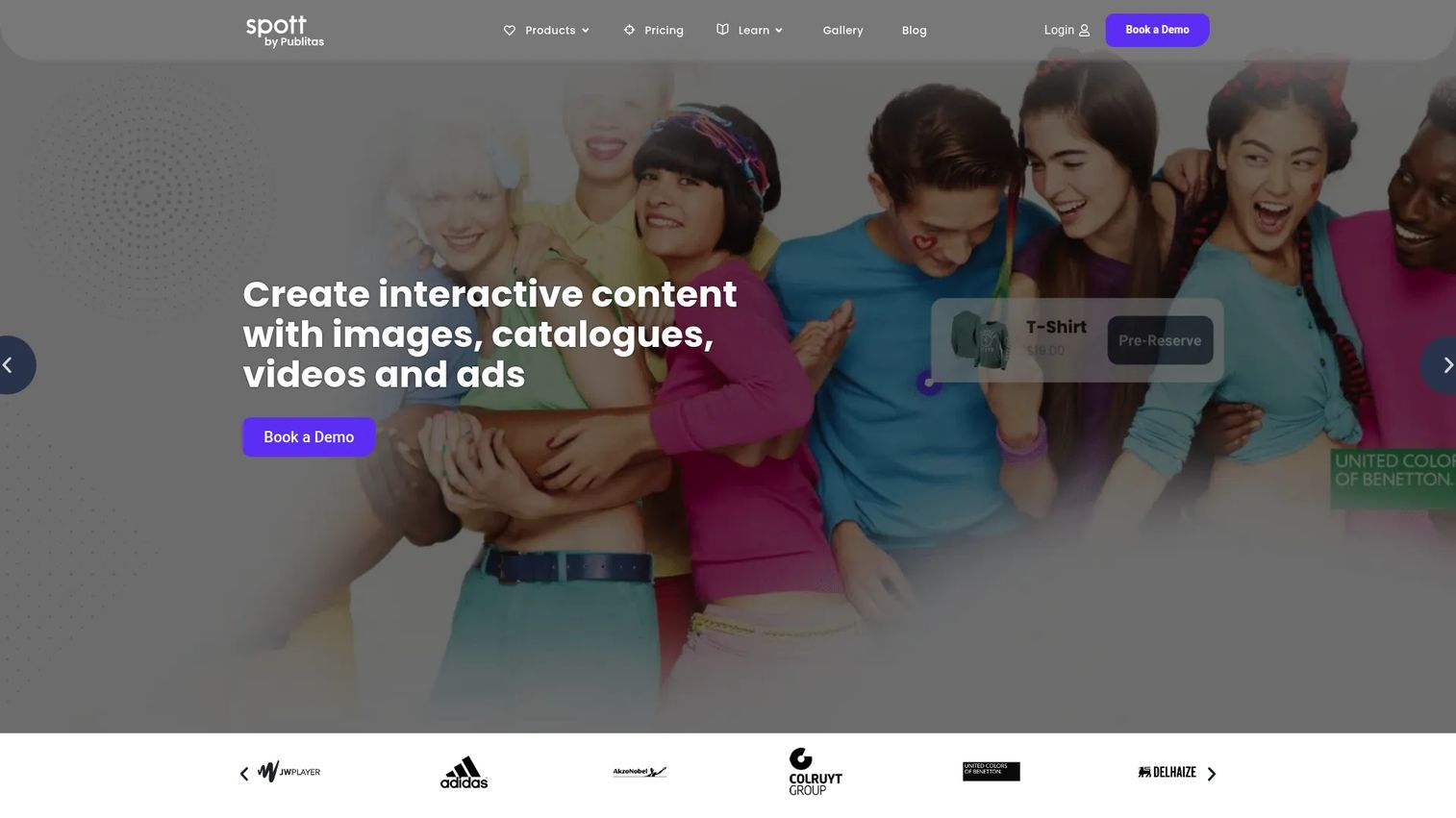
Spott is an interactive content platform that adds clickable, shoppable layers to videos, images, 360-degree media, and ads. PMMs use it to tag products directly in lifestyle content, link through to catalog pages, and track which media elements drive commerce activity. Multi-channel publishing across web, social, email, and ad platforms keeps distribution broad.
Best for: Ecommerce and product marketing teams that want to turn existing video and image assets into clickable, commerce-connected experiences.
Key features
- Product hotspots on video and images
- Shoppable overlays and commerce integrations
- Interactive ads and 360-degree media
- Multi-channel publishing with UTM tracking
- Real-time engagement dashboards
Why choose Spott: Spott suits teams whose main need is turning visual content into a purchase path. The 14-day free trial on paid plans makes it straightforward to test against your existing assets before committing.
Spott pricing: Essential starts at €99 per month (billed yearly) with a 14-day free trial. Professional is €499 per month (billed yearly). Enterprise is custom-priced.
G2 rating: 4.4/5
5. Mindstamp
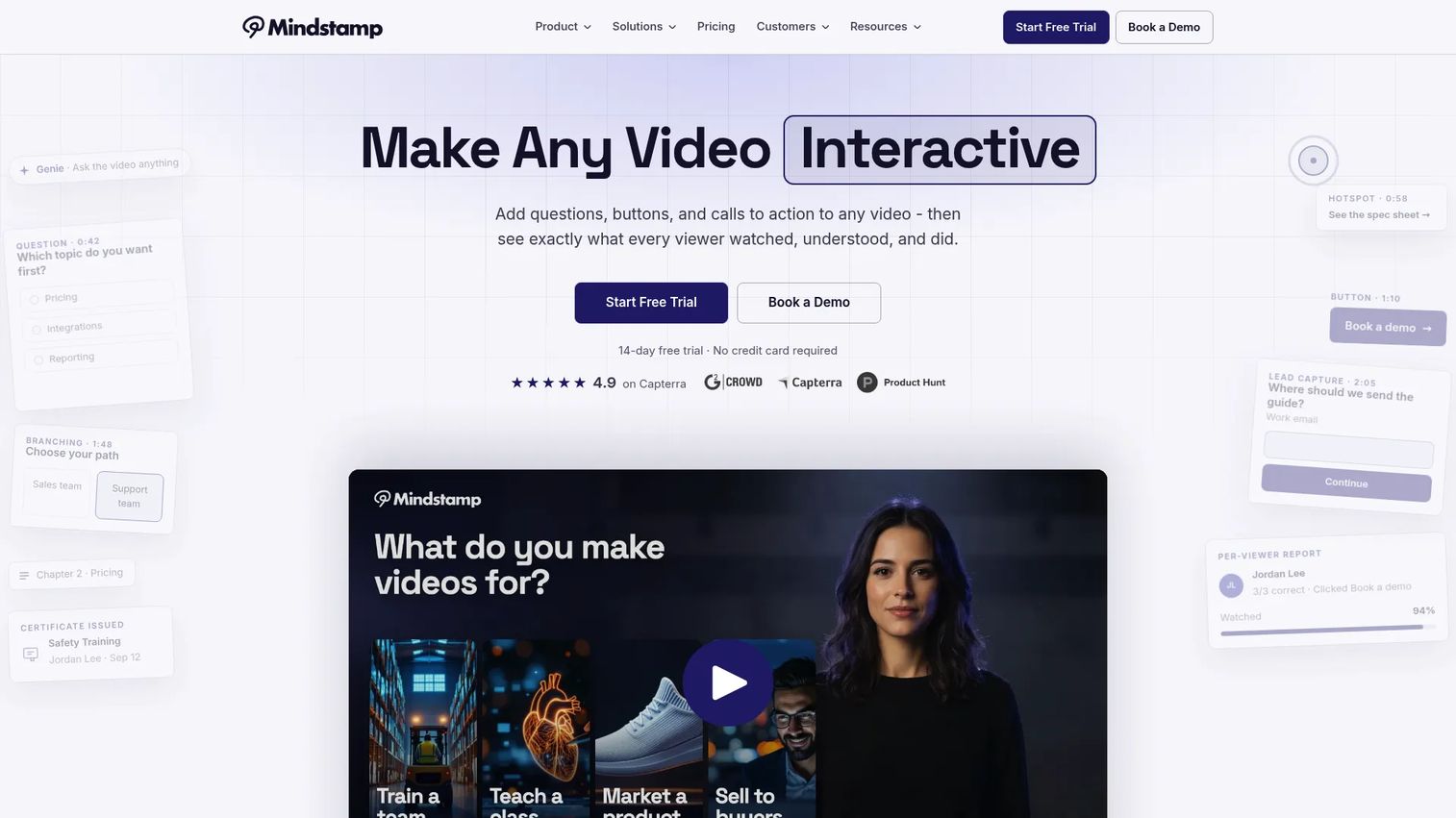
Mindstamp lets teams add questions, buttons, hotspots, branching paths, and lead capture to any existing video without rebuilding the production. Its Genie AI feature generates interactive elements automatically. Marketers, trainers, and educators use it to add accountability and engagement signals to video content that already exists in their library.
Best for: Teams that want to make existing video content interactive without reshooting or rebuilding, particularly for training, marketing demos, and product education.
Key features
- Clickable buttons, CTAs, and hotspots
- In-video questions and quiz branching
- Lead capture and video paywalls
- Personalization with dynamic variables
- Viewer analytics and reporting
Why choose Mindstamp: The strongest case for Mindstamp is speed of activation. If you have a video library and need interactivity layered on top quickly, Mindstamp handles that without requiring a new production workflow. All plans include a 14-day trial.
Mindstamp pricing: Plans start at $83 per month when billed annually (Basic). Core runs $250 per month, Pro $416 per month, and Scale $833 per month, all billed annually. Enterprise contracts start at $15,000 per year.
G2 rating: 4.6/5
6. Stornaway
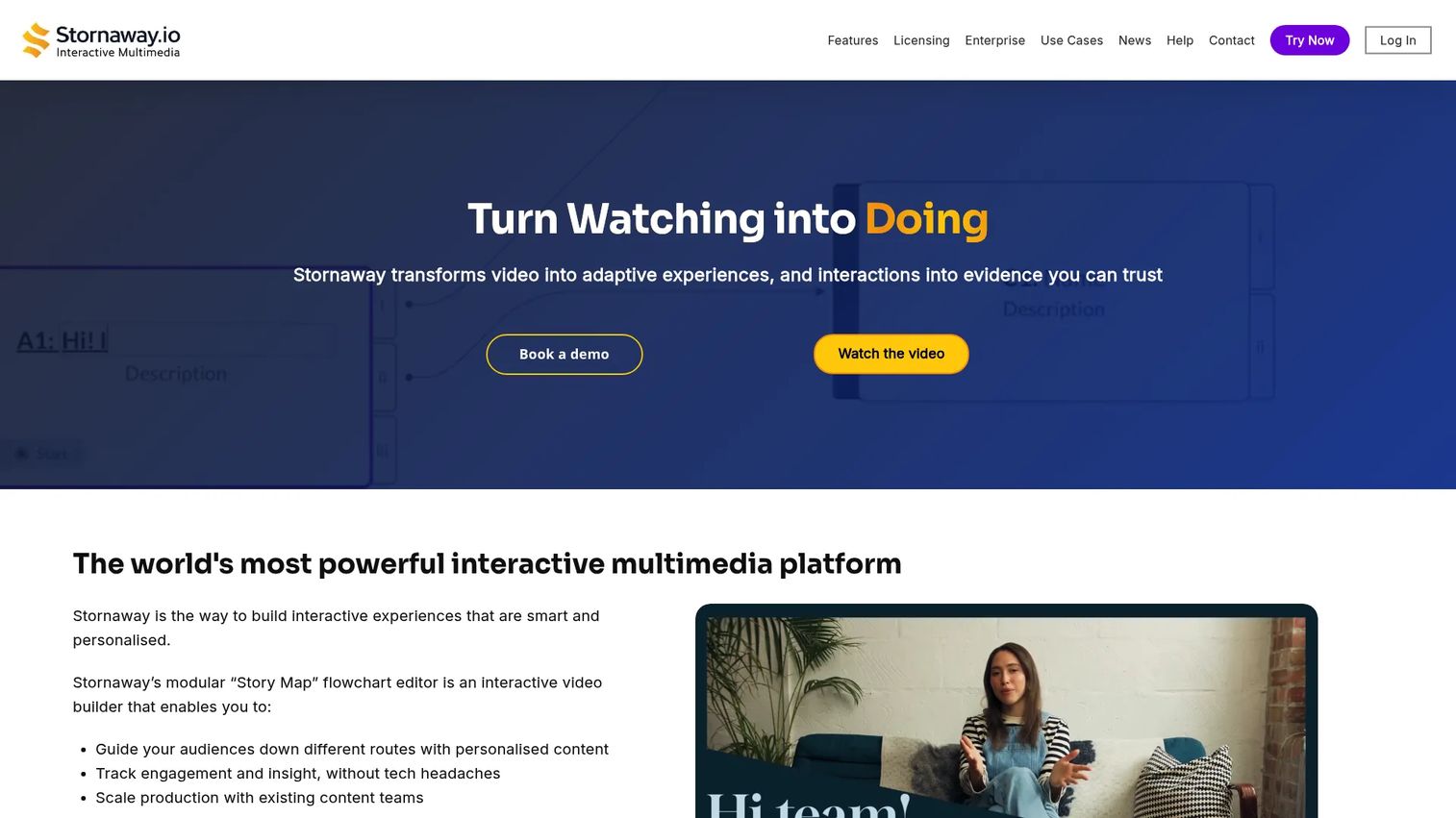
Stornaway is a no-code platform for building branching interactive video journeys using a drag-and-drop story map. Teams use it for training simulations, sales scenarios, customer education, and marketing experiences where the viewer's path shapes what they see next. It supports free-text inputs, quizzes, menus, and 360-degree video, with hosting and publishing built in.
Best for: Learning designers, PMMs, and content teams that need structured adaptive journeys with visual branching logic and quiz interactions.
Key features
- Visual story map for branching video logic
- No-code authoring with instant playtest preview
- Free-text inputs, quizzes, and menus
- 360-degree interactive video support
- Hosting, analytics, and multi-channel publishing
Why choose Stornaway: Stornaway's story map view makes complex branching logic manageable for non-technical creators. It suits PMMs building scenario-based product journeys or enablement content where path diversity is high.
Stornaway pricing: A 7-day free trial of the Editing plan is available. Editing starts at $17 per month (annual billing). Hosting starts at $82.50 per month, and Premium at $399 per month (both annual). Enterprise is custom-priced.
7. Guideflow
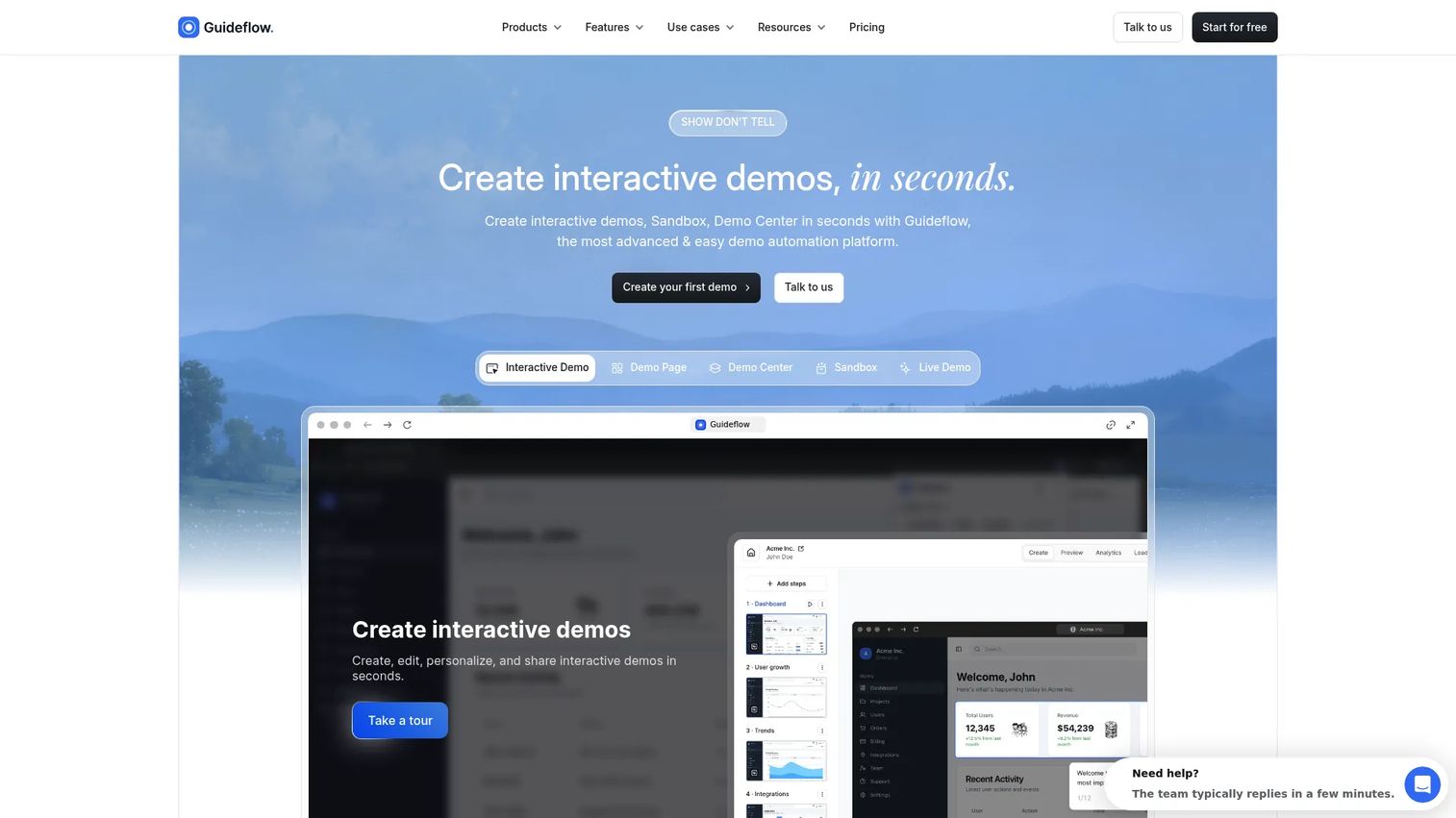
Guideflow is a demo automation platform, not a video tool. It does not provide video branching, video hotspots, or in-video quizzes. It belongs in this list because many PMMs searching for interactive video software are actually trying to solve a different problem: They need buyers to experience the product, not click inside a clip.
Guideflow lets teams create self-serve interactive demos, sandboxes, demo centers, live demos, and mobile demos. A PMM can capture a product flow in a few clicks, personalize it by persona or account, and distribute it across landing pages, emails, sales leave-behinds, onboarding flows, and partner portals. If the viewer needs to click inside a video, choose another tool in this list. If the viewer needs to experience the product itself, Guideflow is the better category fit.
PMMs use it when launch overload means there is no time to coordinate a live demo for every buyer, when sales leave-behinds need to show the product without requiring a rep to be present, and when buyer engagement analytics need to map to CRM-ready intent signals via integrations.
Best for: B2B SaaS PMMs who need buyers to experience the product without booking a call, creating an account, or sitting through another passive video.
Key features
- No-code demo capture via browser in minutes
- Product personalization by account, persona, or segment
- Demo center hubs for organized self-serve libraries
- Buyer engagement analytics with step-level tracking
- CRM and marketing automation integrations
Why choose Guideflow: When the product itself is the proof, a video overlay cannot do what a live product walkthrough can. Guideflow closes that gap for sales leave-behinds, website embeds, partner enablement, and product-led onboarding, all without engineering involvement.
Guideflow pricing: A free plan is available. Solo is $35 per month, Growth is $499 per month, and Advanced is $1,499 per month. Enterprise pricing requires contacting sales.
G2 rating: 5.0/5
Start your journey with Guideflow today!
8. Kaltura
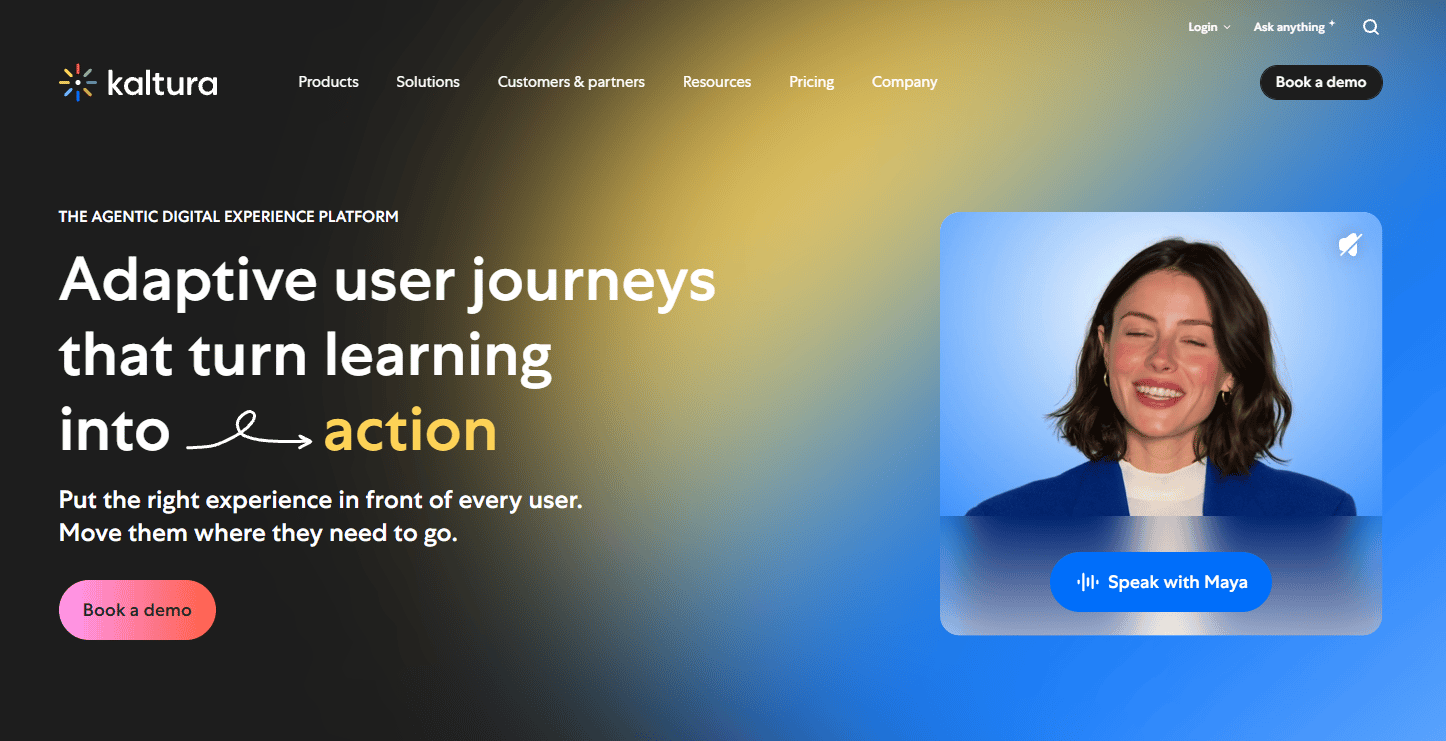
Kaltura is a video platform for enterprise learning, internal communications, live events, and media organizations. It supports video content management, LMS integrations, interactive quizzes, virtual classrooms, and API-driven customization. Universities, corporate learning teams, and large organizations run Kaltura as the backbone of their video infrastructure.
Best for: Enterprise organizations and educational institutions that need a full video management platform with LMS integration and event capabilities alongside interactive learning content.
Key features
- Video portal and content management
- LMS integrations and interactive quizzes
- Live streaming and virtual events
- API support for custom workflows
- Video analytics and reporting
Why choose Kaltura: Kaltura suits organizations where video is infrastructure rather than a campaign tool. If your team needs LMS grade passback, secure video portals, and enterprise governance, Kaltura covers more ground than most alternatives.
Kaltura pricing: All pricing is quote-based. The scale, feature set, and support level drive the final cost. Contact Kaltura sales directly.
G2 rating: 4.3/5
9. Wistia
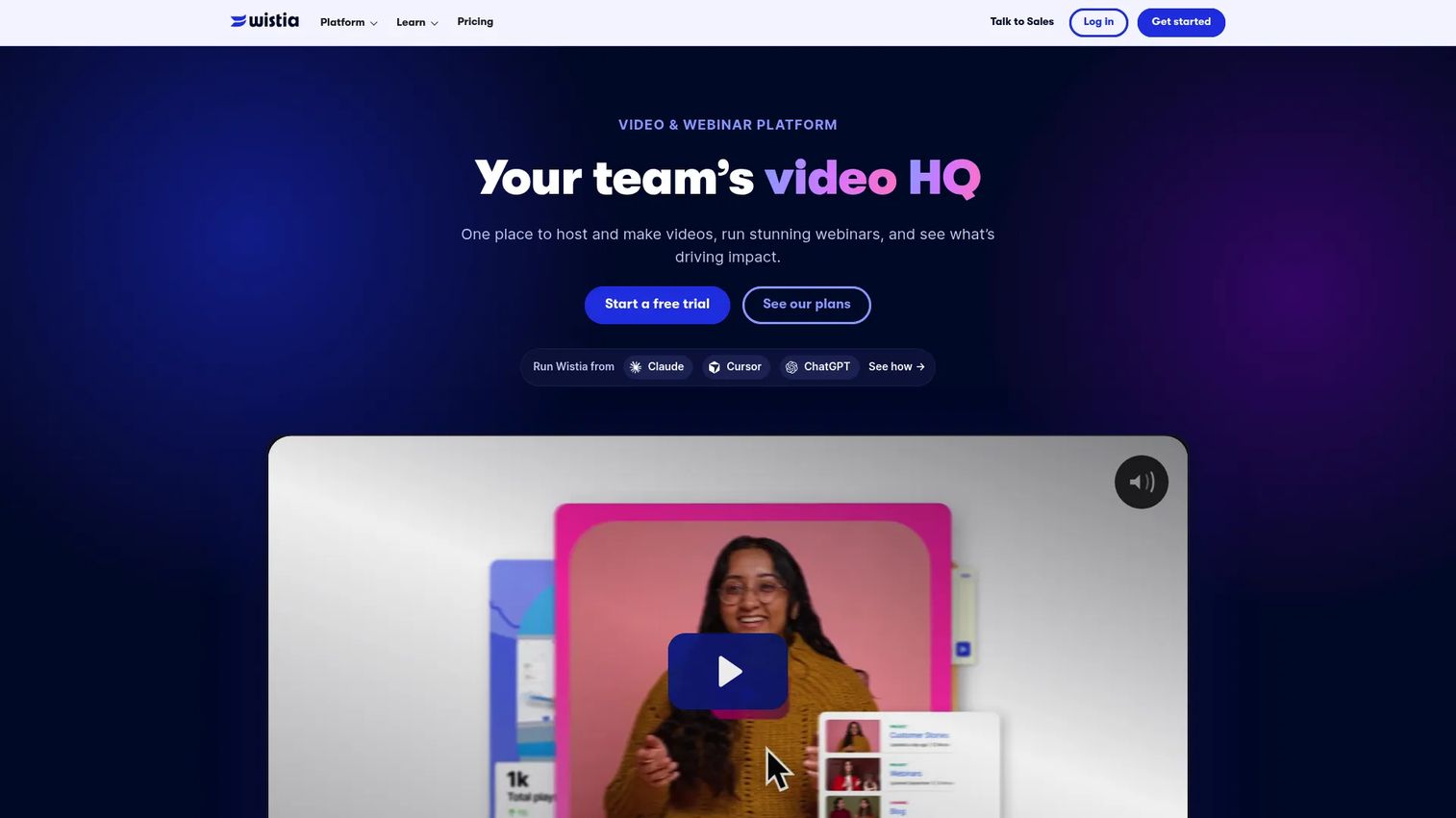
Wistia is a video marketing platform built for B2B teams. It combines branded hosting, AI-assisted video creation, lead capture forms (called Turnstile), engagement heatmaps, and marketing automation integrations. PMMs use it to publish polished brand-controlled video on websites and campaign pages, then connect viewer behavior to pipeline data.
Best for: Marketing teams that need branded B2B video with performance analytics, lead capture, and clean integration into marketing automation stacks.
Key features
- Ad-free customizable video player
- Turnstile lead capture and email gate
- Engagement heatmaps and analytics
- Collections, channels, and playlists
- Marketing automation and lead scoring integrations
Why choose Wistia: Wistia's analytics go deeper than view counts. Heatmaps show exactly where viewers rewatch or drop off, and that data connects to your marketing automation. For PMMs who need video to generate pipeline data, not just views, Wistia delivers.
Wistia pricing: A free plan includes 25 GB storage and one user. Business starts at $79 per month (billed annually). Business plus Signals, which adds marketing attribution, runs $329 per month (billed annually). Enterprise pricing is custom.
G2 rating: 4.6/5
10. Vidyard
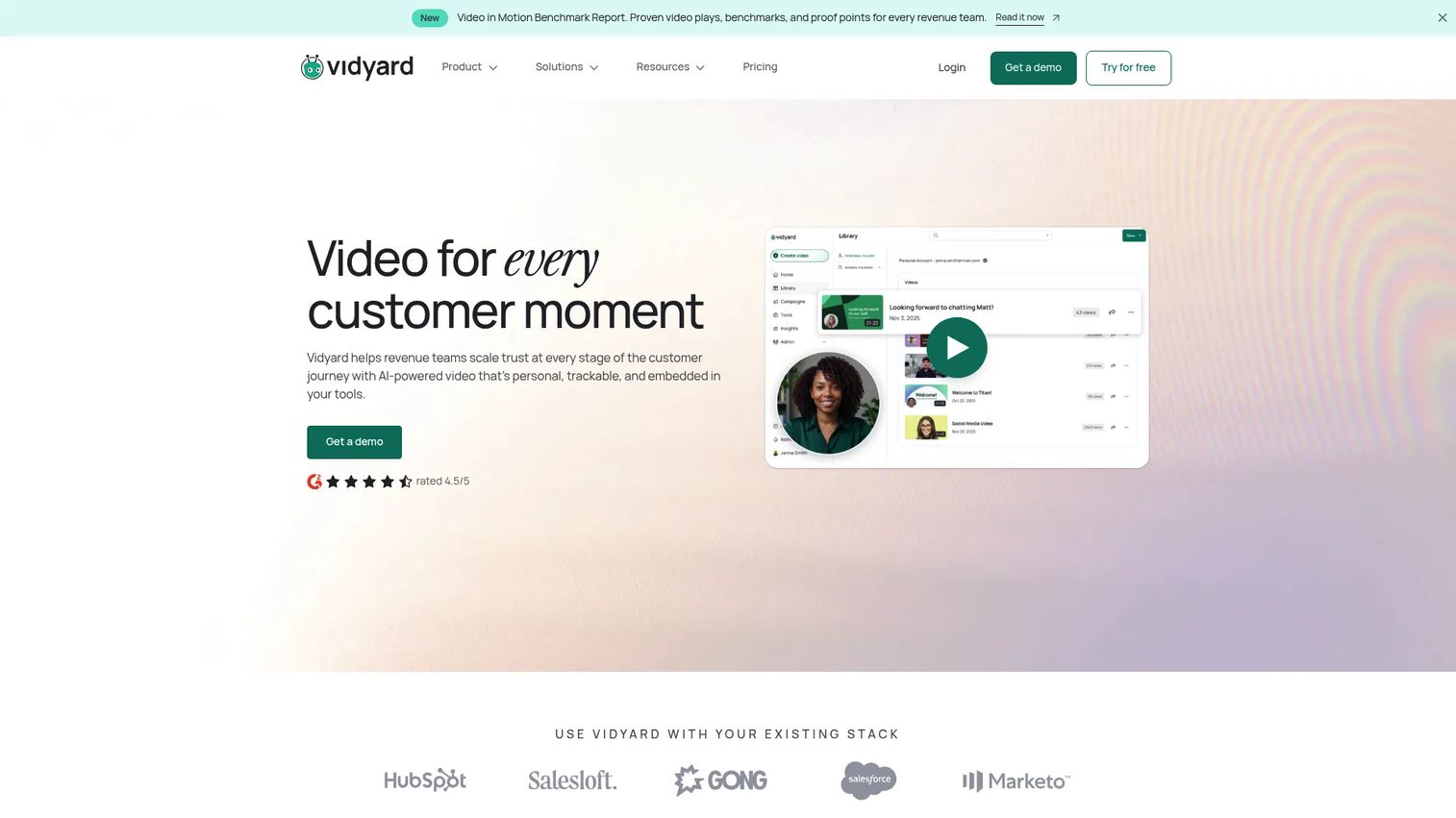
Vidyard is a video marketing and sales platform focused on personalized video for revenue teams. It supports screen and webcam recording, AI-powered Video Agent workflows, AI avatars, CRM integrations, and real-time viewer analytics. Sales teams use it for personalized outreach; PMMs use it for launch enablement assets and campaign follow-up content.
Best for: Revenue teams that need personalized video integrated into CRM and sales workflows, with viewer-level analytics that connect back to pipeline activity.
Key features
- Personalized video and AI avatars
- Screen and webcam recording
- Video sharing pages with CTAs
- Real-time viewer insights
- CRM and marketing automation integrations
Why choose Vidyard: Vidyard is at its strongest when video is part of a sales motion, not just a marketing broadcast. CRM integration means viewer behavior surfaces in deal records, which makes it genuinely useful for enablement-driven PMMs.
Vidyard pricing: A free tier includes limited video messaging and 15 AI videos. Starter is $59 per seat per month (billed annually). Teams and Enterprise are custom-priced.
G2 rating: 4.5/5
11. Idomoo
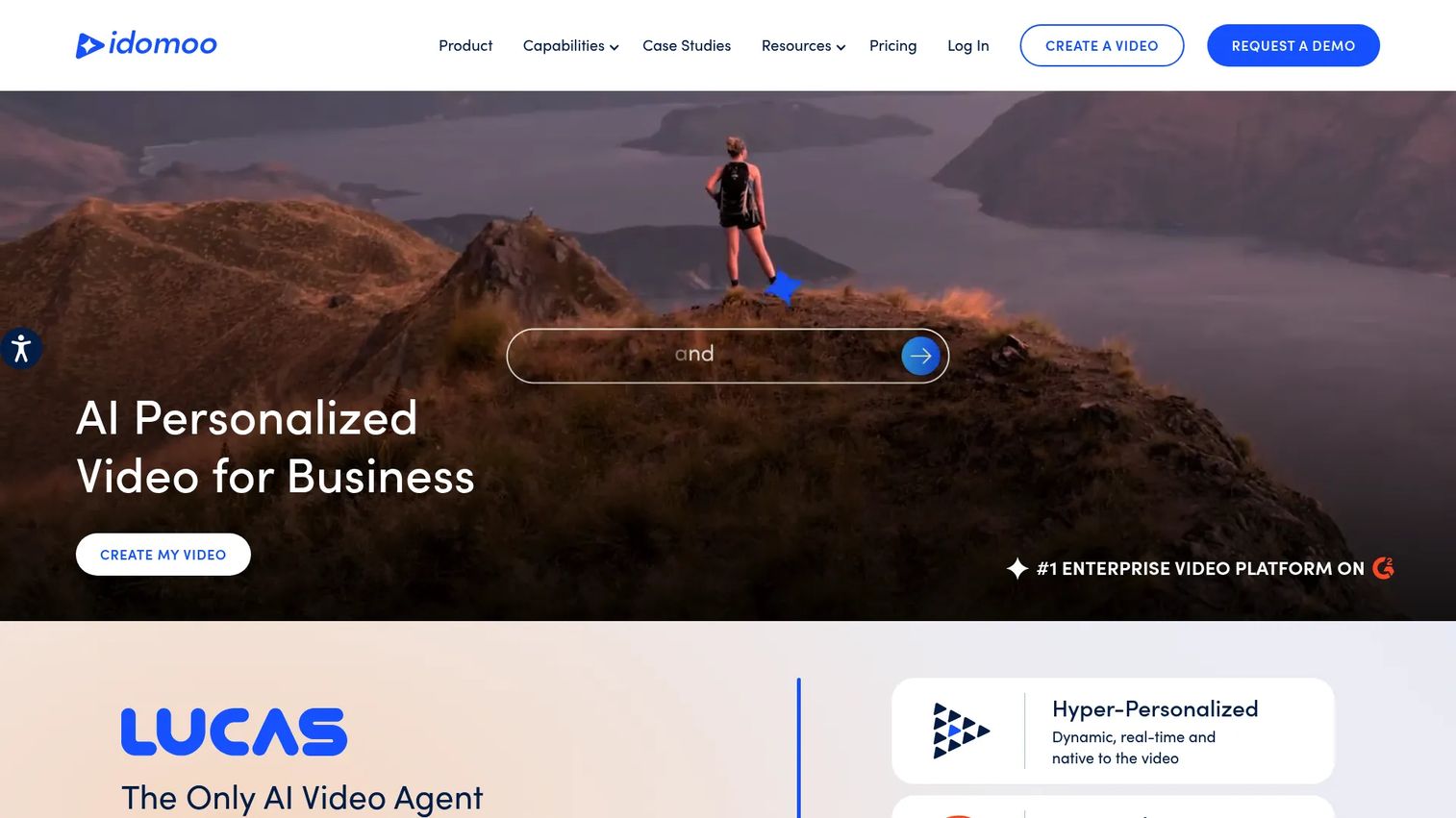
Idomoo generates personalized videos at scale by rendering customer-specific data into dynamic video scenes. Each viewer receives a video that includes their name, account data, usage metrics, or custom messaging. Use cases span lifecycle marketing, renewal campaigns, onboarding, and personalized product education. According to Idomoo's 2025 data, 77% of consumers are interested in receiving interactive videos from brands.
Best for: Enterprise marketing teams running one-to-many personalized video campaigns where the content changes based on individual customer data.
Key features
- Personalized video generation with Lucas AI
- Dynamic scenes driven by CRM and CSV data
- Interactive and customizable output
- Campaign automation and delivery
- Analytics and enterprise security
Why choose Idomoo: Idomoo suits campaigns where scale and personalization must coexist. A single template renders into thousands of unique videos, each containing the recipient's own data. The buying motion is enterprise and sales-led, so budget allocation and timeline need to account for that.
Idomoo pricing: All pricing is custom-based, driven by video volume, personalization depth, integrations, and support. Contact Idomoo for a proposal.
G2 rating: 4.8/5
12. Smartzer
Smartzer turns existing videos and live streams into clickable, shoppable experiences. Viewers click product cards during playback, see details, and add items to cart without leaving the video. Live shopping adds real-time interaction through live chat and competitions. It suits fashion, lifestyle, and retail brands running content-to-commerce campaigns.
Best for: Ecommerce brands and retailers that want shoppable video overlays and live shopping capabilities with commerce analytics.
Key features
- Shoppable video with clickable hotspots and product overlays
- Live shopping with real-time product cards
- Branching and interactive video options
- Shoppable playlists and bespoke landing pages
- Commerce analytics dashboard
Why choose Smartzer: Smartzer excels when the content and the product catalog are both present in the same experience. If your team runs live shopping events or wants to turn product videos into direct purchase paths, Smartzer is purpose-built for that motion.
Smartzer pricing: Creator Starter is £89 per month. Creator Pro is £199 per month. Brands and Publishers pricing is custom.
13. PlayPosit
PlayPosit creates interactive video lessons by embedding questions, branching logic, and formative assessments directly into video. LMS grade passback, learner analytics, and gradebook support make it a natural fit for schools, universities, and corporate training teams. PlayPosit is now part of the WeVideo platform, and pricing redirects through that system.
Best for: Educators and instructional designers building assessable interactive video lessons with LMS integration and learner accountability.
Key features
- In-video questions and formative assessments
- Video branching and hotspots
- LMS integration with grade syncing
- Learner analytics and gradebook
- Captions and embedded web content
Why choose PlayPosit: PMMs running customer academies or partner certification programs benefit from PlayPosit's combination of question types and LMS compatibility. If tracking whether someone actually understood the content matters, not just whether they watched it, PlayPosit delivers that accountability layer.
PlayPosit pricing: Single Teacher is $89 per year. Classroom starts at $374 per year. School and district pricing requires contacting sales. A free tier is available with limited functionality.
14. H5P
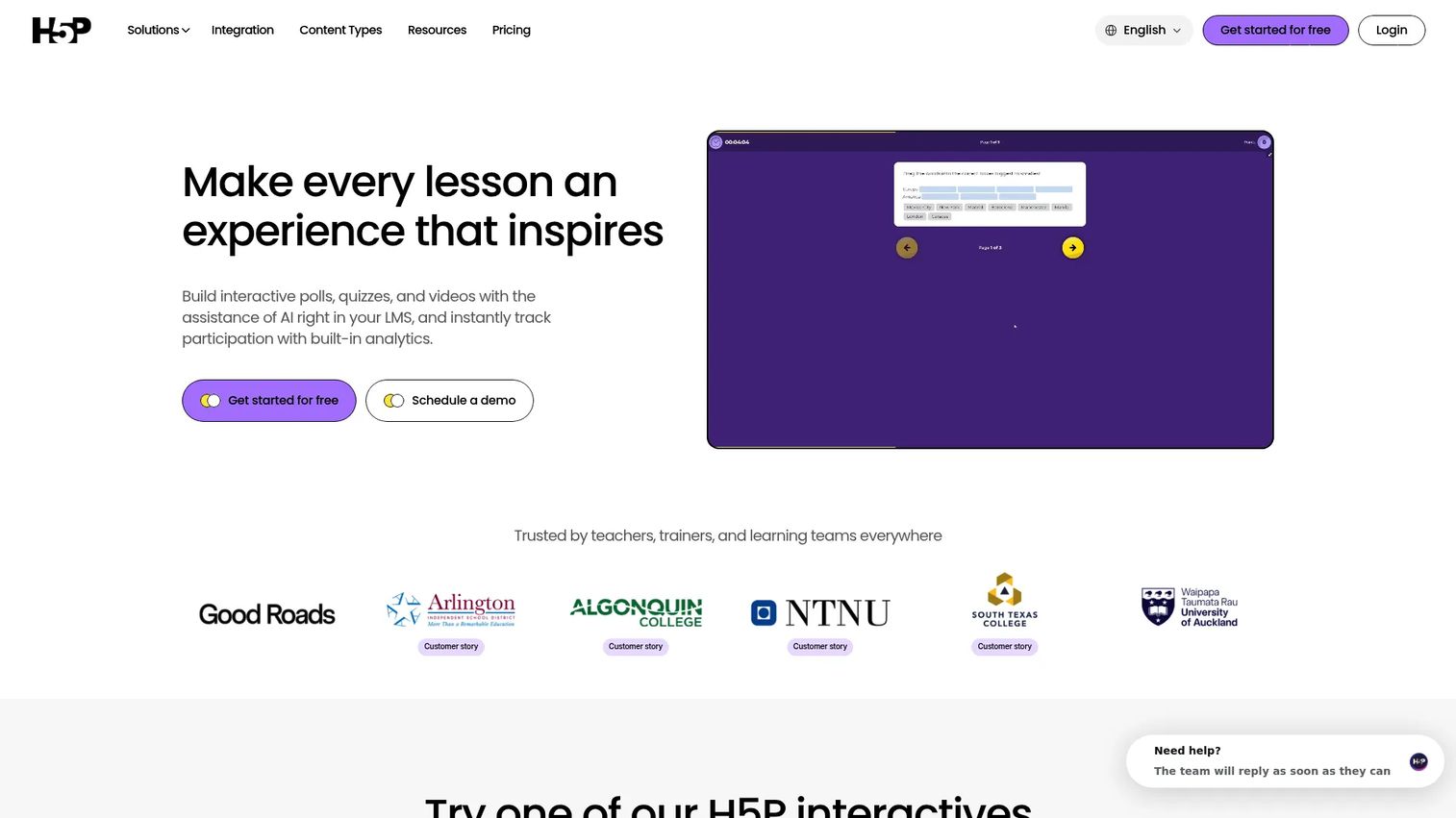
H5P is an open-source interactive content framework that runs inside LMS platforms and websites. It supports over 50 content types including interactive video, quizzes, course presentations, and drag-and-drop activities. Teams embed H5P directly into their LMS using LTI, and learner scores pass back to the gradebook automatically. An AI-assisted Smart Import feature generates multilingual content from existing material.
Best for: Educational institutions and corporate training teams that want LMS-native interactive learning content with the flexibility of an open-source framework.
Key features
- 50+ interactive content types including quizzes and interactive video
- AI Smart Import with multilingual generation
- LMS integration via LTI with grade passback
- Built-in analytics and reporting
- Open-source framework with hosted SaaS plans
Why choose H5P: H5P suits teams that want maximum content flexibility inside an existing LMS without paying per-seat video platform costs. The open-source foundation means content is not locked to a proprietary format, which matters for teams building long-lived learning content.
H5P pricing: A free trial is available. Pro starts at $1,560 per year for up to three authors, billed annually. Premium is $1,570 per year. Enterprise plans are custom-priced.
G2 rating: 4.5/5
15. Adventr
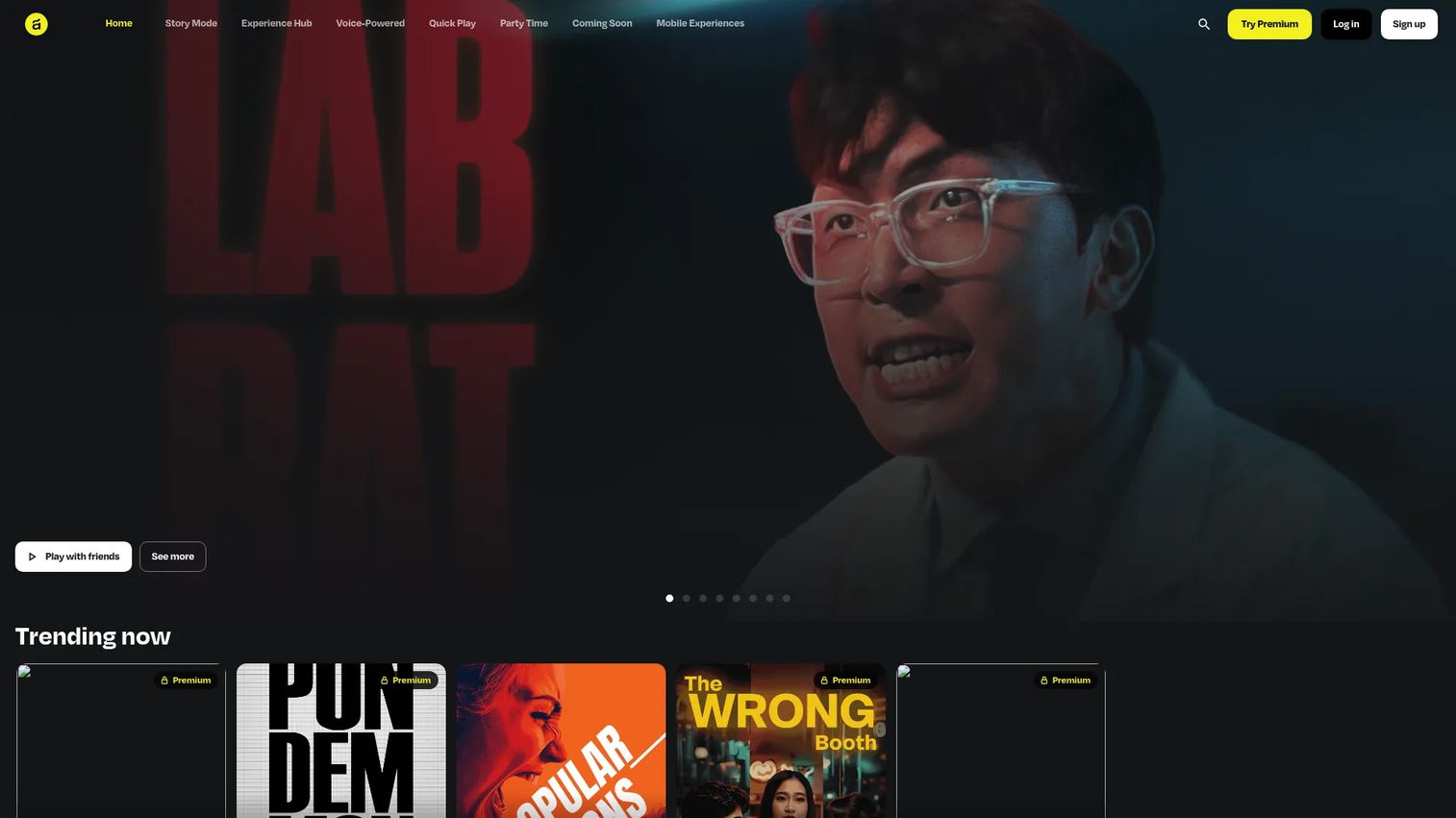
Adventr is an interactive video platform for creating branching, voice-controlled, and multiplayer video experiences. Teams use it for marketing campaigns, training, entertainment, and education where the audience drives the narrative. Voice interaction is a distinctive feature not widely available in other tools in this category.
Best for: Creators and campaign teams building no-code branching video experiences, particularly where voice control or audience-driven storylines are part of the design.
Key features
- Branching narratives with multiple endings
- Voice-controlled interactive experiences
- Multiplayer and group-play formats
- Publishing via links and embeds
- Engagement tracking
Why choose Adventr: Adventr's voice interaction capability sets it apart from standard branching tools. For campaigns where the novelty of viewer control is itself the message, Adventr offers functionality others do not. The buying process runs through a sales conversation since pricing is not publicly available.
Adventr pricing: Contact Adventr directly for plan options and commercial terms.
Considerations when choosing interactive video software
Start with the viewer action
Before selecting a tool, name the specific action you want the viewer to take. Clicking a product in a video, choosing a story path, answering a quiz, adding to cart, and exploring a product flow are all different actions requiring different software. A hotspot tool cannot replace a branching engine, and neither replaces a product demo platform.
Check the analytics depth
Basic view counts are not enough for PMMs accountable to pipeline metrics. Evaluate whether the tool tracks path choices, quiz scores, click-through rates, viewer identity, and account-level signals. The best interactive video analytics connect to your CRM so sales can act on engagement data, not just see it.
Match the tool to the publishing surface
Where the experience lives determines which tool fits. LMS embedding requires grade passback and LTI support. Website embeds need fast load times and clean player customization. Ecommerce pages need commerce integrations. Sales follow-up assets need link sharing and viewer tracking. Confirm the tool publishes to the surfaces your workflow actually touches.
Evaluate maintenance and version control
An interactive video built on a product screenshot will be wrong within weeks. Check how quickly you can update individual scenes, swap out screen elements, and push changes without rebuilding the whole asset. Tools with modular editing keep content current without punishing the team for every product update.
Separate video interaction from product interaction
Some teams do not need a better video layer. They need buyers to validate the product at their own pace before a sales conversation. That is a product exploration job, not a video job. If your launch assets need buyers to click through real product flows rather than video overlays, an interactive demo platform handles that more directly than any tool in this list.
Conclusion
The right interactive video software depends on the action you want the viewer to take. For broad video marketing and hosting, Vimeo covers the most ground. Brightcove suits enterprise video programs with governance requirements. Mindstamp layers interactivity onto existing video quickly. Spott and Smartzer handle shoppable and commerce use cases. For training and LMS-driven learning, Kaltura, PlayPosit, and H5P each serve different budget and institutional contexts. Branching storytelling lands on Eko for campaigns and Stornaway for structured journeys.
Guideflow sits in a different category entirely. It is not a video tool. It belongs here because PMMs frequently search for interactive video when the actual goal is letting buyers experience the product without a live call or account creation. If your launch, enablement, or buyer education workflow needs product interaction rather than video interaction, Guideflow is the right fit.
Map your tools to the job. Use video software when the content is the asset. Use product demo software when the product itself is the proof.
Start your journey with Guideflow today!
FAQs
Interactive video software is a platform that lets teams create videos where viewers can click, choose a story path, answer questions, buy products, or submit information inside the video player. Core features include branching paths, hotspots, overlays, in-video quizzes, lead capture forms, and interactive video analytics that track viewer behavior across each interaction.
Interactive video makes a video clickable. The viewer takes action inside a video player, such as choosing a scene, clicking a product tag, or answering a quiz. An interactive demo lets viewers navigate a real product experience, clicking through actual product flows at their own pace. PMMs should choose based on whether the asset is the video or the product itself.
PMMs should evaluate branching capability, overlay and CTA flexibility, in-video quiz and form support, engagement analytics that connect to CRM, publishing flexibility across websites and LMS platforms, brand customization controls, and collaboration workflows for multi-stakeholder approval. If sales enablement is a priority, viewer-level identity tracking and integration with sales tools become important selection factors.
For website video with performance analytics, Wistia and Vidyard serve B2B marketing teams well. For campaign branching and storytelling, Eko or Stornaway fit better. When the goal shifts to self-serve product exploration rather than video engagement, an interactive demo platform handles that job more directly than any video tool. The answer depends on whether the buyer needs to watch the story or navigate the product.
Yes. Interactive video tools let sales teams send leave-behind content with branching paths tailored to different buyer personas, embed quizzes that surface objections before a follow-up call, and track which sections a buyer engaged with. That said, interactive demos tend to outperform video tools when sales needs prospects to experience a product flow directly rather than watch a walkthrough of it.
For LMS-integrated training with quiz scoring and grade passback, Kaltura suits large enterprise and education environments. PlayPosit works well for educators who need formative assessments embedded in video lessons. H5P is the open-source choice for teams that want LMS-native interactive content without proprietary format lock-in. The right pick depends on whether the LMS, the budget, or the depth of learner analytics drives the decision.
Yes, particularly for product discovery and content-to-commerce journeys. Shoppable video tools like Spott and Smartzer let viewers click product tags, see details, and add items to cart directly within a video or image. Smartzer adds live shopping with real-time product cards. According to Digiday and PadSquad's 2025 research, 58% of brands and agencies surveyed used shoppable overlays and commerce integrations in video ads, showing strong adoption of this format.
Pricing across this category ranges widely. Self-serve tools like Mindstamp start at $83 per month when billed annually, Stornaway at $17 per month, and Wistia at $79 per month. Vimeo's paid plans start at $12 per seat per month. Spott starts at €99 per month, and Smartzer at £89 per month. Enterprise platforms including Brightcove, Kaltura, Idomoo, and Adventr are all quote-based, with cost driven by video volume, seat count, integrations, and support tier. H5P's hosted plans start at $1,560 per year for small teams.