



You need a logo by Friday, a comic page next week, and a batch of social ad creatives for a launch that is already behind schedule. Three jobs, three different tools, and no clear answer to the one question that actually matters: Which software do you buy?
Most "best illustration software" lists dodge that. They rank tools by feature count and leave you to guess which one fits vector branding versus tablet painting versus sequential art. That gap costs money. Pick a subscription suite when a one-time app would have covered the work, and you are paying monthly for capability you never touch.
The category is not small, either. The global technical illustration software market reached USD 4.98B in 2025 and is projected to hit USD 7.75B by 2030, according to The Business Research Company (2026). More spend means more options, and more ways to over-buy.
This guide sorts the noise into decisions you can actually make.
What's inside
This guide compares 10 illustration tools across vector, raster, comics, and 3D workflows, with a bias toward matching the tool to the job instead of ranking on features alone.
We chose and ranked each tool against four criteria that decide real purchases:
- Vector precision: How clean and scalable the output is for logos, icons, and brand systems
- Raster and tablet drawing: Brush feel, layers, and stylus support for painting and sketching
- Comic and concept art support: Panel management, text tools, and sequential-art workflow
- Platform and price: Desktop, iPad, and tablet coverage, plus free, one-time, or subscription cost
Adobe Illustrator sits as the benchmark for vector work, but it is not the only right answer, and often not the cheapest one.
TL;DR
- Best overall for vector and branding: Adobe Illustrator, the reference point for scalable logo and icon work.
- Best affordable all-in-one design workflow: Affinity, a one-time purchase that covers vector, raster, and layout.
- Best free illustration software: Inkscape for vector, Krita for painting, and Blender for 3D-assisted drawing.
- Best for iPad and tablet sketching: Procreate for tactile painting, Adobe Fresco for stylus-first work.
- Best comic illustration software: Clip Studio Paint, built around panels, balloons, and page layout.
- Best for lightweight line work: Paint Tool SAI, a small, fast painting app for clean sketching.
What is illustration software
Illustration software is any application used to create, edit, and export digital artwork, spanning vector graphics, raster painting, comic pages, and 3D-assisted drawing. The category covers everything from a logo built with precise vector paths to an editorial painting made with pressure-sensitive brushes.
The tools split along one main line: Vector versus raster. Vector illustration software describes art as mathematical paths, so it scales to any size without losing sharpness. Raster illustration software works pixel by pixel, which suits expressive painting, texture, and photographic detail but does not scale infinitely.
Most illustrating software ships a recognizable set of capabilities:
- Vector paths and nodes: For clean, scalable shapes and outlines
- Brush engines: Pressure-sensitive painting with customizable brushes
- Layers and blending: Non-destructive stacking of art elements
- Text, typography and layout: Type controls and artboards for design work
- Export formats: SVG, PNG, PDF, EPS, and more for print and web
- Stylus and tablet input: Pen pressure and tilt for natural drawing
For a growth marketer, the practical read is simpler. Vector art tools produce the logos, icons, and brand assets that stay crisp across every channel and ad size. Raster and digital painting software produce the illustrated hero images, campaign creative, and concept work that make a landing page feel built rather than templated.
The reason the distinction matters to a stack decision: Buying a subscription vector suite to make Instagram illustrations is overspend, and buying a lightweight painting app to build a scalable brand identity is a dead end. Match the medium to the job, then match the price model to how often you actually open the tool.
When to use illustration software
Create logos, icons, and brand graphics
Reach for vector illustration software when the output has to scale. A logo lives on a favicon and a billboard, and only vector paths survive both without redrawing. Desktop tools like Adobe Illustrator and CorelDRAW give you the precision and typography control brand systems demand, while Affinity delivers similar output across platforms.
Paint concept art, posters, and editorial illustrations
Choose raster painting tools when texture and brushwork carry the piece. Campaign hero images, editorial spreads, and concept art depend on brush variety, layer depth, and stylus feel more than on scalable paths. Procreate, Krita, and Adobe Fresco each handle this well, with different pricing and platform tradeoffs.
Draw comics, manga, and sequential art
Sequential art is its own evaluation category. Panel layout, speech balloons, page templates, and perspective rulers are not afterthoughts, they are the workflow. Comic illustration software such as Clip Studio Paint manages multi-page projects that general painting apps handle awkwardly.
Build mixed-media workflows across desktop, iPad, and 3D
Some illustrators move between sketching, vector cleanup, and 3D-assisted composition in a single project. If your work blends 3D scenes with 2D drawing, Blender's Grease Pencil covers both. iPad illustration software then handles the on-the-go sketching, with a clean handoff back to desktop for finishing.
If you produce interactive product content alongside your creative assets, tools like Guideflow sit adjacent to this stack, turning captured product flows into clickable demos for landing pages, onboarding, and sales follow-ups.
Comparison table
Here is a quick way to compare the 10 illustration tools by best use case, key differentiator, price, and rating. Adobe Illustrator leads as the vector benchmark, with the rest ordered by relevance to the keyword. Pricing and ratings below reflect verified vendor and G2 figures as of August 2026.
| # | Product | Best for | Key differentiator | Pricing | G2 rating |
|---|---|---|---|---|---|
| 1 | Adobe Illustrator | Vector and branding | Industry benchmark for scalable vector art | From US$22.99/mo | 4.6 |
| 2 | Affinity | Affordable all-in-one design | One-time purchase, no subscription | US$164.99 one-off | 4.4 |
| 3 | Blender | 3D-assisted illustration | Grease Pencil 2D drawing inside 3D | Free | 4.6 |
| 4 | Inkscape | Free vector editing | Open-source SVG-native editor | Free | 4.4 |
| 5 | CorelDRAW | Print and layout | Vector plus layout in one suite | Subscription or one-time | N/A |
| 6 | Procreate | iPad sketching and painting | Tablet-native brush engine | US$12.99 one-time | N/A |
| 7 | Krita | Free digital painting | Deep brush engine, comic tools | Free | 4.4 |
| 8 | Clip Studio Paint | Comics and manga | Page, panel, and balloon tools | From US$0.99/mo | 4.4 |
| 9 | Adobe Fresco | Stylus-first drawing | Live brushes on touch devices | Free | N/A |
| 10 | Paint Tool SAI | Lightweight line work | Small, fast, low-overhead painting | 5,250 JPY one-time | 4.3 |
Best 10 illustration software tools for 2026
1. Adobe Illustrator
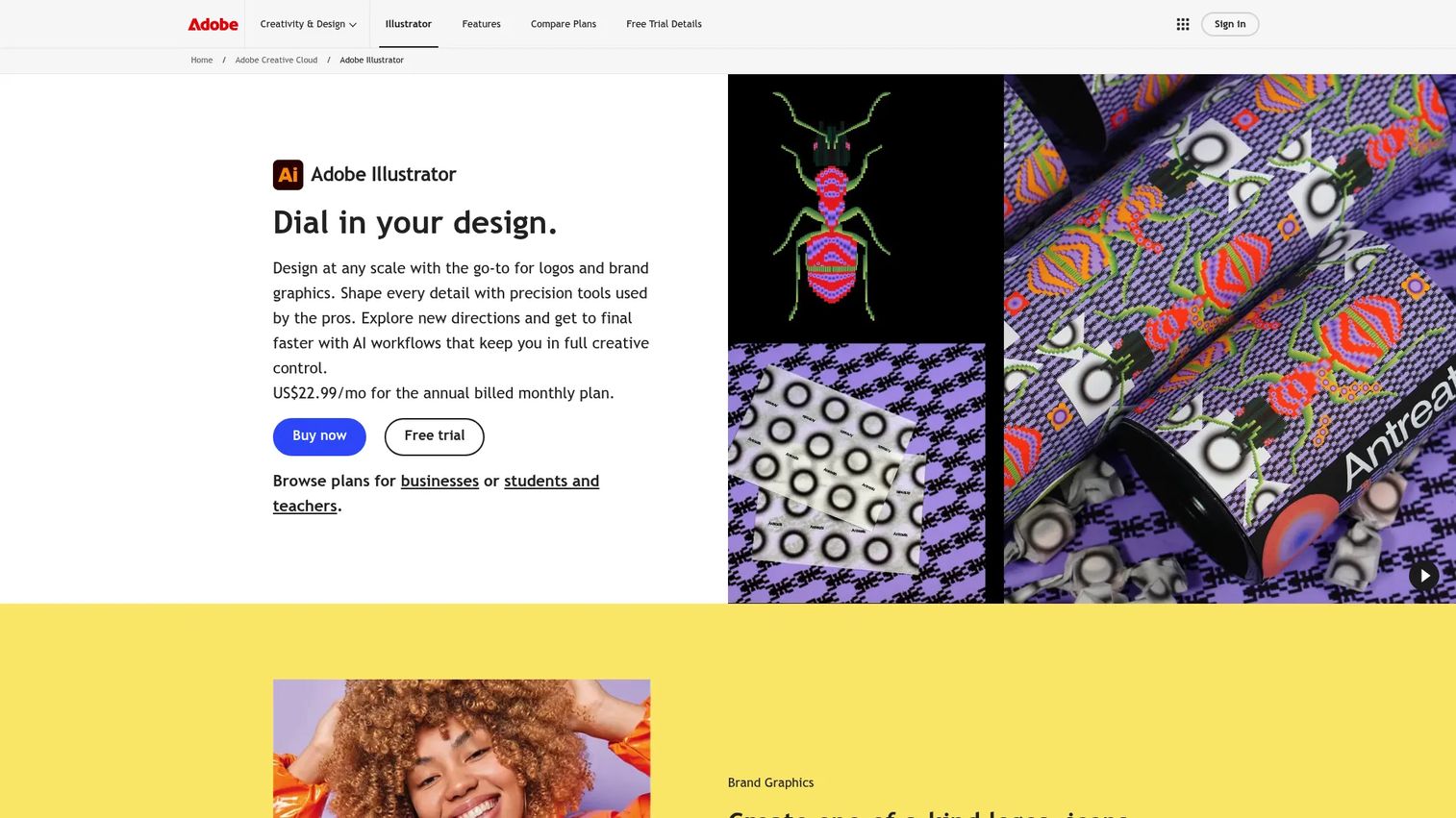
Adobe Illustrator is Adobe's vector graphics software for logos, icons, illustrations, and other scalable artwork. It is the tool most designers benchmark everything else against, and the one most brand systems are built in. You get vector precision, sketch-to-vector generative workflows, and deep typography control across desktop, iPad, and web.
Best for: Professional designers and brand teams who need precise, scalable vector output.
Key features
- Vector design for logos, icons, illustrations
- Desktop, iPad, and web access
- Generative AI and sketch-to-vector workflows
- Typography, artboards, layout control
- Adobe Express Premium included
Why choose Adobe Illustrator: It remains the default when output has to scale flawlessly and hand off cleanly to other teams. The subscription makes sense when you produce vector brand work regularly, less so for occasional one-off graphics.
Adobe Illustrator pricing: The standalone Illustrator plan starts at US$22.99/mo, billed annually. Creative Cloud Pro runs US$69.99/mo, with a US$34.99/mo intro rate for the first three months, and teams pricing starts at US$37.99/mo per license. There is no free tier, though a trial is available.
On G2, Adobe Illustrator holds a 4.6 out of 5 rating.
2. Affinity
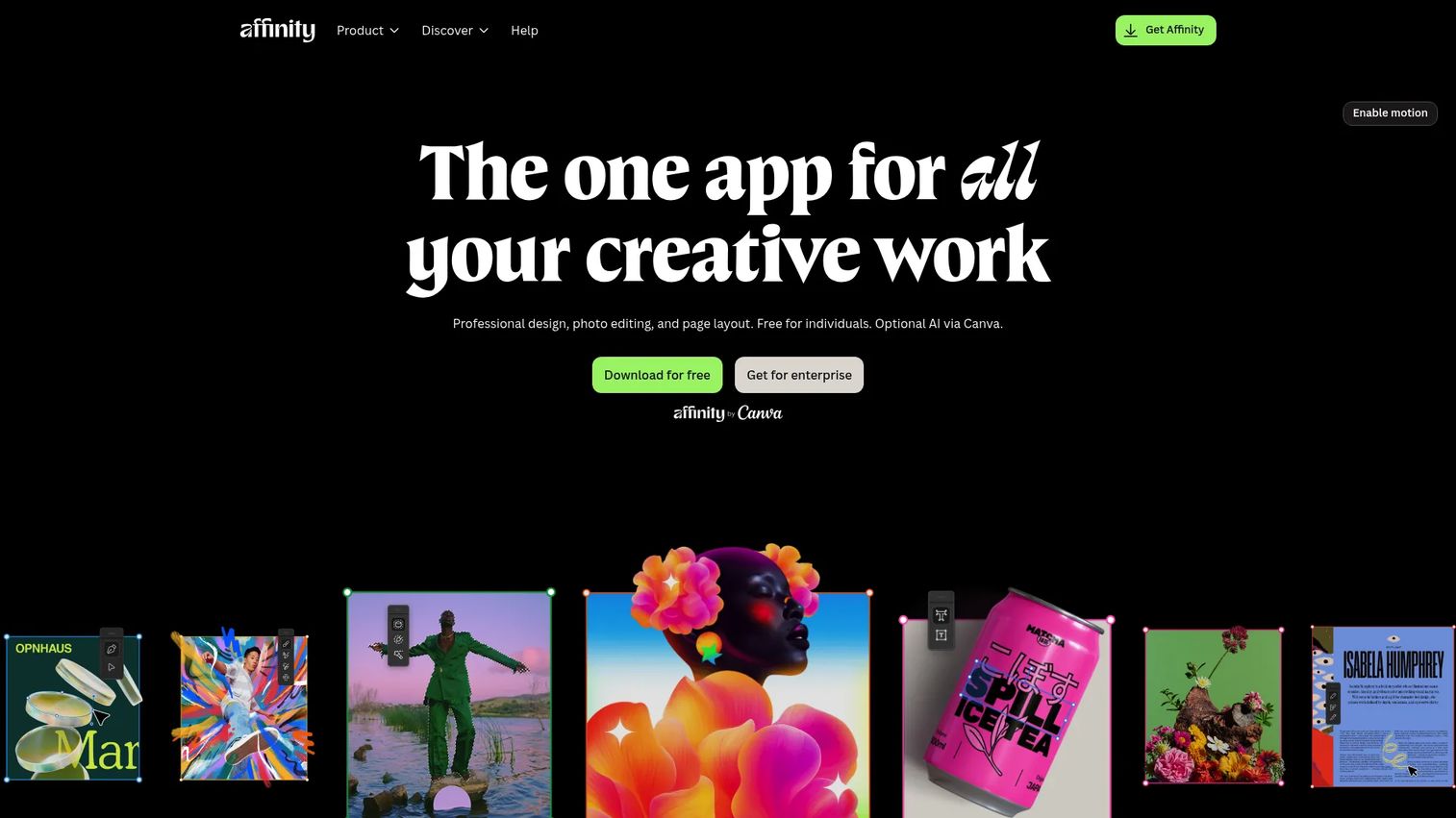
Affinity is a creative suite covering vector design, photo editing, and page layout in one purchase. For anyone comparing Adobe Illustrator alternatives, it is the most direct answer to the "what does this replace?" question: One tool that handles several design jobs without a recurring bill.
Best for: Designers who want pro-level vector and layout control without a subscription.
Key features
- Vector design and precision editing
- Photo editing built in
- Page layout capability
- Non-destructive editing
- Flexible export formats
Why choose Affinity: It fits teams tired of stacking creative subscriptions and wanting predictable, one-time cost. The tradeoff is a smaller ecosystem than Adobe's, which matters if your collaborators live in Creative Cloud.
Affinity pricing: The Affinity V2 Universal Licence is a one-off payment of US$164.99, with no subscription on the official page. A free trial is available, but no permanent free tier is listed.
On G2, Affinity holds a 4.4 out of 5 rating.
3. Blender
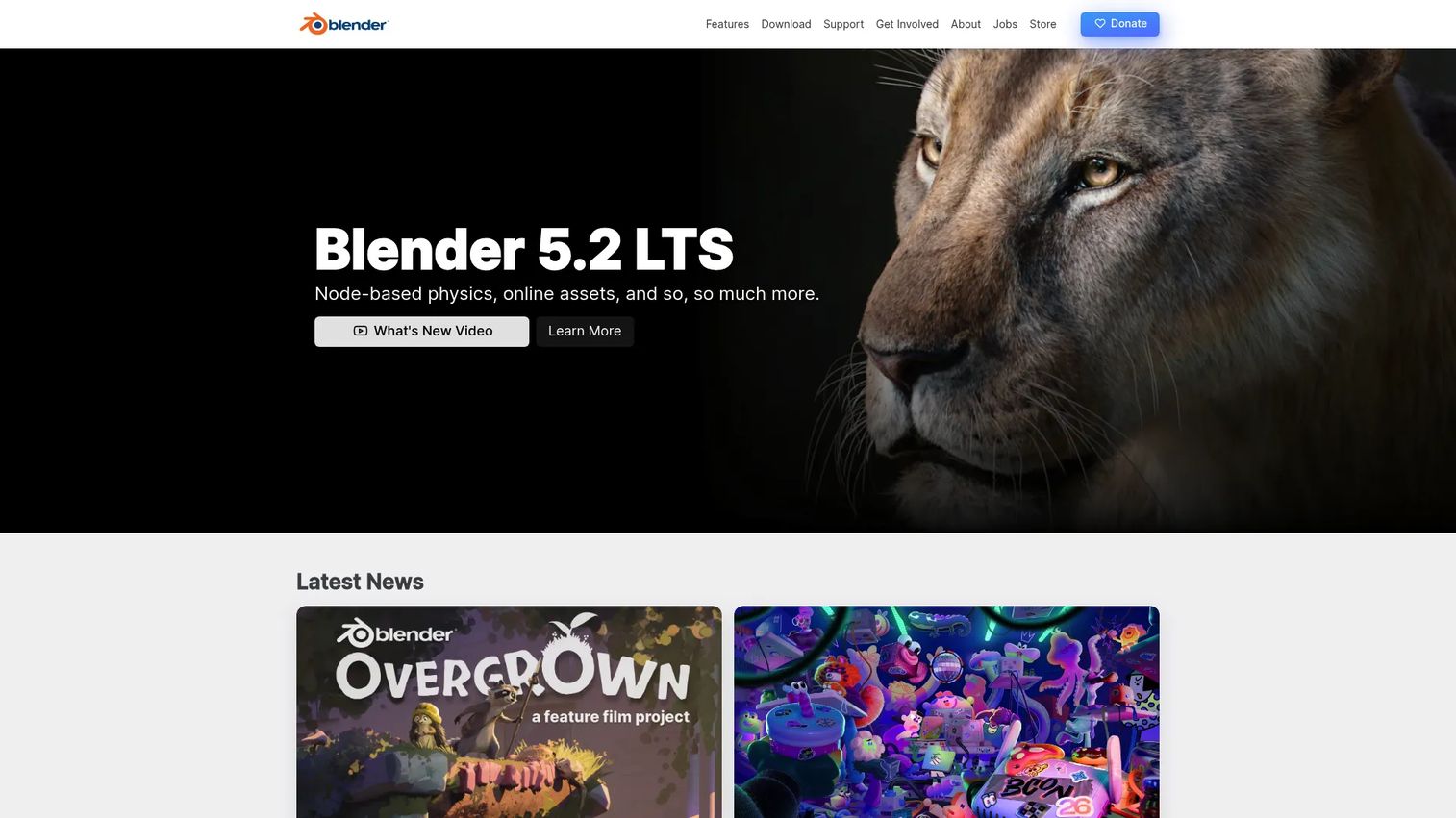
Blender is a free, open-source 3D creation suite that also supports 2D illustration through its Grease Pencil tools. That combination makes it unusual on this list: You can draw flat 2D art directly inside a 3D scene, then light, animate, and render it.
Best for: Individuals and studios blending 3D scenes with 2D drawing or animation.
Key features
- Grease Pencil 2D drawing workflow
- 3D modeling, sculpting, UV tools
- Animation, rigging, simulation
- Rendering, compositing, motion tracking
- Free and open source
Why choose Blender: Nothing else here spans 2D drawing and full 3D production at zero cost. The tradeoff is a steeper learning curve than a dedicated 2D app, so budget ramp-up time before your first finished asset.
Blender pricing: Blender is free and open source. The official site emphasizes downloads and optional donations rather than paid plans.
On G2, Blender holds a 4.6 out of 5 rating.
4. Inkscape
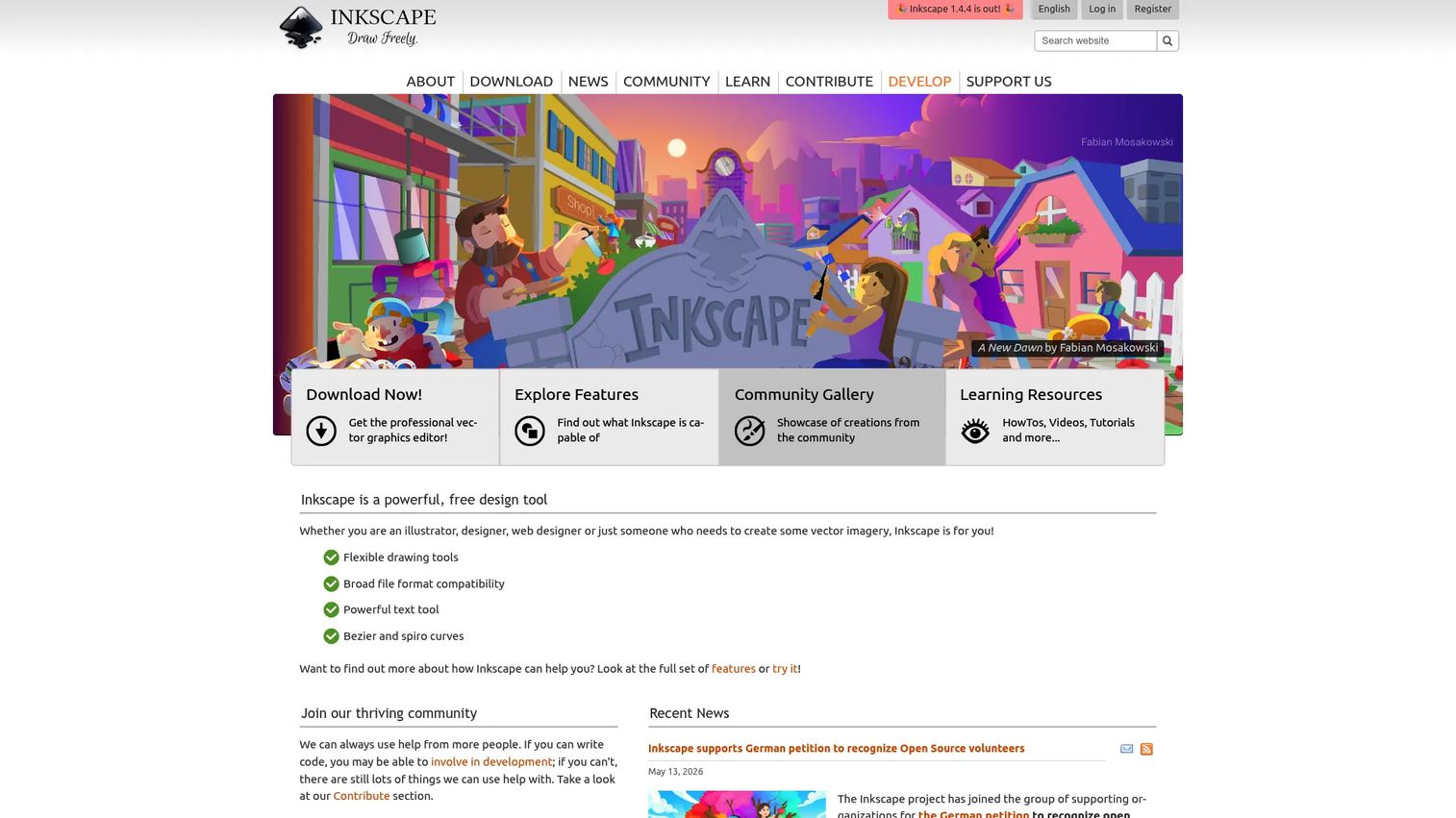
Inkscape is a free, open-source vector graphics editor for scalable illustrations, icons, and diagrams. It is SVG-native, which makes it a strong pick for web-bound assets and anyone who wants free illustration software without giving up path-level control.
Best for: Individuals and teams needing a capable no-cost vector editor.
Key features
- SVG-based vector editing
- Path and node control
- Import and export: SVG, AI, EPS, PDF, PNG
- Cross-platform availability
- Extensible via add-ons
Why choose Inkscape: It covers most everyday vector work at no cost, which is hard to argue with on a scrappy budget. The tradeoff versus paid suites is a rougher interface and fewer polish features, so factor in a little patience.
Inkscape pricing: Inkscape is free and open source, with no paid tiers.
On G2, Inkscape holds a 4.4 out of 5 rating.
5. CorelDRAW
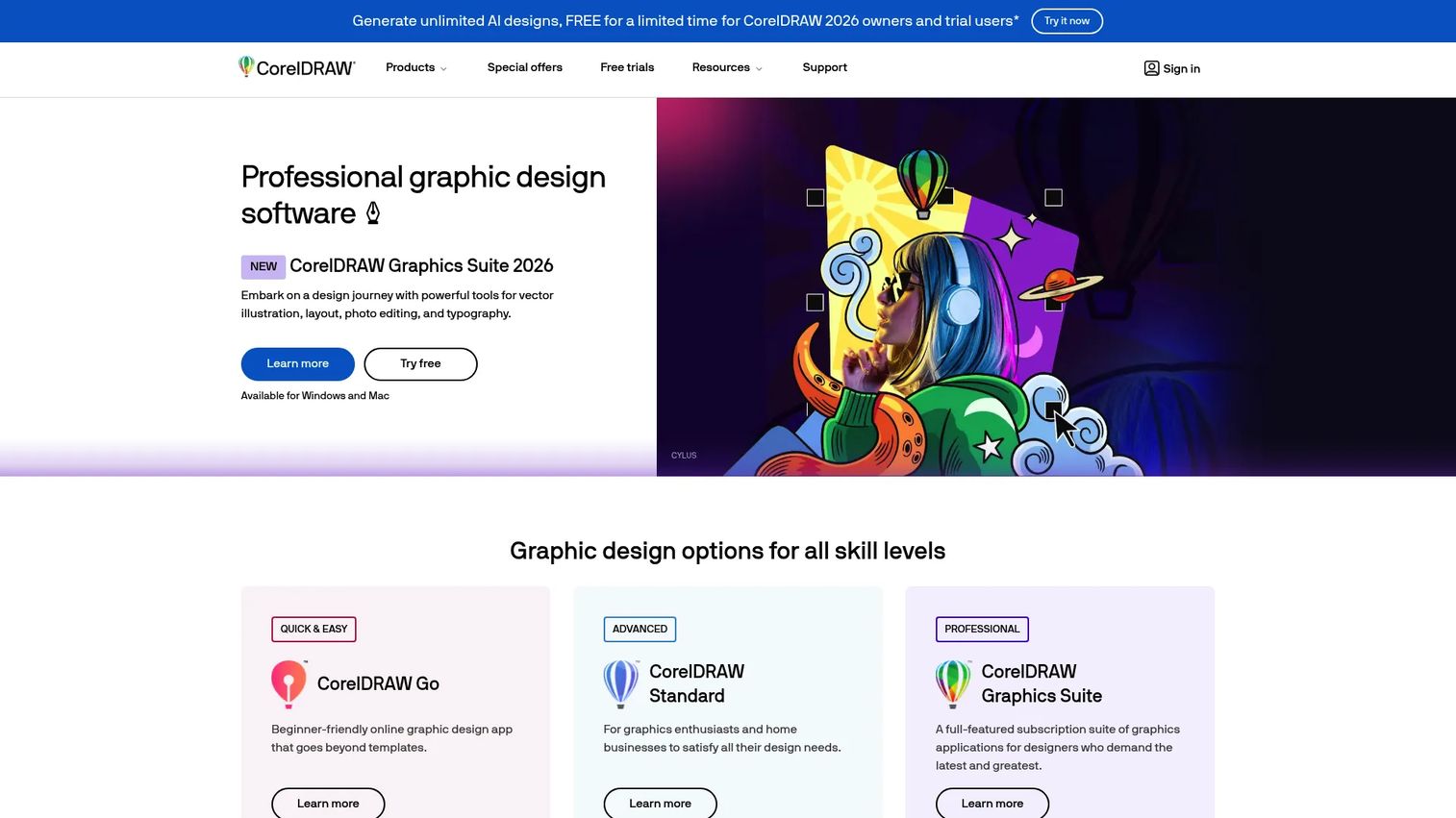
CorelDRAW is a graphic design suite for vector illustration, page layout, photo editing, and typography. It has a long history in print and publication work, and it bundles AI image generation and background removal alongside the classic vector toolset.
Best for: Designers and teams needing an all-in-one vector and layout suite for print.
Key features
- Vector illustration
- Page layout for print
- Photo editing built in
- Typography control
- AI image generation and background removal
Why choose CorelDRAW: It shines when print-ready output and layout live in the same project as your illustration work. The tradeoff is a heavier suite than a marketer needs for quick web graphics, so weigh it against your actual output.
CorelDRAW pricing: CorelDRAW Graphics Suite 2026 sells as a subscription (monthly or annual) or a one-time purchase, with maintenance available for license customers. Reach out through Corel's site for the current figure, since numeric pricing was not exposed on the readable page.
A verified G2 rating was not available for CorelDRAW at the time of writing.
6. Procreate
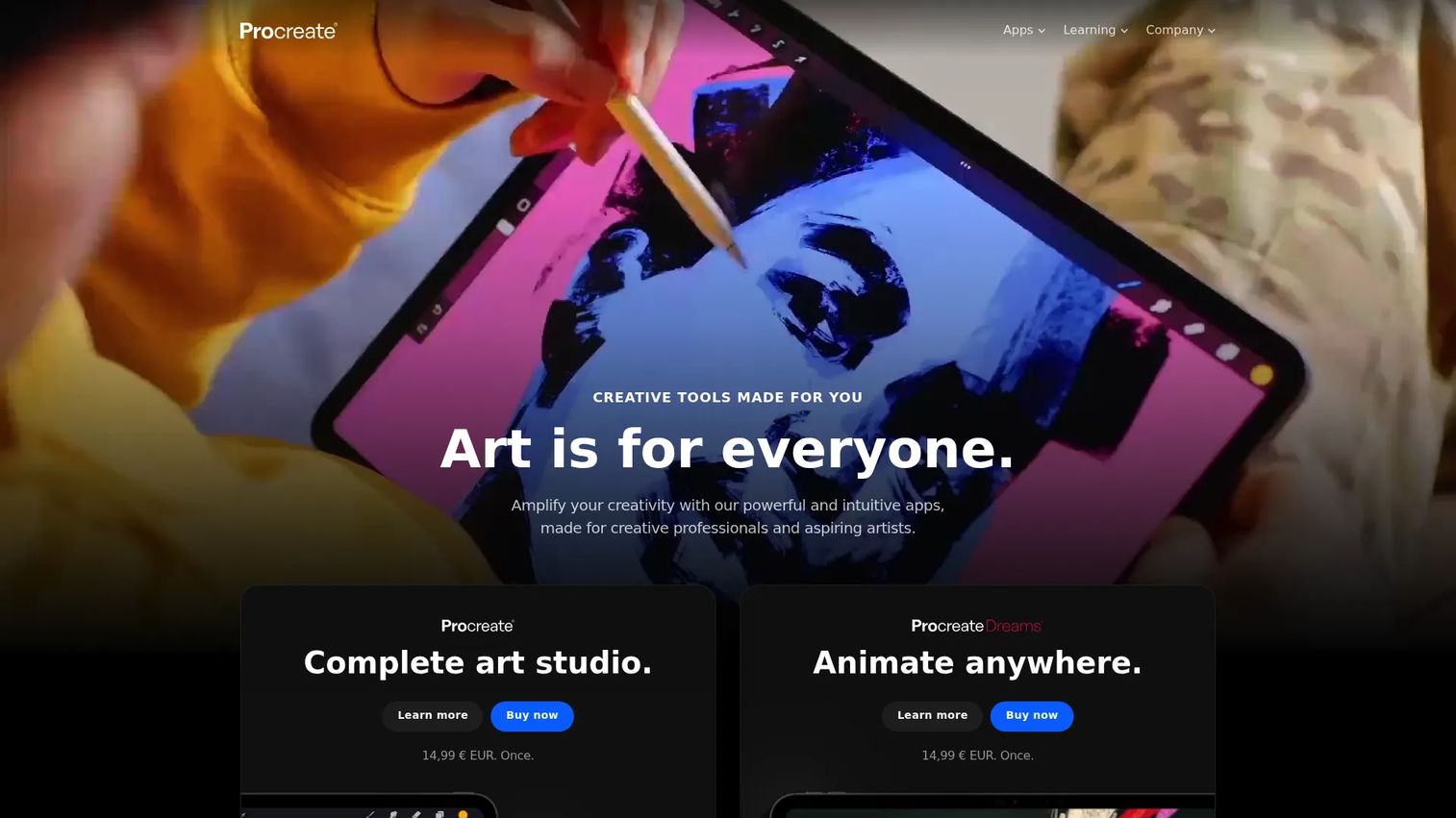
Procreate is an iPad-first digital art app for sketching, painting, and animation. It is the default for tablet artists who want a tactile drawing feel with Apple Pencil, and it sells for a single low price with no subscription attached.
Best for: Artists who want a tablet-native, one-time-purchase creative app.
Key features
- Over 300 handcrafted brushes
- Apple Pencil pressure support
- QuickShape, StreamLine, Drawing Assist
- Time-lapse recording
- 3D model painting support
Why choose Procreate: It fits artists who prioritize speed and drawing feel over desktop-grade layout and vector tools. The tradeoff is iPad-only, so it will not replace a desktop suite for print or brand systems.
Procreate pricing: Procreate for iPad is a one-time purchase of US$12.99, with no subscriptions. Procreate Dreams, its animation app, is also a one-time US$12.99.
A verified G2 rating was not available for Procreate at the time of writing.
7. Krita
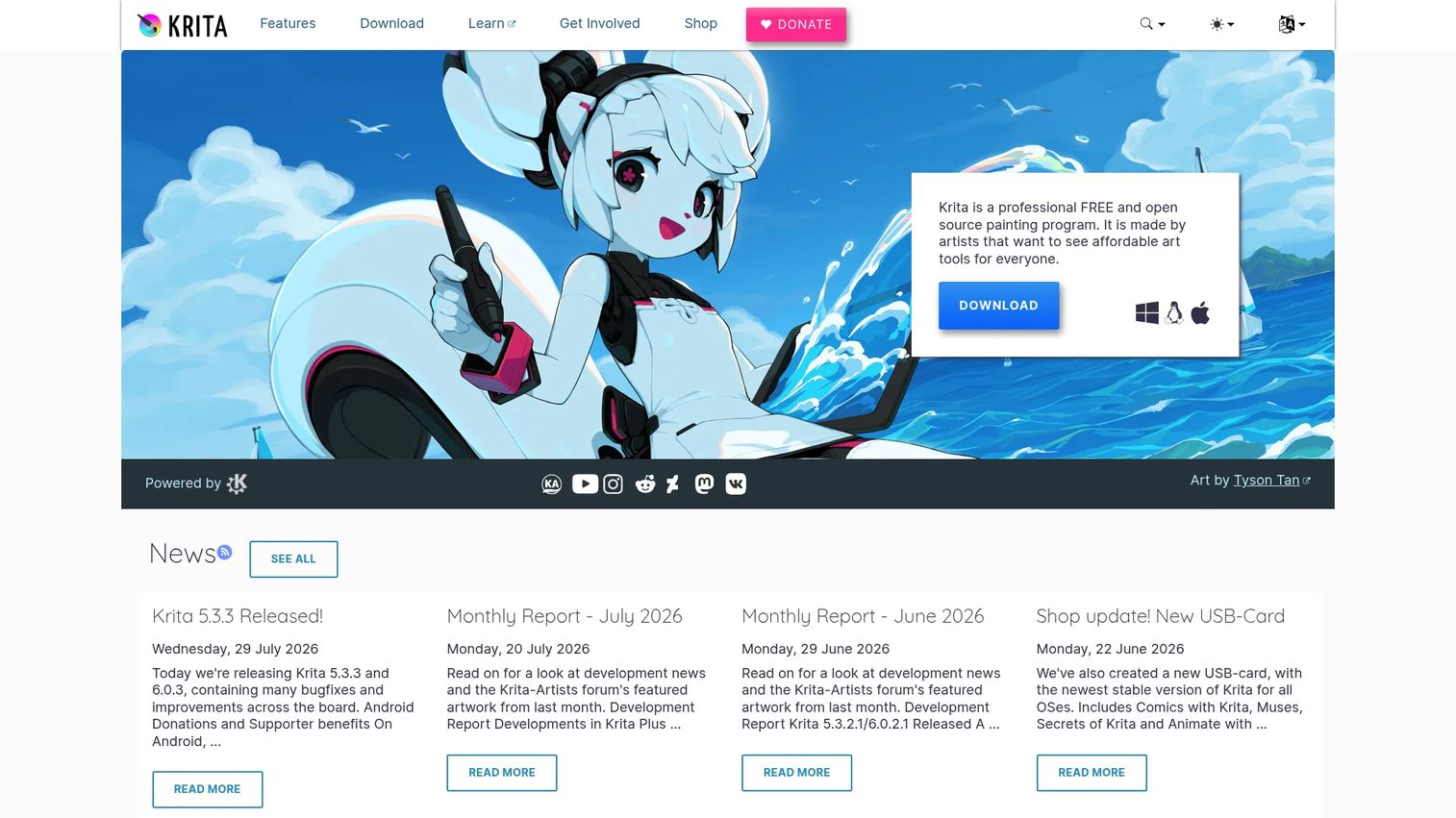
Krita is free, open-source digital painting software with a deep brush engine and built-in comic and animation tools. It punches well above its price, giving painters and comic artists serious creative depth without a license fee.
Best for: Artists who want a capable free painting and animation app.
Key features
- Customizable brushes and brush engines
- Layers, drawing assistants, stabilizers
- Comic and manga features
- Animation timeline
- Free and open source
Why choose Krita: It is the strongest free option for painters who also dabble in comics or 2D animation. The tradeoff versus paid apps is lighter documentation and community-driven support, which suits self-starters best.
Krita pricing: Krita is free to download from its website. Paid store versions exist to fund development, at US$9.99 on the Windows store and US$14.99 on the Mac App Store.
On G2, Krita holds a 4.4 out of 5 rating.
8. Clip Studio Paint
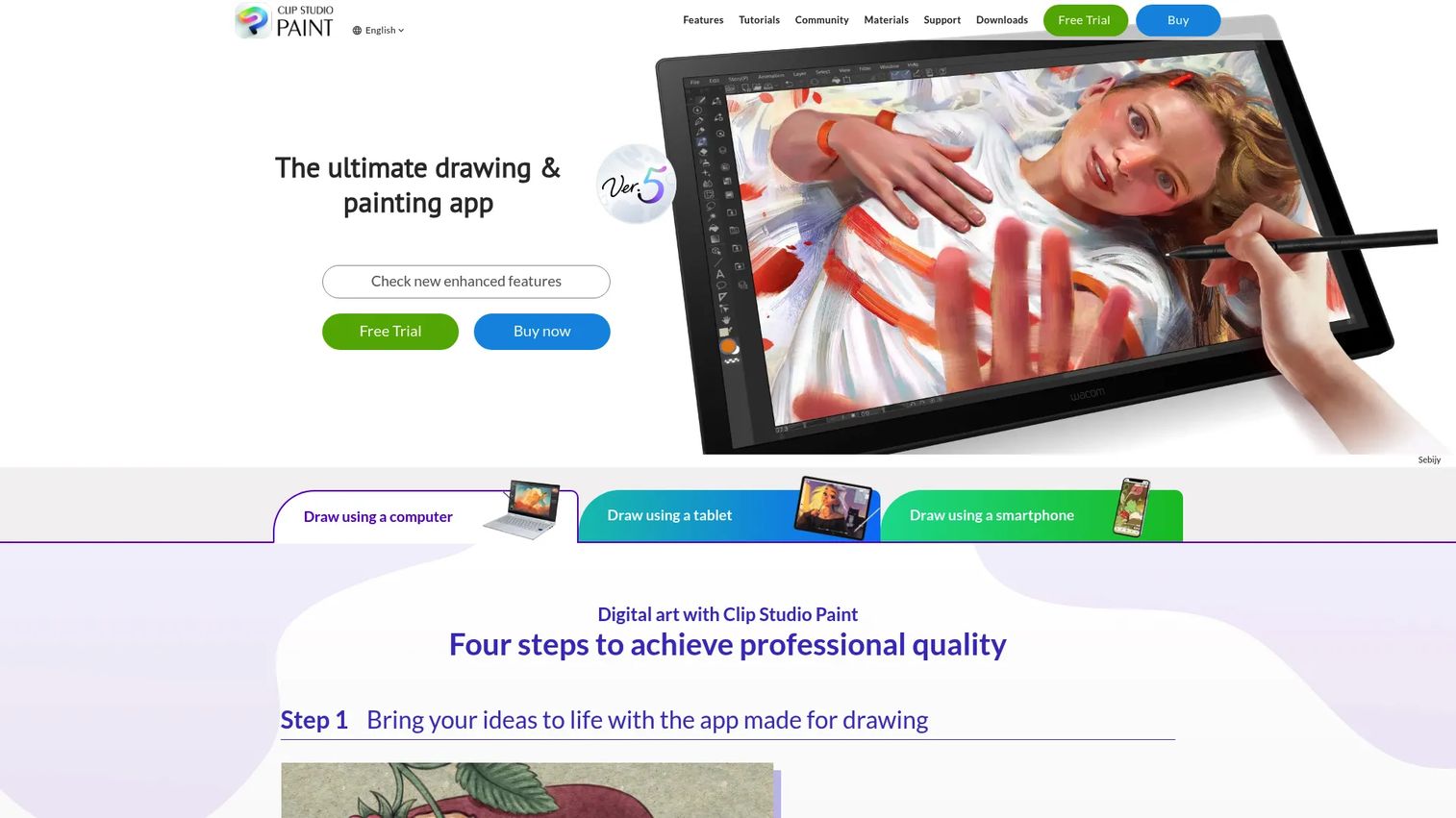
Clip Studio Paint is digital art software built for drawing, painting, comics, manga, and animation. Where general painting apps treat pages as a side feature, this one is built around panels, speech balloons, and perspective, which is why sequential artists gravitate to it.
Best for: Illustrators, comic artists, and animators who want an all-in-one drawing app.
Key features
- Realistic brushes and painting tools
- Comic tools: Panels, balloons, perspective
- Animation tools
- 3D reference models
- Asset libraries
Why choose Clip Studio Paint: It beats general-purpose tools for anyone managing multi-page comic or manga projects. The tradeoff is that some deeper features sit behind the higher EX tier, so match the plan to your project scope.
Clip Studio Paint pricing: Monthly and annual plans start from US$0.99/month, and a perpetual license runs US$63.00. A free option and trial are available, though some purchase options were temporarily unavailable on the page.
On G2, Clip Studio Paint holds a 4.4 out of 5 rating.
9. Adobe Fresco
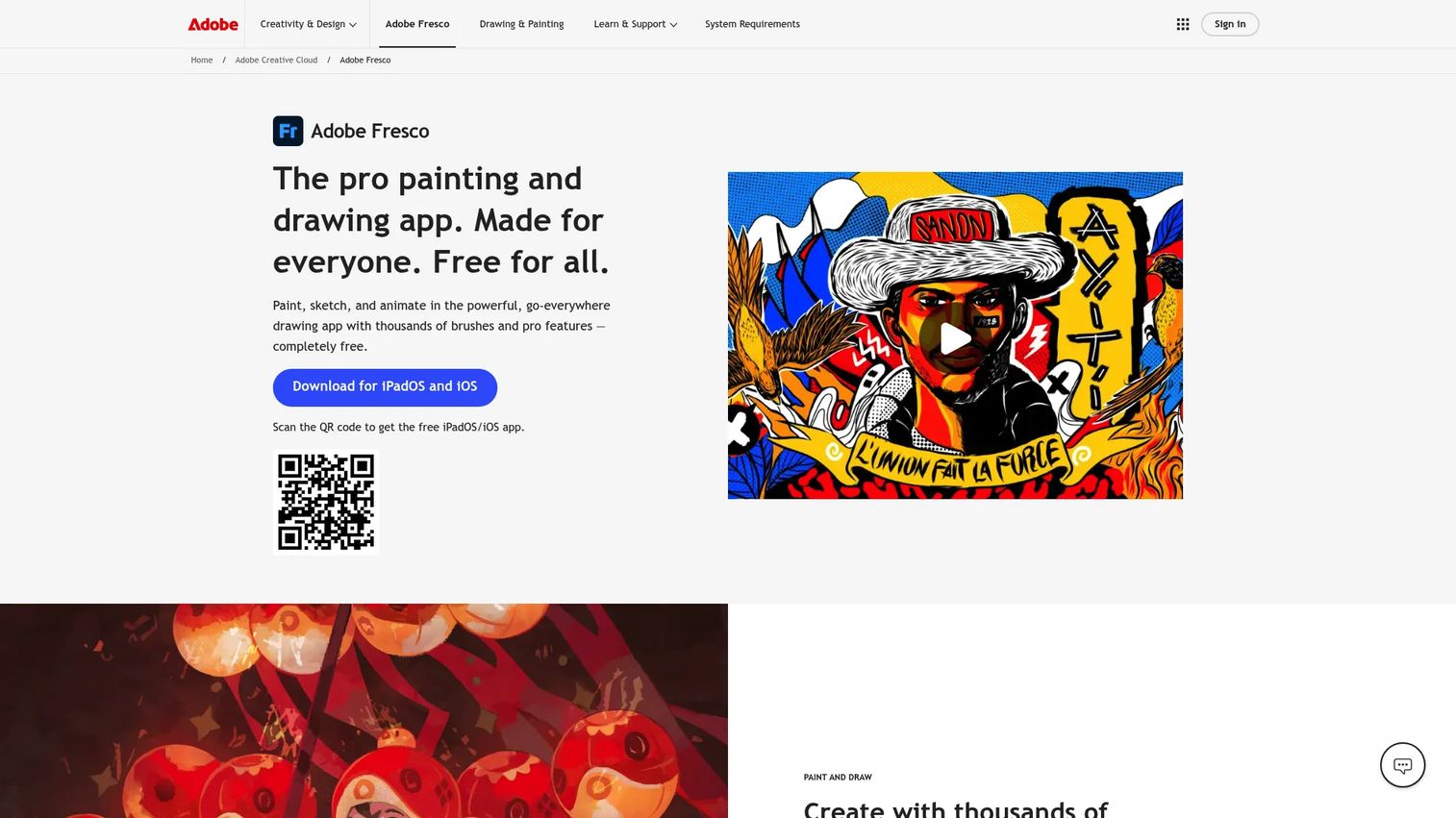
Adobe Fresco is Adobe's free drawing and painting app for creating, sketching, and animating on touch devices. Its live brushes react like real watercolor and oil, and it syncs across devices with Photoshop and Illustrator, which helps if you already sit inside Adobe's tools.
Best for: Artists who want a free Adobe drawing app for illustration and animation.
Key features
- Thousands of vector, raster, live brushes
- Frame-by-frame and motion-path animation
- Unlimited layers
- Cross-device sync
- Photoshop and Illustrator compatibility
Why choose Adobe Fresco: It is a strong stylus-first pick for anyone already in Creative Cloud who wants natural painting on a tablet. The tradeoff is that its full value shows up when paired with other Adobe apps rather than used alone.
Adobe Fresco pricing: Adobe states that Fresco is free. Related Creative Cloud plans appear on the page for those who want the wider set of Adobe apps, but no standalone paid Fresco price is shown.
A verified G2 rating was not available for Adobe Fresco at the time of writing.
10. Paint Tool SAI
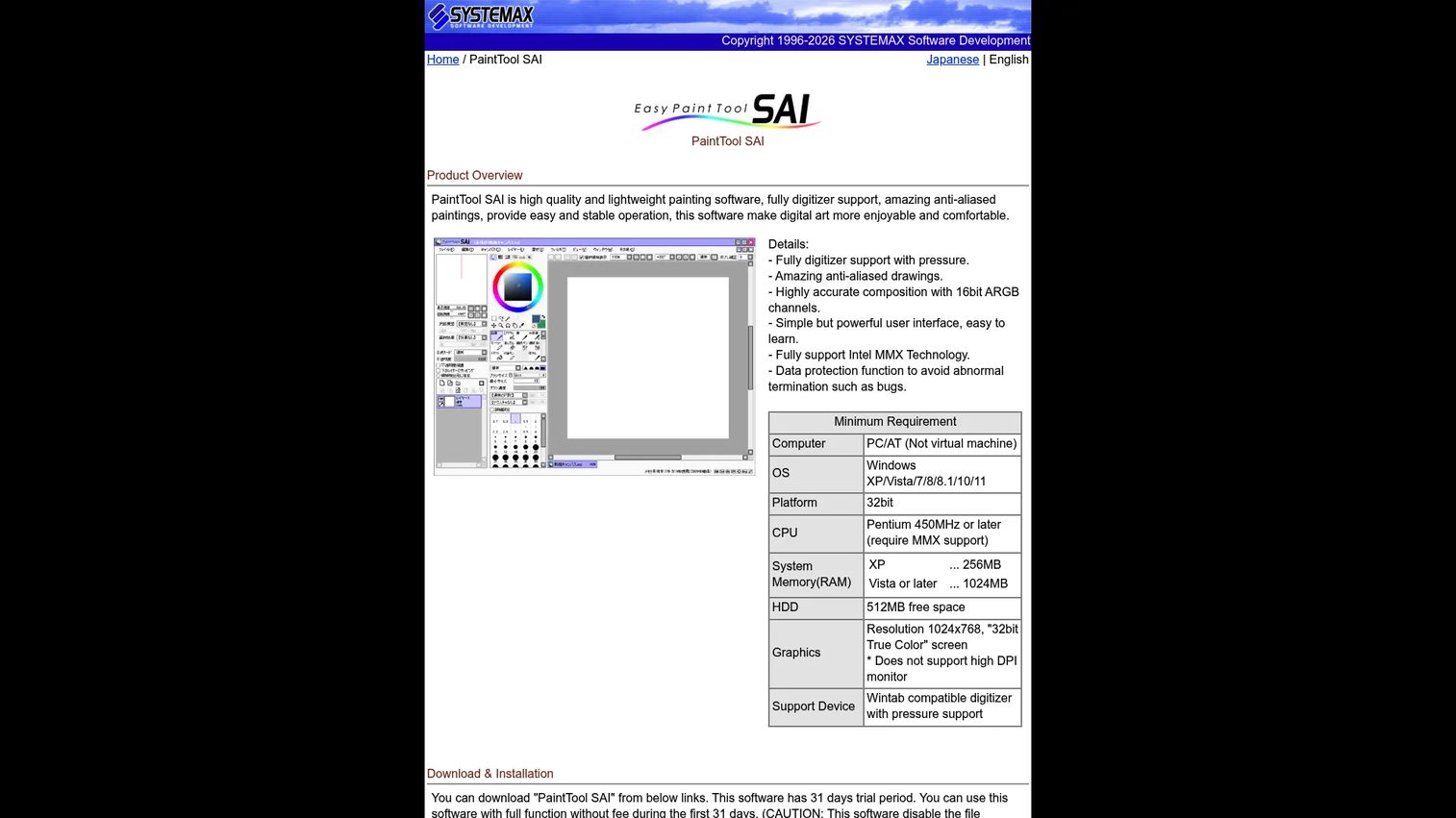
Paint Tool SAI is a lightweight Windows painting app from SYSTEMAX, favored by digital artists for clean line work and fast sketching. It runs light on system resources and keeps the interface simple, which is exactly the point for artists who want to draw without ceremony.
Best for: Artists who want a lightweight, tablet-friendly Windows painting app.
Key features
- Full digitizer support with pressure
- 16bit ARGB channel accuracy
- Clean line work tools
- Simple, focused interface
- Low system overhead
Why choose Paint Tool SAI: It suits artists who value speed and simplicity over a sprawling feature set. The tradeoff is a narrow scope, so it complements rather than replaces a full suite for layout or vector work.
Paint Tool SAI pricing: The PaintTool SAI Ver.1 software license is a one-time 5,250 JPY, after a 31-day full-function trial. There is no permanent free tier.
On G2, Paint Tool SAI holds a 4.3 out of 5 rating.
Considerations
Before you commit, run the choice through five checks that decide whether a tool earns its place in your stack.
Vector or raster first
Decide what the work needs before you shop. Infinite scaling for logos and icons points to vector illustration software. Expressive paint behavior for concept art and campaign creative points to raster tools. Some suites do both, but leading with the primary job keeps you from overpaying for capability you rarely touch.
Desktop, tablet, or iPad support
Match the tool to where you actually draw. Desktop suites handle print, layout, and heavy files. iPad illustration software wins for sketching on the move, and stylus-first apps favor touch input over mouse-and-keyboard precision. Confirm the platform before you pay, since several strong tools are single-platform.
Branding, typography, and layout
When text, artboards, and print output matter more than brush variety, weight your choice toward vector and layout suites. Brand systems live or die on typography and scalable output, so treat those as non-negotiable for logo and identity work.
Comics and sequential art
Panel management, page templates, and balloon tools form a separate evaluation category. If you produce comics or manga, prioritize software built for sequential art rather than forcing a general painting app to manage multi-page projects.
Budget and ownership model
Compare total cost over time, not sticker price. Free and open-source tools cost nothing but time to learn. One-time purchases suit predictable, occasional use. Subscriptions make sense only when you draw often enough that recurring cost buys real value. For a lean team, affordable illustration software with a one-time license often wins on math alone.
Conclusion
There is no single best illustration software, only the right fit for the job in front of you. Adobe Illustrator stays the benchmark for vector and branding, and for good reason, but it is not the only correct answer.
If you want pro output without a subscription, Affinity is the cleanest Adobe Illustrator alternative. On a zero budget, Inkscape covers vector, Krita covers painting, and Blender covers 3D-assisted drawing. For tablet work, Procreate and Adobe Fresco lead. For comics, Clip Studio Paint is purpose-built, and Paint Tool SAI keeps line work light and fast.
Your next step: Name the primary medium you produce most, pick the tool that owns that medium, and run a trial before you commit budget. For marketers weighing what a creative tool replaces, that single decision saves more than any feature comparison.
And once your visuals are ready, remember the destination matters as much as the artwork. If you are turning static campaign assets into hands-on product experiences, Start your journey with Guideflow today!
FAQs
For beginners, simpler tools reduce the learning wall. Procreate offers a tactile, low-friction start on iPad for one payment, and Paint Tool SAI keeps the desktop interface minimal. Free options like Krita also work well if you want depth without cost, though they take a little more time to learn.
Adobe Illustrator remains the benchmark for vector work, logos, icons, and brand systems that must scale cleanly. It is not always the best fit, though. Tablet painters, comic artists, and budget-conscious teams often get better value from Procreate, Clip Studio Paint, or Affinity respectively.
The strongest free illustration software falls into three lanes. Inkscape covers vector editing, Krita covers digital painting with comic tools, and Blender covers 3D-assisted 2D drawing through Grease Pencil. All three are open source with no license fee.
Yes. Procreate is iPad-native and built around Apple Pencil, while Adobe Fresco runs on iPad with stylus-first live brushes. Adobe Illustrator also offers an iPad version, so you can move vector work between tablet and desktop.
Clip Studio Paint is the standout comic illustration software, built around panels, speech balloons, page templates, and perspective rulers. Krita is a capable free alternative with its own comic and manga features if budget is the priority.
Vector illustration software describes art as mathematical paths, so it scales to any size without losing sharpness, ideal for logos and icons. Raster illustration works pixel by pixel, which suits painting, texture, and detail but does not scale infinitely. Many artists use both, one per job.
Adobe Illustrator is the default for branding and logos because of its vector precision and typography control. Affinity delivers similar output as a one-time purchase, and CorelDRAW adds strong print and layout tools when brand assets ship to physical media.










