Your inventory lives in one spreadsheet. Recipes and batch records live in another. Finance is waiting on a manual cost reconciliation before closing the month. And somewhere upstream, a traceability question just came in that nobody can answer without digging through supplier emails.
This is not a small-team problem. According to Aptean and B2B International (2025), only 41% of food and beverage companies currently use industry-specific ERP software, which means the majority are still stitching together general tools that were never designed for lot tracking, allergen controls, or recipe-level costing.
The right food software does not just digitize a clipboard. It connects purchasing, production, inventory, compliance, and finance into a system your operations lead can run without routing every question through you. That is the difference between a business that scales and one that grows into more chaos.
This guide compares 12 food and beverage software tools across ERP, food inventory management, restaurant operations, food safety, and POS-centered platforms, with practical guidance on which fits your operating model.
What's inside
This guide covers food software for manufacturers, distributors, restaurant operators, grocery retailers, and multi-location hospitality groups. Each tool was selected based on:
- Fit for food and beverage workflows (inventory, production, compliance, and traceability)
- Depth in the buyer's target function (ERP, inventory, food safety, or POS)
- Integration capability with POS, accounting, eCommerce, and supplier systems
- Pricing transparency and scalability
- Best fit by operating model, not by feature count
TL;DR
- Best for food manufacturing ERP: JustFood ERP or SimplyFoodERP, depending on implementation preference
- Best for flexible cloud ERP: Acumatica, through a food-specialist partner
- Best for restaurant inventory and cost control: Craftable or MarketMan
- Best for operations, safety, and inspections: SafetyCulture (or Mitti, its operations product)
- Best for POS-centered food businesses: Lightspeed or Revel
- Best for enterprise restaurant operations: Crunchtime, built for multi-unit brands
What is food software?
Food software is business software built for food and beverage companies to manage inventory, production, purchasing, compliance, traceability, sales channels, and financial reporting.
The category is wide. A single-location restaurant and a 200-person food manufacturer both need "food software," but they need entirely different tools. Understanding the subcategories is the first decision.
Core types of food software
- Food ERP: Covers finance, production, inventory, purchasing, traceability, and compliance in one system. Used by manufacturers and distributors.
- Food manufacturing software: Focuses on production planning, batch management, recipe and formulation management, and quality control.
- Food inventory software: Tracks stock levels, purchases, waste, and cost variances. Used across restaurants, hospitality, and retail.
- Restaurant inventory management software: A narrower category focused on food cost, supplier ordering, invoice matching, and recipe costing for foodservice.
- Food safety and inspection software: Manages checklists, audits, corrective actions, temperature logs, and compliance documentation.
- POS and retail operations software: Connects front-of-house transactions to inventory, reporting, and customer data.
Key capabilities to look for
- Lot tracking and traceability: Follow ingredients from supplier to production to shelf, with recall readiness built in
- Recipe and formulation management: Cost recipes, manage versions, and calculate margins at the item level
- Inventory and waste control: Count stock, track spoilage, and reduce shrink across locations
- Supplier and purchasing workflows: Generate orders, receive invoices, and manage vendor relationships
- Production planning and scheduling: Schedule batches, allocate resources, and track output against demand
- POS, accounting, eCommerce, and EDI integrations: Connect the food system to the rest of the business
- Compliance documentation: Store safety records, audit trails, and allergen data in one place
- Margin and cost reporting: Give finance and operations clean data without manual cleanup
When to use food software
Replace spreadsheet-based operations
Spreadsheets break when you add a second location, a new supplier, or a finance lead who needs daily numbers instead of Friday's export. Manual cost adjustments, inventory updates across tabs, and reconciliation delays are symptoms that spreadsheet-based operations have outgrown themselves. Food software replaces that patchwork with connected data.
Control food cost and waste
Food cost is one of the largest controllable expenses in a restaurant or food business. Purchasing discipline, accurate stock counts, recipe costing, and waste tracking all depend on a system that connects supplier invoices to actual usage. When those live in separate places, margin pressure is invisible until it shows up in the monthly close.
Prove traceability and compliance
Lot tracking, audit trails, allergen controls, and temperature logs are not optional in regulated food environments. When a recall question arrives, the answer needs to come from the system, not from someone's email archive. Compliance-ready food software turns that into a workflow rather than a scramble.
Food software comparison
The table below summarizes all 12 tools by operating model, key differentiator, pricing, and G2 rating. Use it to shortlist by business type before reading the full entries.
| # | Product | Best for | Key differentiator | Pricing | G2 rating |
|---|---|---|---|---|---|
| 1 | JustFood ERP | Food manufacturers and distributors | Purpose-built food and beverage ERP | Quote-based | 4.1/5 |
| 2 | SimplyFoodERP | Food manufacturers seeking cloud ERP | Food ERP built on a cloud platform | Quote-based | N/A |
| 3 | Acumatica | Flexible cloud ERP across food and distribution | Broad ERP with partner-led food configurations | From $1,495/mo | 4.4/5 |
| 4 | Mitti | Frontline operations and compliance teams | Operations platform with inspections, training, and AI | Free plan available | 4.6/5 |
| 5 | SafetyCulture | Food safety audits and inspections | Mobile-first inspection and compliance platform | Free plan; $24/user/mo (Premium) | 4.6/5 |
| 6 | Revel | Restaurants and food retailers (POS-led) | iPad POS with inventory and customer management | Quote-based | 4.1/5 |
| 7 | Craftable | Restaurant groups focused on margin control | Purchasing, inventory, and AP automation for hospitality | Quote-based | 4.4/5 |
| 8 | MarketMan | Restaurants and multi-location operators | Restaurant inventory and supplier management | From $249/mo | 4.3/5 |
| 9 | Lightspeed | Restaurants and food retailers with POS needs | Unified POS, inventory, eCommerce, and reporting | From $69/mo | 4.4/5 |
| 10 | Crunchtime | Multi-unit restaurant brands | Enterprise restaurant operations and food cost control | Quote-based | 4.5/5 |
| 11 | Yellow Dog | Hospitality, concessions, and food retail | Multi-environment inventory with 300+ reports | From $295/mo | 3.8/5 |
| 12 | Aptean AppCentral | Existing Aptean software users | AI-powered connected platform across Aptean applications | Quote-based | N/A |
Best 12 food software tools for 2026
1. JustFood ERP
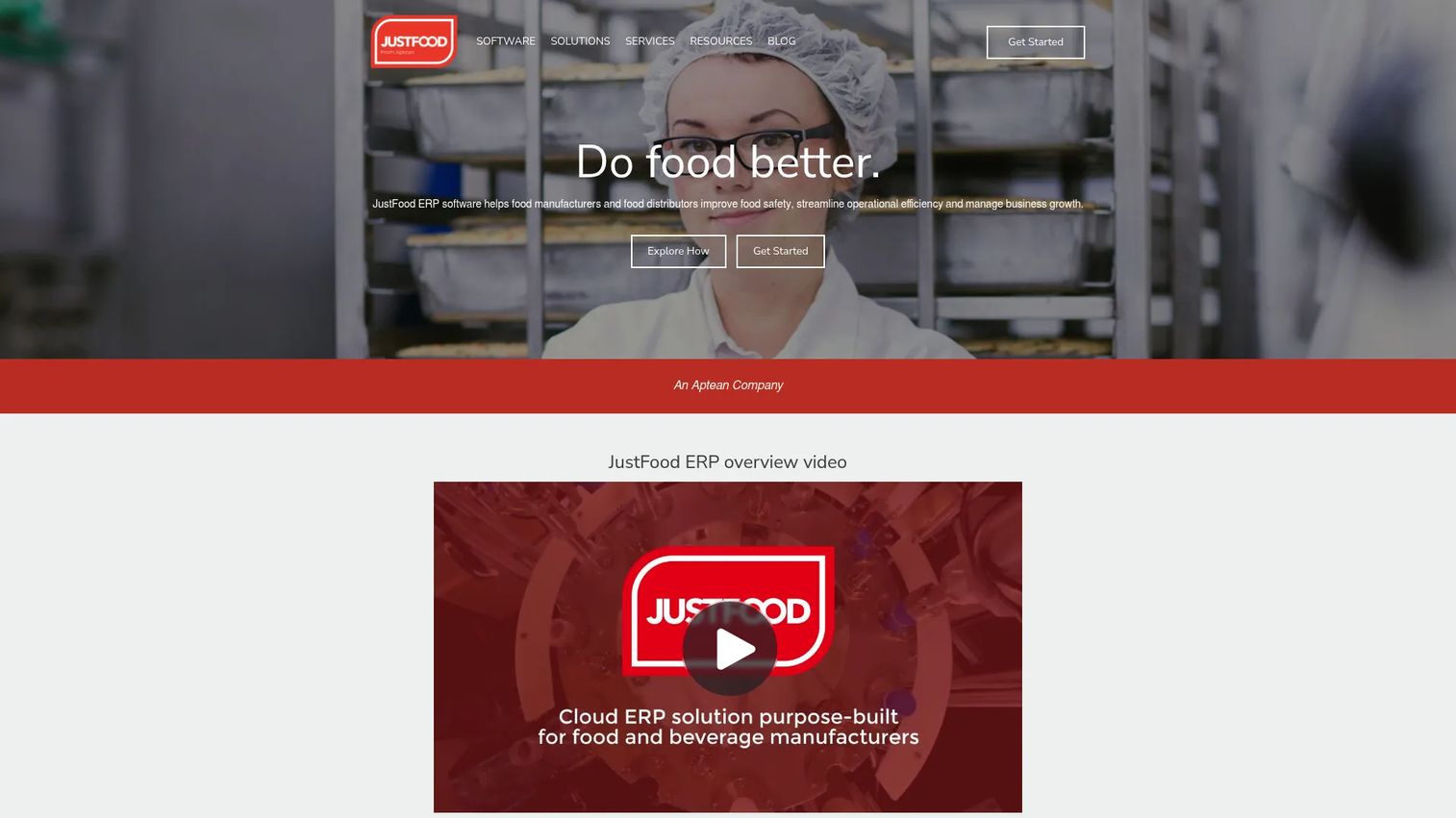
JustFood ERP is a cloud ERP purpose-built for food manufacturers and food distributors. It covers production, inventory, finance, quality management, and compliance from a single system designed around how food businesses actually operate, including lot tracking, batch processing, and regulatory workflows. JustFood ERP is currently part of the Aptean Food and Beverage ERP portfolio, which consolidates several legacy food ERP products under one platform.
Best for: Mid-market food manufacturers and distributors replacing disconnected systems across production, inventory, and finance.
Key features
- Lot tracking and traceability from supplier to finished goods
- Production planning and batch processing management
- Quality management and food safety compliance workflows
- Warehouse and inventory management with cost tracking
- Financial management, purchasing, and reporting
Why choose JustFood ERP: This is the right evaluation path when your bottleneck is production and traceability. If your team is managing batch records in spreadsheets and compliance documents in email, a purpose-built food ERP addresses those gaps without the customization overhead of a general ERP. Finance and operations leads should validate implementation scope and accounting migration before signing.
JustFood ERP pricing: JustFood ERP uses quote-based pricing. The official site requires you to request a demo and discuss modules, team size, and deployment preferences before receiving a cost breakdown. Ask sales about software, implementation, support, and any per-user fees.
G2 rating: 4.1/5
2. SimplyFoodERP
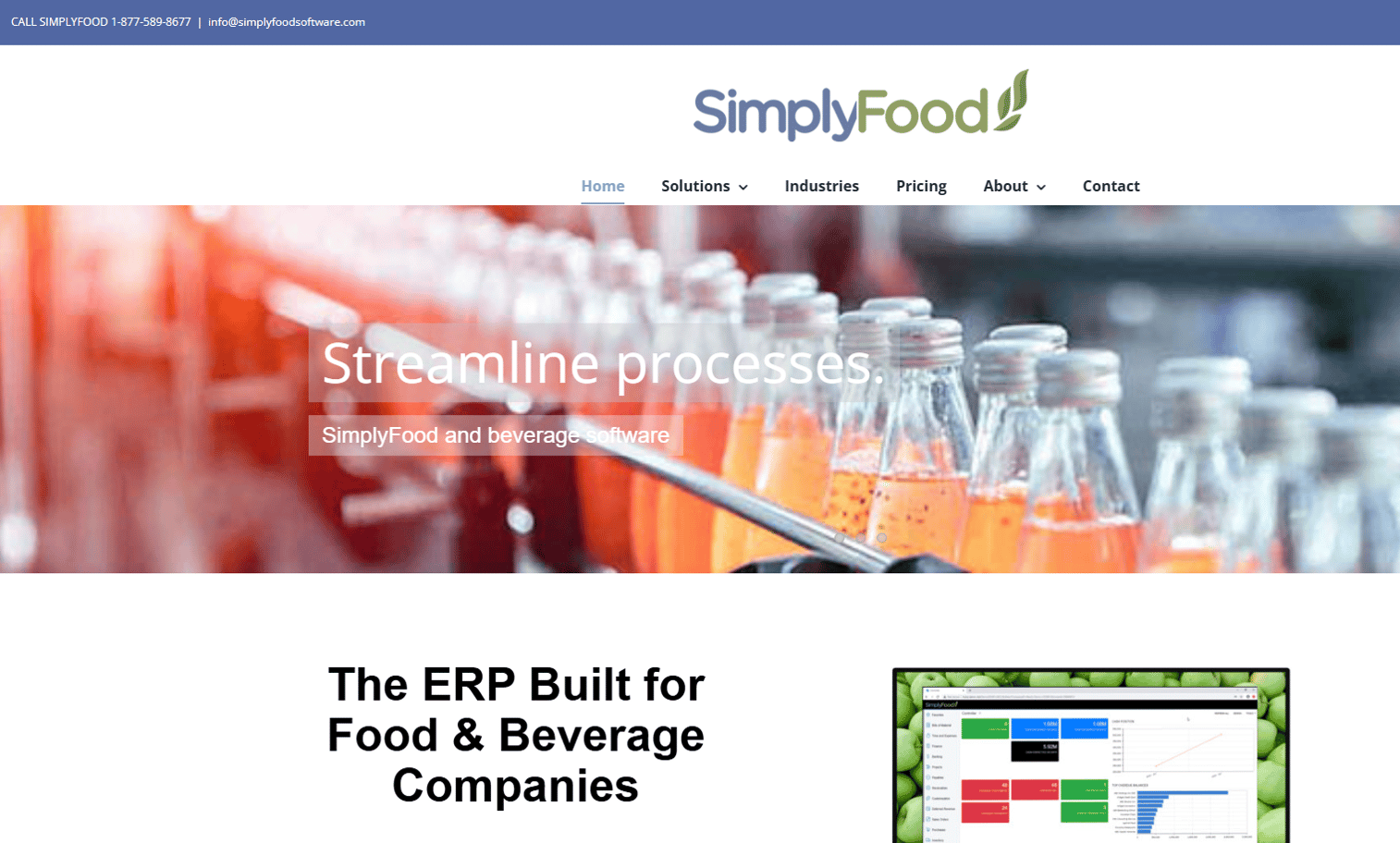
SimplyFoodERP is a food manufacturing ERP built on a cloud platform, designed for food and beverage companies that want structured ERP without having to build food-specific logic from scratch. It targets manufacturers that have outgrown spreadsheets and need connected workflows across recipes, production, inventory, traceability, and quality. The platform supports integrations with eCommerce, marketplaces, EDI, and direct store delivery channels where verified on the vendor site.
Best for: Food and beverage manufacturers moving from disconnected systems to cloud ERP with food manufacturing depth.
Key features
- Recipe and formulation management with version control
- Production scheduling and batch management
- Lot traceability across the supply chain
- Quality control and compliance documentation
- Commerce and EDI integrations for food distribution
Why choose SimplyFoodERP: SimplyFoodERP fits manufacturers who want ERP depth and food manufacturing specificity without commissioning a full custom build. It is a stronger fit for teams already leaning toward structured cloud ERP than for operators whose primary need is restaurant inventory or food safety checklists.
SimplyFoodERP pricing: SimplyFoodERP does not display subscription prices on its official site. Contact the vendor directly and ask about software, implementation, module selection, and support costs. The price will vary by user count, production complexity, and integration requirements.
3. Acumatica
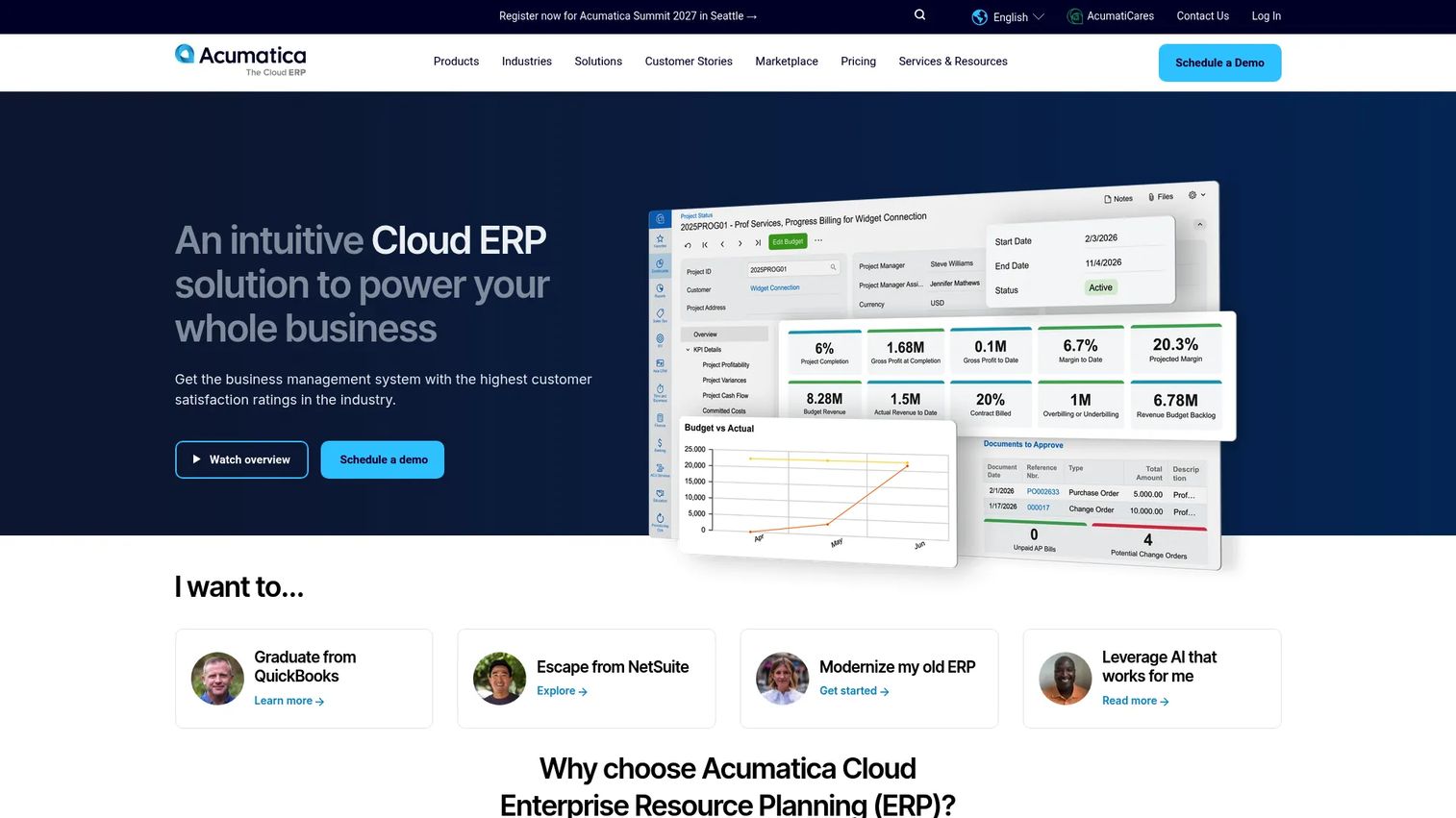
Acumatica is a cloud ERP platform for small and midmarket organizations, used across distribution, manufacturing, retail, and commerce. For food and beverage companies, Acumatica is typically deployed through industry-specialist implementation partners who configure the platform for food workflows including traceability, lot management, and regulatory reporting. It includes financial management, integrated CRM, project accounting, and business intelligence out of the box. Cloud-based software now accounts for an estimated 55% of the food and beverage industry software market, according to Future Market Insights (2025), making Acumatica's cloud-native model increasingly aligned with where the market is heading.
Best for: Food and beverage companies that need flexible cloud ERP and are open to partner-led implementation with food-specific configuration.
Key features
- Cloud ERP with financial management and cash flow tools
- Inventory management and purchasing workflows
- Distribution and fulfillment capabilities
- Business intelligence, reporting, and dashboards
- Mobile apps for iOS and Android, plus document management
Why choose Acumatica: Acumatica works well when the food business needs ERP breadth across finance, distribution, and commerce, and the food-specific logic is configured through a partner. Validate the partner's food industry experience before committing, since the base platform requires configuration to match food manufacturing or food safety workflows.
Acumatica pricing: APEX packages include software, implementation, and support with unlimited users. The APEX Distribution package starts under $1,495 per month; the APEX Manufacturing package starts under $2,185 per month. Standard pricing is customized by applications and usage factors.
G2 rating: 4.4/5.
4. Mitti
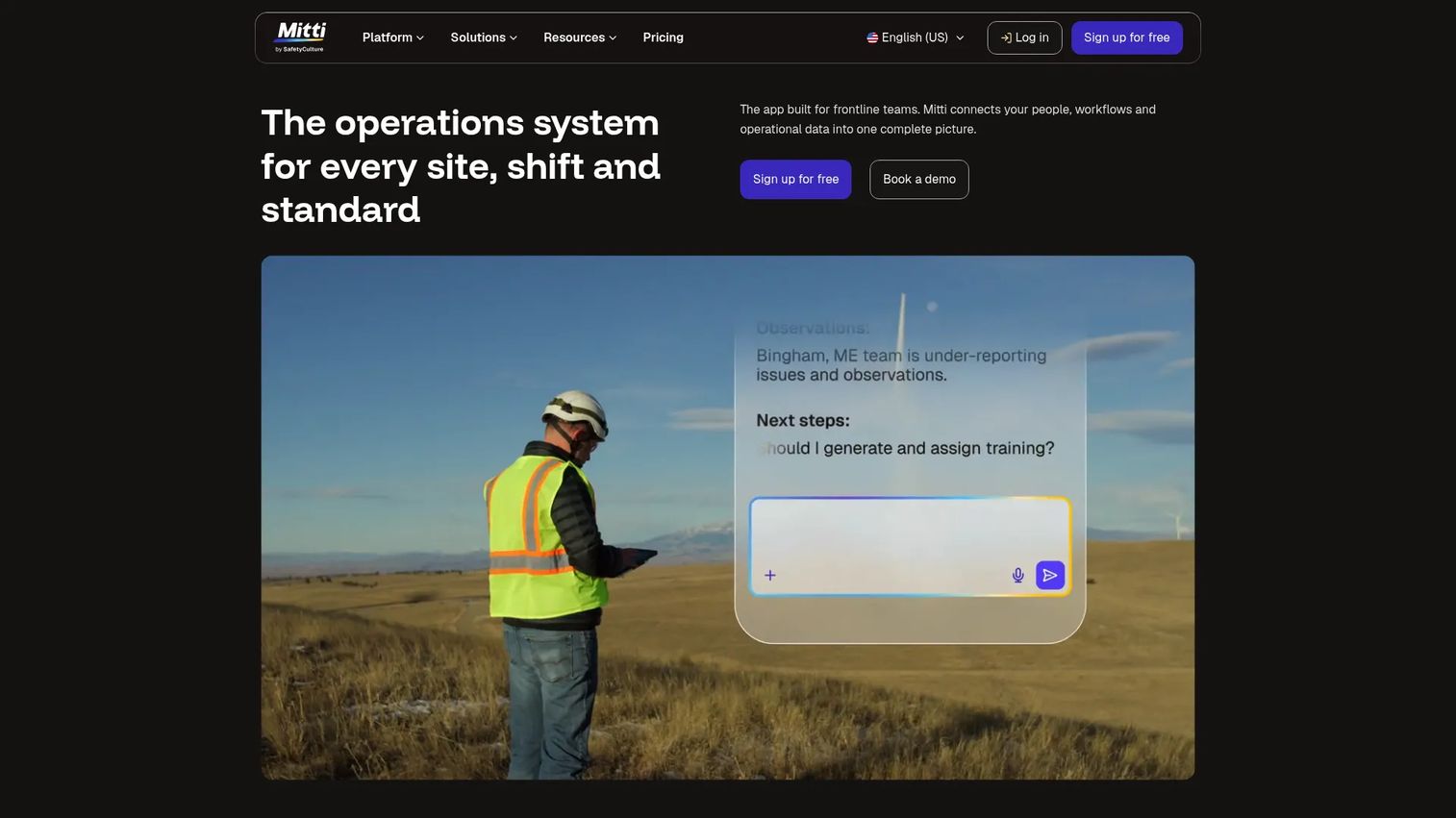
Mitti is a workplace operations system built by SafetyCulture for frontline and distributed teams. It combines inspections, training, incident reporting, asset management, IoT sensor monitoring, and analytics in a single mobile-first platform. For food operators, it covers the operational side of compliance, including temperature checks, food safety audits, corrective actions, and team training. It is not a food ERP or a restaurant inventory system, but it fills a gap that inventory tools often miss: Frontline execution and audit readiness.
Best for: Frontline and distributed operations teams that need centralized inspections, compliance workflows, and operational accountability.
Key features
- Inspections and customizable checklists with mobile capture
- Training modules for frontline team members
- Issue and incident reporting with corrective action tracking
- Asset management and maintenance scheduling
- Sensor and IoT monitoring for temperature and environmental data
Why choose Mitti: Choose Mitti when your compliance and inspection processes are the weak point, not your inventory system. It earns its place alongside an ERP or restaurant inventory tool rather than replacing one. Teams handling food safety audits, daily opening checklists, or temperature log requirements will find it covers those workflows specifically.
Mitti pricing: A free plan is available. Premium and Enterprise plans are offered. The free plan is confirmed at $0.
G2 rating: 4.6/5
5. SafetyCulture
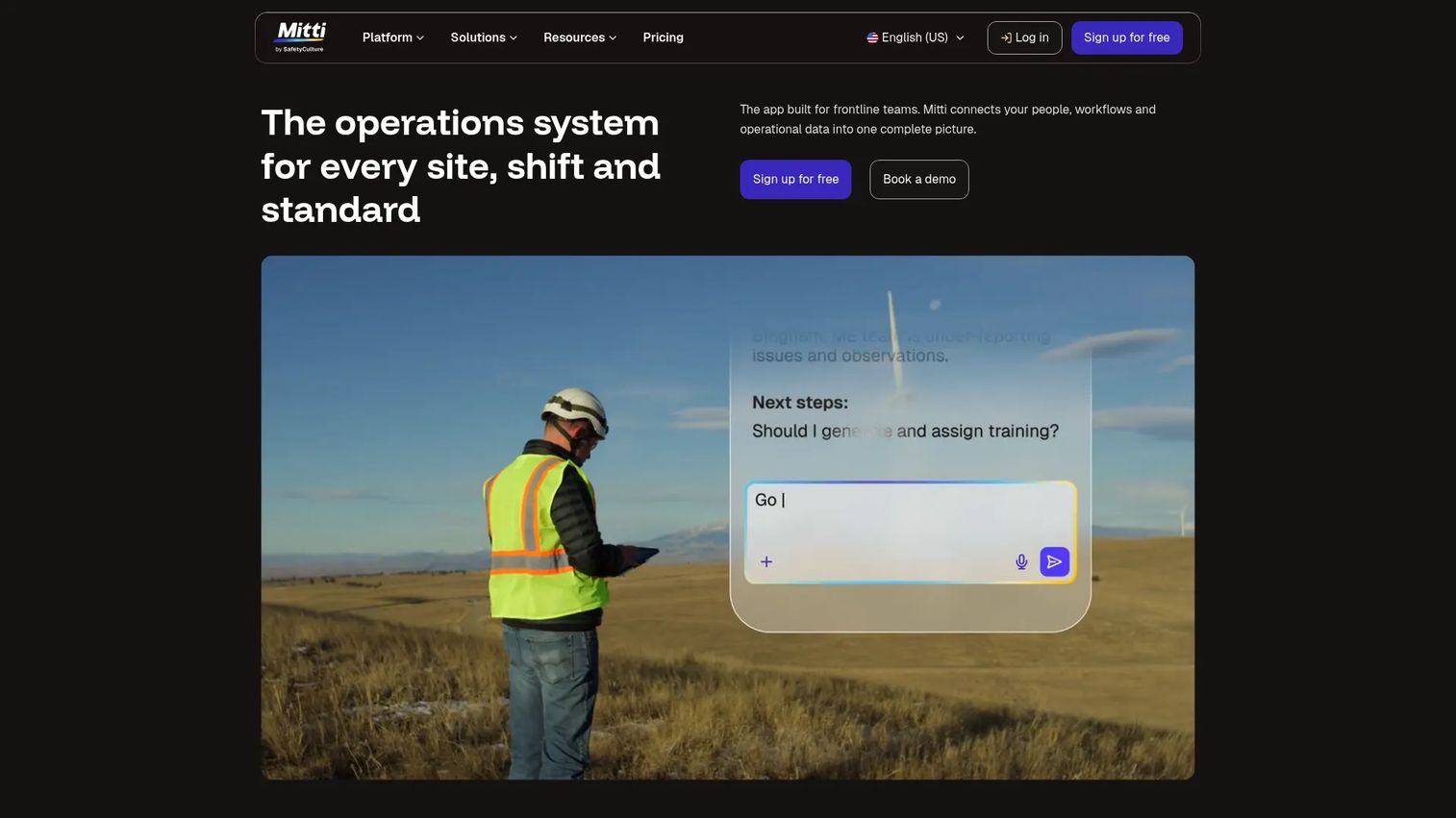
SafetyCulture is a mobile-first operations platform used for inspections, audits, corrective action management, and workforce training. In food environments, it covers HACCP-style checklists, temperature monitoring, supplier audits, and incident documentation. It is widely used across food manufacturing, hospitality, and retail for compliance execution rather than inventory or production management. SafetyCulture and Mitti are related products from the same company, with SafetyCulture as the established brand and Mitti as its renamed operations product.
Best for: Food operators that need stronger safety, audit, and frontline execution processes across multiple locations or departments.
Key features
- Mobile checklists and inspection templates for food safety workflows
- Issues and corrective-action tracking with photo evidence
- Insights, reporting dashboards, and audit history
- Training delivery for frontline staff
- Temperature and environmental monitoring with sensor integrations
Why choose SafetyCulture: SafetyCulture is the right starting point when compliance execution is inconsistent across locations, inspection records are scattered, or a food safety audit has exposed gaps in documentation. Pair it with an inventory or ERP system for full operational control.
SafetyCulture pricing: A free plan is available for teams of up to 10. The Premium plan is $24 per user per month, billed annually. Enterprise pricing requires contacting sales.
G2 rating: 4.6/5.
6. Revel
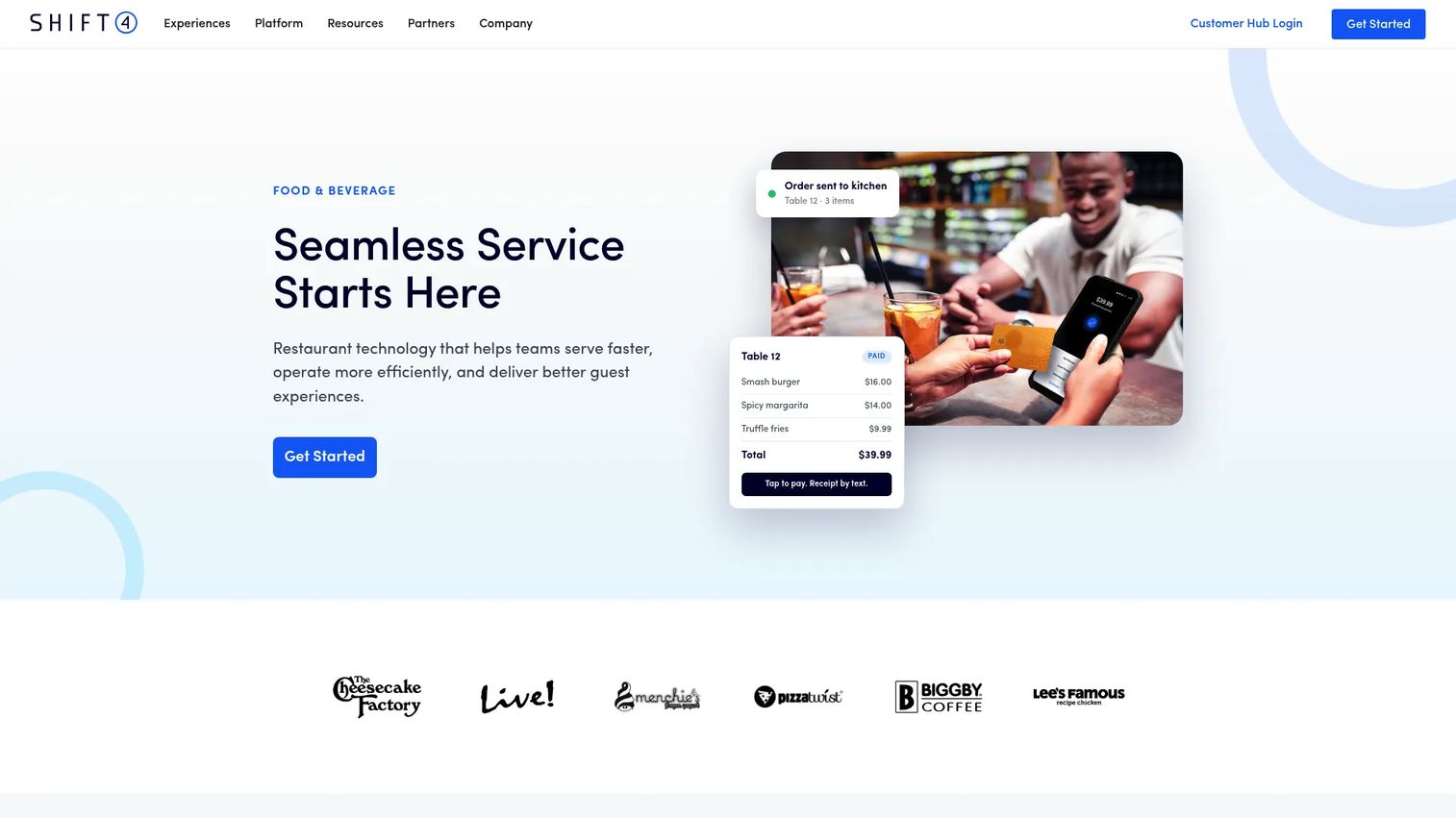
Revel is a cloud-based iPad point-of-sale and business management platform for restaurants and retail food businesses. It connects order management, payments, customer management, inventory tracking, and reporting in one system. Revel is designed for operators where the POS is the operational center of gravity: Quick-service restaurants, cafes, food halls, and specialty food retailers that need front-of-house and back-office data connected.
Best for: Restaurants and food retailers that want POS-led operations with inventory, customer management, and reporting connected.
Key features
- iPad POS with order management and payment processing
- Inventory tracking tied to sales data
- Customer management and loyalty programs
- Online ordering integration
- Reporting and analytics dashboards
Why choose Revel: Revel fits when the POS is the system of record and operations flow outward from the transaction. Manufacturing-heavy food businesses or operators with complex production workflows should look to ERP tools instead. Finance leads should ask about accounting integrations and multi-location reporting before purchase.
Revel pricing: Ask sales about software costs, hardware requirements, implementation fees, and support contracts. Pricing typically varies by number of terminals and locations.
G2 rating: 4.1/5.
7. Craftable
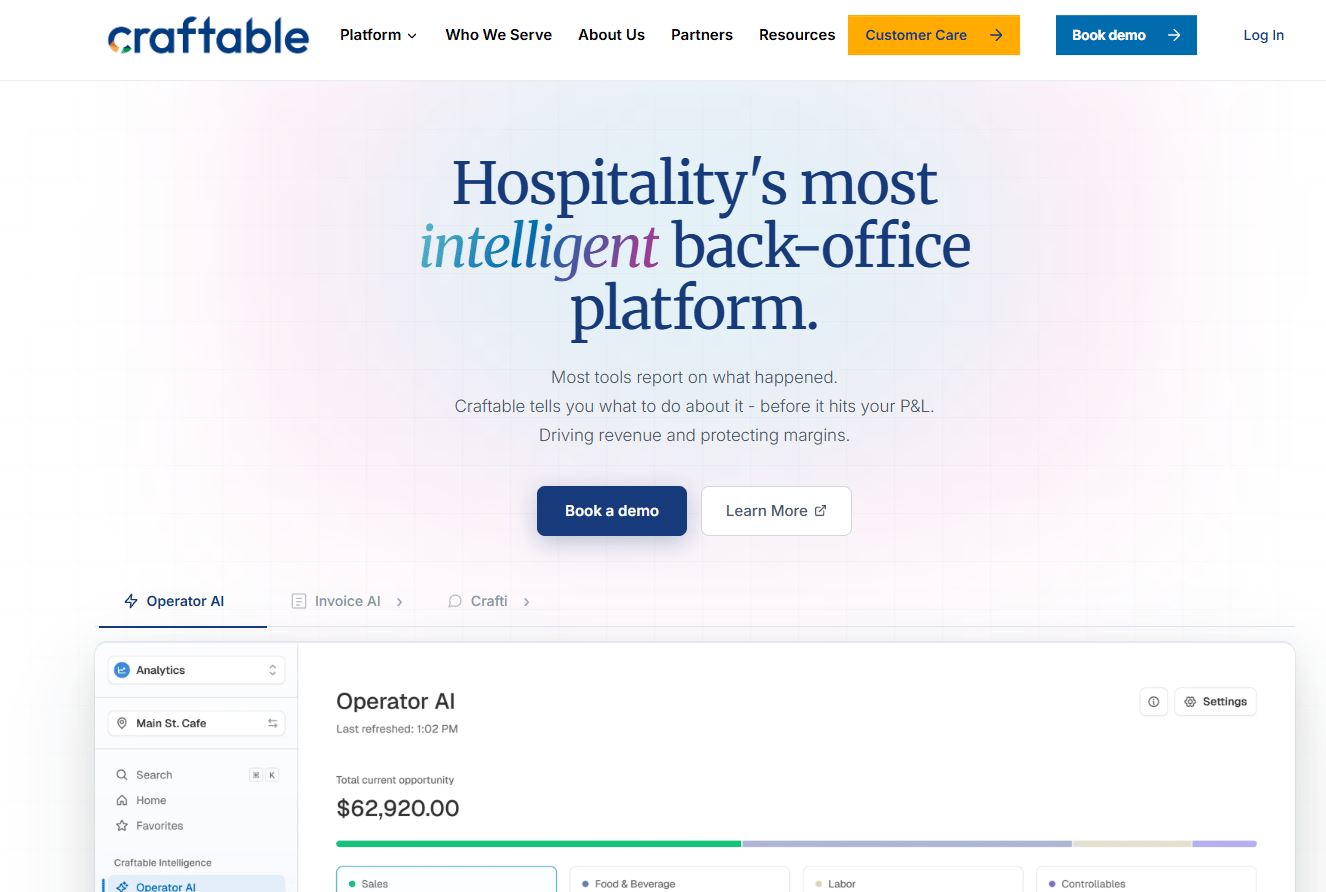
Craftable is a hospitality back-office platform for purchasing, inventory, accounts payable, recipe costing, and financial reporting. It is designed for restaurants, bars, hotels, and multi-location hospitality operators that need tighter control over food and beverage margins without migrating to full ERP. The platform includes AI-powered AP automation, invoice matching, and vendor management alongside inventory counts and recipe costing, which reduces the manual work in the back office.
Best for: Restaurant groups and hospitality operators focused on tightening food cost, purchasing discipline, and accounts payable across locations.
Key features
- Intelligent purchasing and ordering with vendor management
- Inventory tracking and recipe costing
- AI-powered AP automation and invoice matching
- Food cost reporting by location, category, or menu item
- POS and accounting integrations
Why choose Craftable: Craftable is the strongest fit when the main gap is food cost visibility and accounts payable efficiency in a hospitality setting. Finance leaders should check accounting integrations and multi-location reporting depth before committing. It is not a POS replacement or a food manufacturing ERP.
Craftable pricing: Ask sales about location count, module costs, and implementation fees.
G2 rating: 4.4/5.
8. MarketMan
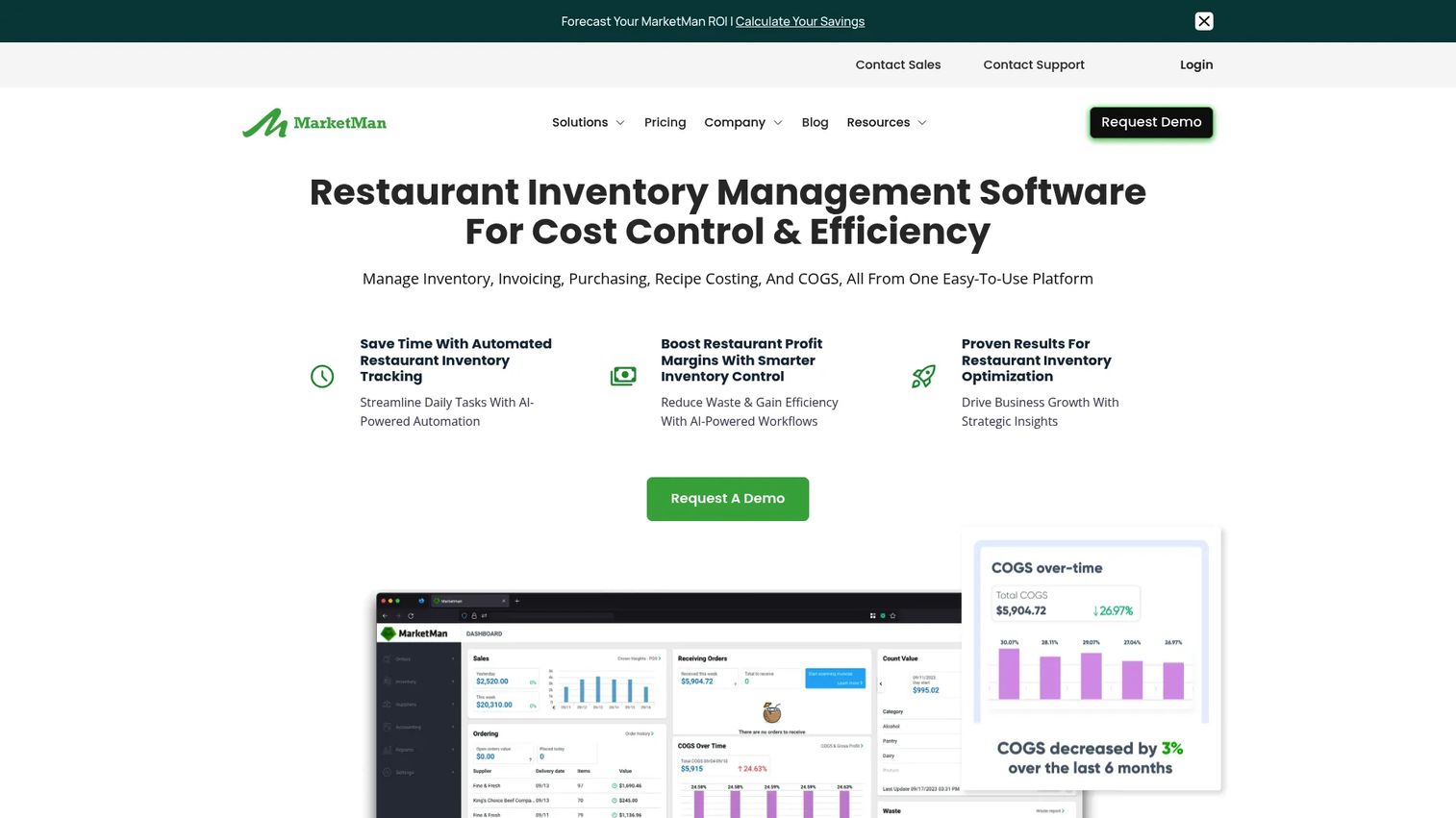
MarketMan is a cloud-based restaurant management platform for inventory, purchasing, recipe costing, and back-of-house operations. It connects supplier ordering, invoice processing, stock counts, and food cost tracking in one system designed specifically for restaurant and hospitality operators. For multi-location operators, MarketMan supports centralized purchasing and location-level inventory visibility alongside commissary kitchen management. The platform includes AI-powered ordering and vendor EDI integrations.
Best for: Restaurants and multi-location foodservice operators that need connected purchasing, inventory, and food cost visibility.
Key features
- Restaurant inventory management with stock counting tools
- Recipe costing and menu profitability reporting
- Purchase order and vendor management with EDI options
- Invoice scanning and accounts payable processing
- Waste tracking and food cost variance reporting
Why choose MarketMan: MarketMan is a strong pick when the primary problem is food cost and purchasing discipline in a restaurant setting. It is not the right platform for food manufacturing production planning. Operations and finance leads should validate POS integrations and accounting connections before onboarding.
MarketMan pricing: Plans start at $249 per month (Starter), $299 per month (Growth), and from $449 (Enterprise). Starter includes real-time recipe costing, AVT reporting, one vendor EDI integration, and 50 AI-powered invoice scans per month. Growth adds smart ordering and unlimited invoice scanning.
G2 rating: 4.3/5.
9. Lightspeed
Lightspeed is a cloud-based commerce platform providing point-of-sale, payments, inventory, eCommerce, and analytics for retailers and restaurants. For food businesses, Lightspeed offers separate restaurant and retail product lines. Restaurant editions cover customizable POS, menu management, floor plans, mobile ordering, and inventory. Retail editions cover POS, eCommerce, inventory, and purchase orders, which makes Lightspeed relevant for specialty food retail, grocery, and cafe-retail hybrid operations.
Best for: Food businesses that need a POS-led operating system connecting sales, inventory, and reporting across in-store and online channels.
Key features
- Restaurant POS with customizable menus and floor plans
- Retail POS with inventory and eCommerce integration
- Integrated payments across channels
- Advanced sales, staff, and inventory reporting
- API access and third-party integrations
Why choose Lightspeed: Lightspeed fits when the sales channel and in-store transaction are the organizing principle of the business. Manufacturing-focused food companies or operators with complex production requirements should evaluate food ERP options instead.
Lightspeed pricing: Restaurant plans start at $69 per month (Starter), $189 per month (Essential), and $399 per month (Premium). Retail plans start at $89 per month (Basic), $149 per month (Core), and $289 per month (Plus). Enterprise pricing requires a quote.
G2 rating: 4.4/5.
10. Crunchtime
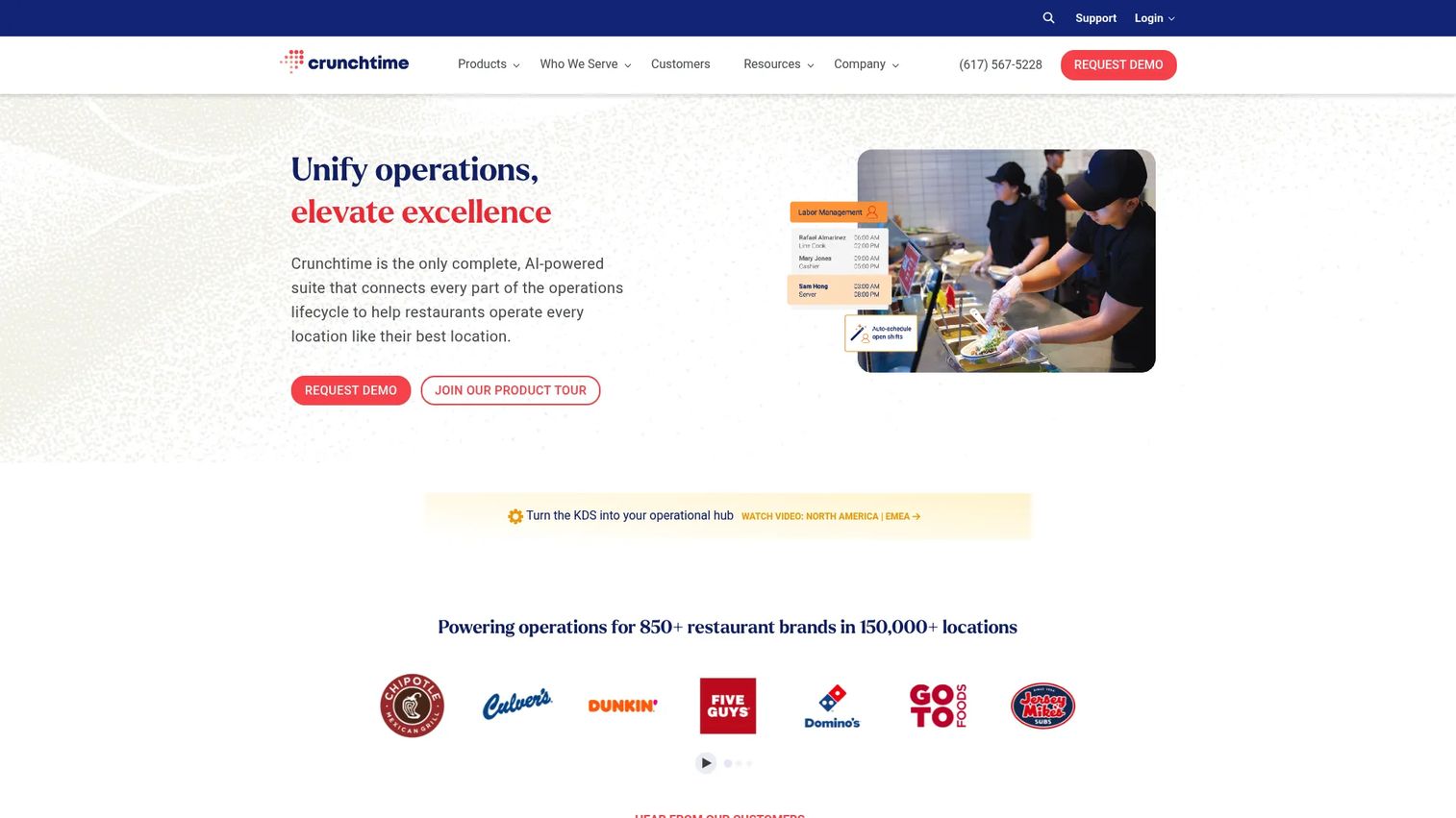
Crunchtime is a restaurant operations management platform designed for multi-unit brands. It covers inventory, labor scheduling, food cost controls, kitchen operations, and execution management from a system built for chains that need standardization across dozens or hundreds of locations. Crunchtime includes automated ordering with AI-powered forecasting, labor compliance tools, and operations checklists, making it one of the more complete platforms for enterprise restaurant operations.
Best for: Multi-location restaurant brands needing standardized food cost, labor, and operations management across a full portfolio of locations.
Key features
- Inventory management with automated ordering and AI forecasting
- Labor scheduling with demand forecasting and compliance tools
- Operations execution with tasks, checklists, and food safety monitoring
- Kitchen management and prep workflow tools
- Enterprise reporting across locations and brands
Why choose Crunchtime: Crunchtime is built for chains and multi-unit operators, not independent restaurants. If you are running more than a handful of locations and need standardized operations, food cost controls, and labor compliance, it is worth a serious evaluation. Single-location operators should validate implementation effort and total cost relative to simpler tools before committing.
Crunchtime pricing: Crunchtime uses quote-based pricing. Ask sales about locations, modules, implementation scope, and support. Costs scale with portfolio size and the operational depth required.
G2 rating: 4.5/5.
11. Yellow Dog
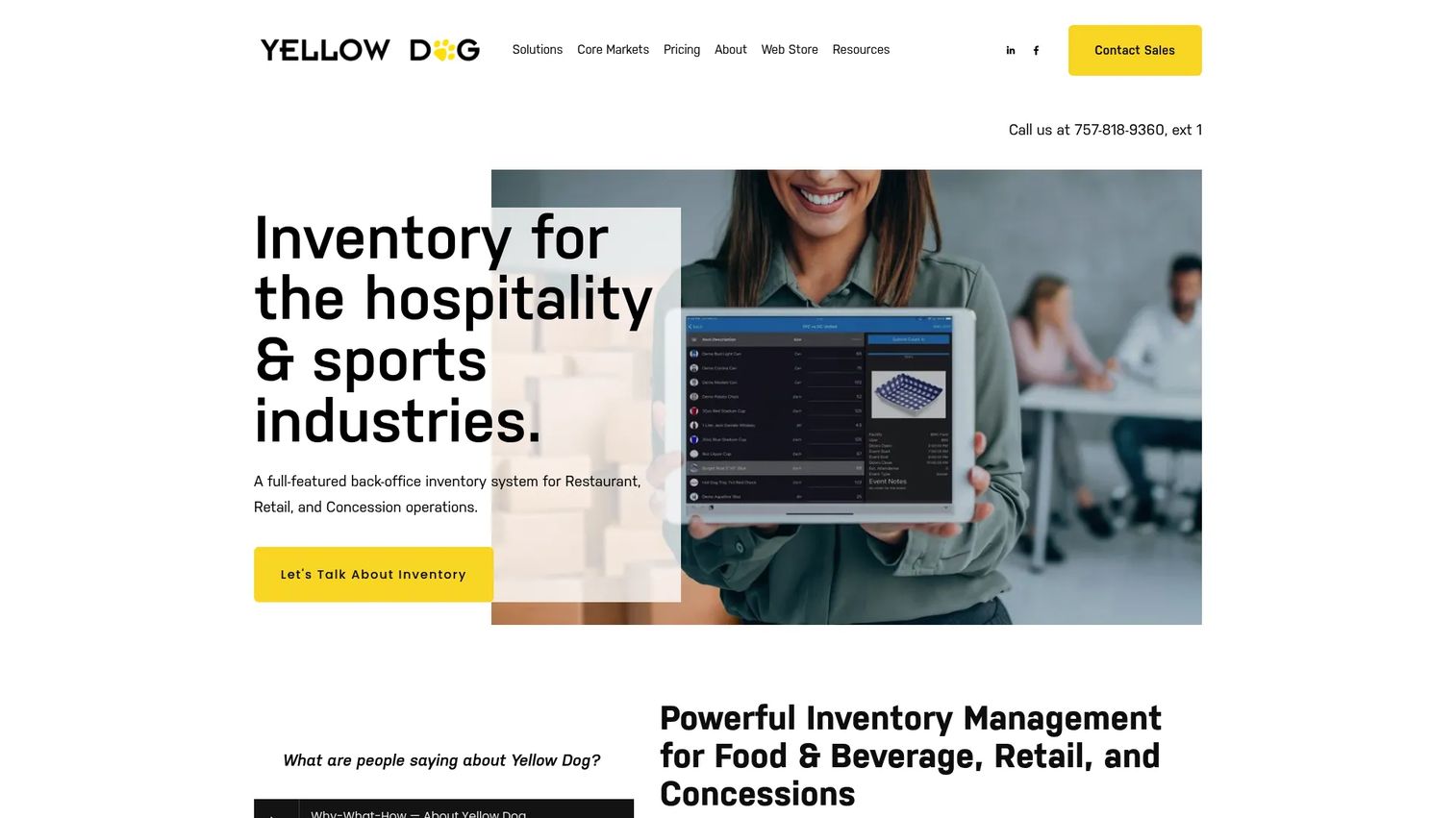
Yellow Dog is an inventory management system designed for food and beverage, retail, hospitality, concessions, and sports venue operations. It covers purchasing, transfers, replenishment, physical inventories, recipe costing, waste tracking, and reporting across multiple operational environments. Yellow Dog integrates with POS systems, accounting tools, vendor platforms, and eCommerce channels, and includes barcode and label printing for high-volume inventory operations.
Best for: Restaurants, hospitality operators, food retailers, and concessions businesses with complex inventory needs across multiple environments or locations.
Key features
- Inventory management for food and beverage, retail, and concessions
- Purchasing, transfers, replenishment, and fulfillment workflows
- Physical inventories via barcode mobile apps or paper sheets
- Recipe costing, waste tracking, and cost-of-goods reporting
- 300+ reports with export options and POS integrations
Why choose Yellow Dog: Yellow Dog is a strong option when the inventory environment is complex, spanning multiple outlet types, concession stands, or revenue categories that simpler restaurant inventory tools cannot handle well. Validate POS and accounting integrations with your specific vendors before purchase.
Yellow Dog pricing: Plans start at $295 per month for small restaurant businesses under a two-year contract, covering one unlimited store, one POS integration, and implementation. Larger business pricing requires contacting sales, with cost driven by store count and inventory item volume.
G2 rating: 3.8/5.
12. Aptean AppCentral
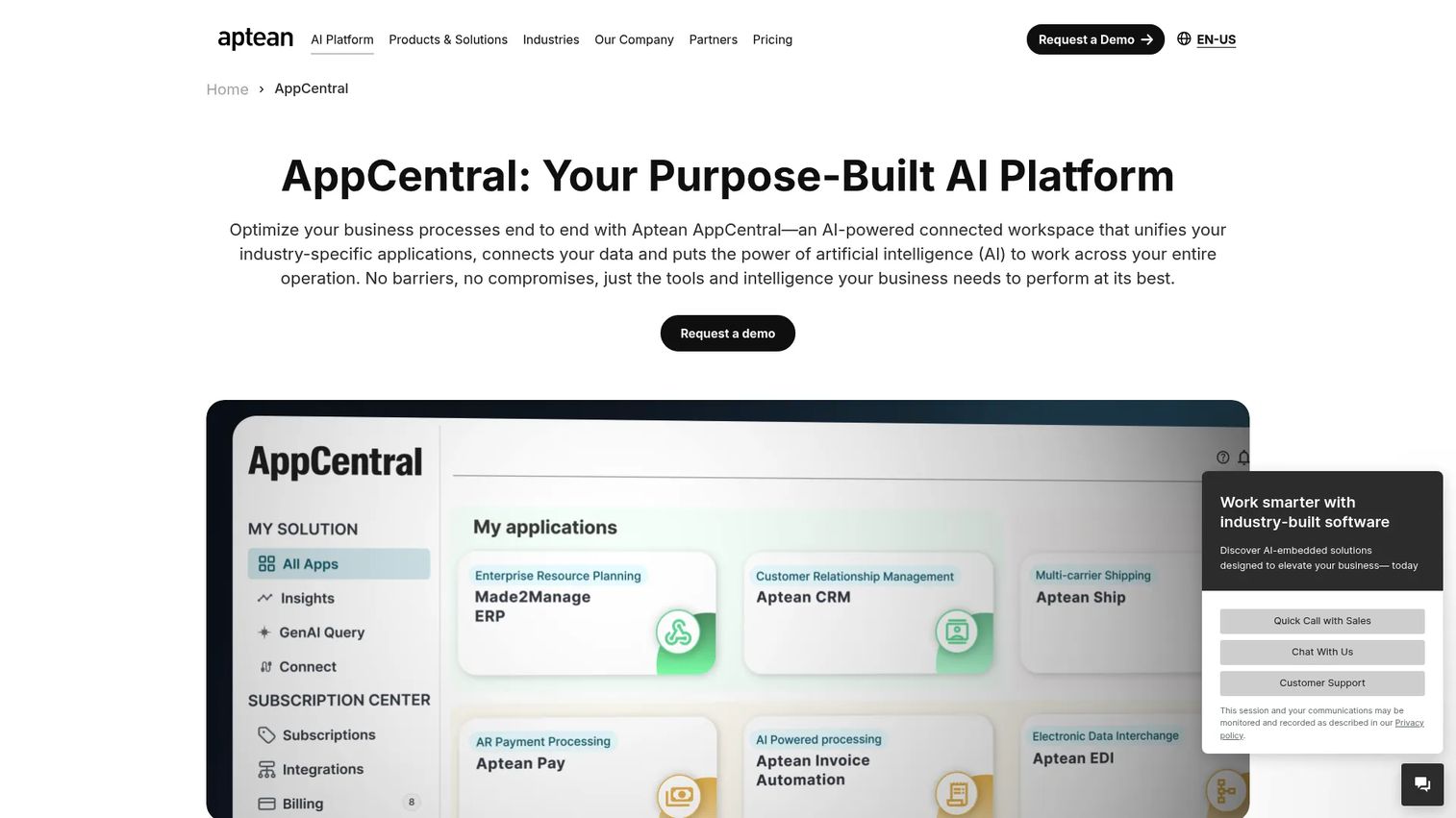
Aptean AppCentral is an AI-powered connected business platform that unifies Aptean's industry-specific applications, data, and embedded AI capabilities in a single hub. For food and beverage companies already using Aptean products, it provides role-based workspaces, natural-language business intelligence queries, intelligent workflows, AI agents, and cross-application analytics. It is not a standalone food inventory or ERP system, but a connective and intelligence layer across the broader Aptean ecosystem.
Best for: Food and beverage manufacturers or distributors already evaluating or running Aptean's food and beverage software stack.
Key features
- Preconnected hub for Aptean's industry-specific applications
- Aptean Intelligence with natural-language queries and AI agents
- Role-based workspaces with KPIs, alerts, and recommendations
- Intelligent workflows and AI-powered forecasting
- Unified data layer across connected applications
Why choose Aptean AppCentral: Aptean AppCentral is the right evaluation when you are already inside the Aptean ecosystem and want to consolidate visibility across applications. For teams evaluating standalone food ERP or inventory tools without existing Aptean products, start with the other options on this list first.
Aptean AppCentral pricing: Pricing depends on the applications used, user count, and implementation scope. Aptean provides customized pricing after a demo. Ask what AppCentral costs in addition to your existing Aptean products.
Considerations when choosing food software
Match the tool to your operating model
The first decision is not which features you want. It is what kind of food business you are running. A food manufacturer evaluating Lightspeed, or a restaurant operator evaluating JustFood ERP, is wasting evaluation cycles. ERP tools are for manufacturers and distributors. Restaurant inventory tools are for foodservice cost control. POS platforms are for transaction-led operations. Define the model before the shortlist.
Check traceability and compliance depth
For regulated food environments, lot tracking, allergen controls, recall readiness, and audit trails are non-negotiable. Ask vendors to walk through a complete recall scenario in the demo, not just describe the feature. Temperature log workflows, inspection records, and quality documentation should live in the system by default, not as an add-on.
Validate integrations before pricing
A food system that cannot connect to your POS, accounting platform, or EDI supplier network creates manual work after implementation. Map your current stack, including POS, general ledger, eCommerce, and warehouse systems, and confirm each integration before signing. The integration gap, not the subscription price, is usually the larger cost.
Compare total cost, not just the monthly fee
Software subscription is one line in the total cost of ownership. Add implementation fees, data migration, training, integration setup, and the internal time your team will spend during rollout. This matters especially for ERP and enterprise restaurant systems, where implementation can equal or exceed the first year of subscription fees.
Define the first operational win before buying
Pick one measurable outcome to achieve in the first 90 days. Fewer stockouts, faster month-end close, cleaner batch traceability, reduced invoice processing time, or higher inventory count accuracy. That target tells you which tool is the right fit and gives you a way to evaluate success without waiting 12 months.
Conclusion
Food software is not a single category, and picking by feature count is how teams end up with the wrong tool.
Manufacturers and distributors should start their evaluation with JustFood ERP, SimplyFoodERP, or Acumatica, depending on how much food-specific logic they need versus ERP flexibility. Restaurant and hospitality teams should compare Craftable, MarketMan, Crunchtime, Lightspeed, Revel, Yellow Dog, and Mitti based on whether food cost, multi-unit scale, or POS integration drives the decision. Compliance-heavy teams should evaluate SafetyCulture or Mitti alongside whichever inventory or ERP system fits the core operation. Teams already running Aptean software should evaluate Aptean AppCentral within that existing stack.
The practical next step: Shortlist three tools by operating model, run the same workflow scenario across each vendor demo, compare total cost including implementation, and check references from companies at a similar size and food category.
Pick the tool by operating model, not by feature count.
Start your journey with Guideflow today!
FAQs
Food software is business software built specifically for food and beverage companies to manage inventory, production, purchasing, compliance, traceability, and financial reporting. The category spans food ERP for manufacturers and distributors, restaurant inventory management software for foodservice operators, food safety and inspection platforms, and POS-centered systems for retail food businesses.
Food manufacturers typically need food ERP or food manufacturing software that covers lot tracking, batch production, recipe management, quality control, and compliance documentation. JustFood ERP, SimplyFoodERP, and Acumatica (through a food-specialist partner) are the strongest starting points from this list, depending on implementation preference and cloud ERP flexibility requirements.
Restaurant operators focused on food cost and purchasing should compare MarketMan, Craftable, and Crunchtime for restaurant inventory management software. Crunchtime is built for multi-unit chains. MarketMan and Craftable are stronger fits for independent and small-chain operators. POS-led tools like Lightspeed, Revel, and Yellow Dog also include inventory capabilities for food businesses where the POS anchors the operation.
Food ERP covers finance, production, purchasing, inventory, compliance, and reporting in one integrated system. It is designed for manufacturers and distributors with complex operational needs. Food inventory software has a narrower focus: Stock levels, supplier ordering, recipe costing, waste tracking, and food cost variance. Restaurant operators usually need food inventory software; food manufacturers usually need ERP.
Costs vary significantly by category. POS and restaurant inventory tools often have published monthly plans, with Lightspeed starting at $69 per month and MarketMan starting at $249 per month. ERP and enterprise restaurant systems, including JustFood ERP, SimplyFoodERP, Crunchtime, and Revel, use quote-based pricing that depends on locations, modules, users, and implementation scope. Total cost of ownership includes implementation fees, training, data migration, and integration setup on top of the subscription.
The most operationally important features are lot tracking and traceability, recipe and formulation management, inventory and waste control, supplier ordering workflows, compliance documentation, and margin reporting. Prioritize the capabilities that address your largest operational risk or cost. A manufacturer without traceability and a restaurant without food cost visibility are solving different problems with different tools.
Most small food businesses do not need full ERP at the outset. POS software, accounting tools, and focused inventory systems cover the operational needs of a single location or small food operation. ERP becomes important when production complexity, multi-site traceability, finance reporting demands, and regulatory requirements outgrow what simpler tools can handle. The trigger is usually a combination of production volume, compliance pressure, and finance team requirements.
Multi-location food businesses should prioritize tools with centralized inventory management, role-based permissions, standardized reporting across locations, and robust POS or ERP integrations. Crunchtime is built specifically for multi-unit restaurant chains. MarketMan and Yellow Dog both support multi-location inventory. For manufacturers operating across multiple facilities, food ERP with lot-level traceability across sites is the right evaluation path. Run a pilot across two or three locations before a full rollout to identify integration gaps and training requirements.