You post consistently. The Page stays active. Leadership still asks what Facebook actually contributed to pipeline. Native reporting shows impressions and reactions, but not enough context to defend the channel or improve it.
The problem isn't effort. With 3.07 billion monthly active users as of Q4 2025 (Meta, 2025), Facebook remains a channel worth measuring carefully. The real problem is reporting infrastructure. Most marketing teams are stuck choosing between incomplete native dashboards and sprawling tools that add overhead instead of clarity.
The right facebook analytics tool depends on what reporting job you're solving: Owned Page performance, competitor benchmarking, client-ready dashboards, or brand monitoring that spans beyond what you post. This guide helps you match the tool to the job.
What's inside
This guide covers 17 facebook analytics tools for 2026, evaluated across free and paid options by digital marketers, agency teams, and social media managers.
- Who this is for: Growth marketers, agencies, and social teams responsible for Facebook performance reporting
- Selection criteria: Facebook data depth, benchmarking capability, reporting quality, and pricing fit
- What's covered: Native tools, publishing suites, free checkers, listening platforms, and BI-style reporting
- What you'll leave with: A shortlist organized by reporting job, not feature list
Pricing and G2 ratings reflect verified sources as of November 2026.
TL;DR
- Best free baseline: Meta Business Suite gives Page owners native Facebook and Instagram performance data at no cost
- Best for lean teams: SocialPilot combines publishing, analytics, and client-ready exports at small-team pricing
- Best for enterprise social teams: Sprout Social covers analytics, approvals, listening add-ons, and cross-channel reporting
- Best for competitor benchmarking: Rival IQ and Socialinsider compare Facebook Pages against competitors and industry benchmarks
- Best for quick public Page checks: Vaizle analyzes public Facebook Pages with downloadable reports, no login required
- Best for social listening: Brand24, Brandwatch, and Talkwalker track brand mentions, sentiment, and broader social conversations
What is Facebook analytics software?
Facebook analytics software helps marketers measure, report, and improve Facebook performance across Page content, audience growth, engagement, advertising, competitors, and social conversations.
The category spans several distinct tool types:
- Native Meta tools: Show private Page and ad performance for assets you manage directly
- Public Page checkers: Analyze visible Page data without requiring account access
- Publishing suites: Combine content scheduling with post-level analytics and reporting dashboards
- Benchmark platforms: Compare your Page against competitors or industry norms using public data
- Social listening tools: Track brand mentions, sentiment, and conversation volume across the broader web
- BI-style reporting platforms: Turn social data into custom dashboards for stakeholder and client reporting
Core Facebook metrics to measure
- Reach and impressions
- Engagement rate (reactions, comments, shares)
- Follower growth over time
- Video views and average watch duration
- Link clicks and landing-page traffic
- Top posts by engagement or reach
- Ad spend, CPM, CPC, and ROAS (where ad accounts are connected)
- Competitor posting frequency and content mix
How Facebook engagement rate is calculated
Engagement rate is calculated as total engagements divided by a chosen denominator, then multiplied by 100. The denominator changes the meaning:
- Follower-based engagement: Engagements divided by followers. Works for competitor comparison because follower counts are public
- Reach-based engagement: Engagements divided by reach. More accurate for owned Page analysis when you have private Meta data
Different tools use different denominators, so check which formula a tool applies before comparing reports side by side.
Public Facebook analytics versus private Meta analytics
Public tools analyze visible Page activity. Anyone can run them on any Page. Meta-owned tools access private reach, ad, and conversion data for assets you directly manage. Agencies often need both: Private data for clients they manage, public data for prospect audits and competitor research.
When to use Facebook analytics tools
Prove performance beyond likes
Likes alone do not tell you whether content is driving attention, traffic, or revenue. A facebook analytics tool connects post-level engagement to campaign goals and reporting cycles, giving leadership something worth reading rather than a vanity metric summary.
Benchmark competitors and industry Pages
A 1 percent engagement rate may be strong or weak depending on your category, posting frequency, and follower count. Benchmark tools show how competitors post, what content types perform for them, and where you have room to improve relative to the market.
Build reports without spreadsheet cleanup
Growth marketers report spending hours exporting CSVs and rebuilding charts. Good tools cut that work through dashboards, PDF exports, scheduled reports, and stakeholder-ready views that don't require manual formatting every week.
Facebook analytics tools comparison
The table below organizes 17 tools by use case. Native tools work best when you manage the asset directly. Free checkers handle quick public Page analysis. Publishing platforms help when reporting should sit beside scheduling. Listening tools matter when Facebook performance connects to brand perception.
| # | Product | Best for | Key differentiator | Pricing | G2 rating |
|---|---|---|---|---|---|
| 1 | Meta Business Suite | Free native analytics | Native Meta data for Pages, Instagram, ads, and inbox | Free | N/A |
| 2 | SocialPilot | Lean teams and agencies | Publishing plus analytics with client-ready reports | From $25.50/mo | 4.5/5 |
| 3 | Sprout Social | Enterprise social teams | Cross-channel analytics, listening add-ons, approvals | From $199/seat/mo | 4.4/5 |
| 4 | Buffer | Simple publishing analytics | Lightweight scheduling with readable post performance | Free; paid from $5/mo | 4.3/5 |
| 5 | Hootsuite | Multi-network social teams | Broad social management with reporting and team workflows | From $99/user/mo | 4.3/5 |
| 6 | Rival IQ | Competitive benchmarking | Head-to-head Facebook and industry benchmark reporting | From $239/mo | 4.5/5 |
| 7 | Socialinsider | Facebook Page analysis | Competitor reports, engagement rate, and content performance | From $82/mo | 4.7/5 |
| 8 | Vaizle | Free public Page checks | No-login Facebook Page analyzer with downloadable reports | From $49/mo (annual) | N/A |
| 9 | NapoleonCat | Agencies and moderation teams | Analytics plus social inbox and automated moderation | From $79/mo | 4.7/5 |
| 10 | Iconosquare | Visual social analytics | Social reports across Facebook, Instagram, TikTok, and LinkedIn | From €9/mo (annual) | 4.4/5 |
| 11 | Brand24 | Brand mention monitoring | Social listening, sentiment, and mention analytics | From $249/mo | 4.6/5 |
| 12 | Brandwatch | Enterprise social intelligence | Large-scale listening, audience insights, custom dashboards | Custom pricing | 4.2/5 |
| 13 | Quintly | Custom social dashboards | Flexible metrics, benchmarking, and exportable dashboards | On request | 4.7/5 |
| 14 | Facelift Data Studio | BI-style social reporting | Custom dashboards for multi-channel social analytics | Contact for pricing | 4.7/5 |
| 15 | Keyhole | Campaign and hashtag tracking | Campaign analytics across hashtags, influencers, and social channels | Contact for pricing | 4.3/5 |
| 16 | Muck Rack | PR and earned media teams | Media monitoring with social and journalist relationship context | Custom pricing | 4.5/5 |
| 17 | Talkwalker | Enterprise listening and intelligence | Social listening, sentiment, and consumer intelligence | Custom pricing | 4.3/5 |
Best 17 Facebook analytics tools for 2026
1. Meta Business Suite
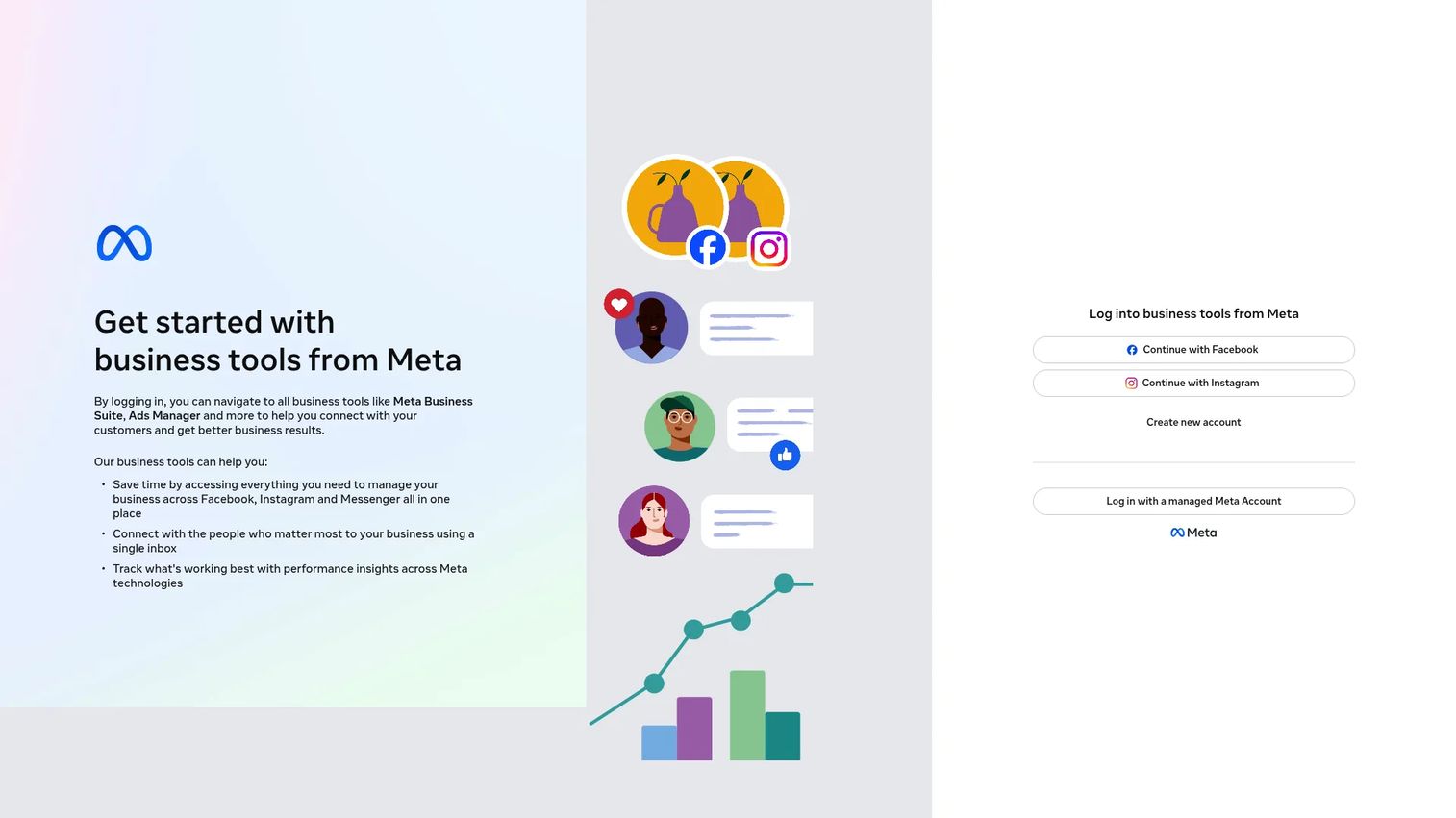
Meta Business Suite is the native starting point for Facebook and Instagram business analytics. It gives Page owners direct visibility into post performance, audience insights, inbox activity, and ad-related data, all within a single Meta workspace. It's most useful when you manage the assets directly, because the data covers what's actually happening in your Pages and ad accounts rather than estimating from public signals.
Best for: Teams that need a free native baseline before evaluating third-party reporting tools.
Key features
- Page and post insights: Reach, impressions, reactions, shares
- Audience growth metrics and demographics
- Facebook and Instagram coverage in one place
- Inbox and content management
- Native ad performance visibility
Why choose Meta Business Suite: Start here before paying for anything else. It gives you the private data foundation that competitor and listening tools can't replicate. Its limits show up when you need competitor context, client-ready PDF exports, or historical data beyond Meta's retention windows.
Meta Business Suite pricing: Free for eligible Meta business assets. Ad spend is billed separately through your Meta ad account.
2. SocialPilot
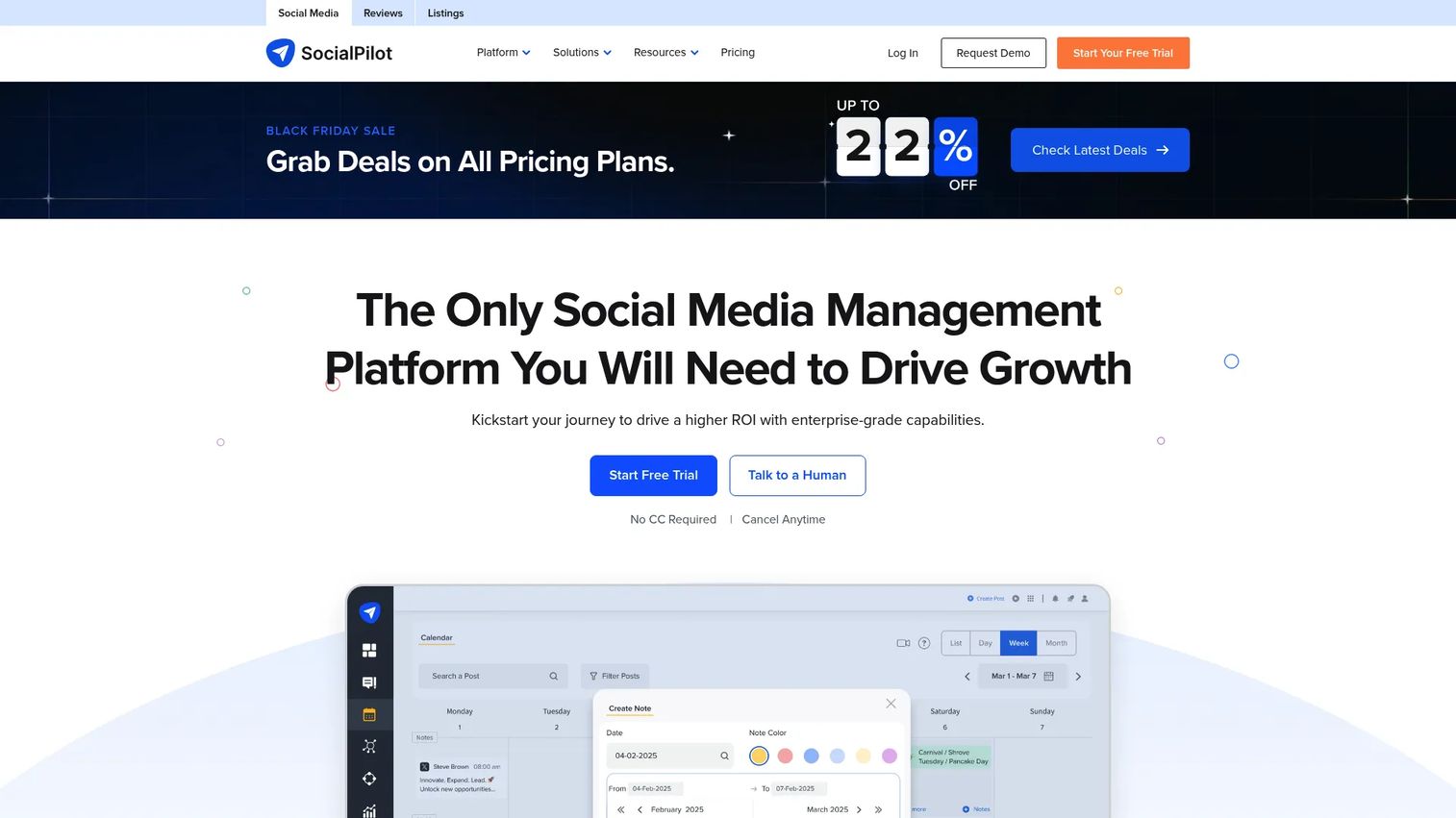
SocialPilot is a social media management platform combining publishing, scheduling, analytics, and white-label reporting. It targets small teams and agencies that want one workflow for content planning and Facebook reporting rather than separate tools for each job. The platform supports multi-account management, team collaboration, and client approval flows.
Best for: Lean marketing teams and agencies that need reporting without enterprise overhead.
Key features
- Facebook analytics reports with post-level breakdown
- Multi-account scheduling and content calendar
- Client-ready report exports (PDF and white-label)
- Team collaboration and approval workflows
- AI content creation assistance
Why choose SocialPilot: The consolidation argument is real here. If you're paying for a scheduling tool and a separate reporting tool, SocialPilot can replace both at a lower combined cost. It's particularly strong for agencies managing several client Pages who need clean deliverables.
SocialPilot pricing: Plans start at $25.50/month billed annually ($30/month billed monthly). The Standard plan is $42.50/month annually. A 14-day free trial is available across all plans.
G2 rating: 4.5/5
3. Sprout Social
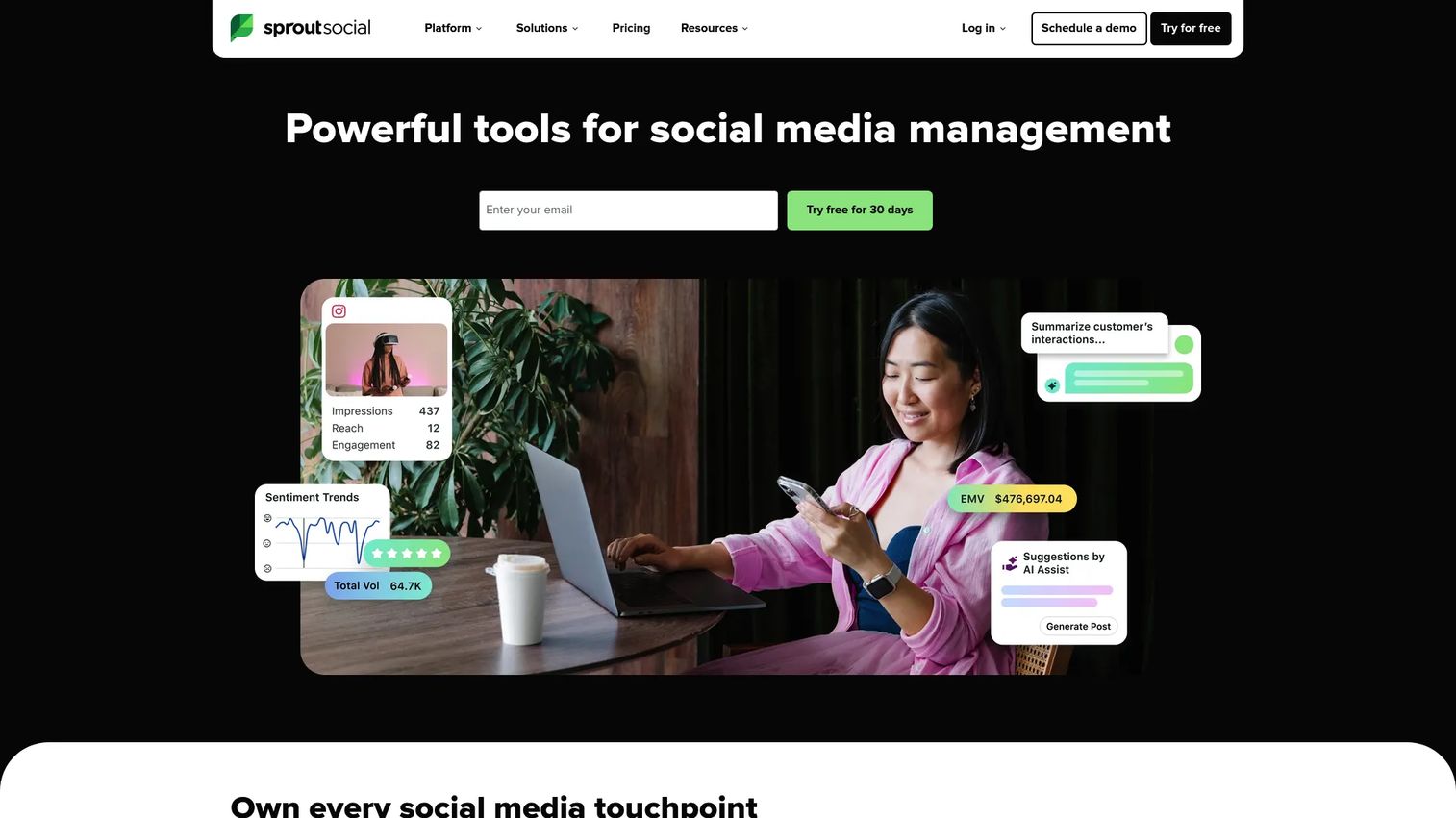
Sprout Social is a mature social media management and analytics platform for teams that need reporting, inbox management, approval workflows, and publishing under one roof. Its analytics cover cross-channel performance, with listening available as an add-on. The platform suits organizations where multiple people touch social media and stakeholder reporting is a recurring deliverable.
Best for: Mid-market and enterprise teams that need analytics alongside internal process controls.
Key features
- Cross-channel analytics with custom report builder
- Unified social inbox and engagement management
- Content calendar and multi-profile publishing
- Social listening add-ons
- Approval workflows and team permissions
Why choose Sprout Social: Choose Sprout Social when the team needs analytics that connect to workflow governance. It earns its price when social is a team function with real approval chains. For a solo marketer who only needs basic Facebook Page analytics, it may be more than necessary.
Sprout Social pricing: Standard starts at $199 per seat per month (annual billing). Professional is $299 per seat per month. Advanced is $399 per seat per month. A 30-day free trial is available.
G2 rating: 4.4/5
4. Buffer
Buffer is a lightweight social publishing platform with clean post-level analytics. It's built for creators, small businesses, and teams who want readable performance summaries without committing to a complex reporting platform. The free plan covers up to three channels, which is enough for many early-stage marketing operations.
Best for: Small teams that want straightforward publishing and Facebook performance summaries in one place.
Key features
- Post performance analytics with engagement breakdown
- Social scheduling across multiple channels
- Community inbox and comment management
- Simple reporting views with key metrics
- AI caption and content support
Why choose Buffer: Buffer earns its place when speed and simplicity matter more than deep competitive intelligence. It's a practical fit when the team needs to publish and check basic performance without navigating enterprise-grade dashboards. Analytics depth increases on paid plans.
Buffer pricing: Free plan available for up to three channels. The Essentials plan is $5/month per channel (billed monthly). The Team plan is $10/month per channel.
G2 rating: 4.3/5
5. Hootsuite
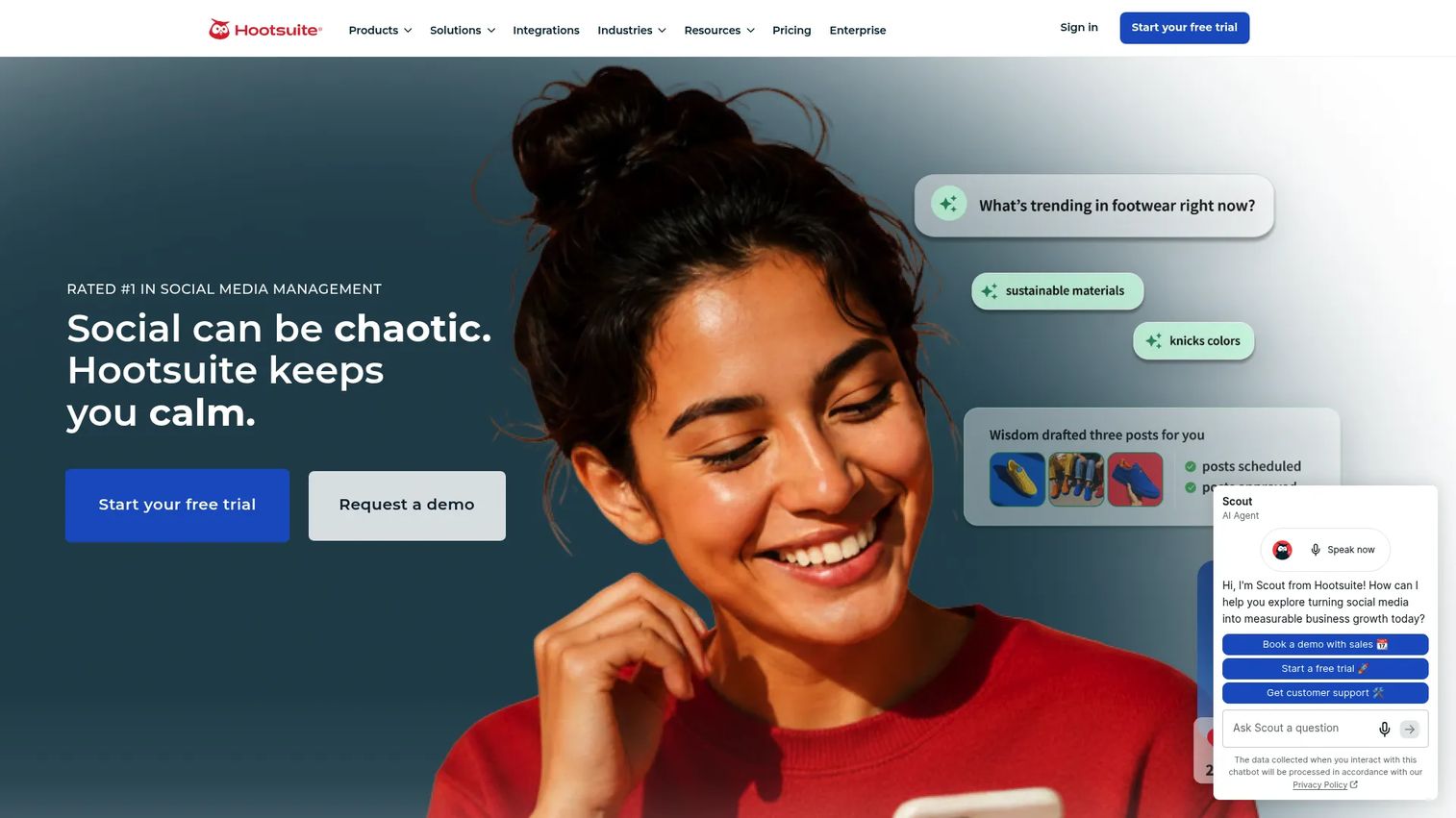
Hootsuite is a broad social media management platform covering scheduling, monitoring, analytics, and team workflows across multiple networks. It's built for social teams managing several networks simultaneously, where Facebook analytics is part of a larger operational picture rather than the only job.
Best for: Social teams that need multi-network management with Facebook analytics included.
Key features
- Multi-network scheduling and publishing
- Analytics dashboards and campaign reporting
- Team permissions and role management
- Unified social inbox
- Social listening and sentiment detection
Why choose Hootsuite: Hootsuite works best when Facebook reporting is one piece of a broader social operation. If the team manages Facebook, LinkedIn, and X simultaneously, centralizing reporting here makes sense. For Facebook-only analysis, the breadth can feel like overhead.
Hootsuite pricing: Standard starts at $99 per user per month (annual billing). Professional is $199 per user per month. Advanced is $399 per user per month. Enterprise pricing is available on request. A 14-day free trial applies to paid plans.
G2 rating: 4.3/5
6. Rival IQ
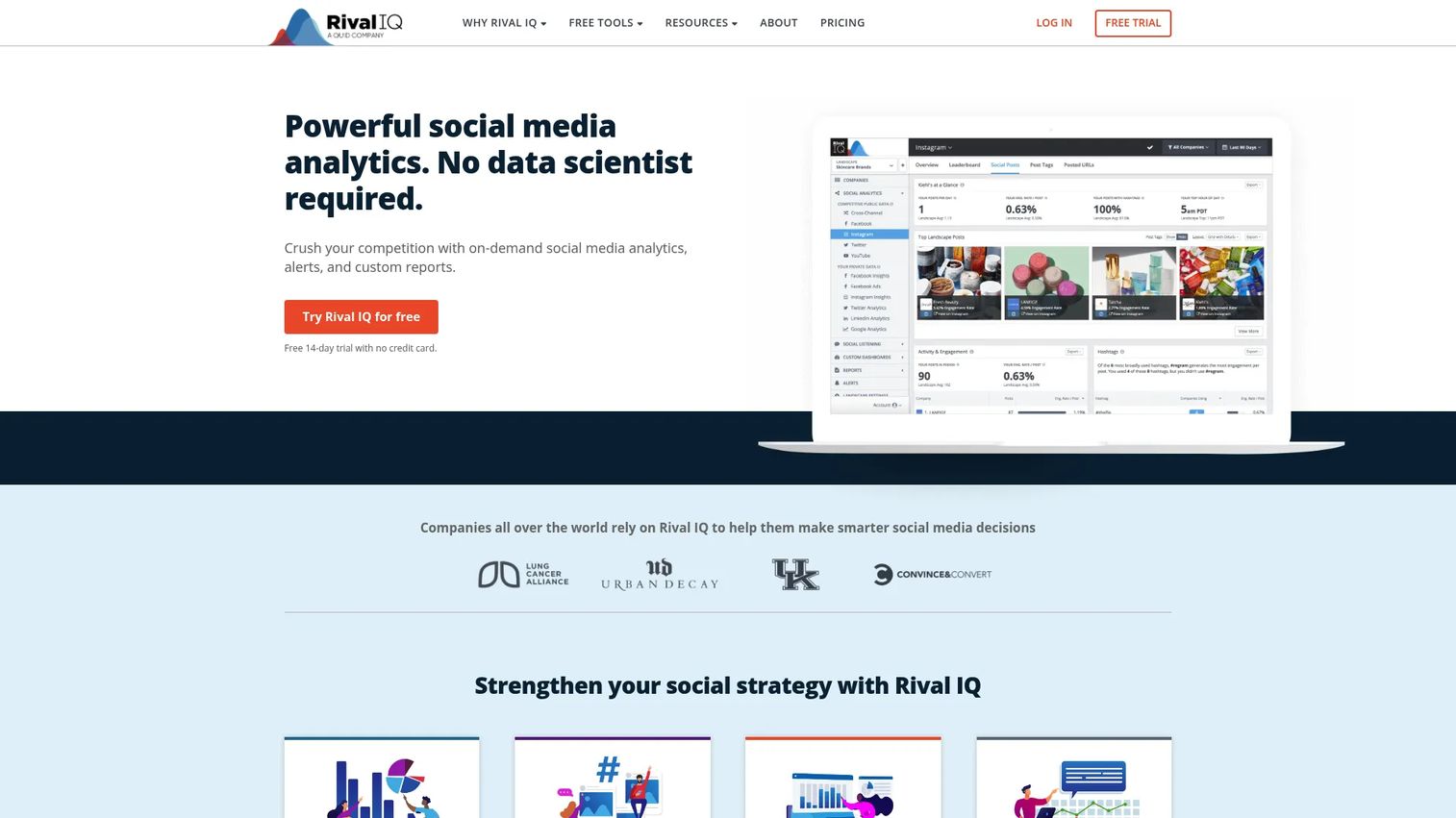
Rival IQ is a social media analytics and benchmarking platform focused on competitive reporting. It tracks public Facebook Pages across competitors and industries, producing head-to-head comparisons and benchmark dashboards that help marketers answer the question leadership always asks: Is our performance good or just active?
Best for: Marketers who need competitive context rather than owned Page data alone.
Key features
- Competitive benchmarking across Facebook, Instagram, and other networks
- Industry benchmark dashboards with engagement comparisons
- Head-to-head Page analysis with content breakdowns
- Social listening with Instant Search and Saved Searches
- Scheduled exports to PNG, PDF, PPTX, and CSV
Why choose Rival IQ: Rival IQ fills the gap between native Meta data and meaningful context. It's particularly useful when leadership asks whether your 2 percent engagement rate is a win or a lag. The 14-day free trial lets teams validate the benchmark data before committing.
Rival IQ pricing: The Drive plan starts at $239/month. Engage is $349/month. Engage Pro is $559/month. Annual subscriptions save 15%. A 14-day free trial is available.
G2 rating: 4.5/5
7. Socialinsider
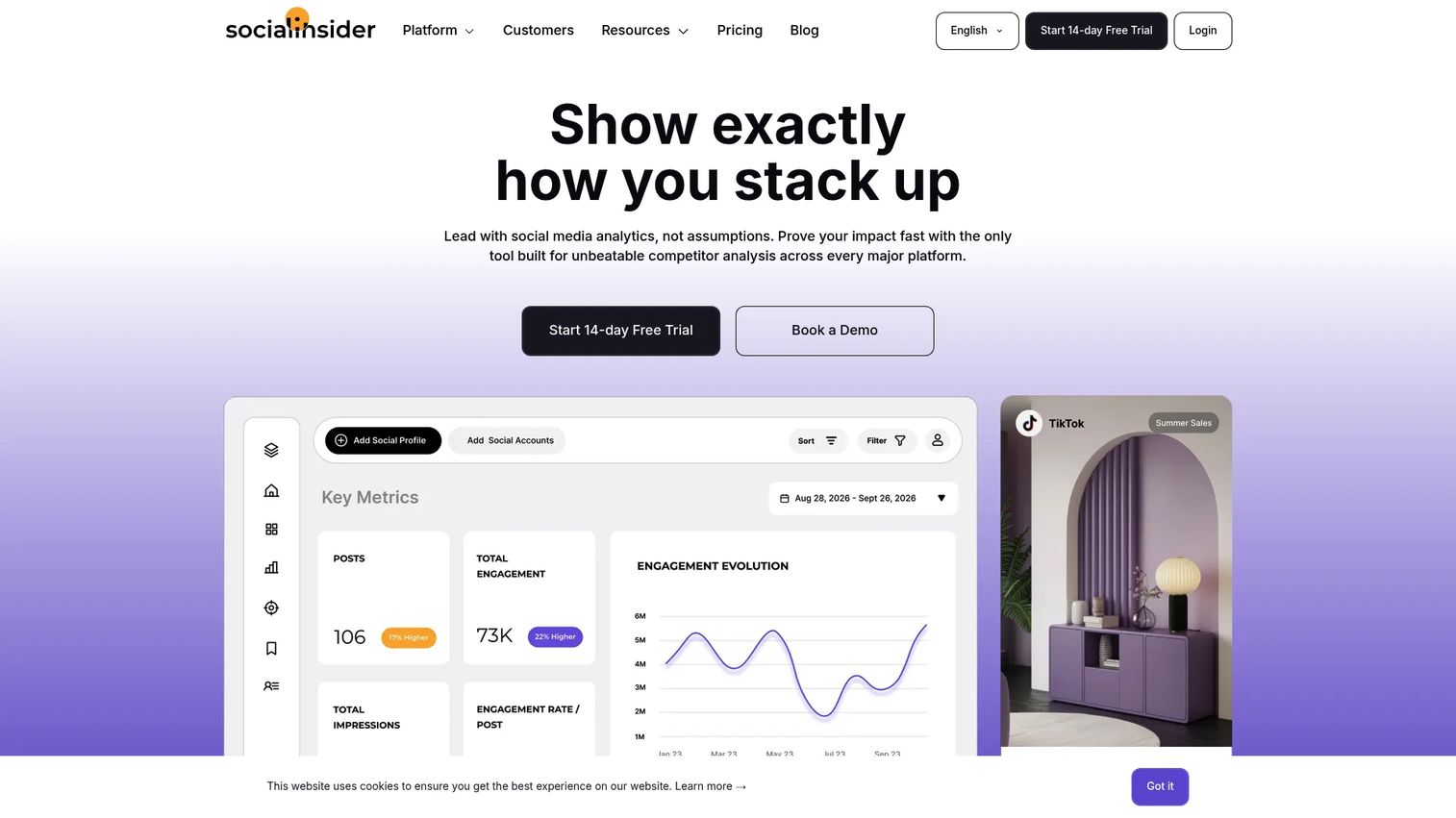
Socialinsider is a social media analytics platform with strong Facebook Page analysis and competitor reporting. It covers engagement rates, top-performing posts, content breakdowns, and historical comparisons. The platform is built for teams that want to understand what content patterns work, not just what was posted.
Best for: Teams comparing Facebook performance against competitors or analyzing content-level patterns.
Key features
- Facebook Page analytics with engagement-rate reporting
- Competitor comparisons using public Page data
- Top post analysis and content performance breakdowns
- AI-powered content segmentation and campaign tagging
- Automated reports and unlimited exports
Why choose Socialinsider: Socialinsider is strong when the reporting job is content learning. It helps teams spot which post formats, topics, and cadences drive engagement for competitors, then apply those patterns to their own planning. Historical data windows make trend analysis more reliable.
Socialinsider pricing: Adapt plan starts at $82/month. Optimize is $124/month. Predict is $199/month. Enterprise pricing is custom. Annual plans include two months free. A 14-day free trial is available.
G2 rating: 4.7/5
8. Vaizle
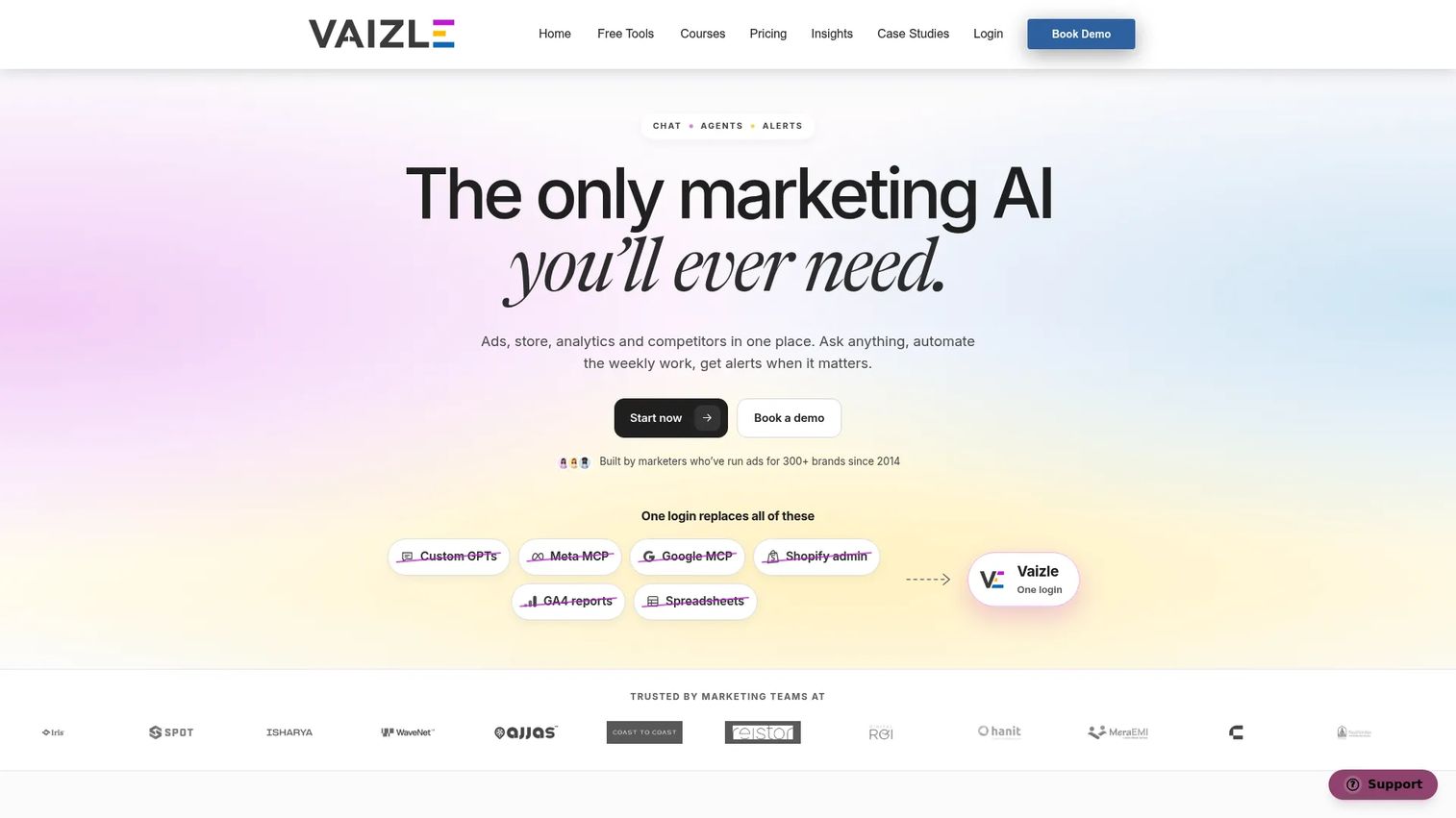
Vaizle is a chat-based marketing analytics platform with a strong public Facebook Page analysis capability. It offers low-friction analysis of competitor or prospect Pages without requiring account login, with downloadable reports and AI-assisted summaries. It has since expanded beyond social checkers into a broader cross-channel analytics agent.
Best for: Marketers who need quick public Facebook Page analysis without a full platform commitment.
Key features
- Public Page and competitor analytics
- Downloadable reports in chart and table formats
- Posting-time and content-pattern insights
- AI-assisted analysis summaries
- Integrations with Meta, Google, TikTok, and other platforms
Why choose Vaizle: Vaizle is useful for prospect audits, quick competitor snapshots, and lightweight client reporting where a full platform would be overkill. Keep in mind that public data tools estimate from visible Page activity, so they can't replicate the private reach and audience data available in Meta Business Suite.
Vaizle pricing: AI Plus starts at $49/month billed annually ($588 per year). AI Pro is $99/month billed annually. Month-to-month reference prices are $85 and $170 respectively.
9. NapoleonCat
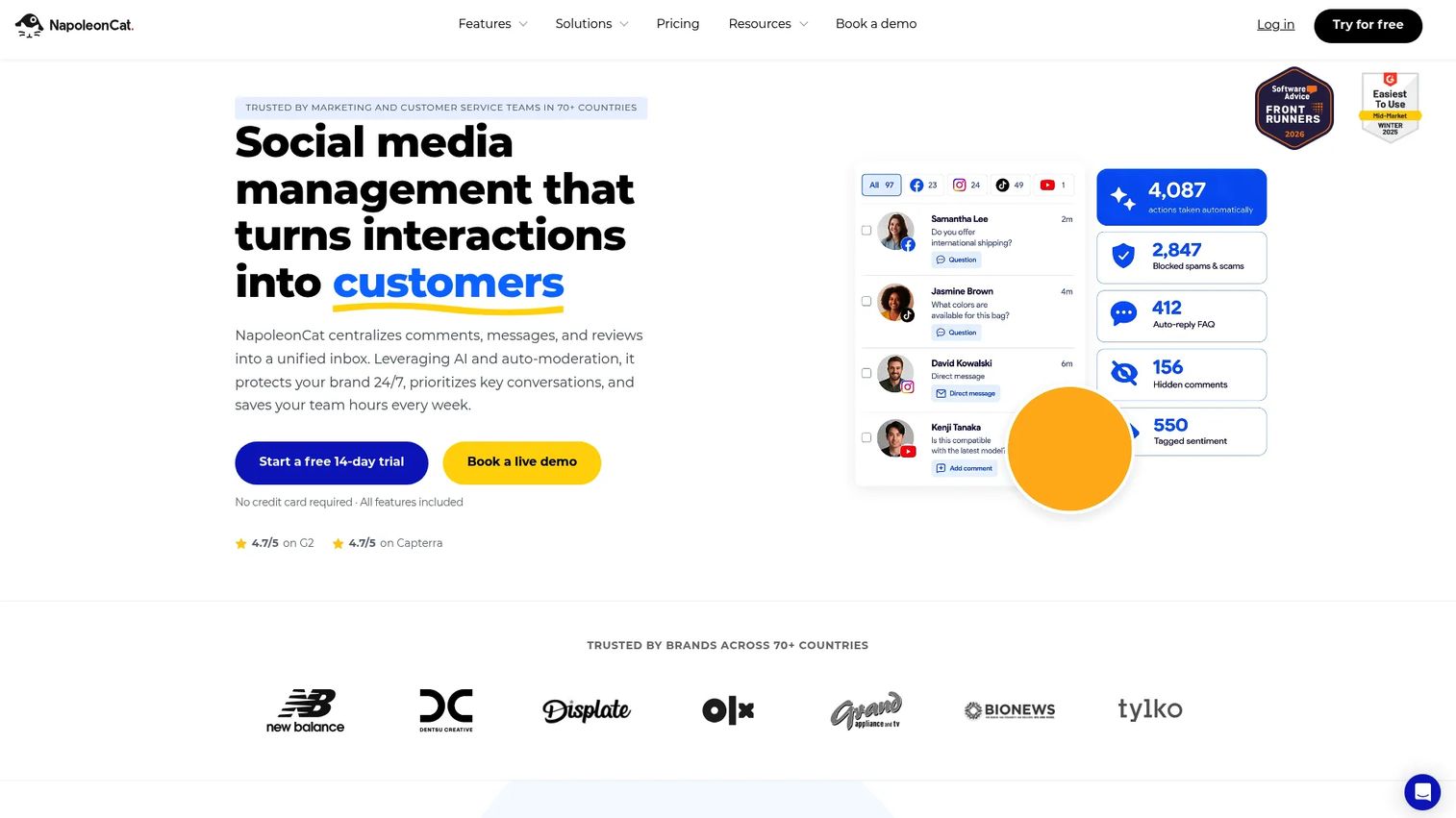
NapoleonCat is a social media management platform that combines publishing, analytics, a unified social inbox, and AI-assisted moderation. It's positioned for teams that need to manage community engagement and reporting together, particularly when Facebook comments and messages are high volume.
Best for: Agencies and social teams that need analytics and moderation workflows in one place.
Key features
- Facebook analytics reports with competitor benchmarking
- Unified social inbox for comments, messages, and reviews
- AI-powered automated moderation for spam and sentiment
- Customizable reporting and scheduled report delivery
- Team collaboration and social CRM
Why choose NapoleonCat: NapoleonCat earns its place when community management and analytics are inseparable. If your team is moderating hundreds of comments per day alongside performance reporting, handling both in one platform reduces context-switching and tool sprawl.
NapoleonCat pricing: Standard starts at $79/month. Pro is $89/month. Expert is $209/month. Enterprise starts from $465/month. A 14-day free trial is available with no credit card required.
G2 rating: 4.7/5
10. Iconosquare
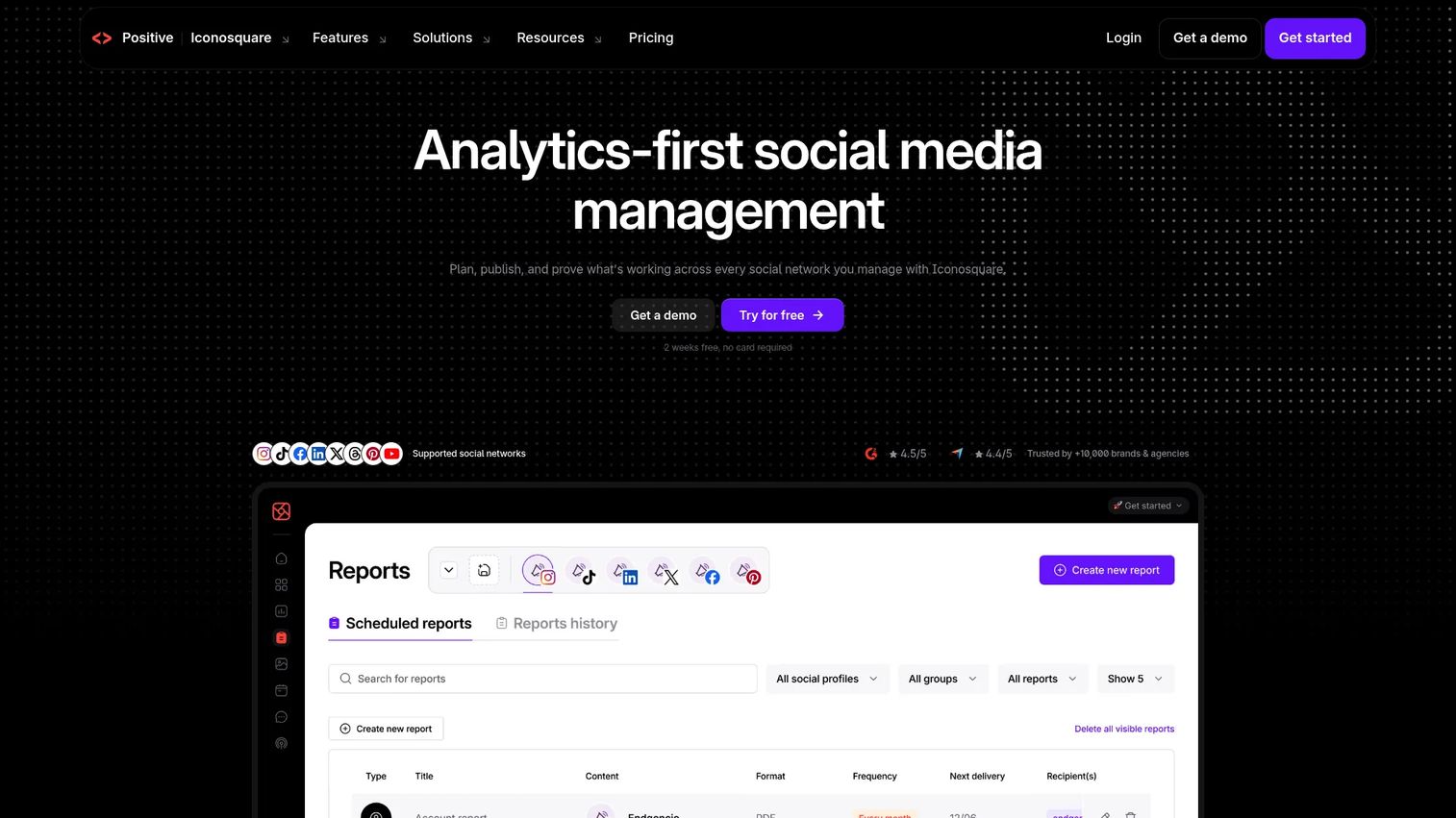
Iconosquare is an analytics-first social media management platform. It covers Facebook alongside Instagram, TikTok, and LinkedIn, with a strong emphasis on reporting dashboards, competitor tracking, and scheduled exports. The platform suits teams where visual content performance across networks is the primary reporting need.
Best for: Marketing teams that need Facebook reporting inside a broader cross-network social analytics dashboard.
Key features
- Social analytics dashboards across eight networks
- Competitor tracking and industry benchmarking
- Automated and white-label reporting
- Scheduling and auto-publishing
- AI content tools and Uma AI Analyst
Why choose Iconosquare: If Facebook analytics is one part of a cross-network reporting need that includes Instagram and TikTok, Iconosquare avoids the need for separate tools per platform. Its reporting depth is stronger than typical publishing suites, without the enterprise pricing of full listening platforms.
Iconosquare pricing: Free plan available for up to two social profiles. Starter from €9/month billed annually. Launch from €33/month. Scale from €69/month. Pricing is in EUR. Custom plans are available.
G2 rating: 4.4/5
11. Brand24
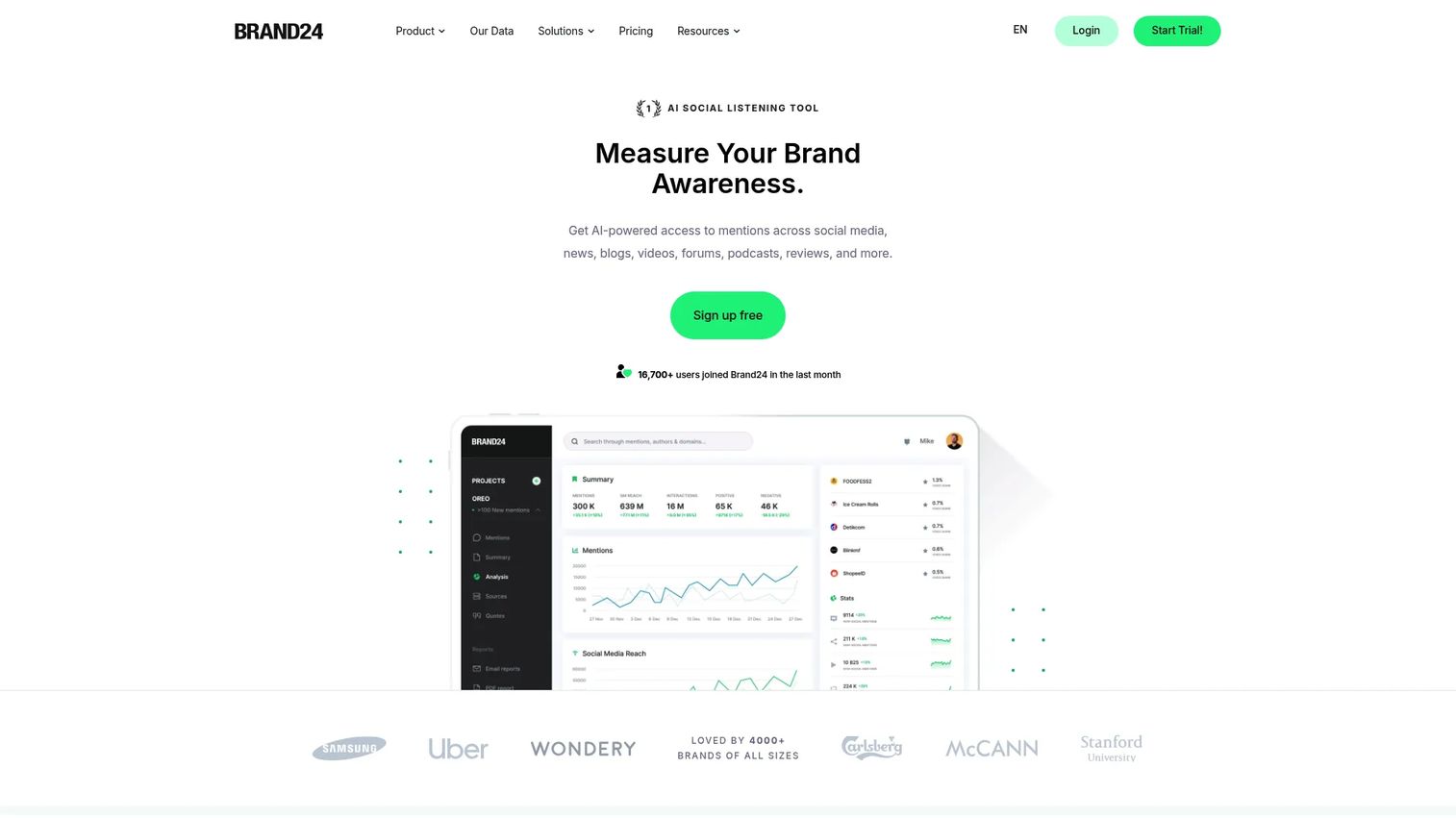
Brand24 is an AI-powered media monitoring and social listening platform. It tracks online conversations about brands, products, and competitors across social media and broader web sources. For Facebook specifically, it captures mentions, tracks sentiment, and surfaces reach estimates rather than analyzing owned Page metrics.
Best for: Marketers tracking brand conversations and sentiment beyond owned Facebook Page data.
Key features
- Real-time mention monitoring across social and web sources
- Sentiment analysis and AI-powered topic analysis
- Influencer scoring and reach estimates
- Custom alerts and anomaly detection
- Project comparison and share-of-voice reporting
Why choose Brand24: Brand24 answers "what are people saying?" rather than "which post performed best." It belongs in the stack when brand reputation, campaign reaction, and competitive perception matter alongside Page analytics. Among the 62% of marketers who use social listening (Brandwatch, 2025), tools like Brand24 are common for real-time signal detection.
Brand24 pricing: Individual plan starts at $249/month ($199/month billed annually). Team is $349/month ($299 annually). Pro is $499/month ($399 annually). Business is $699/month ($599 annually). Enterprise starts from $1,499/month billed annually. A 14-day free trial is available.
G2 rating: 4.6/5
12. Brandwatch
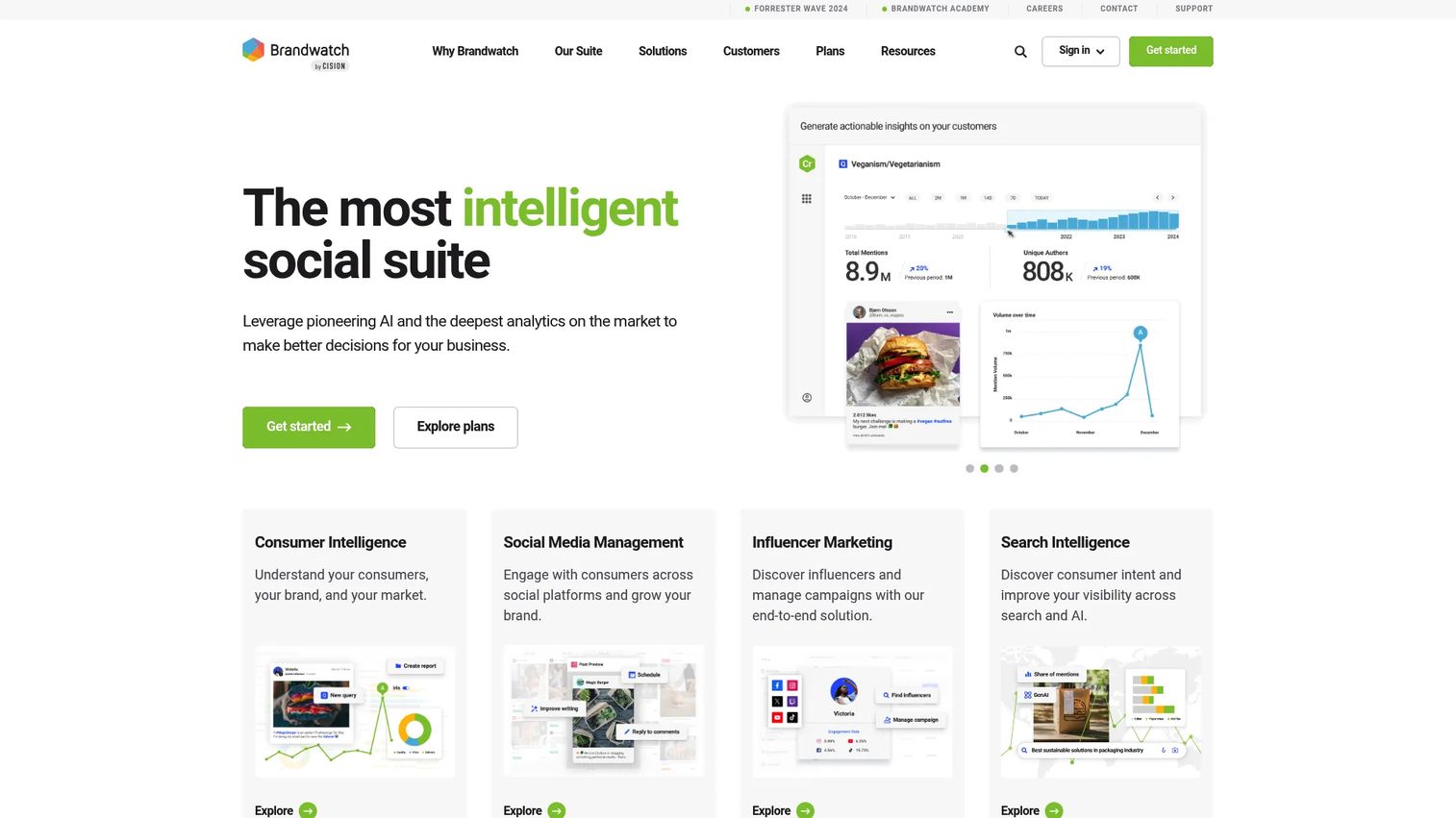
Brandwatch is an enterprise social suite for consumer intelligence, social media management, and influencer marketing. It monitors more than 100 million online sources, covering social listening at a scale that suits large brand teams and research functions. It is not primarily a Facebook Page analytics tool. Its strength is broad social and web intelligence feeding brand strategy decisions.
Best for: Enterprise brand, research, and social intelligence teams that need large-scale listening.
Key features
- Social listening across 100 million+ online sources
- Sentiment analysis and AI smart alerts
- Customizable dashboards and automated reporting
- Audience intelligence and segmentation
- Brand monitoring across social and web
Why choose Brandwatch: Brandwatch fits when Facebook signals feed a larger consumer intelligence operation. It suits organizations where social analytics informs product strategy, brand positioning, or PR response rather than weekly content reporting. Scale the investment to whether you need platform-wide intelligence or focused Page analytics.
Brandwatch pricing: Brandwatch prices by custom quote. Ask sales about seats, data volume, listening sources, and dashboard requirements. No plans are displayed on the pricing page; request a demo to begin the conversation.
G2 rating: 4.2/5
13. Quintly
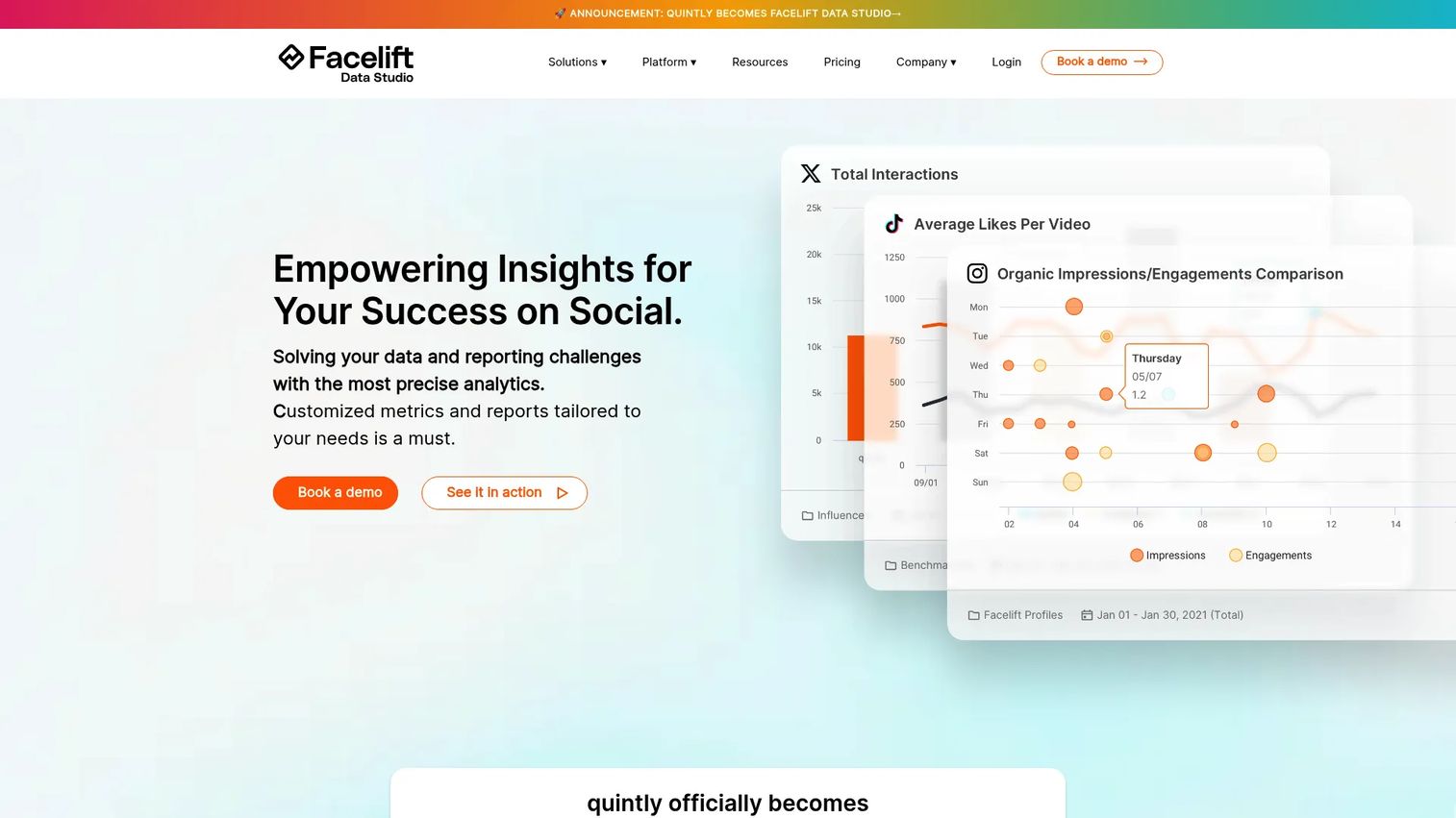
Quintly is a social media analytics and benchmarking platform, now branded as Facelift Data Studio. It offers customizable dashboards, flexible metric configurations, competitive benchmarking, and API access for teams that need to build reporting models beyond fixed templates.
Best for: Data-minded marketers who need custom metrics and exportable dashboards rather than fixed report formats.
Key features
- Custom dashboards with configurable metrics
- Competitive benchmarking across social networks
- Quintly Query Language for building custom metrics
- Automated reporting and data exports
- Ad analytics and social media API access
Why choose Quintly: Quintly is worth evaluating when you've outgrown fixed reporting templates and need to design your own Facebook metrics model. Teams with technical marketing resources or BI backgrounds tend to get more from its flexibility than teams looking for quick standard reports.
Quintly pricing: Plans are on request. The pricing page lists S, Q, and L plans with varying profile limits, API access, custom metric allowances, and migration support. A 7-day free trial is available after a personalized demo. Contact Quintly for current plan pricing.
G2 rating: 4.7/5
14. Facelift Data Studio
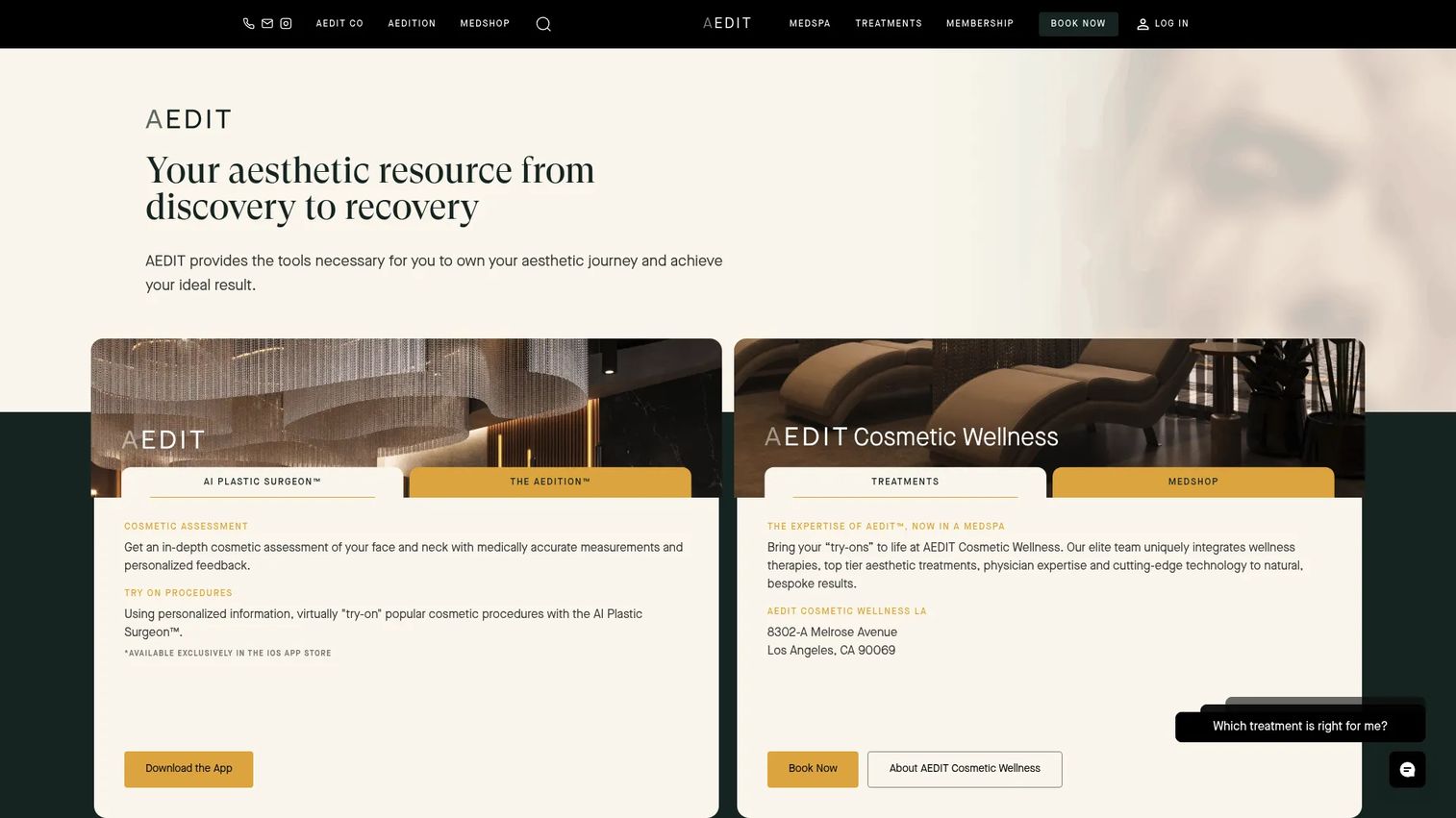
Facelift Data Studio is a social media analytics product for customizable dashboards and cross-channel insights. It covers Facebook analytics inside broader social reporting, with a focus on data visualization, competitive benchmarking, and stakeholder-ready exports. G2 lists it as a strong performer in social analytics with consistent reviewer praise for dashboard flexibility.
Best for: Reporting-heavy teams that need BI-style social dashboards for leadership or clients.
Key features
- Custom social analytics dashboards
- Cross-channel social reporting and benchmarking
- Follower analysis and post performance tracking
- Competitor analysis
- Exportable reports and data visualization
Why choose Facelift Data Studio: Facelift Data Studio is strongest when the main job is turning social data into presentation-ready dashboards. It suits teams where reporting is a formal deliverable, not a side task.
Facelift Data Studio pricing: Contact Facelift directly to request current plan information and a demo.
G2 rating: 4.7/5
15. Keyhole
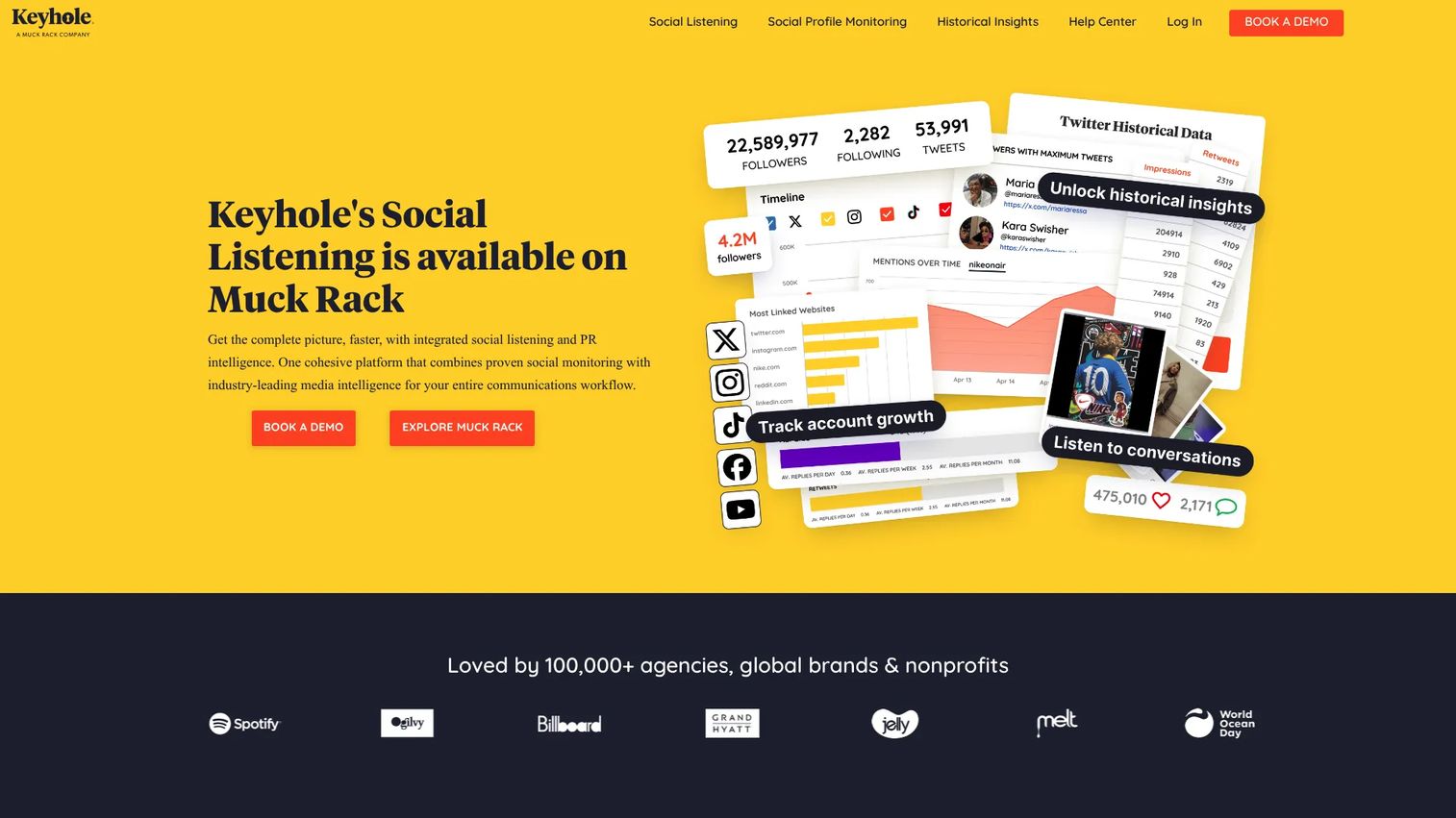
Keyhole is a social media analytics and listening platform for tracking campaigns, hashtags, influencers, competitors, and audience engagement. Its Facebook analytics sit within campaign and social monitoring rather than pure Page reporting. It's built for teams measuring how a campaign or conversation moves across social channels.
Best for: Campaign teams tracking hashtags, influencers, and cross-channel social performance around specific initiatives.
Key features
- Campaign and hashtag tracking across social channels
- Social profile and competitor monitoring
- Influencer tracking and identification
- Sentiment analysis with historical trend data
- Automated PDF and Excel report exports
Why choose Keyhole: Keyhole fits when you need to understand social response around a campaign or launch, not just what your owned Page posted. It's particularly useful for teams running influencer programs or event-driven campaigns where tracking extends beyond Facebook Pages.
Keyhole pricing: Keyhole's pricing page redirects for a demo request. Contact Keyhole directly for current plan details and trial options.
G2 rating: 4.3/5
16. Muck Rack
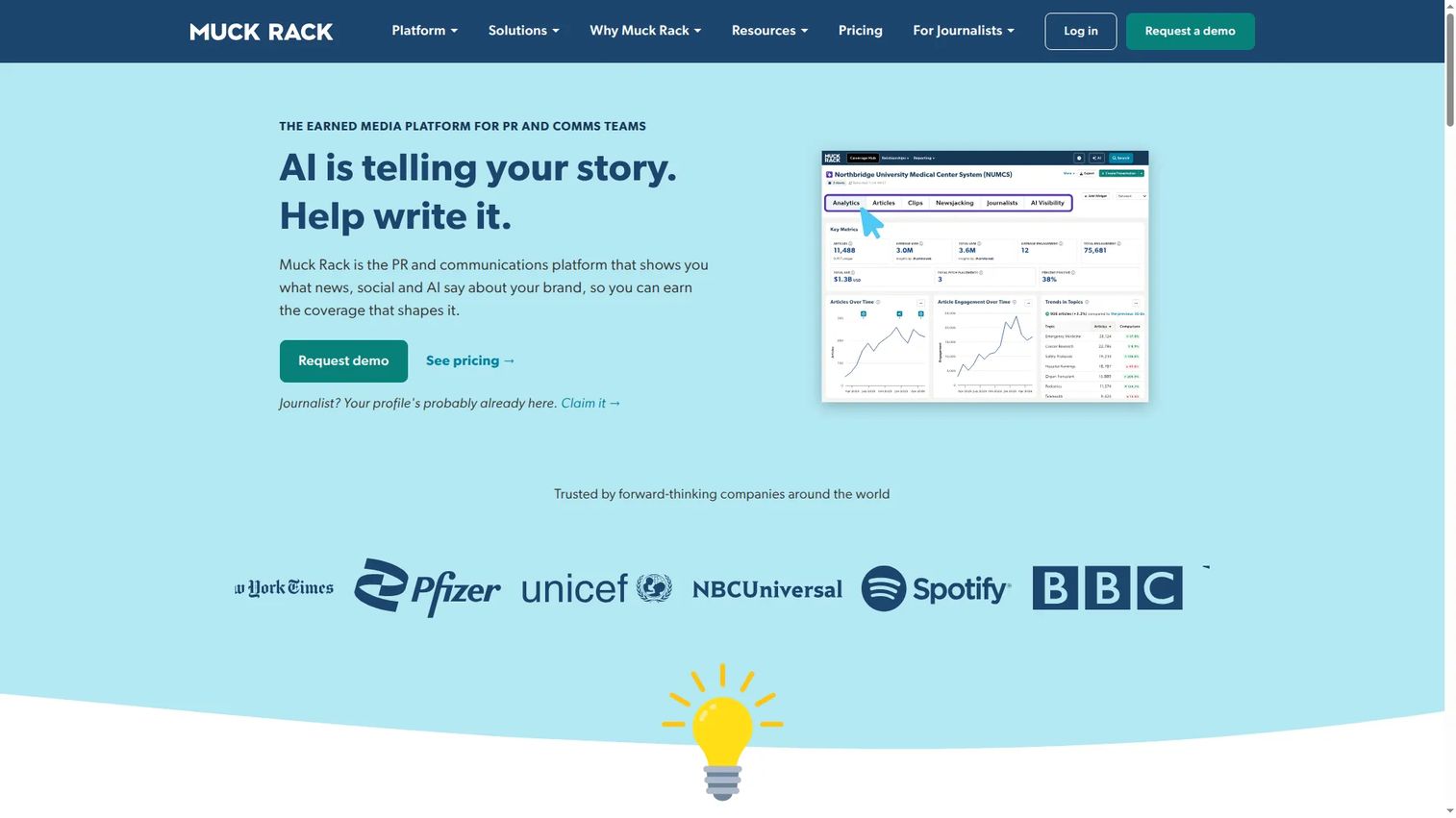
Muck Rack is a PR and communications platform combining media databases, monitoring, pitching, and coverage analytics. It includes social tracking where relevant to earned media and journalist activity. Facebook analytics within Muck Rack applies to mentions, brand visibility, and media coverage rather than Page-level content performance.
Best for: PR, communications, and earned media teams that need social context inside media reporting.
Key features
- Media monitoring and coverage analytics
- Journalist database and outlet search
- Media list building and email pitching
- Coverage reporting with social visibility tracking
- AI visibility tracking
Why choose Muck Rack: Muck Rack belongs in the stack when Facebook analytics sits inside earned media reporting. It's not the tool for a growth marketer tracking post-level engagement; it's for comms teams tracking how brand coverage moves through media and social simultaneously.
Muck Rack pricing: Muck Rack prices through custom packages. Starter, Standard, and Premier plans are available. Pricing factors include users and selected modules. Free tools are available for journalists only. Contact sales for a quote.
G2 rating: 4.5/5
17. Talkwalker
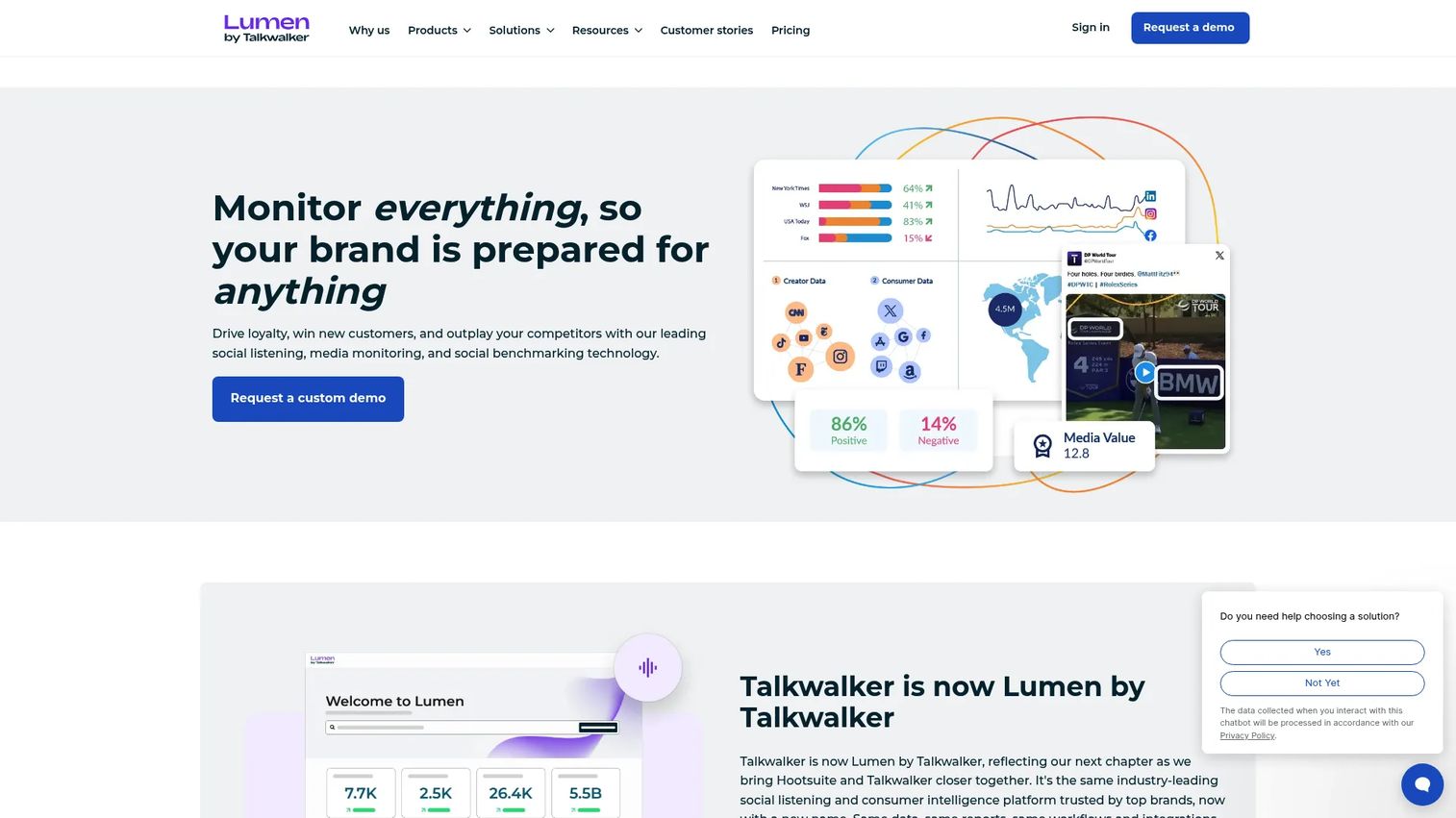
Talkwalker is a consumer intelligence platform for social listening, media monitoring, social benchmarking, and audience insights. It monitors 30 social networks and 150 million websites, covering visual listening for brand mentions in images, video, and audio. It's an enterprise tool where Facebook signals feed broader market and brand intelligence functions.
Best for: Enterprise teams tracking brand perception, consumer conversations, and global social intelligence.
Key features
- Social listening across 30 networks and 150 million websites
- Visual listening for mentions in images, video, and audio
- Sentiment analysis with AI summaries and anomaly detection
- Real-time alerts and customizable dashboards
- Benchmarking and conversation clustering
Why choose Talkwalker: Talkwalker fits when Facebook is one of many signals feeding brand monitoring, not the only channel being analyzed. It's strongest for organizations where social intelligence informs executive decisions and brand strategy across markets.
Talkwalker pricing: Talkwalker sells through custom packages across Core, Analyze, and Business plans. All plans include unlimited users. Higher tiers add more topics, historical data, AI questions, and enterprise governance. Request a demo to get current package details and pricing.
G2 rating: 4.3/5
Considerations when choosing Facebook analytics tools
Start with the reporting job
Before comparing features, name the specific report you need. A free Page checker, a native Meta dashboard, a publishing suite, and a listening platform each solve different problems. Buying a listening tool when you need Page analytics is expensive overhead.
Check the engagement-rate formula
Tools use different denominators for engagement rate. Follower-based rates work for competitor comparison using public data. Reach-based rates give a more accurate picture for owned Pages when private Meta data is available. Confirm which formula applies before comparing results across tools.
Separate owned data from public data
Public Page tools estimate from visible activity. They cannot show private reach, ad conversion data, or audience demographics unless you provide direct account access. Avoid comparing public estimates directly against private Meta reports without noting the difference.
Evaluate export and stakeholder reporting
Consider PDF exports, scheduled report delivery, CSV downloads, and dashboard sharing. This matters for agencies producing client deliverables and growth teams presenting weekly performance to leadership. Some tools gate exports to higher pricing tiers.
Watch for pricing drivers
Pricing across this category varies by profile limits, number of users, historical data windows, listening volume, ad analytics access, and report export volume. Identify which drivers apply to your situation before requesting demos or committing to annual plans.
Conclusion
The best Facebook analytics tool for your team depends on the reporting job, not the longest feature list.
Start with Meta Business Suite as the free native baseline for any Pages you manage. Add a public Page checker like Vaizle when you need quick competitor or prospect snapshots without account access. For teams where reporting sits alongside scheduling, SocialPilot and Buffer consolidate both workflows at lean pricing. Sprout Social and Hootsuite fit when social is a team function with approval chains and cross-network reporting needs.
For competitive context, Rival IQ and Socialinsider produce the head-to-head benchmarks that help you answer "is this good?" rather than "this happened." Custom dashboard work points toward Quintly and Facelift Data Studio. Brand intelligence and listening scale to Brand24, Brandwatch, and Talkwalker depending on volume and depth. PR teams tracking earned media belong in Muck Rack.
Build a shortlist of two or three tools based on whether your primary job is owned analytics, competitor benchmarking, or brand monitoring. Most teams don't need all three categories at once.
Start your journey with Guideflow today!
FAQs
Facebook analytics tools are platforms that help marketers measure and report on Facebook performance. The category includes native Meta tools, public Page checkers, social media management platforms with analytics, competitive benchmarking tools, and social listening platforms. Each type solves a different reporting job, from owned Page insights to brand mention tracking across the web.
Meta Business Suite is the free native baseline for Facebook Pages and Instagram accounts you manage directly. For analyzing public Pages you don't own, free-tier checkers can pull visible engagement data without requiring account access, though they can't show private reach or ad conversion figures.
Engagement rate equals total engagements divided by a chosen denominator, then multiplied by 100. Use follower count as the denominator when comparing competitor Pages, because that data is publicly available. Use reach as the denominator for owned Page analysis when you have private Meta data, since reach-based engagement reflects how your content actually performed against distribution.
Yes, for public Pages. Tools like Vaizle analyze visible Page activity including posts, engagement, and follower counts without requiring account credentials. Private data, including reach, audience demographics, ad performance, and conversion tracking, requires direct access to the managed asset.
The right metrics depend on your campaign goal. For awareness: Reach and impressions. For engagement: Engagement rate, reactions, comments, and shares. For traffic: Link clicks and referral sessions. For revenue impact: Conversions, ROAS, and CPA where ad accounts are connected. Follower growth tracks long-term audience health, and top post analysis shows which content patterns repeat across high performers.
Meta Business Suite provides native data for Pages, ad accounts, and inbox activity you manage. Third-party tools add capabilities the native suite doesn't offer: Competitor benchmarking using public Page data, client-ready PDF exports, cross-channel dashboards, social listening across the broader web, and advanced historical analysis. Most teams use both, starting with Meta's native data and adding third-party tools where the reporting job demands more context.
Rival IQ and Socialinsider are the strongest purpose-built options for head-to-head Facebook Page comparison and industry benchmarks. Quintly also supports competitive benchmarking with custom dashboard configurations. These tools work from publicly visible Page data, so they're effective for comparing posting frequency, content types, and engagement rates across competitor Pages.
Native Meta tools provide ad performance data when your ad account is connected. Some third-party platforms, including Sprout Social and Hootsuite, can include ad analytics when properly integrated. Verify ad account connection requirements, conversion tracking setup, and export options before purchasing any tool where paid social reporting is a core need. Not all social analytics platforms include ad-level data in standard plans.