You mark up a set of plans by hand. You transfer quantities into a spreadsheet. You build a bid. Then the job wins, and half the scope you priced does not match what the crew finds in the field. The rework starts before the first machine moves dirt.
That gap between plan review, bid assembly, and execution is where excavation margin quietly disappears. Contractors do not lose money because they mark up plans too slowly. They lose it because manual takeoff introduces small errors that compound into missed scope, blown quantities, and thin bids. The right earthwork software closes that gap by connecting takeoff, estimating, and job costing into one chain instead of three disconnected steps.
The stakes are getting bigger. The global construction estimating software market is projected at USD 3.07 billion in 2026, growing at a 12.66% CAGR through 2031, according to Mordor Intelligence (2026). Excavation applications within that broader category are among the fastest-growing segments, at roughly 10.2% CAGR, per MarketIntelo (2025). More contractors are moving off spreadsheets because accuracy and profitability now depend on it.
This guide ranks seven tools that cover the excavation workflow, from excavation takeoff software to full site work estimating software and operations platforms. Whether you need faster earthwork estimating software, cleaner excavation bidding software, or a broader business system, there is a fit here.
What's inside
This list covers estimating, takeoff, bidding, and operational workflow tools built for excavation and earthwork contractors. Some are point solutions for a single job like takeoff. Others run the whole business.
We selected tools based on four criteria that matter most for contractors scaling beyond spreadsheets:
- File compatibility: how well it handles PDF, DWG, DXF, and paper plans
- Speed to value: how fast a team can produce a usable takeoff or bid
- Workflow breadth: whether it stops at takeoff or extends into estimating, job costing, and execution
- Accuracy: how it reduces manual math errors and missed scope
We did not rank by brand size. We ranked by how cleanly each tool moves a contractor from estimate to execution.
TL;DR
- Best for straightforward excavation estimating: EarthWorks Excavation Software, strong on cut/fill takeoff and file compatibility
- Best for heavy civil bidding at scale: HCSS HeavyBid, built for infrastructure estimating and quote management
- Best all-in-one operations platform: Knowify, connecting estimating, job costing, and field execution
- Best takeoff-first workflow: AGTEK Gradework, deep on CAD, mass earthwork, and machine control
- Best for specialty trade estimating: McCormick Systems, with trade databases and digital takeoff
- Best cloud takeoff for collaboration: STACK, accessible across estimators and stakeholders
- Best for finding work: BidClerk, focused on project leads and bid tracking
What is excavation software?
Excavation software is a category of construction tools that helps contractors measure site quantities, price the work, submit bids, and manage the resulting jobs. At its core, it replaces manual plan markup and spreadsheet math with digital workflows that carry data from takeoff through to job costing.
The category spans several capability buckets. Most contractors do not need all of them at once, but understanding the map helps you buy the right thing.
- Takeoff: measuring cut, fill, trenching, and surface areas from plans. This is where civil takeoff software and earthwork takeoff software live.
- Estimating: turning quantities into priced bids using labor, equipment, and material rates. This is the domain of excavation estimating software and earthwork estimating software.
- Bidding: assembling, reviewing, and submitting bids, sometimes including bid discovery to find projects worth pursuing.
- Job costing: tracking actual costs against the estimate once the job runs, so you know whether you priced it right.
- Scheduling: sequencing crews, equipment, and phases across active jobs.
- Equipment tracking: monitoring machine hours, location, and utilization.
- Project execution: connecting the field back to the office so the crew builds what was bid.
The strongest platforms link these buckets so a number entered at takeoff flows through to the bid and shows up again in job costing. That continuity is what separates a point tool from a system.
When to use excavation software
Not every contractor needs the same tool. Here is how to match the category to your actual pain.
When manual takeoff is slowing your bids
If your estimators spend hours marking up paper plans and keying quantities into a spreadsheet, you are capping how many bids you can chase. Excavation takeoff software pulls measurements directly from PDF, DWG, or DXF files, cutting hours per bid and freeing estimators to pursue more work.
When estimating errors are costing margin
A missed quantity or a bad unit rate does not show up until the job runs over. Excavation estimating software applies consistent rates and math across every bid, so accuracy stops depending on which estimator built the number.
When execution is disconnected from the bid
The most expensive gap is between what you bid and what you build. If your crews routinely find scope that was not priced, you need software that carries the estimate into job costing and field execution, not a tool that stops at the bid.
When you need visibility into equipment and labor
If you cannot see which jobs are eating equipment hours or burning labor, you are managing profitability blind. Operations platforms tie estimating to scheduling, equipment tracking, and job costing so you can spot a slipping job before it drains the margin.
Comparison table
Read this table by intent first, not by rank. A takeoff-first team and an operations-first team should shortlist completely different tools. Focus on the intent and key use case columns to find your bucket, then use pricing and rating as tiebreakers. Ratings and prices reflect publicly available information at the time of writing, and several vendors quote custom pricing only.
| # | Product | Intent | Key use case | Pricing | G2 rating |
|---|---|---|---|---|---|
| 1 | EarthWorks Excavation Software | Estimating and takeoff | Cut/fill and trench takeoffs with broad file support | Free 7-day trial; lease and rental plans | Not listed |
| 2 | HCSS HeavyBid | Heavy civil estimating and bidding | Bid pricing and quote management at scale | Custom quote | 4.6/5 |
| 3 | Knowify | Operations and job management | Estimating, job costing, and field execution | From $99/month | 4.5/5 |
| 4 | AGTEK Gradework | Takeoff-first | Earthwork takeoff, modeling, and machine control | Contact sales | Not listed |
| 5 | McCormick Systems | Specialty trade estimating | Digital takeoff with trade databases | Contact vendor | Not listed |
| 6 | STACK | Cloud takeoff and estimating | Collaborative takeoff and plan management | From $599/user/year | Not listed |
| 7 | BidClerk | Bid discovery | Finding projects and tracking bids | Contact vendor | Not listed |
1. EarthWorks Excavation Software
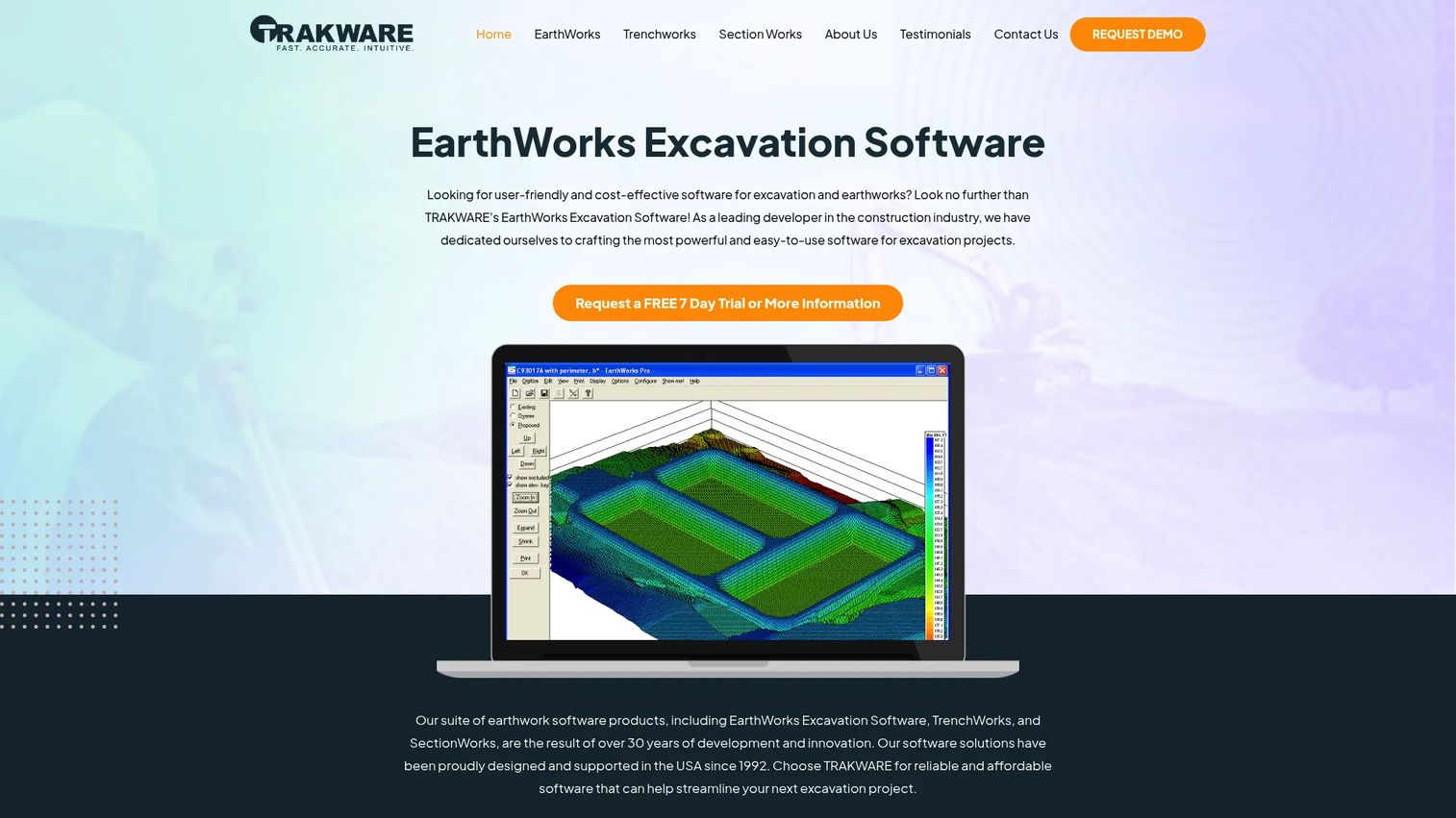
EarthWorks Excavation Software is purpose-built for excavation estimating and earthwork takeoffs, with a focus on cut/fill quantities, trenching, and cross-section modeling. It is designed for contractors and estimators who want a straightforward takeoff-to-estimate workflow without a heavy learning curve. The tool leans hard on file compatibility, which matters when your plans arrive in every format imaginable.
Best for: Contractors and estimators doing excavation and trench takeoffs who want transparent math and broad file support.
Key strengths
- Broad file support: Handles PDF, TIFF, DWG, DXF, and paper plan import, so you can start a takeoff no matter how the plans arrive.
- Cut/fill and excavation quantity takeoffs: Measures earthwork volumes and trench quantities directly, replacing manual cross-section math.
- Verification tools: Features like VoiceVerification and SmartMinMax help you catch takeoff errors before they land in a bid.
Why choose EarthWorks: If your primary pain is manual markup and spreadsheet math, and you want a tool focused squarely on the takeoff-to-estimate step rather than a full business platform, EarthWorks fits. The emphasis on math transparency and verification appeals to estimators who need to defend every quantity in a bid. It is a strong pick for teams that want earthworks software they can learn quickly.
EarthWorks pricing: EarthWorks offers a free 7-day trial so you can test the takeoff workflow before committing. The company also lists leasing and rental plans on its site, though a public numeric price is not published. To get an exact quote for your situation, you will need to contact EarthWorks directly through its pricing page.
2. HCSS HeavyBid
HCSS HeavyBid is construction estimating and bid management software built for heavy civil and infrastructure contractors. It is the tool many large earthwork and road contractors reach for when bids get complex and volume gets high. HeavyBid focuses on estimate entry, bid pricing, and quote management, and it sits inside the broader HCSS ecosystem that extends into operations and fleet management for contractors.
Best for: Heavy civil contractors who need excavation bidding software that scales across large, multi-line estimates and connects to broader project systems.
Key strengths
- Bid pricing and review: Builds and reviews detailed bids with the accuracy heavy civil work demands, reducing costly estimating mistakes.
- Quote management: Manages vendor and subcontractor quotes inside the estimate, keeping pricing organized on complex bids.
- Estimate entry and collaboration: Lets estimating teams work on large bids together without version chaos.
Why choose HCSS HeavyBid: HeavyBid is the strongest fit when your bids are large, your projects are infrastructure-scale, and you want estimating tied to a broader operations and fleet platform rather than a standalone takeoff tool. The backlog-to-execution continuity matters for contractors running many active heavy civil jobs at once. HCSS backs the product with case studies and a deep resource hub, which helps larger teams onboard.
HCSS HeavyBid pricing: HCSS uses custom quote pricing, and no public numeric price is published for HeavyBid. You request a quote based on your team size and needs. HCSS holds a strong 4.6/5 rating on G2 across its product line, which reflects broad contractor satisfaction with the ecosystem.
3. Knowify

Knowify is cloud-based job management software for trade contractors, and it is the broadest platform on this list. Where most excavation tools stop at takeoff or estimating, Knowify connects estimates, proposals, project management, job costing, scheduling, equipment history, and invoicing into one system. It is built for contractors who want to run the business, not just price the next bid.
Best for: Trade and site work contractors who need estimating, job costing, and field execution in one system rather than a takeoff-only tool.
Key strengths
- Estimates, proposals, and contracts: Builds priced estimates and turns them into proposals and contracts without leaving the platform.
- Project management and job costing: Tracks actual costs against the estimate in real time, so you see profitability as the job runs.
- Service dispatch and mobile app: Coordinates crews and equipment history from the field, keeping execution connected to the office.
Why choose Knowify: If your pain is not takeoff speed but the disconnect between the bid and the job, Knowify is the fit. It functions as project management for contractors and site work estimating software at the same time, so the number you bid follows the job into job costing software territory. That continuity is what gives owners real profitability visibility across active jobs.
Knowify pricing: Knowify publishes clear pricing. The Core plan starts at $99 per month, the Advanced plan runs $329 per month, and Enterprise pricing is available on request. Add-ons include Service Pro, Live Equipment Tracking, AI Dashcams, and Tool Tracking. Knowify holds a 4.5/5 rating on G2, reflecting strong satisfaction among trade contractors.
4. AGTEK Gradework
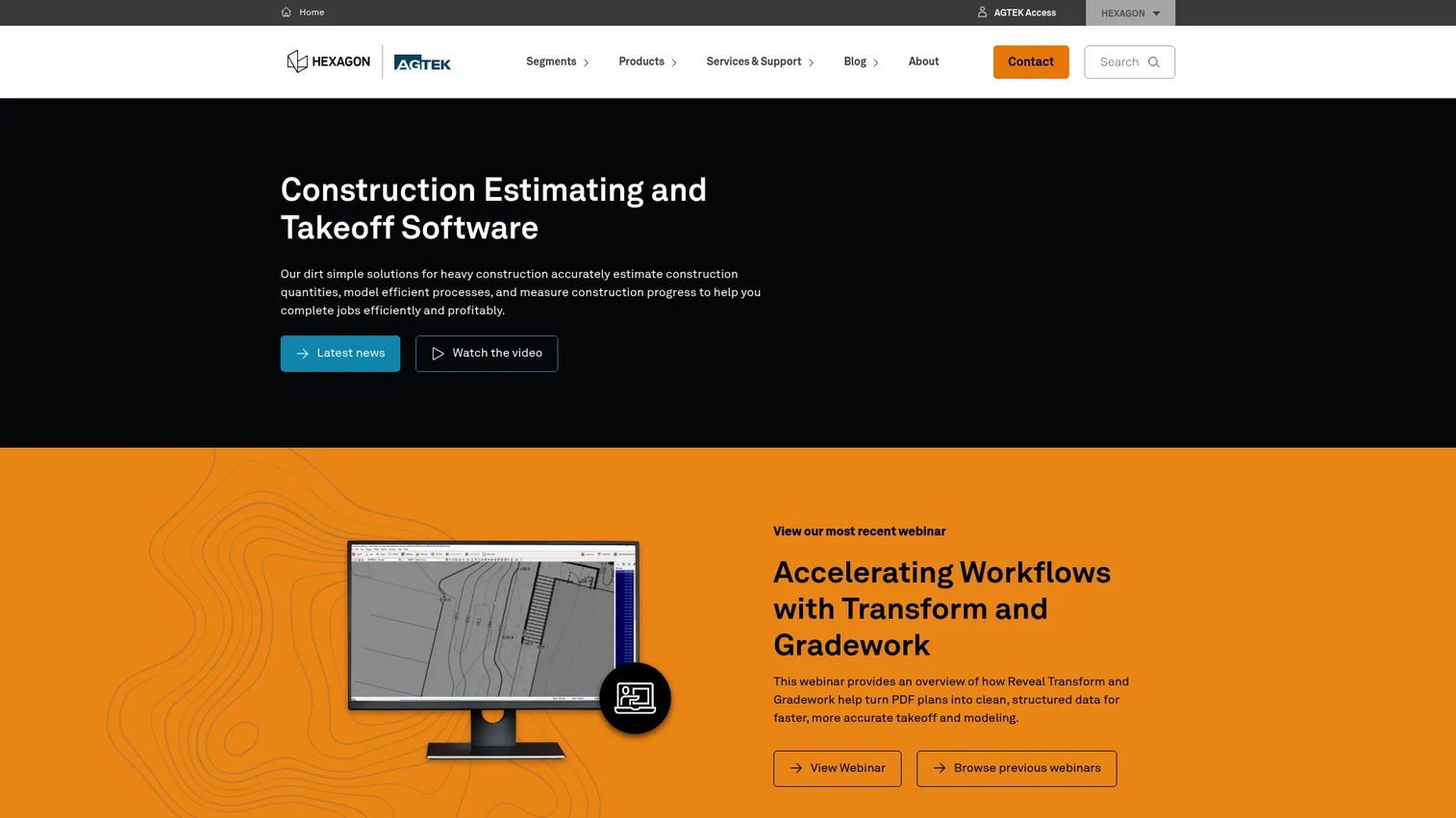
AGTEK Gradework is construction takeoff and earthwork modeling software built for sitework and heavy civil workflows. It is the takeoff-first specialist on this list, and it goes deep on the earthwork math that other tools treat lightly. AGTEK is a common choice for contractors running underground, highway, and mass earthwork jobs where phasing and mass haul planning drive the bid.
Best for: Heavy civil contractors who need earthwork takeoff software with modeling, phasing, and production workflows that carry into the field.
Key strengths
- Fast takeoff from CAD, PDF, or manual entry: Supports a full PDF to takeoff workflow plus CAD and DWG import, so plans in any format become quantities quickly.
- Cut-and-fill analysis and 3D modeling: Models mass earthwork, cut/fill balance, and phasing for complex sites.
- Machine control export: Sends models to Leica, Topcon, and Trimble machine control, connecting the estimate to the equipment on site.
Why choose AGTEK Gradework: AGTEK is the strongest fit when takeoff accuracy and earthwork modeling are the core of your work, not an afterthought. As civil takeoff software, it excels on underground, highway, and materials scenarios, and the machine control transfer means the same model that priced the job can guide the dozer. Teams that live in mass haul and phasing find its depth hard to match.
AGTEK Gradework pricing: AGTEK directs software buyers to contact sales for licensing pricing, so software license costs are not publicly disclosed. Public prices visible on AGTEK's shop and training pages include $595 items for Gradework Basics and Gradework Advanced, but those are training and shop items rather than a confirmed software subscription. For a software quote, contact AGTEK directly.
5. McCormick Systems
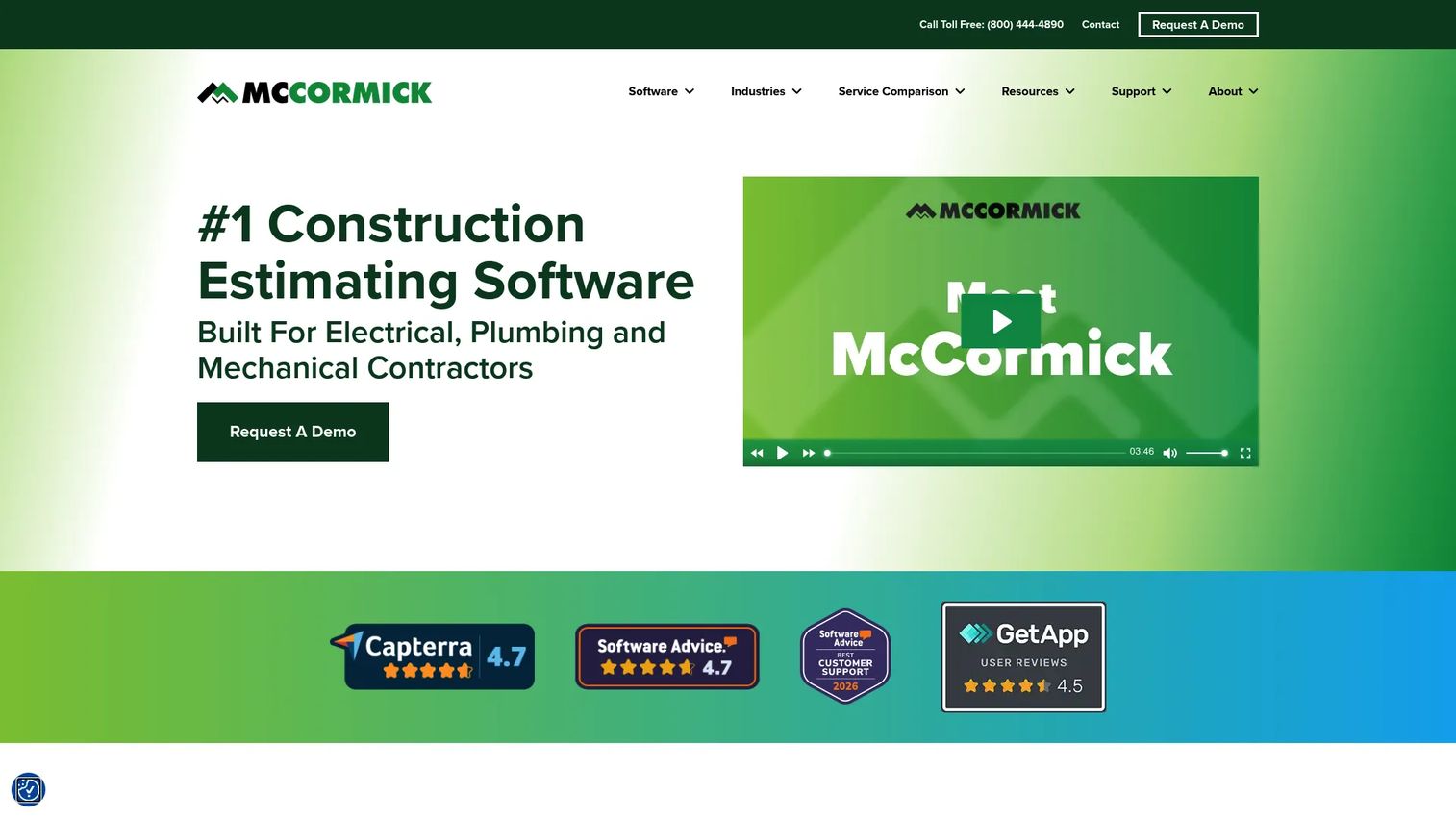
McCormick Systems is construction estimating and digital takeoff software built for specialty trade contractors, with strong roots in electrical, plumbing, and mechanical work. It earns a place on this list because its estimating discipline, trade databases, and integrated takeoff appeal to any contractor who wants tight control over how estimates are built. The pricing databases are the draw for teams that value consistency.
Best for: Specialty trade contractors who need estimating plus takeoff in one system with reliable pricing databases.
Key strengths
- Built-in digital takeoff: Measures quantities directly and feeds them into the estimate, removing double entry.
- Trade-specific databases: Ships with pricing databases so estimators apply consistent, current rates across bids.
- Cloud-based multi-user collaboration: Lets estimating teams work together on bids from anywhere.
Why choose McCormick Systems: McCormick is the fit for contractors who treat estimating as a discipline and want databases plus takeoff working in one controlled workflow. The trade database depth means less time building rates from scratch and more consistency across estimators. It is a strong pick when disciplined estimate creation matters more than broad operations features.
McCormick Systems pricing: McCormick does not publish a public price on its site, so you will need to contact the vendor for a quote based on your trade and team size. On Capterra, the product carries a 4.6/5 rating, which points to solid satisfaction among specialty contractors who use it for estimating and takeoff.
6. STACK
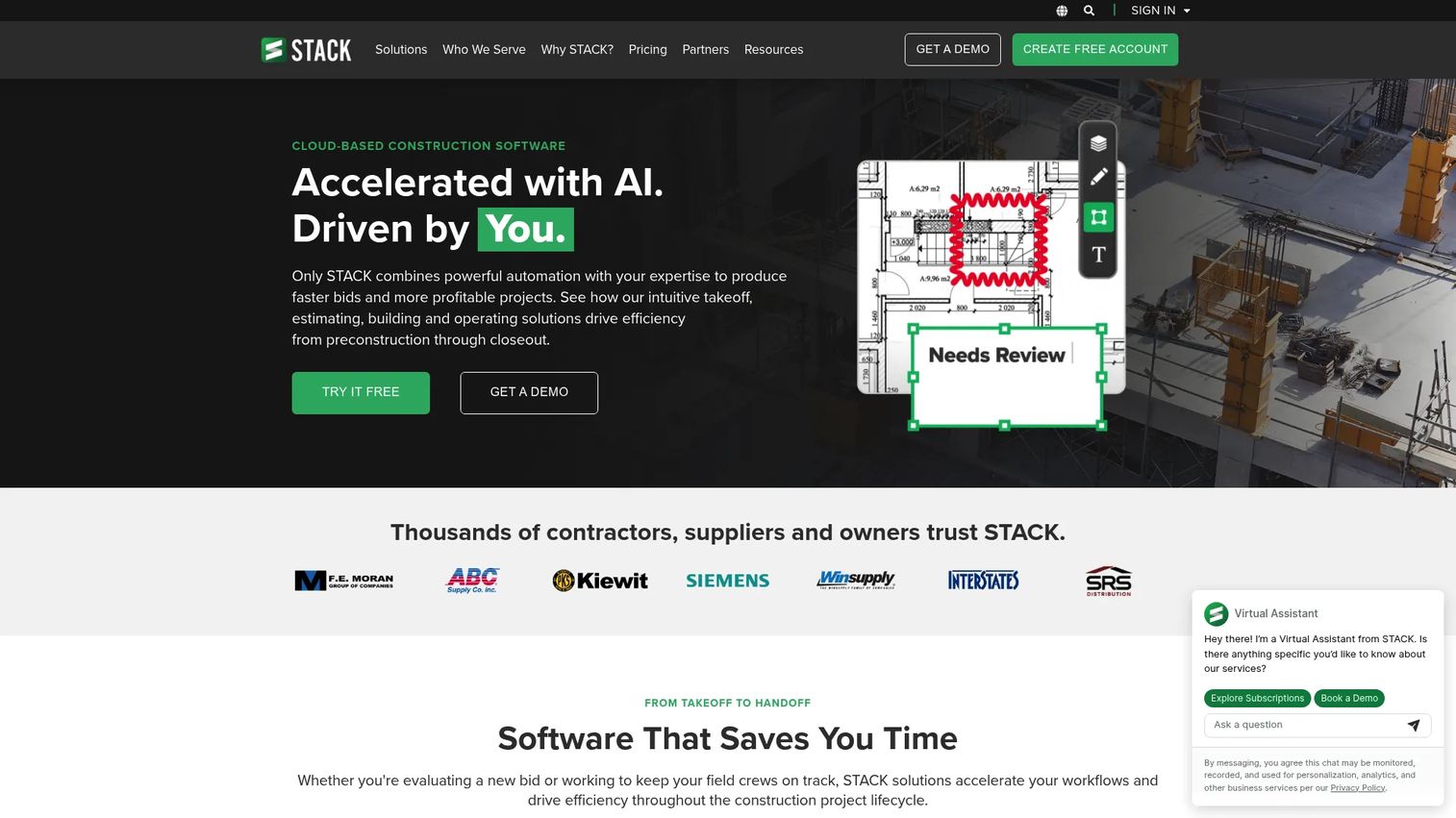
STACK is cloud-based construction software for takeoff, estimating, collaboration, and field operations. Its strength is accessibility. Because it runs in the browser, estimators, project managers, and other stakeholders can work from the same plans without installing desktop software. That makes it a practical choice for teams that need shared takeoff workflows across roles.
Best for: Construction teams that need accessible, collaborative takeoff and estimating that multiple stakeholders can reach from anywhere.
Key strengths
- AI-powered takeoff and estimating: Speeds up measurement and quantity generation to shorten bid prep.
- Project document management and plan markup: Centralizes plans and supports a clean PDF to takeoff workflow with shared markups.
- Field collaboration: Handles issues, punch lists, and daily reports, extending value past the bid into operations.
Why choose STACK: STACK is the fit when collaboration and access matter as much as raw takeoff depth. Cloud delivery means a new estimator or a project stakeholder can open a set of plans without a desktop install, which keeps bid prep moving across the team. As civil takeoff software with field operations on top, it bridges estimating and execution for teams that value shared access.
STACK pricing: STACK publishes clear per-user annual pricing. The Essential plan starts at $599 per user per year, the Pro plan runs $699 per user per year, and Enterprise pricing is available on request with add-ons like unlimited reviewer users, API integration, and SSO. You can start with a 30-day free trial without a credit card, which makes it easy to test the takeoff workflow.
7. BidClerk
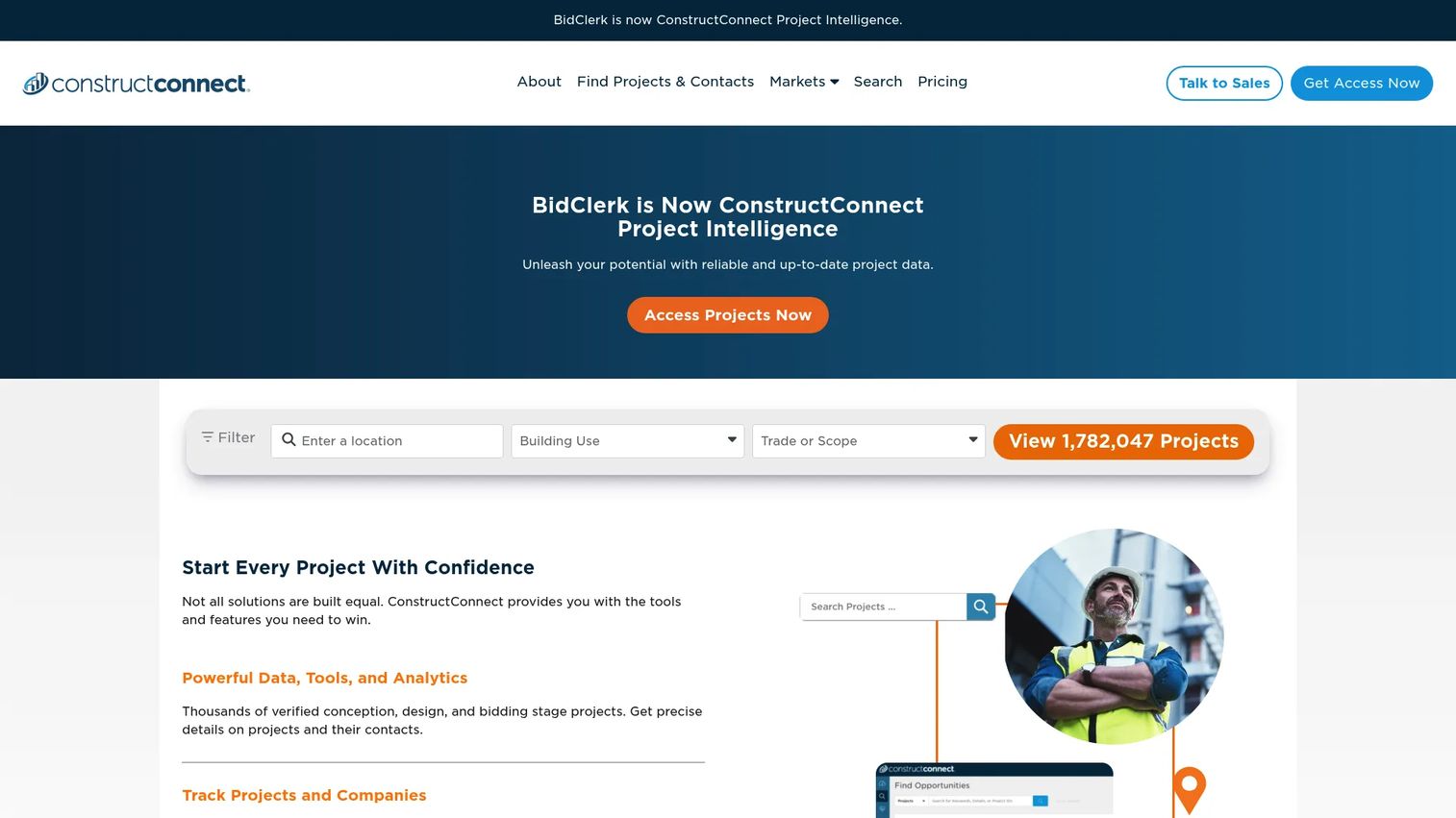
BidClerk is a construction bid and project lead platform focused on finding projects and managing bid-related resources. It is important to understand the distinction here. BidClerk is not excavation takeoff software or estimating software. It is bid discovery software that helps you find work worth pursuing before you ever open a takeoff tool.
Best for: Contractors and construction teams who need a steady pipeline of project leads and a way to track bids in progress.
Key strengths
- Project search: Surfaces construction projects out for bid so you can find work that fits your capacity.
- Track projects and contacts: Keeps opportunities and the people behind them organized in one place.
- Automatic project updates: Notifies you when tracked projects change, so you do not miss a bid window.
Why choose BidClerk: BidClerk fits at a different point in the workflow than the rest of this list. If your problem is not measuring or pricing work but finding enough of it to bid on, BidClerk feeds the top of the funnel. Pair it with a takeoff and estimating tool from earlier in this list and you cover the full path from finding a project to submitting an excavation bid.
BidClerk pricing: BidClerk does not publish a public price, and pricing is available by contacting the company. BidClerk appears to operate as a ConstructConnect company based on its site. Reach out directly for a quote tied to your region and project focus.
How to choose the right excavation software
The tools above solve different problems. Match your buying decision to the pain you actually feel, using these criteria.
File compatibility
Your plans arrive as PDFs, DWG and DXF files, and sometimes paper. Confirm the tool handles every format you receive before you buy. A takeoff tool that stumbles on your file types will slow you down more than the spreadsheet you are replacing.
Workflow breadth
Decide whether you need a point solution or a system. Takeoff-only tools are fast and focused. All-in-one platforms cost more and take longer to adopt, but they carry the estimate into job costing and execution. Buy for the workflow you have, not the one you imagine.
Speed to value
A tool that takes months to learn delays the payoff. Look for free trials, clear onboarding, and training resources. If your team cannot produce a usable takeoff or bid in the first week, factor that ramp time into the decision.
Accuracy and verification
The whole point is fewer errors between plan and field. Prioritize tools with verification features, consistent rate databases, and math you can audit. Accuracy is what protects margin, so treat it as a primary criterion, not a nice-to-have.
Conclusion
The right choice comes down to where your workflow breaks. If manual markup is the bottleneck, start takeoff-first with AGTEK Gradework or STACK. If estimating discipline and file compatibility matter most, EarthWorks Excavation Software and McCormick Systems fit. If your bids are heavy civil and infrastructure-scale, HCSS HeavyBid is built for that volume. If the gap between bid and job is bleeding margin, Knowify runs the whole operation from estimate to job costing. And if you simply need more work to bid on, BidClerk feeds the pipeline.
Most contractors do not need every capability at once. Pick the tool that closes your biggest gap first, then expand. The goal is the same across all of them: fewer errors between plan review, bid assembly, and execution, and better profitability on every job you win. Whichever direction you choose, moving off spreadsheets and into a connected dirt work estimating software workflow is the step that protects your margin.
FAQs
Excavation software helps contractors measure site quantities, price the work, submit bids, and manage the resulting jobs. It replaces manual plan markup and spreadsheet math with digital takeoff, estimating, and job costing. The strongest earthwork software connects those steps so a quantity entered at takeoff flows through the bid and into cost tracking.
File compatibility, verification tools, and consistent rate databases matter most. You want the tool to read your PDF, DWG, and DXF plans cleanly, catch errors before they hit a bid, and apply reliable pricing across estimators. Accuracy and speed to value should drive the decision more than a long feature list.
For most growing contractors, yes. Spreadsheets rely on manual entry, which introduces small errors that compound into missed scope and thin bids. Excavation software automates takeoff and math, reduces those errors, and connects estimating to job costing so you can see profitability. Spreadsheets can work for a very small shop, but they cap how many bids you can chase accurately.
Takeoff software measures quantities from plans, such as cut, fill, and trench volumes. Estimating software turns those quantities into a priced bid using labor, equipment, and material rates. Many tools combine both, but takeoff-first products like earthwork takeoff software go deeper on measurement, while estimating tools focus on pricing and bid assembly.
Small contractors usually want speed to value and clear pricing. Knowify starts at $99 per month and covers estimating through job costing, which suits a small shop that wants one system. STACK offers a 30-day free trial and cloud access, and EarthWorks provides a free 7-day trial for teams focused on takeoff. Start with the trial that matches your biggest pain.
HCSS HeavyBid and AGTEK Gradework are both built for heavy civil work. HeavyBid handles large, complex bids and quote management at infrastructure scale, while AGTEK excels at earthwork modeling, mass haul, and machine control transfer. Many large civil contractors run both, using one for takeoff and the other for bid assembly.
Most modern excavation software supports a PDF to takeoff workflow along with DWG and DXF import. EarthWorks handles PDF, TIFF, DWG, DXF, and paper plan import, AGTEK supports CAD and PDF, and STACK centralizes plan documents in the cloud. Always confirm the exact formats you receive before buying, since file handling varies by tool.
Match the tool to your biggest gap. If manual markup is slowing your bids, a takeoff-focused tool delivers the fastest payoff. If the disconnect between the bid and the field is costing margin, an all-in-one platform that carries the estimate into job costing and execution is worth the longer adoption. Buy for the workflow you have today, then expand as your operation grows.