Most CAD shortlists start with modeling features. That view misses the expensive problems that appear after initial design.
Assemblies can break after a dimension change. Drawings can drift from the model. Supplier files may import with damaged geometry. Manufacturing might find an issue that simulation could have caught earlier.
Those workflow risks help explain the category’s growth. Research and Markets valued the global CAD software market at $18.1 billion in 2025. It projects the market will reach $28.9 billion by 2033.
Choosing engineering CAD software is therefore a product stack decision. The right platform must support design intent, release cadence, supplier handoff, validation, and production feedback. It also needs manageable governance as more engineers and contractors join the workflow.
What’s inside
This guide compares 15 engineering CAD programs for product leaders, engineering managers, designers, and procurement teams. Selection focuses on workflow fit rather than visual modeling alone.
We evaluated each option against these areas:
- Parametric modeling, direct editing, and assembly support
- Engineering drawings, documentation, and revision control
- PDM, collaboration, permissions, and release management
- File interoperability across supplier and manufacturing workflows
- Simulation, CAM, pricing, and verified review signals
The shortlist covers mechanical CAD, cloud CAD software, DWG drafting, infrastructure design, enterprise engineering, and simulation adjacent platforms.
TL;DR
- Best overall for mechanical engineering: SOLIDWORKS offers mature part, assembly, drawing, simulation, and data management workflows
- Best for connected product development: Autodesk Fusion combines CAD, CAM, CAE, PCB design, and cloud data management
- Best for distributed teams: Onshape provides browser based CAD, built in PDM, branching, and release management
- Best for enterprise engineering: PTC Creo suits advanced parametric work, while CATIA supports complex surfaces and large product programs
- Best free CAD software for engineers: FreeCAD provides open source parametric modeling without licensing fees
- Best for DWG drafting: AutoCAD offers broad drafting coverage, while DraftSight provides a focused 2D CAD option
What is engineering CAD software?
Engineering CAD software is computer aided design software used to create, modify, document, validate, and share 2D or 3D models for engineered products.
Unlike general 3D modeling software, engineering CAD preserves design intent. Dimensions, constraints, tolerances, assemblies, revisions, and manufacturing documentation remain connected to the model.
Core capabilities
Common capabilities include:
- 2D drafting and detailing
- 3D solid modeling
- Parametric modeling
- Direct modeling
- Assembly management
- Engineering drawing generation
- File interoperability
- PDM and version control
- Simulation and FEA links
- CAM and manufacturing handoff
- STL export for 3D printing
Parametric modeling uses dimensions, constraints, and feature relationships to control geometry. Change a critical dimension, and connected features update according to those rules.
Direct modeling lets engineers push, pull, or replace geometry without relying on the original feature history. It works well for concept development and imported CAD file cleanup.
Engineering CAD versus general 3D CAD
General modeling tools prioritize geometry creation and visual output. Engineering design software must also support tolerances, bills of materials, release drawings, revisions, and repeatable design changes.
A surface model can look correct while lacking the documentation needed for production. Engineering teams should evaluate the entire release workflow.
Engineering CAD versus architecture software
Some platforms support buildings or infrastructure. However, this guide prioritizes product, mechanical, manufacturing, and general engineering workflows.
AutoCAD and MicroStation remain relevant where precise drafting or infrastructure documentation matters. They serve a different core job from parametric mechanical design.
Engineering CAD versus simulation software
CAD creates and documents design geometry. Simulation evaluates how that design behaves under loads, heat, fluids, motion, or other conditions.
Some cad engineering software combines both areas. Others connect to specialist analysis platforms. Evaluate simulation depth separately from modeling quality.
When to use engineering CAD software
Design parts and assemblies that change often
Use 3D CAD software for engineers when products evolve through frequent revisions. Parametric constraints help preserve design intent when dimensions or component relationships change.
Assembly tools also expose interference and fit problems before release. For product leaders, that supports a steadier release cadence with fewer avoidable engineering loops.
Produce drawings for suppliers and manufacturing
Manufacturing handoff depends on more than model geometry. Suppliers may need engineering drawings, tolerances, BOMs, revision notes, and approved exports.
Test STEP files, IGES files, STL files, DWG, and native supplier formats before purchase. A successful import does not guarantee clean geometry or preserved metadata.
Validate designs before manufacturing
Simulation and FEA can expose structural or thermal problems before tooling. CAM connects finished geometry to machining workflows.
The right CAD stack shortens the feedback loop between engineering and production. It also reduces the opportunity cost of discovering manufacturability issues after release.
Engineering CAD software comparison
The table below compares 15 engineering CAD software products using current vendor pricing and G2 data from the supplied research.
Some vendors price by sales quote, partner, or annual package. Use these figures to build a shortlist, then model the cost for your expected seat count.
| # | Product | Best for | Key differentiator | Pricing | G2 rating |
|---|---|---|---|---|---|
| 1 | SOLIDWORKS | Mechanical product development | Integrated CAD, simulation, drawings, and data management | From $846 quarterly | 4.4/5 |
| 2 | Autodesk Fusion | Connected design and manufacturing | CAD, CAM, CAE, PCB, and cloud data tools | From $85 monthly | N/A |
| 3 | Onshape | Distributed product teams | Cloud CAD with built in PDM | Free plan, paid from $1,500 yearly | 4.7/5 |
| 4 | Autodesk Inventor | Autodesk centered mechanical teams | Mechanical design with simulation and interoperability | From $320 monthly | 4.4/5 |
| 5 | PTC Creo | Complex enterprise product engineering | Advanced parametric design with manufacturing links | Custom pricing | 4.1/5 |
| 6 | Solid Edge | Flexible mechanical model editing | Synchronous direct and parametric modeling | From $292.69 monthly | 4.3/5 |
| 7 | CATIA | Complex enterprise product programs | Advanced surfaces, large assemblies, and lifecycle workflows | From $7,229 yearly | 4.2/5 |
| 8 | AutoCAD | Precise drafting and DWG workflows | Broad 2D drafting with desktop and web access | From $175 monthly | 4.4/5 |
| 9 | DraftSight | Cost conscious DWG drafting | Focused 2D CAD with optional 3D tools | From $299 yearly | N/A |
| 10 | FreeCAD | Open source parametric CAD | No licensing fees and extensible workbenches | Free | 4.2/5 |
| 11 | Alibre Design | Small mechanical engineering teams | Desktop MCAD with subscription or lifetime licenses | From $30 monthly | N/A |
| 12 | MicroStation | Infrastructure engineering | DGN centered drafting and geospatial context | From $2,125 yearly | 4.0/5 |
| 13 | Rhino | Surface modeling and industrial design | NURBS geometry with visual scripting | From $195 one time | 4.4/5 |
| 14 | Ansys SpaceClaim | Simulation geometry preparation | Direct editing and CAD repair | Custom pricing | N/A |
| 15 | SimScale | Browser based engineering analysis | Cloud FEA, CFD, and multiphysics simulation | Free plan, paid plans custom | 4.6/5 |
Best 15 tools for engineering CAD software
1. SOLIDWORKS

SOLIDWORKS is 3D engineering software for designing, simulating, documenting, and managing product designs. Its mechanical workflow covers parametric parts, assemblies, production drawings, routing, and data management.
The platform suits teams that need design depth without separating every stage into a different application. Familiarity across engineering hiring markets and supplier workflows also supports adoption.
Best for: Mechanical engineering teams that need mature part, assembly, and drawing workflows.
Key features
- Parametric part and assembly modeling
- Production drawing creation
- Simulation and motion analysis
- Pipe and electrical routing
- Cloud connected data management
Why choose SOLIDWORKS: It covers core mechanical design and manufacturing documentation within a widely recognized workflow. Teams should model total cost across design, simulation, and PDM requirements.
SOLIDWORKS pricing: Design Standard starts at $846 quarterly or $2,820 yearly. Professional starts at $1,038 quarterly, while Premium starts at $1,416 quarterly.
G2 rating: 4.4/5.
2. Autodesk Fusion

Autodesk Fusion combines CAD, CAM, CAE, electronics design, data management, and collaboration. It gives hardware teams a connected path from early product design to machining.
Parametric and direct modeling support varied development work. Cloud data management also helps teams control versions without passing files through email or shared folders.
Best for: Product teams that want CAD, manufacturing, simulation, and PCB workflows in one subscription.
Key features
- Parametric and direct modeling
- Integrated CAM workflows
- CAE simulation tools
- Electronics and PCB design
- Cloud version control
Why choose Autodesk Fusion: It reduces tool switching between product design and manufacturing preparation. Teams working with complex enterprise assemblies should benchmark it against heavier mechanical systems.
Autodesk Fusion pricing: Plans cost $85 monthly, $680 annually, or $2,040 for three years. Eligible hobbyists can use the limited personal edition free.
3. Onshape

Onshape combines cloud native product design with built in PDM. Engineers work through a browser while the platform manages version history, branching, merging, and releases.
That architecture removes many file locking and workstation dependencies. Distributed teams can review the same document without duplicating assemblies across local folders.
Best for: Distributed engineering teams that need cloud CAD software and built in PDM.
Key features
- Browser based product design
- Built in PDM
- Real time collaboration
- Branching and merging
- Release management
Why choose Onshape: It treats CAD collaboration and version control as core platform functions. Teams carrying deep desktop libraries should test migration using their largest assemblies and supplier files.
Onshape pricing: The Free plan supports noncommercial projects with public storage. Standard costs $1,500 per user yearly, while Professional costs $2,500.
G2 rating: 4.7/5.
4. Autodesk Inventor
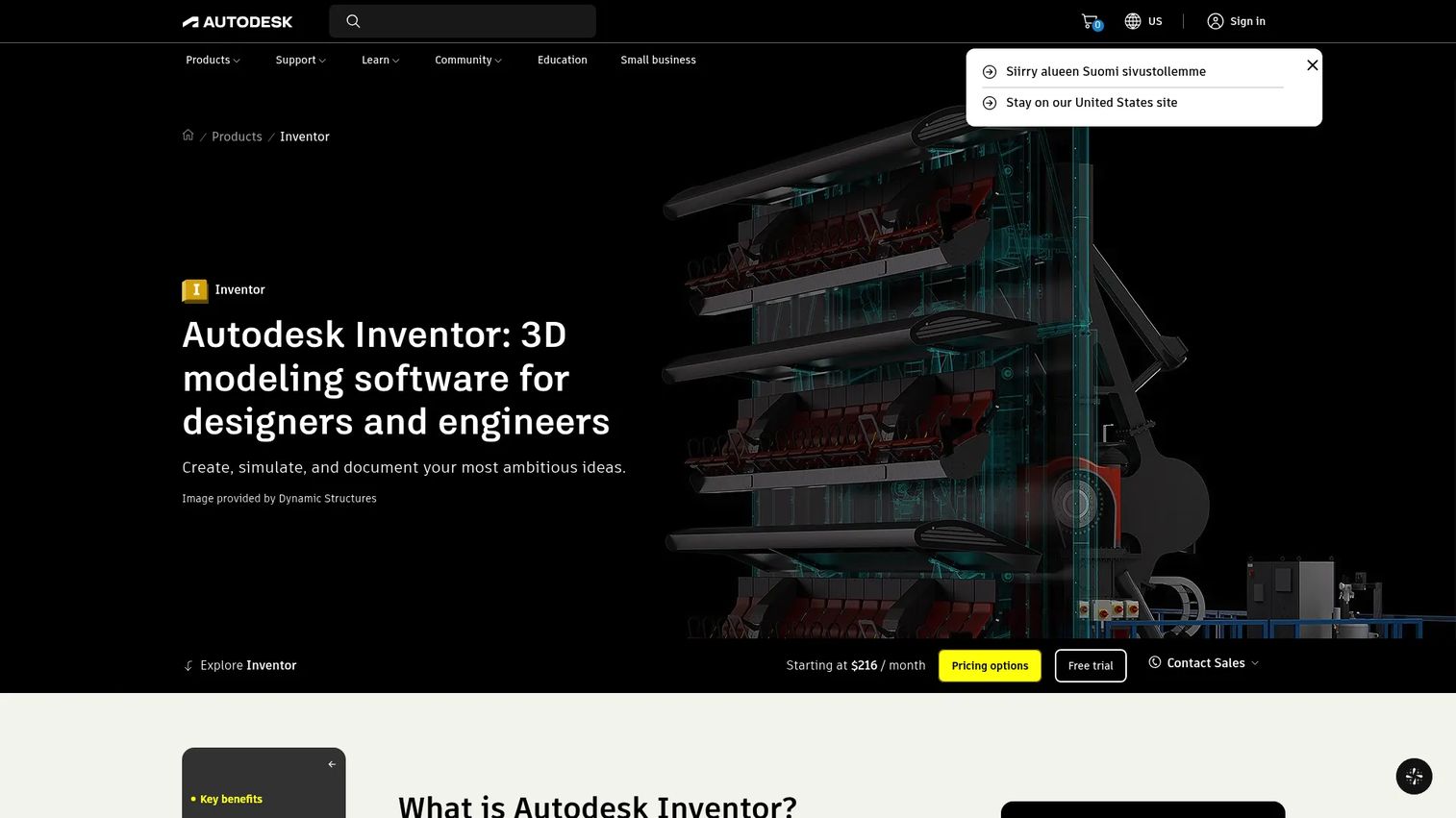
Autodesk Inventor is mechanical design software for creating and documenting manufactured products. It supports parametric, direct, and freeform modeling alongside assembly analysis.
Inventor also covers sheet metal, frames, piping, drawings, and stress analysis. Its interoperability fits organizations already running other Autodesk engineering products.
Best for: Autodesk centered engineering teams designing mechanical products and assemblies.
Key features
- Parametric and freeform modeling
- Assembly interference checking
- Sheet metal design
- Production drawing creation
- Dynamic simulation
Why choose Autodesk Inventor: It brings mechanical design depth into an established Autodesk stack. Cross platform teams should assess operating system and workstation requirements before standardizing.
Autodesk Inventor pricing: A monthly subscription costs $320. Annual access costs $2,585, while a three year subscription costs $7,755.
G2 rating: 4.4/5.
5. PTC Creo

PTC Creo is an advanced parametric CAD platform for complex product engineering. It connects modeling with simulation, manufacturing, model based definition, and additive workflows.
Its scope fits regulated products and engineering organizations with detailed configuration requirements. Piping, cabling, composites, and GD&T extend the platform beyond basic part creation.
Best for: Enterprise engineering teams with complex parametric product requirements.
Key features
- Parametric and direct modeling
- Generative design
- Integrated simulation
- CAM and additive manufacturing
- Model based definition
Why choose PTC Creo: It offers extensive control across design and downstream engineering work. Teams moving from lighter CAD software should budget for implementation, governance, and user training.
PTC Creo pricing: Custom pricing applies across the Creo Design packages and Creo+ subscriptions. Ask PTC sales for current package and licensing costs.
G2 rating: 4.1/5.
6. Solid Edge
Solid Edge combines mechanical design, drafting, simulation, manufacturing, and data management. Its Synchronous Technology brings parametric controls into a direct modeling workflow.
That combination helps engineers edit imported geometry without rebuilding the original feature tree. The platform also covers sheet metal, surfaces, assemblies, and automated drawings.
Best for: Mechanical teams that want parametric control with flexible direct editing.
Key features
- Synchronous modeling technology
- Mechanical assembly design
- Sheet metal tools
- Finite element analysis
- Cloud enabled data management
Why choose Solid Edge: It suits teams that regularly modify supplier geometry or inherited models. Test native and neutral file exchanges with critical partners before committing.
Solid Edge pricing: Designcenter X Solid Edge Standard starts at $292.69 monthly. Advanced starts at $363.56 monthly.
G2 rating: 4.3/5.
7. CATIA

CATIA supports product design, systems engineering, simulation, manufacturing, and lifecycle management. It is built for complex products that combine advanced surfaces with large assemblies.
Its engineering scope fits aerospace, automotive, industrial equipment, and other high complexity programs. Product teams can connect detailed geometry with broader collaboration and product data workflows.
Best for: Enterprise teams designing complex products with advanced surface and systems requirements.
Key features
- Advanced surface modeling
- Large assembly design
- Mechanical product development
- Engineering simulation
- Product lifecycle collaboration
Why choose CATIA: It supports demanding design programs where geometry and lifecycle coordination carry equal weight. Smaller teams may find its enterprise scope broader than straightforward MCAD requires.
CATIA pricing: Design Engineering Essential starts at $7,229 yearly. Master costs $9,230 yearly, while Elite costs $14,926.
G2 rating: 4.2/5.
8. AutoCAD
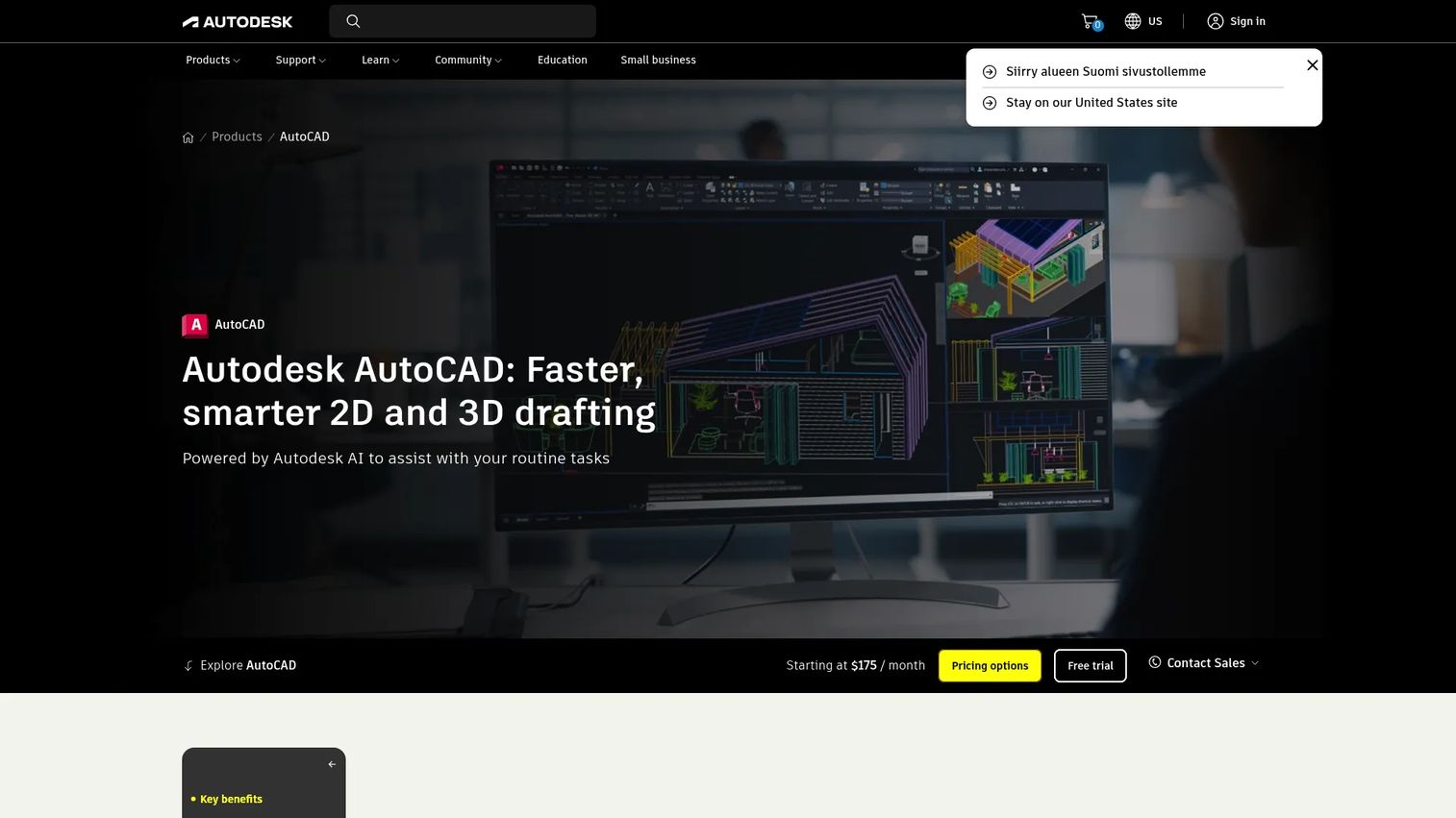
AutoCAD is 2D and 3D computer aided design software for drafting, modeling, and documentation. Its strongest engineering role remains precise DWG drafting.
Desktop, web, and mobile access support review across different work contexts. Seven specialized toolsets extend the core application for specific professional disciplines.
Best for: Teams that need precise 2D drafting, DWG compatibility, and broad file familiarity.
Key features
- Precise 2D drafting
- 3D modeling tools
- DWG collaboration
- Specialized industry toolsets
- Desktop and web access
Why choose AutoCAD: It gives engineering teams a recognized standard for drafting and documentation. Mechanical product groups may pair it with parametric 3D CAD for assemblies and design intent.
AutoCAD pricing: A monthly subscription starts at $175. Annual access costs $2,095 and includes specialized toolsets.
G2 rating: 4.4/5.
9. DraftSight

DraftSight is professional CAD drawing software for creating, editing, viewing, and sharing DWG files. It emphasizes 2D documentation while higher tiers add 3D and BIM capabilities.
Native support covers DWG, DXF, and DGN. Its drafting toolset includes layers, annotation, blocks, batch printing, and sheet management.
Best for: Teams that need cost conscious DWG drafting without a full mechanical CAD suite.
Key features
- Native DWG drafting
- Advanced 2D documentation
- Dynamic and custom blocks
- Batch printing
- Optional 3D modeling
Why choose DraftSight: It provides a focused route for teams replacing or standardizing DWG workflows. Deep parametric assemblies still call for mechanical CAD higher in this list.
DraftSight pricing: Professional costs $299 yearly, while Premium costs $599. Network licensing starts at $399 yearly.
G2 rating: N/A.
10. FreeCAD
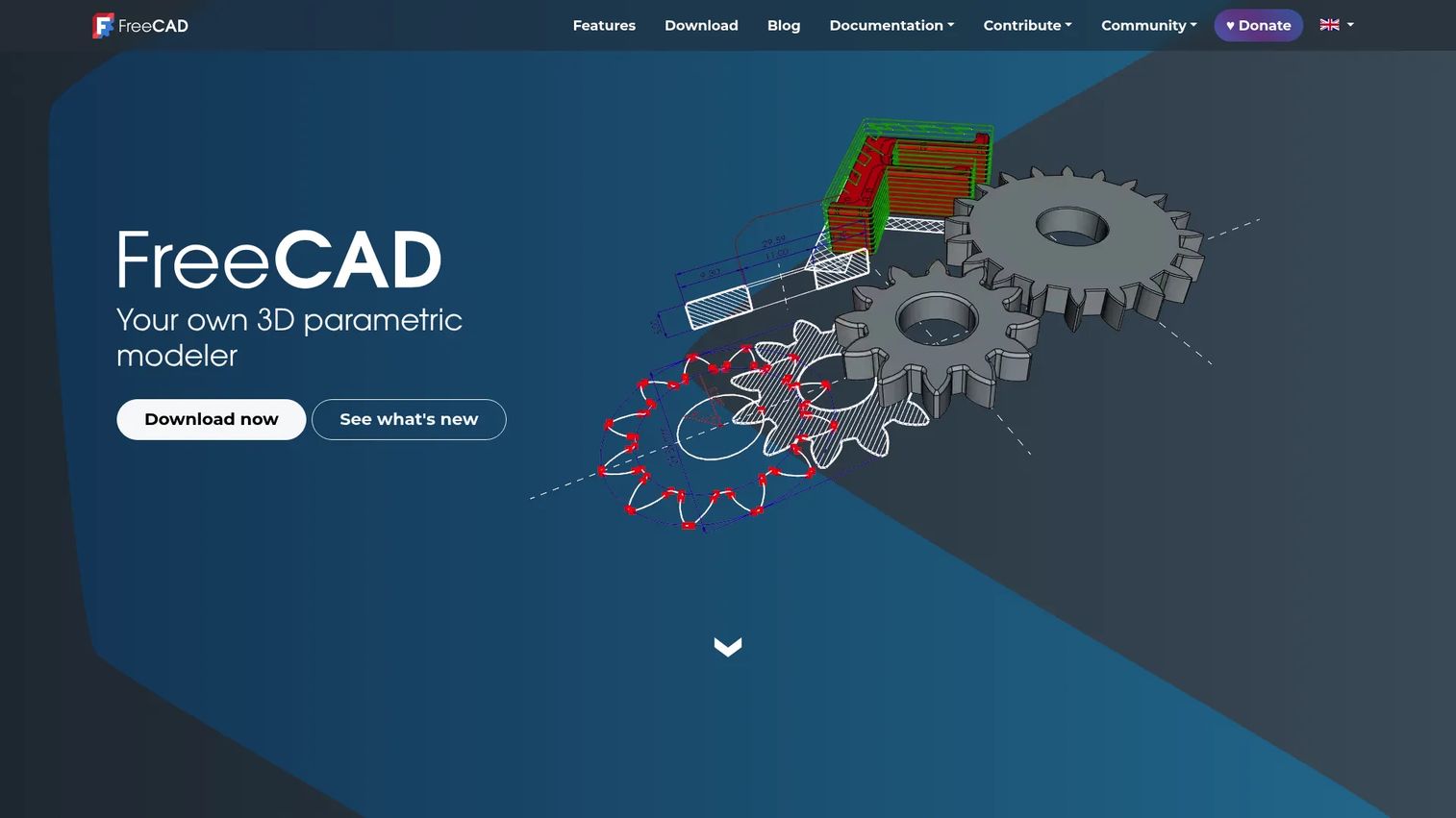
FreeCAD is open source parametric 3D CAD software for designing physical objects. Its workbench structure covers modeling, drawings, assemblies, BIM, FEA, and CAM.
Technical teams can extend workflows through Python scripting. Broad import and export support includes STEP, IGES, STL, SVG, DXF, OBJ, and IFC.
Best for: Individuals or teams that need free, extensible parametric engineering CAD.
Key features
- Open source licensing
- Parametric model history
- Constrained sketching
- Assembly workbench
- Python scripting
Why choose FreeCAD: It removes licensing cost while keeping technical flexibility. Commercial teams should evaluate support, documentation, governance, and collaboration against their release requirements.
FreeCAD pricing: FreeCAD is free to download and use. It has no licensing fees or paid subscription tiers.
G2 rating: 4.2/5.
11. Alibre Design
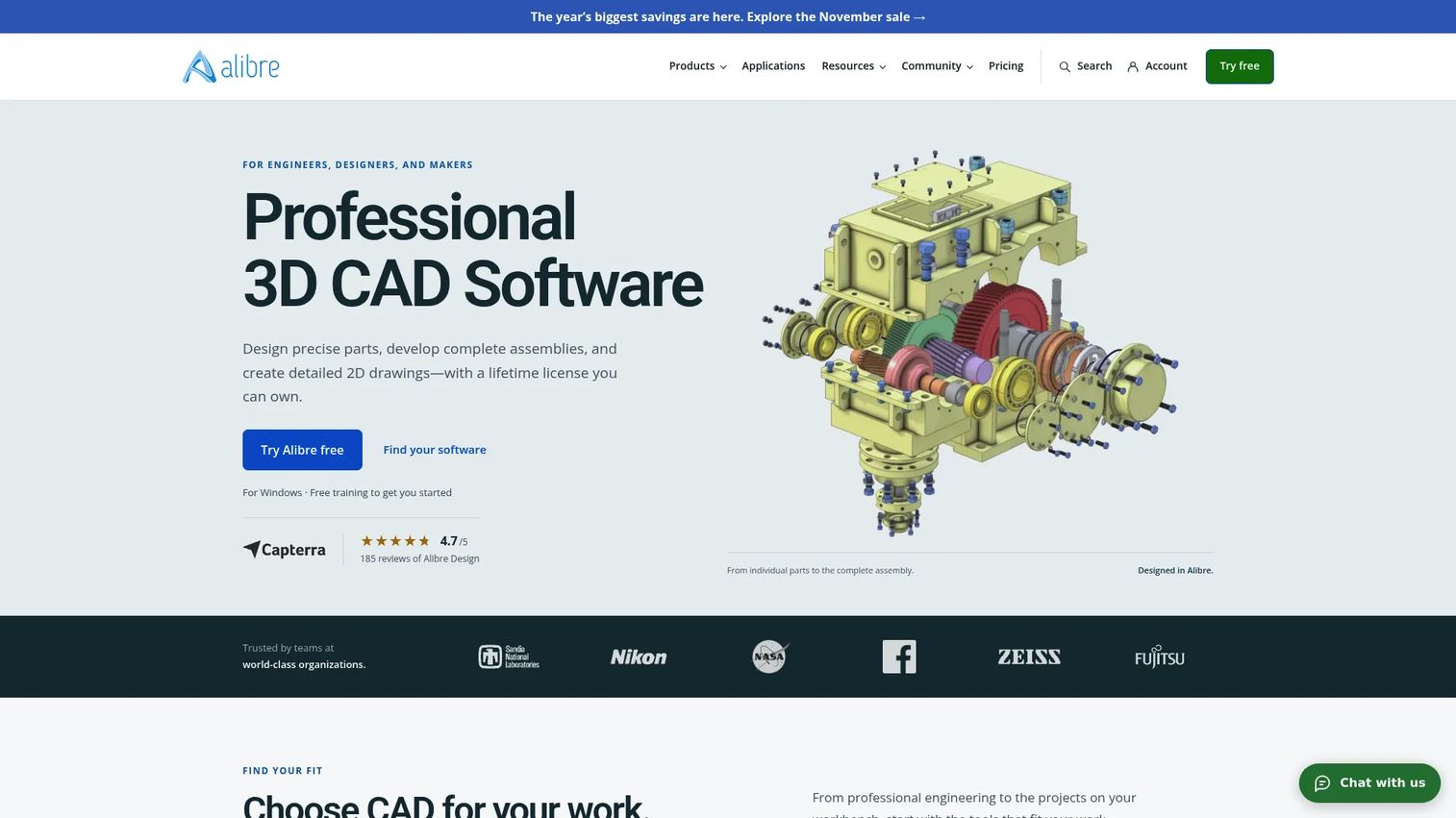
Alibre Design is Windows desktop mechanical CAD for parametric parts, assemblies, drawings, and sheet metal. It targets independent designers and small manufacturing teams.
The application includes interference checking, BOMs, tolerances, design configurations, and broad file support. Expert adds PDM, weldments, rendering, and advanced modeling.
Best for: Small engineering teams that need practical mechanical CAD without enterprise suite overhead.
Key features
- Parametric part modeling
- Assembly interference checking
- Manufacturing drawings
- Sheet metal design
- Python automation
Why choose Alibre Design: It offers subscription and lifetime licensing for teams that prefer desktop ownership choices. Large PLM programs will require broader infrastructure.
Alibre Design pricing: Professional starts at $30 monthly, $300 yearly, or $690 for a lifetime license. Expert starts at $50 monthly.
12. MicroStation
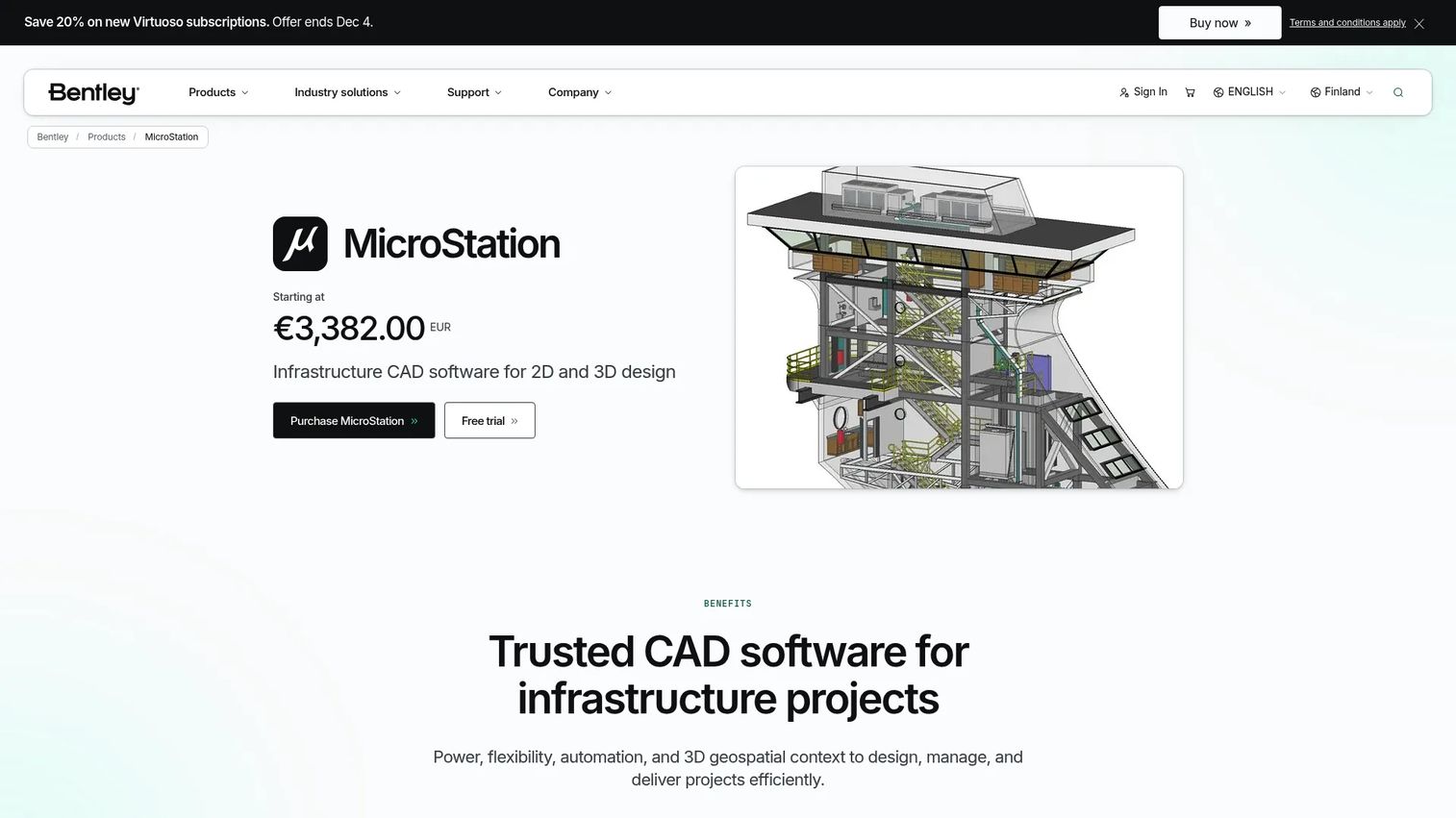
MicroStation is 2D and 3D CAD software for infrastructure design and documentation. It supports geospatial imagery, point clouds, reality meshes, and automated deliverables.
Interoperability includes DWG, SHP, IFC, and other engineering formats. Its core audience differs from mechanical product teams because infrastructure context remains central.
Best for: Infrastructure engineering teams that need precise design documentation and DGN workflows.
Key features
- 2D and 3D drafting
- Infrastructure modeling
- Geospatial context
- Broad file interoperability
- Automated documentation
Why choose MicroStation: It fits civil, transportation, plant, and infrastructure organizations using Bentley workflows. Mechanical product teams should prioritize dedicated MCAD platforms.
MicroStation pricing: A 12 month Virtuoso subscription costs $2,125 under the verified promotional offer. The displayed regular price is $2,656.
G2 rating: 4.0/5.
13. Rhino

Rhino creates and edits complex curves, surfaces, solids, meshes, and point clouds. It is particularly strong for NURBS geometry and industrial design exploration.
Grasshopper adds visual programming for algorithmic and computational design. Rhino also supports rendering, drafting, analysis, and broad geometry translation.
Best for: Industrial designers and engineers working with complex surface geometry.
Key features
- NURBS surface modeling
- SubD and mesh tools
- Grasshopper visual programming
- Drafting and analysis
- Broad geometry translation
Why choose Rhino: It gives designers substantial geometric freedom and computational control. Teams needing parametric assemblies, PDM, and release drawings may pair it with mechanical engineering CAD.
Rhino pricing: Commercial Rhino 8 costs $995 as a one time purchase. Educational single user licensing starts at $195.
G2 rating: 4.4/5.
14. Ansys SpaceClaim
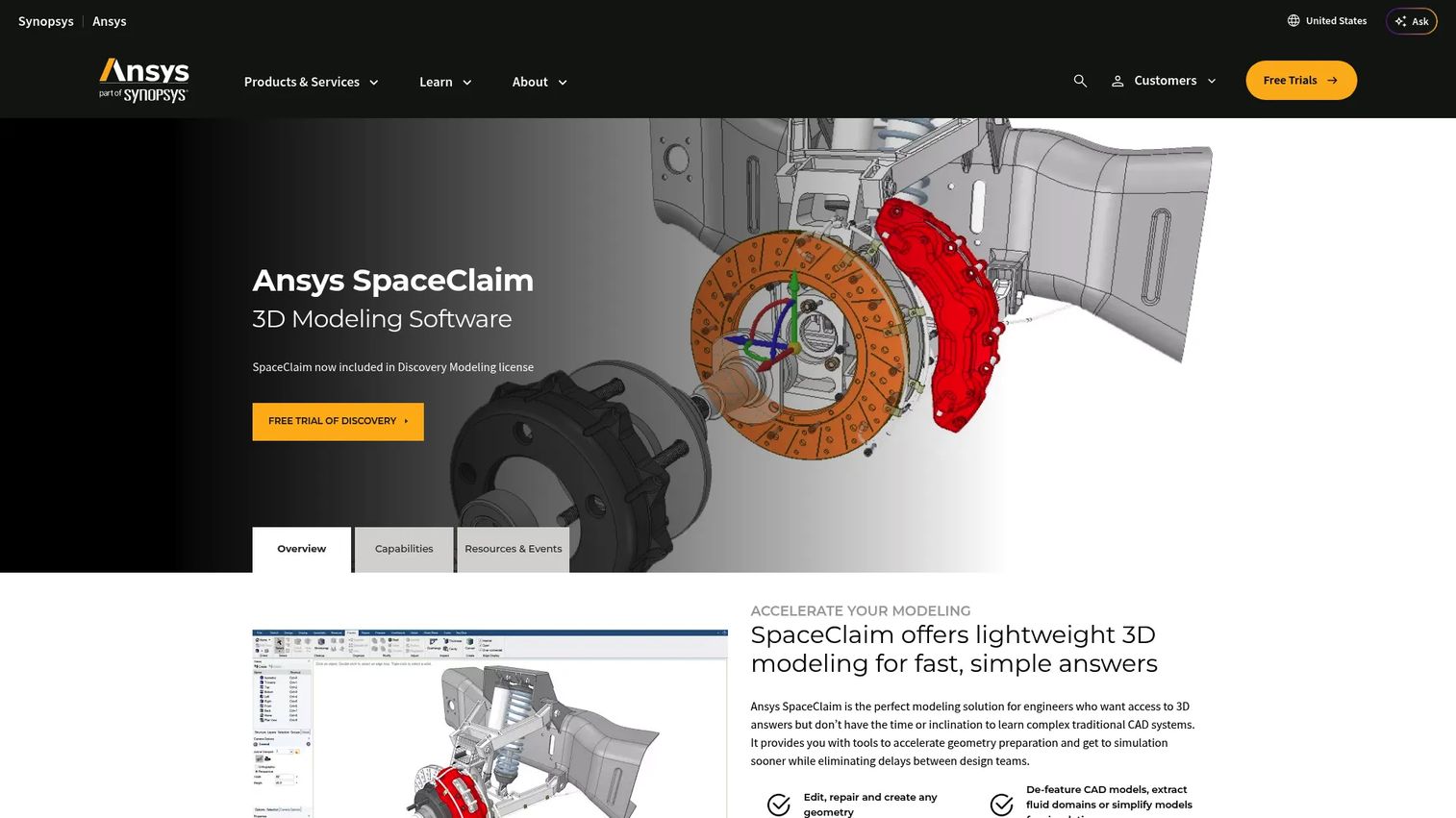
Ansys SpaceClaim is lightweight direct modeling software for editing and repairing 3D geometry. Engineers often use it to prepare imported CAD models for simulation.
Its toolset covers geometry simplification, reverse engineering, STL preparation, and manufacturing edits. Direct manipulation helps users change models without rebuilding feature history.
Best for: CAE teams preparing geometry for simulation and fast direct edits.
Key features
- Direct 3D modeling
- Geometry repair
- Simulation preparation
- Scan to CAD workflows
- STL preparation
Why choose Ansys SpaceClaim: It addresses the geometry cleanup work that can delay analysis. Most mechanical teams will still need a primary CAD authoring and release system.
Ansys SpaceClaim pricing: SpaceClaim comes with a Discovery Modeling license. Ask Ansys sales for current license and package pricing.
15. SimScale

SimScale is cloud engineering simulation software rather than a traditional CAD authoring platform. It connects imported geometry with fluid, structural, thermal, electromagnetic, and multiphysics analysis.
Browser based access lets teams run parallel simulations using cloud computing. CAD integrations and API access connect analysis with the broader engineering workflow.
Best for: Engineering teams that need cloud simulation connected to CAD models.
Key features
- Cloud based simulation
- FEA analysis
- CFD analysis
- CAD integrations
- Parallel cloud computing
Why choose SimScale: It gives teams browser based validation without maintaining local analysis hardware. A separate CAD tool remains necessary for primary modeling and release documentation.
SimScale pricing: The Community plan is free and includes ten unrestricted simulations. Mechanical, Professional, and Enterprise use custom pricing.
G2 rating: 4.6/5.
Considerations when choosing engineering CAD software
Parametric modeling depth
Test a real design change rather than a polished vendor file. Modify critical dimensions and confirm that dependent features update without breaking design intent.
Teams with frequent releases should also assess large assembly performance. Slow rebuilds can become a recurring tax on engineering capacity.
Drawing and documentation quality
Generate a production drawing from one of your own parts. Check dimensions, tolerances, BOMs, annotations, and revision notes.
A strong modeler can still create downstream risk if documentation requires manual cleanup. Include manufacturing in the evaluation.
PDM, version control, and collaboration
Assess check in controls, branching, approvals, permissions, and release history. Distributed teams also need a clear answer for file locking and external contractor access.
Version control for CAD affects release cadence directly. A weak process creates rework even when the modeler performs well.
File interoperability
Test STEP and IGES files from suppliers. Then export STL, DWG, and the native formats your partners request.
Inspect geometry quality after every exchange. File support on a feature list does not prove that complex imported models remain usable.
Simulation, CAM, and manufacturing handoff
Integrated simulation or CAM can shorten design feedback. Specialist work may still require dedicated analysis or manufacturing applications.
Map the full handoff before buying. Include machine requirements, post processors, solver depth, and ownership across engineering or production.
Conclusion
The strongest engineering CAD software depends on the workflow you need to protect.
SOLIDWORKS is a strong starting point for mature mechanical product development. Autodesk Fusion connects product design with CAM, simulation, and PCB work. Onshape suits distributed teams prioritizing cloud collaboration and built in PDM.
PTC Creo and CATIA support complex enterprise engineering programs. FreeCAD gives technical users an open source route, while AutoCAD and DraftSight cover DWG drafting.
Do not choose from feature tables alone. Shortlist three products and run the same design scenario in each.
Change a critical dimension. Build an assembly and produce an engineering drawing. Import supplier geometry, then export STEP and STL files. Finally, test collaboration with the people responsible for release approval.
That exercise exposes workflow fit, maintenance cost, and handoff risk before a contract locks them in.
Start your journey with Guideflow today
Teams selling technical software can use interactive demos across landing pages, sales follow ups, onboarding, and customer education. Buyers experience the product path while stakeholders see the workflow in context.
Start your journey with Guideflow today!
FAQs
Engineering CAD software is computer aided design software for creating and documenting engineered parts, products, assemblies, or systems. It commonly supports 2D drafting, 3D modeling, engineering drawings, and manufacturing documentation.
Many platforms also connect design work with PDM, simulation, or CAM. The exact scope differs by product and license package.
SOLIDWORKS, Autodesk Inventor, PTC Creo, Solid Edge, and Onshape are common mechanical design shortlist options. Each supports parts, assemblies, and engineering documentation with different deployment models.
Compare them using your assembly sizes, supplier formats, PDM requirements, and expected seat count. The best option must fit both engineering depth and operating cost.
CAD software creates and documents product geometry. CAE software analyzes how that geometry behaves under structural, fluid, thermal, electromagnetic, or motion conditions.
Some engineering CAD programs include simulation workspaces. Specialist analysis platforms often provide deeper solver controls or more analysis types.
CAD software defines the geometry and documentation for a part. CAM software converts that geometry into toolpaths and manufacturing instructions.
Autodesk Fusion connects both workflows within one platform. Manufacturing teams should still verify machine compatibility, post processors, and required machining strategies.
Cloud CAD can support distributed engineering teams, especially when collaboration and PDM are central requirements. Browser access can reduce local file duplication and workstation dependency.
Test performance with large assemblies and imported supplier files. Review data governance, offline needs, security controls, and release approvals before adoption.
STEP and IGES support neutral geometry exchange between CAD systems. STL supports many 3D printing workflows, while DWG and DXF remain important for drafting.
Native CAD formats can preserve more design data than neutral exports. Test import and export quality with actual supplier files before selecting a platform.
FreeCAD is the main open source option in this list. It supports parametric modeling, assemblies, drawings, FEA, CAM, and several engineering file formats.
It can work well for individuals, educators, and technical teams. Commercial organizations should also evaluate support, governance, collaboration, and release documentation.
Start with a representative part from your current product. Change dimensions, build an assembly, generate a drawing, and inspect how the model handles revisions.
Next, import supplier files and export STEP or STL. Finish by testing collaboration, release controls, workstation requirements, and pricing for a realistic seat count.