Your docs are live. Sales still asks the same questions in Slack. CS still walks customers through the same setup call. Employees still skip the SOP and do it wrong anyway.
That gap is where most Document360 evaluations begin. The platform publishes knowledge well. What it cannot guarantee is that people actually use it, follow it, or learn from it. When that frustration hits, teams start searching for Document360 alternatives, and they quickly discover the field splits into very different tools with very different jobs.
This guide covers 15 alternatives spanning interactive guides, developer documentation platforms, help center software, internal knowledge bases, docs-as-code frameworks, and AI support tools. Guideflow is the top pick when the job is interactive internal training and SOP adoption. GitBook and Mintlify are stronger for developer documentation. Helpjuice and HelpDocs fit support-focused help centers. The right choice for your team depends on whether you need to publish information, or get people to follow a workflow.
TL;DR
- Best for interactive internal training and SOP adoption: Guideflow. Capture software once and share interactive demos employees can click through, repeat, and learn from.
- Best for developer and product documentation: GitBook (4.7/5 on G2) or Mintlify (4.6/5 on G2).
- Best for API reference documentation: Mintlify or ReadMe (4.5/5 on G2).
- Best for customer self-service and help centers: Helpjuice (4.7/5 on G2) or HelpDocs (4.3/5 on G2).
- Best for internal knowledge management: Confluence, Notion (4.6/5 on G2), or Bloomfire.
- Best for docs-as-code teams: Docusaurus or MkDocs (4.0/5 on G2), both free and open source.
- Free starting points: Guideflow, GitBook, Notion, Confluence, ReadMe, ProProfs Knowledge Base, Docusaurus, and MkDocs all offer free tiers or free plans.
What's inside
- What Document360 is and why teams compare alternatives
- The main reasons teams move on
- A side-by-side table of all 15 alternatives with category labels, G2 ratings, free-plan status, and starting prices
- Full ranked cards for each tool
- Use-case routing by documentation job
- FAQs on pricing, free options, API docs, and team fit
What is Document360?
Document360 is a knowledge base and documentation platform for creating, managing, and publishing customer-facing help centers, internal documentation, SOPs, and software docs. It sits in the knowledge base software category, with a focus on structured article publishing, editor tooling, permissions and governance, localization, and AI-assisted support features.
The platform appeals to support, product, and documentation teams that need to publish a lot of written knowledge and keep it organized. Its strengths include a category-based knowledge structure, collaborative article editing, multilingual publishing, and analytics on article performance. Teams use it for public help centers, internal wikis, technical documentation, and self-service support content.
The right Document360 alternative depends on what your team actually needs. Teams looking for interactive employee training, developer-grade documentation, lightweight help centers, or open-source publishing control will find dedicated tools that fit those jobs more precisely.
Why teams look for Document360 alternatives
The query "document360 alternatives" reflects real evaluation triggers. Here are the patterns that come up most.
Pricing and packaging take effort to compare
Document360 uses tiered packaging where certain features, including AI capabilities, are gated to higher plans. For PMMs who need to build a business case before procurement, the total cost of a documentation platform is not always clear from a pricing page alone. McKinsey found that 88% of organizations regularly used AI in at least one business function (McKinsey, 2025), which puts pressure on knowledge tools to deliver AI capabilities at accessible price points, not just on enterprise plans.
Documentation workflows differ sharply by team
A support team, a developer relations team, and a PMM team each have a different version of "documentation." Support teams need fast help center publishing and ticket deflection. Developer teams need Git sync, API references, and Markdown workflows. PMMs need launch-ready enablement content, internal training materials, and assets that Sales and CS will actually adopt. Document360's model fits some of these better than others.
Static articles do not drive workflow adoption
Heretto's 2025 survey found that 35% of organizations said customers use knowledge bases and FAQs first when seeking support. That matters for support deflection. But for internal training and SOP adoption, the problem is different: Employees may find the article and still not follow the process. Static text explains steps; it cannot make someone practice a workflow. Teams with high-volume onboarding, software training, or process adherence goals often find they need interactive step-by-step formats alongside or instead of written articles.
AI features vary widely in packaging
"AI-powered" means different things across documentation tools. It can mean writing assistance, article suggestions, semantic search, an AI chatbot, or automated answers. Some tools include AI capabilities in every paid plan. Others gate them to premium tiers or charge them as add-ons. Teams should ask what the AI does, not just whether it exists.
Migration risk is real
Switching documentation platforms requires redirecting URLs, transferring article structures, migrating images, preserving localization, and rebuilding search behavior. For large, established knowledge bases, the switching cost is meaningful. PMMs should audit which content is actively used before committing to a migration.
How we picked these Document360 alternatives
Tools were selected for real capability overlap with Document360 switcher needs: Written knowledge bases, developer documentation, help centers, internal knowledge management, interactive training, and AI support automation. Pricing comes from each vendor's pricing page. Ratings come from G2. The list spans multiple documentation categories, and each tool is labeled so readers can identify whether it is a like-for-like swap or a tool that solves a different job. Category statistics are cited to named sources with years.
Document360 alternatives at a glance
Guideflow leads for interactive internal training and SOP adoption. The tools below cover six distinct documentation categories, and no single tool dominates every job. Use the Category column to filter by what your team actually needs to accomplish.
| # | Tool | Category | Best for | G2 rating | Free plan | Starting price |
|---|---|---|---|---|---|---|
| 1 | Guideflow | Interactive guide platform | Internal training, onboarding, SOPs | 5.0/5 | Yes | $0 (Free plan) |
| 2 | GitBook | Developer documentation platform | Product and developer docs | 4.7/5 | Yes | $65/site/month (annual) |
| 3 | Mintlify | Developer documentation platform | API docs and developer portals | 4.6/5 | Yes | $0 (Starter) |
| 4 | Archbee | Documentation platform | Product docs, API docs, technical teams | 4.6/5 | No | $80/month |
| 5 | ClickHelp | Technical documentation platform | Structured technical documentation | 4.7/5 | No | $194/month |
| 6 | Helpjuice | Knowledge base software | Customer self-service and support docs | 4.7/5 | No | $249/month |
| 7 | Bloomfire | Knowledge management platform | Enterprise knowledge sharing | 4.6 | N/A | Custom pricing |
| 8 | Notion | Workspace and internal wiki | Lightweight internal docs and team knowledge | 4.6/5 | Yes | $0 (Free plan) |
| 9 | Confluence | Team workspace and wiki | Cross-functional internal knowledge | 4.1 | Yes | $0 (Free for 10 users) |
| 10 | Eddy AI | AI support tool | AI support automation | 3.9 | N/A | N/A |
| 11 | ReadMe | Developer documentation platform | API documentation and developer onboarding | 4.5/5 | Yes | $0 (Starter) |
| 12 | Docusaurus | Open-source docs framework | Docs-as-code sites | 4.6 | Yes | Free (open source) |
| 13 | MkDocs | Open-source docs framework | Markdown-based technical docs | 4.0/5 | Yes | Free (open source) |
| 14 | HelpDocs | Help center software | Lightweight customer help centers | 4.3/5 | No | $129/month |
| 15 | ProProfs Knowledge Base | Knowledge base software | Help centers, internal docs, training | 4.6/5 | Yes | $0 (Free plan, 25 pages) |
The best Document360 alternatives in 2026
1. Guideflow (interactive guide platform)
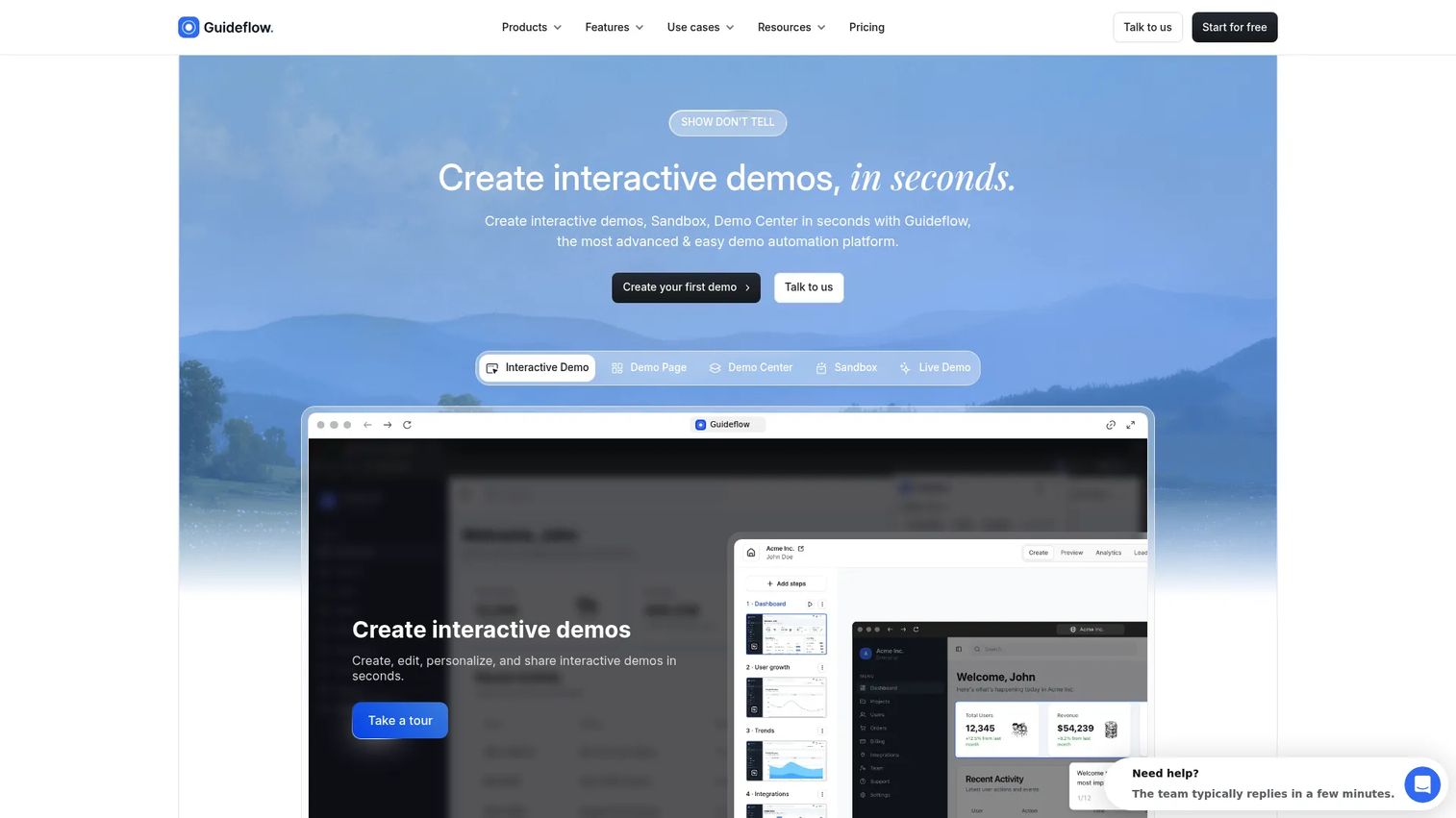
Guideflow fits a specific, frequently overlooked documentation problem: When employees have access to the docs but still do not follow the process. It is the strongest pick on this list when the job is interactive internal training, SOP adoption, employee onboarding, or launch enablement where people need to practice a software workflow, not just read about it.
For PMMs, Guideflow handles the gap between publishing a process and getting teams to actually use it. Launch enablement, CS handoff training, sales readiness, and new hire product onboarding all benefit from click-through experiences that static articles cannot replicate.
Best for: PMM, enablement, operations, support, and customer education teams that need employees or customers to complete software workflows rather than read about them.
What it is: Guideflow is a demo automation platform that creates interactive demos, demo pages, demo centers, sandboxes, live demos, and mobile demos. For internal documentation use cases, teams use Guideflow to capture software workflows and turn them into clickable, step-by-step interactive experiences. Step content and CTAs are written automatically. The editor supports text, images, graphs, and branching.
Key features:
- Capture through the Chrome extension or the native app, with screenshot, HTML, and video capture modes
- Automated step content and CTAs, with an editor for text, images, graphs, and branching
- Personalization for different audiences, roles, or accounts
- Step-level analytics: Completion rates, drop-off, and viewer flow
- Translation into more than 30 languages, with AI voiceover
Where Guideflow falls short: Teams that need a full article-based public help center should pair Guideflow with a traditional knowledge base. Guideflow performs best when the content is a software workflow that employees need to click through. For long-form policy text, reference documentation, or static FAQ pages, a document-first tool fits better alongside it.
Pricing: Free plan available. Solo: $35/user/month (annual). Growth: $499/month (annual). Advanced: $1,499/month (annual). Enterprise: From $2,999/month (annual).
G2 rating: 5.0/5
How it compares to Document360: Document360 organizes written knowledge. Guideflow gives teams interactive step-by-step experiences employees complete, repeat, and learn from. The two tools solve different jobs and work well together.
2. GitBook (developer documentation platform)
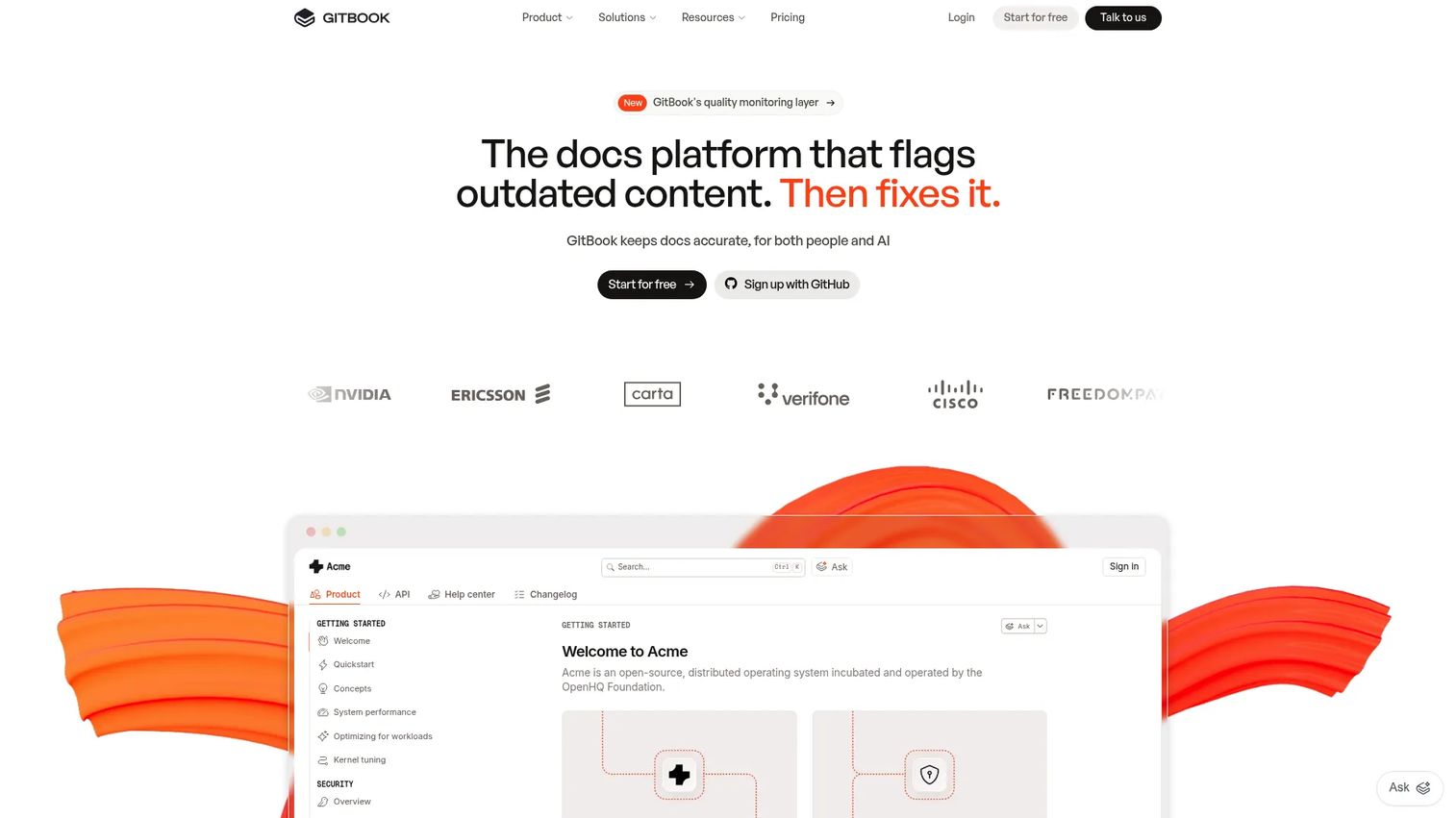
GitBook has become a default choice for product and engineering teams that want polished, collaborative documentation with modern tooling. Its AI features, GitHub sync, and clean editor make it appealing to teams that have outgrown static wikis.
Best for: Product and engineering teams building collaborative, AI-ready product documentation or developer-facing docs.
What it is: GitBook is an AI-native documentation platform for creating, publishing, and maintaining product and technical documentation. It supports both public and private docs spaces, structured collaborative editing, GitHub and GitLab sync, interactive API documentation, and AI features including GitBook Agent and MCP server integration.
Key features:
- Block-based visual editor with Markdown support
- GitHub and GitLab synchronization
- Interactive API documentation blocks
- AI documentation features including GitBook Agent
- Version history, change requests, and team collaboration
Where GitBook falls short: GitBook's pricing is per-site plus per-user, which adds up for larger teams with multiple documentation sites. Some G2 reviewers note that the per-user seat cost makes it harder to justify for organizations where many contributors need edit access across several projects.
Pricing: Free plan for individuals ($0/site/month, annual). Essential: $65/site/month plus $12/user/month (annual). Ultimate: $249/site/month plus $12/user/month (annual). Enterprise: Custom pricing.
G2 rating: 4.7/5
How it compares to Document360: GitBook is a strong swap for teams that want cleaner collaboration and more modern documentation workflows, particularly for product and developer content. Its AI-native architecture makes it a credible upgrade when Document360's AI features feel gated.
3. Mintlify (developer documentation platform)
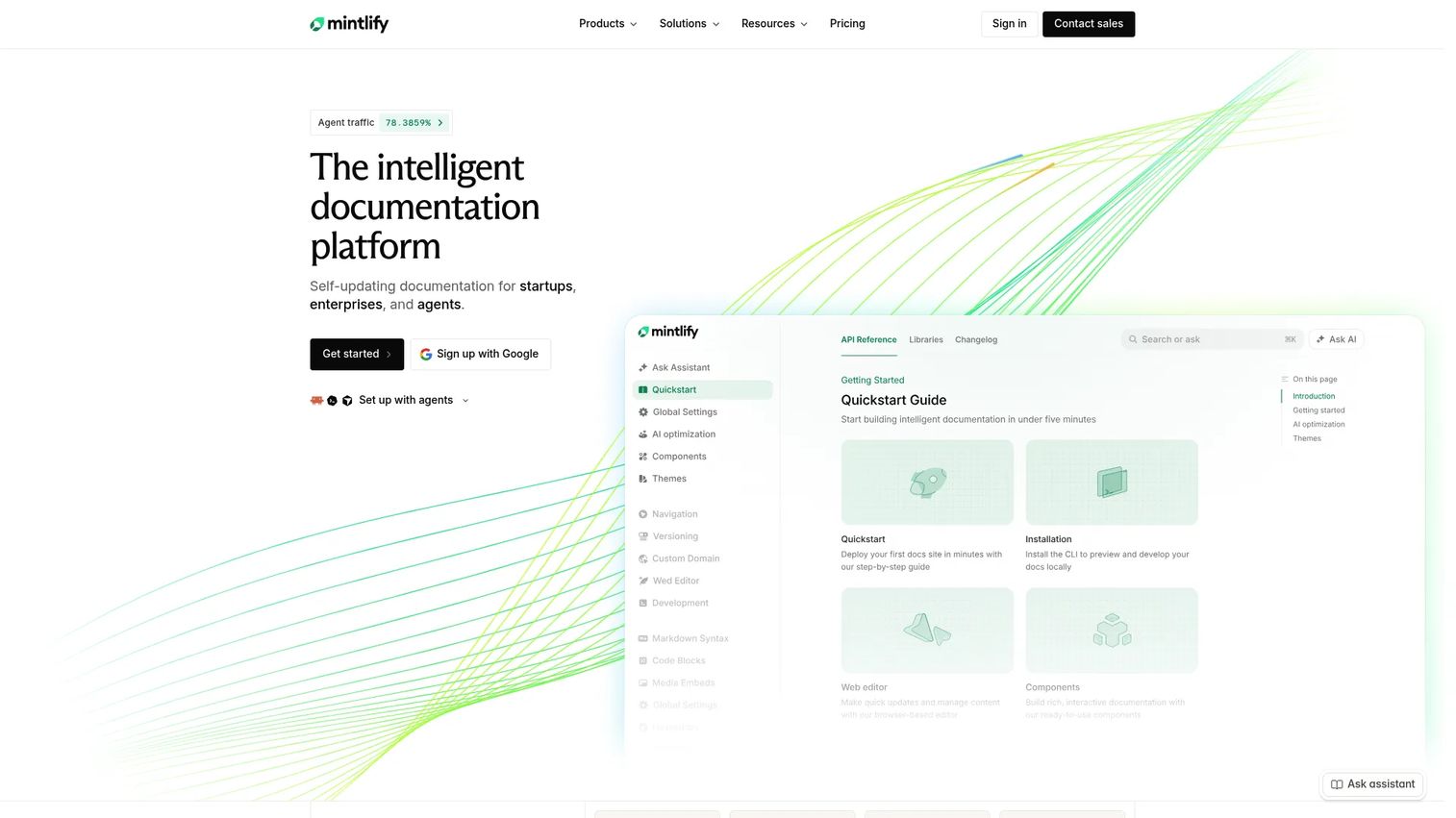
Mintlify sits at the top of the market for developer-first companies that care about documentation presentation, API playground experience, and Git-based publishing control. If the documentation site is part of the product experience, Mintlify is worth evaluating seriously.
Best for: Developer-facing companies building polished API references, SDK docs, and documentation portals where developer experience is a product differentiator.
What it is: Mintlify is an intelligent documentation platform built for self-updating, Git-synced documentation that serves both human readers and AI agents. It supports API playgrounds, semantic search, MCP server integration, authentication, preview deployments, and an AI writing agent and automations on paid plans.
Key features:
- Git synchronization and automatic deployment
- Interactive API playgrounds and OpenAPI support
- Semantic search built in
- MCP server and agent-ready documentation
- Web editor with preview deployments and AI automations (Pro plan)
Where Mintlify falls short: Mintlify is built primarily for developer documentation workflows. Non-technical contributors who are not comfortable with Git will need engineering support to publish or update content. Teams looking for a broad internal knowledge base will find its scope narrower than tools like Notion or Confluence.
Pricing: Starter: $0/month (up to 5 editor seats). Pro: $450/month billed annually, or $540/month billed monthly. Enterprise: Custom pricing.
G2 rating: 4.6/5
How it compares to Document360: Mintlify is a better fit when developer experience and API documentation are the primary job. It gives engineering teams more control over the docs surface than Document360's model offers.
4. Archbee (documentation platform)
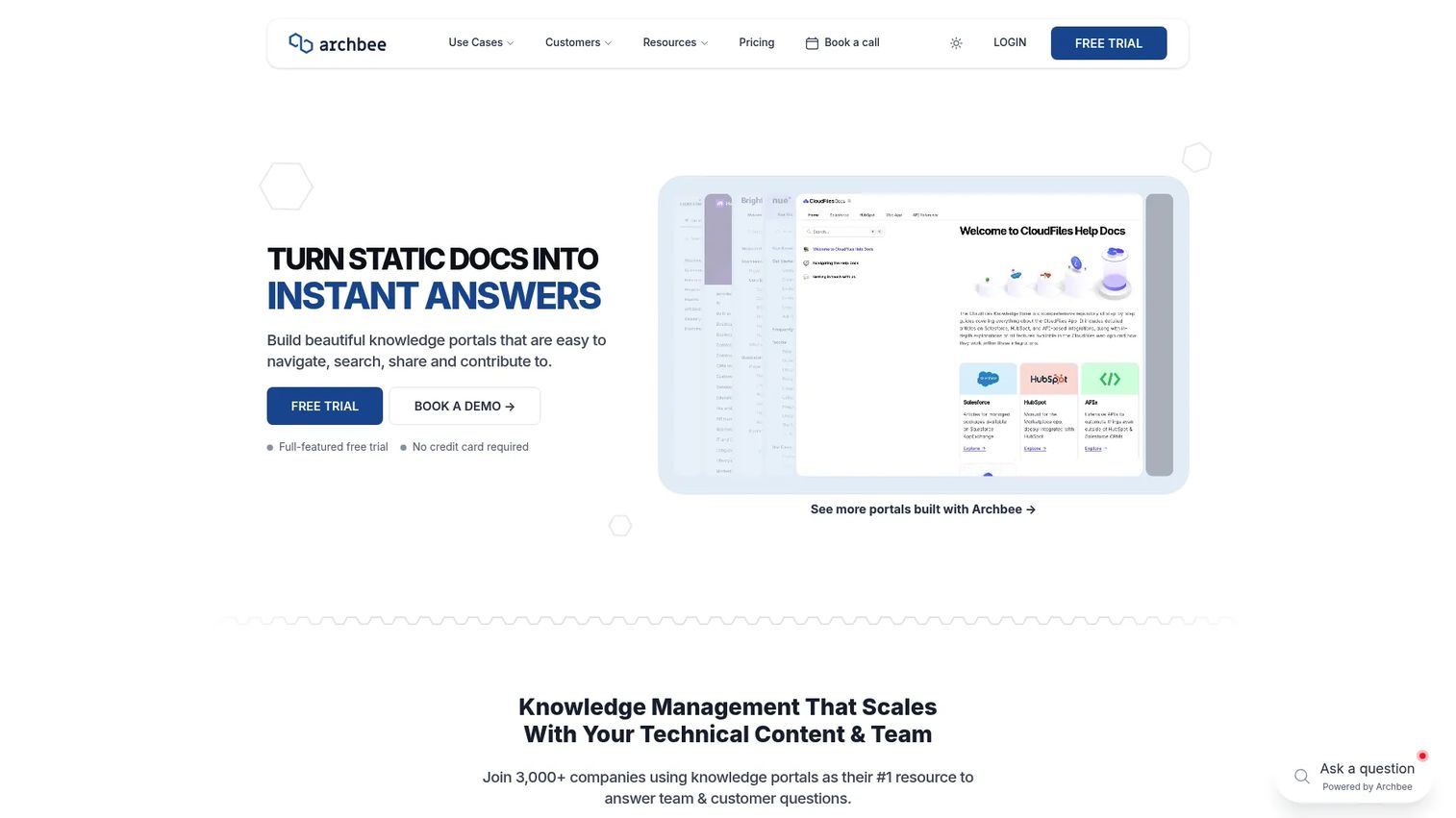
Archbee covers both external product documentation and internal knowledge portals, which makes it a practical middle ground for teams that need a single environment for technical and team-facing content.
Best for: SaaS and technical teams that need searchable external product and API documentation alongside internal knowledge portals.
What it is: Archbee is a knowledge portal and documentation platform for product, developer, internal, and support documentation. It supports branches and collaborative editing, reusable content blocks, variables, display rules, localization, custom-domain publishing, and AI-powered question answering and content generation.
Key features:
- Branches and collaborative editing
- Reusable content blocks and variables
- Custom-domain publishing with branding and CSS
- AI-powered question answering and content generation
- Integrations with GitHub, GitLab, Bitbucket, OpenAPI, and SSO
Where Archbee falls short: Archbee does not offer a free plan, only a 14-day free trial. Teams with large numbers of non-technical contributors should evaluate how the editor fits their workflow before committing, as some reviewers note a steeper initial setup compared to more editorial-first tools.
Pricing: Growing: $80/month. Scaling: $350/month. Enterprise: Custom pricing. No free plan; 14-day free trial available.
G2 rating: 4.6/5
How it compares to Document360: Archbee is a practical alternative for teams that want both technical documentation and internal knowledge in one environment, with API documentation support and richer content reuse than Document360 typically provides.
5. ClickHelp (technical documentation platform)
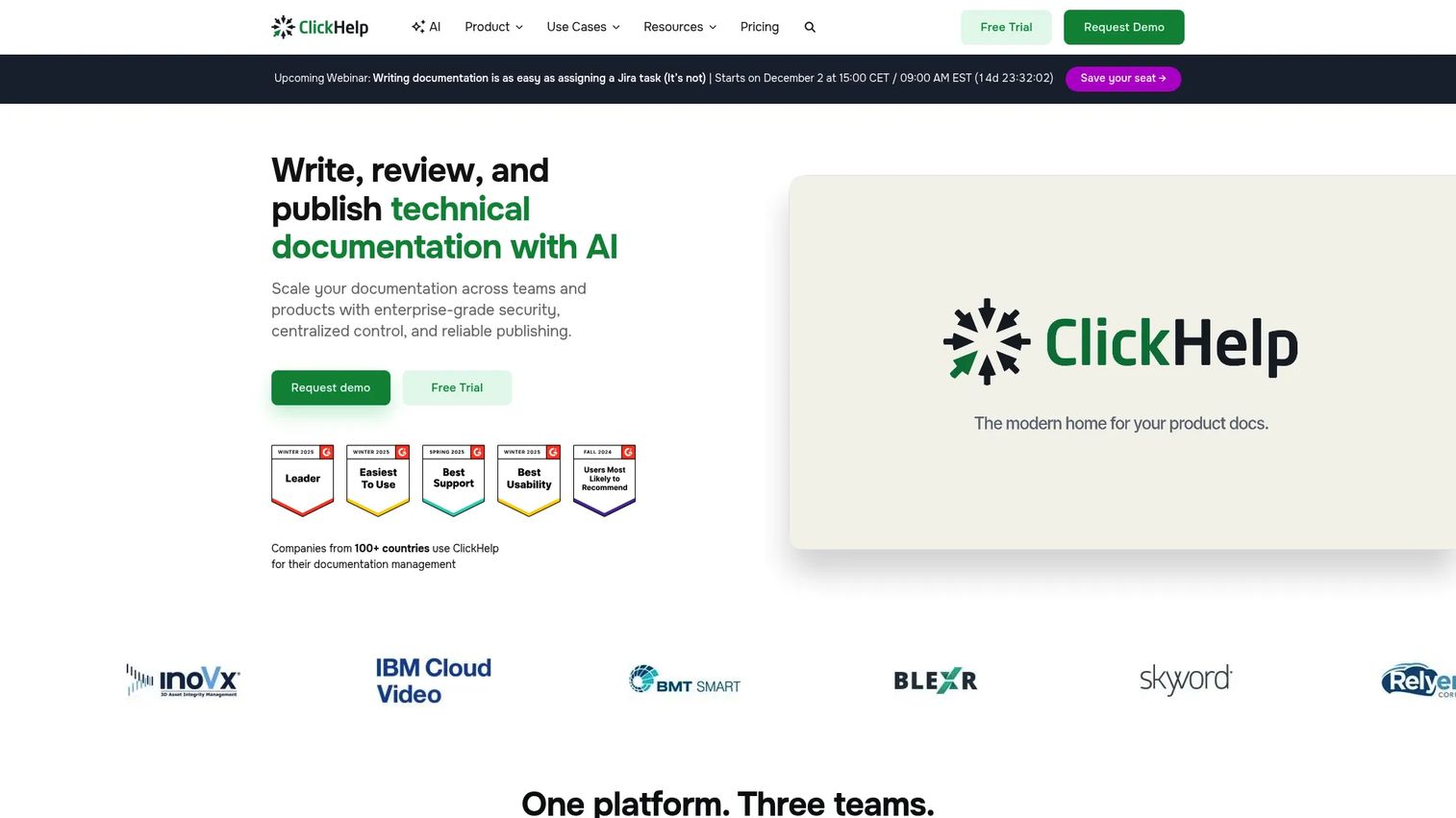
ClickHelp targets teams with formal documentation processes: Review cycles, single-sourcing, structured authoring, and multiple output formats. It is a heavyweight tool for a heavyweight job.
Best for: Documentation teams with formal review workflows, single-sourcing requirements, and structured technical writing processes.
What it is: ClickHelp is an online documentation platform for creating, managing, hosting, and delivering user guides, manuals, and topic-based documentation. It includes AI tools for writing and Q&A, single-sourcing, collaborative authoring and review workflows, custom-branded portals, and publishing to multiple formats including PDF, DOCX, and web.
Key features:
- AI-assisted writing (WriteAssist) and AI Q&A (AnswerGenius)
- Single-sourcing for multiple audiences, versions, and languages
- Review and approval workflows with role-based access
- Import from Word, MadCap Flare, Confluence, HTML, Markdown, and CHM
- Publishing to PDF, DOCX, CHM, and web
Where ClickHelp falls short: ClickHelp's starting price of $194/month covers only 2 contributors and 500 topics on the Starter plan. Teams with more contributors will move quickly to higher tiers. Its workflow depth can also feel like overhead for teams that only need lightweight help center publishing without the formal authoring structure.
Pricing: Starter: $194/month (1 site, 500 topics, 2 contributors). Growth: $325/month (unlimited topics, 5 contributors). Professional: $640/month (unlimited topics, 10 contributors). 14-day free trial available.
G2 rating: 4.7/5
How it compares to Document360: ClickHelp suits teams with technical writing processes, formal review cycles, and single-sourcing needs. It goes deeper on structured authoring than Document360 but requires more process investment.
6. Helpjuice (knowledge base software)
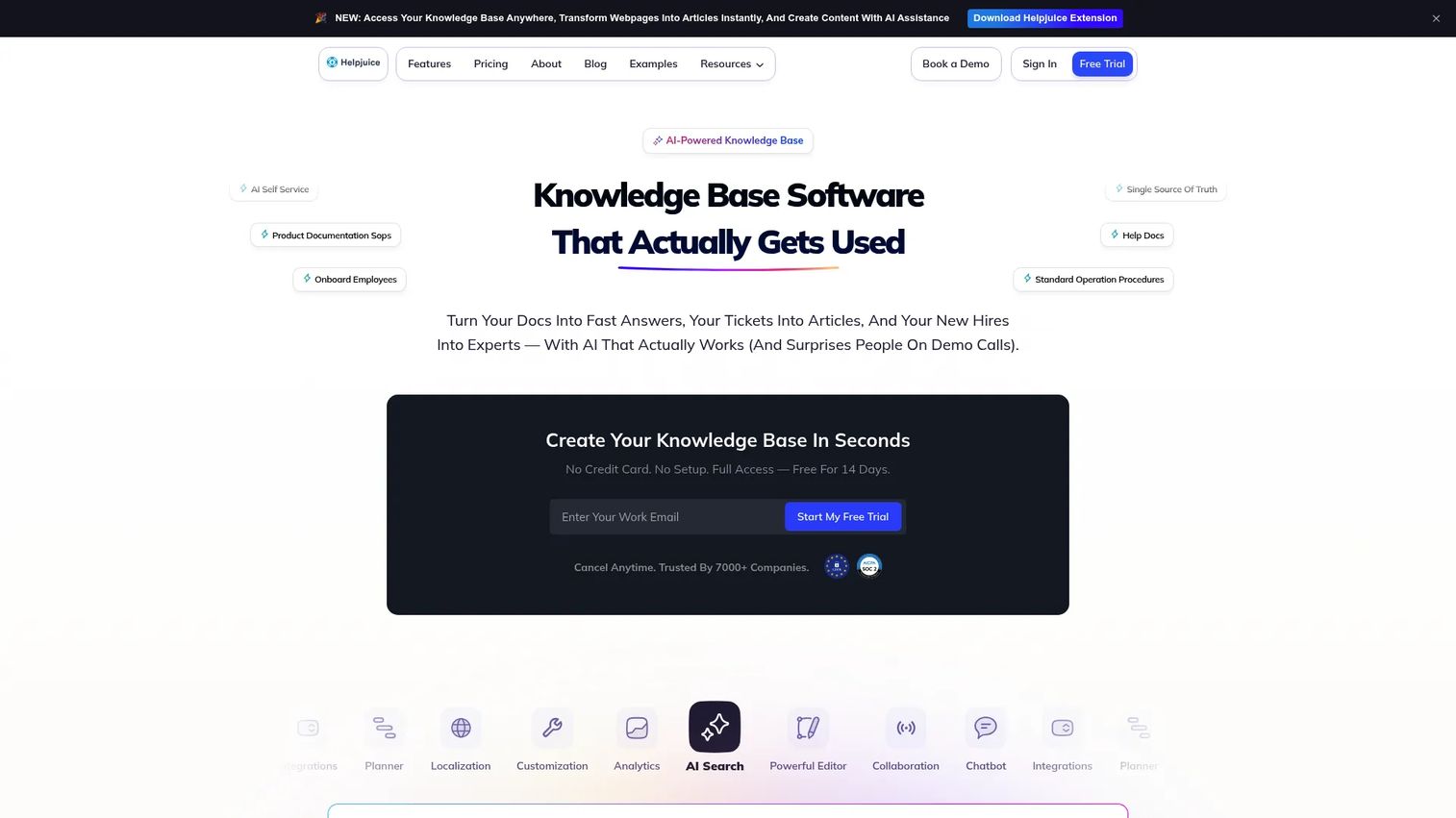
Helpjuice is purpose-built for knowledge bases: Customer-facing and internal, with strong search, analytics, and customization. If a clean support knowledge base is the primary job, it deserves serious attention.
Best for: Teams that need a highly customizable customer-facing or internal knowledge base with AI-powered search and content management.
What it is: Helpjuice is knowledge base software for customer self-service and internal knowledge. It includes AI-powered search, an AI chatbot, unlimited articles, live collaboration and workflows, multilingual support with AI-powered translation, custom branding, advanced analytics, and access control with SSO and integrations.
Key features:
- AI-powered search with an AI chatbot
- Multilingual support and AI-powered translation
- Custom branding with visual and code editors
- Advanced analytics on article performance
- Access control, SSO, and integrations
Where Helpjuice falls short: Helpjuice's Knowledge Base plan includes 30 users, but its AI Suite features are gated to the AI-Knowledge Base plan at $449/month. Teams that need AI search and chatbot capabilities will need the higher tier. No permanent free plan is available, only a 14-day trial.
Pricing: Knowledge Base: $249/month (30 users, 12GB storage, no AI Suite). AI-Knowledge Base: $449/month (100 users, 24GB storage, AI Suite included). Unlimited AI-Knowledge Base: $799/month (unlimited users, 38GB storage). 14-day free trial on all plans.
G2 rating: 4.7/5
How it compares to Document360: Helpjuice is a strong alternative for teams whose primary goal is a clean, searchable support knowledge base. Its per-plan user caps and AI tier structure differ from Document360, so evaluate against your team's size and AI requirements.
7. Bloomfire (knowledge management platform)
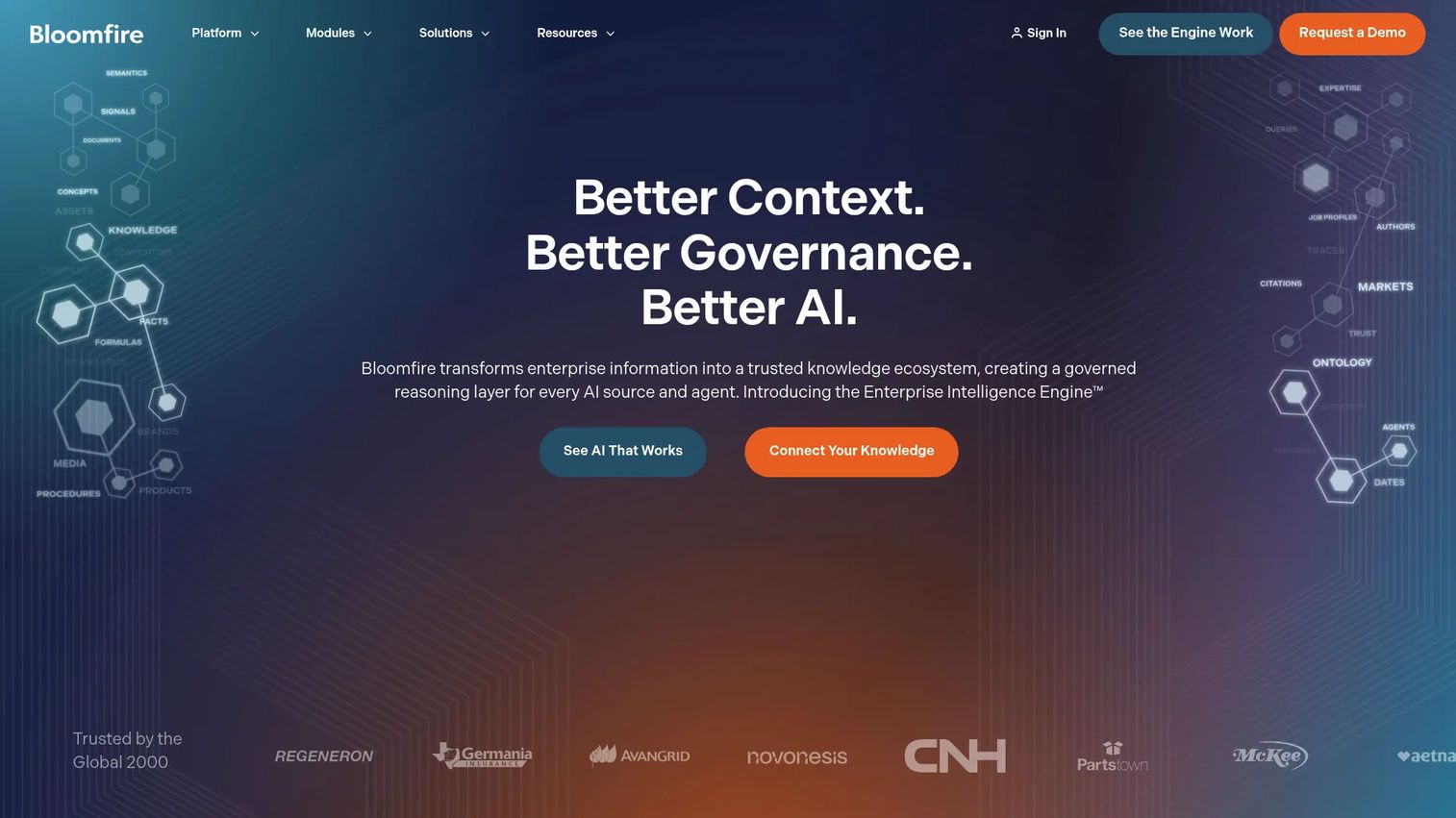
Bloomfire targets enterprise knowledge discovery: Surfacing what an organization already knows, connecting distributed teams, and providing governance and AI context for internal knowledge. It is less a documentation authoring tool and more a knowledge management layer.
Best for: Organizations seeking governed enterprise knowledge management, AI-powered search across distributed content, and organizational memory.
What it is: Bloomfire is an enterprise intelligence and AI-powered knowledge management platform. Its capabilities include Persistent Semantic Memory for enterprise context, Synapse conversational AI with grounded responses, enterprise search with 100-plus connectors, and authoring, moderation, approval workflows, and knowledge-health management.
Key features:
- Persistent Semantic Memory for enterprise context
- Synapse conversational AI with grounded, cited responses
- Enterprise search across 100-plus connectors
- Authoring, moderation, approval workflows, and knowledge-health management
- No consumption charges or per-user charges per its pricing page
Where Bloomfire falls short: Bloomfire does not publish pricing publicly; the pricing page states it provides customized pricing based on intended scope. Teams need a sales conversation to get a number. Its scope also skews toward internal discovery and governance rather than structured public documentation or developer docs.
Pricing: Custom pricing. The pricing page states there are no consumption charges or user-count charges; all plans are enterprise-scoped.
G2: 4.6
How it compares to Document360: Bloomfire is built for internal knowledge discovery and organizational memory at scale. Document360 is a documentation publishing platform. Teams comparing the two are likely solving different problems.
8. Notion (workspace and internal wiki)
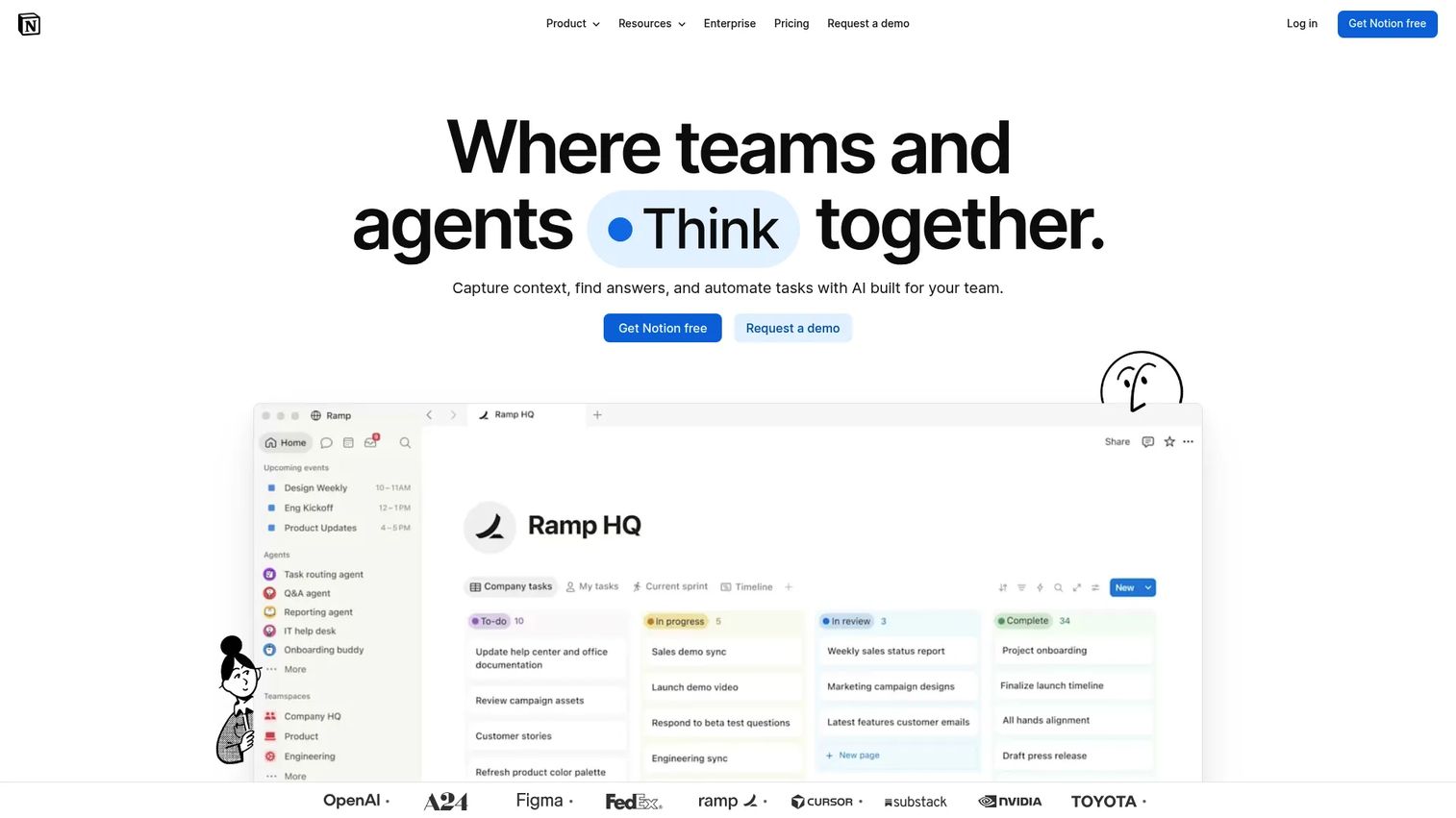
Many PMMs already use Notion. It holds messaging docs, launch plans, research repositories, competitive intel, and meeting notes. Its flexibility makes it attractive, but that same flexibility creates governance risk at scale.
Best for: Teams wanting one flexible workspace for internal documentation, project knowledge, and cross-functional collaboration.
What it is: Notion is an AI-powered workspace for capturing knowledge, finding answers, and automating team tasks. It includes knowledge capture and organization, AI-powered search with cited answers, AI agents for task automation, databases, projects, and integrations with connected tools.
Key features:
- Pages, databases, and templates for internal wikis
- AI-powered search and cited answers
- AI agents for task automation
- Flexible workspace structure for notes, docs, and projects
- Integrations across a broad set of connected tools
Where Notion falls short: Governance in Notion requires deliberate ownership rules. Without them, content sprawls, pages go stale, and finding the right version becomes a problem. Notion is also not a specialized public help center or developer documentation platform, so teams with structured external knowledge needs will hit its limits quickly.
Pricing: Free plan available ($0/member/month). Plus: $10/member/month. Business: $20/member/month. Enterprise: Custom pricing.
G2 rating: 4.6/5
How it compares to Document360: Notion is better for flexible internal work, PMM operating docs, and cross-functional team knowledge. Document360 is more purpose-built for structured knowledge base publishing with proper article management and analytics.
9. Confluence (team workspace and wiki)
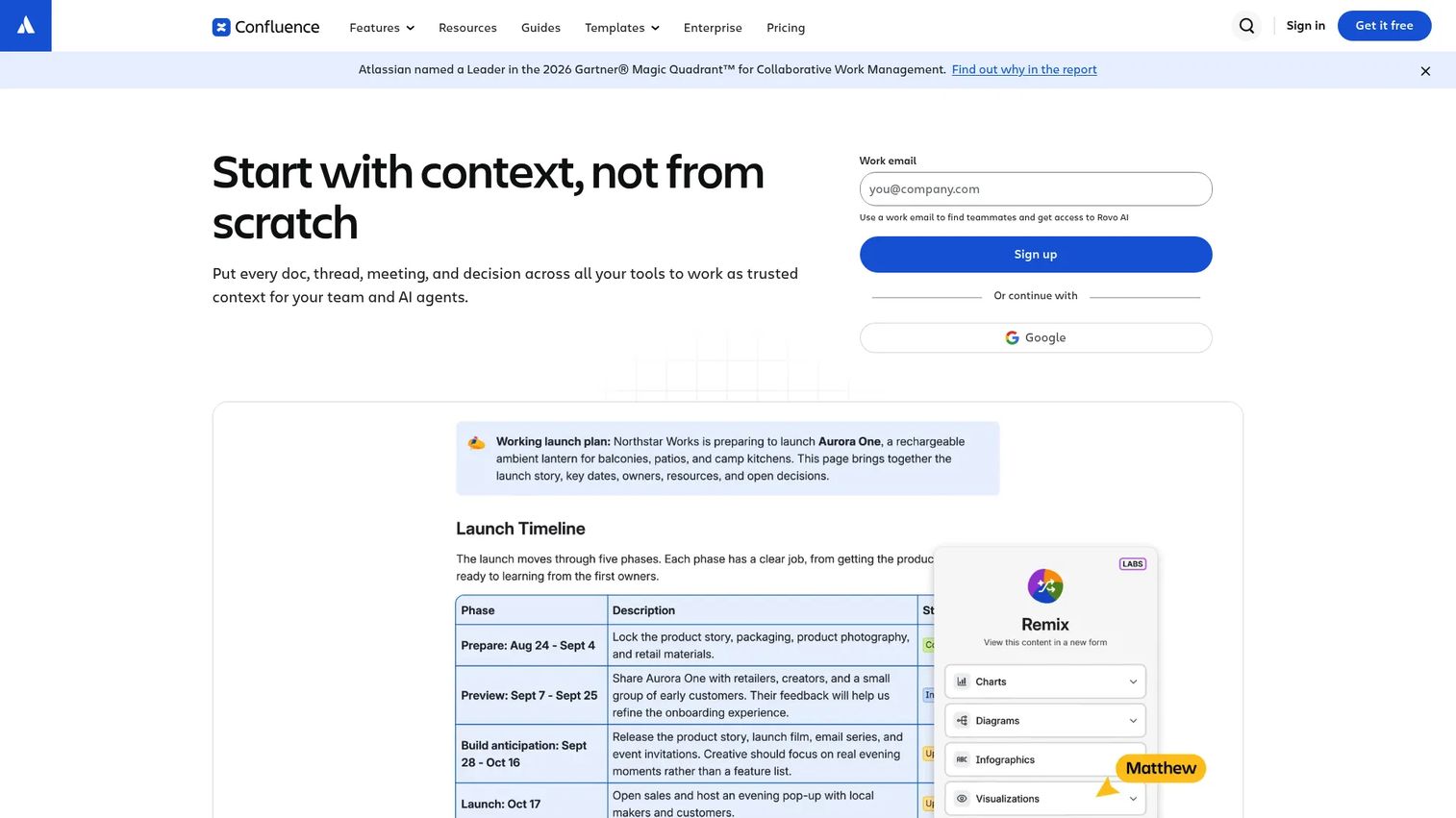
Confluence is the default internal wiki for organizations already running Jira and other Atlassian tools. Its integration with engineering workflows makes it deeply embedded in many product organizations, though content governance remains a persistent challenge.
Best for: Cross-functional teams already using Atlassian tools, particularly engineering and product organizations.
What it is: Confluence is an AI-powered collaborative workspace for creating, organizing, and sharing team knowledge. It includes real-time collaborative editing, knowledge organization with pages and spaces, whiteboards, databases, search, and AI-powered Rovo features.
Key features:
- Real-time collaborative editing with structured page trees and spaces
- Atlassian integrations including Jira
- Whiteboards and databases
- Automation and AI-powered Rovo features
- Advanced permissions and page restrictions on paid plans
Where Confluence falls short: Content sprawl is a well-documented Confluence problem. Without governance, spaces fill with outdated pages that nobody maintains. For customer-facing help center workflows, Confluence typically requires a separate tool. Teams not already using Atlassian products may find the integration value less compelling.
Pricing: Free for up to 10 users. Standard: $5.42/user/month. Premium: $10.44/user/month. Enterprise: Contact sales (billed annually).
G2: 4.1
How it compares to Document360: Confluence is stronger for internal collaboration and Atlassian-connected teams. Document360 is more purpose-built for knowledge base publishing. Teams switching from Document360 to Confluence are usually solving an internal collaboration problem, not a help center problem.
10. Eddy AI (AI support tool)

Eddy AI appears in Document360 alternatives discussions around AI support automation. At the time of this article, the domain eddy.ai resolves to a domain-for-sale page rather than an active product site, so pricing, features, and ratings cannot be reported from primary sources.
Best for: Teams specifically seeking AI-powered support automation layers. Evaluate current product availability before proceeding.
What it is: Eddy AI has been described as an AI customer support tool for answering questions using knowledge content and automating support responses. Its current product status and pricing should be confirmed directly with the vendor before evaluation.
Key features: Current feature documentation is not available from a live primary source.
Where Eddy AI falls short: Product availability and ongoing development should be confirmed before including in a formal evaluation.
G2: 3.9
How it compares to Document360: Eddy AI addresses AI support automation rather than documentation authoring. If this is the job, confirm the product is active before beginning an evaluation.
11. ReadMe (developer documentation platform)
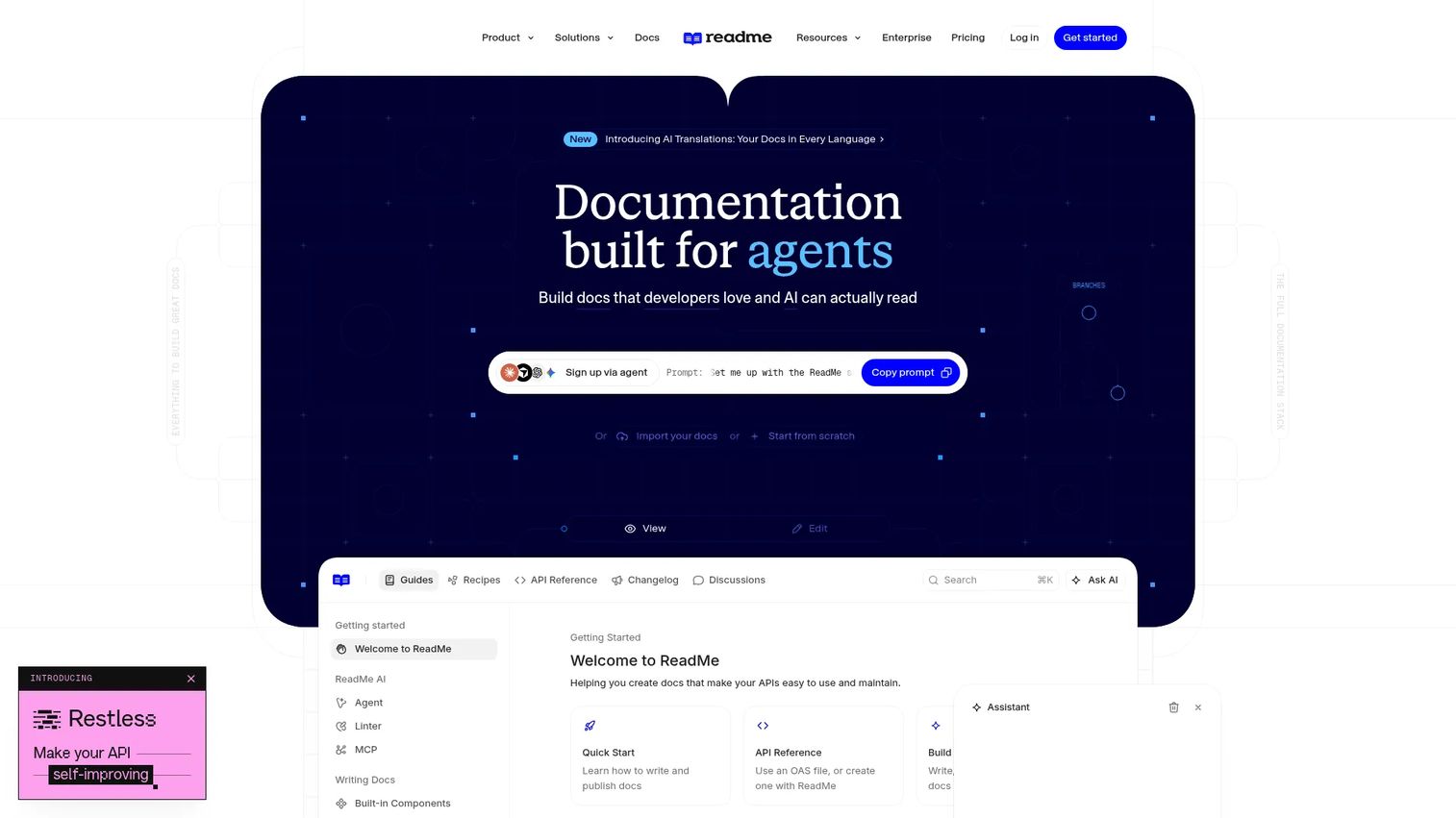
ReadMe is the standard choice for API-first companies where the documentation hub is part of the developer onboarding experience. Its interactive API references, analytics on developer usage, and changelog publishing make it purpose-built for this job.
Best for: API-first companies that need interactive API documentation, developer portals, and insight into how developers use their docs.
What it is: ReadMe is a developer documentation platform for building branded, interactive API documentation hubs with analytics, collaboration, and AI features. It supports interactive API references with OpenAPI, bi-directional GitHub sync, developer usage analytics, custom domains, and AI features including Ask AI, an LLMs.txt page, MCP server, and AI Linter.
Key features:
- Interactive API reference with OpenAPI support
- Bi-directional GitHub synchronization
- Developer usage analytics and insights
- AI features: Ask AI (available as a $150/month add-on), LLMs.txt, MCP Server, and AI Linter
- Custom domains, themes, CSS, and HTML
Where ReadMe falls short: ReadMe is specialized for developer audiences. Support teams and PMMs who need a broad internal knowledge base will find its focus narrow. The Ask AI feature is a paid add-on at $150/month rather than included in the base plans, which some reviewers on G2 note as an unexpected cost.
Pricing: Starter: $0/month. Pro: $250/month (billed annually). Enterprise: Contact sales. Ask AI add-on: $150/month.
G2 rating: 4.5/5
How it compares to Document360: ReadMe is the right choice when APIs and developer onboarding are the central documentation job. Document360 serves a broader audience; ReadMe serves developers more specifically and deeply.
12. Docusaurus (open-source docs framework)
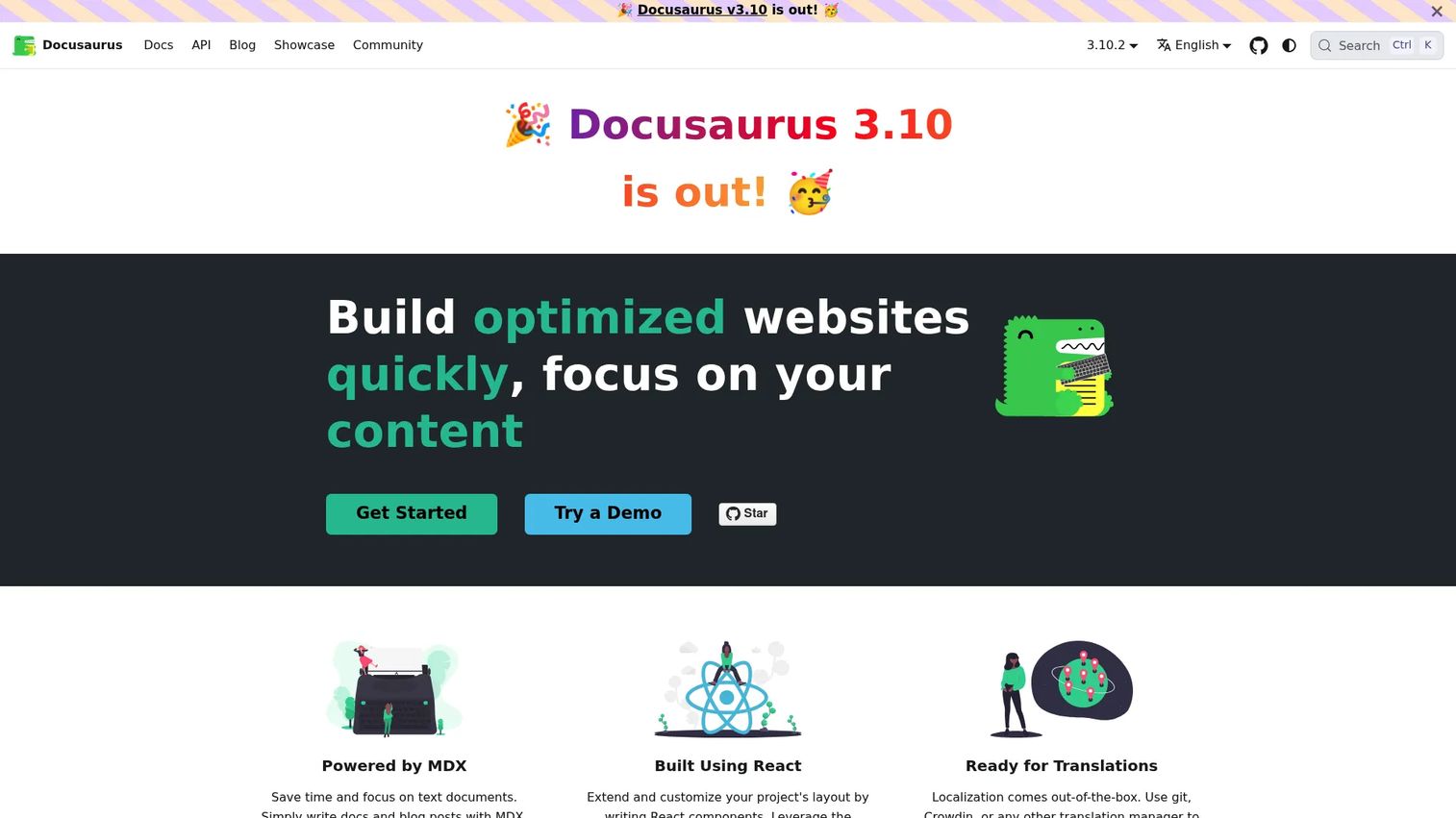
Docusaurus gives engineering teams a fully customizable documentation site built on React. Zero licensing cost, full control, and an active open-source ecosystem are its core draws. The trade-off is technical ownership.
Best for: Engineering teams that want a code-based, fully customizable documentation site with version control and an open-source ecosystem.
What it is: Docusaurus is an open-source static site generator for building documentation sites and other React-based websites. It supports Markdown and MDX, document versioning, internationalization, search integration via plugins, a pluggable architecture, and SEO-friendly static generation.
Key features:
- React and MDX support for custom components in docs
- Document versioning and internationalization
- Search integration through the plugin ecosystem
- Static site generation with SEO-optimized output
- Active open-source community and plugin library
Where Docusaurus falls short: Non-technical contributors need developer help to publish or update content. Hosting, search configuration, theme development, and ongoing maintenance add operational overhead that Document360's managed model eliminates. Teams without dedicated engineering support should evaluate whether the control is worth the ownership burden.
Pricing: Docusaurus is free and open source. The real cost is hosting, search infrastructure, design work, and developer time.
G2: 4.6
How it compares to Document360: Docusaurus gives engineering teams full control at zero software cost. Document360 abstracts that complexity away. Teams switching to Docusaurus are trading a managed service for engineering ownership.
13. MkDocs (open-source docs framework)
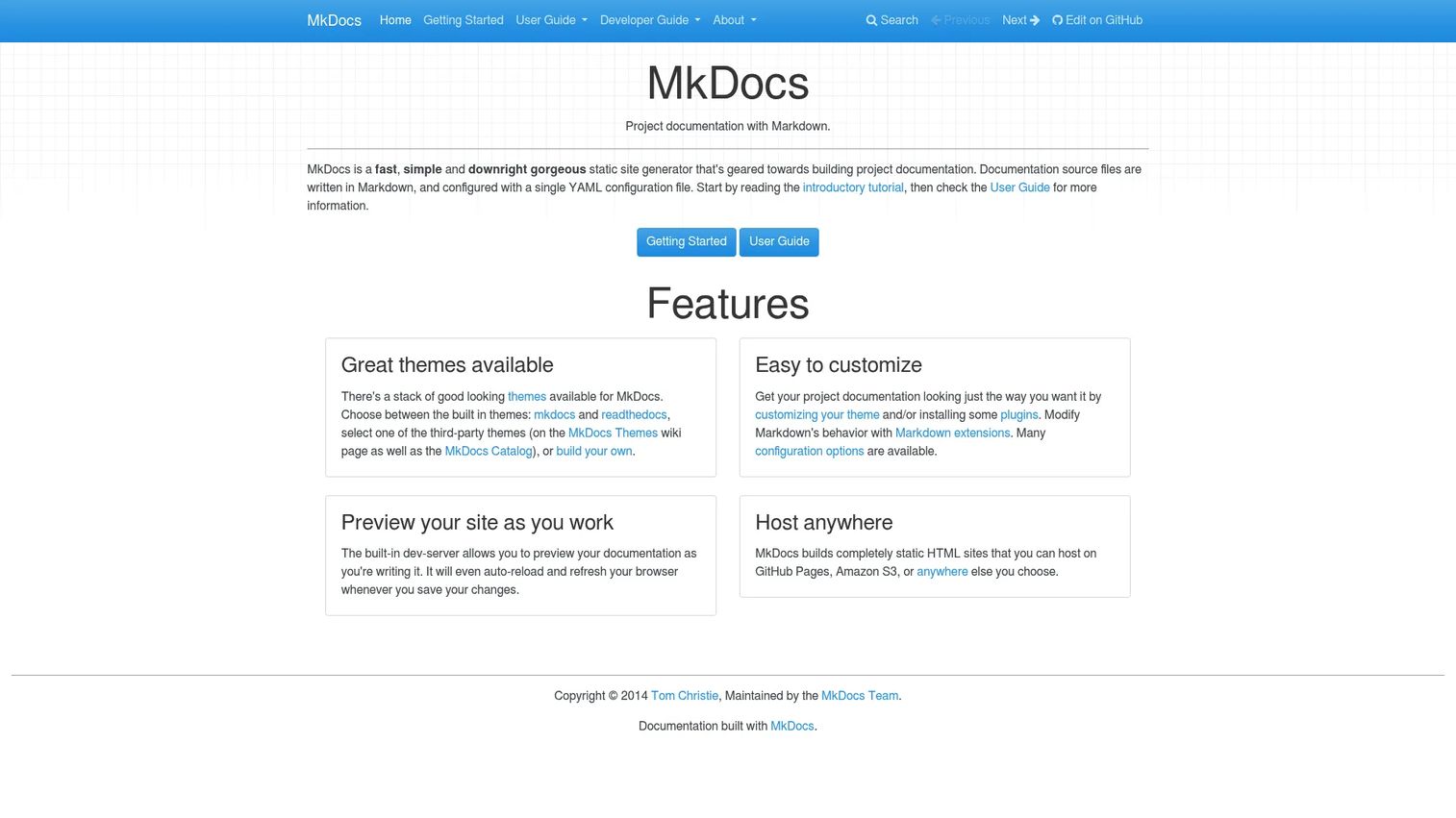
MkDocs is fast, minimal, and focused on Markdown. For technical teams that want documentation in their repository and published to a static site, it removes friction in the writing-to-publishing pipeline without requiring React knowledge.
Best for: Developers and technical teams building documentation websites from Markdown files within a code repository.
What it is: MkDocs is a fast, simple static site generator for project documentation configured with YAML and written in Markdown. It includes a built-in development server with live reload, customizable themes, a plugin ecosystem, and generates static HTML deployable to any host.
Key features:
- Markdown-based documentation with YAML configuration
- Built-in development server with live reload
- Customizable themes including Material for MkDocs
- Plugin ecosystem for search, analytics, and extensions
- Generates static HTML deployable to any host
Where MkDocs falls short: MkDocs is not a managed SaaS knowledge base. Non-technical authors cannot contribute without a defined workflow. Teams that want a GUI editor, article approval workflows, or analytics without engineering work will find it underpowered compared to Document360.
Pricing: MkDocs is free and open source. Operational costs include hosting, maintenance, and developer time.
G2 rating: 4.0/5
How it compares to Document360: MkDocs suits technical teams wanting Markdown-based documentation with low software cost and Git-native workflows. Document360 handles the same content without requiring technical ownership.
14. HelpDocs (help center software)
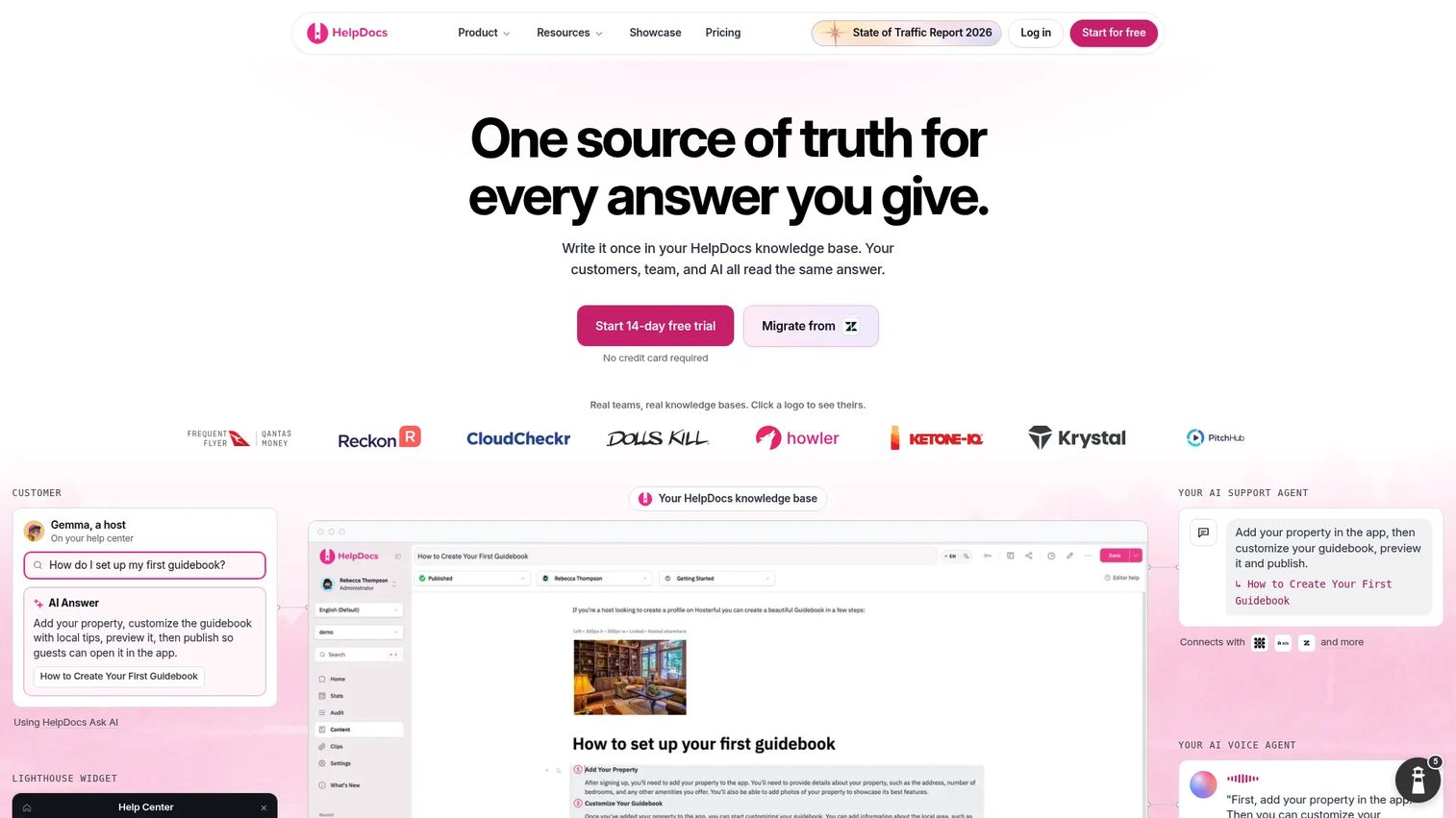
HelpDocs is focused and practical. It does help center publishing well without trying to be a developer documentation platform or an enterprise knowledge management system. For teams that want a support knowledge base without complexity, it delivers.
Best for: Teams needing a customizable customer help center and support knowledge base without broader documentation complexity.
What it is: HelpDocs is knowledge base software for creating, managing, and connecting customer, team, and AI documentation. It includes a block-based editor with reusable Clips and Variables, AI drafting and rewriting, custom domains, multilingual publishing, integrations with Slack and AI tools, permissions, SSO, audit trails, analytics, and an in-app help widget called Lighthouse.
Key features:
- Block-based editor with reusable Clips and Variables
- AI drafting, rewriting, and metadata generation
- Custom domains, subfolder hosting, and multilingual publishing
- MCP client integrations and AI tool connections
- Permissions, SSO, audit trails, and analytics
Where HelpDocs falls short: HelpDocs does not offer a free plan. The Sprout plan starts at $129/month ($99/month billed annually) but covers basic help center use. Teams with complex technical documentation needs, developer docs, or large internal knowledge bases will find its scope narrower than Document360.
Pricing: Sprout: $129/month (or $99/month billed annually). Bloom: $299/month ($239/month annual). Harvest: $499/month ($399/month annual). Enterprise: From $1,250/month (billed annually). 14-day free trial available.
G2 rating: 4.3/5
How it compares to Document360: HelpDocs is a focused alternative when teams want a lightweight customer help center without Document360's broader documentation scope. It costs less for straightforward help center use cases.
15. ProProfs Knowledge Base (knowledge base software)
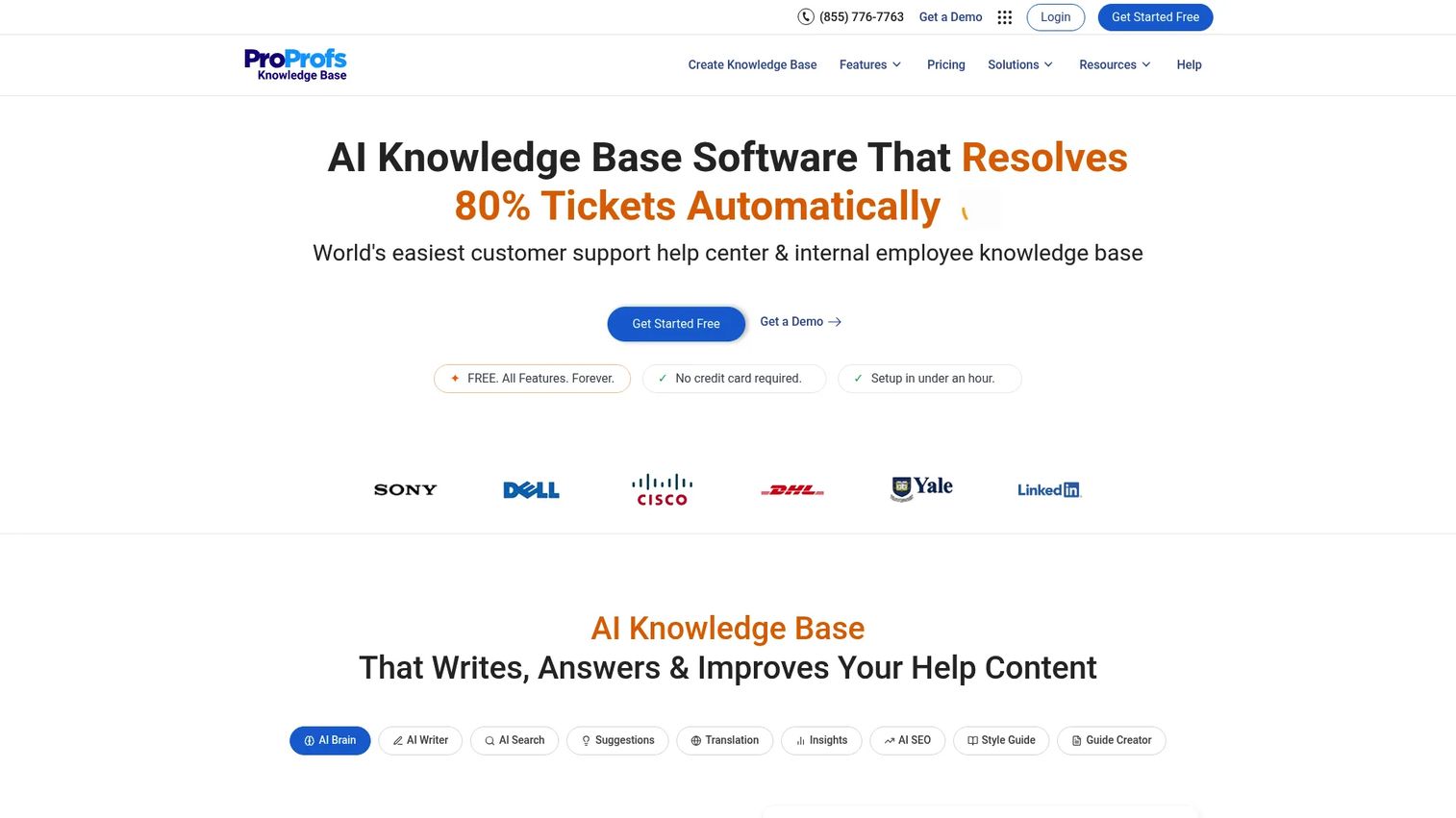
ProProfs Knowledge Base covers customer help centers, employee handbooks, FAQs, and training documentation in a single tool. Its free plan makes it accessible for teams testing the concept before committing.
Best for: Small and mid-sized teams needing help centers, internal documentation, and training knowledge bases with AI-assisted authoring.
What it is: ProProfs Knowledge Base is AI-powered knowledge base software for customer self-service, internal knowledge sharing, user manuals, and documentation. It includes an AI Writer and AI Knowledge Brain, AI Search Assistant, AI translation and SEO optimization, public and private knowledge bases with SSO and role-based access, WYSIWYG authoring, version control, workflows, analytics, and integrations with help desks.
Key features:
- AI Writer, AI Knowledge Brain, and AI Search Assistant
- AI translation and SEO optimization
- Public and private knowledge bases with SSO and role-based access
- WYSIWYG authoring, version control, revision history, and workflows
- Branding, custom CSS, custom domains, and multiple help sites
Where ProProfs Knowledge Base falls short: The free plan is limited to 1 author and 25 pages, which suits initial evaluation but not production use. The Business Complete Elite plan is priced at $79/author/month (annual), which scales with contributor count. Teams needing enterprise governance depth or developer documentation capabilities will find more specialized tools elsewhere on this list.
Pricing: Free Plan: $0 (1 author, 25 pages). Business Complete Elite: $79/author/month (billed annually at $948/year).
G2 rating: 4.6/5
How it compares to Document360: ProProfs Knowledge Base is a more accessible option for teams that need support and training docs without Document360's pricing structure. It covers similar territory for smaller teams at a lower entry cost.
Which Document360 alternative is best for internal training?
Guideflow is the strongest pick when the goal is internal training, SOP adoption, and employee onboarding.
A written article can describe a process step by step. What it cannot do is make someone practice that process in the actual software. Guideflow captures software workflows and turns them into clickable, repeatable interactive demos that employees complete at their own pace. For PMMs, this means launch enablement, CS handoff training, sales readiness programs, and internal product education can all move from "we sent the doc" to "they completed the workflow." Guideflow pairs well with a traditional knowledge base when teams also need long-form reference content alongside the interactive training.
Which tool fits developer documentation best?
GitBook, Mintlify, ReadMe, Docusaurus, and MkDocs are the strongest choices for developer documentation.
GitBook suits teams wanting collaborative product docs with AI and GitHub sync. Mintlify fits developer-first companies where the documentation site is part of the product experience, with agent-ready and MCP-integrated docs. ReadMe is built for API-first companies that need interactive API references and developer usage analytics. Docusaurus and MkDocs serve engineering teams that want full control through a docs-as-code workflow. The right call depends on how much your team wants to own the infrastructure versus pay for it to be managed.
What is the best Document360 alternative for customer self-service?
Helpjuice, HelpDocs, and ProProfs Knowledge Base are the strongest support-oriented alternatives.
Helpjuice covers robust customer-facing knowledge bases with AI search and multilingual support. HelpDocs is a focused help center tool for teams that want clean publishing without added complexity. ProProfs Knowledge Base spans customer help centers and internal training docs, with a free plan for initial evaluation. All three connect to support deflection goals: According to Heretto (2025), 58% of surveyed organizations had implemented self-service solutions, and 35% reported that customers use knowledge bases and FAQs first when seeking support.
Which alternative fits internal knowledge management?
Confluence, Notion, and Bloomfire are the stronger choices when internal knowledge sharing is the job.
Confluence fits Atlassian-heavy organizations where product and engineering teams already live in Jira. Notion works well for PMMs and cross-functional teams that need flexible operating docs, messaging repositories, and launch planning in one workspace. Bloomfire addresses enterprise-scale knowledge discovery with AI-powered search across organizational content. All three require deliberate governance. Without ownership rules, content in any of these tools drifts.
What is the cheapest Document360 alternative?
Docusaurus and MkDocs carry no software licensing cost as open-source frameworks, but require technical ownership.
Open source does not mean no cost. Hosting, search configuration, theme development, and developer time create the actual expense. For teams without engineering capacity, Notion's free plan, GitBook's free individual plan, ReadMe's Starter plan, ProProfs Knowledge Base's 25-page free plan, and Guideflow's free plan offer lower-friction starting points. Confluence is free for up to 10 users. The cheapest path forward depends on who owns the maintenance.
When should you stay with Document360?
Stay with Document360 when your team has a clean knowledge base structure, governance is working, and the main friction is content discipline rather than the platform itself.
If support, product, and documentation teams already use Document360 consistently, the switching cost of migration, URL redirects, article restructuring, and rebuilding search behavior may outweigh any benefit from a new tool. Migration risk is real, especially for large knowledge bases with established SEO value.
Stay if the missing piece is better content ownership, clearer article expiration policies, or more consistent publishing workflows. Those are process problems. A new platform does not solve them automatically.
Switching makes sense when the documentation job has fundamentally changed: The team has moved from a help center focus to developer documentation, internal training is replacing static SOPs, or pricing and AI packaging no longer match what the team needs.
Why teams switch from Document360 to Guideflow
The teams that move to Guideflow from Document360 are usually not dissatisfied with article publishing. They have realized that their documentation problem is a different problem: Employees read the SOP and still do not follow the workflow. Sales completed the enablement training and still cannot demo the feature. New hires finished onboarding and still do not know how to do the thing.
Guideflow addresses this by turning software workflows into interactive experiences employees click through rather than read. Capture runs through the Chrome extension or the native app. Step content is written automatically. The capture process takes about two and a half minutes to produce a shareable interactive demo. From there, the editor supports text, images, graphs, and branching, so the same capture can serve multiple audiences with personalized paths.
For PMMs, the practical applications include launch enablement for Sales, CS handoff training for new accounts, internal software process training for support teams, and SOP adoption for operations. Step-level analytics show completion rates and drop-off points, so teams can see where employees get stuck and iterate.
Guideflow is not a full article-based public help center. Teams that need searchable written documentation alongside interactive training will use Guideflow paired with a knowledge base, not instead of one. The Demo Center organizes multiple interactive experiences into a single branded hub, which works well for structured training programs or customer education libraries.
Start your journey with Guideflow today!
FAQs
There is no single best tool for every team. Guideflow is the strongest pick for interactive internal training, SOP adoption, and employee onboarding. GitBook and Mintlify are better for developer and product documentation. Helpjuice and HelpDocs fit support-focused knowledge bases. The right choice maps to the documentation job: Publishing information, training employees, supporting developers, or deflecting support tickets.
Yes, for specific jobs. Guideflow is the strongest alternative when the goal is interactive internal training, onboarding, and SOP adoption where employees need to click through a software workflow rather than read about it. Guideflow is not a full article-based help center or API documentation platform, so teams with those needs should evaluate it alongside a written knowledge base.
Several tools offer free plans. Docusaurus and MkDocs are free open-source frameworks, though they require technical ownership for hosting and maintenance. Notion, GitBook, ReadMe Starter, ProProfs Knowledge Base (up to 25 pages), Confluence (up to 10 users), and Guideflow all offer free plans. Free software does not eliminate all costs; setup time, maintenance, and workflow changes still apply.
ReadMe and Mintlify are the most purpose-built options for API documentation. ReadMe offers interactive API references, OpenAPI support, and developer usage analytics. Mintlify delivers polished Git-synced developer portals with API playgrounds and agent-ready documentation. Archbee and GitBook also support API documentation workflows for teams that want API docs alongside broader product content.
Confluence, Notion, and Bloomfire are the strongest internal knowledge management options. Confluence fits Atlassian-integrated engineering and product teams. Notion works for flexible PMM and cross-functional workspaces. Bloomfire targets enterprise-scale knowledge discovery and governance. Guideflow fits when the internal knowledge is workflow-based and employees need to practice a process, not just find an article.
Common evaluation triggers include pricing and AI packaging, documentation workflow fit by team type, the gap between publishing articles and driving actual adoption, migration complexity from existing knowledge bases, and the need for specialized developer documentation or interactive training formats. These are not universal problems with Document360 as a platform; they reflect situations where the documentation job has outgrown what the tool was designed for.
Start with the job the content has to do. Launch enablement and SOP training call for interactive formats; customer help centers call for fast article publishing; developer onboarding calls for API references and Git workflows; internal knowledge discovery calls for search and governance. Map the tool to the workflow owner, not the documentation category. PMMs should also prioritize tools that Sales, CS, Product, and Support will use, since adoption rate determines whether the content investment pays off.
Yes. Many teams do. A knowledge base handles written articles, reference documentation, and FAQ content. Guideflow handles interactive step-by-step experiences for onboarding, SOPs, software training, and launch enablement. The combination works well when teams need both searchable written knowledge and hands-on learning that employees can complete and repeat.