



Doors open in an hour. You need a clean multitrack capture of tonight's set, a virtual soundcheck ready for the opener, and playback cues that fire on time. Then the recording app hangs mid-set, or the console won't route to it, and you're troubleshooting when you should be mixing.
That's the real problem with live sound software. It's not features. It's whether the thing holds up under show conditions, talks to your hardware, and survives the next OS update without becoming abandonware.
The live sound mixing software market was valued at USD 1,023.3 million in 2025, on track to reach USD 2,335.1 million by 2035, per Market.us (2025). More tools, more choices, more ways to pick wrong.
Software choice in live audio is a reliability decision before it's a feature decision. A crash costs you the show, not a support ticket.
What's inside
This guide is for live audio engineers, FOH and systems techs, touring crews, and studio techs supporting live shows. Here's how we picked and ranked the tools:
- Stability under load: Does it stay up through a full set at high track counts
- Compatibility: Works with your console, interface, or audio-over-IP network
- Workflow fit: Handles recording, virtual soundcheck, playback, or routing without fighting you
- Lifecycle status: Actively maintained, not quietly discontinued
We ordered the list by how directly each tool serves core live sound work, from multitrack capture to routing infrastructure.
TL;DR
- Best for multitrack live recording: Tracks Live, purpose-built for SoundGrid capture and virtual soundcheck
- Best general-purpose DAW: REAPER, a stable cross-platform recorder and editor at a fair price
- Best for live performance: Ableton Live, for clip launching and session-based playback sets
- Best for console virtual soundcheck: Harrison LiveTrax, standalone multitrack across Mac, Windows, and Linux
- Best for StudioLive rigs: PreSonus Capture, auto-configured for supported PreSonus mixers
- Best for cue-based playback: QLab, the standard for theater and event show control on macOS
- Best for audio-over-IP routing: Dante Controller, free network setup and monitoring for Dante systems
Most teams end up running a stack: One recorder, one playback tool, one routing utility.
What is live sound software?
Live sound software is the set of tools engineers use to record, route, replay, and control audio during live performance workflows. It covers multitrack recording of a show, playback of cues or backing tracks, virtual soundcheck for tuning without the band present, and network routing across digital audio systems.
The category is not one product type. It spans several distinct jobs, and most engineers touch more than one on a given show.
Live audio software breaks into a few clear buckets:
- Multitrack recording software: Captures every channel of a live show for review, post-production, or virtual soundcheck
- Digital audio workstations (DAWs): Full recording, editing, and playback environments that flex into live use
- Live playback software: Fires cues, backing tracks, and audio at exact moments during a performance
- Routing and control utilities: Manage signal flow across audio-over-IP networks and digital consoles
- Prediction and measurement apps: Model system response and tune rooms before doors
Here's how the main types map to the job and the person doing it:
| Type | Primary job | Typical user | When it matters |
|---|---|---|---|
| Multitrack recorder | Capture the whole show | FOH, recording tech | Live albums, virtual soundcheck, review |
| DAW | Record, edit, mix, play back | Studio and live tech | Flexible show and post workflows |
| Playback tool | Fire cues on time | Show control op, stage manager | Theater, corporate events, festivals |
| Routing utility | Move audio across the network | Systems tech | Dante or AoIP rigs |
Software accounts for 72.5% of the live sound mixing software market share, per Market.us (2025), which tells you where the spend has moved. The hardware still matters, but the workflow now lives in the app.
For live sound recording software specifically, the deciding factors are track count, sample rate support, sync accuracy, and how fast you can flip between recording and virtual soundcheck. Get those right and the rest is preference.
When to use live sound software
Capture a full show for post-production or review
You want every channel recorded, not a stereo board feed. Multitrack live recording lets you re-mix later, pull stems for a live release, or diagnose what went wrong on a specific input. Tools like Tracks Live and Harrison LiveTrax exist for exactly this, running hundreds of tracks straight off the console's digital output.
Run virtual soundcheck before doors open
The band's gone to catering. You still need to tune the room. Virtual soundcheck software plays back a recorded multitrack through the console as if the musicians were on stage, so you dial in gains, EQ, and monitors without anyone playing a note. Fast switching between record and playback is the whole point here.
Control playback, cues, or routing during a live setup
Some shows run on cues, not improvisation. Live playback software and show control tools fire audio, video, and lighting at precise moments, which is standard for theater and corporate events. On the infrastructure side, routing utilities keep signal moving cleanly across a digital network so nothing drops mid-performance.
Comparison table
The seven tools below split across recording, playback, and routing. Some are full DAWs, some are dedicated live recorders, one is show control, and one is network infrastructure. Read the "best for" column first to find your job, then check pricing and platform fit.
| # | Product | Best for | Key differentiator | Pricing | G2 rating |
|---|---|---|---|---|---|
| 1 | Tracks Live | Multitrack live recording | SoundGrid capture with fast virtual soundcheck | Free | Not listed |
| 2 | REAPER | General-purpose recording and editing | Lightweight, cross-platform, highly customizable | $60 (discounted license) | 4.5/5 |
| 3 | Ableton Live | Live performance and playback | Session View clip launching | From EUR 79 (one-time) | 4.7/5 |
| 4 | Harrison LiveTrax | Console virtual soundcheck | Standalone across Mac, Windows, Linux | Contact Harrison for a quote | Not listed |
| 5 | PreSonus Capture | StudioLive multitrack capture | Auto-configures for StudioLive mixers | Included with StudioLive | Not listed |
| 6 | QLab | Cue-based show control | Free core app with pro cue licenses | Free core, $299/activation site license | Not listed |
| 7 | Dante Controller | Audio-over-IP routing | Route and monitor Dante networks | Free | Not listed |
Ratings and pricing reflect each vendor's current listing as of August 2026. Several of these tools sit outside G2's coverage, which is common for pro audio utilities that ship free or bundle with hardware.
Best live sound software for 2026
1. Tracks Live
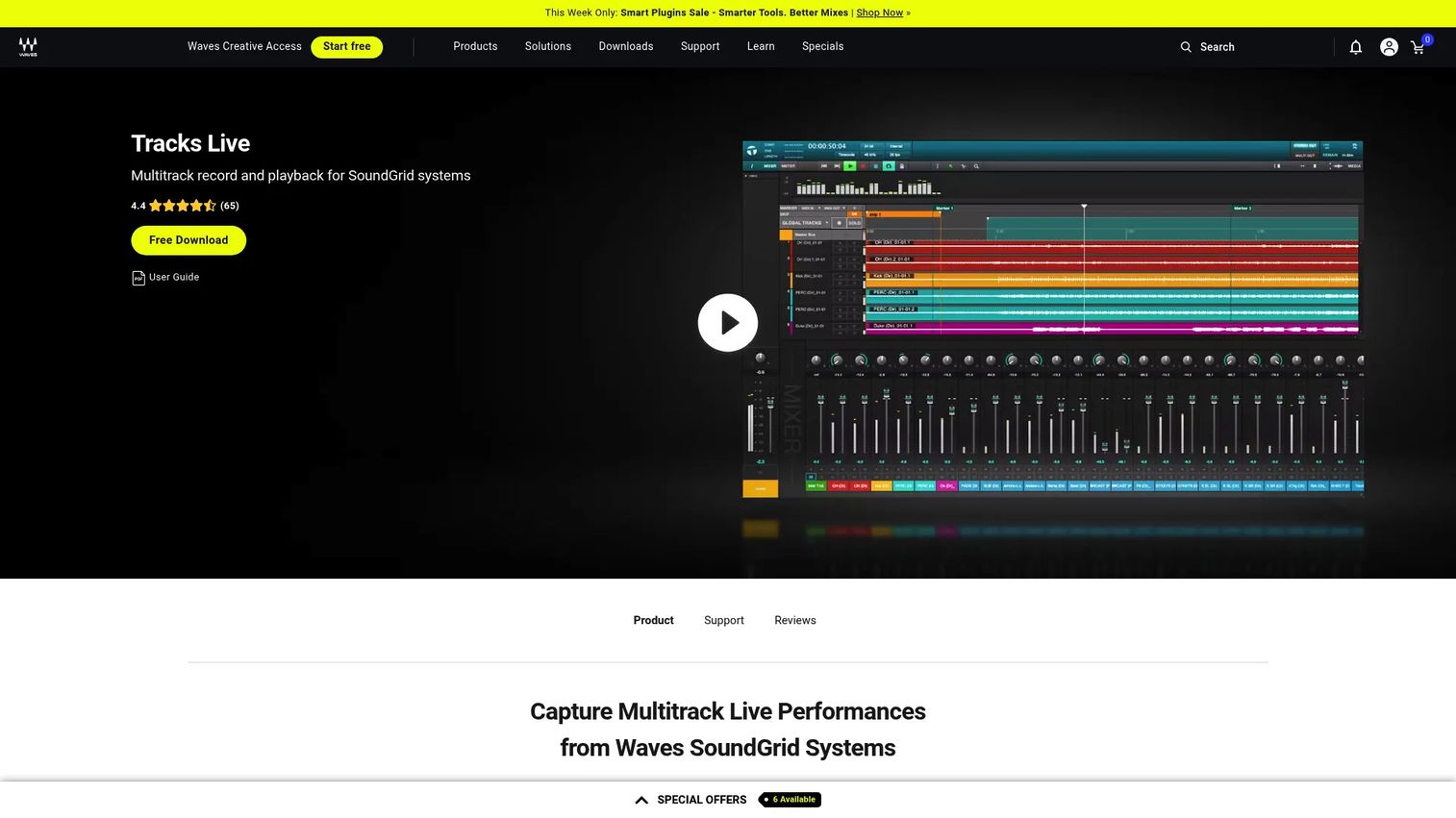
Tracks Live is Waves' free multitrack recording software built for live performances on SoundGrid systems. It records hundreds of tracks on Mac or Windows and flips fast between recording and virtual soundcheck, with automatic track routing so setup doesn't eat your load-in time. If your rig runs SoundGrid, this is the native answer for capturing a show.
Best for: Live sound engineers who need multitrack recording and virtual soundcheck on a SoundGrid setup.
Key features
- Records hundreds of tracks on Mac or Windows
- Fast switching between recording and virtual soundcheck
- Automatic track routing configuration
- Purpose-built for SoundGrid systems
Why choose Tracks Live: If you're already on SoundGrid, nothing else routes as cleanly out of the box, and the price is hard to argue with. Teams outside the Waves hardware world will get less from it.
Tracks Live pricing: Tracks Live is a free download from Waves, with no paid tiers on the product page.
A verified G2 rating for Tracks Live was not available at publication, which is typical for a free, hardware-tied utility.
2. REAPER
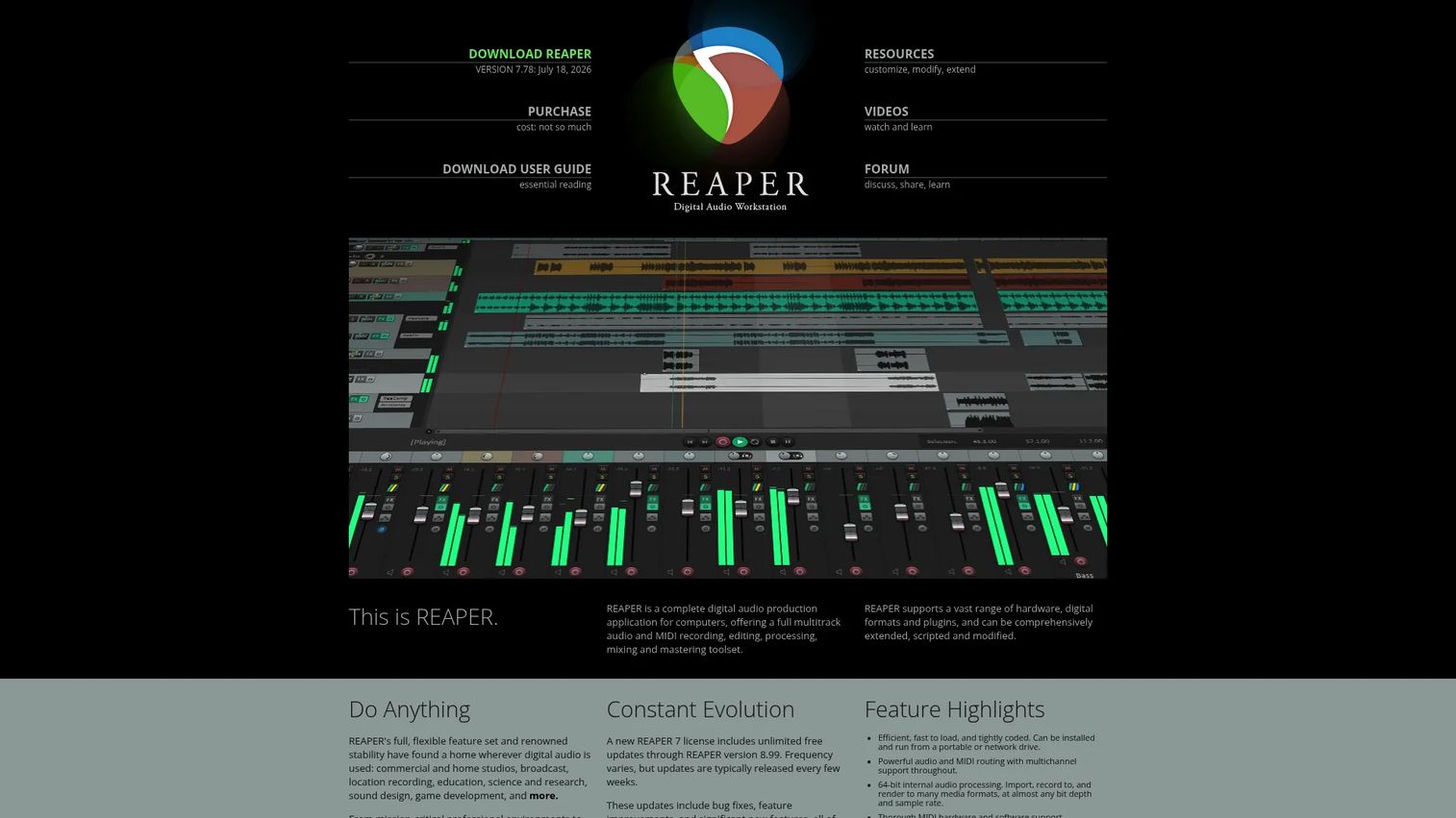
REAPER is a cross-platform DAW for recording, editing, mixing, and mastering audio and MIDI. It's the practical fallback for live teams who want one stable, general-purpose recorder that runs anywhere and bends to almost any workflow. Engineers reach for it because it's light, deeply customizable, and priced like a tool rather than a subscription.
Best for: Musicians, podcasters, and audio pros who need a lightweight, highly customizable DAW.
Key features
- Full multitrack audio and MIDI recording and editing
- Supports VST, VST3, LV2, CLAP, DX, AU, and JSFX plugins
- Scripting, macros, and custom actions
- Cross-platform on Windows, macOS, and Linux
Why choose REAPER: It's the reliable generalist, great when you need a recorder and editor that won't lock you into one hardware maker. It's not a dedicated virtual soundcheck tool, so console-tied workflows may need extra routing.
REAPER pricing: REAPER runs $60 for a discounted license and $225 for a commercial license, both one-time perpetual buys with free upgrades through version 8.99. A full-featured 60-day evaluation is free.
On G2, REAPER holds a 4.5/5 rating.
3. Ableton Live
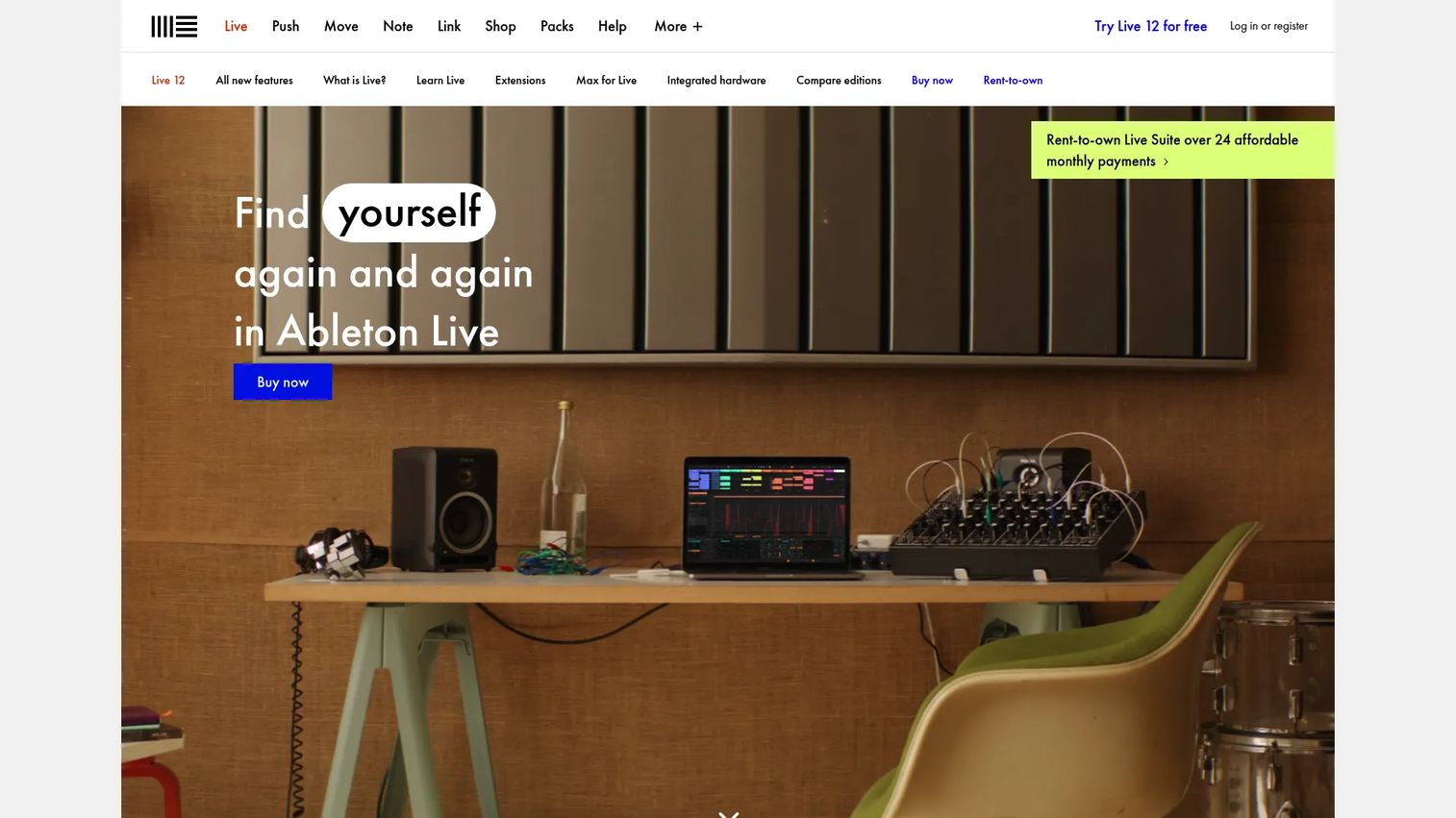
Ableton Live is a DAW built for music creation and performance, best known for its Session View non-linear workflow. For live use, it shines at clip launching, backing tracks, and creative playback rather than raw multitrack capture. Performance-oriented acts and electronic sets lean on it to run the show itself.
Best for: Musicians and producers who want a flexible DAW for composing and performing live.
Key features
- Session View for non-linear improvisation
- MIDI controller mapping and instant mappings
- Ableton Link for tempo sync
- Push hardware integration
Why choose Ableton Live: Pick it when the software is part of the performance, not just capturing it. For pure show recording or console virtual soundcheck, a dedicated recorder fits better.
Ableton Live pricing: Live 12 sells as Intro at EUR 79, Standard at EUR 279, and Suite at EUR 599, all one-time. Suite also offers rent-to-own at EUR 24.96 per month, and a 30-day free trial is available.
Ableton holds a 4.7/5 rating on G2.
4. Harrison LiveTrax
Harrison LiveTrax is multitrack recording and virtual soundcheck software aimed at live sound teams, especially console users focused on show-day efficiency. It runs standalone across Mac, Windows, and Linux, and supports as many recording tracks as your I/O device allows. Multi Out and Stereo Out modes make virtual soundcheck straightforward.
Best for: Live sound teams needing multitrack recording and virtual soundcheck without being tied to one OS.
Key features
- Standalone app for Mac, Windows, and Linux
- Unlimited recording tracks, limited by I/O device
- Multi Out and Stereo Out modes
- Virtual soundcheck support
Why choose Harrison LiveTrax: Cross-platform support is the draw, handy when your rig isn't locked to Mac or Windows. Console integration depends on your hardware, so confirm your setup first.
Harrison LiveTrax pricing: Harrison does not list a public price for LiveTrax, so contact Harrison for a quote.
A verified G2 rating for LiveTrax was not available at publication.
5. PreSonus Capture
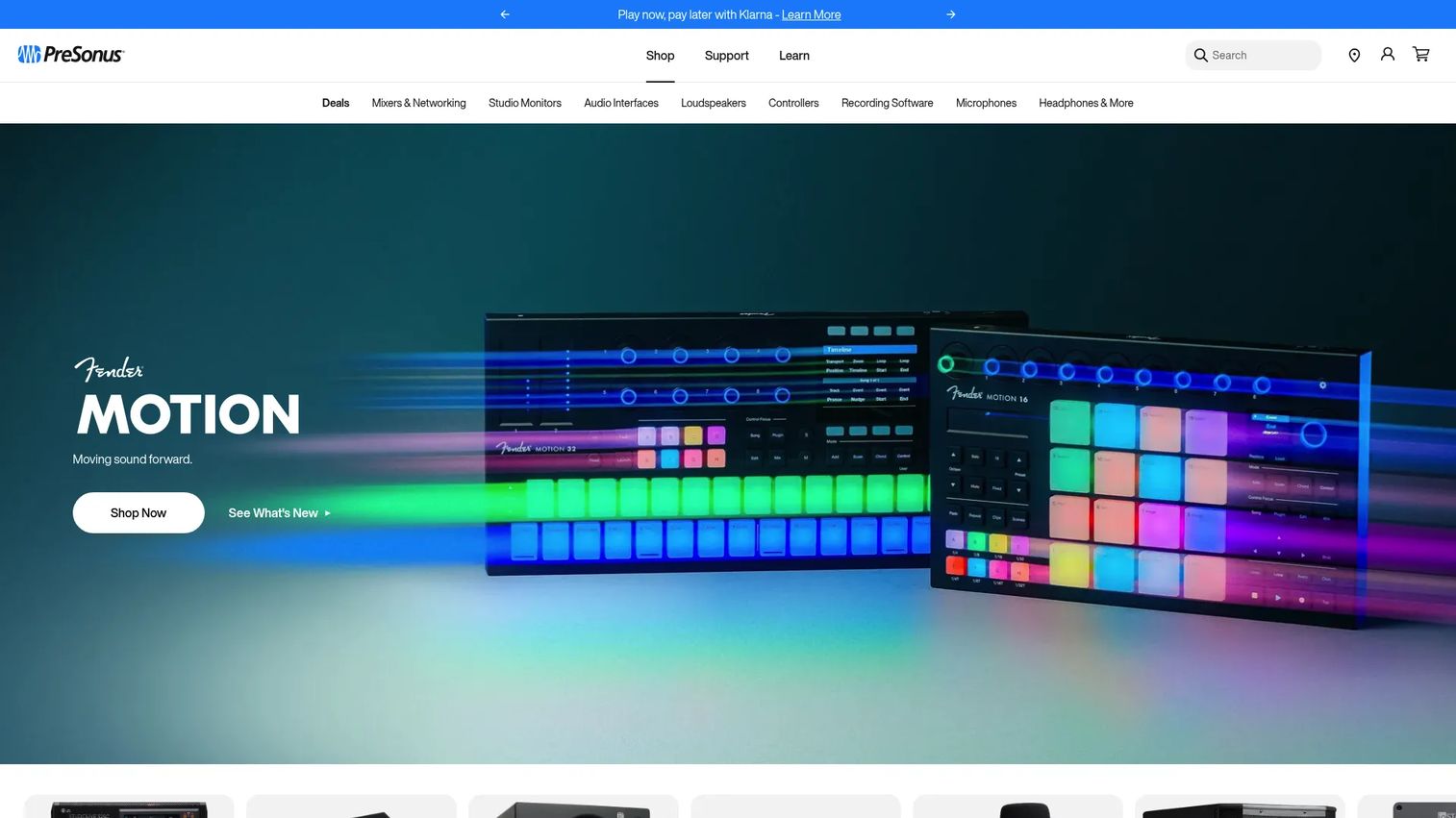
PreSonus Capture is live multitrack recording software designed for PreSonus StudioLive mixers. It auto-configures for supported StudioLive consoles, so recording a full session takes minimal setup. Markers, basic editing, and mix scene save and load round it out, with virtual soundcheck built in.
Best for: Live recording and virtual soundcheck on a PreSonus StudioLive mixer.
Key features
- Auto-configures for supported StudioLive mixers
- Multitrack session recording with markers
- Basic editing and marker placement
- Virtual soundcheck with mix scene save and load
Why choose PreSonus Capture: If your console is a StudioLive, Capture is the shortest path from patch to recording. The tradeoff is ecosystem lock-in, since its value drops without PreSonus hardware.
PreSonus Capture pricing: Capture ships with supported PreSonus StudioLive mixers and is available from PreSonus product and download pages; a standalone public price is not listed, so check with PreSonus for details tied to your mixer.
A verified G2 rating for Capture was not available at publication.
6. QLab
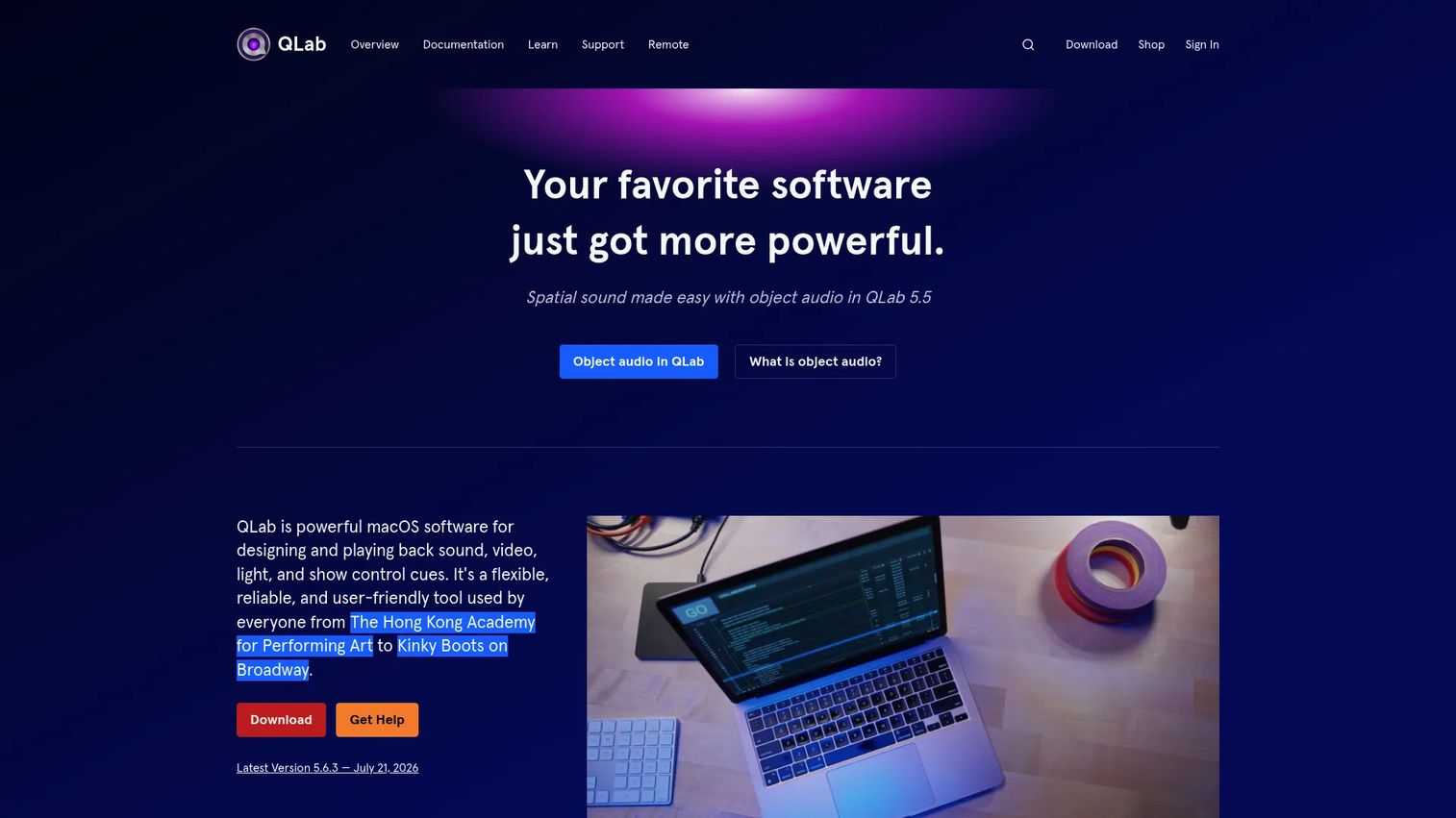
QLab is Mac show-control software for audio, video, lighting, and cue playback. It's the standard for theater, live events, and AV teams that run a performance on precise cues rather than a live mix. The free core app handles audio, video, and lighting cues, and paid licenses add network, MIDI, script, and timecode cues.
Best for: Live events, theater, and AV teams needing cue-based show control on macOS.
Key features
- Free core app with audio, video, and lighting cues
- Pro licenses for network, MIDI, script, and timecode cues
- Multi-screen video with masking and edge blending
- NDI and Syphon support
Why choose QLab: It's the go-to for cue-driven playback and timecode sync in a show. It's a control tool, not a recording DAW, and it runs on macOS only.
QLab pricing: QLab is free to download and use, with paid licenses adding pro features. Site licenses run $299 per activation, with a 10-activation minimum.
A verified G2 rating for QLab was not available at publication.
7. Dante Controller
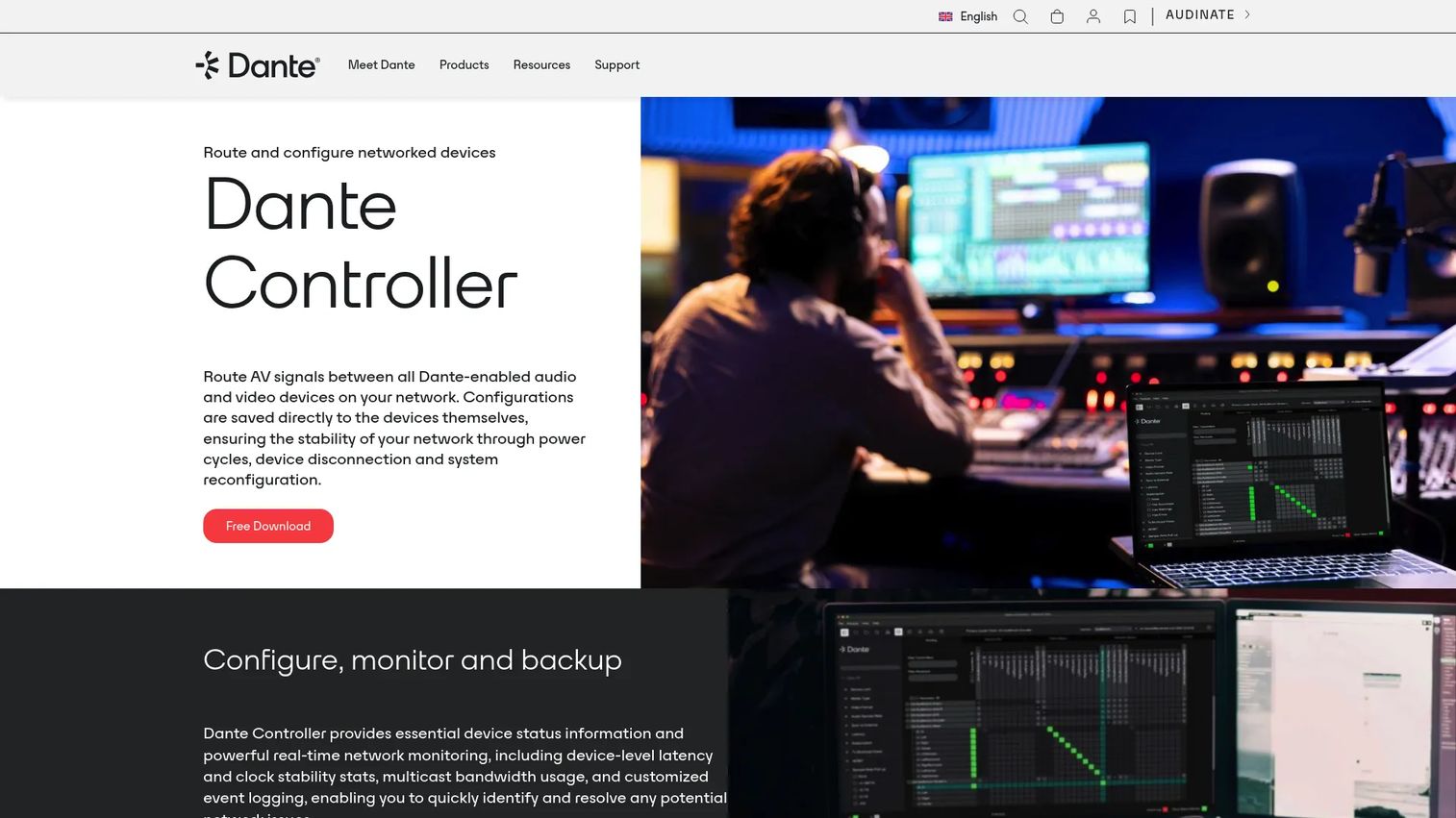
Dante Controller is Audinate's free software for routing, configuring, monitoring, and diagnosing Dante audio and video networks. It's infrastructure, not a recorder or player, and it's essential the moment your rig runs Dante. Real-time monitoring surfaces latency, clock stability, and multicast bandwidth so you catch network trouble before it hits the show.
Best for: Teams managing Dante-enabled AV and audio networks.
Key features
- Route audio and video between Dante devices
- Real-time monitoring for latency and clock stability
- Save, restore, and reuse routing presets
- Edit routing offline
Why choose Dante Controller: If any part of your signal chain runs on Dante, you need it, full stop. It doesn't record or play back, so it sits alongside your recorder and playback tools rather than replacing them.
Dante Controller pricing: Dante Controller is a free download for Mac or PC from Audinate, with no paid tiers on the product site.
A verified G2 rating for Dante Controller was not available at publication.
Considerations
Stability under show conditions
A crash mid-set is not recoverable. Test any recorder or playback tool at your real track count and sample rate for the full length of a set before you trust it live. Watch how it handles the moment you flip from record to virtual soundcheck, since that switch is where fragile tools fall over.
Compatibility with your console or interface
Software that won't talk to your hardware is shelfware. Confirm the tool supports your console's digital output, your interface's driver, or your network protocol before buying. SoundGrid, StudioLive, and Dante rigs each have native pairings, and mixing across them adds routing steps you'll want to map out first.
Track count and sample rate requirements
Know your channel count and the sample rate your show demands, then verify the tool handles both without dropouts. A recorder that manages 32 tracks in the demo may struggle at 96 on a full input list. I/O device limits often cap you before the software does, so check both.
Virtual soundcheck and sync support
If virtual soundcheck is part of your workflow, fast, clean switching between record and playback is non-negotiable. Check for timecode sync support where cues or video must line up. Tools built for live capture handle this natively, while general DAWs may need extra configuration.
Export, interoperability, and post-show workflow
Your captured multitrack has to move into whatever you mix in afterward. Confirm the tool exports formats your post workflow reads, and check DAW compatibility if you're recording in one app and mixing in another. Clean interoperability saves hours after the show.
Conclusion
There's no single best live sound software, because the job splits across recording, playback, and routing. For multitrack live recording, Tracks Live wins on SoundGrid rigs and Harrison LiveTrax wins on cross-platform setups. REAPER is the dependable general-purpose recorder and editor when you want one flexible tool. Ableton Live carries performance-driven sets, QLab owns cue-based show control, and Dante Controller is mandatory infrastructure for any audio-over-IP network.
The practical move is to build a stack, not chase one app. Most live teams run a recorder, a playback or cue tool, and a routing utility that fit their console and network.
Start by naming your console, your network protocol, and whether you need virtual soundcheck. That narrows the list fast, since native pairings do most of the work. Then test your top pick at full track count for a real set length before it ever touches a paying show.
Start your journey with Guideflow today!
FAQs
For SoundGrid systems, Tracks Live is purpose-built and free, handling hundreds of tracks with fast virtual soundcheck switching. If you need cross-platform flexibility, Harrison LiveTrax runs standalone on Mac, Windows, and Linux. On PreSonus StudioLive rigs, Capture auto-configures and keeps setup short.
Engineers use tools that flip fast between recording a show and playing it back through the console, so they can tune the room without the band. Tracks Live, Harrison LiveTrax, and PreSonus Capture all support virtual soundcheck natively. The key factor is how cleanly the tool switches between record and playback modes.
Yes, and many engineers do it. REAPER is a common choice for stable multitrack capture and editing, while Ableton Live drives clip-based live performance. A general DAW may need extra routing to match a console's virtual soundcheck workflow, so confirm compatibility before the show.
Tracks Live is the native option for SoundGrid, since Waves built it specifically for that hardware. It routes automatically and records straight off the SoundGrid network. If you're outside the Waves ecosystem, a general recorder plus separate routing tends to fit better.
REAPER is a solid choice for live multitrack recording thanks to its stability, low system load, and cross-platform support. It records, edits, and mixes in one place at a low one-time price. It isn't a dedicated virtual soundcheck app, so console-tied workflows may need added routing.
Reliability comes down to how a tool holds up at your real track count for a full set, and how well it pairs with your rig. Native tools like Tracks Live on SoundGrid or Capture on StudioLive reduce routing risk. Test any tool through a complete set at show settings before you tour with it.
Start with your console's digital output and its native software pairing, since that removes the most routing headaches. StudioLive points to Capture, SoundGrid to Tracks Live, and mixed rigs may need a cross-platform recorder like Harrison LiveTrax. Confirm track count, sample rate, and virtual soundcheck support match your show.
For Dante networks, Dante Controller is the free standard for routing, monitoring, and diagnosing signal flow. It manages device connections and surfaces latency and clock stability in real time. It's infrastructure rather than a recorder, so you'll pair it with a separate capture or playback tool.










