Sales wants an account-specific demo before tomorrow’s meeting. Your launch messaging has just changed, and the screenshots in last month’s deck already need replacing.
Demo personalization software helps you adapt the product story without rebuilding every asset. For PMMs, the goal is consistent positioning that still answers each buyer’s questions.
Gartner’s research published in 2026 found that 67% of B2B buyers prefer a sales-rep-free buying experience. Personalized product demos give those buyers something concrete to explore between conversations.
The opportunity extends across launch campaigns, sales follow-up, customer education, and partner enablement. Interactive demos give audiences a guided product experience while helping your team understand what attracts attention.
But personalization happens at different levels. Some products edit what appears inside the application. Others adapt content delivery or answer buyer questions.
Choose according to the work your team needs to own, and the evidence Sales needs to act on.
What’s inside
- Scope: Eleven named options associated with demo personalization, assessed for PMMs managing launches and account-specific product stories.
- Personalization depth: Control over product content, displayed data, buyer questions, and content routing.
- Publishing workflow: How an option fits campaign production and sales delivery.
- Measurement: Engagement reporting that supports messaging decisions and follow-up.
- Operational fit: Sharing controls and integration requirements.
- Important distinctions: Several entries are capabilities within larger platforms, rather than independent vendors. RepX serves roofing sales enablement, not SaaS demo personalization.
- Evidence: Product descriptions and commercial details draw on vendor documentation and G2 research dated November 2026. Parent-platform ratings are labeled accordingly.
TL;DR
- Best overall for demo personalization at scale: Guideflow, a demo automation platform for adapting product content across launches, sales follow-up, onboarding, and partner education.
- Best for AI-assisted delivery: Olto combines autonomous demo agents with prompt-generated data for personalized product experiences.
- Best for native product data: Saleo changes prospect-specific values inside the application used during demonstrations.
- Best for routing: Route Hub directs viewers to relevant resources. Access starts with its parent platform’s $350/month Growth plan, billed annually.
- Best for buying-group visibility: DemoBoards, BuyerBoards, and Demolytics address related engagement workflows within the same parent platform.
- Important shortlist correction: RepX is a roofing sales reference product. It doesn’t belong on a SaaS demo software purchasing shortlist.
What is demo personalization software?
Demo personalization software helps teams adapt product demonstrations to a particular account, persona, industry, use case, or buying stage.
The category overlaps with interactive demo software and broader demo automation platforms. Its defining job is controlling what each audience sees and how the story reaches them.
Product demo personalization can change the content inside a captured interface. It can also adjust application data, select a relevant path, or respond to buyer questions.
For example, an administrator might explore permissions. A finance stakeholder might examine reporting, while a department lead evaluates the daily workflow.
A useful evaluation covers these capabilities:
- Content editing: Replace text, images, charts, and representative data
- Delivery: Create personalized demo links and audience-specific paths
- Measurement: Track engagement and connect identified viewers with follow-up
- Governance: Evaluate permissions, version control, approvals, and asset ownership
- AI assistance: Assess supported copy generation, narration, translation, and data creation
A no-code demo builder gives PMM direct control over asset production. Check whether that control extends to the account-specific changes your campaigns require.
Different formats support complementary jobs. Interactive demos guide product stories across websites, outbound campaigns, onboarding, and support documentation. A sandbox demo supports free exploration for technical validation, customer training, partner certification, and hands-on evaluations.
A demo center organizes experiences for website visitors, sellers, customers, and partners. Its value includes discovery and distribution, alongside the individual assets it contains.
The boundaries matter when buying. Static decks remain useful for commercial narratives and executive summaries. Recorded videos preserve a presenter’s explanation.
Interactive experiences offer a fundamentally different engagement model because viewers participate in the product story.
Digital sales room demos sit within a broader deal destination. Product analytics platforms measure behavior inside the operating product.
Demo analytics instead help explain engagement with the evaluation asset. Treat buyer intent signals as inputs to qualification, rather than proof that an opportunity will close.
When to use demo personalization software
Personalize launch demos by persona
Start with the approved positioning, then adapt the evidence each audience needs. An admin-facing asset can emphasize controls while an executive version foregrounds business outcomes.
Apply that approach across launch pages, seller enablement, customer education, and partner announcements. Keep ownership clear so product changes trigger the right updates.
Create account-specific demos for ABM campaigns
Account-based demos connect campaign messaging with a recognizable product scenario. Use company context and relevant workflows rather than changing a logo alone.
Personalized demo links can support outbound sequences and campaign landing pages. Define the next action before launch, then compare engagement across account segments.
Give sales a follow-up asset buyers can explore
After discovery, provide personalized sales demos that address the questions raised during the conversation. Champions need material they can share without reproducing the seller’s explanation.
Use the same approach for expansion discussions, onboarding handoffs, partner enablement, and technical evaluations. Product-led sales demos work best when the recipient understands what to explore next.
Demo personalization software comparison
These demo personalization tools operate at different levels. Compare editing capabilities separately from delivery workflows and demo analytics.
Guideflow, Olto, and Saleo have distinct product propositions. Several other names describe capabilities within parent platforms, which means their ratings aren’t independent product reviews.
The table preserves those distinctions. It also identifies RepX’s category mismatch instead of presenting roofing enablement as interactive demo software.
Pricing uses vendor research where available. The DemoBoards entry includes G2-reported platform pricing, clearly separated from a standalone feature price.
| # | Product | Best for | Key differentiator | Pricing | G2 rating |
|---|---|---|---|---|---|
| 1 | Guideflow | Launches, ABM, onboarding, partner education | Editable product content and personalized distribution | Free; paid from $35/month, billed annually | 5.0/5 |
| 2 | Olto | AI-assisted product experiences | Autonomous agents and prompt-generated demo data | Custom pricing | 4.9/5 |
| 3 | Saleo | Native application demonstrations | Prospect-specific data injection | Custom pricing | 4.9/5 |
| 4 | Demo Suite | Coordinated demonstration formats | Multiple delivery formats within Consensus | Custom pricing | 4.7/5, parent platform |
| 5 | RepX | Roofing sales enablement | Industry reference material and sales playbooks | Free references; membership $99.99/month | No confirmed listing |
| 6 | Buyer Xpert | Buyer questions during evaluation | AI answers grounded in approved content | Walnut plans from $575/month, billed annually | 4.5/5, parent platform |
| 7 | Route Hub | Audience-based content delivery | Visual routing by role, company, or intent | Growth from $350/month, billed annually | 4.7/5, parent platform |
| 8 | Demo Hub | Evaluating Consensus’s demo offering | Platform-level formats and engagement intelligence | Custom pricing | 4.7/5, parent platform |
| 9 | DemoBoards | Personalized sharing and stakeholder tracking | Buyer engagement around shared demonstrations | G2 reports platform plans from $600/month | 4.7/5, parent platform |
| 10 | BuyerBoards | Buying-group alignment | Shared demo content and engagement insights | Custom pricing | 4.7/5, parent platform |
| 11 | Demolytics | Demo performance analysis | Engagement intelligence within Consensus | Custom pricing | 4.7/5, parent platform |
Best 11 options to evaluate for demo personalization
Each entry explains the product’s role and where it belongs in a PMM workflow. Capabilities within larger platforms are identified explicitly.
1. Guideflow
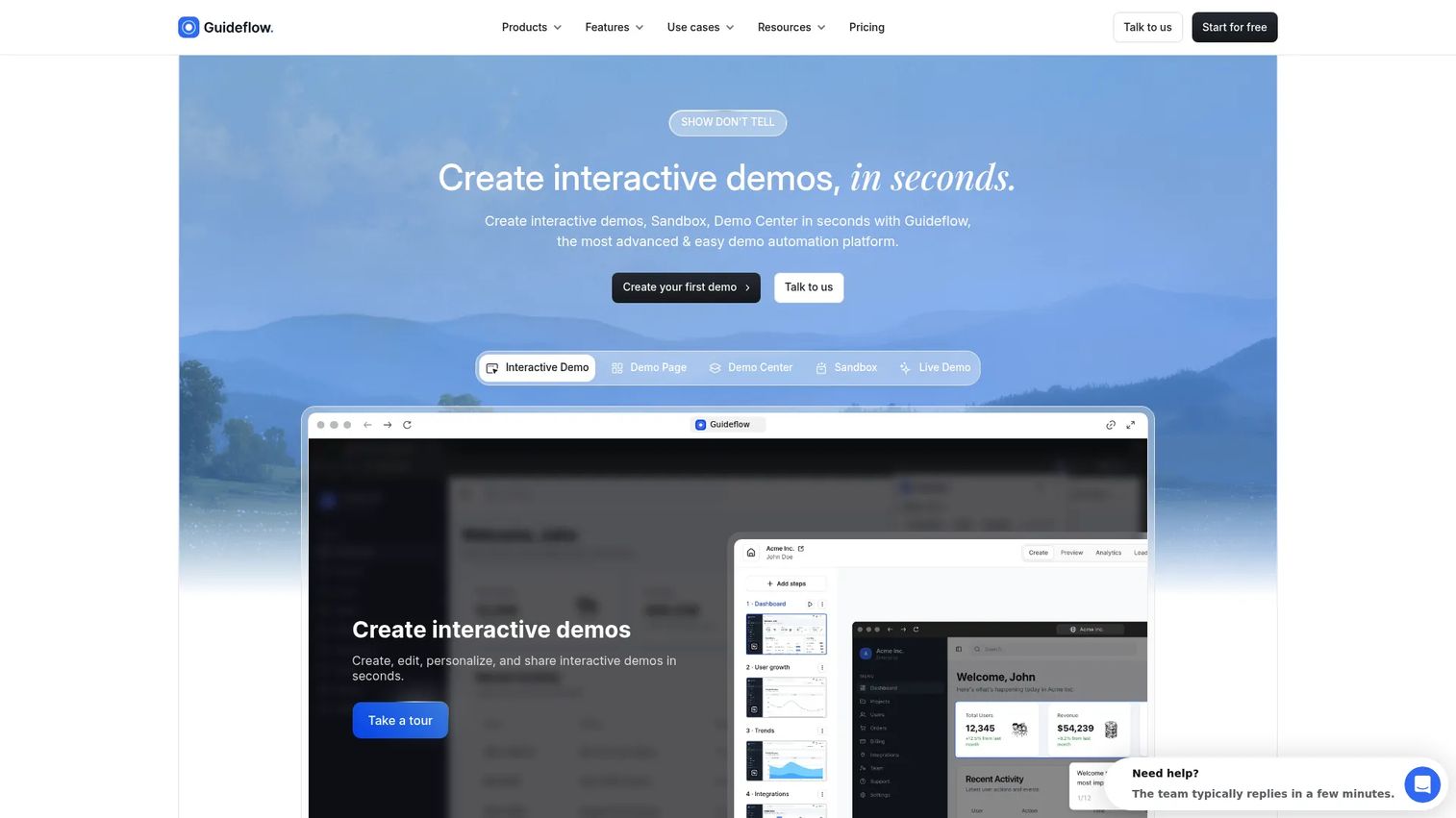
Guideflow is a demo automation platform for creating and measuring personalized product experiences. Its no-code editor supports changing text, images, and graphs per lead, alongside hiding or blurring sensitive elements.
PMMs can maintain an approved narrative while giving sellers account-specific assets. Personalized links support distribution without requiring a new creative project for every opportunity.
The suite covers complementary formats:
- Interactive Demo supports launch pages, outreach, onboarding, and support education
- Sandbox supports technical validation, customer training, partner certification, and hands-on testing
- Demo Center organizes website exploration, sales enablement, customer learning, and partner collections
- Mobile Demo supports app showcases, messaging campaigns, field sales, and mobile onboarding
- Live Demo supports discovery, enterprise presentations, workshops, and renewal conversations
Visitor identification operates at company level. CRM records are created only when a viewer identifies through an in-demo form or personalized link.
Best for: PMMs coordinating demand generation and sales enablement who need account-specific storytelling alongside reusable product assets.
Key features
- No-code capture and editing
- Dynamic variables and branching
- Personalized links and embedded forms
- Company-level visitor identification
- Impressions, completion rate, leads collected, and conversion reporting
Why choose Guideflow: It fits teams that want PMM to own positioning while Sales adapts delivery to the account. Evaluate a launch asset alongside a seller follow-up to test adoption across both workflows.
Guideflow pricing: Free plan available; annual-billing rates are Solo $35/month, Growth $499/month, and Advanced $1,499/month. Enterprise uses custom pricing.
G2 rating: 5.0/5.
Start your journey with Guideflow today!
2. Olto
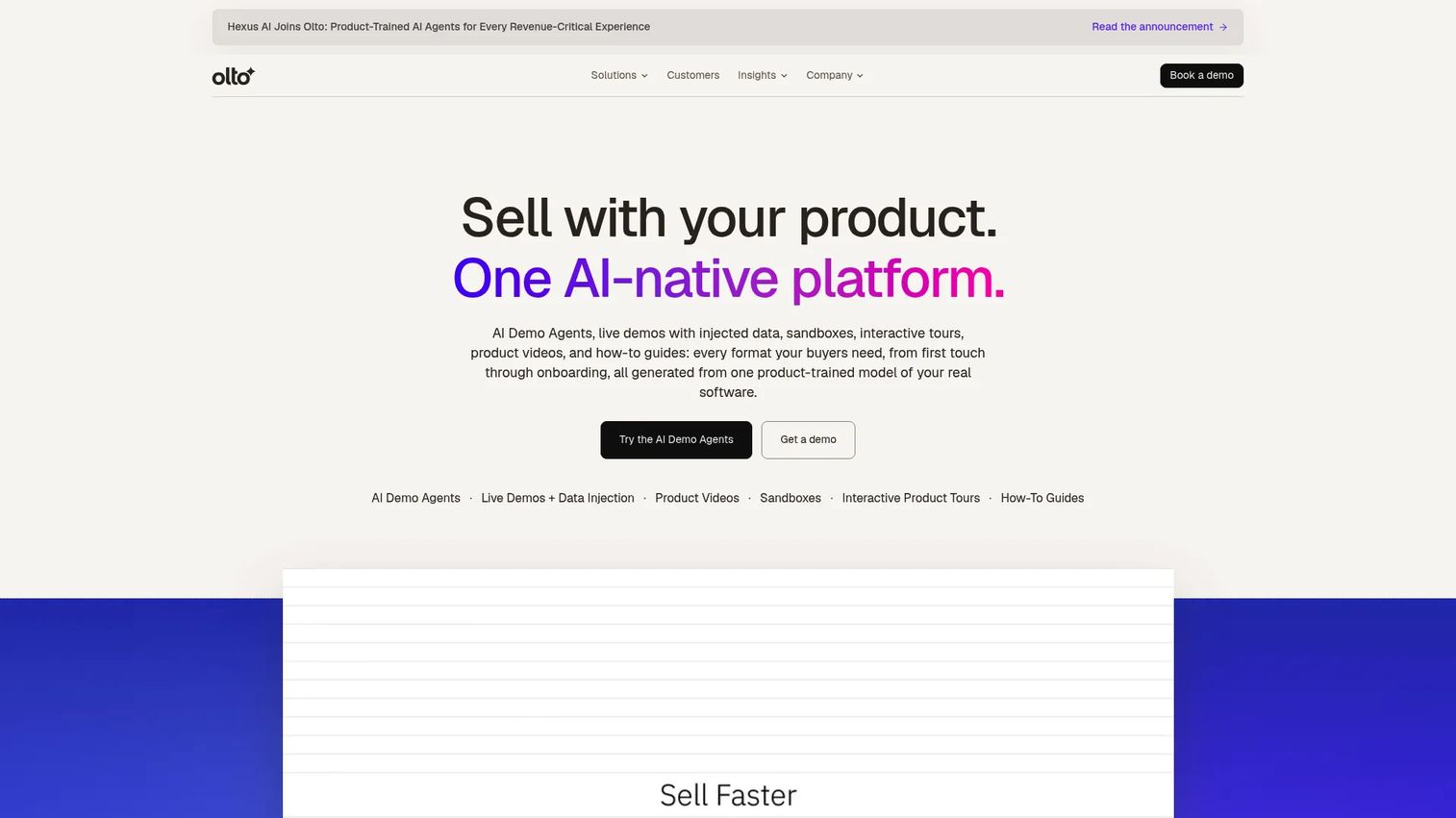
Olto positions its offering around personalized product experiences for revenue teams. Its AI Demo Agents deliver autonomous demonstrations, while prompt-generated data injection supports presenter-led delivery.
The wider offering includes product videos and instructional content. That gives PMMs several ways to communicate a product story across campaigns and customer education.
The useful evaluation question concerns editorial control. Ask how your team reviews generated content before it reaches a buyer.
For a practical pilot, supply an approved positioning document and a representative account scenario. Compare the generated narrative with the language your sellers use in discovery.
Include a product change in the test. Observing the update process will tell you more about ongoing ownership than the first generated asset.
Best for: GTM teams exploring AI-assisted creation and autonomous delivery across product evaluation, onboarding, and customer education.
Key features
- AI Demo Agents
- Prompt-generated data injection
- Product video creation
- Personalized product experiences
- Instructional content formats
Why choose Olto: Consider it when conversational delivery is central to your evaluation. Ask for a demonstration of editing controls and approval responsibilities before committing.
Olto pricing: Custom pricing. No free plan is listed in the available vendor research.
G2 rating: 4.9/5.
3. Saleo
Saleo injects editable, prospect-specific data into native SaaS applications. Its personalization covers displayed content such as tables and metrics, alongside workflow details.
That makes it relevant when familiar application data is important to the sales conversation. Presales can prepare a scenario around the buyer’s business without relying on a generic dataset.
For PMMs, the operating model matters. Agree which values sellers can change and which claims require approval.
Use a demanding scenario during evaluation. Include a dashboard where totals must agree with the underlying table, then inspect how the team maintains that relationship.
Also test the handoff between content owners and presenters. A convincing account scenario needs to remain consistent when another rep delivers it.
Best for: Enterprise sales and presales teams demonstrating their native application with prospect-specific data.
Key features
- Real-time data injection
- Editable tables, graphs, metrics, and images
- Demo library duplication and sharing
- Folders and permissions
- Single sign-on and role-based access
Why choose Saleo: It fits selling motions where application data is central to proving relevance. PMM should establish approved scenarios while presales owns delivery preparation.
Saleo pricing: Custom pricing.
G2 rating: 4.9/5.
4. Demo Suite
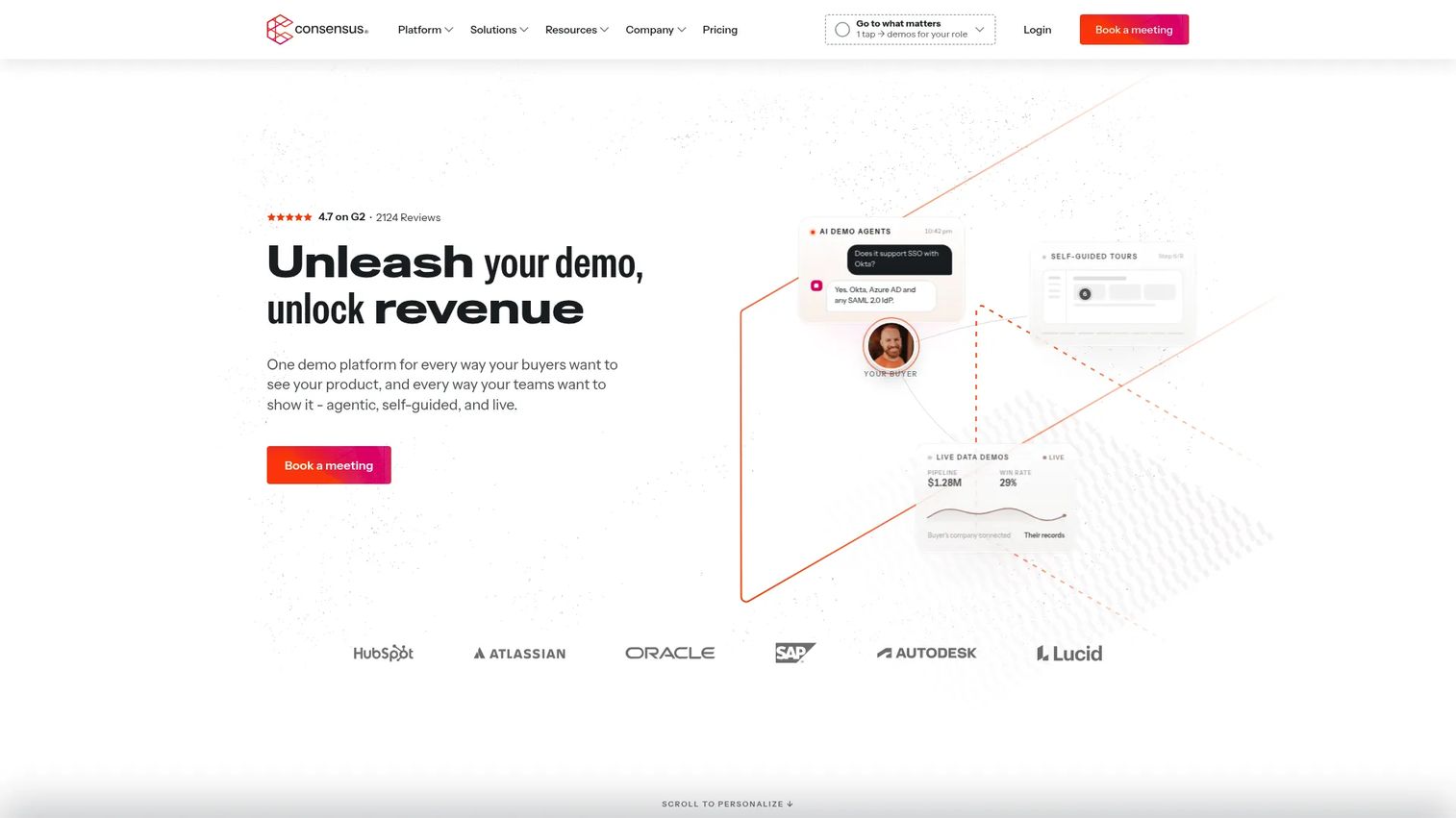
Demo Suite refers here to Consensus’s broader demo platform, rather than a separately verified vendor. Its offering combines AI agents with buyer-led and presenter-led demonstration formats.
The PMM appeal is coordinating different delivery methods around a shared product narrative. Buyers can encounter the story through on-demand video or a more conversational experience.
Treat this as a platform evaluation. The relevant question is how each format contributes to the campaign or opportunity, rather than how many modules appear on a slide.
Bring the people who will maintain the content into the assessment. Ask each owner to update the same product claim in the surfaces they expect to use.
For measurement, request a report that distinguishes passive viewing from deeper exploration. Those behaviors should inform different follow-up decisions.
Best for: B2B revenue teams coordinating multiple demonstration formats across campaigns and sales conversations.
Key features
- AI demo agents
- On-demand video demonstrations
- Real-time application data injection
- Buyer engagement analytics
- Salesforce and HubSpot integrations
Why choose Demo Suite: Evaluate it when the purchasing decision covers a broader demonstration program. Several entries below describe capabilities within this same platform.
Demo Suite pricing: Custom pricing.
G2 rating: 4.7/5 for Consensus, rather than a separate Demo Suite listing.
5. RepX
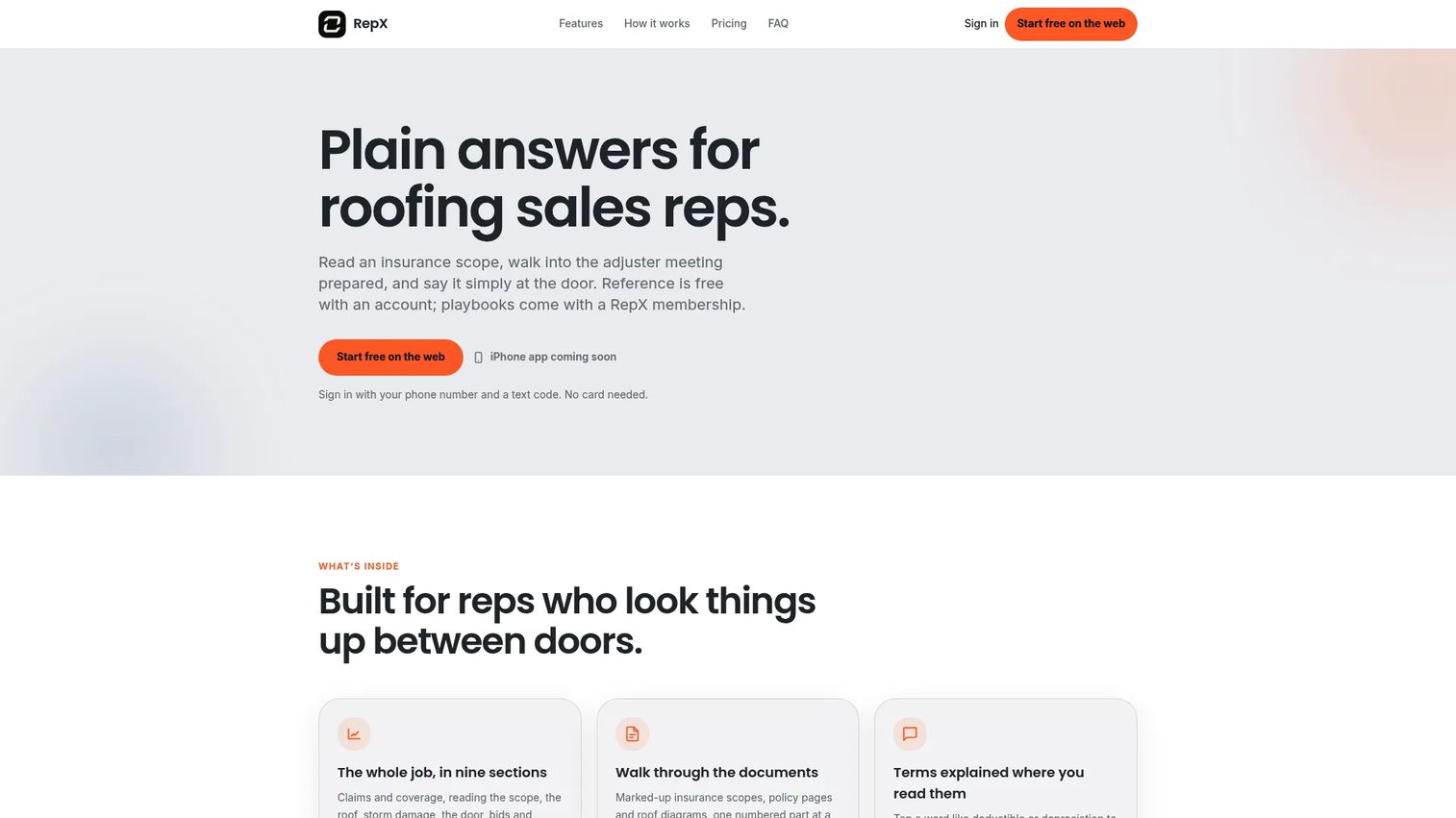
RepX is a web-based reference and playbook platform for roofing sales representatives. Its documented offering covers insurance scopes and roof diagrams, alongside sales scripts and job checklists.
This is a category mismatch for PMMs purchasing SaaS demo personalization software. The available product evidence supports industry-specific sales education, rather than account-specific product demonstration creation.
Its inclusion is useful as a purchasing caution. Similar names and broad sales language can make unrelated products appear relevant during initial research.
If your organization sells roofing services, assess the reference material against your field process. For a software launch or ABM program, keep the evaluation focused on products that document demo creation and delivery.
Best for: Roofing sales teams needing reference material and structured selling guidance.
Key features
- Searchable roofing reference library
- Insurance scope explanations
- Sales scripts and text templates
- Step-by-step sales playbooks
- Whole-job checklists
Why choose RepX: Choose it for roofing sales enablement. It isn’t a substitute for the demo personalization capabilities discussed elsewhere in this article.
RepX pricing: Reference entries are free with an account; membership costs $99.99/month. Team plans start at $250/month for up to 10 reps.
6. Buyer Xpert
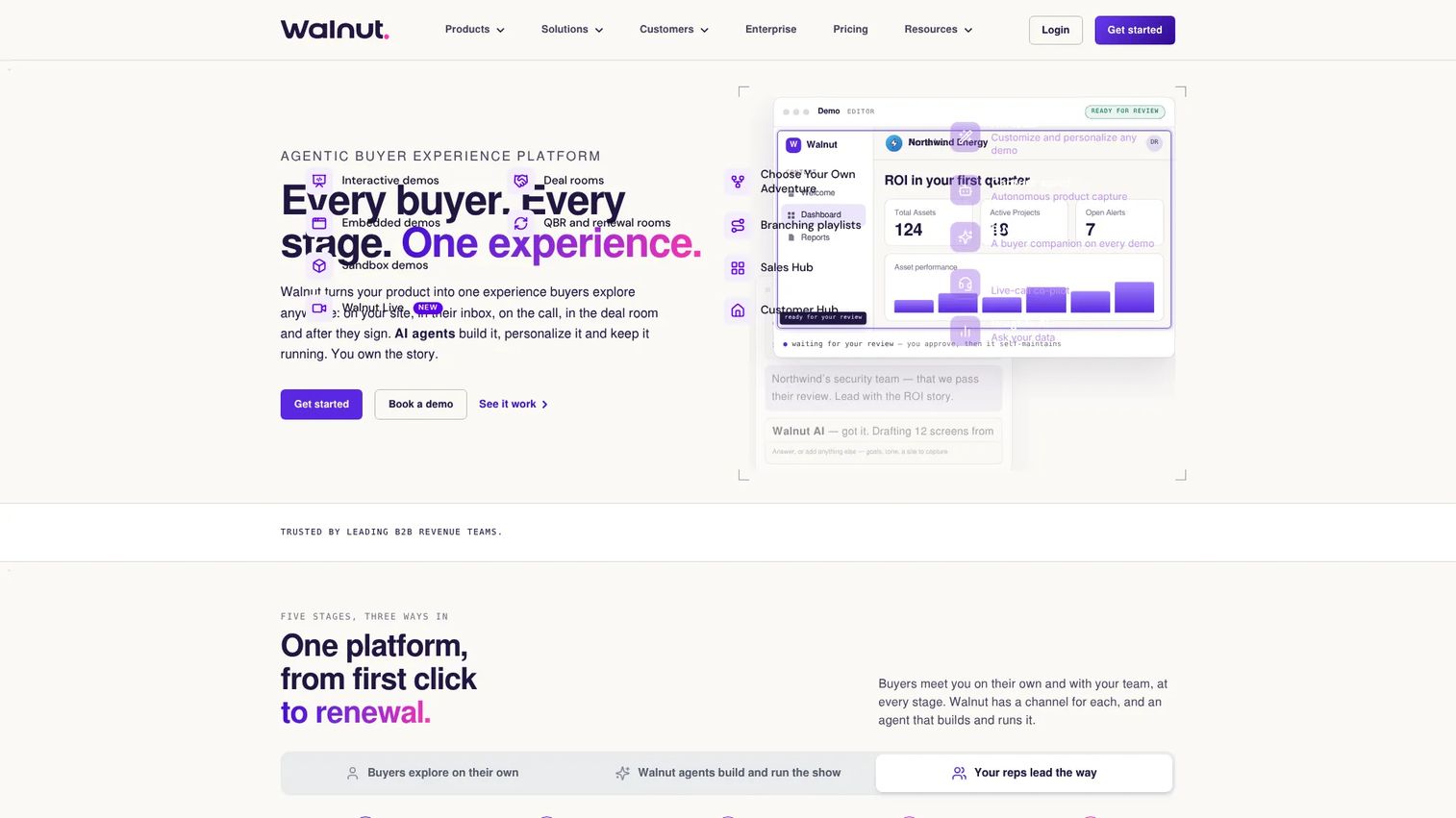
Buyer Xpert is Walnut’s AI buyer agent, rather than a standalone demo platform. It answers prospect questions inside product experiences using approved content.
The product allows teams to configure its persona and tone. Knowledge sources and answer boundaries give PMMs specific areas to evaluate for message control.
This approach addresses a familiar gap between an asset and a conversation. A buyer may understand the main story while still needing clarification about a particular workflow.
Test with questions that expose positioning risk. Ask about an unsupported feature, a roadmap commitment, and a competitor comparison using the same approved source material.
The goal is to understand how the agent handles uncertainty. Include Product and Sales in reviewing the responses before wider distribution.
Best for: Sales-led B2B teams that want buyers to ask questions during independent product evaluation.
Key features
- Buyer questions inside demos
- Configurable agent persona and tone
- Approved knowledge sources
- Answer boundaries
- HubSpot and Salesforce integrations
Why choose Buyer Xpert: Consider it when buyer education requires conversational answers alongside the product narrative. Budget for metered AI usage as well as platform access.
Buyer Xpert pricing: Walnut Ignite starts at $575/month and Accelerate at $1,550/month, both billed annually; Scale uses custom pricing. AI usage consumes credits.
G2 rating: 4.5/5 for Walnut, not a separate Buyer Xpert score.
7. Route Hub
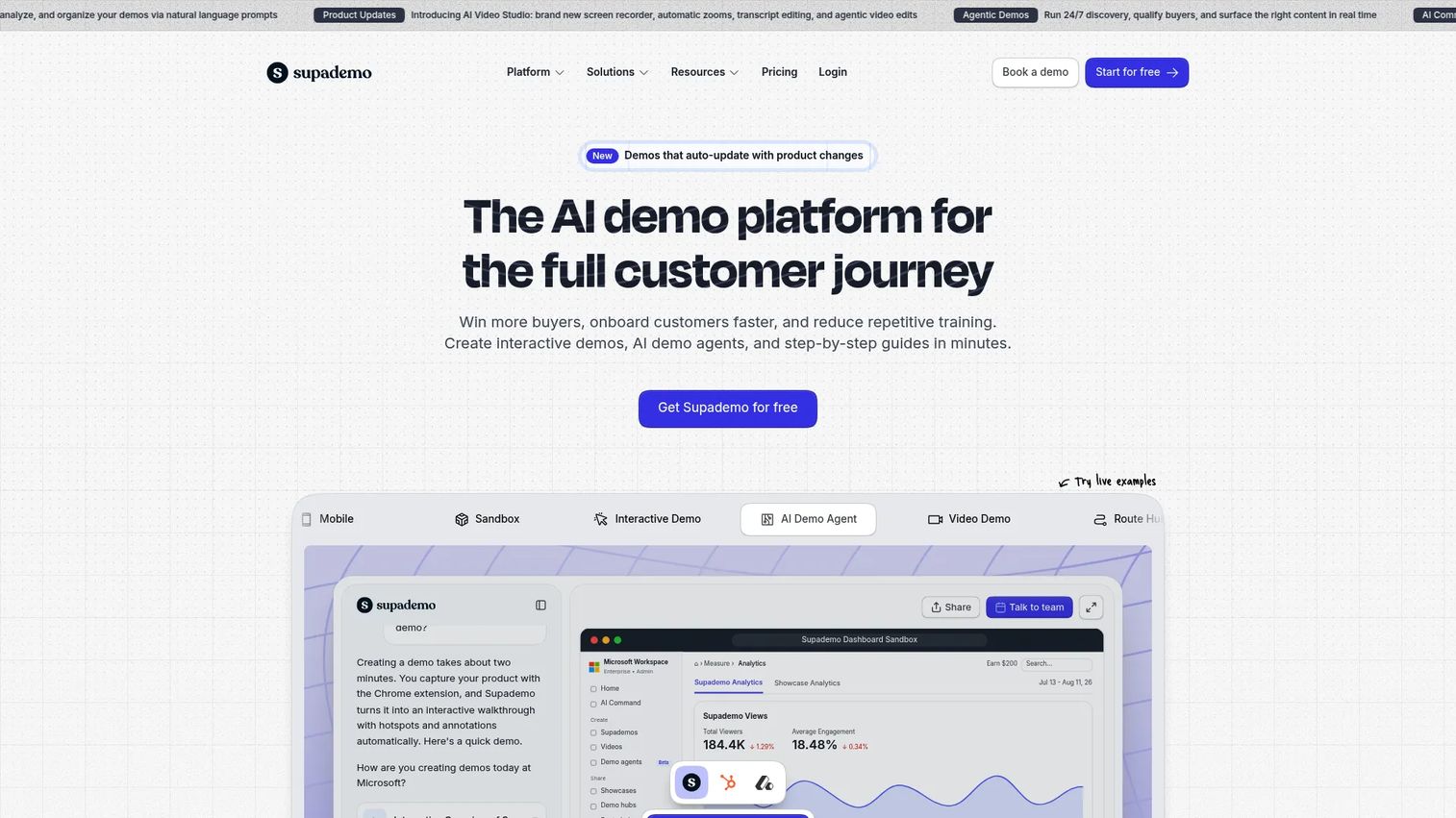
Route Hub is Supademo’s visual routing capability. It delivers relevant demonstrations and supporting resources according to viewer attributes.
The distinction is between adapting content and selecting content. Route Hub addresses the latter by matching audiences with an appropriate destination.
For PMMs with an established messaging architecture, that creates a useful evaluation path. Map the routes to buyer questions rather than relying only on department labels.
An operations leader and a finance stakeholder might need different evidence from the same product. Test whether the destination remains understandable when someone forwards the original link.
Also examine how your team will maintain the routing logic. New product lines and revised positioning should have named owners before additional paths accumulate.
Best for: Teams distributing different product stories by role, company context, or buying intent.
Key features
- Visual routing workflows
- Role-based content delivery
- Company-based routing
- Intent-based resource selection
- Demo, video, deck, and resource destinations
Why choose Route Hub: Evaluate it when matching viewers with relevant content is the primary job. Its feature-level entry price matters more than the parent platform’s lowest subscription.
Route Hub pricing: Included in Growth at $350/month, billed annually, with five creators, and Enterprise at custom pricing. Lower plans include a free option.
G2 rating: 4.7/5 for Supademo.
8. Demo Hub
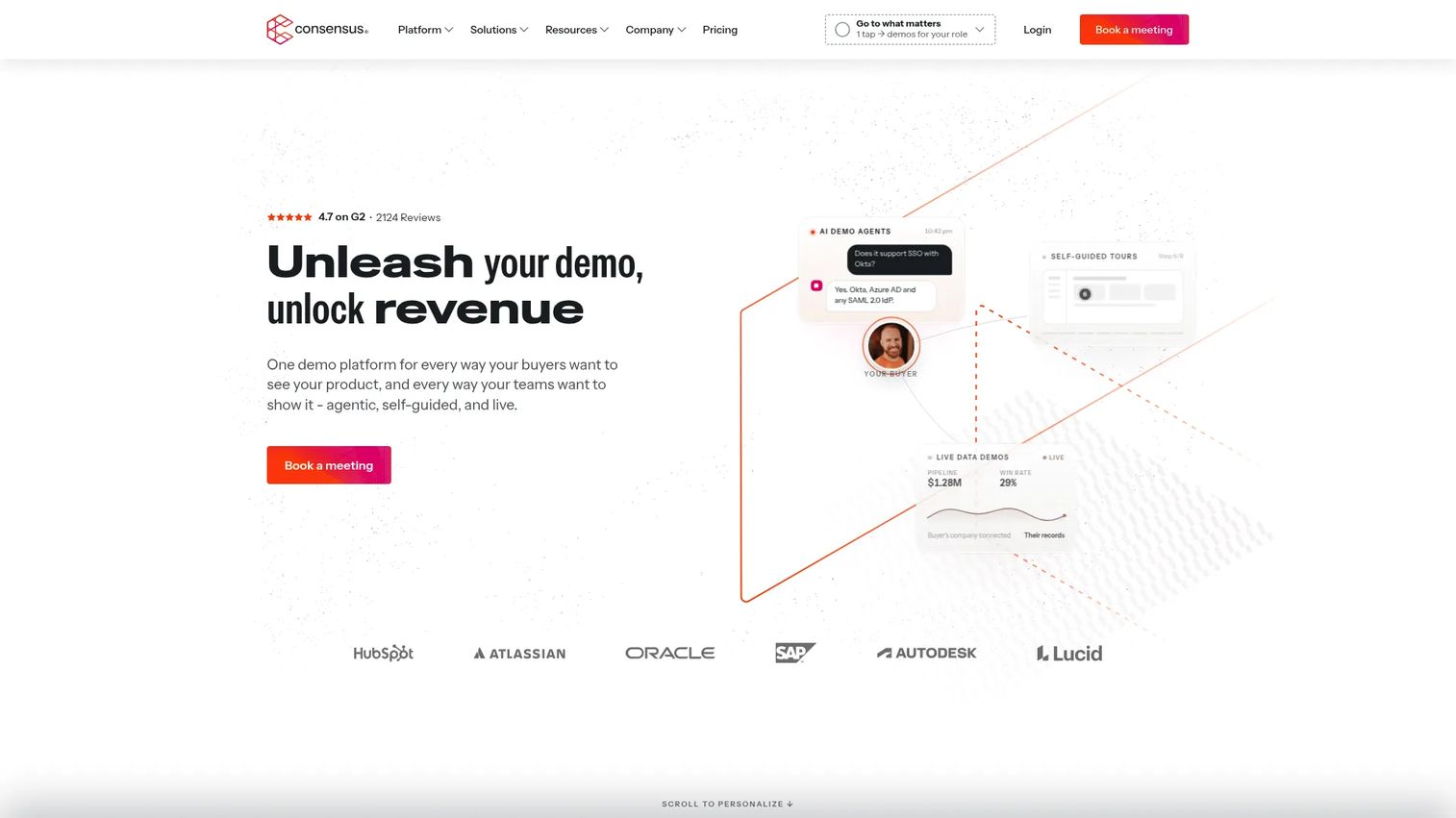
Demo Hub maps to Consensus in the available product evidence. A separate product under this name is not established by that material.
Assess the documented platform capabilities rather than assuming the label guarantees a particular library interface. Those capabilities include multiple demonstration formats and stakeholder engagement intelligence.
For PMMs, content findability remains a valid buying criterion. Ask a seller to locate the right approved asset for a specific buyer question.
Then inspect the administration process. Who owns the asset, how does an update reach sellers, and what happens to an outdated version?
Those are evaluation questions, rather than confirmed Demo Hub features. Keep that distinction clear when translating a vendor presentation into your requirements document.
Best for: Teams evaluating the Consensus platform and investigating how its content distribution supports their sales process.
Key features
- AI demo agents
- HTML and video capture
- Personalized application data injection
- Stakeholder engagement analytics
- Integrations and open API
Why choose Demo Hub: Consider the underlying platform if its distribution workflow meets your requirements. Don’t treat this entry as an independent alternative to Demo Suite.
Demo Hub pricing: Custom pricing.
G2 rating: 4.7/5 for Consensus, shared with the other entries associated with that platform.
9. DemoBoards
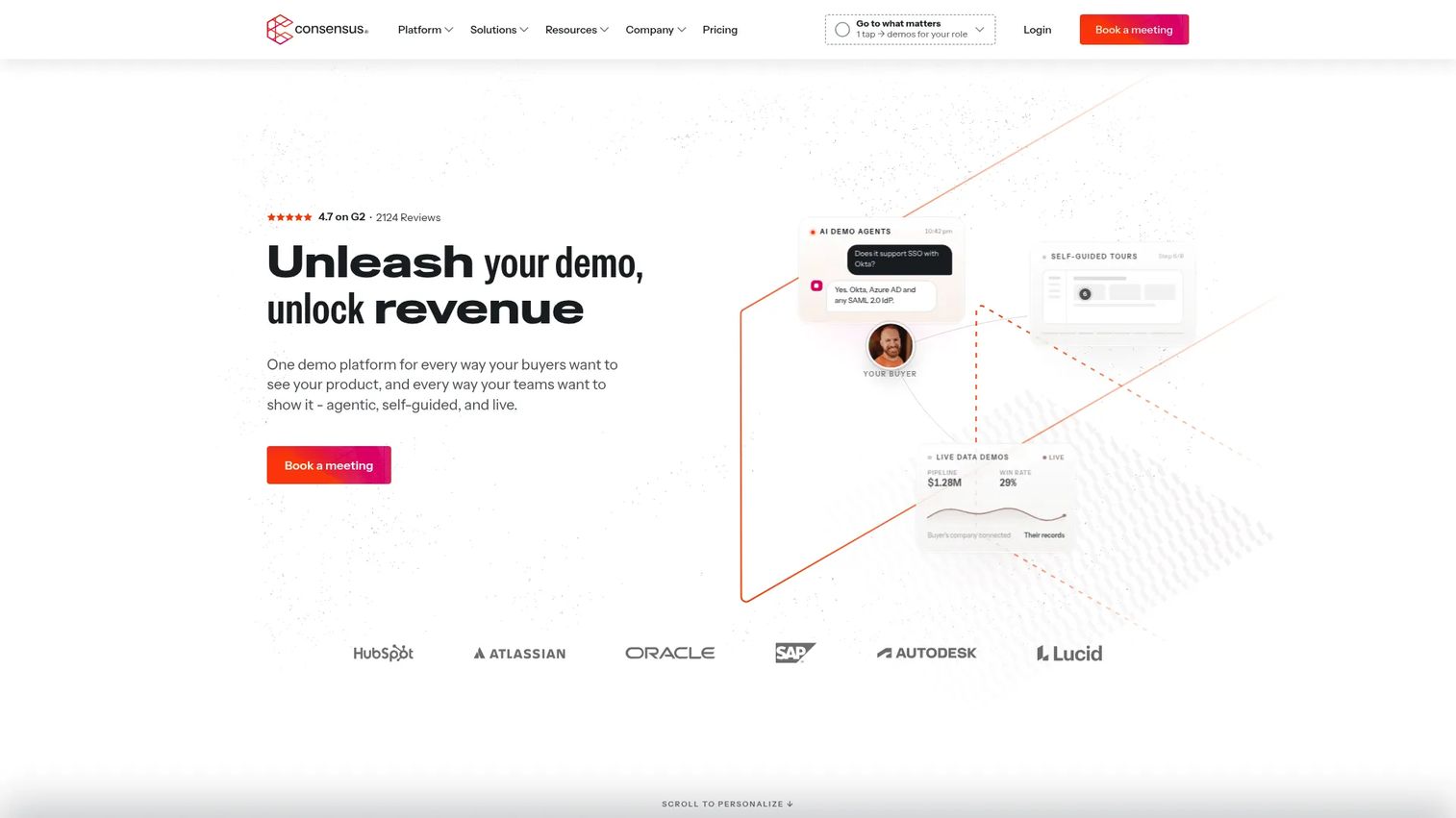
DemoBoards is a personalized sharing capability within Consensus. The documented offering connects shared demonstrations with stakeholder engagement tracking.
Its role is closer to account-level distribution than a separate editing platform. That distinction matters when your team already has approved product content.
A useful pilot starts with a seller’s follow-up after discovery. Ask whether the recipient can identify the relevant material without another explanation from the account executive.
For PMM, evaluate the reporting against a specific messaging question. For example, decide whether you need to understand which product area interests a new stakeholder.
Avoid translating an engagement event directly into sales readiness. Agree with RevOps how that event should influence the next conversation.
Best for: Revenue teams sharing personalized product content and monitoring participation across an account.
Key features
- Personalized DemoBoards
- Stakeholder engagement tracking
- Buyer activity analytics
- Shared demonstration content
Why choose DemoBoards: Evaluate it when account-specific delivery is the missing link between approved content and seller follow-up. Assess its reporting within the wider platform purchase.
DemoBoards pricing: G2 reports Consensus Starter at $600/month and Pro at $1,250/month, with custom Enterprise pricing. These are platform prices, not standalone DemoBoards fees.
G2 rating: 4.7/5 for Consensus.
10. BuyerBoards
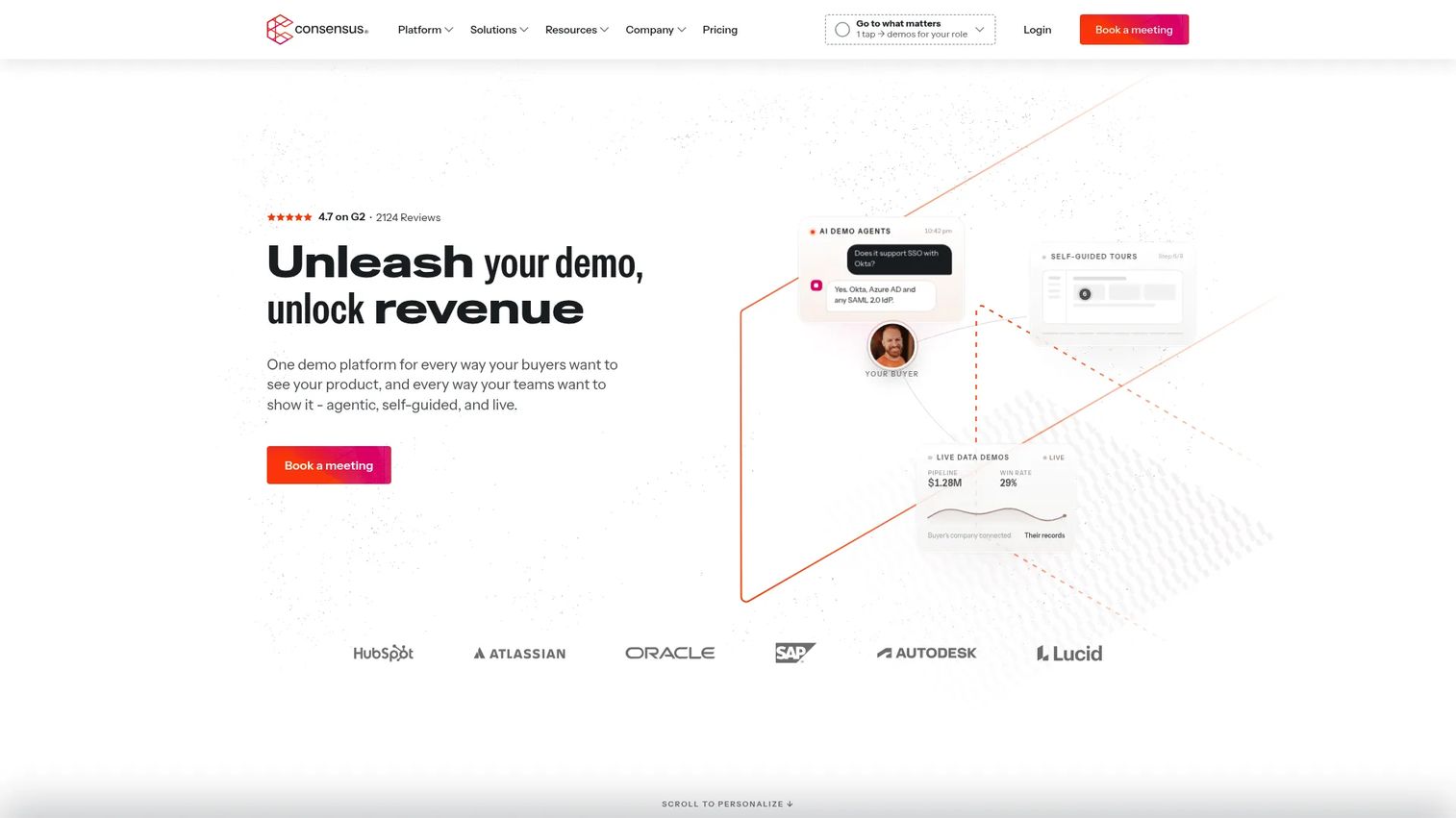
BuyerBoards refers to Consensus’s BuyerBoard capability. It lets representatives share demo content and buyer engagement insights with prospects and their buying groups.
The emphasis is stakeholder alignment. A champion needs material that colleagues can interpret without having attended the original sales conversation.
For PMMs, this puts pressure on the explanation surrounding each asset. A title should identify the buyer question it answers, rather than repeat an internal feature name.
During evaluation, ask someone unfamiliar with the deal to review the destination. Have them explain the product’s relevance and identify what information they still need.
Also establish what engagement information should be visible to buyers. Internal sales interpretation and buyer-facing collaboration serve different purposes.
Best for: Enterprise selling teams supporting champions who need to educate a wider buying committee.
Key features
- BuyerBoard content sharing
- Buying-group engagement insights
- Stakeholder discovery
- Feature rankings and heat maps
Why choose BuyerBoards: Consider it when helping the champion coordinate internal evaluation is the primary challenge. It belongs within a Consensus assessment, not a separate vendor shortlist.
BuyerBoards pricing: Custom pricing.
G2 rating: 4.7/5 for Consensus, rather than a standalone BuyerBoards rating.
11. Demolytics
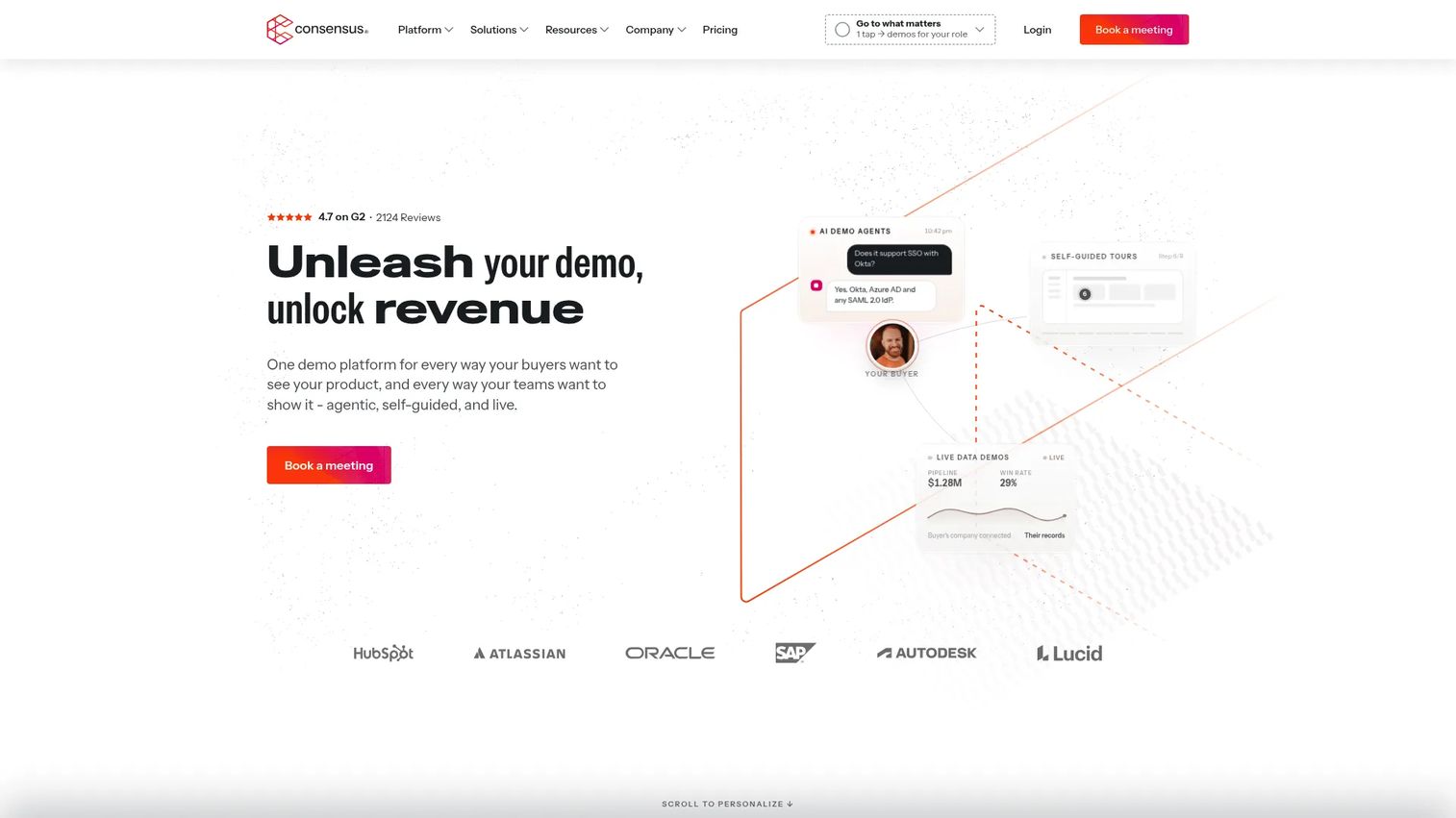
Demolytics refers to engagement intelligence within Consensus rather than a standalone analytics vendor. Its relevance lies in understanding how buyers interact with demonstration content.
For a PMM, the useful output is a decision about messaging or delivery. A dashboard should help answer which story deserves more investment and which question needs clearer evidence.
Request a sample report before purchasing. Check whether it supports the account and audience comparisons your campaign reviews require.
Keep measurement ownership explicit. Marketing may investigate content performance, while Sales needs context for the next conversation.
Build a reporting question before choosing a metric. “Which accounts explored the integration story?” is more actionable than collecting every available event without a decision attached.
Best for: Teams evaluating demo engagement intelligence as part of their broader revenue reporting workflow.
Key features
- Demo engagement intelligence
- Buyer activity analytics
- Stakeholder engagement signals
- Performance insights across demonstration content
Why choose Demolytics: Evaluate it when the gap is interpreting buyer behavior across shared assets. Compare the reports with your existing analytics before adding another reporting destination.
Demolytics pricing: Custom pricing.
G2 rating: 4.7/5 for Consensus; the score describes the parent platform.
Considerations when choosing demo personalization software
Personalization depth
Test product demo personalization with a demanding account scenario. Ask the vendor to change a chart and its supporting narrative, then preserve the approved positioning.
Speed to publish
Measure the complete process from request to approved distribution. A no-code demo builder should be evaluated by the people who will maintain assets after launch.
Analytics and buyer intent
Define the reporting question before inspecting dashboards. Demo engagement tracking should support messaging iteration and sales prioritization, with clear distinctions between identified people and anonymous company activity.
Governance and brand control
Ask who can edit the master narrative and who can personalize an account version. Evaluate permissions and version handling against your release cadence.
Include Sales in the pilot. An asset that requires repeated PMM assistance to find or send deserves further workflow testing.
Integrations and handoff workflows
For CRM demo personalization, inspect the event that creates or updates a record. Company recognition and identified-contact activity should remain distinct.
When evaluating ABM demo software, test personalized demo links through your existing campaign process. Check destination behavior and ownership of the resulting follow-up.
Choose the workflow your team can maintain
Guideflow is our top pick for demo personalization at scale. Its demo automation platform supports reusable product storytelling across marketing, sales enablement, customer education, and partner programs.
Olto deserves consideration when AI-assisted delivery is a central requirement. Saleo fits teams that need prospect-specific data inside their native application.
For conversational buyer questions, assess Buyer Xpert. Route Hub addresses the different job of selecting relevant content for each viewer.
The Consensus-related entries should inform a single platform evaluation. Comparing them as independent vendors would inflate the shortlist without expanding your choices.
Leave RepX out of a SaaS demo purchasing decision. Its documented value belongs to roofing sales enablement.
Your next step is a practical pilot. Give shortlisted vendors the same account scenario, then involve the seller who will use the finished asset.
Measure publishing effort and buyer engagement against a baseline. The right purchase should support consistent messaging and show how that content contributes to the next step.
Start your journey with Guideflow today!
FAQs
Demo personalization software adapts a product demonstration to an account, persona, industry, or use case. Capabilities can include editing product content and adjusting the delivery path. Evaluate whether the software changes the experience itself, selects relevant existing assets, or provides conversational answers. Those approaches address different purchasing requirements.
Demo automation is the broader category covering creation and delivery, alongside related management workflows. Personalization focuses on adapting the story or displayed content for a particular audience. A platform can provide both capabilities. Buyers should compare the specific workflow they need rather than assume the category label guarantees every function.
Start with the work your team will own after launch, including maintaining positioning and updating account variants. Evaluate editorial control alongside collaboration and publishing speed. Ask Sales to find and send an approved asset during the pilot. Then inspect whether the reporting answers a messaging or pipeline question your team already tracks.
Yes, account-based demos can connect campaign messaging with buyer-specific product scenarios. Teams can use personalized links and account context across landing pages, outbound sequences, customer expansion, and partner campaigns. Define the intended next action for each audience before distribution. Compare results within similar segments rather than treating every account visit as equivalent.
Personalized product demos give sellers reusable material for discovery preparation, follow-up, customer education, and partner conversations. A champion can share relevant evidence with colleagues without recreating the original presentation. Engagement signals can inform what the account executive asks next. Agree on those follow-up rules with Sales instead of assuming that viewing activity automatically indicates purchase readiness.
Start with reach and progression through the asset, then connect identified engagement with the intended conversion action. Completion rate and drop-off become more useful when compared across similar audiences and distribution channels. Track leads collected alongside account activity, while distinguishing company recognition from identified contacts. Use the results to test messaging changes rather than simply expanding the dashboard.
Personalized self-serve experiences complement live demos by giving audiences material to explore independently. Presenter-led sessions add conversation during discovery, enterprise evaluations, customer workshops, and renewal discussions. Coordinate both around the questions each stakeholder needs answered. Use independent exploration to prepare for a discussion or reinforce it afterward, while retaining opportunities for direct clarification.
Cost can reflect editor seats, platform access, usage allowances, and required controls. A feature within a larger platform may require a higher subscription than the entry plan. Request a quote that identifies the capabilities and usage your team intends to buy. Keep parent-platform pricing separate from standalone feature costs when comparing proposals.