You answer the same onboarding questions every week. Customers forget what was covered on the call. Docs go unread. Videos get skipped. And every missed step becomes a support ticket, a churn risk, or another hour of your time you did not budget for.
Customer academy software exists to break that loop. According to Learning News (2025), 92% of organizations planned to expand customer education in 2026, yet 63% were still running their programs ad hoc or in "coping" mode. The tools exist. The adoption of them has not caught up.
This guide cuts through the noise. It compares 17 customer academy software platforms across LMS, customer education, in-app onboarding, help center, and hands-on product practice categories, so you can match the right tool to the actual learning job, not just the loudest vendor claim.
What's inside
This guide is for Customer Success Managers, Onboarding Managers, Customer Education leaders, and CS Ops teams at SaaS companies. Tools were selected across five categories: Full LMS and academy platforms, customer education platforms, in-app onboarding tools, help center and self-service tools, and interactive product lesson tools.
Selection criteria:
- Learning format and depth (courses, certifications, in-app guides, interactive product practice)
- Academy branding and customization capability
- Analytics and CSM-visible outcomes (completion, adoption, ticket deflection)
- Integration fit with CRM, help desk, and customer success platforms
TL;DR
- Best for hands-on product lessons: Guideflow replaces passive video with clickable product practice. Note: Guideflow is not an LMS or certification platform. It fits when customers need to practise workflows
- Best for enterprise academies: Docebo or Skilljar, for scaled LMS programs with certifications
- Best for lightweight LMS: TalentLMS, with a free plan and fast course setup
- Best for support-led self-service: Zendesk Guide or Intercom Articles
- Best for in-app onboarding: Appcues, for contextual education inside the product
- Best for collaborative course creation: 360Learning, where subject matter experts co-author training
What is customer academy software?
Customer academy software helps companies create, manage, and measure structured education programs for customers, usually through branded courses, learning paths, certifications, self-service resources, and product training experiences.
The category covers more than one tool type. Knowing which type matches your situation saves months of evaluation.
Core capabilities to look for:
- Branded customer portals and custom domains
- Structured courses, learning paths, and curricula
- Assessments, quizzes, certificates, and badges
- Video, text, interactive lessons, and product practice
- Learner analytics and completion tracking
- CRM, help desk, customer success, and SSO integrations
- Multi-audience portals for customers, partners, and employees
- Localization and accessibility controls
- Knowledge base or help center embedding
Tool types within this category:
- LMS platforms: Structured courses and certifications (Docebo, TalentLMS, LearnUpon, Absorb LMS, LearnWorlds)
- Customer education platforms: SaaS-focused academy software (Skilljar, 360Learning, ClassroomIO, Disco)
- Help centers: Self-service article libraries (Zendesk Guide, Intercom Articles, Confluence)
- In-app guidance: Contextual education inside the product (Appcues)
- Demo automation platforms: Hands-on product lessons (Guideflow)
A demo automation platform like Guideflow is not a full academy system. It belongs in the stack when the training problem is product practice and when you want to measure exactly the step where users drop off, not when you need curriculum management or formal certification.
When to use customer academy software
Onboard customers without repeating every call
When every new customer requires a live walkthrough from a CSM, the team runs out of hours before the customer list runs out. Customer academy software lets you assign structured learning before, during, or after onboarding, so the first call covers strategy rather than basics.
Turn product education into measurable adoption
A course completion rate tells you someone finished the content. What matters is whether they activated the feature afterwards. Strong programs connect education to activation, feature usage, support-ticket volume, and renewal signals. Choose tools that surface those downstream metrics, not just completions.
Scale self-service across customers, partners, and employees
Mature academies serve multiple audiences from a single platform. A partner portal that trains resellers alongside a customer-facing library reduces the per-CSM overhead at scale. If your team handles customers, partners, and internal product training, look for multi-portal support.
Customer academy software comparison
The table below gives you a selection shortcut. Pricing and G2 ratings are verified from vendor pages and G2 listings.
| # | Product | Best for | Key differentiator | Pricing | G2 rating |
|---|---|---|---|---|---|
| 1 | Guideflow | Hands-on product lessons | Interactive demos where customers practise workflows | Free; paid from $35/mo | 5.0/5 |
| 2 | Appcues | In-app onboarding and adoption | Contextual education inside the product | From $3,600/year | 4.6/5 |
| 3 | Docebo | Enterprise customer academies | Scalable LMS with extended enterprise training | Contact sales | 4.3/5 |
| 4 | Skilljar | SaaS customer education programs | Branded academies, certifications, and monetization | Contact sales | 4.6/5 |
| 5 | TalentLMS | Lightweight customer training LMS | Fast course setup with a free plan | Free; paid from $119/mo | 4.6/5 |
| 6 | Salesforce | CRM-connected customer education | Training tied to Salesforce customer data | From $25/user/mo | 4.4/5 |
| 7 | Zendesk Guide | Support-led self-service | Help center content tied to support workflows | From $19/agent/mo | 4.3/5 |
| 8 | Gainsight | CS-integrated education and adoption | Education linked to health scores and lifecycle data | Contact sales | 4.5/5 |
| 9 | ClassroomIO | SaaS customer academies | Branded academies with lessons and learner paths | Free; paid from $35/mo | Not listed on G2 |
| 10 | Intercom Articles | Lightweight customer self-service | Help articles inside support and messaging workflows | From $29/seat/mo | Not verified on G2 |
| 11 | Confluence | Internal and customer-facing knowledge hubs | Flexible documentation and knowledge management | Free; paid from $5.42/user/mo | 4.1/5 |
| 12 | Disco | Community-led learning academies | Cohort, community, and membership-based education | From $399/mo | Not verified on G2 |
| 13 | Trainn | Product training and video education | AI video and guide creation for customer onboarding | From $19/mo | 4.5/5 |
| 14 | 360Learning | Collaborative customer training | Course creation powered by internal experts | From $8/user/mo | 4.6/5 |
| 15 | LearnWorlds | Branded academies and paid courses | Academy website builder with course commerce | From $44/mo | 4.7/5 |
| 16 | LearnUpon | Extended enterprise training | Customer, partner, and employee training portals | Contact sales | 4.5/5 |
| 17 | Absorb LMS | Enterprise LMS programs | Scalable training management and learner reporting | Contact sales | 4.6/5 |
Best 17 customer academy software tools for 2026
1. Guideflow
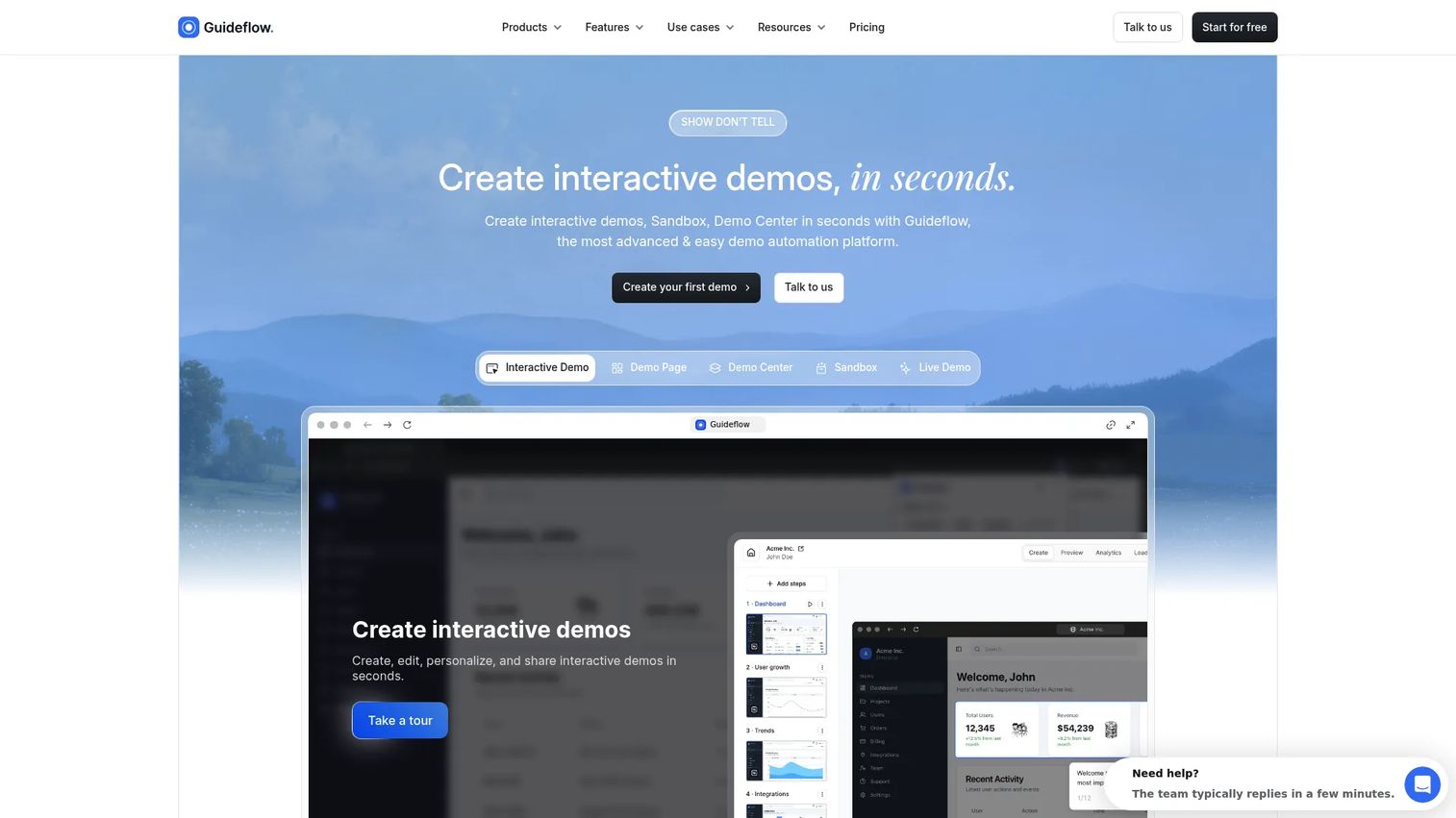
Guideflow is a demo automation platform that turns product workflows into interactive, self-serve lessons. Customers click through the actual product interface at their own pace rather than watching a recording. For CSMs, the key difference is that Guideflow tracks exactly where each user stops, giving you a drop-off step you can act on.
Best for: SaaS teams that need customers to practise product workflows, not just watch training videos.
Key features
- Interactive demos: Guided, clickable product lessons for onboarding and feature adoption
- Sandbox: Free-exploration product environment for hands-on validation
- Demo Center: Branded hub organizing lessons by use case or customer segment
- Completion analytics and drop-off tracking via analyze
- Mobile demos for customers on mobile devices
Why choose Guideflow: Guideflow fits when the core problem is product confusion after onboarding calls. If customers consistently drop off at the same step, Guideflow shows you where and lets you rebuild that lesson in minutes. Pair it with an LMS when you also need certifications or SCORM-based curriculum.
Guideflow pricing: Free plan available, with paid plans starting at $35/month (Solo, billed yearly), $499/month (Growth), $1,499/month (Advanced), and Enterprise from $2,999/month.
G2 rating: 5.0/5
Start your journey with Guideflow today!
2. Appcues
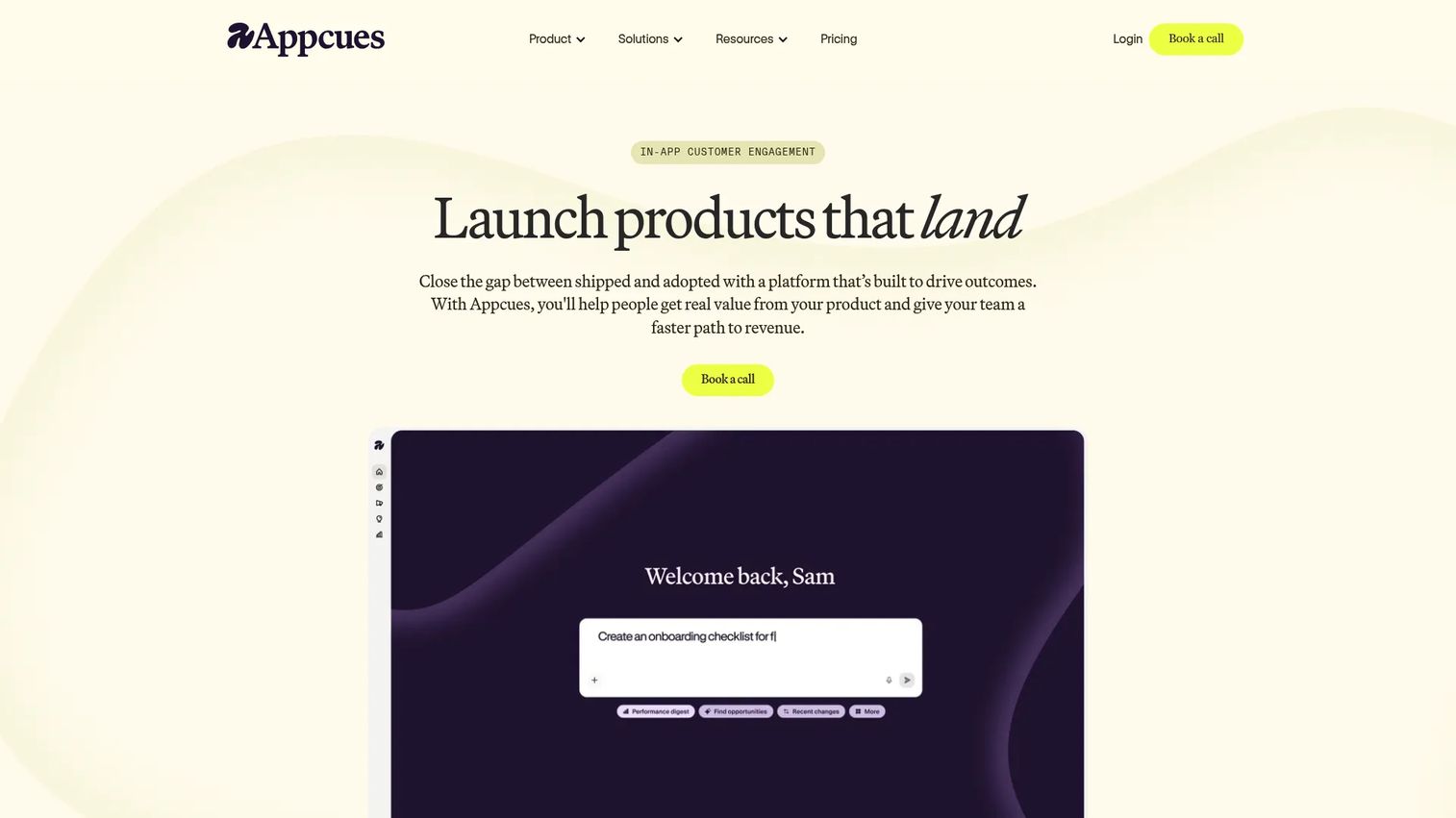
Appcues is a customer engagement and in-app guidance platform that lets product and CS teams build onboarding flows, checklists, announcements, and surveys directly inside the product, without engineering work. It is particularly useful for CSMs working alongside product teams on activation campaigns and lifecycle nudges.
Best for: SaaS product and CS teams that want contextual education delivered inside the app at the moment users need it.
Key features
- In-app flows, checklists, launchpads, and banners
- Behavior-based targeting and audience segmentation
- NPS and in-app surveys
- Product analytics with funnels and retention views
- AI-assisted experience creation and campaign building
Why choose Appcues: Choose Appcues when the education problem is activation inside the product. It does not replace an external academy or LMS; it handles the in-the-moment layer where users need guidance without leaving the app.
Appcues pricing: Spark plan starts at $3,600/year for teams of 25 or fewer and up to 1,000 monthly active users, plus a one-time $250 implementation fee. Grow plans start from $9,000/year. Enterprise pricing is custom.
G2 rating: 4.6/5
3. Docebo
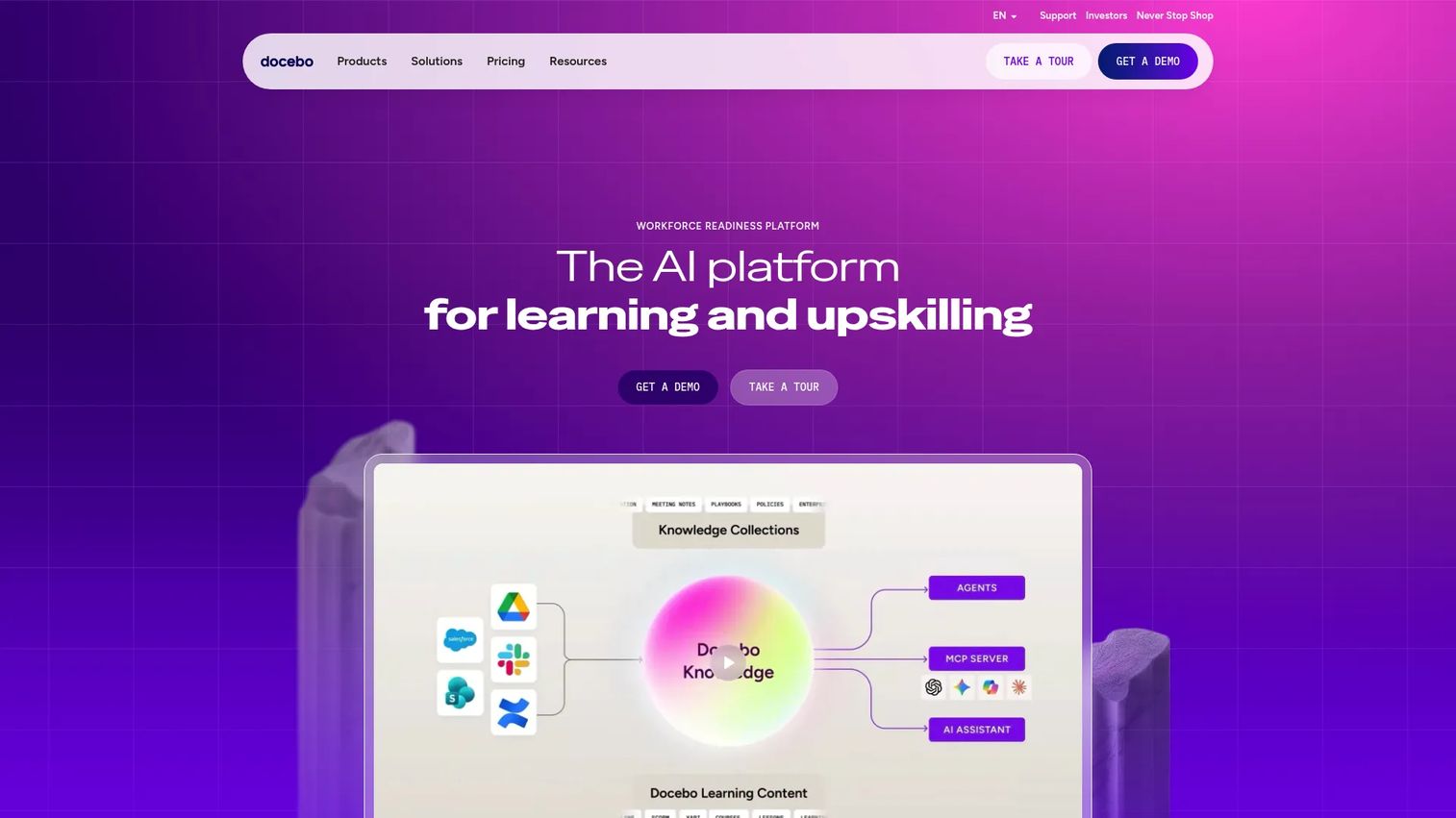
Docebo is an AI-powered enterprise LMS for delivering and managing learning across customers, partners, and employees. It supports multi-audience white-label academies, certifications, multilingual content, and deep reporting. Teams with mature customer education operations and multiple learner groups choose Docebo for its governance and scalability.
Best for: Enterprise companies building a scalable customer academy with multiple learner groups and compliance requirements.
Key features
- Multi-audience learning with white-label customization
- AI-assisted content creation and learning assistant
- Certification and compliance tracking
- Multilingual training and instant translations
- Live, on-demand, mobile, and social learning options
Why choose Docebo: Docebo is the right call for enterprise CS teams who need a full LMS with reporting, SSO, certifications, and enterprise security. For smaller teams or teams whose primary pain is product confusion rather than structured curriculum, lighter tools will get you moving faster.
Docebo pricing: Pricing is based on active learner usage and offered through sales conversations, with monthly active user, yearly active user, and registered active user models available. Buyers request a quote based on users, portals, and enterprise requirements.
G2 rating: 4.3/5
4. Skilljar
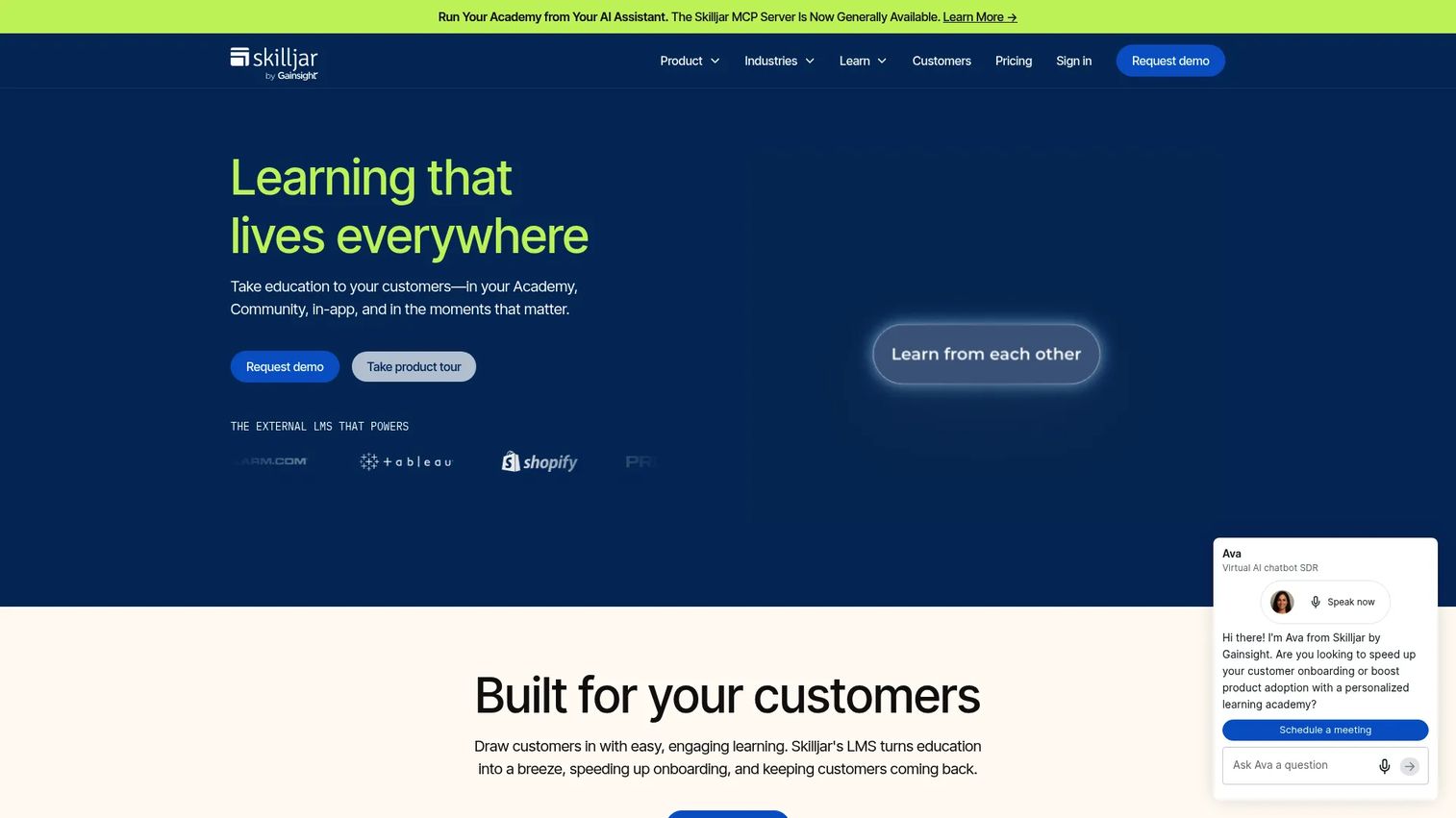
Skilljar is a customer education platform built specifically for SaaS companies running structured academies, certifications, and customer training operations. It includes branded academy sites, certificate programs, course monetization, and native integrations with Salesforce and Gainsight.
Best for: SaaS companies building a dedicated customer education program with certifications and partner training alongside customer-facing content.
Key features
- Customizable branded academy sites
- Certificates and certification paths
- Course monetization with flexible payment options
- Instructor-led training integrations with Zoom and Webex
- Salesforce and Gainsight integrations
Why choose Skilljar: Skilljar is purpose-built for customer education, which means less configuration overhead compared to general LMS platforms. The Gainsight integration is particularly useful for CSM teams already managing health scores, because training completion data flows directly into customer records.
Skilljar pricing: Pricing uses an annual subscription plus an active-user fee across Essentials, Professional, and Enterprise plans. Buyers request a quote based on training scale and academy requirements.
G2 rating: 4.6/5
5. TalentLMS
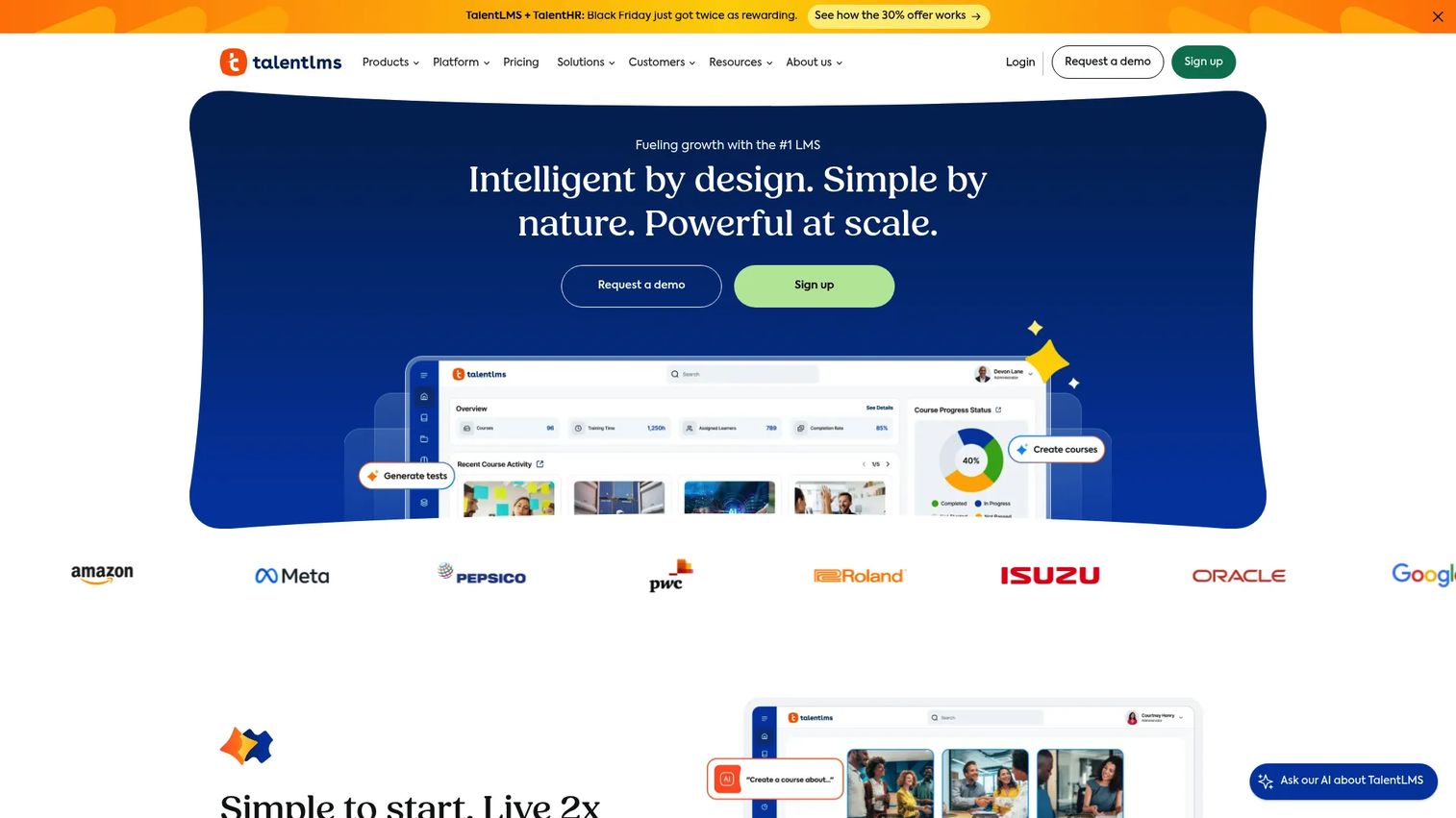
TalentLMS is a cloud-based LMS with a free plan and fast course setup, making it accessible for teams that need a training portal without enterprise-level complexity. It supports course authoring, quizzes, learning paths, and custom branding, and handles SCORM, xAPI, and cmi5 content.
Best for: Teams that need an affordable LMS for customer training without procurement cycles or long implementations.
Key features
- Course builder with AI assistance
- Quizzes, assessments, and learning paths
- User groups and training branches for separate audiences
- Custom branding, domains, and SSL
- Completion tracking and learner progress analytics
Why choose TalentLMS: TalentLMS is the most accessible formal LMS on this list. The free plan accommodates small teams getting started, and Core starts at $119/month, billed monthly, for broader use. If you need certifications and learner records but cannot justify an enterprise LMS spend, this is where to start.
TalentLMS pricing: Free plan available. Core plan starts at $119/month (monthly billing) or discounted at 20% with annual billing. Pro plan starts at $449/month. Enterprise pricing is custom.
G2 rating: 4.6/5
6. Salesforce
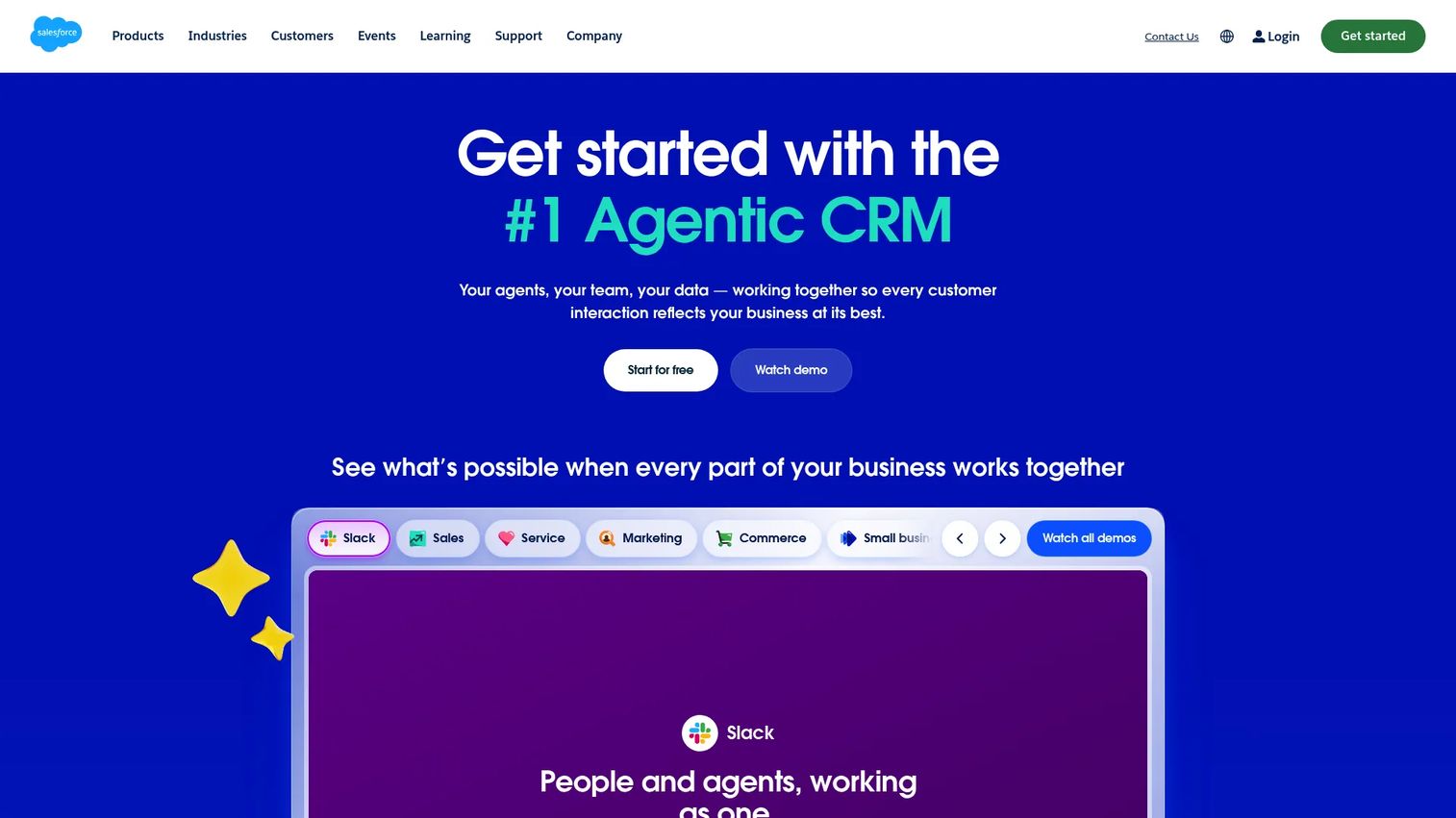
Salesforce is relevant to this category primarily for organizations already deep in the Salesforce ecosystem. It supports customer portals and experience sites that connect education and training data to CRM records, accounts, and customer lifecycle workflows. The integration with existing Salesforce data is the main differentiator, not standalone academy functionality.
Best for: Salesforce-heavy organizations that want customer education connected to CRM workflows and account-level data.
Key features
- CRM data connection and account-level visibility
- Customer portals and Experience Cloud sites
- AppExchange ecosystem for extended functionality
- Role-based permission controls
- Agentforce AI agents for automation
Why choose Salesforce: Choose Salesforce for customer education only if your CS team already runs on Salesforce and CRM-tied training data is a primary requirement. Building a customer academy from scratch on Salesforce requires Salesforce admin maturity and meaningful configuration effort.
Salesforce pricing: Starter Suite starts at $25/user/month. Pro Suite is $100/user/month, billed annually. Higher editions (Core at $195, Advanced at $395, Max at $550) are billed annually. A free suite is available.
G2 rating: 4.4/5
7. Zendesk Guide
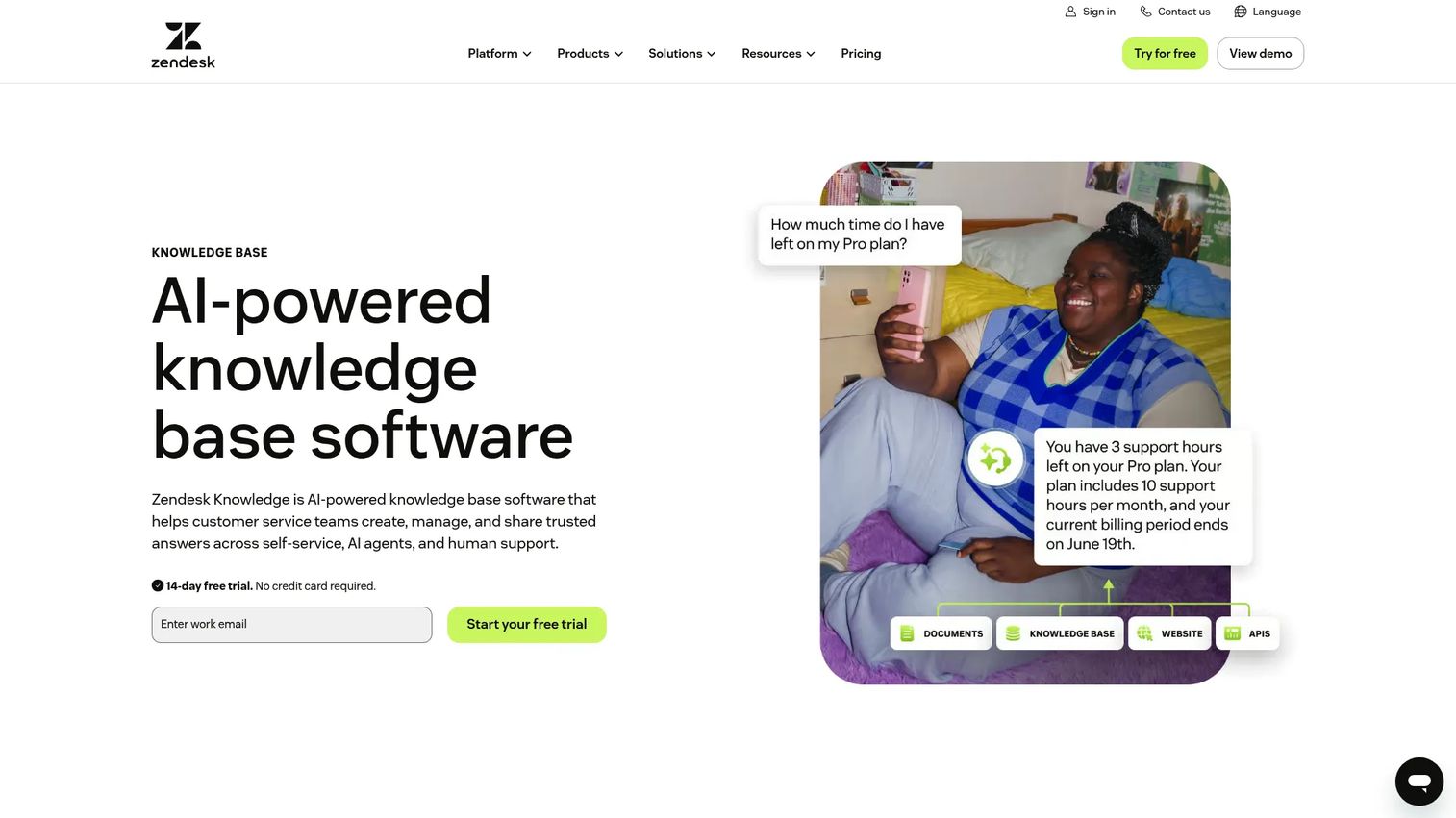
Zendesk Guide is the knowledge base and help center component of Zendesk's support platform. It is built for support teams that need self-service articles tied to ticket workflows, AI-assisted content creation from ticket data, and answer delivery across multiple channels.
Best for: Support teams building a searchable help center to deflect repetitive tickets and feed answers into chatbot and agent workflows.
Key features
- AI-assisted knowledge base creation from ticket data
- Help center search and article collections
- Ticket deflection and support-workflow integration
- Article feedback and analytics
- Multi-language support
Why choose Zendesk Guide: Zendesk Guide is the right tool when customers need answers to specific "how do I?" questions, not structured courses. It is not a customer academy or LMS. For teams already on Zendesk Support, the integration between help content and ticket management reduces context switching significantly.
Zendesk Guide pricing: Guide is included in Zendesk Suite and selected Support plans. Support Team starts at $19/agent per month (billed annually). Suite Team starts at $55/agent per month. A 14-day free trial is available.
G2 rating: 4.3/5
8. Gainsight
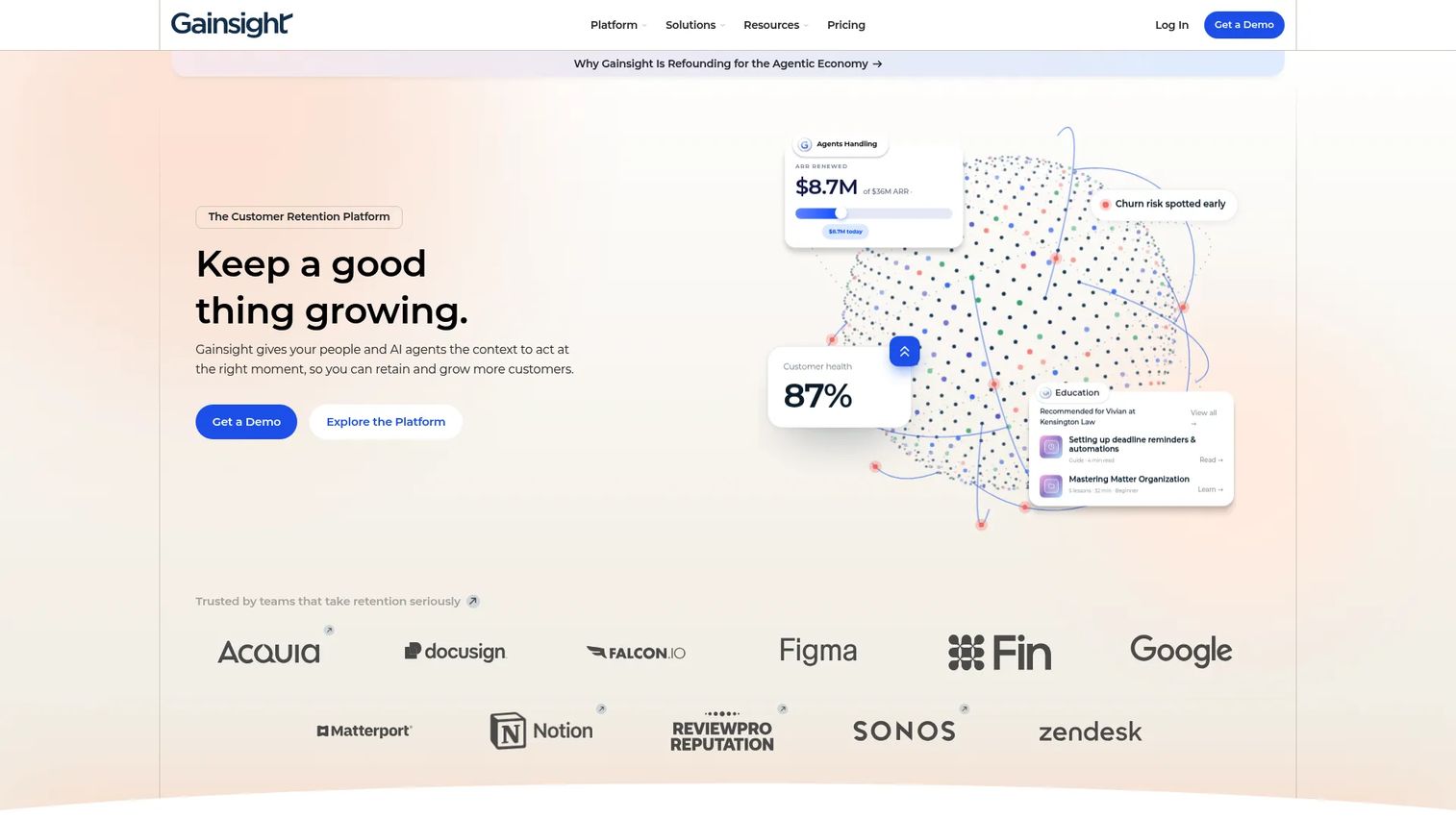
Gainsight is a customer platform covering customer success, product experience, community, education, and retention workflows. For CS teams, the most relevant capabilities are customer health scores, adoption tracking, in-app guidance, and playbook automation. Education data can feed directly into health scores and renewal signals.
Best for: CS teams that want training and adoption signals inside a broader customer success motion, not a standalone academy platform.
Key features
- Customer health scores, alerts, and playbooks
- In-app guidance and product adoption tracking
- Customer communities and self-service content
- Journey orchestration across the customer lifecycle
- CS analytics and reporting
Why choose Gainsight: Gainsight makes the most sense for mid-market or enterprise teams already managing renewals, expansions, and churn risk in a formal CS platform. It is not the simplest first academy tool for smaller teams. The combination of education data and customer health context is its core differentiator.
Gainsight pricing: Essentials and Enterprise plans for Customer Success, plus Professional, Business, and Enterprise for Customer Communities. Buyers request a quote based on modules, users, and customer data needs.
G2 rating: 4.5/5
9. ClassroomIO
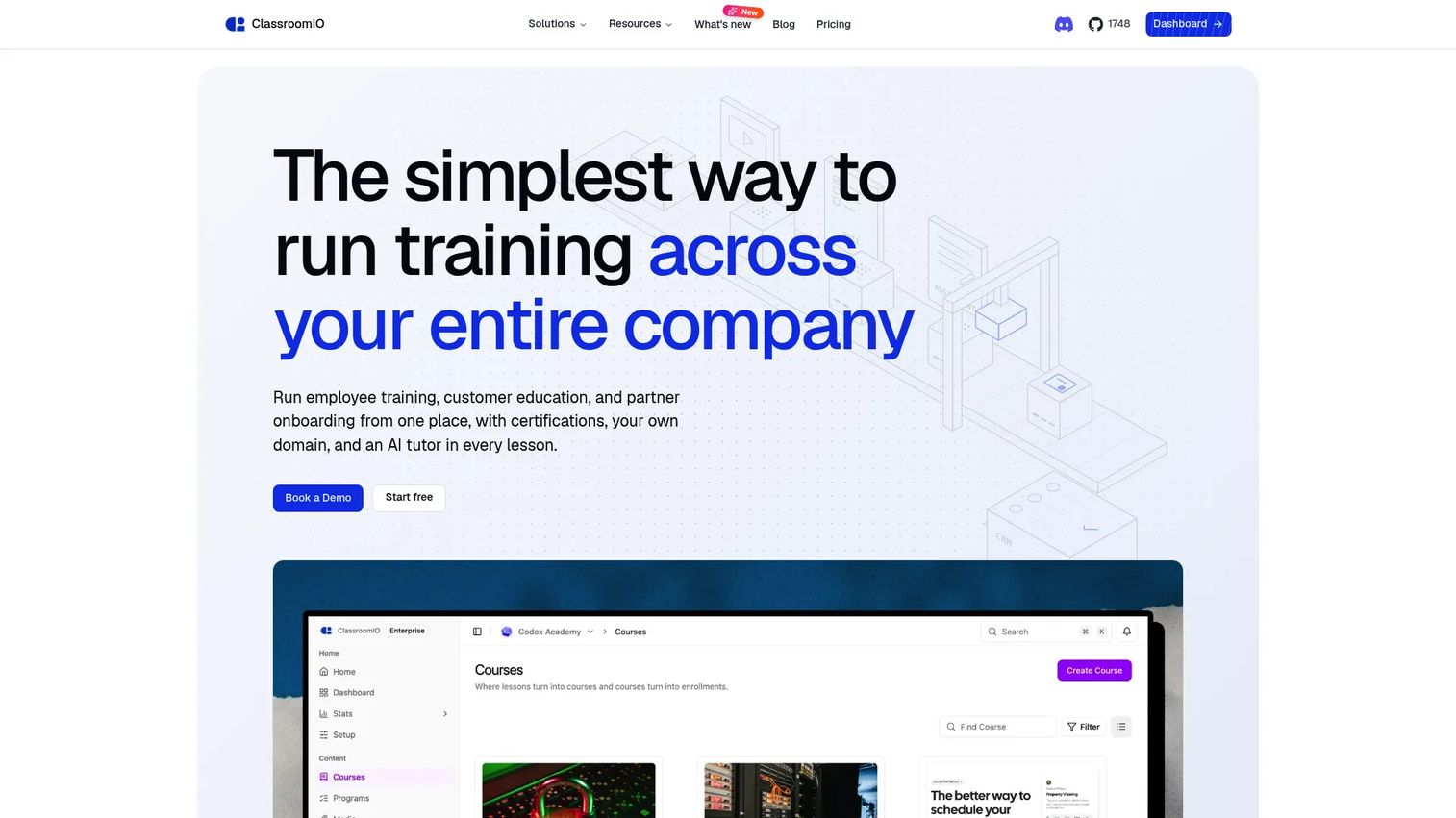
ClassroomIO is an open-source platform for building branded customer, partner, or employee training academies. It includes AI-assisted course authoring, custom domains, cohort management, certificates, live classes, community and Q&A features, and self-hosting support, making it a genuinely differentiated option for SaaS teams building a customer academy from scratch on a lean budget.
Best for: SaaS teams building a customer-facing academy from scratch with branded portals, structured lessons, and low per-seat cost.
Key features
- AI-assisted course authoring and teaching assistant
- Branded academies with custom domains
- Cohorts, grading, progression rules, and certificates
- Community and Q&A features
- REST API, webhooks, and MCP server
Why choose ClassroomIO: ClassroomIO's free plan accommodates up to 20 students, and the Early Adopters plan at $35/month covers up to 10,000. For teams building a customer academy before they can justify enterprise LMS pricing, this is a credible starting point, particularly given the open-source flexibility and self-hosting option.
ClassroomIO pricing: Free plan for up to 20 students. Early Adopters plan is $35/month for up to 10,000 students. Enterprise pricing is by request.
10. Intercom Articles
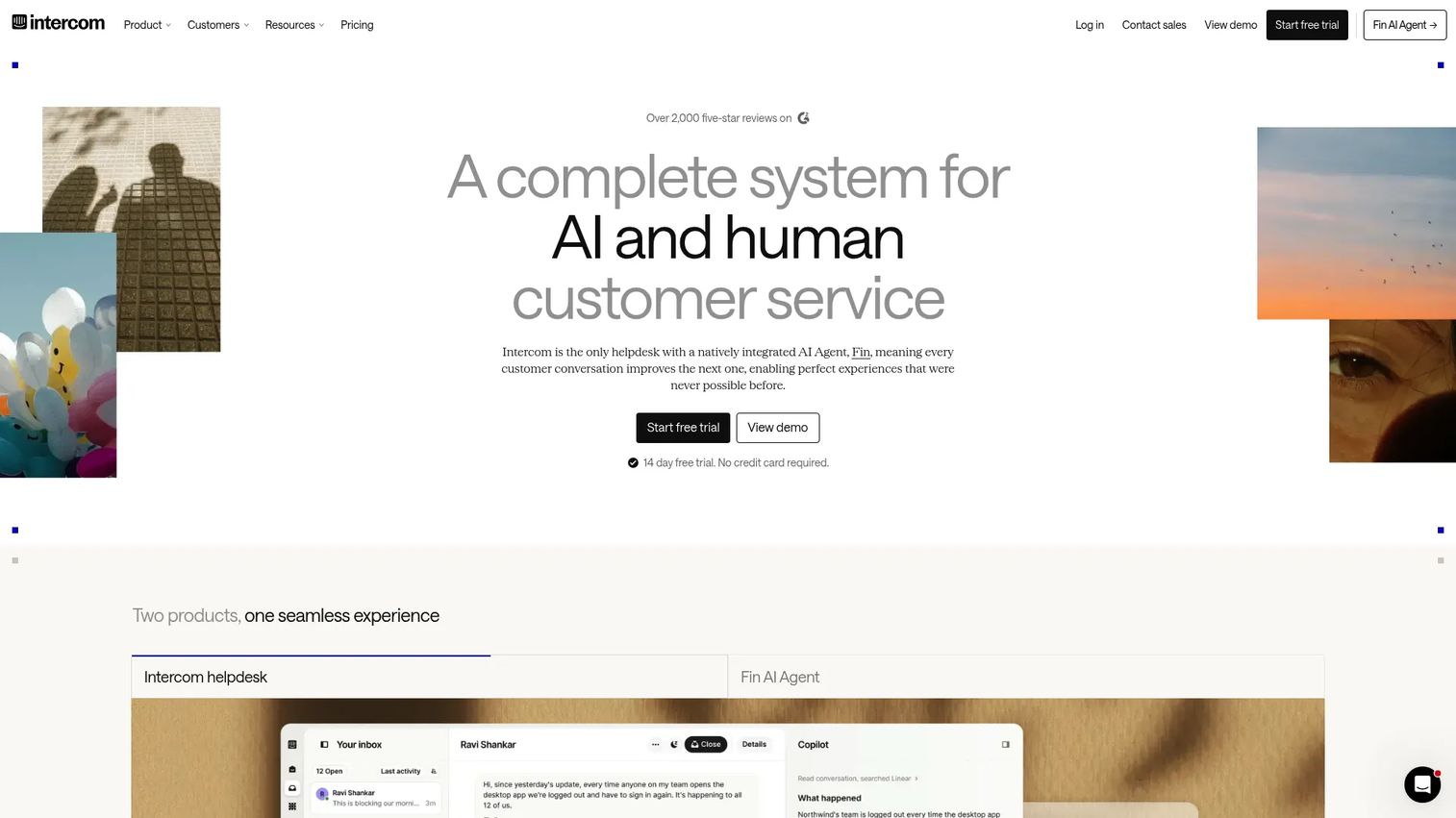
Intercom Articles is the knowledge base and help center component of the Intercom platform. It lets support and CS teams create searchable help content that can be shared directly inside Messenger conversations, macros, and chatbot flows. For teams already using Intercom, it eliminates the need to manage a separate help center tool.
Best for: Support and CS teams using Intercom for customer conversations who want help content in the same workflow.
Key features
- Help center article creation and publishing
- Messenger integration for in-conversation article sharing
- Article collections and search
- Article feedback and content analytics
- Macro support for reuse in ticket replies
Why choose Intercom Articles: Intercom Articles is not a structured course platform or LMS. Its strength is surfacing the right answer at the moment a customer is already in a conversation, which makes it a support deflection tool more than a customer academy. For teams whose ticket volume is the primary pain, it is the most direct fix.
Intercom Articles pricing: Articles are included in Intercom platform plans. Essential starts at $29/seat per month (billed annually). Advanced is $85/seat per month. Expert is $132/seat per month. Additional usage-based charges apply for Fin AI Agent.
11. Confluence
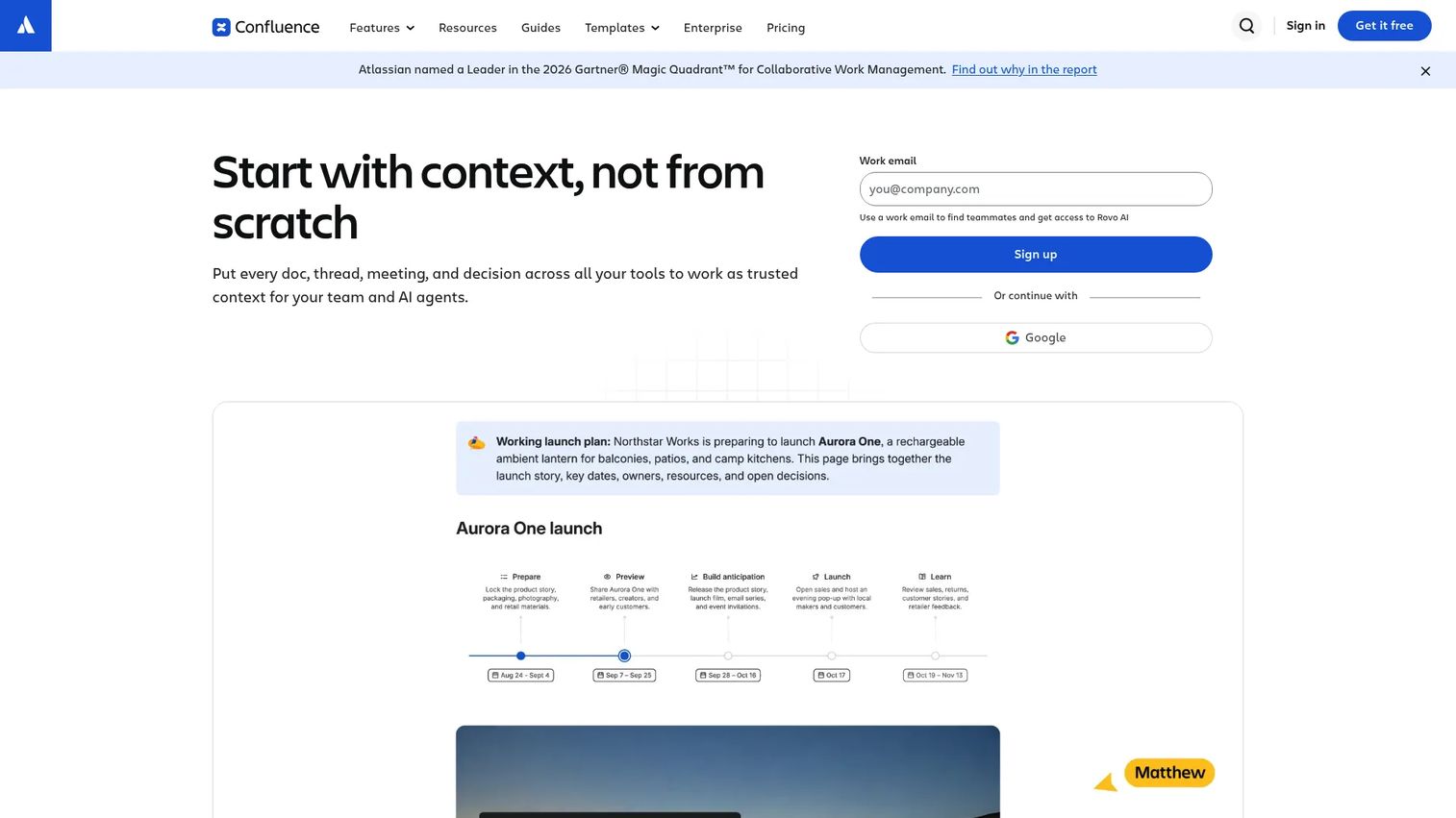
Confluence is a collaborative workspace for organizing and sharing documentation and knowledge. Teams use it for internal knowledge bases, customer-facing docs, and lightweight training hubs, particularly when they already use Jira and want their product knowledge in the same ecosystem.
Best for: Teams that need flexible documentation and internal knowledge management before investing in a purpose-built academy.
Key features
- Real-time editing, commenting, and notifications
- Templates and structured content trees
- Page versioning and permissions
- Databases and Jira integrations
- Rovo AI for search, content creation, and automation
Why choose Confluence: Confluence works well as a knowledge layer before a team is ready for a full academy platform. It is not purpose-built for customer education, so it lacks structured learning paths, certificates, and learner analytics. Use it for documentation and internal enablement; graduate to a dedicated platform when customer-facing structured training becomes a priority.
Confluence pricing: Free plan for up to 10 users. Standard is $5.42/user per month (monthly). Premium is $10.44/user per month. Enterprise pricing is custom (annual only).
G2 rating: 4.1/5
12. Disco
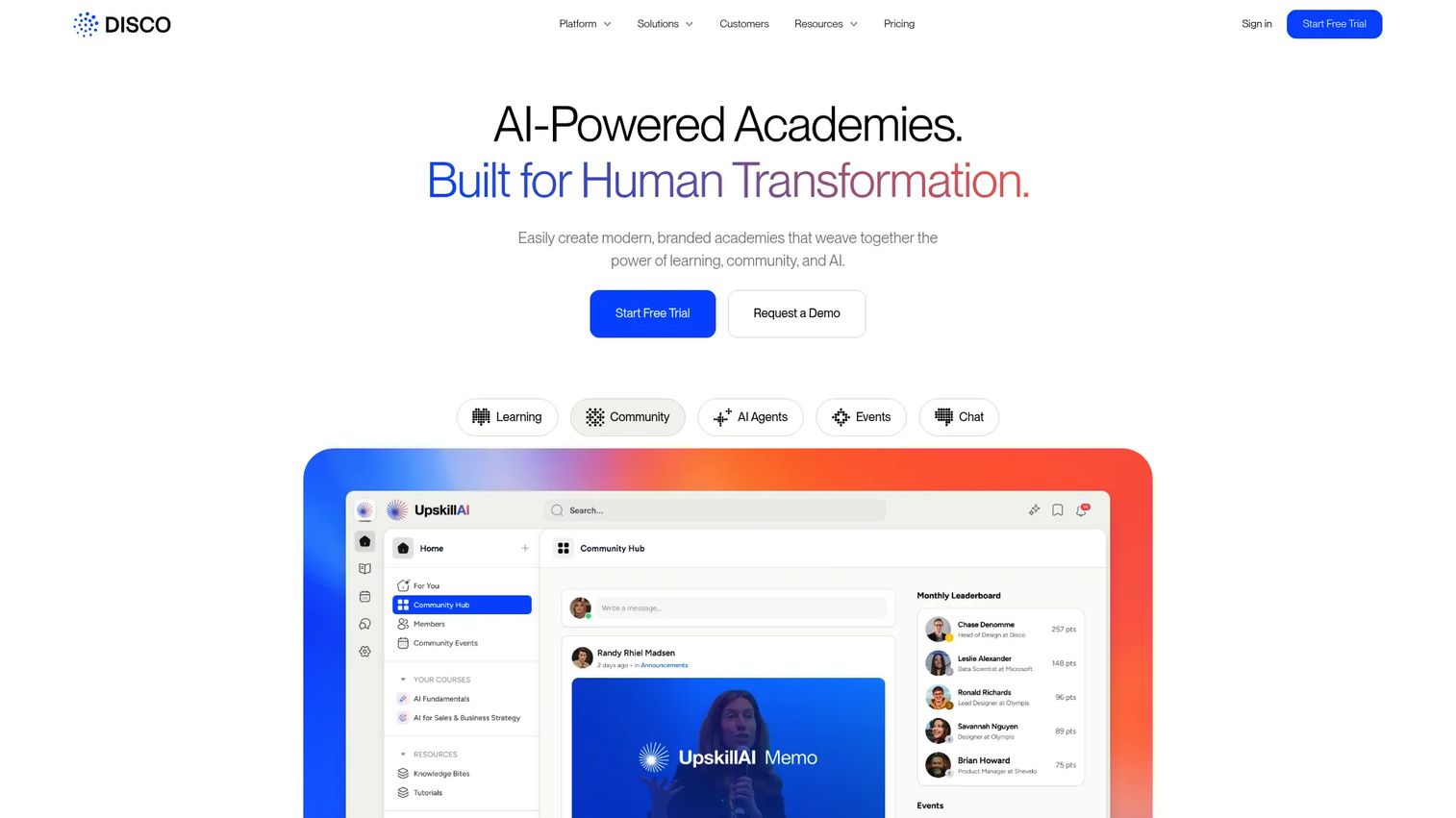
Disco is an AI-powered academy platform that combines learning, community, and events in a single branded destination. It supports cohort-based courses, member community channels, live sessions, learning pathways, certificates, SCORM content, and course payments, making it a strong fit for organizations running high-touch or community-driven customer education programs.
Best for: Teams running community-led customer education programs with live cohorts, member engagement, and academy monetization.
Key features
- AI curriculum and content generation
- Learning pathways, quizzes, certificates, and SCORM support
- Community channels, direct messaging, and events
- Payments, memberships, and Stripe integration
- Branded academies with custom domains
Why choose Disco: Disco earns its place when community and live learning are central to the customer education model. It is not the most cost-efficient choice for teams that only need asynchronous self-paced courses. The Create plan starts at $399/month, so the per-member economics work best at meaningful engagement volume.
Disco pricing: Create plan starts at $399/month (billed annually) or $499/month (billed monthly), supporting one branded academy and up to 250 active members. Scale starts at $999/month (annual only) and adds SSO, API access, and a dedicated CSM.
13. Trainn
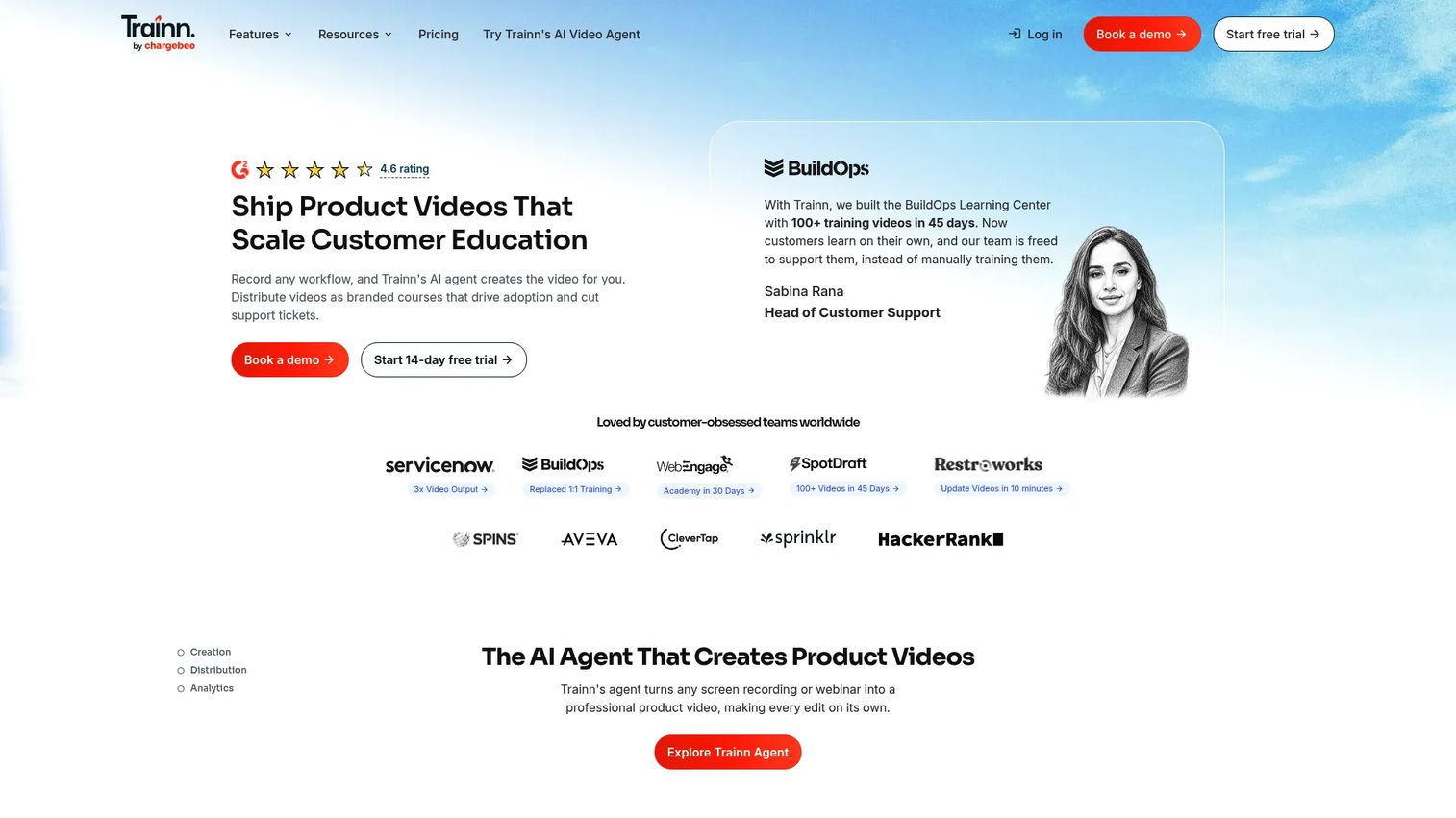
Trainn is an AI-powered product video and guide creation platform for customer training, onboarding, and support. It generates training videos and step-by-step guides from screen recordings, adds AI voiceovers and multilingual translation, and distributes content through embeds, collections, a branded Knowledge Hub, and an included LMS with courses and certifications at higher tiers.
Best for: SaaS and customer-facing teams creating scalable product training video libraries for onboarding and self-service.
Key features
- AI video and guide generation from screen recordings
- AI voiceovers and multilingual translation
- Shareable links, embeds, and viewer analytics
- In-app tutorials
- Branded Knowledge Hub with LMS at Scale tier
Why choose Trainn: Trainn is the most direct option for teams whose current process is recording Loom videos and sharing them manually. It adds AI-generated voiceover, structured distribution, and analytics without requiring a full LMS. For interactive product practice rather than video-based learning, Guideflow is a more direct fit.
Trainn pricing: Creator plan starts at $19/month (monthly billing, 1 user, 15 videos/guides). Launch is $2,400/year (3 users, 120 videos/guides). Scale is $10,000/year (5 users, 250 videos/guides, LMS with 100 MAUs). Enterprise pricing is custom. No free plan; free trials are available.
G2 rating: 4.5/5
14. 360Learning
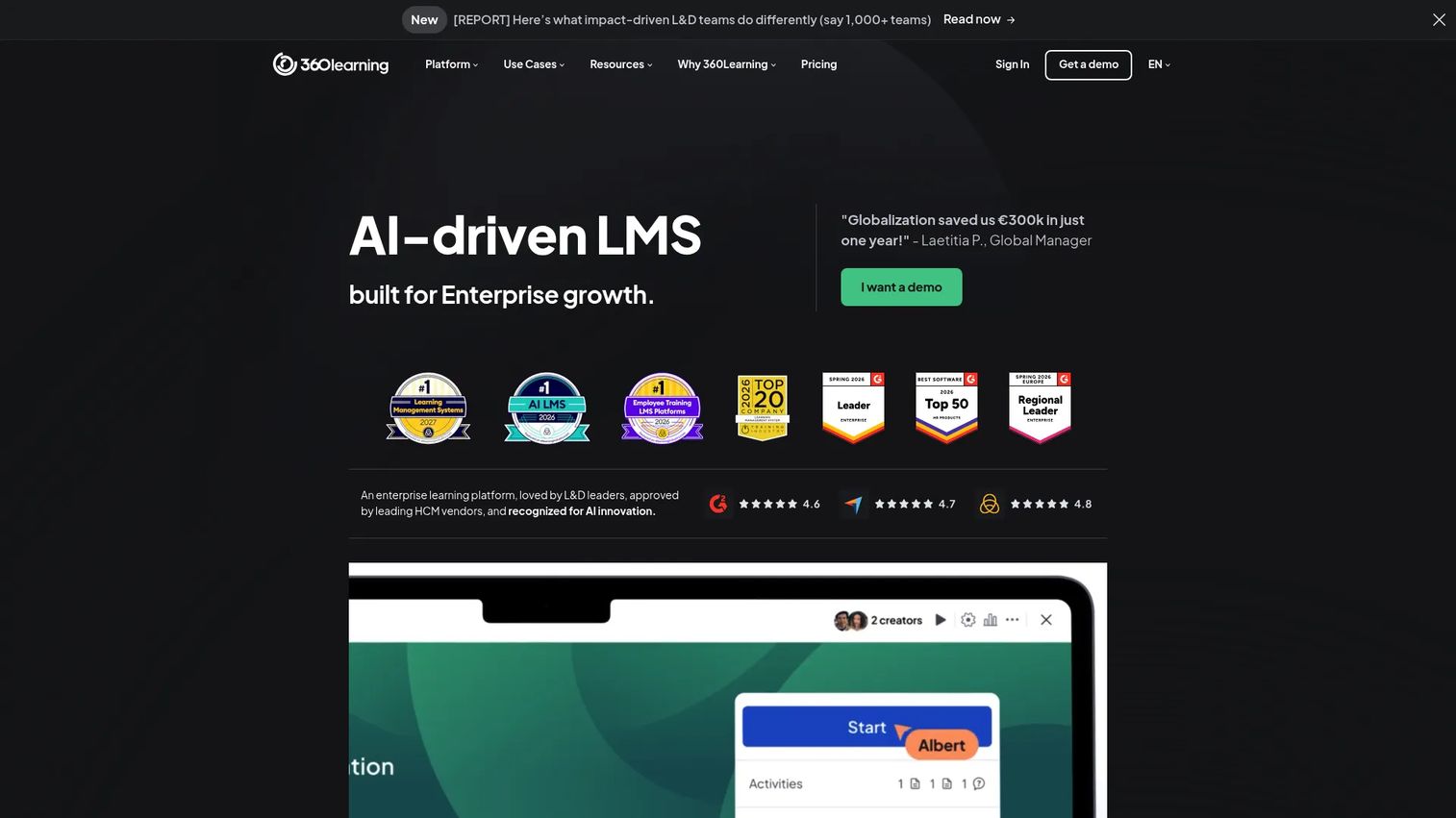
360Learning is a collaborative LMS where subject matter experts inside the organization co-author and update training content. It supports AI-assisted course creation, instructor-led and virtual instructor-led sessions, blended learning, gamification, and AI-driven skills tracking, making it a strong choice for companies with distributed product knowledge across teams.
Best for: Teams that want subject matter experts, including CSMs and product managers, to co-create and maintain customer training content.
Key features
- Collaborative authoring with expert feedback loops
- AI-assisted course creation
- ILT and virtual ILT sessions
- Gamification and AI-driven skills tracking
- Advanced analytics and SSO integrations
Why choose 360Learning: 360Learning works particularly well when the bottleneck is content maintenance, not content creation. Because internal experts own sections, updates happen faster than in top-down LMS workflows. The Team plan at $8/user per month is accessible for mid-market teams that need more than a basic LMS but cannot justify enterprise pricing.
360Learning pricing: Team plan starts at $8/user per month for up to 100 users (monthly). Business and Enterprise plans use custom pricing.
G2 rating: 4.6/5
15. LearnWorlds
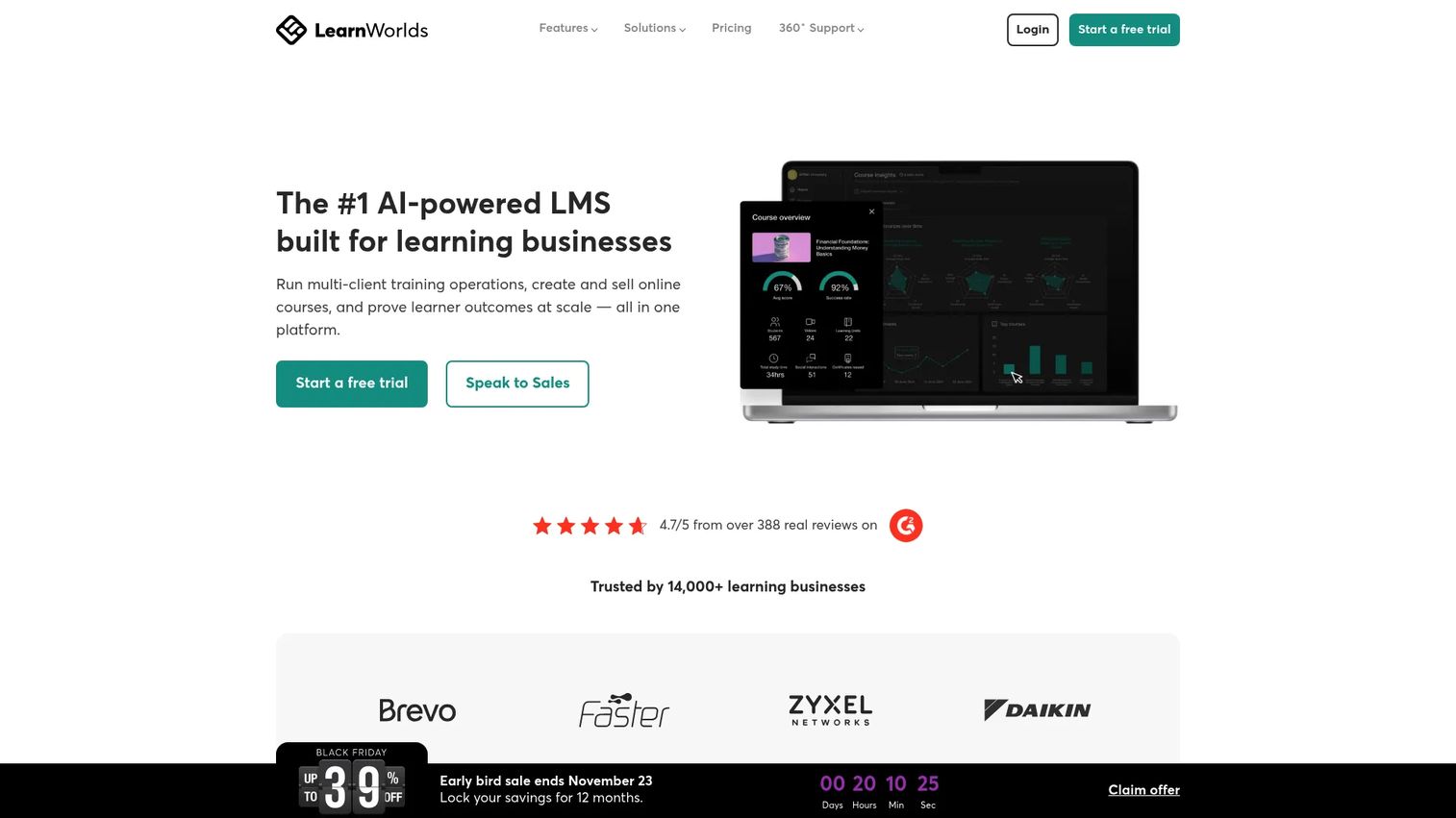
LearnWorlds is an AI-powered LMS and course platform focused on branded academy building, course commerce, and polished learner experiences. It includes interactive video, assessments, certificates, SCORM support, and built-in eCommerce with subscriptions, payment plans, and course bundles.
Best for: Teams building branded, public-facing academies with course commerce, paid training programs, or high-production learner experiences.
Key features
- AI-assisted course creation and academy website builder
- Interactive video, assessments, and certificates
- Course selling with subscriptions, memberships, and payment plans
- SCORM support
- Learner analytics
Why choose LearnWorlds: LearnWorlds is the strongest option when the academy itself needs to look and function like a standalone website, or when course monetization is part of the model. The 30-day free trial gives teams time to build before committing. For internal or customer-only programs without commerce requirements, the site-builder depth may be more than you need.
LearnWorlds pricing: Starter plan at $44/month (billed annually). Pro Trainer at $79/month. Learning Center at $194.35/month. Learning Center and Mobile Apps at $364.78/month. Corporate pricing is custom. A 30-day free trial is available. Prices exclude VAT.
G2 rating: 4.7/5
16. LearnUpon
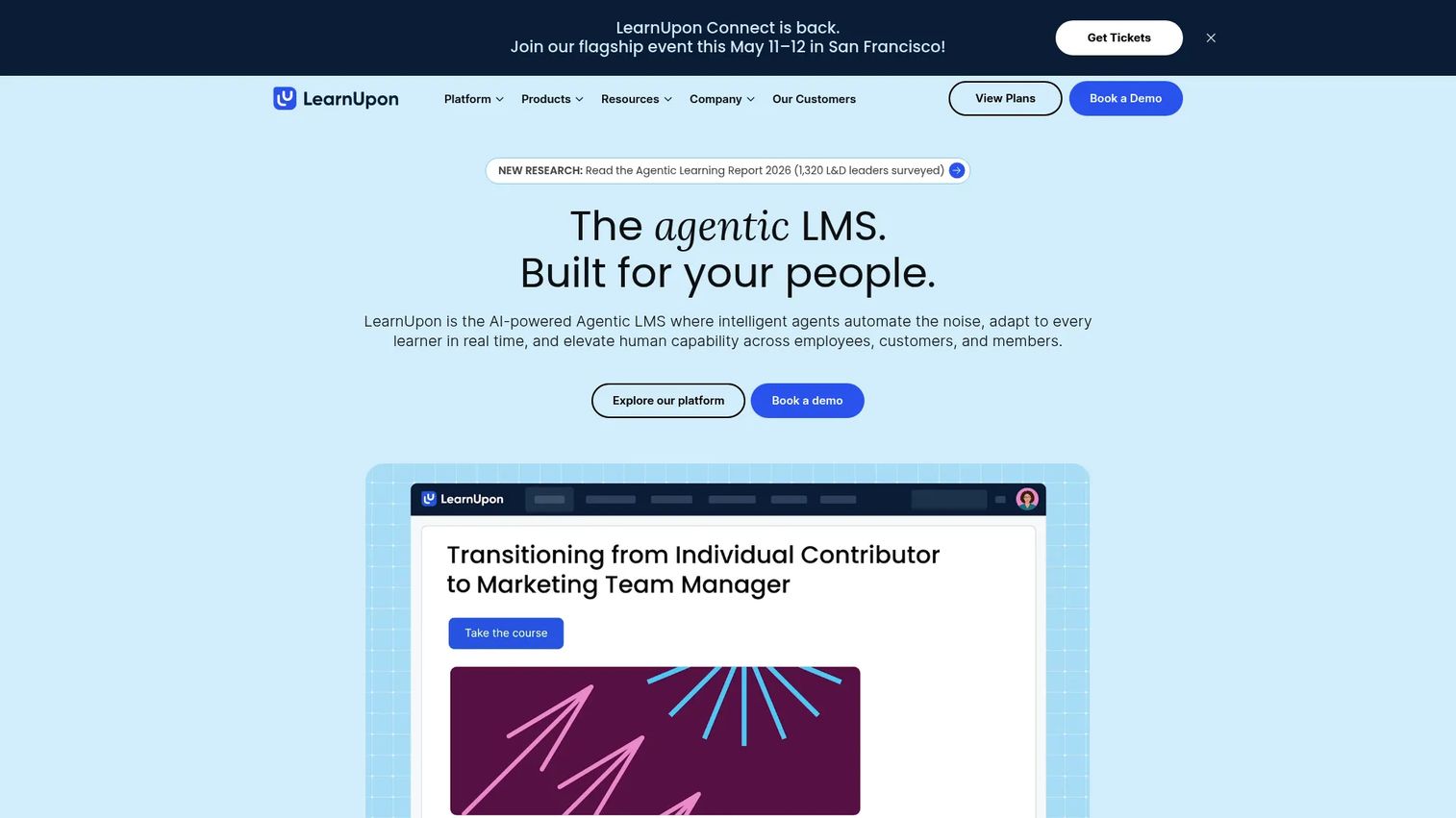
LearnUpon is an agentic LMS built for organizations that need to run customer, partner, and employee training from a single platform. It supports multiple learning portals with separate branding, AI-powered course authoring, personalized learning journeys with branching logic, certifications, eCommerce, and enterprise integrations.
Best for: Companies running multiple training audiences (customers, partners, internal teams) from a centralized LMS with separate portals per audience.
Key features
- Multi-portal LMS with per-audience branding
- AI-powered course authoring with Create+
- Personalized learning journeys with branching logic
- Certifications, live learning, and eCommerce
- Reporting, analytics, and enterprise integrations
Why choose LearnUpon: LearnUpon's multi-portal architecture is its clearest differentiator. If you run a partner training program alongside a customer academy and an internal enablement library, managing those from separate tools creates maintenance overhead that LearnUpon eliminates. Plans start from 100 users for employee education and from 300 users for customer education.
LearnUpon pricing: Audience-specific plans with minimum user counts. Customer Education plans start from 300 users.
G2 rating: 4.5/5
17. Absorb LMS
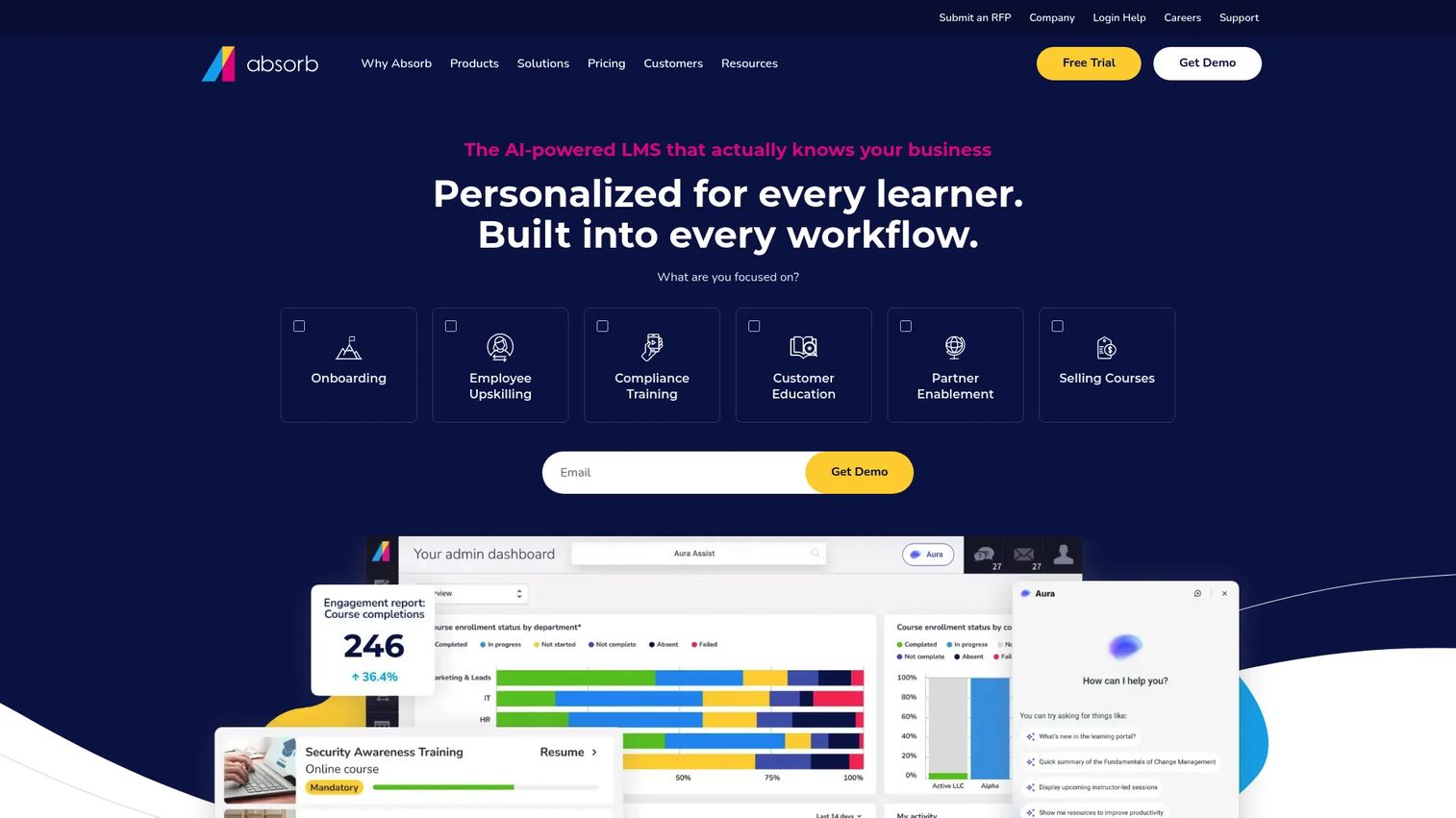
Absorb LMS is a cloud-based enterprise LMS for administering, delivering, tracking, and reporting on training programs. It supports SCORM, xAPI, and AICC content; instructor-led training; customizable learning portals; AI-assisted learning paths and skills tagging; and integrations with Salesforce, Microsoft Teams, Zoom, and HRIS systems.
Best for: Enterprise teams that need robust training administration, learner reporting, and formal program management at scale.
Key features
- SCORM, xAPI, and AICC content support
- Instructor-led training sessions
- Customizable learning portals
- AI-assisted learning paths and skills auto-tagging
- Integrations with Salesforce, Microsoft Teams, Zoom, and HRIS systems
Why choose Absorb LMS: Absorb is built for training operations with real reporting depth. If your CS team needs to track learner progress across multiple programs, generate compliance-style reports, or manage a complex training catalog, Absorb handles that workload well. It is not the right starting point for teams building a first customer academy from scratch.
Absorb LMS pricing: Pricing requires contacting Absorb.
G2 rating: 4.6/5
Considerations when choosing customer academy software
Match the tool to the learning job
The most common evaluation mistake is picking a full LMS when the actual problem is product confusion. If users need proof of completion, a certificate, or a structured curriculum, choose an LMS. If users need to practise a workflow until it clicks, choose an interactive product lesson tool. These are different jobs.
Check how analytics connect to CS outcomes
Completion rate is a starting point, not the finish line. Evaluate whether the tool surfaces activation rate, feature adoption after course completion, drop-off step, support-ticket volume change, and renewal signals. Tools that stop at completion do not help you prove CS impact to leadership.
Verify integrations before buying
The most useful customer education tools are ones that push data into tools your team already uses. Check integration depth with your CRM, customer success platform, help desk, analytics stack, and SSO provider. Use the integrations coverage to see which tools connect natively versus requiring middleware.
Decide whether you need certification
Certifications matter for partner enablement, role validation, champion programs, and compliance-adjacent training. For basic onboarding, they add overhead without proportional customer value. Be clear about whether a certificate is a customer expectation or an internal assumption before prioritizing it in your evaluation.
Plan for content maintenance
Stale academy content erodes the trust you built with new customers. Assign an owner to each course or demo at creation time, tie the review cadence to your product release schedule, and keep individual lessons short enough that a product change means updating a few steps, not rebuilding from scratch.
Conclusion
Customer academy software is not a single category. The right tool depends entirely on what customers need to learn and what your team needs to measure.
Choose a full LMS (Docebo, TalentLMS, Absorb LMS, or LearnUpon) when you need certifications, structured curricula, and learner records. Choose a customer education platform (Skilljar, 360Learning, ClassroomIO, or Disco) for branded academies tied to onboarding and retention. Choose Zendesk Guide or Intercom Articles when the primary pain is repetitive support tickets. Choose Appcues for in-app contextual education. Choose Guideflow when customers need to practise product workflows and your team needs to see exactly where they stop.
If your most urgent problem is customers failing to understand the product after calls and videos, start with an interactive product lesson before overbuilding a full academy. It is faster to deploy, easier to measure, and gives you the engagement data to make the case for a broader investment.
Start your journey with Guideflow today!
FAQs
Customer academy software helps companies create and manage structured education programs for their customers. It typically includes branded learning portals, courses, learning paths, certifications, and analytics that measure whether education is translating into product adoption and retention.
Customer training software is a broader term that covers any tool used to teach customers about a product, from help center articles to LMS courses. Customer academy software usually implies a branded destination with structured learning paths, formal progression, and a more deliberate customer education program rather than ad hoc content.
A knowledge base answers specific questions when a user is already stuck. A customer academy teaches a structured path, usually with courses, assessments, and progress tracking, before the user hits a problem. Both reduce support tickets, but through different mechanisms and at different stages of the customer journey.
Only when the job calls for it. An LMS is worth the investment when you need curriculum management, certifications, formal learner records, or multi-audience portals. If customers mainly need product help or hands-on workflow practice, tools like Guideflow, Appcues, or Zendesk Guide will get you to measurable outcomes faster.
Yes, when the academy addresses the specific topics driving ticket volume and sits in a place customers actually look. Measure ticket volume by topic for 30 days before launch. Repeat after three months. Reduction in repeatable "how do I?" tickets is the clearest signal that the education is working.
Start with completion rate and drop-off step, then connect those to downstream outcomes: Activation rate, feature adoption after course completion, support-ticket volume by topic, time to value, and renewal risk. For interactive product lessons, the drop-off step tells you which workflow needs to be rebuilt or simplified.
In-app training (Appcues) teaches users at the moment they are inside the product, which is effective for activation and feature adoption nudges. An external academy (Skilljar, TalentLMS, LearnUpon) works better for structured courses, certifications, onboarding tracks that happen before or between product sessions, and programs that serve multiple audience types from one destination.
Guideflow is the hands-on product lesson layer, not an LMS or certification platform. Use it when customers need to practise specific workflows and your CS team needs to see the exact step where users drop off. It works alongside a full academy platform: The academy handles curriculum and certification while Guideflow handles interactive product practice embedded in help centers, onboarding sequences, or support responses.