You closed the work. The invoice still has to get approved, get paid, and appear correctly in your books.
That process often breaks as a company grows. Invoices leave late, reminders depend on someone’s memory, and payment data sits across disconnected systems. Cash visibility suffers even when bookings look healthy.
The workload adds up. The Institute of Financial Operations and Leadership reported in 2024 that 52% of accounts payable professionals spent over ten hours weekly processing invoices.
The best billing and invoicing software moves this work into a repeatable operating process. It creates payment requests, gives customers clear ways to pay, and records each transaction for finance.
For a Series B founder, the goal extends beyond attractive invoices. You need invoicing software for small business workflows that a finance hire can own without rebuilding the process.
What’s inside
This guide compares 12 free and paid small business invoice software tools for 2026. It’s written for founders, finance leads, SaaS teams, agencies, and independent operators.
We assessed each product against five practical questions:
- Invoice creation: Can the team create accurate, branded invoices quickly?
- Payment collection: Can customers pay through clear payment links?
- Automation: Does it handle recurring billing and automated payment reminders?
- Finance operations: Does it support reporting and accounting sync?
- Adoption: Can finance or operations take ownership without a long rollout?
Pricing comes from each vendor’s current pricing page. G2 ratings use the current listing where one was available.
TL;DR
- Best overall for founder led teams: FreshBooks combines invoicing, payments, expenses, time tracking, and client communication
- Best for accounting first teams: QuickBooks Online connects invoice activity with bookkeeping and financial reporting
- Best for teams using cloud accounting: Xero combines invoicing with reconciliation and finance dashboards
- Best free invoice software: Zoho Invoice offers a free plan with recurring invoices, reminders, and a customer portal
- Best for payment first billing: Stripe supports hosted invoices, payment links, subscriptions, and programmable recurring payments
- Best for project billing: Harvest prioritizes tracked time, while Paymo connects invoices with project delivery
What is billing and invoicing software?
Billing and invoicing software helps businesses create invoices, send payment requests, collect online payments, track accounts receivable, and automate recurring billing or follow up workflows.
Invoicing covers the payment request itself. You calculate the amount owed, apply taxes or discounts, set payment terms, and send the document.
Billing software manages the wider charge and collection process. That can include subscriptions, stored payment methods, payment retries, account balances, and overdue follow up. Many products now combine both functions.
Online invoice software usually includes these capabilities:
- Invoice templates: Reusable layouts with branding, terms, and tax fields
- Invoice customization: Editable line items, currencies, discounts, and payment instructions
- Payment links: Direct routes to card, ACH, or bank payments
- Recurring billing: Scheduled invoices or subscription charges
- Automated payment reminders: Messages triggered before or after due dates
- Quotes and estimates: Documents that convert into invoices after approval
- Time and expense tracking: Billable hours and reimbursable costs
- Client portals: Self service access to balances and payment history
- Accounting sync: Connected customers, fees, taxes, credits, and payment status
- Reporting: Dashboards for outstanding invoices, revenue, and cash collection
- Mobile access: Invoice creation and payment tracking away from a desk
Some accounts receivable software goes deeper into collections, cash application, and credit management. Basic invoice software focuses on creating requests and recording payment.
Founders should care because billing connects booked revenue with cash in the bank. Late invoice creation delays collection. Manual reminders consume operator time, while weak accounting sync creates month end cleanup.
Clean invoice billing software also supports a better handoff. Finance can own the process, and leadership gets numbers suitable for cash planning or board reporting.
When to use billing and invoicing software
Send invoices without rebuilding them every month
Use billing and invoicing software when your team repeatedly copies customer details, line items, or payment terms into new documents. Saved customers, tax rules, and recurring templates reduce that manual work.
This matters when retainers or service packages still depend on a founder or bookkeeper recreating each invoice.
Collect payments without chasing every customer manually
Adopt recurring billing software when customers need payment links, card options, ACH, or scheduled charges. Automated notices and overdue follow up remove the weekly “did they pay?” check.
Payment retries also matter for subscriptions and stored payment methods. They give finance a defined collection process rather than another spreadsheet.
Connect revenue activity to accounting
Use an integrated system when invoice status and payment data must reach your accounting records. Bank feeds and reconciliation give finance a clearer view of collected cash.
For a growing SaaS company, this creates cleaner inputs for runway planning, board reporting, and hiring decisions.
Billing and invoicing software comparison
The best invoicing software depends on how your company earns money. Accounting first products fit teams that want one financial record. Payment first platforms suit subscriptions and online transactions.
Project systems work better when invoices begin with tracked time or delivery milestones. Mobile invoice apps suit field operators who send estimates and collect payment away from a desk.
Compare subscription charges separately from payment processing fees. A free invoice billing software plan can still carry transaction costs.
| # | Product | Best for | Key differentiator | Pricing | G2 rating |
|---|---|---|---|---|---|
| 1 | FreshBooks | Founder led service businesses | Invoices, payments, expenses, and time tracking | Promotional: $2.30/month for four months. Standard: $23/month | 4.5/5 |
| 2 | QuickBooks Online | Accounting first businesses | Invoicing inside a broader accounting system | Free tier. Paid plans start at $38/month | 4.0/5 |
| 3 | Xero | Cloud accounting and reconciliation | Invoice status connected to financial records | Promotional: $2.70/month for six months. Standard: $27/month | 4.4/5 |
| 4 | Zoho Invoice | Free invoicing for small teams | Free automation and customer portal | Free | 4.7/5 |
| 5 | Invoice Ninja | Flexible invoice management | Projects, portals, payments, and recurring billing | Free tier. Paid plans start at $14/month | N/A |
| 6 | Square Invoices | Local services and payment collection | Invoicing connected to Square processing | Free tier. Plus costs $49/month per location | N/A |
| 7 | Stripe | Payment first SaaS companies | Hosted invoices, subscriptions, and payment APIs | 2.9% plus 30¢ per domestic card transaction | 4.4/5 |
| 8 | HubSpot Payments | CRM led sales teams | Payments linked to customer and deal records | 0.5% platform fee plus processing fees | N/A |
| 9 | Harvest | Time based billing | Tracked hours flow into invoices | Free tier. Teams costs $11/seat/month | 4.3/5 |
| 10 | Paymo | Project based service teams | Project management connected to billing | Free tier. Paid plans start at $5.90/month | 4.6/5 |
| 11 | Invoice Simple | Mobile invoice creation | Fast invoicing from mobile or web | Starts at $6.99/month | 3.8/5 |
| 12 | Joist | Contractors and field services | Estimate to invoice workflows | Starts at $12/month or $10/month annually | 4.1/5 |
Best 12 tools for billing and invoicing software
1. FreshBooks
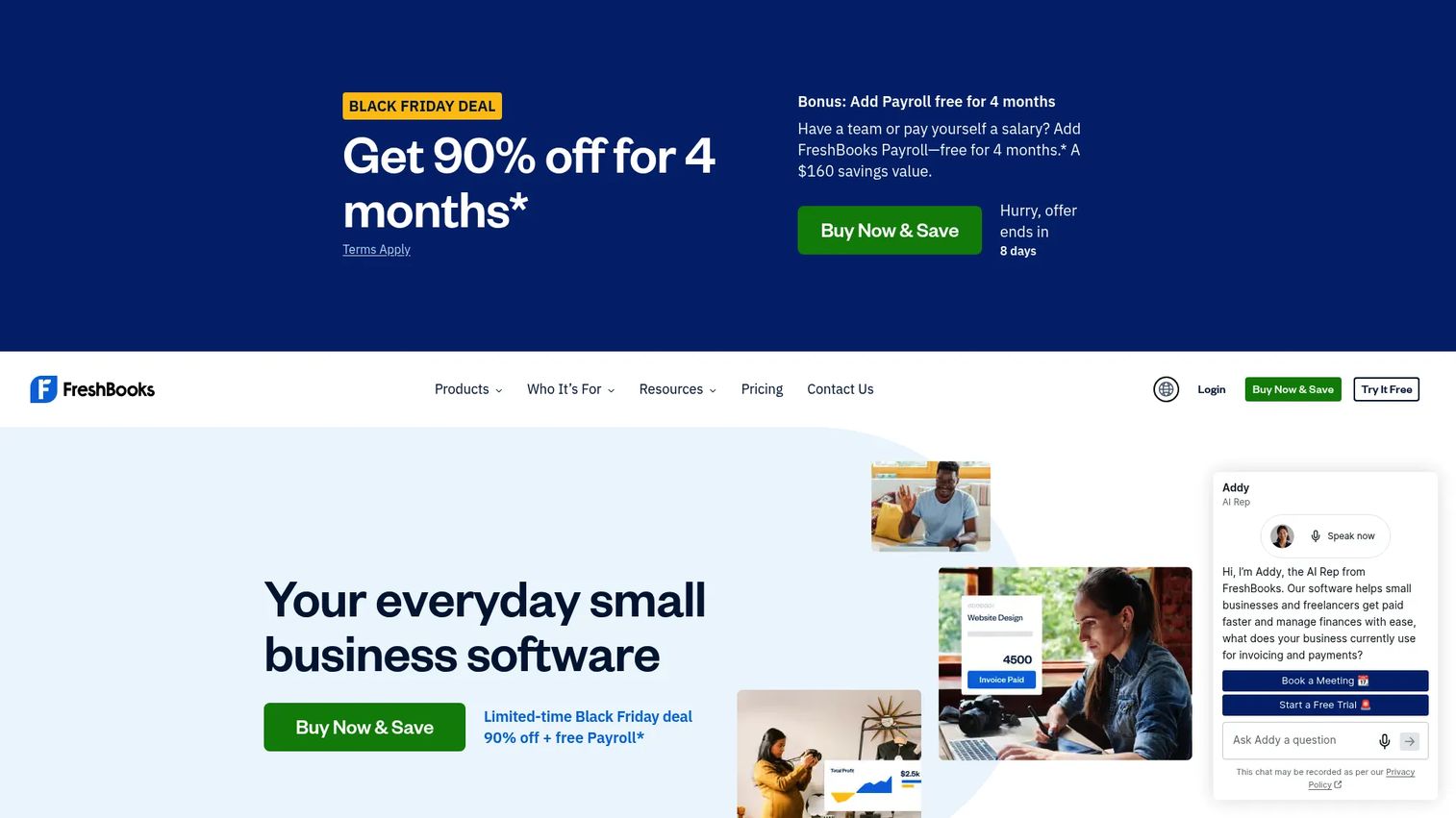
FreshBooks is cloud software for invoicing, online payments, expense tracking, accounting, and project billing. It suits founder led companies that need more structure than an invoice maker without adopting a dense finance system.
The platform brings client billing and billable work into the same workflow. Teams can create estimates, track project time, record expenses, and turn completed work into payment requests.
Best for: Founder led service businesses that want invoicing and lightweight accounting together.
Key features
- Custom invoices and online payments
- Recurring invoices and reminders
- Expense and receipt tracking
- Time tracking for billable work
- Estimates and client communication
Why choose FreshBooks: Choose it when getting invoices sent and followed up matters more than advanced accounting depth. The workflow gives founders a practical route to hand billing ownership to finance or operations.
It also fits companies billing for retainers, support packages, consulting, or project work. Expense capture helps when reimbursable costs must appear on the final invoice.
FreshBooks supports multicurrency invoicing for companies serving customers across regions. Its accounting reports provide more context than a basic invoice app, without changing the product’s small business focus.
FreshBooks pricing: Lite costs $23 per month at the standard rate and supports five clients. A promotion lowers it to $2.30 monthly for four months, while the pricing page states a seven day trial.
G2 rating: 4.5/5.
2. QuickBooks Online
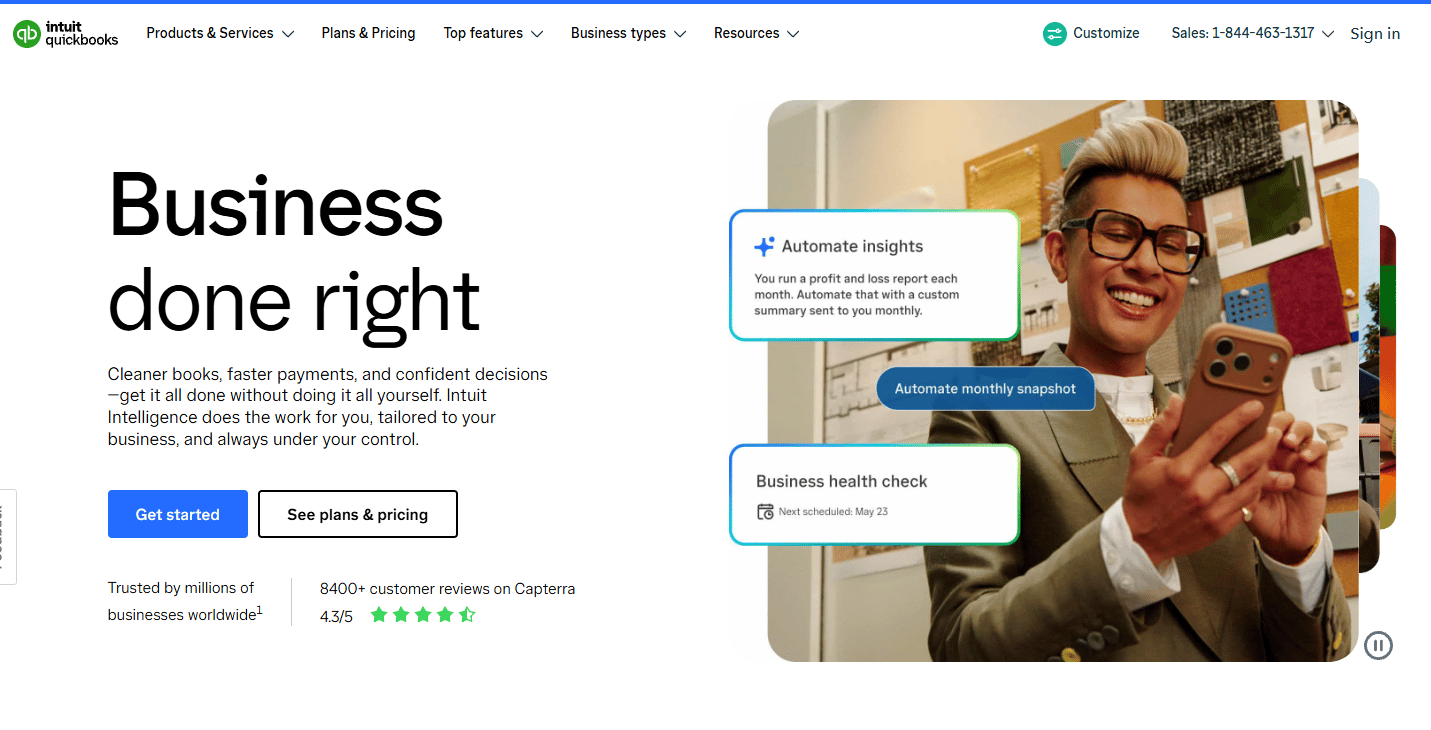
QuickBooks Online is cloud accounting software with invoicing, payment collection, expense management, and financial reporting. It’s an accounting first choice for companies that want customer billing tied directly to their books.
Invoice activity sits beside bank feeds and reconciliation. That connection reduces the need to move customer records or payment status between separate systems during month end close.
Best for: Small and midsize businesses that want invoicing inside their core accounting system.
Key features
- Invoice creation and tracking
- Online payment collection
- Bank feeds and reconciliation
- Expense and receipt capture
- Financial reports and budgeting
Why choose QuickBooks Online: Pick it when clean books and accountant collaboration carry more weight than specialized invoice customization. The product creates a direct path from invoice creation to bookkeeping and reporting.
For a SaaS founder, the main value is consolidation. Finance can track income, costs, budgets, and project profitability without stitching together several records.
The Free tier provides an entry point for basic use. Growing teams should compare the paid plans against required automation, reporting, and user access before migrating their billing process.
QuickBooks Online pricing: A Free tier is available. Simple Start costs $38 per month, with a promotion reducing it to $19 monthly for three months.
G2 rating: 4.0/5.
3. Xero
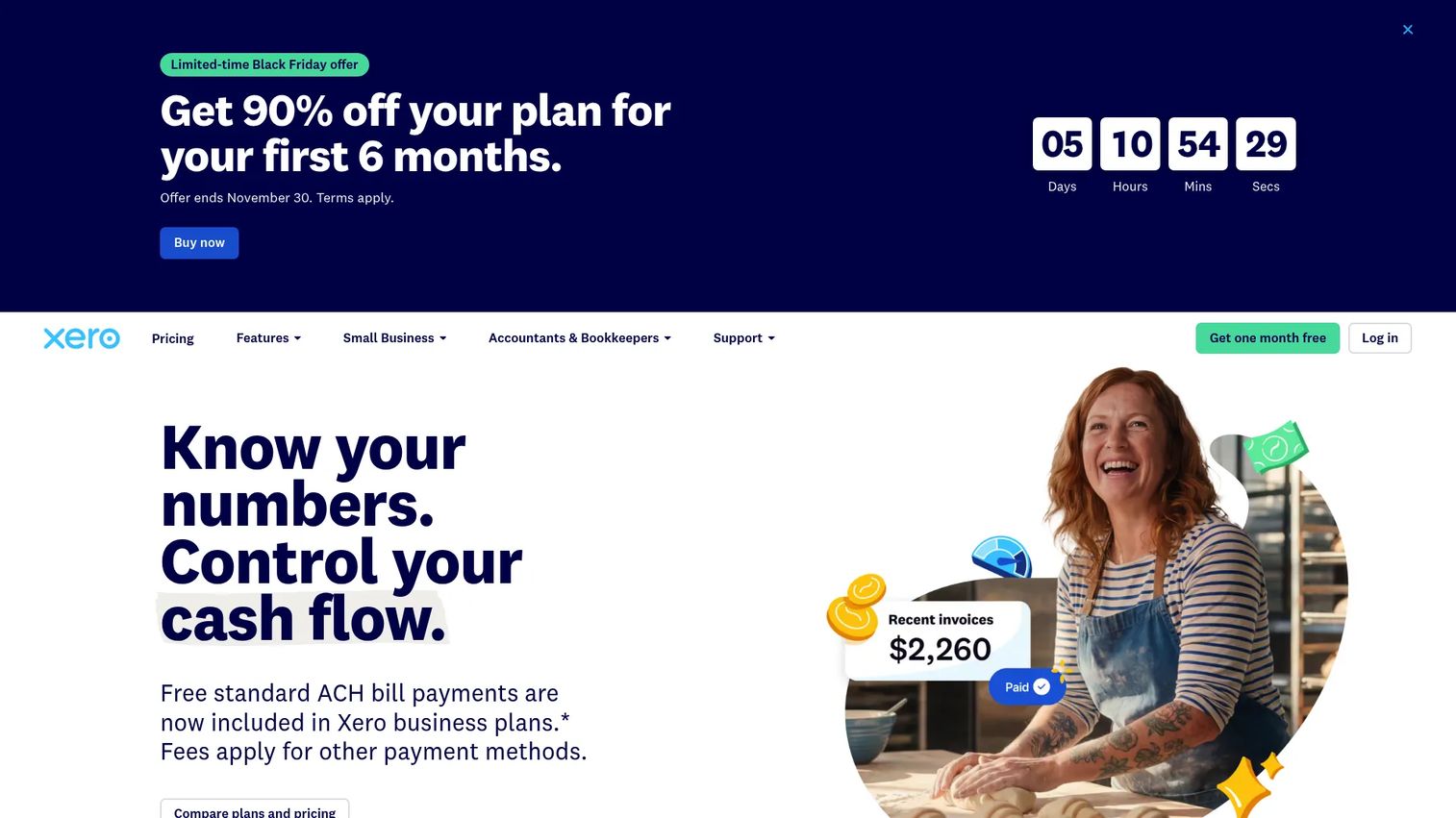
Xero combines online invoicing with accounting, bank reconciliation, expense claims, bill payments, and reporting. It fits growing companies that need billing activity connected to a wider cloud finance process.
Teams can monitor invoice status and automate reminders. Payment service connections help customers pay online, while bank reconciliation records what reached the account.
Best for: Finance teams that want invoicing connected to cloud accounting and reconciliation.
Key features
- Online invoices and quotes
- Recurring invoice templates
- Automated invoice reminders
- Bank connections and reconciliation
- Multicurrency accounting and reports
Why choose Xero: Choose it when invoicing forms one part of a broader accounting workflow. It gives founders and finance leaders a shared view of receivables, expenses, and recorded cash.
Multicurrency accounting strengthens the fit for companies selling across markets. The Established plan carries broader finance capabilities, while smaller teams can begin with lower tiers.
Plan selection deserves attention. The lowest tier may fit a small operation, but invoice volume and wider accounting requirements can push a growing team upward.
Xero pricing: Early costs $27 per month at the standard rate. A current promotion lowers it to $2.70 monthly for the first six months.
G2 rating: 4.4/5.
4. Zoho Invoice
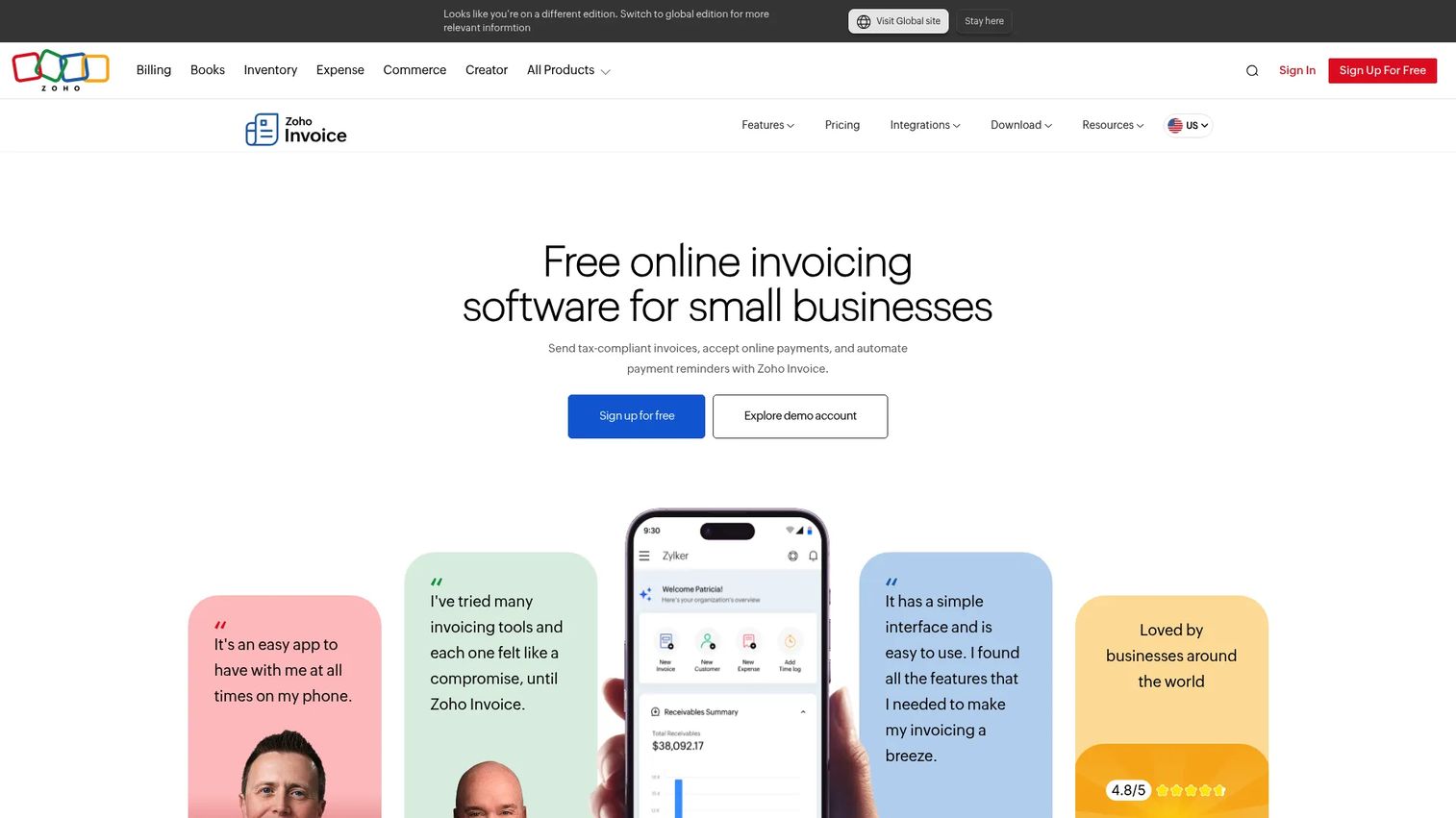
Zoho Invoice is free online invoice software for small businesses, consultants, and independent operators. It supports customizable invoices, recurring billing, payment reminders, expense tracking, and project time.
The customer portal lets clients review invoices and make payments. Reporting tools provide visibility into outstanding balances and business activity without a paid subscription.
Best for: Small teams that want capable free invoice software with workflow automation.
Key features
- Customizable and recurring invoices
- Online and offline payments
- Automated payment reminders
- Expenses and project time
- Customer self service portal
Why choose Zoho Invoice: It’s a practical first billing system when spreadsheets have become unreliable. Small teams gain structured invoicing without committing budget to a broader accounting platform.
The free plan also suits a founder testing a formal finance process before handing ownership to an operations or accounting hire. Companies using other Zoho products can assess how well customer data moves across their existing setup.
There are clear capacity limits. The plan supports two users, three projects, and 500 invoices each year. Teams approaching those thresholds should plan their next finance system before the workload forces a rushed move.
Zoho Invoice pricing: Zoho Invoice is free. The plan includes up to two users, three projects, and 500 invoices annually.
G2 rating: 4.7/5.
5. Invoice Ninja
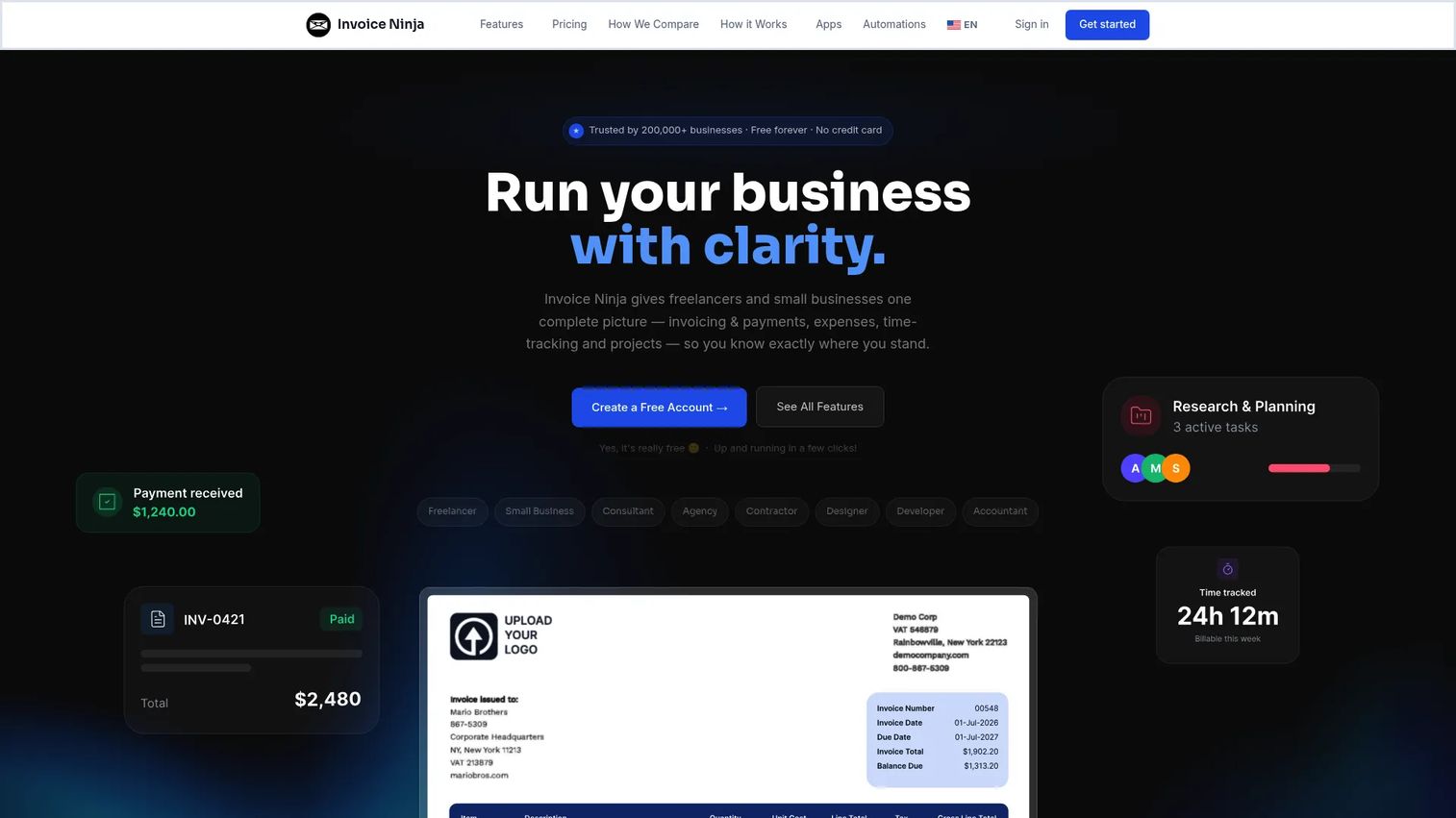
Invoice Ninja is invoice management software for freelancers and small businesses. It combines invoices, online payments, expenses, projects, and time tracking in a client facing system.
The product goes beyond basic invoice creation. Quotes and recurring billing sit alongside vendor management, payment portals, and API connections.
Best for: Freelancers and small teams that need flexible invoice management workflows.
Key features
- Invoices and customizable quotes
- Online payments and recurring billing
- Projects and time tracking
- Expense and vendor management
- Client payment portal
Why choose Invoice Ninja: Choose it when proposals, project delivery, and invoicing must remain connected. The client portal gives customers a central place to review documents and payment activity.
The Free plan covers unlimited invoices for up to five clients. Ninja Pro removes the client limit while adding customization, integrations, reminders, and reporting.
Companies with stronger control requirements can assess Enterprise. That plan adds user permissions, attachments, bank sync, and branded portals. Premium Business adds migration help and custom reporting services.
Teams should also decide whether they want the hosted product or a self managed deployment. That choice affects internal ownership and support expectations.
Invoice Ninja pricing: The Free plan supports five clients. Ninja Pro costs $14 per month or $140 annually, while Enterprise starts at $18 monthly.
6. Square Invoices
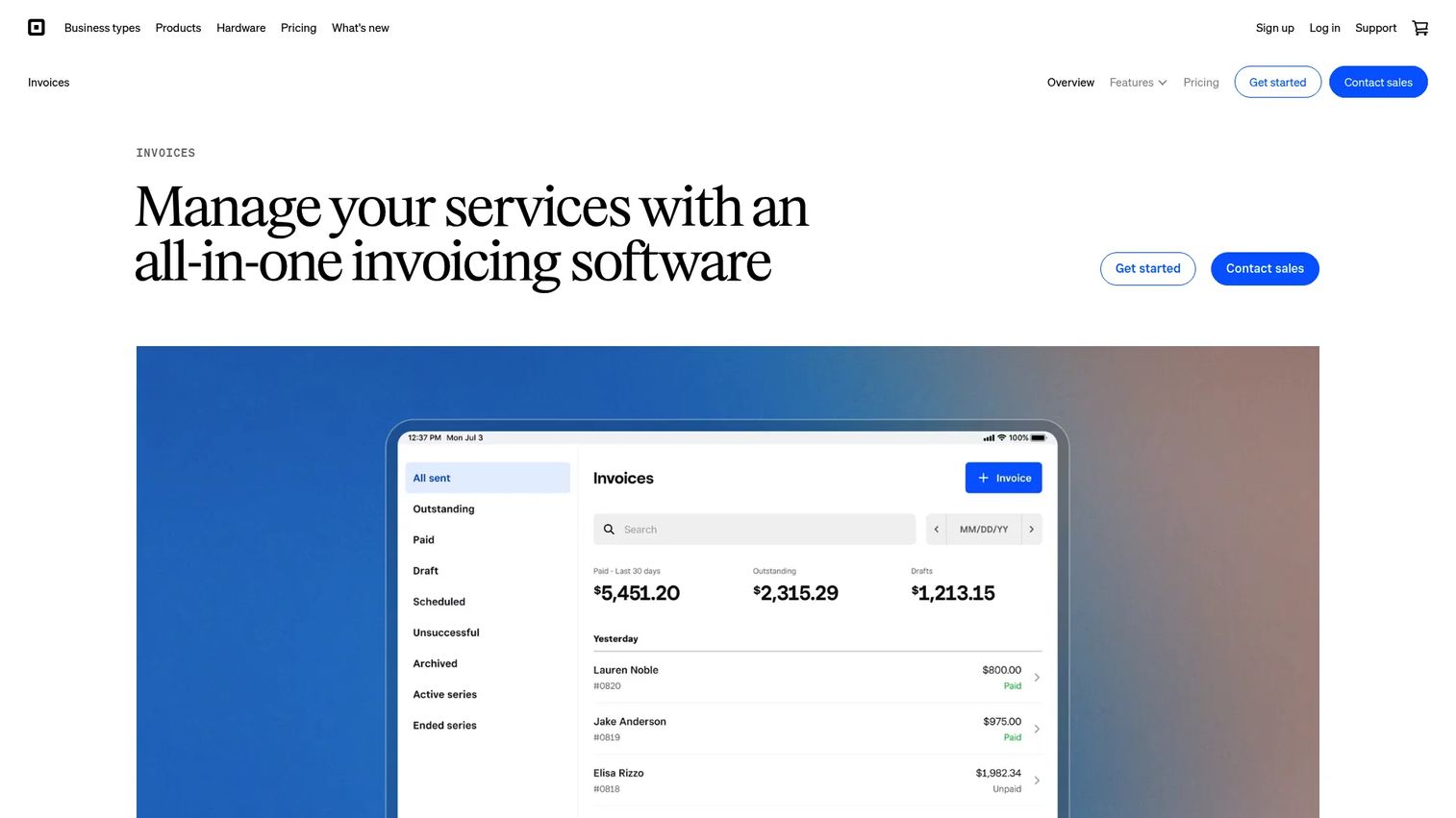
Square Invoices connects digital invoices with payment processing. It targets service businesses and local operators that want to send estimates, collect deposits, and manage recurring payment requests.
The product supports card and ACH payments. Automatic reminders reduce manual follow up, while mobile access helps teams invoice customers after completing field work.
Best for: Local service businesses that want invoicing tied to payment collection.
Key features
- Unlimited digital and recurring invoices
- Estimates and customer contracts
- Deposits and payment schedules
- Automatic payment reminders
- Card and ACH payments
Why choose Square Invoices: Select it when payment collection sits at the center of the workflow. Businesses already using Square can keep invoice payments close to their wider transaction activity.
The Free plan gives small teams a low commitment entry point. Payment processing fees still apply, making transaction volume an important part of the cost calculation.
Square Plus adds more advanced invoicing capabilities and comes with a 30 day trial. Connections with QuickBooks Online and Xero support accounting handoff, although teams should test their exact reconciliation process.
This product prioritizes sending invoices and collecting payment. Companies needing deeper finance reporting may prefer an accounting first system.
Square Invoices pricing: Square Free costs $0 per month per location. Plus costs $49 monthly per location, while Premium costs $149 and includes a 30 day trial.
7. Stripe
Stripe provides payment infrastructure for online businesses, SaaS companies, platforms, and marketplaces. Its products cover hosted invoices, recurring billing, payment links, fraud prevention, and programmable payment workflows.
Stripe fits companies where invoicing sits close to subscriptions or product usage. APIs give technical teams control over checkout and revenue logic.
Best for: SaaS and online businesses that need payment first recurring billing software.
Key features
- Hosted invoices and payment pages
- Payment links and online checkout
- Subscriptions and recurring billing
- Automated payment retries
- Payment and billing APIs
Why choose Stripe: Choose Stripe when online payment collection drives the billing architecture. It supports recurring revenue models alongside one time invoices and transaction based charges.
The platform also serves teams building payment flows into their own products. That flexibility is useful for SaaS companies with internal engineering resources and specific revenue logic.
Stripe reaches beyond invoice software into fraud prevention, tax, payouts, and embedded financial services. Founders should keep the initial implementation focused on the capabilities their finance process requires.
A simpler invoice first product may suit teams without technical resources. Stripe earns its place when payment control matters enough to justify the implementation work.
Stripe pricing: Standard pricing charges 2.9% plus 30¢ for each successful domestic card transaction. There are no setup or monthly platform fees under this model.
G2 rating: 4.4/5.
8. HubSpot Payments
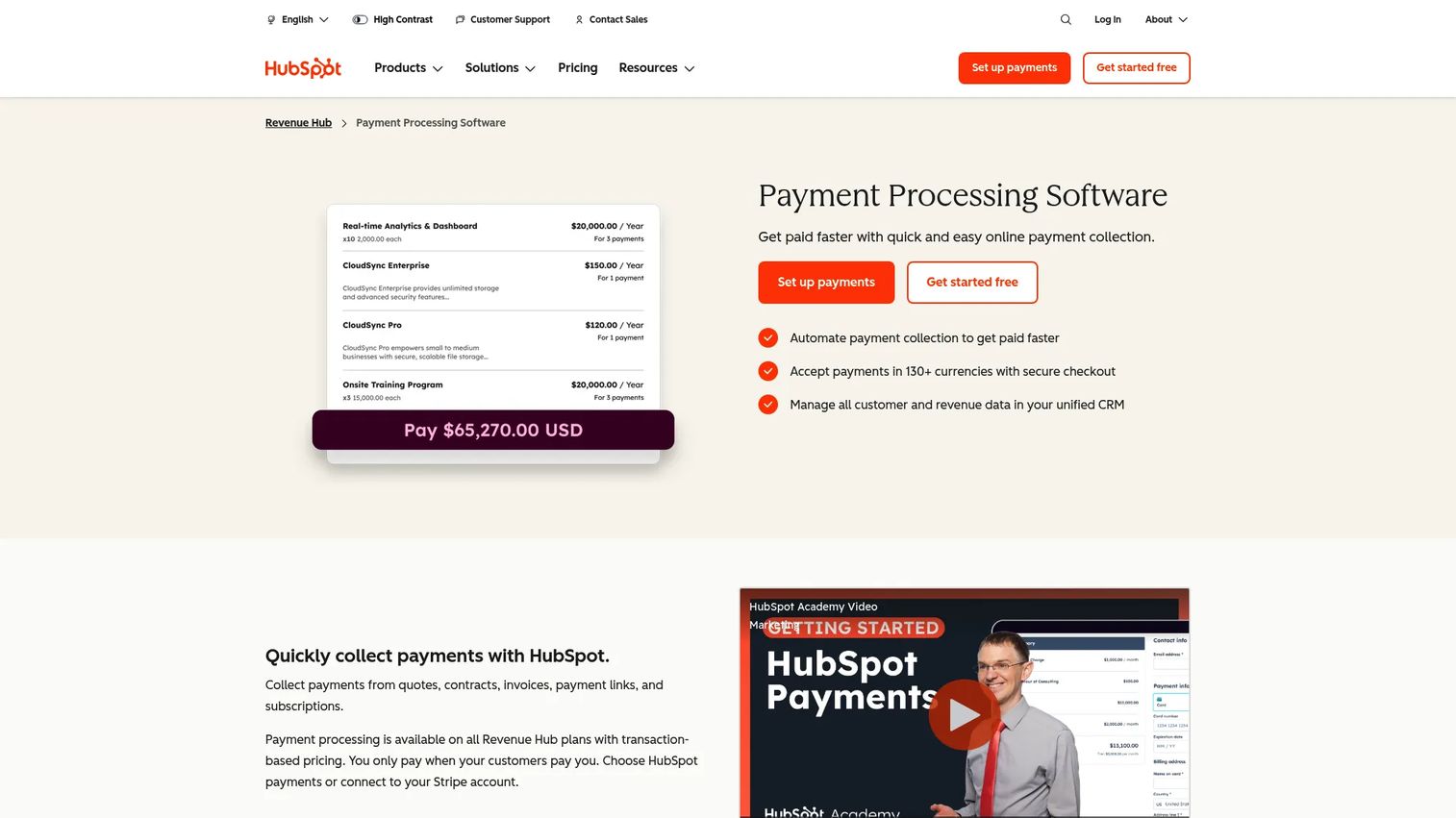
HubSpot Payments is a built in payment option for collecting one time and recurring payments through HubSpot. It connects payment links and quotes with customer records and deal activity.
Sales teams can keep payment context beside the relationship history. That reduces handoffs between the sales workflow and the customer’s payment step.
Best for: CRM led teams that want payment collection connected to sales activity.
Key features
- Branded payment links
- Quotes and invoices
- One time payment collection
- Subscriptions and recurring payments
- Customer and deal context
Why choose HubSpot Payments: It makes sense when the commercial team already manages prospects and deals in HubSpot. Payment events can remain connected to the customer record rather than becoming a separate sales handoff.
The product works best as a Commerce Hub payment layer. Finance leaders should still examine accounting depth, reconciliation, and geographic availability before making it the primary billing workflow.
Its pricing model centers on transactions rather than a conventional invoicing subscription. Card, ACH, and other payment methods have separate processing charges.
US availability is documented in the current payment terms. Companies operating elsewhere should review the payment processor options available in their account.
HubSpot Payments pricing: HubSpot charges a 0.5% platform fee per transaction in the US. Card processing costs 2.9%, while ACH costs 0.8% and is capped at $10.
9. Harvest
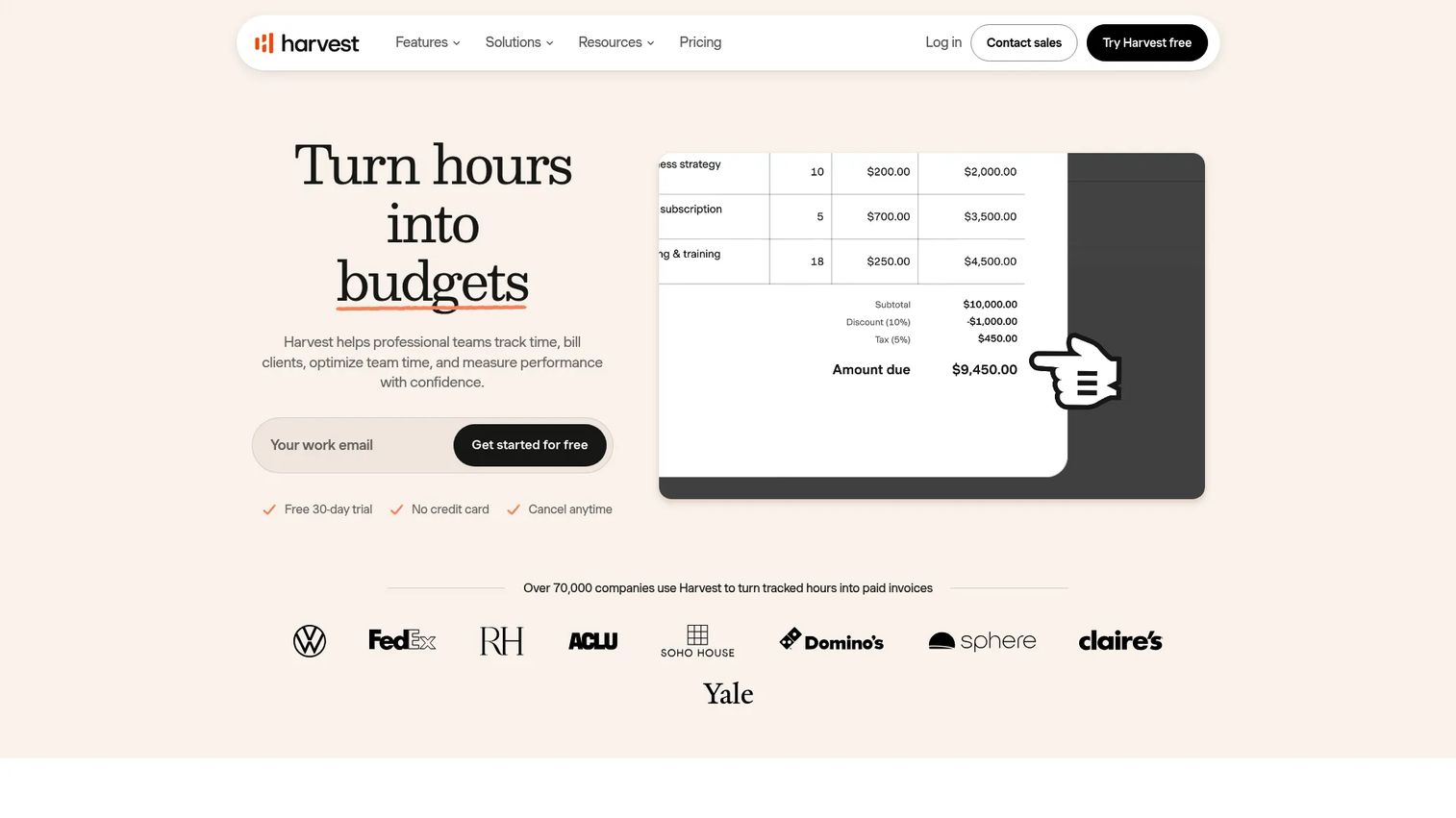
Harvest is time tracking and invoicing software for professional service teams. It turns tracked work into invoices while reporting on budgets, profitability, and team capacity.
Consultancies and agencies can connect timesheets with client billing. Expense records and online payments support the wider project finance process.
Best for: Teams that turn tracked time into accurate client invoices.
Key features
- Project time tracking
- Timesheets and approvals
- Invoices from tracked hours
- Expenses and reimbursements
- Budget and profitability reporting
Why choose Harvest: Pick it when billable time is the source of invoice accuracy. The direct path from timesheet to invoice reduces manual copying across delivery and finance systems.
Its reporting helps leaders compare project budgets with recorded work. That makes Harvest useful for service businesses watching utilization and margin alongside collections.
The Free plan supports one seat and two projects. Teams adds unlimited seats with accounting and payment integrations, while higher tiers expand approvals and reporting.
Harvest is not designed as a full accounting system. It fits best when project economics and time based billing are the main requirements.
Harvest pricing: Free supports one seat and two projects. Teams costs $11 per seat monthly, or $9 per seat monthly with annual billing.
G2 rating: 4.3/5.
10. Paymo
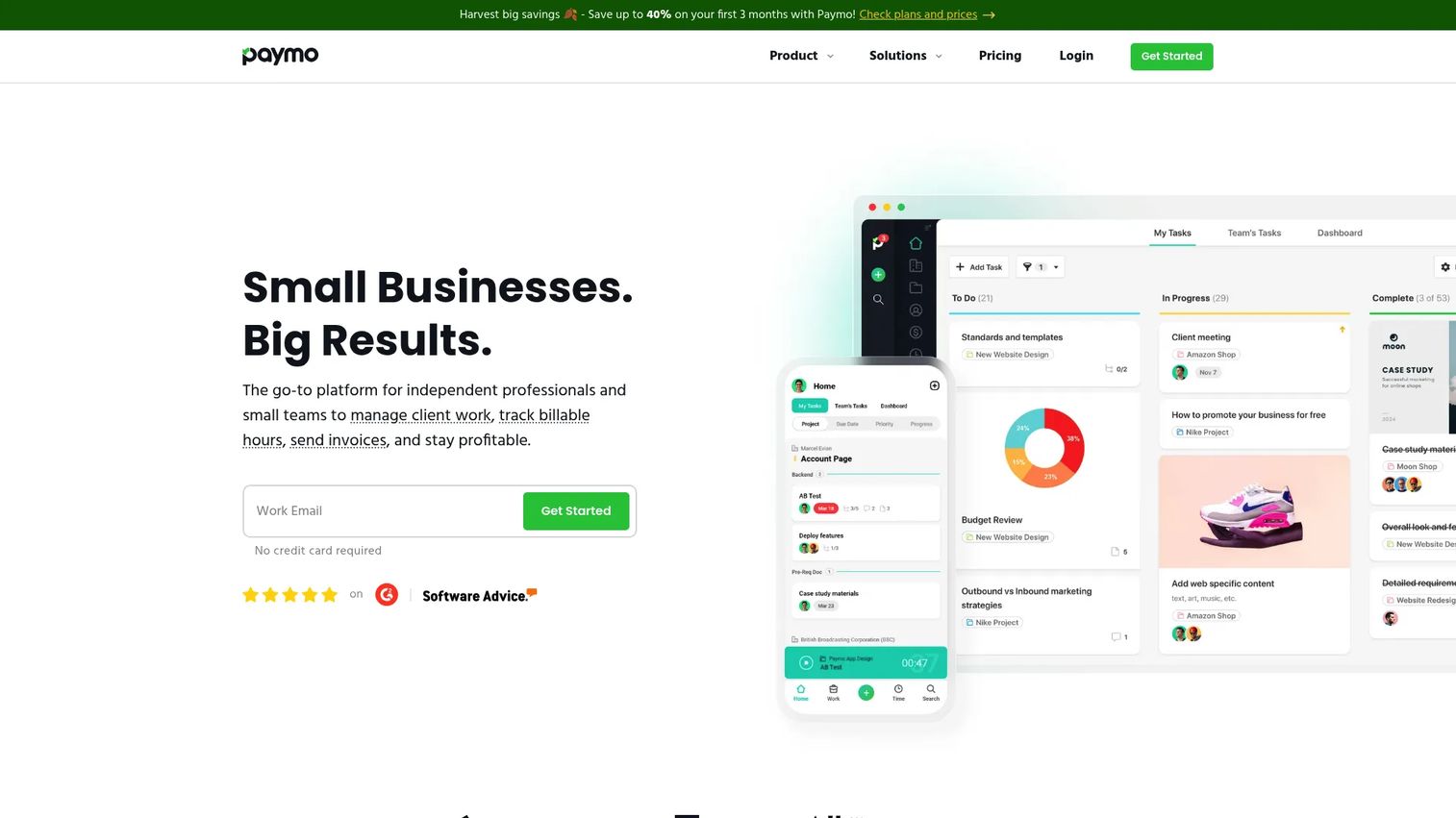
Paymo combines project management, time tracking, invoicing, and online payments. It targets agencies and client focused teams that want billing context linked to delivery work.
Users can manage tasks and timesheets before converting project activity into estimates or invoices. Reporting supports profitability analysis and workload planning.
Best for: Project based teams that want billing connected to client delivery.
Key features
- Task and project management
- Time tracking and timesheets
- Estimates and invoices
- Expense tracking
- Profitability and workload reports
Why choose Paymo: Choose it when project details shape the final bill. Tasks, recorded time, and expenses remain close to the invoice instead of moving through disconnected tools.
The product suits agencies, studios, and consulting teams that want operational context around each customer charge. Resource scheduling also helps leaders connect delivery capacity with expected revenue.
A Free plan provides a starting point with limits on users and projects. Solo supports one user, while Plus and Pro add broader collaboration and planning capabilities.
Companies that already run project delivery elsewhere should consider whether Paymo replaces that system. Adding it only for invoices may create more overlap than value.
Paymo pricing: Free costs $0. Solo starts at $5.90 per month under annual billing, then moves to $9.90 after three months.
G2 rating: 4.6/5.
11. Invoice Simple
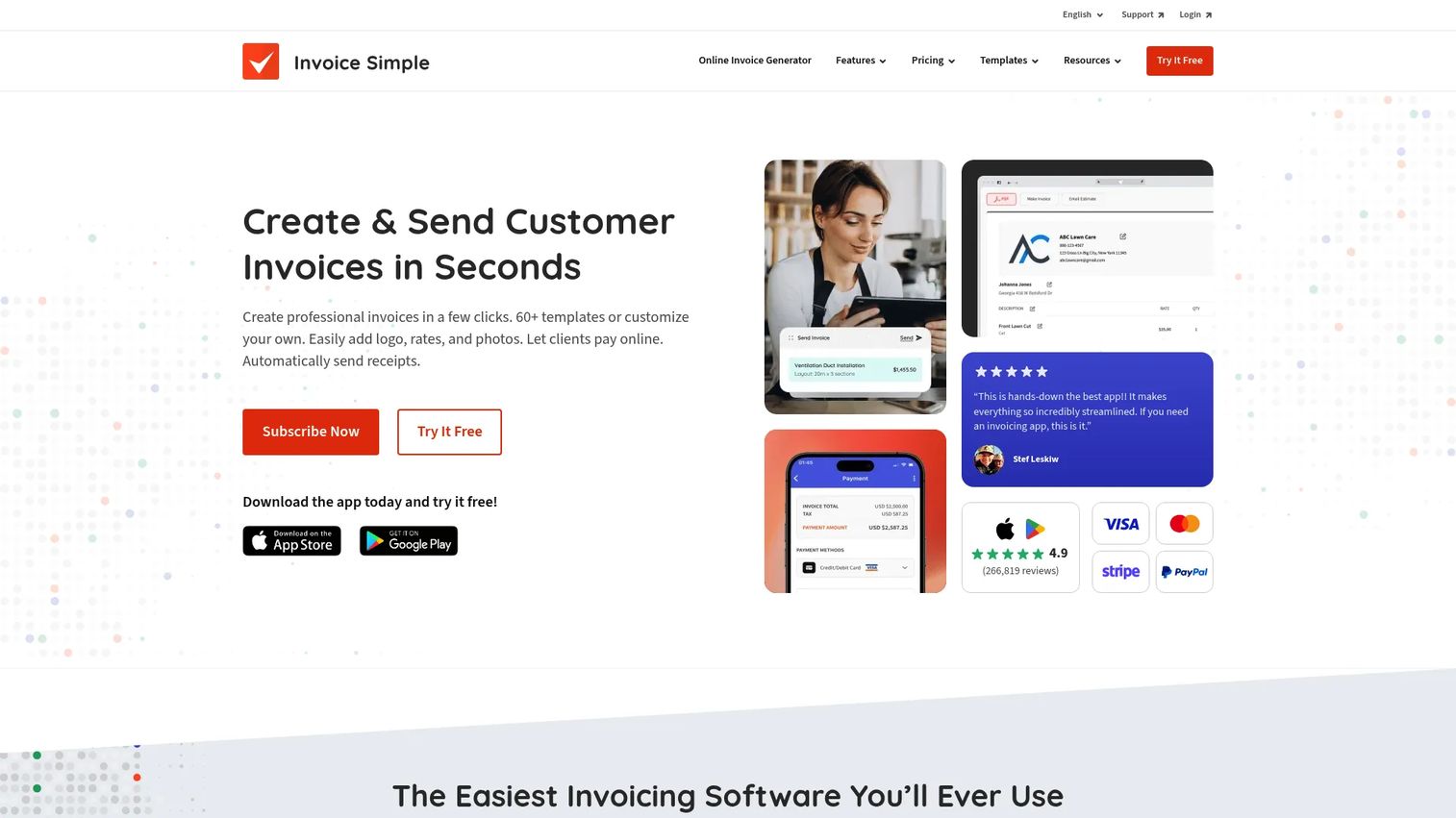
Invoice Simple is a mobile first invoice app for freelancers, contractors, and small businesses. It supports customizable estimates and invoices alongside payment collection and expense capture.
Data syncs between its mobile and web apps. Users can store customer or item details, track invoice status, and send reminders from either interface.
Best for: Solo operators that need quick invoice creation from mobile or web.
Key features
- Mobile and web invoicing
- Customizable invoice templates
- Estimates and receipts
- Online and in person payments
- Automatic payment reminders
Why choose Invoice Simple: Select it when speed matters more than accounting depth or complex automation. A contractor can create and send an invoice without adopting a larger finance platform.
The product also records expenses and scanned receipts. Basic reports show income and payment activity, giving solo operators more structure than standalone document templates.
Plan limits matter here. Essentials permits three invoices each month, while Plus permits ten. Premium removes the monthly invoice cap.
Growing companies should assess the migration path before customer volume increases. The product fits straightforward billing better than finance operations involving subscriptions or advanced accounting sync.
Invoice Simple pricing: Essentials costs $6.99 per month or $69.99 annually. A 14 day mobile trial includes Premium access, while the web product allows two free invoices.
G2 rating: 3.8/5.
12. Joist
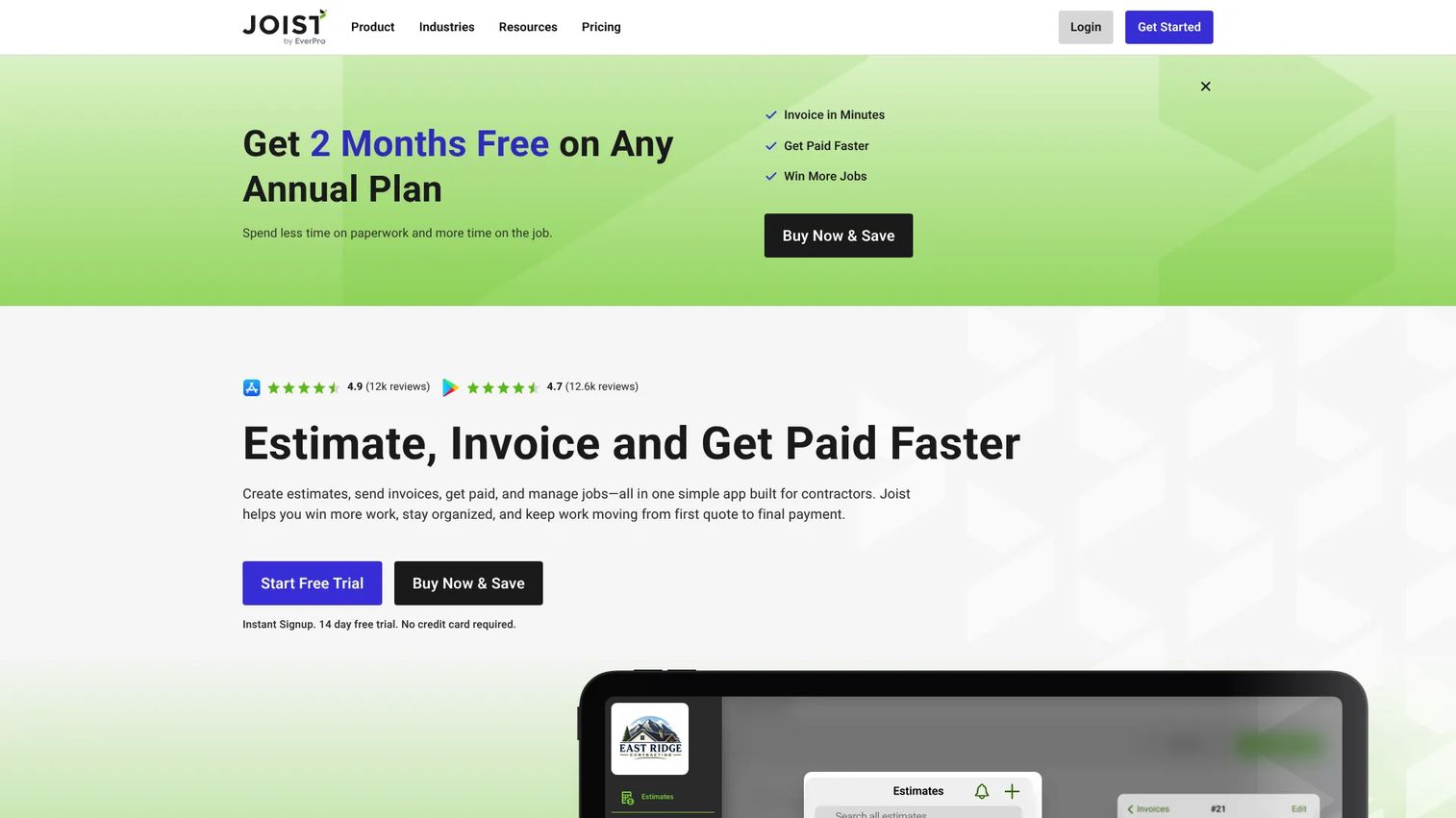
Joist is estimating and invoicing software for contractors and home service businesses. It connects estimates, approvals, job organization, payments, and client records.
A field team can convert an approved estimate into an invoice. Change orders and work orders keep later project adjustments tied to the customer’s job.
Best for: Contractors and field service teams that invoice from approved estimates.
Key features
- Professional estimates and invoices
- Estimate to invoice conversion
- Client approvals and deposits
- Change orders and work orders
- Mobile job organization
Why choose Joist: Choose it when the estimate starts the billing process. The product matches trade workflows where work changes after approval and payment may arrive in stages.
Client management and activity tracking provide context around each job. QuickBooks sync and business reporting support the handoff from field activity to financial records.
Joist is a vertical tool rather than general SaaS billing software. Subscription companies or usage based businesses should choose a product designed around recurring revenue.
Four paid plans serve different contractor requirements. Run sits at the high end and adds a broader operating system for growing home service companies.
Joist pricing: Basics costs $12 monthly or $10 monthly with annual billing. A 14 day trial is available, while Pro starts at $17 monthly.
G2 rating: 4.1/5.
Considerations when choosing billing and invoicing software
Match the tool to how you bill
Map your billing motion before comparing feature counts. Hourly work needs time tracking, while retainers benefit from recurring invoices.
Milestone projects need estimates and staged payments. Subscription companies require recurring charges, retries, and clear account status.
Check how payments move
Confirm which methods customers can use, including cards, ACH, bank transfers, and wallets. Review international payment support when you sell across regions.
Processing fees can outweigh the subscription charge as payment volume grows. Model both costs using your expected transaction mix.
Audit recurring billing and dunning
Check scheduled invoices, stored payment methods, retries, and overdue notices. Dunning means the process used to follow up on failed or late payments.
Inspect how each product handles partial payment and credit balances. These details determine how much manual intervention finance still needs.
Verify accounting sync before rollout
Test customer records, taxes, payment status, refunds, and processing fees. Confirm that credits and failed payments reconcile correctly.
Run a small batch before migration. A clean accounting sync protects month end close and gives leadership more reliable cash reporting.
Watch plan limits and handoff costs
Review limits on users, clients, invoices, projects, automation, and integrations. A low entry price loses value when routine growth forces several upgrades.
Choose software that a finance or operations hire can own. Replacing the system later creates migration work and another period of uncertain reporting.
Conclusion
The best invoice software matches your billing motion and gives finance a process it can own.
FreshBooks is a strong overall choice for founder led service businesses. It combines invoice creation with payments, expenses, and time tracking.
QuickBooks Online and Xero fit accounting first teams. Both connect invoicing to broader financial records and reporting.
Zoho Invoice offers capable free invoice software, while Invoice Ninja provides more control over projects and client portals. Stripe stands out for payment first SaaS billing and recurring revenue workflows.
Harvest suits time based work. Paymo connects project delivery with invoicing, while Square Invoices centers payment collection.
Invoice Simple and Joist serve narrower operating models. They work well for mobile or field based invoicing where speed matters more than accounting breadth.
Shortlist two products, then test one complete billing cycle. Create the invoice, collect payment, reconcile the transaction, and review the resulting report.
If you’re also evaluating tools for your go to market stack, Guideflow creates interactive product experiences for sales, marketing, onboarding, and customer education.
Start your journey with Guideflow today!
FAQs
The best choice depends on how the business bills customers. FreshBooks fits service based SMBs, while QuickBooks Online and Xero suit accounting first teams.
Zoho Invoice is a strong free option for smaller workloads. Contractors may prefer Joist, while time based teams should consider Harvest.
Invoicing software creates and sends payment requests. It usually manages line items, taxes, payment terms, and invoice status.
Billing software covers the broader charge and collection process. That can include recurring payments, reminders, retries, and customer account balances.
Zoho Invoice offers a free plan with recurring invoices, reminders, expenses, and a customer portal. Its current limits include two users and 500 invoices annually.
Invoice Ninja also has a Free plan supporting unlimited invoices for five clients. QuickBooks Online, Square Invoices, Harvest, and Paymo provide additional free entry options.
Stripe fits payment first subscriptions and online recurring billing. Its payment infrastructure supports scheduled charges, retries, and programmable billing logic.
FreshBooks, Zoho Invoice, Invoice Ninja, and Square Invoices support recurring invoice workflows. Compare payment methods and accounting sync before choosing.
You may not need another product if your accounting software covers your billing motion. Many accounting platforms already include invoices, payments, reminders, and reconciliation.
A separate tool can add subscriptions, project billing, client portals, or CRM connected payments. Add one only when it closes a defined workflow gap.
Start with invoice templates, payment links, recurring billing, and automated reminders. Then assess tax handling, reporting, mobile access, and accounting sync.
Founders should also check adoption and ownership. The tool must support a clean handoff to finance without creating another manual process.
Pricing ranges from free plans to monthly subscriptions and transaction based charges. Higher tiers often add automation, reporting, user access, or integrations.
Calculate total cost using invoice volume, payment volume, required seats, and processing methods. Include migration and reconciliation work in the decision.
It can reduce avoidable delays by making payment easier and follow up consistent. Useful capabilities include payment links, saved methods, automatic reminders, and recurring invoices.
The software still needs accurate customer data and clear payment terms. Test the full collection workflow before rolling it out across every account.