



You bought an audiobook. It lives in one app. You borrowed another from the library, and that one lives somewhere else. The files you ripped from CDs years ago sit in a folder no app wants to open cleanly.
That fragmentation is the real friction. Not the listening itself, but the juggling of storefronts, subscriptions, and loose files that never talk to each other. You want one predictable place to press play.
The category is only getting bigger. Roughly 270 million people worldwide listened to audiobooks in an average month in 2024, according to a Dosdoce whitepaper citing Deloitte. More listeners means more apps competing for your attention, and more decisions about which one actually fits how you listen.
So the question is not whether you should use audiobook software. It is which type solves your specific problem: Free borrowing, paid ownership, or clean control over files you already have.
What's inside
This guide is for anyone comparing best audiobook apps before committing to one. That includes free-first listeners, subscription buyers, and people managing a pile of personal audiobook files.
We picked tools across three buckets so you can match the software to your actual habits:
- Free vs paid vs player software: Library apps, subscription services, and file-based players sit in one comparison.
- Device support: Which platforms each tool runs on, including audiobook software for Android and desktop use.
- Playback and library management: Bookmarks, speed control, offline listening, and how each handles your library.
- Pricing clarity: What you actually pay, verified against each vendor.
The list mixes streaming services, library platforms, and standalone players so you see the full field in one place.
TL;DR
- Best free option for libraries: Libby, if you have a public library card and want free borrowing.
- Best paid all-in-one service: Audible, for heavy listeners who want a deep catalog and credits.
- Best indie-supporting marketplace: Libro.fm, for buyers who want to back local bookshops.
- Best for public-library streaming: Hoopla, for instant borrowing with no holds.
- Best for library borrowing flexibility: Boundless, if your library runs on it.
- Best free public-domain listening: LibriVox, for classics at zero cost.
- Best Android file-based player: Smart AudioBook Player, for local audiobook files on your phone.
Free audiobook software covers most casual listeners. Paid audiobook software earns its place when you listen enough that catalog depth and convenience matter more than the monthly fee.
What is audiobook software
Audiobook software is any app or program that lets you play, download, borrow, buy, or organize audiobooks across your devices. Some are streaming services with their own catalogs. Others are library apps. A few are standalone players built to handle files you already own.
The category splits into a few clear formats:
- Streaming and subscription apps: You pay monthly and stream or download from a catalog. Audible is the obvious example.
- Library apps: You borrow titles free using a public library card. Libby, Hoopla, and Boundless work this way.
- Audiobook stores: You buy audiobooks à la carte or with credits and keep them. Libro.fm fits here.
- Free public-domain sources: Volunteer-narrated classics at no cost, like LibriVox.
- File-based players: An audiobook player that plays your own local files with bookmarks and speed control. Smart AudioBook Player is a common pick.
Common features cut across all of these. Most give you offline playback, adjustable speed, a sleep timer, and bookmarks. Better ones remember your position per title, so you can switch between books without losing your place.
The big difference is ownership and control. A streaming subscription gives you access while you pay. A store purchase gives you a file you keep. A file-based player gives you nothing to listen to on its own, but total control over the audiobook library manager side once you supply the files.
Device compatibility matters most for people who split time across platforms. A commuter on Android, a reader on an iPhone, and someone who listens at a desktop each need software that follows them. If you only listen on one device, most of these audiobook apps will do the job.
When to use audiobook software
Listen without locking into one storefront
Pick software this way when you want flexibility over where you buy or borrow. A single subscription ties you to one catalog and one app. Mixing a library app with an occasional store purchase spreads your options. This is the setup for people who resent vendor lock-in and want to decide title by title.
Manage personal audiobook files on your phone or computer
Use a file-based player when you already have audiobook files, from purchases, CDs, or downloads. A dedicated audio book player reads your folders, keeps each book's progress separate, and adds bookmarks and speed control that generic music apps handle badly. This is the answer for anyone asking where to listen to audiobooks they already own.
Borrow from a library instead of buying
Reach for a library app when your budget matters more than instant catalog access. Free audiobook software backed by your library card covers most casual listening. You accept occasional holds and waitlists in exchange for paying nothing, which is a fair trade for many readers.
Comparison table
Here is the side-by-side view. Pricing and ratings reflect each vendor's own sources as of August 2026. Several of these apps do not carry a G2 listing, which is normal for consumer audiobook apps rather than a red flag.
| # | Product | Best for | Key differentiator | Pricing | G2 rating |
|---|---|---|---|---|---|
| 1 | Libby | Library patrons who want free borrowing | Borrow ebooks, audiobooks, and magazines from public libraries | Free | N/A |
| 2 | Audible | Heavy listeners wanting a deep catalog | Monthly credits plus a large subscription catalog | From $8.99/mo after a 30-day trial | N/A |
| 3 | Libro.fm | Buyers supporting independent bookshops | Purchases route support to a local bookstore | Free account, paid memberships and credits | N/A |
| 4 | Hoopla | Library users wanting instant access | No holds or waitlists on borrowed media | Free with a participating library card | N/A |
| 5 | Boundless | Readers whose library runs the platform | Ebooks and audio in one library app | Free with a supporting library card | N/A |
| 6 | LibriVox | Free classic literature listeners | Volunteer-read public-domain audiobooks | Free | N/A |
| 7 | Smart AudioBook Player | Android users with local files | Folder-based playback for your own files | Free tier, one-time full version | N/A |
The pattern is clear. Free audiobook software dominates the library side, while paid audiobook software earns its price on catalog depth and ownership. Your card, your budget, and your files decide which row fits.
Best 7 audiobook tools for 2026
1. Libby
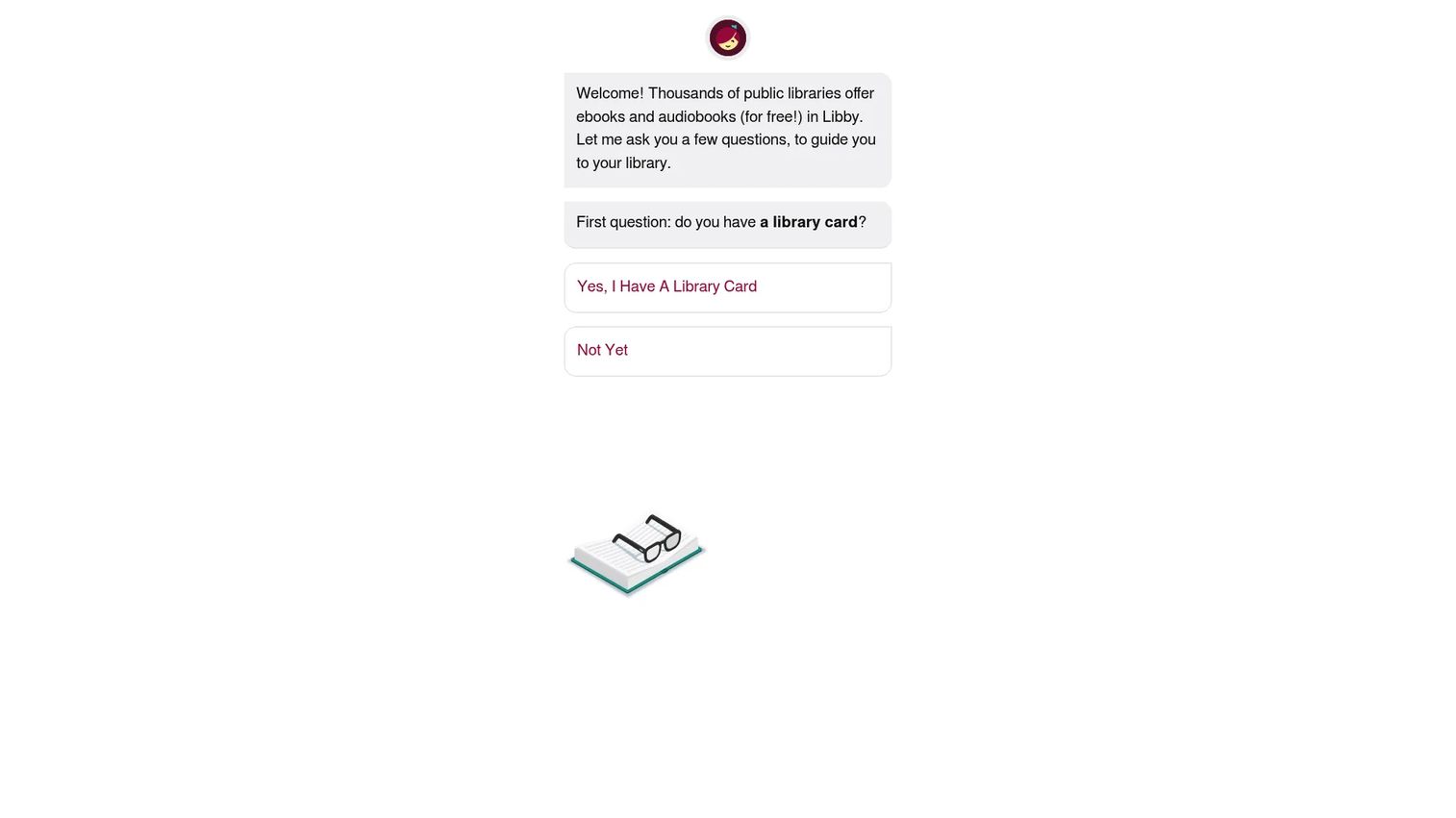
Libby is the free library reading app from OverDrive, and it is the default for anyone with a public library card. You borrow ebooks, audiobooks, and magazines straight from your local library, then stream or download them for offline listening. Setup takes a library card and a minute of linking.
Best for: Public-library patrons who want free digital reading and listening in one clean app.
Key features
- Borrow audiobooks, ebooks, and magazines from public libraries
- Stream or download titles for offline listening
- Send ebooks to Kindle at U.S. libraries
- Simple, tap-driven interface
Why choose Libby: If you have a library card, Libby turns it into a free audiobook app with almost no learning curve. The tradeoff is availability, since popular titles carry holds and waitlists.
Libby pricing: Libby is free to install and use, with no subscription and no in-app purchases. Everything runs through your library card.
Libby does not carry a verified G2 or Capterra rating, which is typical for a free library app rather than a signal about quality.
2. Audible
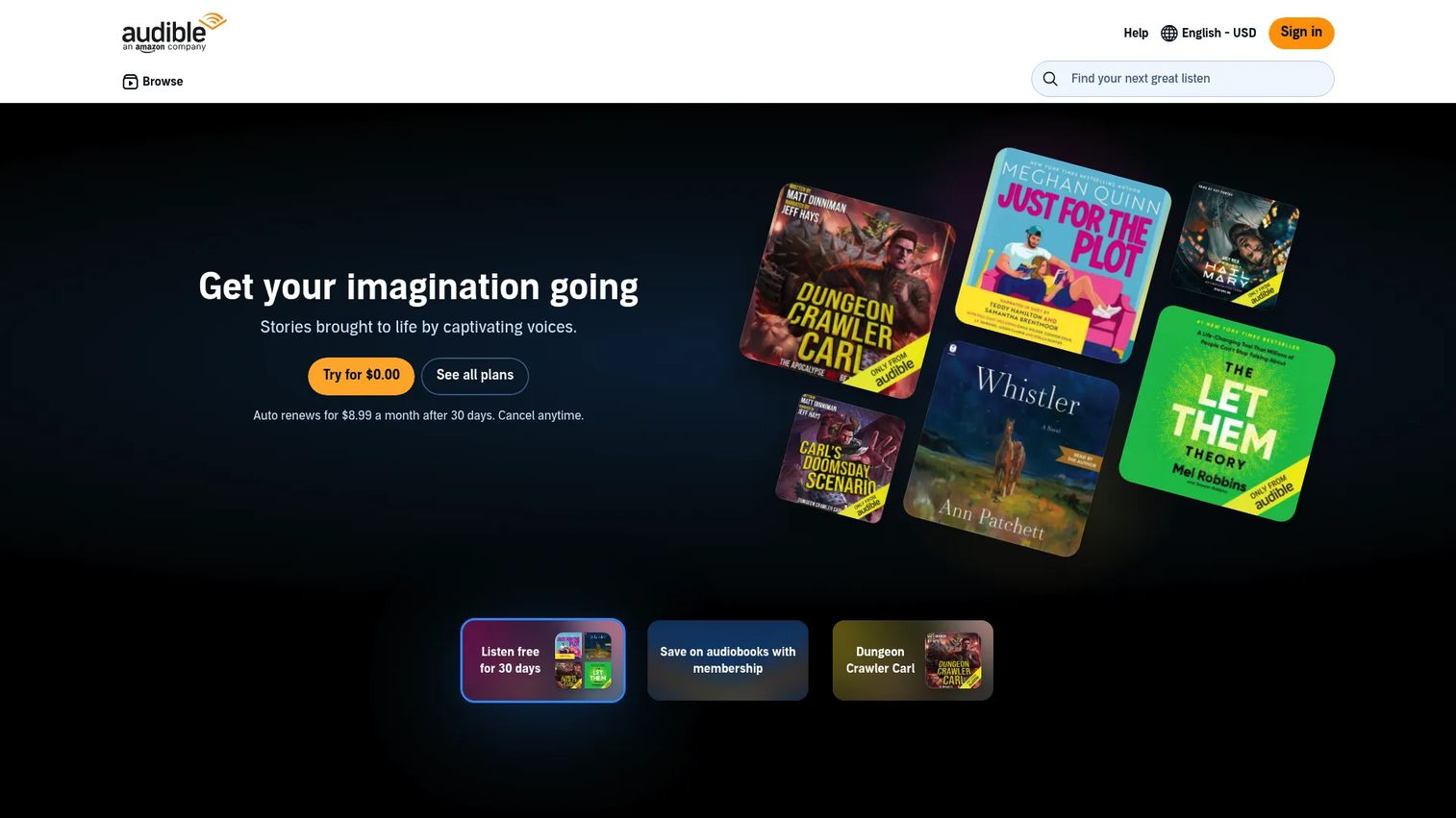
Audible is Amazon's audiobook and spoken-word subscription service, built around streaming, downloads, and monthly credits you spend on purchases. Its catalog depth is the draw, and the app handles offline listening and cross-device syncing well. Members also get access to the included Plus Catalog.
Best for: People who listen enough that a deep catalog and monthly credits justify a subscription.
Key features
- Monthly credits to buy audiobooks
- Offline listening via the Audible app
- Plus Catalog access with included titles
- Cross-device progress syncing
Why choose Audible: Audible fits heavy listeners who want convenience and catalog size over borrowing. The tradeoff is ecosystem lock-in, since your library lives inside Amazon's app.
Audible pricing: Standard starts at $8.99/month after a 30-day trial, and Premium Plus starts at $14.95/month after a 30-day trial. Credit-based plans include two credits a month at $22.95/month, twelve credits at $149.50/year, and 24 credits at $229.50/year.
Audible does not have a verified G2 rating on this run, so no score is listed here.
3. Libro.fm
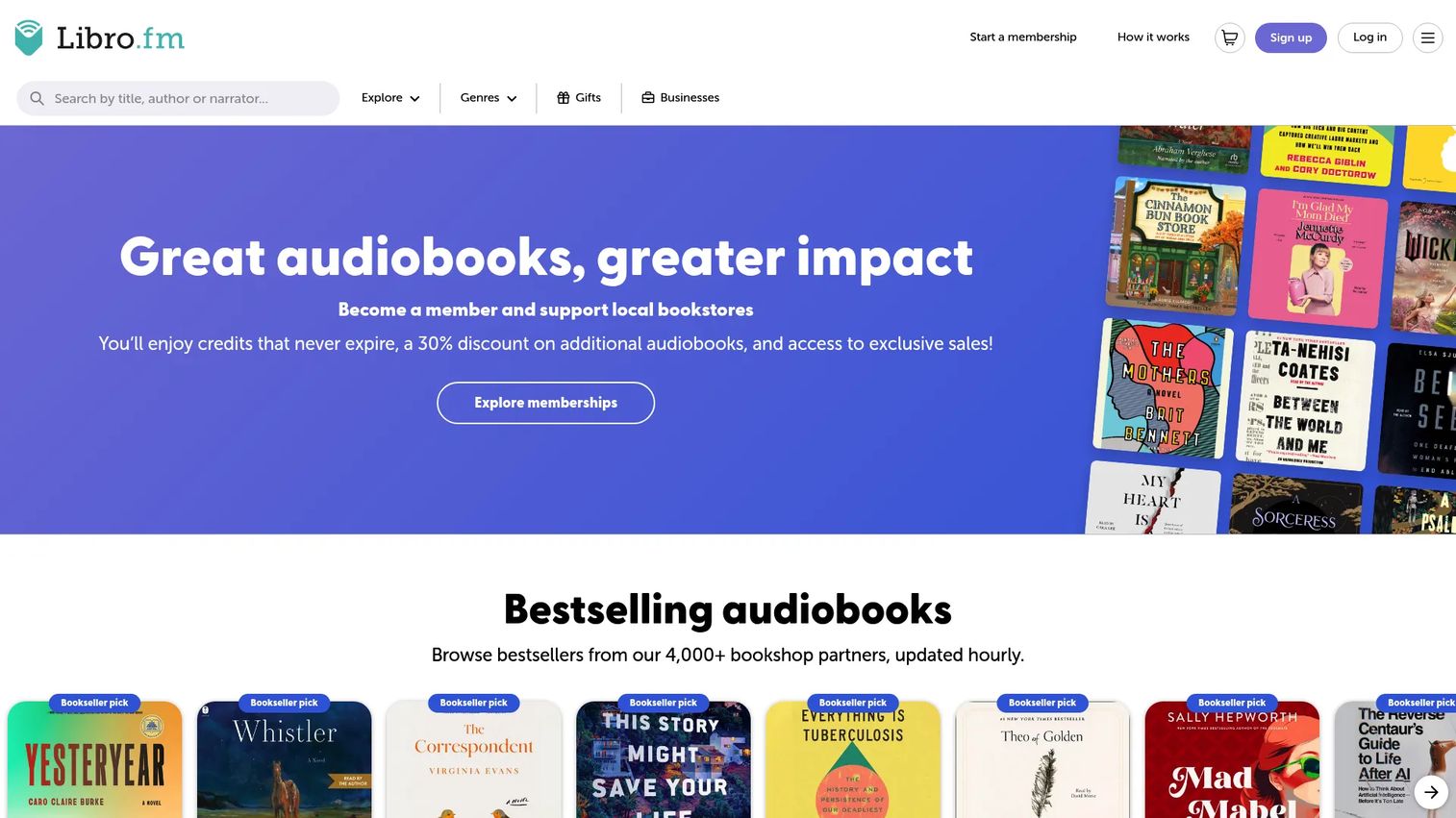
Libro.fm sells audiobooks while routing support to an independent bookshop you choose. You buy with membership credits, credit bundles, or à la carte, and you keep what you purchase. The mobile app and web player cover offline listening and standard playback controls.
Best for: Listeners who want to buy audiobooks while backing a local independent bookstore.
Key features
- Membership credits for monthly purchases
- Credit bundles for flexible buying
- Mobile app and web player
- Purchases support a chosen bookshop
Why choose Libro.fm: Libro.fm suits buyers who want ownership and an ethical marketplace rather than a subscription that gates access. The tradeoff is that you pay per book instead of streaming an all-you-can-listen catalog.
Libro.fm pricing: A free account costs nothing, and Libro.fm offers monthly memberships, annual memberships, and credit bundles on top. Prices vary by region, and the vendor points to location-specific pages for the exact figures where you live.
Libro.fm does not carry a verified G2 or Capterra rating on this run.
4. Hoopla
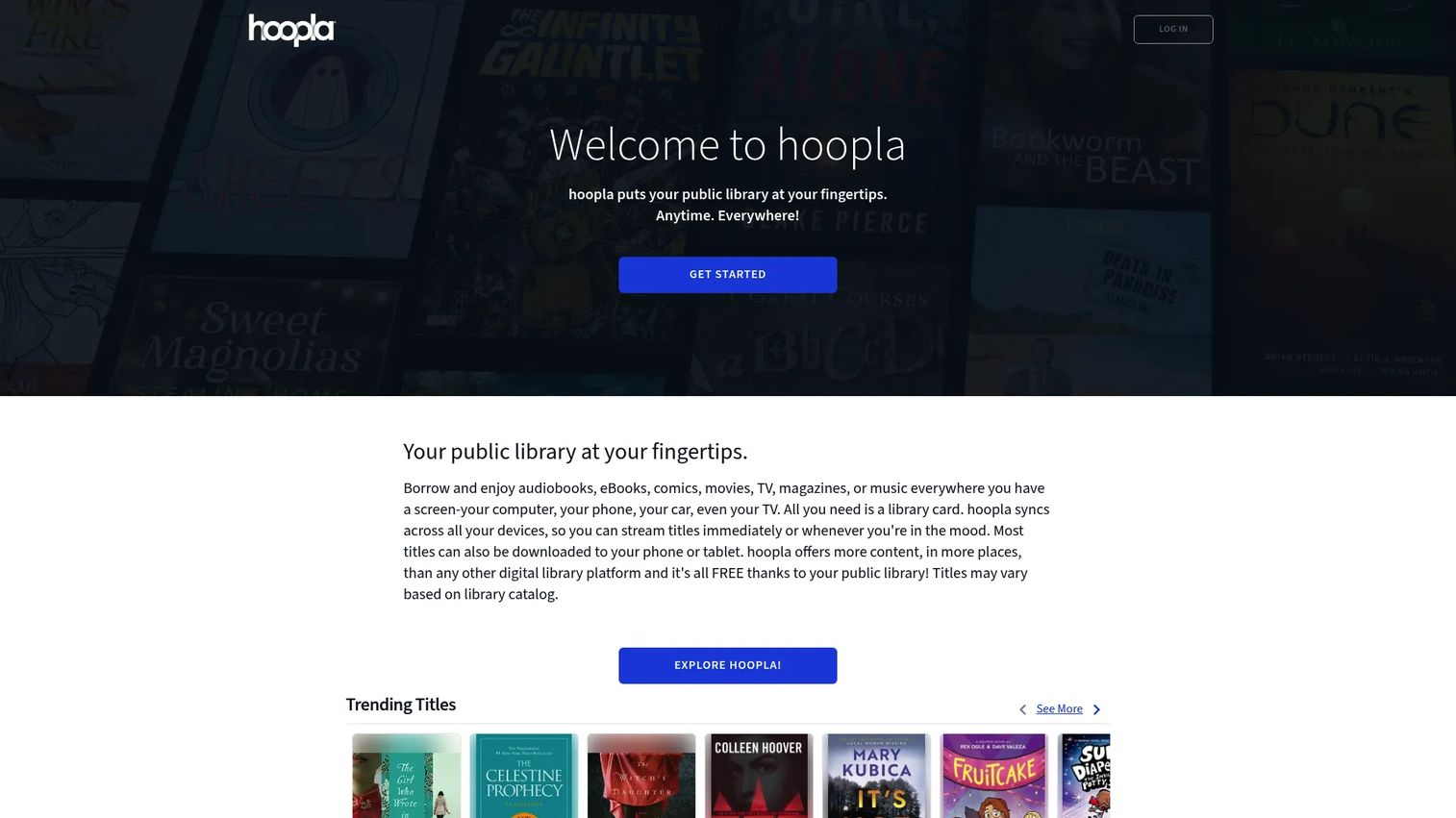
Hoopla is a library-based digital media service that lets you borrow audiobooks, ebooks, comics, music, movies, and TV with a participating library card. Its standout is instant borrowing with no holds, since Hoopla licenses per checkout rather than per copy. You get broad media access from one app.
Best for: Library patrons who want on-demand borrowing across many media types without waitlists.
Key features
- Instant borrowing with no holds or waitlists
- Audiobooks, ebooks, comics, music, and video
- Works with participating public library cards
- Single app across media formats
Why choose Hoopla: Hoopla wins when you hate waiting, because there are no queues on available titles. The tradeoff is monthly borrow limits set by your library, so heavy months can hit a ceiling.
Hoopla pricing: Hoopla is free to use with a participating library card, and the service shows no consumer subscription cost. Your library covers the licensing behind the scenes.
Hoopla does not have a verified G2 rating available here, which is standard for library-distributed apps.
5. Boundless
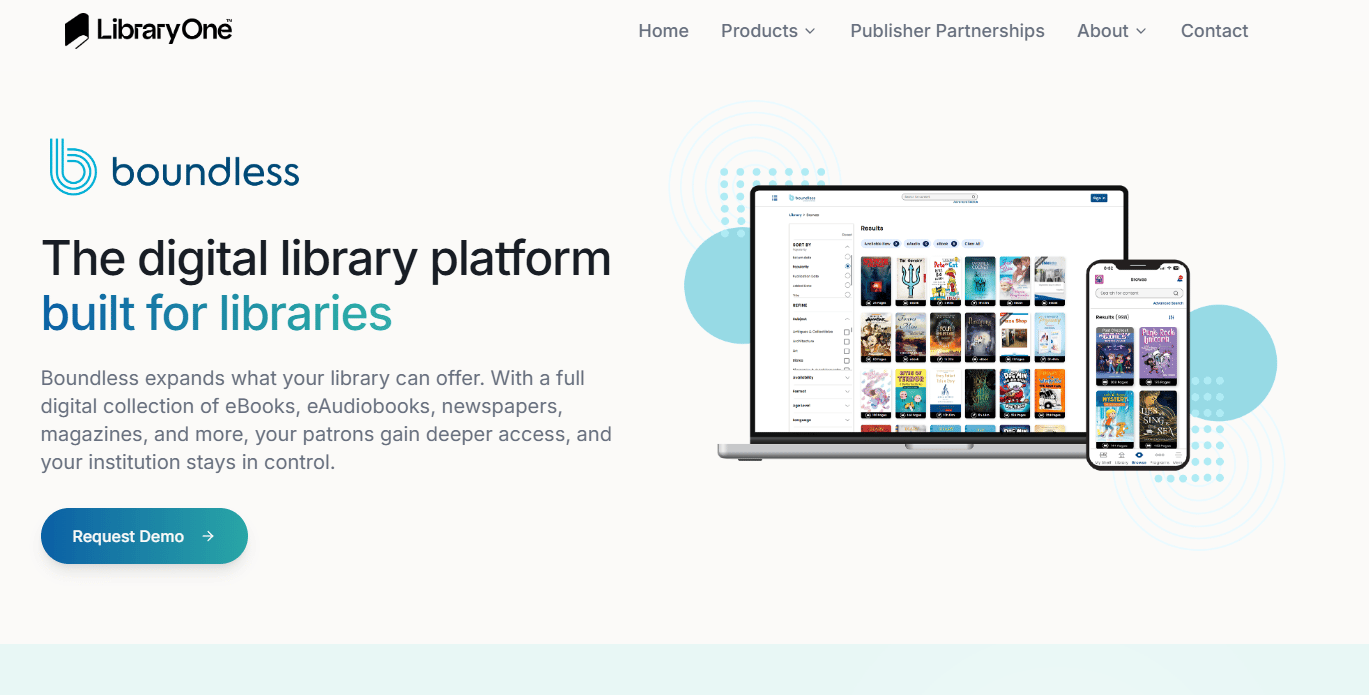
Boundless is a library reading app from Baker & Taylor for ebooks, audiobooks, and other digital media. Formerly Axis360, it puts browsing, borrowing, and progress tracking in one place for patrons whose library supports it. Whether you can use it depends entirely on your specific library's catalog.
Best for: Readers whose public library offers digital access through the Boundless platform.
Key features
- Browse ebooks and audio in one app
- Kids and Teens Bundle content access
- My Shelf personalized content page
- Badges and Goals progress tracking
Why choose Boundless: Boundless makes sense when your library runs on it rather than Libby or Hoopla. The tradeoff is availability, so check your library's supported platforms before committing.
Boundless pricing: Boundless is a library-access app, so patrons use it free through a supporting library card. There is no consumer subscription shown on the brand site.
On third-party listings, Capterra shows a 5.0 rating from a single review, which is too small a sample to read much into. No G2 rating was verified.
6. LibriVox
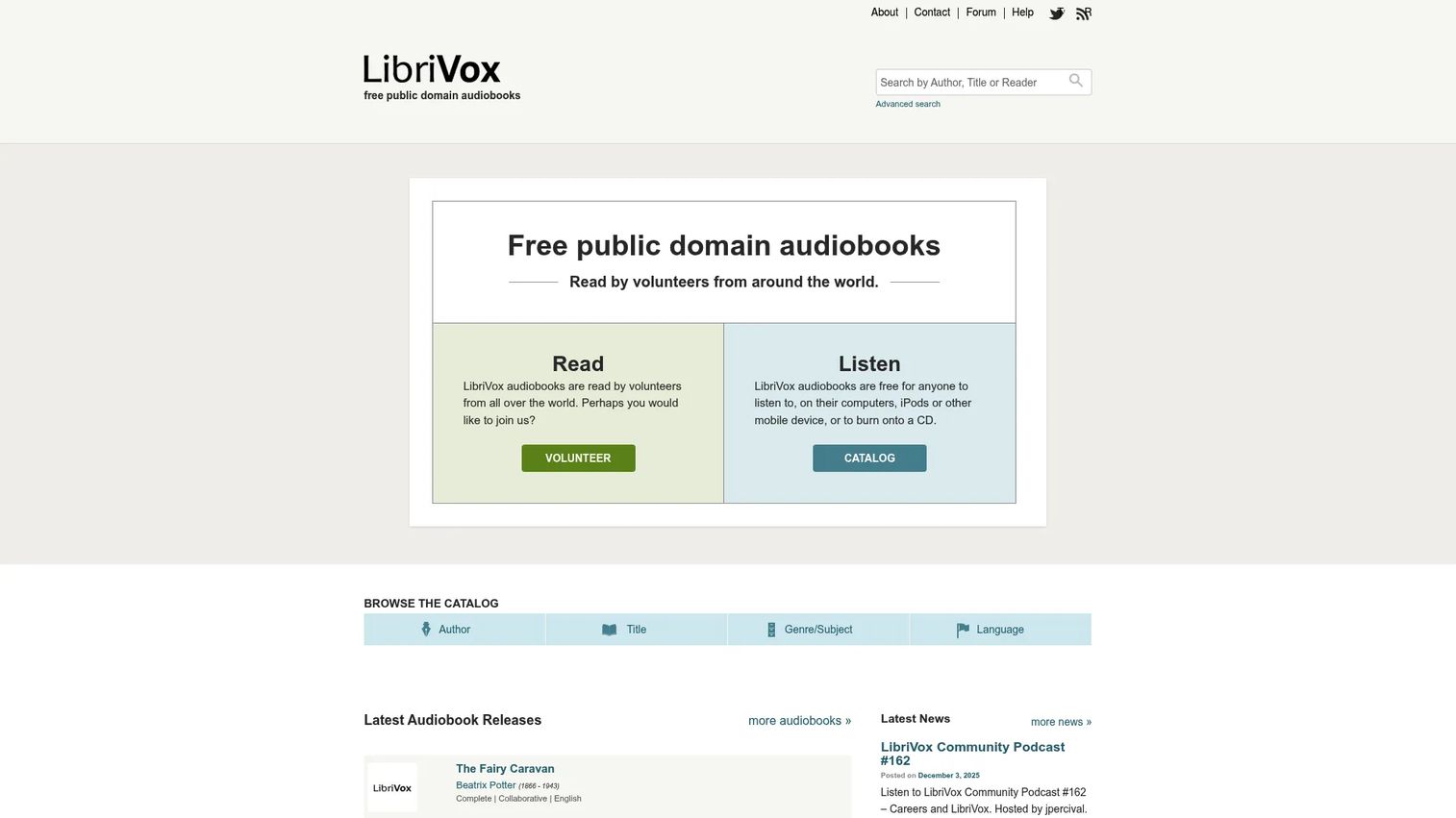
LibriVox offers free public-domain audiobooks read by volunteers. It is a non-commercial, ad-free project, so every recording is free to stream or download. You browse the catalog by author, title, subject, or language, which makes it a solid free audiobook reader for classics.
Best for: Listeners who want free classic literature and do not mind volunteer narration.
Key features
- Free audiobooks to stream or download
- Volunteer-read public-domain recordings
- Browse by author, title, genre, and language
- No ads and no account required
Why choose LibriVox: LibriVox is the pick for zero-cost listening on public-domain works. The tradeoff is narration consistency, since volunteer readers vary, and the catalog skips anything still under copyright.
LibriVox pricing: LibriVox is free, funded by donations rather than subscriptions. There are no paid tiers or hidden charges.
LibriVox does not carry a verified G2 or Capterra rating, in line with its non-profit model.
7. Smart AudioBook Player
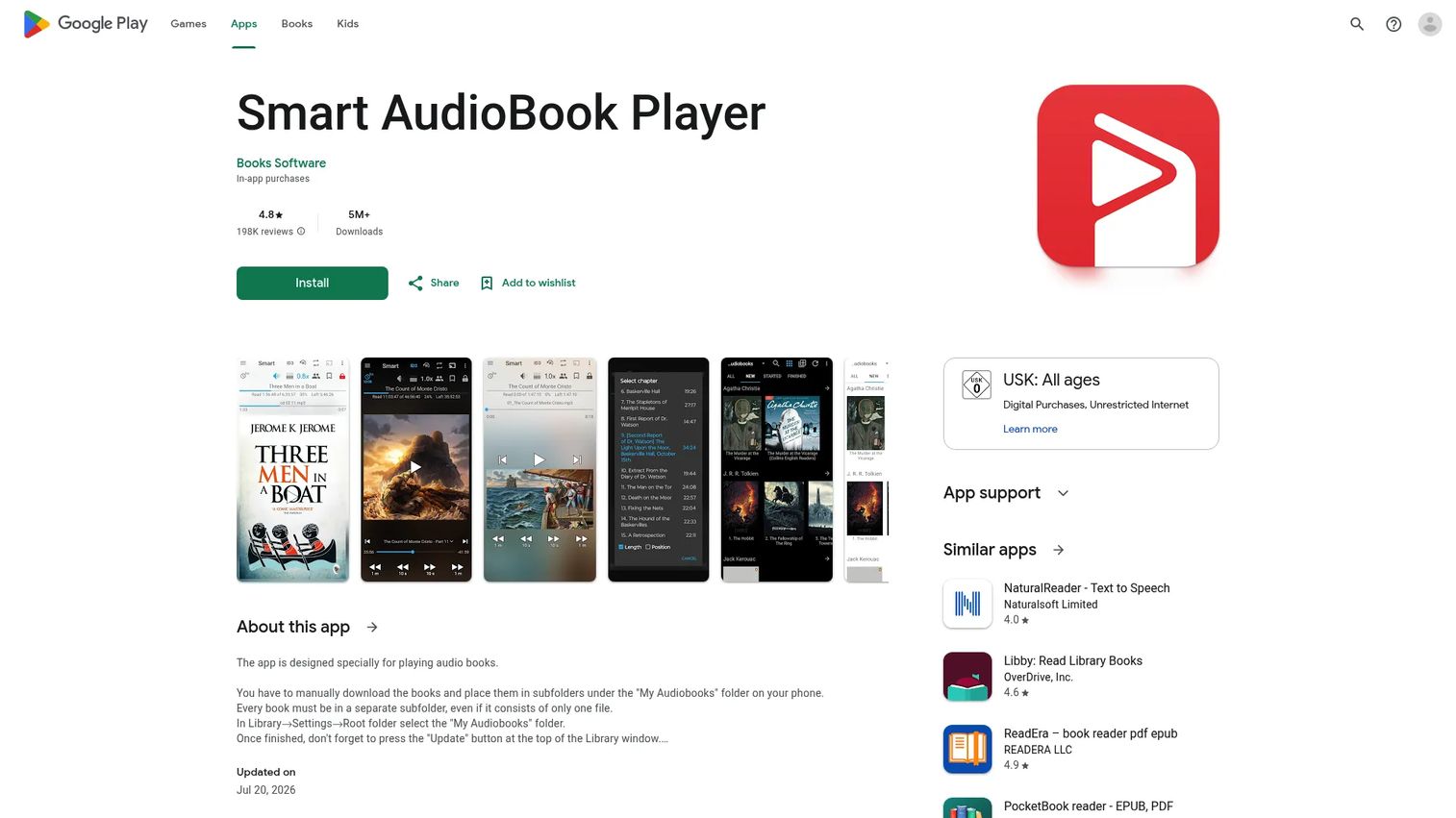
Smart AudioBook Player is an Android audiobook player for files you already own. You point it at folders of audiobook files, and it plays them with bookmarks, speed control, and per-book progress. This is audiobook software for Android built for local libraries, not streaming.
Best for: Android users who want a simple player for their own audiobook files.
Key features
- Playback speed control
- Bookmarks and playback history
- Per-book progress tracking
- Chromecast support
Why choose Smart AudioBook Player: This is the tool for people whose listening lives in local files rather than a subscription. The tradeoff is that it plays only what you supply, so you handle sourcing files yourself.
Smart AudioBook Player pricing: The app gives you the full version free for the first 30 days, then drops to a Basic version. The full version is a one-time purchase rather than a subscription, and the exact amount shows at checkout in the Play Store.
No verified G2 or Capterra rating was found for this exact app, which is common for standalone Android players.
Considerations
Before you commit, run your shortlist through this checklist.
Device compatibility
Confirm the software runs everywhere you listen, including phone, tablet, and desktop. Some tools are Android-only or web-first, so a cross-device listener needs to check platform coverage. Audiobook software for Windows and Mac often means a web player rather than a native app.
Library and file management
Decide whether you need borrowing, buying, or a way to play your own files. A library app handles borrowing well, while a file-based audiobook library manager gives you control over local files. Mixing both covers most listening patterns.
Offline playback
Check that you can download titles for offline listening, since streaming eats data and drops on the subway. Most of these apps support offline mode, but library loans expire, so downloads are temporary. File-based players keep your audio available as long as the files exist.
Pricing model
Match the pricing to how much you listen. Free audiobook software covers casual use, while paid audiobook software makes sense once catalog depth or ownership matters. Watch for the difference between subscriptions you rent and one-time purchases you keep.
Trust and privacy
Skim the app's permissions and data practices before installing, especially for smaller players. Consumer apps vary widely in what they collect. A quick check of reviews and the privacy notes saves headaches later.
Conclusion
The right audiobook software depends on one honest question: Do you want to borrow, buy, or manage your own files?
For free borrowing, start with Libby if your library supports it, and check Hoopla for no-hold instant access. Boundless is worth a look when your library runs on that platform instead. For paid listening, Audible fits heavy consumers who want catalog depth, while Libro.fm suits buyers who want ownership and support a local bookshop. LibriVox covers free classics, and Smart AudioBook Player handles your own Android files.
The practical next step is cheap: Install a free library app and a file-based player, then see which one you actually open each day. Real usage tells you more than any spec sheet.
If your work involves showing products rather than just listening to books, the same "show, don't tell" logic applies to how you demo software. Teams that build clickable, self-serve product experiences with Guideflow let prospects capture, personalize, and share interactive demos across landing pages, onboarding flows, and sales follow-ups, then analyze engagement to see what converts.
Start your journey with Guideflow today!
FAQs
For most people it is Libby, since it turns a public library card into free borrowing of audiobooks, ebooks, and magazines. Hoopla is another strong free pick if your library supports it, offering instant access with no holds. For public-domain classics at no cost, LibriVox is the standout.
Libby is the most widely supported library app and the default for OverDrive-based collections. Hoopla adds no-wait borrowing across many media types, and Boundless serves libraries running the Baker & Taylor platform. Check which one your specific library actually uses before installing.
If you want a player for files you already own, Smart AudioBook Player is a strong audiobook software for Android choice, with folder-based playback and bookmarks. For borrowing or subscriptions on Android, Libby and Audible both run natively. Your answer depends on whether you stream, borrow, or play local files.
Yes, nearly every option here supports offline listening once you download a title. Library loans through Libby, Hoopla, and Boundless download for offline use but expire when the loan ends. Purchases and local files stay available as long as you keep them.
Smart AudioBook Player is a common pick for Android users with local audiobook files, since it reads your folders and tracks each book separately. It gives you bookmarks, speed control, and Chromecast without needing a streaming account. It plays only files you supply, so you source the audio yourself.
It depends on how much you listen. If you finish several books a month and want catalog depth, Audible's credits and subscription catalog can be worth the fee. If you listen casually and have a library card, free apps like Libby cover most needs without a monthly cost.
Most of these tools reach Windows through a web player rather than a native desktop app. Libby, Audible, and Libro.fm all offer browser-based listening that works on Windows and Mac. Smart AudioBook Player is Android-only, so it does not fit a desktop-first workflow.
Start with your budget and listening volume. Library apps like Libby and Hoopla cost nothing and cover casual listening, but carry holds and borrow limits. Paid audiobook software like Audible or Libro.fm makes sense when catalog depth, ownership, or no waitlists matter more than the price.










