



The mix sounds finished in your DAW. Then you play it on cheap earbuds, and it falls apart. Bass disappears, vocals sit too far back, and loudness normalization flattens everything you worked on.
That gap between "sounds good here" and "holds up everywhere" is what mastering closes. The right audio mastering software gives you more control over loudness, cleaner tonal balance, faster iterations, and export quality that survives Spotify, Apple Music, and a dozen playback contexts you can't test in advance.
The audio mastering software market sat at $0.6B in 2025 and is projected to reach $1.2B by 2034, a 7.2% CAGR, per MarketIntelo (2025). More tools, more price points, more ways to get it wrong. The question stops being whether you need mastering and becomes which workflow fits how you actually work: Fast and automated, or slow and surgical.
What's inside
This guide is for anyone turning a mix into a release-ready master, from solo musicians to producers running client work. Here's how the seven tools were chosen and how to read the picks:
- Control: How much manual shaping you get versus one-click automation
- Output quality: Supported sample rates and export formats for release delivery
- Workflow speed: Time from upload to finished master
- Pricing clarity: Per-track, subscription, or one-time license, stated plainly
- Format support: WAV, MP3, AIFF, FLAC, and high-resolution options
TL;DR
- Best overall pro suite: WaveLab, for engineers who want modular control and batch processing
- Best AI-powered online option: LANDR, for AI mastering plus distribution in one platform
- Best fastest annual plan: Mixea, for quick output inside the DistroKid workflow
- Best pay-per-track option: Waves Online Mastering, for occasional masters without a subscription
- Best plugin suite: iZotope Ozone, for DAW-native mastering
- Best restoration and precision editing: Acon Digital Acoustica Premium, for repair and cleanup before export
- Best deep mastering workflow: Soundblade, for CD and DDP-focused finishing
What is audio mastering software
Audio mastering software is the tool you use to polish a final mix for consistent loudness, tonal balance, and release delivery across every playback platform. It sits after mixing and before distribution, the last step where a track becomes a release-ready master.
Some tools are dedicated mastering software built only for this stage. Others are mastering plugins that run inside a DAW, and some are online mastering services that process your file in the cloud. AI mastering sits across several of them, analyzing your track against reference material and applying processing automatically.
Core capabilities to expect:
- Loudness control: Match target levels for streaming normalization
- Limiting and peak management: Keep the master loud without clipping
- Stereo imaging and tonal shaping: Widen, balance, and correct frequency response
- Restoration and cleanup: Remove noise, clicks, and artifacts
- Reference mastering: Match your track to a chosen reference
- Export formats: Deliver WAV, MP3, AIFF, FLAC, and high-resolution files
The category splits along one line that matters more than any feature list: Speed versus control. AI mastering and online mastering get you a finished file in minutes. Pro desktop suites and plugin chains give you full manual control at the cost of time. Most creators need both at different moments, which is why owning one tool rarely covers every job.
For a growth marketer producing branded audio, podcast intros, or video soundtracks, the calculus is simpler. You want release-ready output fast, without hiring an engineer or learning a full production workflow. That pushes you toward automated tools. For a producer shipping client masters, control wins.
When to use audio mastering software
Finish tracks for streaming release
Streaming platforms normalize loudness, so a master that ignores target levels gets turned down and loses impact. Mastering software lets you hit consistent loudness across a release, so every track sounds balanced when a listener plays your album back to back. Upload a mix, set your target, and export a file that holds up on Spotify and Apple Music.
Clean up a mix without reopening the whole session
Sometimes a mix is close but not quite there. A little harshness in the highs, a touch too much low end. Mastering software handles light corrective work at the final stage, so you fix tonal problems without reopening a 40-track session and rebalancing everything from scratch.
Master fast without building a full studio workflow
You don't always have time for a manual chain. Online mastering and AI mastering tools take a mix, analyze it, and return a finished master in minutes. That fits creators who release often, marketers producing audio content on a schedule, and anyone who needs speed over surgical control.
Comparison table
Here's how the seven tools stack up on use case, differentiator, and price. Ratings come from G2 where a verified listing exists; several mastering tools have no current G2 product page, so those cells show N/A rather than a guessed number.
| # | Product | Best for | Key differentiator | Pricing | G2 rating |
|---|---|---|---|---|---|
| 1 | WaveLab | Pro mastering engineers | Modular editor with batch processing and spectral editing | From $99.99 one-time | N/A |
| 2 | LANDR | AI mastering plus distribution | AI mastering trained on mastered tracks | From $24/yr | 2.5/5 |
| 3 | Mixea | Fast online mastering | Instant preview inside DistroKid | $99/yr (first track free) | N/A |
| 4 | Waves Online Mastering | Pay-per-master users | Credit packs plus unlimited subscription | From $1.99/master | N/A |
| 5 | iZotope Ozone | DAW-native control | AI Master Assistant with modular chain | From $55 one-time | N/A |
| 6 | Acon Digital Acoustica Premium | Restoration and repair | Spectral editing plus restoration suite | From $199 one-time | N/A |
| 7 | Soundblade | CD and DDP finishing | Non-destructive real-time mastering | From $149 (90 days) | N/A |
Best 7 tools for audio mastering software
1. WaveLab
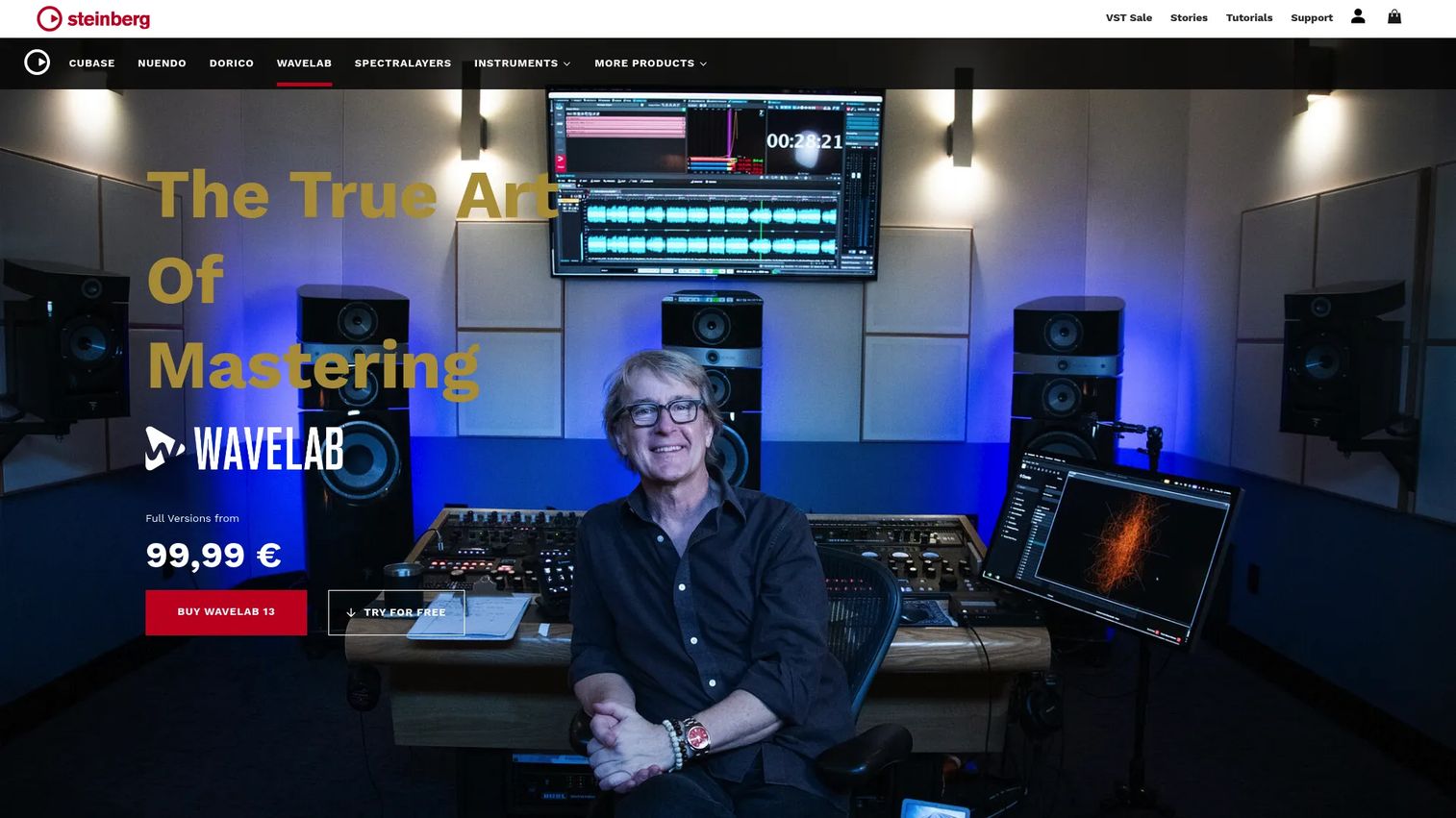
WaveLab is Steinberg's mastering and audio editing software, built for engineers who handle music, podcasts, and post-production. It combines an Audio Editor for detailed waveform work with an Audio Montage for assembling and sequencing releases. Spectral editing and restoration tools handle cleanup, and a batch processor runs the same chain across many files at once.
Best for: Mastering engineers and serious creators who want modular control and release-ready delivery.
Key features
- Audio Editor and Audio Montage workflows
- Spectral editing and audio restoration
- Batch processing across multiple files
- Dolby Atmos mastering support
- Release-ready export formats
Why choose WaveLab: If you master enough tracks that manual control and batch efficiency matter, WaveLab pays back the learning curve. It's overkill for someone mastering one song a month.
WaveLab pricing: WaveLab Pro 13 is a $499.99 one-time purchase, and WaveLab Elements 13 costs $99.99 one-time. A trial is available from Steinberg before you buy.
WaveLab does not have a current verified G2 product rating, so no score is listed here.
2. LANDR
LANDR pairs AI mastering with music distribution, so you can finish a track and release it from the same platform. Its AI is trained on mastered tracks and returns a processed version you can preview for free before paying. Reference mastering, volume matching, and album mastering give you some control over the automated output.
Best for: Independent musicians who want mastering plus distribution without stitching two tools together.
Key features
- AI mastering trained on mastered tracks
- Free previews before purchase
- Reference mastering and volume matching
- Album mastering across a release
- MP3, WAV, and HD WAV exports
Why choose LANDR: For a marketer or musician who values consolidation, one platform for mastering and distribution is the whole pitch. The trade-off is less granular control than a desktop suite.
LANDR pricing: Music distribution starts as low as $24/yr, and mastering plans are sold across subscription tiers on the LANDR pricing page. Free previews let you hear a master before committing.
LANDR holds a 2.5/5 rating on G2.
3. Mixea
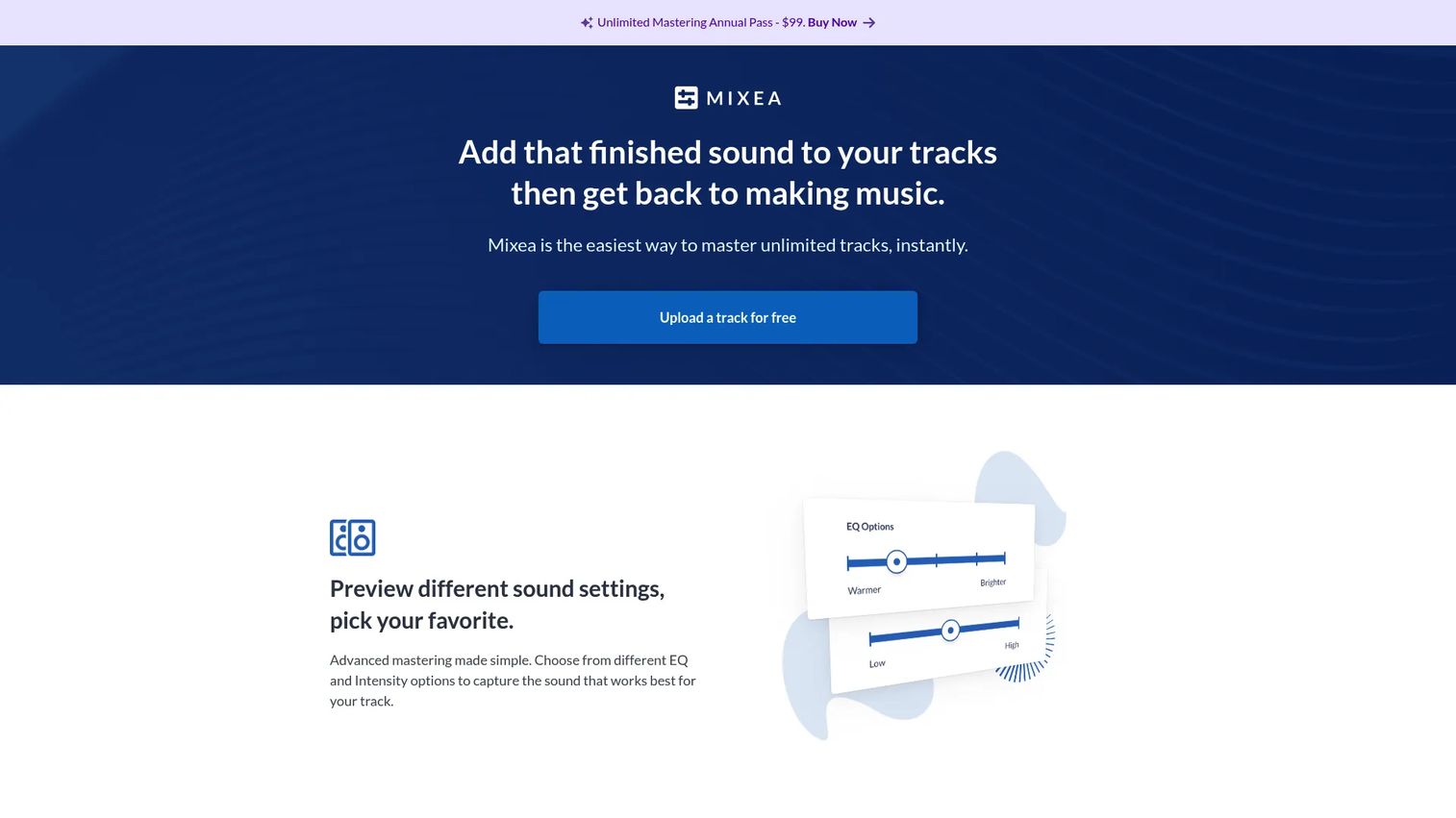
Mixea is DistroKid's online mastering tool, built for speed. You upload a track, preview different EQ and intensity settings, and master it in minutes. It exports HD audio in 24-bit, 48k WAV, which covers standard release delivery without extra configuration.
Best for: Musicians who want fast, simple online mastering and already release through DistroKid.
Key features
- Instant mastering flow
- Preview EQ and intensity settings
- HD audio in 24-bit, 48k WAV
- Simple browser-based interface
Why choose Mixea: If you're already in the DistroKid workflow and want output without decisions, Mixea removes friction. It won't satisfy anyone who needs deep manual shaping.
Mixea pricing: Your first mastered track is free, and unlimited mastered tracks cost $99/yr on an annual plan.
No current G2 rating for Mixea was confirmed, so none is listed.
4. Waves Online Mastering
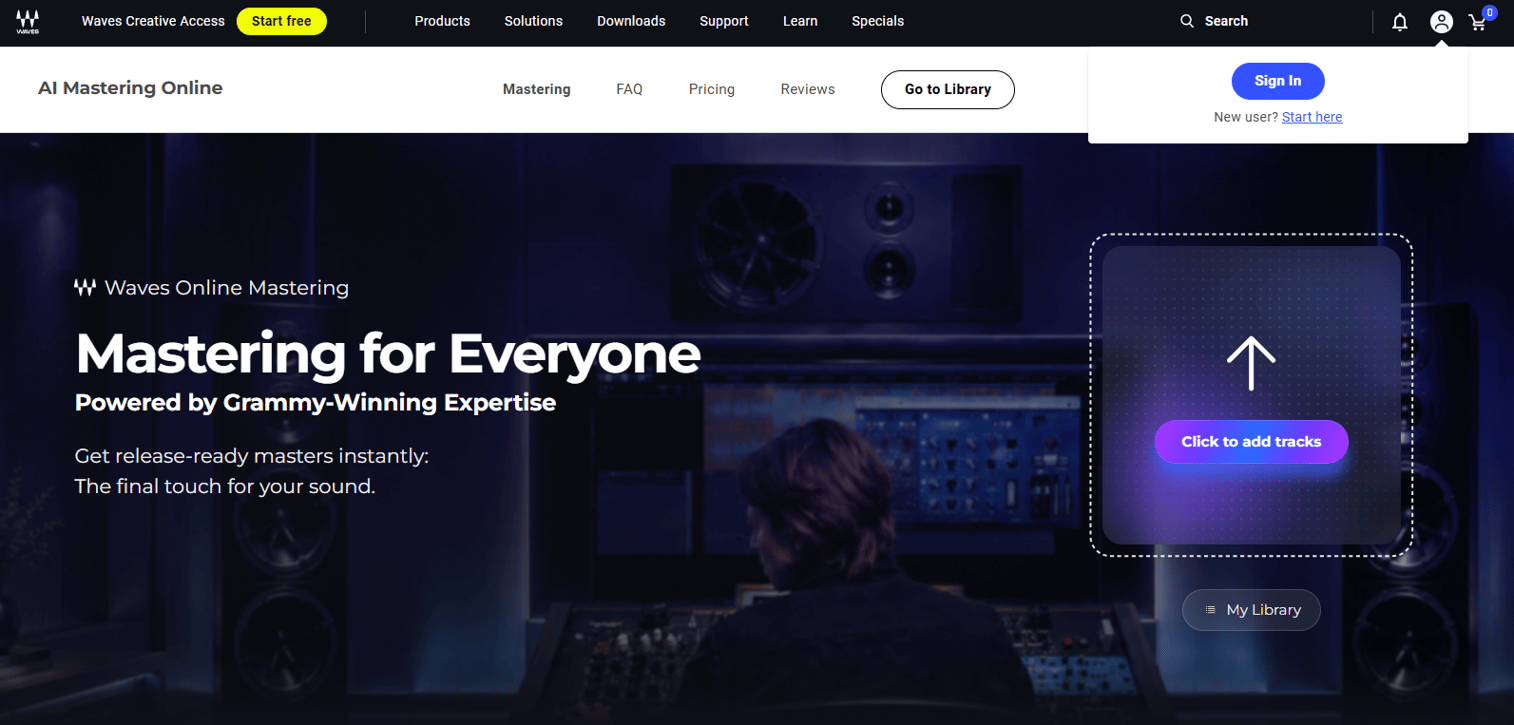
Waves Online Mastering is an AI-powered mastering service that lets you pay per master or subscribe. You get a 30-second free preview before purchase, plus controls for style, tone, and a reference track. Credit packs suit occasional use, while annual plans cover heavier volume.
Best for: Musicians and producers who master occasionally and want flexible pricing without a heavier suite.
Key features
- 30-second free preview before purchase
- Style, tone, and reference-track controls
- One-off credit packs
- Standard and Pro annual subscriptions
Why choose Waves Online Mastering: The pay-per-master model fits anyone who masters a handful of tracks a year and doesn't want a recurring bill. If you master constantly, a subscription or plugin suite works out cheaper.
Waves Online Mastering pricing: Credit packs run $3.99 for 1 credit, $17.45 for 5, and $44.85 for 15. Annual plans are $71.64 for Standard (36 credits) and $169.99 for Pro (unlimited credits under fair use), with free 30-second previews.
Waves Online Mastering has no verified G2 product rating, so no score appears here.
5. iZotope Ozone
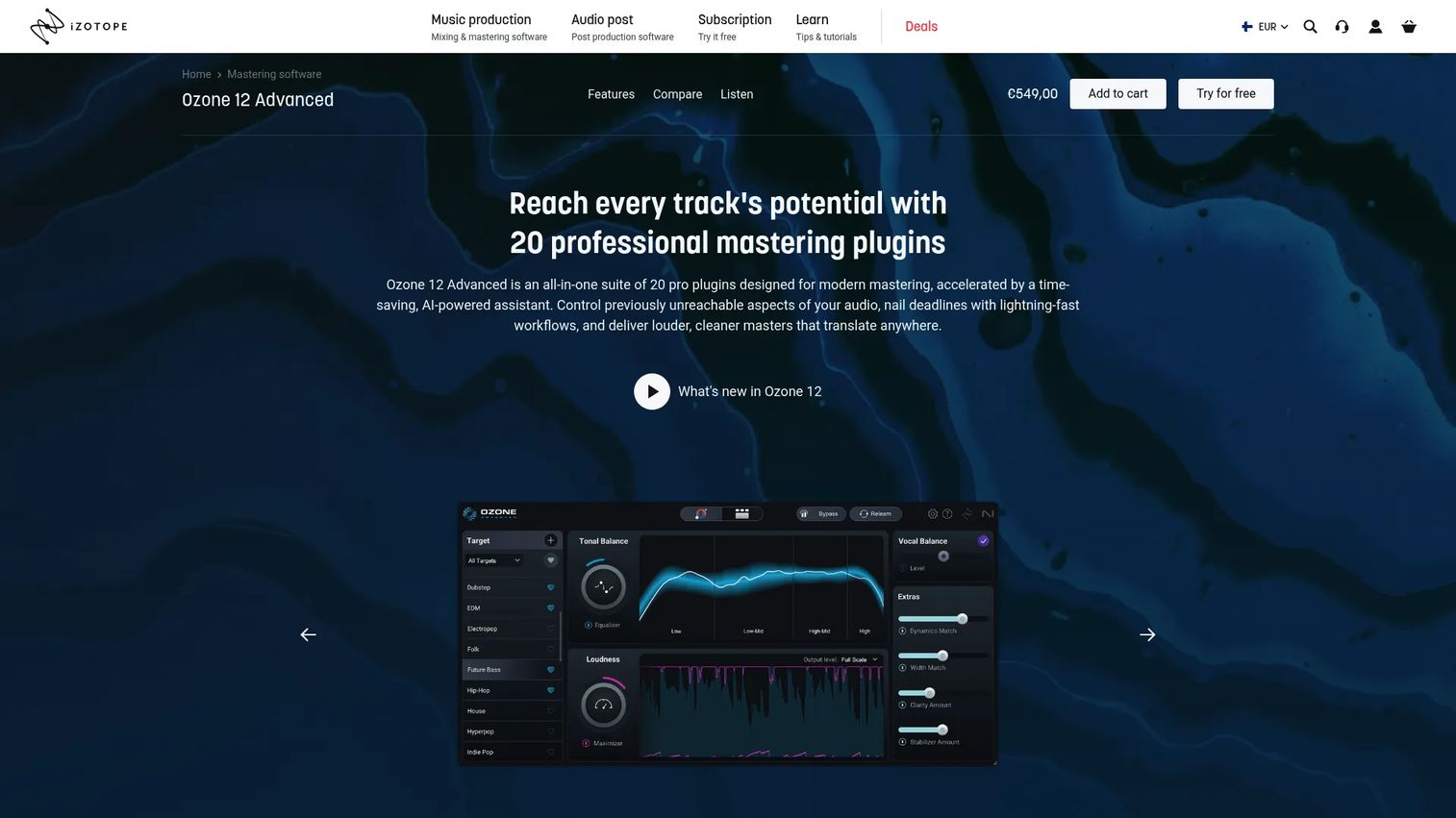
iZotope Ozone is a mastering plugin suite for producers who want to master inside a DAW rather than a separate app. Its AI-powered Master Assistant analyzes your track and suggests a starting chain, which you then refine with modular processing. The product line spans three editions, so you can match the toolset to how deep you go.
Best for: Producers and mastering engineers who already work inside a DAW and want mastering plugins in that same session.
Key features
- AI-powered Master Assistant with Custom flow
- Modular processing chain
- 14 pro tools in Standard
- 20-tool suite in Advanced
Why choose iZotope Ozone: If you master where you produce, staying in the DAW beats exporting to an external tool. The AI gives you a fast start, and manual control takes over from there.
iZotope Ozone pricing: Ozone 12 Elements is $55.00, Ozone 12 Standard is $219.00, and Ozone 12 Advanced is $499.00, all one-time perpetual licenses.
No relevant G2 rating for iZotope Ozone was confirmed, so none is shown.
6. Acon Digital Acoustica Premium
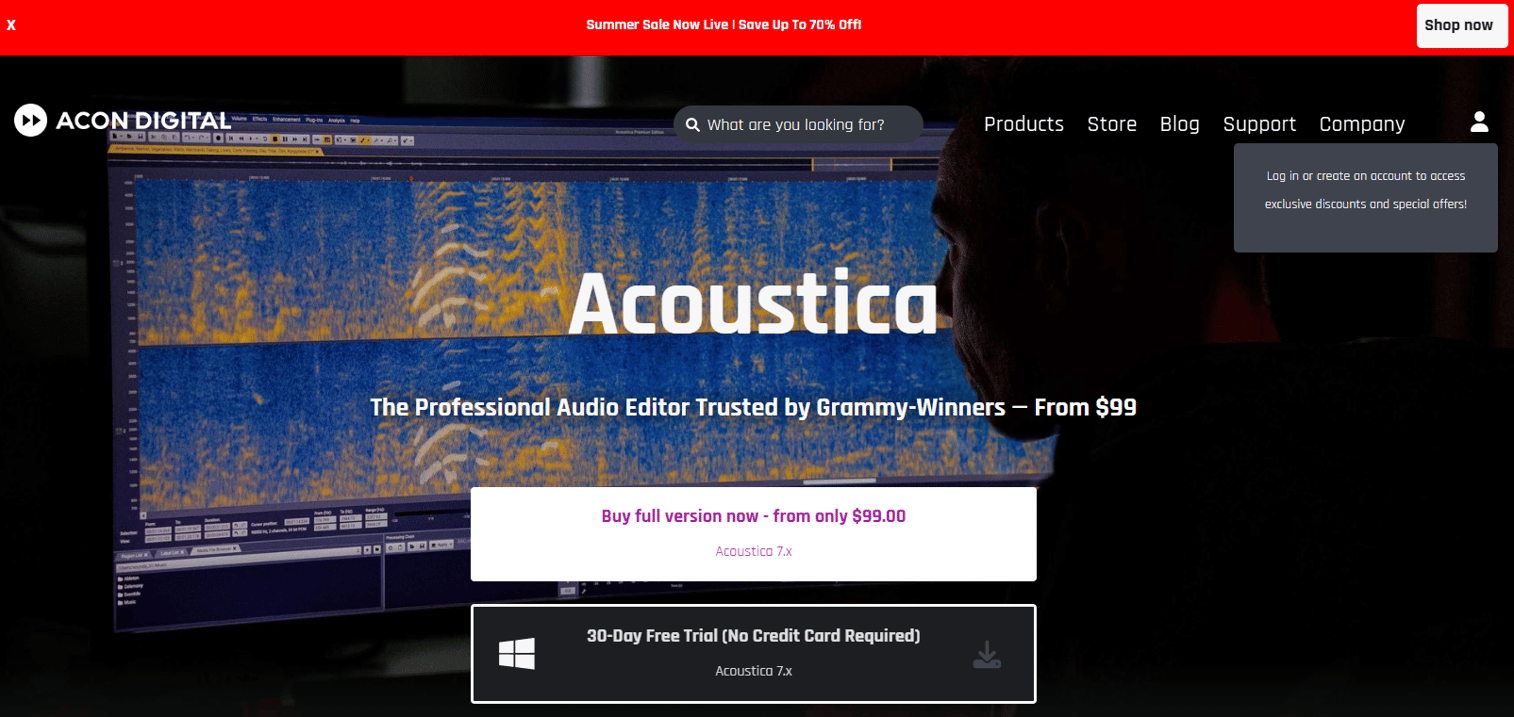
Acon Digital Acoustica Premium is a professional audio editor that leans hard into restoration and precision editing. The Premium edition bundles Equalize 2, Verberate 2, Restoration Suite 2, a Mastering Suite, and Extract:Dialogue 2. Multitrack and spectral editing plus ARA2 support make it a fit for cleanup work before a final master.
Best for: Audio professionals who need repair, restoration, and surgical control alongside mastering.
Key features
- Spectral editor and restoration suite
- Multitrack editing
- Immersive audio up to 7.1.2 channels
- ARA2 plugin support
- Bundled mastering and repair tools
Why choose Acon Digital Acoustica Premium: When your source needs repair before it can be mastered, this is the tool. It's less about one-click polish and more about fixing what's broken first.
Acon Digital Acoustica Premium pricing: Acoustica Standard Edition 7.x is $99.00, Premium Edition 7.x is $199.00, and the Post Production Suite is $299.00, all one-time purchases.
No current G2 rating for Acoustica Premium was confirmed, so none is listed.
7. Soundblade
Soundblade is Sonic Studio's professional audio editing and mastering software, aimed at engineers doing CD and DDP finishing. It handles non-destructive, real-time editing, so you shape a master without committing changes to the source file. CD and DDP preparation plus export make it a fit for physical release delivery.
Best for: Mastering engineers who need CD and DDP-oriented finishing tools.
Key features
- Non-destructive real-time editing
- CD and DDP preparation and export
- High-resolution processing
- Mastering and restoration options
Why choose Soundblade: Its niche is finishing masters for physical delivery with deep, focused control. That specialization is a strength for CD work and a mismatch for anyone chasing fast streaming output.
Soundblade pricing: Sonic Studio has listed subscription options of $149 for 90 days and $529 for 1 year on its soundBlade HD All Access page, though that page also notes it is no longer valid, so confirm current terms with Sonic Studio before purchase.
No G2 rating for Soundblade was confirmed, so none is shown.
Considerations
Before you commit, walk through these five criteria against how you actually work.
Workflow type
Decide whether you want online, plugin, or desktop-first mastering. Online tools like Mixea and Waves get you output with zero setup. Plugin suites like iZotope Ozone keep you inside your DAW. Desktop suites like WaveLab give you the most control at the cost of a steeper start.
Export quality
Check supported formats and sample rates before you buy. Streaming needs high-quality WAV, and physical or archival delivery may need higher resolution. Confirm the tool exports the formats your distributor requires, whether that's WAV, MP3, AIFF, or FLAC.
Precision vs speed
AI mastering trades control for convenience. If you master often and need consistent, fast output, automation earns its place. If every release needs manual shaping, a plugin or desktop chain is worth the extra minutes per track.
Restoration needs
Some tools only polish. Others repair. If your source has noise, clicks, or artifacts, look at Acoustica Premium or WaveLab's restoration tools. If your mixes arrive clean, you can skip that capability and save money.
Pricing model
Match the pricing model to your volume. Pay-per-master options like Waves suit occasional use, and free mastering entry points like Mixea's first-track offer let you test before paying. One-time licenses cost more upfront but avoid recurring bills, which matters if you master constantly.
Conclusion
Seven tools, three workflows, one decision. WaveLab and Soundblade sit at the pro desktop end, built for engineers who want control and specialized finishing. iZotope Ozone keeps mastering inside your DAW. Acon Digital Acoustica Premium adds restoration when your source needs repair first.
On the speed side, LANDR pairs AI mastering with distribution, Mixea gets you a fast master inside DistroKid, and Waves Online Mastering offers pay-per-master flexibility for occasional use.
Pick by how you work, not by feature count. If you master often and value control, start a trial with WaveLab or buy into iZotope Ozone. If you need release-ready output fast, run a free preview through LANDR, Mixea, or Waves before you pay a cent. Free previews and trials mean you can hear the result on your own track before committing budget, which is the only test that actually matters.
Test two options against the same mix, compare on your worst-sounding playback device, and let the output decide.
Start your journey with Guideflow today!
FAQs
A DAW records, arranges, and mixes many tracks into a final stereo mix. Mastering software takes that finished mix and polishes it for release: Loudness, tonal balance, and export delivery. Dedicated mastering software focuses on this last stage, while a DAW spans the whole production process.
Not always, but it helps. Many DAWs include basic mastering tools, and mastering plugins like iZotope Ozone run inside your existing session. A dedicated mastering app gives you sequencing, batch processing, and export controls a general DAW may lack, which matters most when you release full albums.
For most streaming releases, yes. AI mastering trained on mastered tracks returns consistent, loudness-matched output in minutes, which covers singles and content audio well. For projects where every tonal decision matters, a manual chain still gives you finer control. Preview the result on your own track before deciding.
For streaming, high-quality WAV is the standard, with MP3 for quick sharing. Physical or archival delivery may need higher-resolution formats like HD WAV, plus AIFF or FLAC depending on the platform. Confirm your distributor's required format before you export.
Choose online mastering when you want speed and zero setup, like Mixea or Waves Online Mastering. Choose a plugin suite like iZotope Ozone when you master inside a DAW and want manual control. Online is faster; plugins give you more say over the result.
Reference mastering matches your track to a chosen reference song, using it as a target for tone and loudness. Tools like LANDR let you upload a reference so the output moves toward the sound you're aiming for. It's a fast way to hit a familiar sonic target without dialing every setting by hand.
Only to a point. Mastering polishes a mix; it can't rebalance a track where instruments clash or vocals sit wrong. Restoration tools in software like Acoustica Premium repair noise and artifacts, but structural mix problems need fixing in the DAW. Master a good mix, not a broken one.
For speed, Mixea and Waves Online Mastering return a finished master in minutes with minimal setup. LANDR is also fast and adds distribution in the same platform. If you need output today without a learning curve, an online or AI mastering tool beats a desktop suite.










