Appcues does one job well: Guiding users inside a logged-in product through tours, checklists, and in-app messages. For teams whose onboarding motion stays inside the product, it covers the ground. The problem starts when the product story needs to live somewhere else too: On a landing page before signup, in a sales follow-up, in a launch email, or inside a partner portal.
If you are researching Appcues alternatives, the best pick depends on the job. Guideflow is the top pick for interactive demos and buyer-facing product experiences (Guideflow is our product, so read on for where it fits and where it does not). Userpilot and Userflow are the closest in-app onboarding comparisons. Pendo adds product analytics. Whatfix and WalkMe serve enterprise digital adoption programs. Intercom connects onboarding to customer messaging. Jimo handles lightweight in-app campaigns. Trainual covers internal training and SOPs.
This list covers all ten categories with verified pricing, G2 ratings, and sourced limitations, so you can match the tool to the job rather than the category label.
TL;DR
- Best overall interactive product experience: Guideflow is the pick when PMM, Sales, and CS need shareable product experiences across launch, outbound, and customer education, not only inside the authenticated app.
- Best for in-app product adoption: Userpilot, with a Starter plan from $299/month, covers product tours, onboarding checklists, surveys, and product analytics in one platform.
- Best for product analytics plus onboarding: Pendo offers a free plan up to 500 monthly active users and paid tiers with custom pricing based on usage.
- Best for budget-conscious user onboarding: UserGuiding starts at $174/month (billed annually) for up to 2,000 MAUs with no-code setup.
- Best for enterprise digital adoption: WalkMe and Whatfix both use quote-based pricing and suit large organizations standardizing adoption across internal software.
- Best for customer messaging and support: Intercom starts at $19/seat/month (billed annually) and ties onboarding to AI-powered support and chat.
- Best for training and SOPs: Trainual starts at $3/user/month (billed annually), purpose-built for documenting internal processes and onboarding employees.
What's inside
- What Appcues does and when it fits
- Four sourced reasons teams look for alternatives
- 10-tool comparison table with category labels, pricing, and G2 ratings
- Full ranked cards for all ten tools with sourced limitations
- Use-case routing for interactive demos, in-app onboarding, enterprise adoption, and more
- Guidance on when to stay with Appcues
What is Appcues?
Appcues is a product adoption platform that helps SaaS teams create in-app onboarding flows, tooltips, checklists, announcements, and surveys without engineering support. Its core category is product onboarding and in-app user guidance.
Typical users include product, growth, and customer success teams working to improve activation, feature discovery, and user retention after login. Key strengths include no-code experience building, event-triggered segmentation, and a solid library of in-app UI patterns.
The boundary worth naming: Appcues is built for the inside of an authenticated product. It does not produce shareable demos that work on a landing page, in a sales sequence, or on a partner portal. Teams that need product experiences across the full GTM motion, before signup and after, often find themselves shopping outside the product adoption category.
According to Appcues' own 2025 Benchmarks and ROI Survey, behavior-triggered in-app nudges generate about 45% more feature adoption than batch campaigns, which speaks to why segmentation and triggering matter inside a platform like this. Deciding whether that in-app motion covers your full need is the question this guide helps answer.
Why teams look for Appcues alternatives
Teams usually look for Appcues alternatives when their onboarding motion grows beyond in-app guidance.
Pricing scales against monthly active users
Appcues prices by MAU, and teams with large or fast-growing user bases often find the buying math shifts as they scale. G2 reviewers frequently flag that cost increases with volume make Appcues harder to justify when most users only see one or two onboarding moments. If a team runs many low-touch touchpoints across a large base, the per-MAU model puts pressure on the budget faster than a seat-based or flat-rate alternative would.
Analytics do not close the loop on adoption outcomes
PMMs and product teams need to prove that an onboarding flow improved activation, expansion, or feature adoption. Reviewers on G2 note that Appcues' reporting focuses on flow completions rather than downstream behavior, making it harder to tie a checklist or tooltip to a business outcome. Teams that need to defend launch impact to leadership often find themselves pulling data from a separate analytics tool and stitching the story together manually.
The team needs product experiences that live outside the app
Appcues works inside the product. It does not produce a shareable interactive demo that a rep can send after a call, embed on a pricing page, or drop into a launch email. PMMs who need a consistent product narrative across launch campaigns, sales enablement, demand generation, and customer education hit this boundary quickly. The product story cannot stay inside the product when buyers and partners need to experience it before they ever log in.
Enterprise adoption programs need governance and cross-application coverage
Digital adoption teams managing internal software rollouts, process compliance training, or multi-application environments need admin controls, role-based permissions, and content governance that extend beyond what a customer-facing onboarding tool provides. G2 reviewers note that Appcues fits customer-facing onboarding better than it fits internal enterprise adoption programs.
How we picked these Appcues alternatives
Selection criteria: Real capability overlap with common Appcues switching intent, fit for PMM, Product, CS, Sales Enablement, and RevOps roles, pricing and scalability drawn from each vendor's pricing page, and review sentiment from G2.
Each tool is labeled by category so the table is readable across jobs: Interactive demo, product adoption, digital adoption, customer messaging, and training. The digital adoption platform market was valued at $792.3 million in 2024 and is projected to reach $2.6 billion by 2030, according to Global Industry Analysts (2025), which explains why the field now spans tools built for very different buyers.
Appcues alternatives at a glance
Guideflow is the top pick for teams that need shareable, measurable product experiences beyond in-app onboarding. Userpilot, Userflow, UserGuiding, and Jimo are the closest product onboarding comparisons. Pendo adds analytics depth. Whatfix and WalkMe lean toward enterprise digital adoption. Intercom covers messaging and support. Trainual handles internal training.
| # | Tool | Category | Best for | G2 rating | Free plan | Starting price |
|---|---|---|---|---|---|---|
| 1 | Guideflow | Interactive demo | Buyer-facing product experiences across launch, sales, and education | 5.0 | Yes | $35/user/month (annual) |
| 2 | Userpilot | Product adoption | In-app onboarding, adoption analytics, surveys | 4.6 | No | $299/month |
| 3 | Pendo | Product adoption + analytics | Product analytics with in-app guidance | 4.4 | Yes (up to 500 MAU) | Custom pricing |
| 4 | UserGuiding | Product adoption | No-code onboarding for smaller teams | 4.7 | No | $174/month (annual) |
| 5 | Userflow | Product adoption | Flexible flow building for self-serve SaaS | 4.8 | No | $240/month (annual) |
| 6 | Whatfix | Digital adoption | Enterprise software adoption and training | 4.6 | No | Quote-based |
| 7 | WalkMe | Digital adoption | Large-scale enterprise digital adoption | 4.6 | No | Quote-based |
| 8 | Intercom | Customer messaging | Onboarding tied to support and AI chat | 4.5 | No | $19/seat/month (annual) |
| 9 | Jimo | In-app guidance | Lightweight product engagement campaigns | 4.6 | No | $249/month (annual) |
| 10 | Trainual | Training and SOPs | Internal process documentation and employee onboarding | 4.7 | No | $3/user/month (annual) |
The best Appcues alternatives in 2026
1. Guideflow (interactive demo)
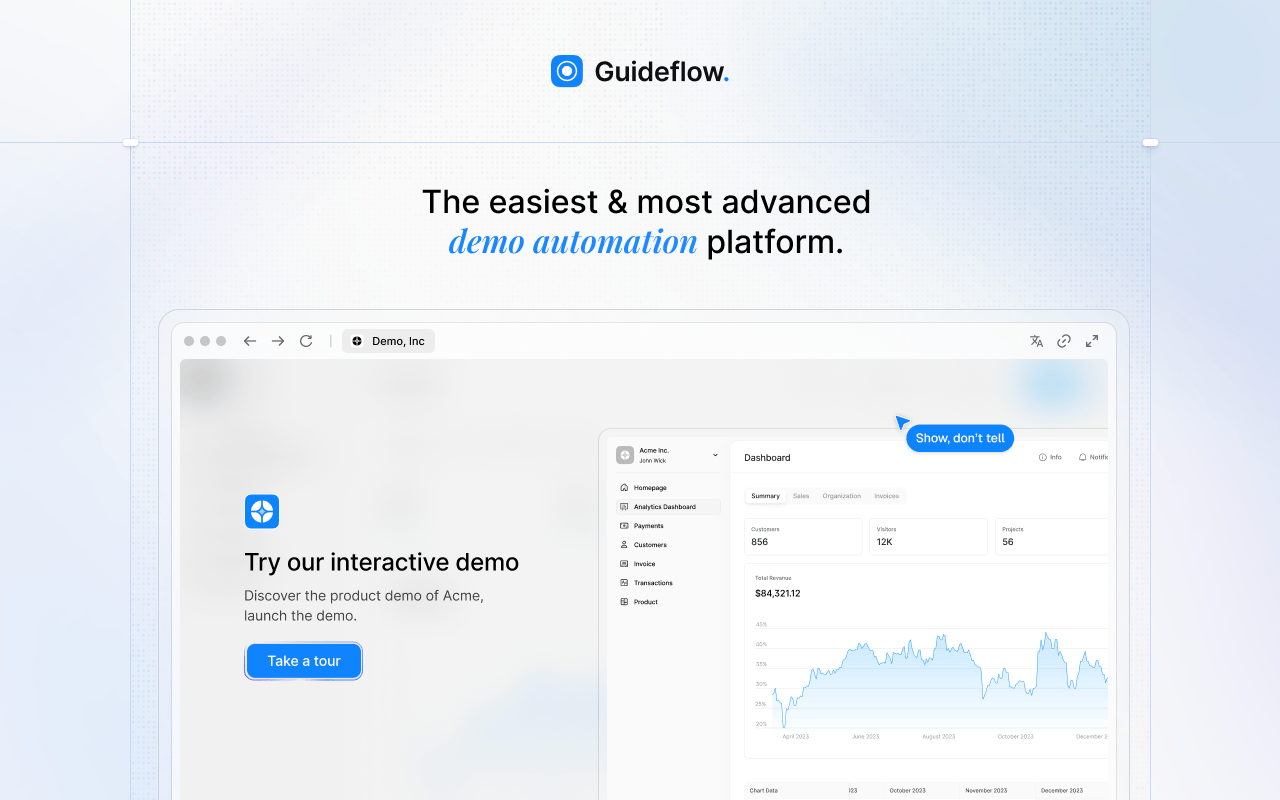
Guideflow is a demo automation platform built for teams that need buyers, users, sellers, and partners to experience the product before they log in. Where Appcues operates inside an authenticated session, Guideflow produces shareable product experiences that work on a landing page, inside a sales email, embedded on a help article, or posted in a launch campaign. Product marketing teams use it when the product story needs to hold together across every surface, not just inside the app.
Best for: PMM, sales, and CS teams building product experiences that live across launch campaigns, outbound, demo centers, and customer education.
What it is: Guideflow is a demo automation platform. Teams capture their product flows through the Chrome extension or the native app, then edit and personalize the experience before distributing it by link, embed, email, or campaign. It supports six demo formats: Interactive demos, demo pages, demo centers, sandboxes, live demos, and mobile demos. Capture runs in screenshot, HTML, and video modes. The editor supports text, images, graphs, and branching, and step content is generated automatically. Translation covers more than 30 languages.
Key features:
- Six demo formats covering guided, explorable, centralized, presenter-led, and mobile experiences
- Capture through the Chrome extension or the native app, with screenshot, HTML, and video modes
- Editor with text, images, graphs, and branching; step content generated automatically
- Step-level completion, drop-off, and viewer flow analytics
- Integrations with HubSpot, Salesforce, Pipedrive, Zoho, and Marketo; visitor identification at the company level
Where Guideflow falls short:
- Guideflow is purpose-built for buyer-facing and user-facing product experiences. Teams whose only need is in-app tooltips inside an authenticated product may prefer a dedicated onboarding platform.
- Teams running internal LMS programs with certification, course management, and learner tracking will need a training tool alongside Guideflow.
Pricing: Free plan available. Solo is $35/user/month (annual). Growth is $499/month (annual). Advanced is $1,499/month (annual). Enterprise starts from $2,999/month (annual) and adds SSO, advanced governance, and enterprise security.
G2 rating: 5.0
How it compares to Appcues: Appcues guides users inside the product after login. Guideflow extends product education into pre-sale, launch, enablement, partner, and support channels where the viewer may not have an account yet. The two tools address different moments in the buyer and user journey.
2. Userpilot (product adoption)
Userpilot is one of the most direct Appcues comparisons in this list. It covers in-app onboarding, product analytics, session replay, and feedback in one platform, making it a strong candidate for product and growth teams that want adoption tooling and usage data together.
Best for: SaaS product and growth teams that need in-app onboarding, adoption analytics, and user feedback without stitching together multiple tools.
What it is: Userpilot is a product growth and analytics platform for creating in-app experiences, understanding user behavior, driving adoption, collecting feedback, and reducing churn without engineering support. It covers product tours, onboarding checklists, resource centers, feature tagging, in-app surveys, segmentation, session replay, and product analytics. It also includes AI-assisted analytics capabilities.
Key features:
- Product tours, checklists, and resource centers built without code
- In-app NPS and custom surveys with segmentation
- Session replay and product analytics
- Mobile engagement support
- Integrations and data sync with common analytics and CRM tools
Where Userpilot falls short:
- G2 reviewers note a learning curve on more complex setup, particularly for teams new to event-based targeting.
- Pricing scales with MAUs; reviewers mention that cost can become a consideration as user bases grow beyond the Starter tier.
- Some reviewers flag that advanced analytics and certain integrations require higher-tier plans.
Pricing: Starter from $299/month. Growth from $849/month. Enterprise uses custom pricing. A 14-day free trial is available. No permanent free tier.
G2 rating: 4.6
How it compares to Appcues: Userpilot and Appcues overlap heavily on no-code in-app onboarding. Userpilot tends to appeal when the team wants product analytics and session replay bundled with the onboarding layer, rather than relying on a separate analytics tool.
3. Pendo (product adoption and analytics)
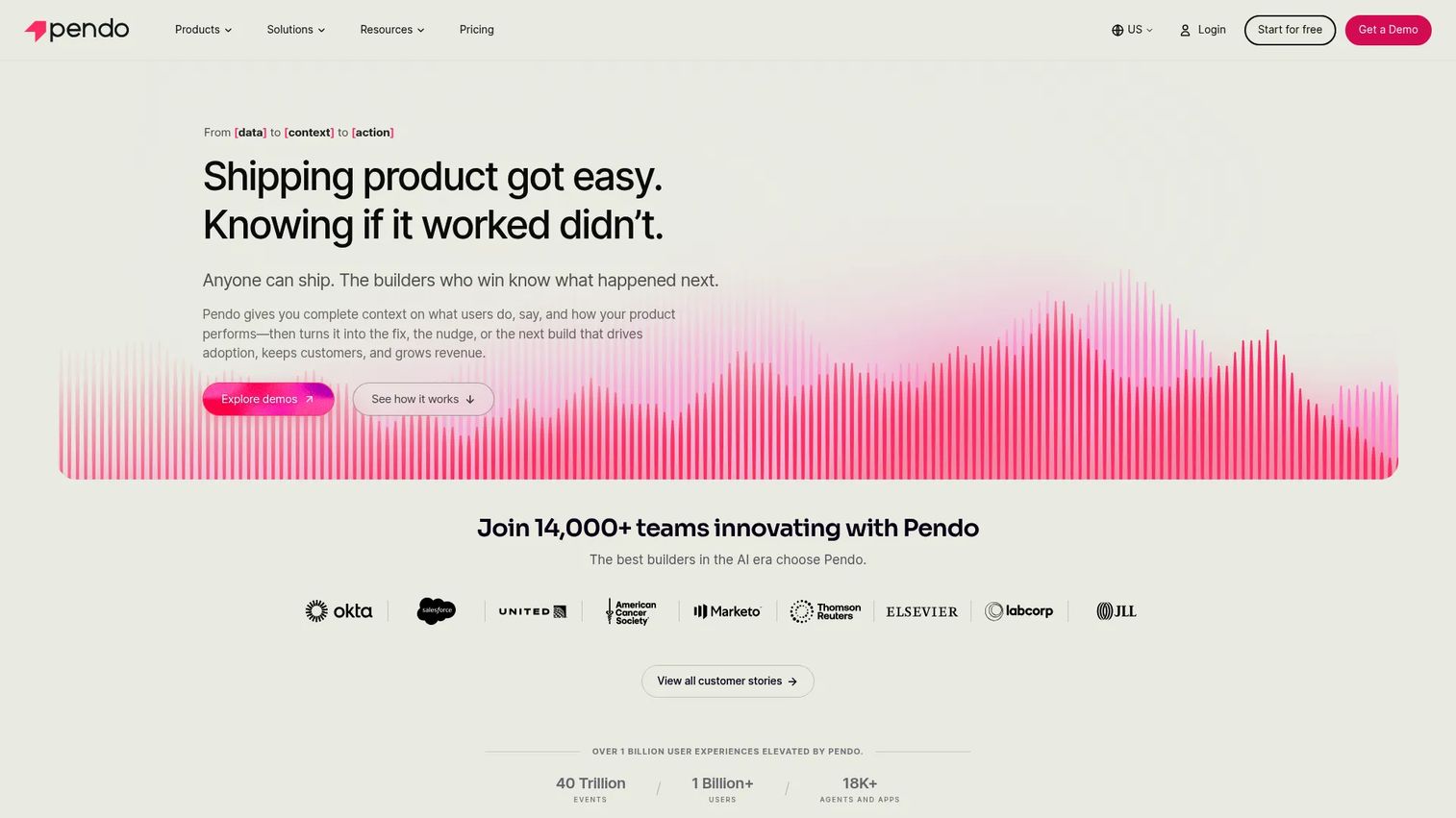
Pendo is broader than a pure onboarding tool. Its core value is product analytics: Understanding how users move through the product, where they stall, and what they actually use. The in-app guidance layer sits on top of that data foundation, which is why Pendo draws product-led organizations that need usage visibility alongside engagement.
Best for: Product-led organizations that need usage analytics, feedback, and in-app guidance in one platform, particularly those making roadmap decisions with product data.
What it is: Pendo is a product management and user experience platform for analyzing user behavior, delivering in-app guides, collecting NPS and CSAT feedback, and managing roadmaps. It covers journeys, funnels, feature adoption analytics, session replay, cross-channel journeys combining in-app and email, and a Resource Center for self-serve onboarding.
Key features:
- Product analytics covering paths, funnels, feature adoption, and user health
- In-app guides and Resource Center for targeted onboarding
- NPS, CSAT, and product-market fit surveys
- Session replay
- Cross-channel journeys with in-app and email components
Where Pendo falls short:
- Paid tiers use custom pricing, and G2 reviewers frequently note that contracts can become complex and expensive for smaller teams.
- Setup and administration carry a steeper learning curve than lighter onboarding tools; reviewers mention that building out the full analytics layer takes meaningful configuration time.
- Reporting and dashboard depth can exceed what smaller product teams need, adding cognitive overhead.
Pricing: Free plan available for up to 500 monthly active users. Paid plans (Base, Core, Ultimate) use custom pricing tied to MAU count and selected features. Contact Pendo for a quote.
G2 rating: 4.4
How it compares to Appcues: Pendo is the stronger pick when analytics matter as much as guidance. Appcues fits teams that want focused in-app onboarding without the broader product intelligence layer.
4. UserGuiding (product adoption)
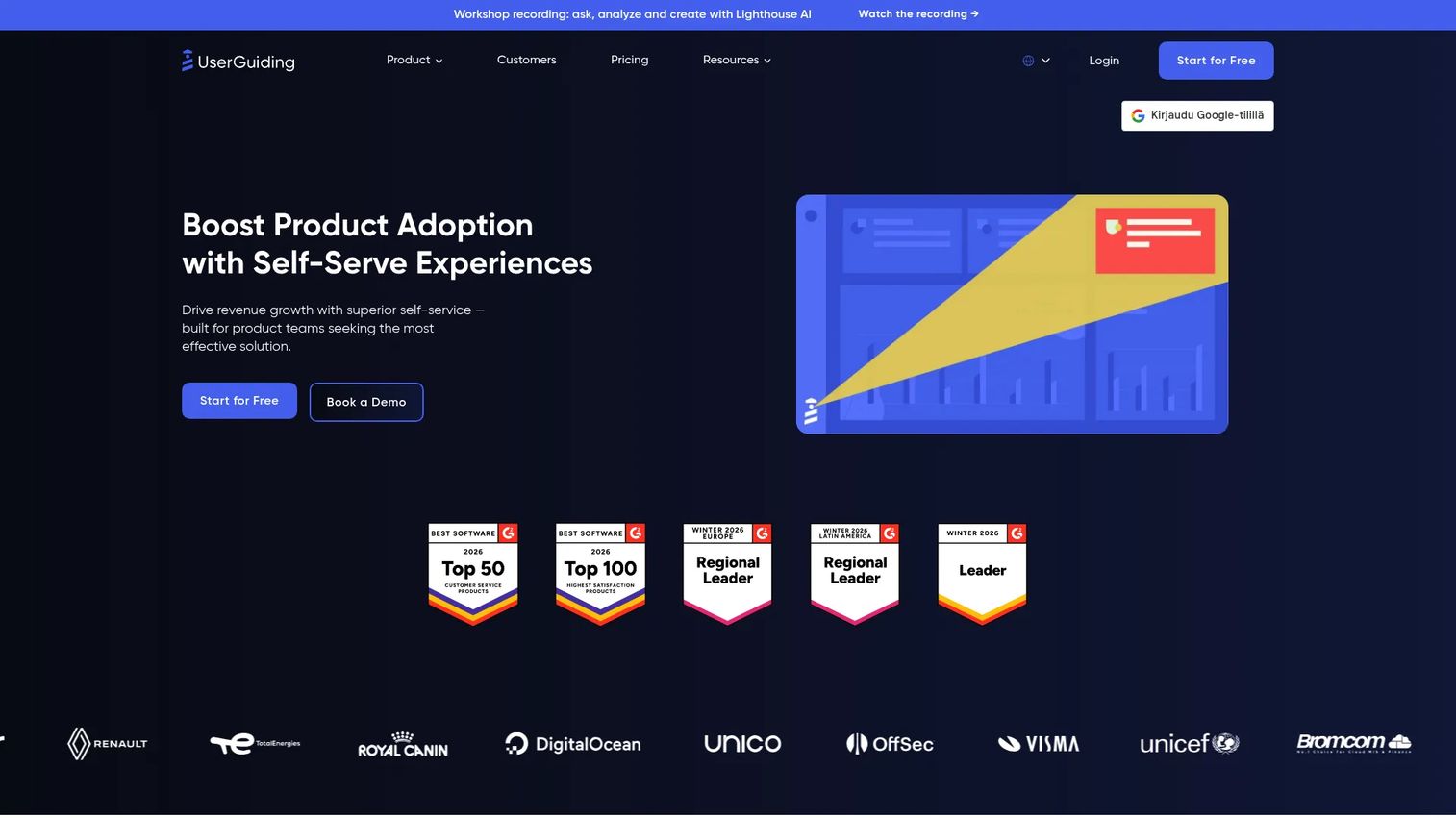
UserGuiding targets teams that need no-code in-app onboarding at a price point that works for earlier-stage companies. It covers the core onboarding patterns, from product tours and checklists to resource centers and NPS surveys, without requiring technical setup.
Best for: Startups and growth-stage teams building product tours and onboarding checklists without engineering help, at a more accessible price point than enterprise platforms.
What it is: UserGuiding is a no-code product adoption platform for onboarding, in-app communication, self-service support, and feedback. It supports product tours, tooltips, hotspots, banners, announcement modals, onboarding checklists, in-app surveys, NPS, a knowledge base widget, audience segmentation, and an AI assistant. Session replay is also included.
Key features:
- No-code product tours, tooltips, hotspots, and banners
- Onboarding checklists and resource centers
- In-app NPS surveys and segmentation
- AI Assistant for in-app self-service
- Session replay
Where UserGuiding falls short:
- G2 reviewers note that customization options can feel limited compared to larger platforms, particularly for teams with specific branding or complex interaction requirements.
- Analytics depth is a recurring comment; reviewers looking for granular funnel or cohort analysis often pair UserGuiding with a separate analytics tool.
- Enterprise teams flag that the platform's governance and permission controls are not built for large team deployments.
Pricing: Starter from $174/month (billed annually) for up to 2,000 MAUs. Growth from $349/month (billed annually). Enterprise uses custom pricing. A free trial is available.
G2 rating: 4.7
How it compares to Appcues: UserGuiding competes closely with Appcues on no-code onboarding and tends to appeal when price is a deciding factor at smaller team sizes. Appcues carries more enterprise credibility and a broader customer base, which some buyers weigh in vendor selection.
5. Userflow (product adoption)
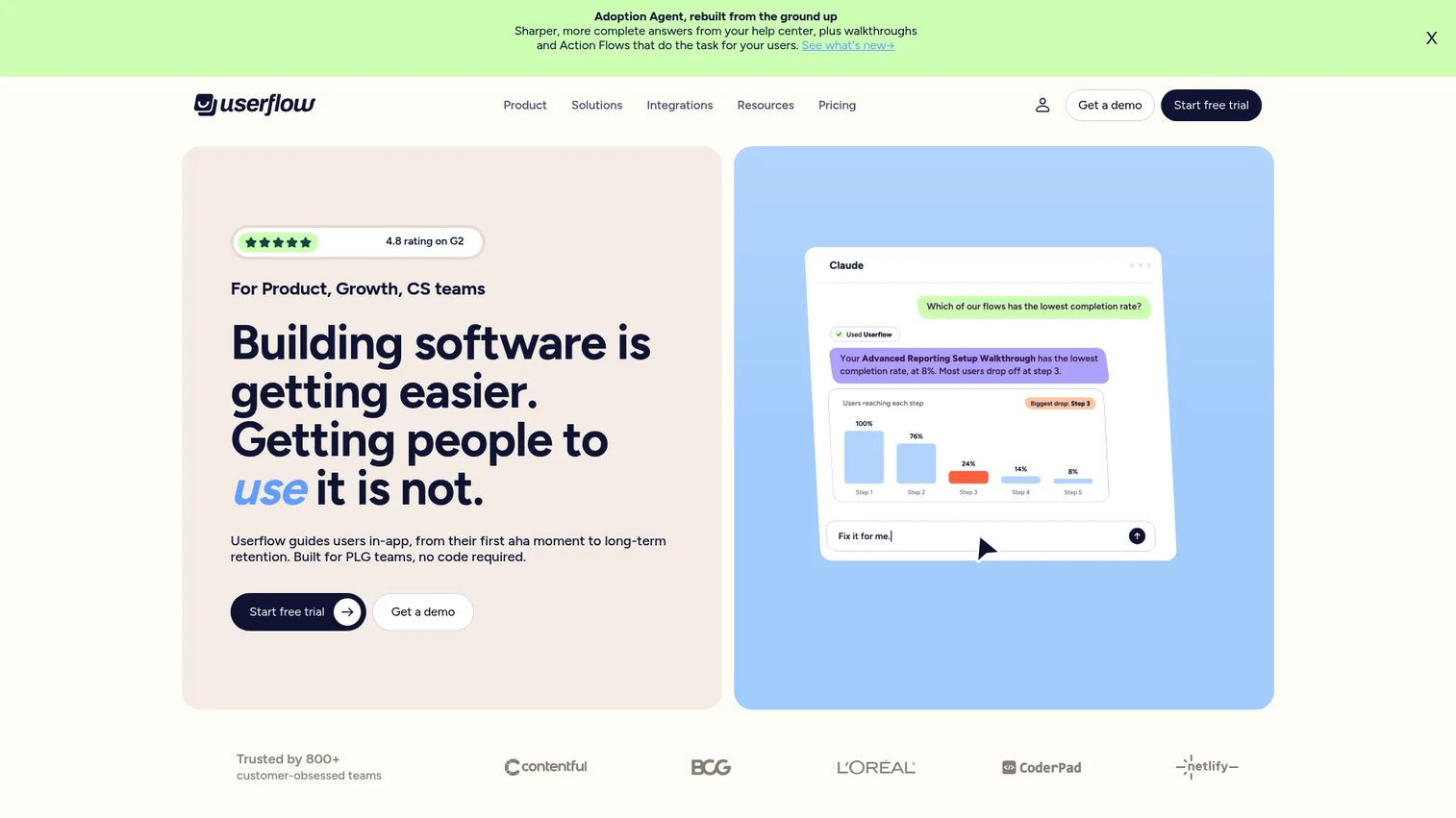
Userflow puts the builder at the center. The flow creation experience is flexible and fast, which makes it appealing for product teams that frequently iterate on onboarding and need to move from idea to published flow without a heavy configuration process.
Best for: Self-serve B2B SaaS product teams that want a builder-first workflow for creating and updating in-app onboarding flows, checklists, surveys, and resource centers.
What it is: Userflow is an AI-powered product adoption and in-app onboarding platform. It includes flows, tours, checklists, tooltips, banners, announcements, surveys, NPS questions, launchers, and resource-center experiences. The platform offers an Adoption Agent, FlowAI Builder, event-based targeting, localization, and integrations with common analytics and CRM tools.
Key features:
- No-code flow, checklist, tooltip, and survey builder
- AI-powered FlowAI Builder and Adoption Agent
- Event-based targeting and segmentation
- Localization support
- Product adoption analytics
Where Userflow falls short:
- Pricing scales with MAUs, and G2 reviewers note that costs can rise meaningfully for teams with large user bases once they move past the Essentials tier.
- Some reviewers describe the onboarding and configuration process as requiring time investment before flows perform reliably.
- Advanced customization and certain integrations may require the Studio or Enterprise tier.
Pricing: Essentials at $240/month (billed annually). Studio at $400/month (billed annually). Enterprise uses custom pricing. A 14-day free trial is available. No permanent free tier.
G2 rating: 4.8
How it compares to Appcues: Userflow is a close direct comparison for teams focused on in-app onboarding flows. Its AI-assisted builder appeals when the team wants to move quickly from trigger to published experience.
6. Whatfix (digital adoption)
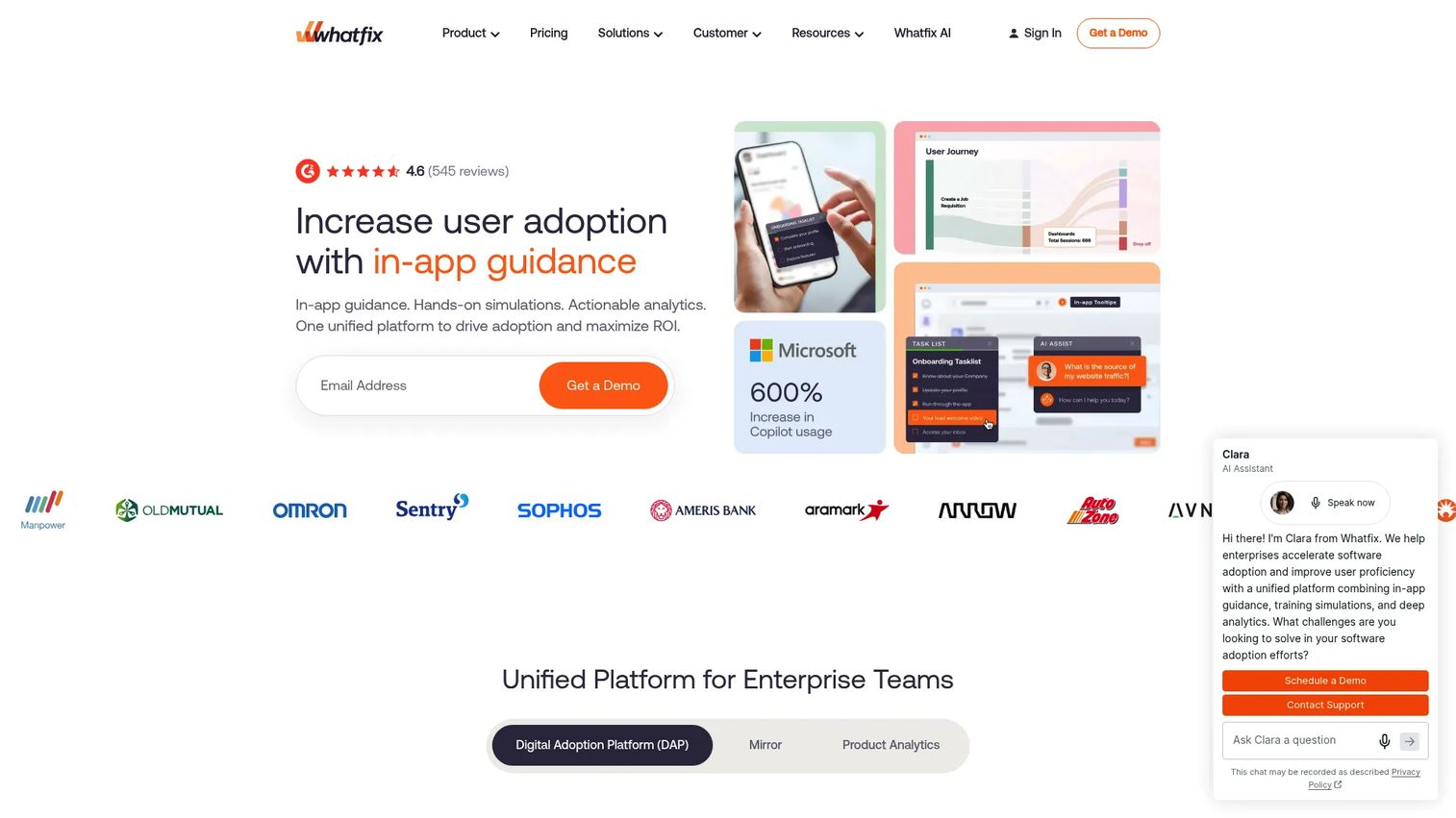
Whatfix is not a lightweight Appcues swap. It is a digital adoption platform built for enterprise organizations managing software rollouts, employee onboarding, and guided workflows across internal applications. Teams that need to standardize how employees use a CRM, ERP, or productivity suite are the core buyer here.
Best for: Enterprise teams that need guided adoption across internal and customer-facing software, with analytics, simulations, and governance built for large deployments.
What it is: Whatfix is an AI-powered digital adoption platform providing in-app guidance, application cloning, guided simulations, AI roleplay, training analytics, no-code product analytics with event tracking, session replay, real-time cohorts, and task lists across web and desktop applications.
Key features:
- In-app Flows, Smart Tips, Pop-Ups, Task Lists, and Self Help widgets
- Application cloning, guided simulations, and AI roleplay for training
- No-code product analytics with event tracking and session replay
- Multi-application support across web and desktop
- Enterprise governance and admin controls
Where Whatfix falls short:
- Pricing is quote-based with no public numbers; G2 reviewers frequently note that implementation effort and cost can be significant for organizations without dedicated enablement resources.
- Setup and administration carry a steeper learning curve than customer-facing onboarding tools; Whatfix is built for structured enterprise deployments, not rapid iteration.
- Teams looking for a lightweight customer-facing onboarding tool will find Whatfix's footprint larger than their need.
Pricing: Standard, Premium, and Enterprise plans are available but carry no public pricing. Contact Whatfix for a quote.
G2 rating: 4.6
How it compares to Appcues: Whatfix operates in the enterprise digital adoption space rather than customer-facing product onboarding. It is the right comparison when the problem is employee adoption of internal software, not in-app guidance for SaaS end users.
7. WalkMe (digital adoption)
WalkMe is the most established name in enterprise digital adoption. Large organizations running adoption programs across business-critical systems, from Salesforce to SAP to ServiceNow, frequently evaluate WalkMe for its governance depth and analytics breadth. The scope goes well beyond customer-facing onboarding.
Best for: Large enterprises standardizing digital adoption, measuring software usage, and automating workflows across complex business systems at scale.
What it is: WalkMe is a cloud-based digital adoption platform for measuring software usage, providing in-app guidance across web, desktop, and mobile, automating workflows, and improving digital adoption across enterprise applications. It includes behavioral segmentation, AI-powered authoring, contextual assistance, and in-app guides and notifications.
Key features:
- Real-time adoption analytics and reporting across enterprise applications
- Interactive in-app guides, tooltips, notifications, and onboarding flows
- Workflow automation and AI-powered authoring
- Behavioral segmentation and audience targeting
- Support for web, desktop, and mobile applications
Where WalkMe falls short:
- Pricing is entirely quote-based; G2 reviewers note that WalkMe tends to carry a significant cost, making it a poor fit for teams without an enterprise budget.
- Implementation resources and admin learning curve are common G2 themes; most deployments require dedicated IT or enablement support.
- For teams that only need customer-facing product onboarding, WalkMe's footprint and complexity exceed what the job requires.
Pricing: Quote-based. No public pricing or named tiers are displayed. Contact WalkMe for a quote.
G2 rating: 4.6
How it compares to Appcues: WalkMe and Appcues address different buyers. Appcues fits SaaS product teams guiding customers inside a product. WalkMe fits enterprise IT and enablement teams governing software adoption across an organization's internal toolstack.
8. Intercom (customer messaging)
Intercom is not a pure Appcues replacement. Its strength is tying onboarding messages to customer support, AI-powered chat, and a help center, so the conversation between a user and the product continues across channels. Teams that already run Intercom for support and want to add lightweight onboarding often find the combination more practical than adding a dedicated onboarding tool.
Best for: SaaS teams whose onboarding, support, and customer communication workflows belong in the same system, particularly those investing in AI-first customer service.
What it is: Intercom is an AI-first customer service platform combining a Fin AI Agent, shared inbox, ticketing, Messenger, help center, outbound messaging, workflow automation, and an AI Copilot for support teams. It covers segmentation, reporting, and customer insights alongside the customer-facing communication layer.
Key features:
- Fin AI Agent for automated customer service resolution
- Shared inbox, ticketing, and workflow automation
- Messenger and live chat with outbound messaging
- Help center and multilingual knowledge management
- AI Copilot for support agents
Where Intercom falls short:
- Product tour capabilities are lighter than dedicated onboarding platforms; G2 reviewers note that Intercom is not the right choice when in-app onboarding is the primary need rather than messaging and support.
- Pricing add-ons for Fin AI Agent ($0.99 per outcome), Copilot ($29/agent/month), and Proactive Support Plus ($99/month) mean the effective cost runs higher than the base seat price for teams using the full feature set.
- Some reviewers flag that support automation complexity can require significant setup time before it functions reliably.
Pricing: Essential at $19/seat/month (billed annually; standard price is $29/seat/month). Advanced at $85/seat/month (billed annually). Expert at $132/seat/month (billed annually). Add-ons priced separately. A 14-day free trial is available.
G2 rating: 4.5
How it compares to Appcues: Intercom fits when messaging and support workflows matter as much as product guidance. It is not the right swap if the team only needs product tours, checklists, and in-app activation flows.
9. Jimo (in-app guidance)
Jimo sits in the lighter end of the in-app guidance category. It covers the core onboarding patterns, adds an in-app changelog for feature announcements, and positions itself around AI-powered contextual assistance. Teams that want product engagement and announcement campaigns without the footprint of a larger platform often find Jimo fits the job.
Best for: B2B SaaS product and CS teams that need no-code in-app onboarding, feature announcements, and contextual guidance without committing to an enterprise-scale platform.
What it is: Jimo is an AI-powered digital adoption platform providing contextual in-app guidance. It includes AI product tours, autonomous onboarding, checklists, surveys, announcements, an in-app changelog, a Resource Center, behavioral targeting, segmentation, product analytics, a no-code experience builder, and integrations.
Key features:
- AI product tours and autonomous onboarding sequences
- Checklists, surveys, announcements, and in-app changelog
- Resource Center and AI-powered contextual assistance
- Behavioral targeting and segmentation
- No-code experience builder
Where Jimo falls short:
- Jimo has a smaller ecosystem and integration breadth than more established platforms; G2 reviewers note that the range of CRM and analytics integrations is narrower.
- Product analytics depth is limited on the Starter plan; reviewers looking for advanced funnel analysis may need the Growth tier or a separate analytics tool.
- Enterprise governance controls and SSO are gated to the Enterprise tier, which requires a custom quote.
Pricing: Starter at $249/month (billed annually) for up to 10,000 MAUs. Growth at $499/month (billed annually) for up to 100,000 MAUs. Enterprise uses custom pricing. A 21-day free trial is available.
G2 rating: 4.6
How it compares to Appcues: Jimo competes with Appcues on lightweight no-code onboarding and product announcement campaigns. Appcues carries a longer track record and broader enterprise presence for teams where vendor maturity is part of the selection criteria.
10. Trainual (training and SOPs)
Trainual is not a product adoption tool. It is an internal training and operations platform built for documenting how the company works. Teams comparing Trainual to Appcues are usually evaluating it as a complement to, or replacement for, internal process documentation, not customer-facing onboarding.
Best for: Growing companies that need centralized SOPs, role-based employee onboarding, accountability tracking, and operational knowledge documentation.
What it is: Trainual is a platform combining employee training, process documentation, operations management, and performance tracking. It includes AI-assisted documentation and knowledge search, onboarding and role-based training paths, testing, tracking, reporting, interactive flowcharts, screen recording, video, SCORM support, and integrations with HR and productivity tools.
Key features:
- AI-assisted documentation and Q&A knowledge search
- Role-based training paths and onboarding sequences
- Testing, tracking, and completion reporting
- Interactive flowcharts and SCORM support
- Performance reviews, goals, and accountability tools
Where Trainual falls short:
- Trainual is not built for customer-facing product adoption or in-app onboarding; it is an internal tool and addresses a different job than Appcues.
- G2 reviewers note that content maintenance can become a burden as the company scales, particularly for teams without a dedicated operations owner.
- Limited fit for product-led in-app activation; this is by design, not a gap to fix.
Pricing: Core at $3/user/month (billed annually). Pro at $4/user/month (billed annually). Premium at $5/user/month (billed annually). Enterprise at $3,000/year with a 10-seat minimum. No free tier.
G2 rating: 4.7
How it compares to Appcues: Trainual is an adjacent alternative when the switching intent is about internal process training and employee onboarding, not customer-facing product tours. Teams evaluating both for different jobs can run them alongside each other without overlap.
What is the best Appcues alternative for interactive demos?
Guideflow is the best fit when your team needs buyers, users, sellers, or partners to experience the product before they log in.
PMMs running product launches, sales enablement campaigns, or customer education programs need product experiences that live outside the authenticated app. Guideflow's six demo formats cover landing pages, launch emails, sales follow-ups, demo centers, help center embeds, event collateral, and partner portals. Positioning stays consistent across every touchpoint because the same captured flow adapts to each channel. Analytics at the step level show which parts of the product story land, giving PMMs data to defend launch decisions to leadership.
Which Appcues alternative is best for in-app product onboarding?
Userpilot, Userflow, UserGuiding, and Jimo are the closest fits for teams focused on in-app onboarding.
Userpilot suits teams that want adoption analytics and product data alongside the onboarding layer. Userflow appeals when the builder experience matters and the team iterates on flows frequently. UserGuiding is accessible for earlier-stage teams that need no-code setup without a large budget commitment. Jimo works when the job is lightweight product engagement and feature announcements rather than a full adoption program.
Which Appcues competitor is best for enterprise digital adoption?
WalkMe and Whatfix are the right comparison for enterprise teams managing digital adoption across internal software.
Both are built for organizations standardizing employee adoption of business-critical systems, not for SaaS teams guiding customers through onboarding. Pricing is quote-based for both, and typical deployments require dedicated enablement or IT resources. PMMs evaluating either tool should involve RevOps, IT, and Security early in the process, since governance requirements and integration fit with existing systems drive the decision more than feature parity.
What is the best Appcues alternative for customer messaging?
Intercom is the strongest fit when onboarding is inseparable from support, chat, and customer communication.
Intercom's value is in connecting the customer's journey across messaging, help center content, and AI-powered support in one place. Teams that want to trigger onboarding sequences based on support ticket patterns, or surface help center content inside the product messenger, get more from Intercom than from a standalone onboarding tool. It is not the right swap if product tours and activation checklists are the primary need, since those capabilities are lighter in Intercom than in dedicated onboarding platforms.
What is the cheapest Appcues alternative?
Trainual starts at $3/user/month (annual) for internal training, and UserGuiding starts at $174/month (annual) for customer-facing onboarding.
For internal process documentation and employee onboarding, Trainual offers the lowest entry price on this list. For customer-facing in-app onboarding, UserGuiding at $174/month (annual) and Jimo at $249/month (annual) are the most accessible options. Guideflow has a free plan. Pendo also has a free tier up to 500 monthly active users. The right answer depends on whether the job is in-app guidance, internal training, or interactive demos.
When should you stay with Appcues?
Stay with Appcues if your main job is customer-facing in-app onboarding and the current setup is delivering measurable adoption lift.
If behavior-triggered flows are improving activation, feature discovery is working, and the team has connected the onboarding data to downstream retention, switching carries real cost and risk. Teams that have invested in building a segmented onboarding library inside Appcues should evaluate whether the gap they are feeling is a tool problem or a coverage problem.
Switching makes more sense when the problem expands: When the team needs shareable product experiences outside the app, when product analytics are disconnected from onboarding performance, when enterprise governance is required, or when the onboarding motion needs to cover internal adoption programs alongside customer-facing flows.
Why teams switch from Appcues to Guideflow
The core reason is channel coverage. Appcues operates inside the product after login. Guideflow's interactive demos work on landing pages, in outbound emails, inside sales follow-ups, on help center articles, and in partner portals. For PMMs who need the same product story to reach buyers before signup, users after onboarding, and partners without deep product training, the in-app-only constraint is the gap.
Sales enablement is a second pressure point. When a rep closes a call and wants to send something the champion can share with the rest of the buying committee, a shareable demo that lives outside the product and requires no login is a different kind of asset than a screenshot deck or a Loom recording. Guideflow's capture and personalize capabilities mean a rep can send a product experience that reflects the prospect's use case without rebuilding anything.
Measurement is a third driver. Step-level completion, drop-off data, and viewer flow through Guideflow's analyze tools give PMMs a view of which parts of the product story land across channels, feeding back into positioning and launch decisions in ways that in-app completion rates do not.
One limit to name: If the only requirement is in-app tooltips inside an authenticated session, Guideflow is not the right standalone choice. The tools in positions two through five on this list cover that job better.
Start your journey with Guideflow today!
Conclusion
The right Appcues alternative depends on where the product story needs to live.
Choose Guideflow for interactive product experiences that reach buyers, users, and partners across launch campaigns, sales follow-ups, and customer education, outside the authenticated product. Choose Userpilot or Userflow when the priority is in-app onboarding and product adoption analytics. Pendo is the stronger pick when product data and guidance belong in the same platform. Whatfix or WalkMe fit enterprise organizations managing internal software adoption programs. Intercom covers the job when customer messaging and support are as central as product guidance. Trainual handles internal process documentation and employee onboarding, not customer-facing activation.
The PMM question to ask before choosing: Where does the product story need to reach, and who owns getting it there? The answer usually tells you which category you need, before you compare features.
FAQs
The best alternative depends on the job. Guideflow is the strongest fit for teams that need shareable interactive demos and product experiences across buyer-facing and user-facing channels outside the app. Userpilot or Userflow are the closest direct comparisons for in-app product onboarding. Pendo suits teams that need product analytics alongside guidance.
For PMMs, the choice depends on where the product narrative needs to reach. Guideflow covers launch pages, sales enablement, outbound, and customer education where the viewer does not need an account. In-app onboarding platforms like Userpilot or UserGuiding cover activation work inside the product after login. Many PMMs run both categories for different moments in the buyer and user journey.
Pricing varies significantly across the list. The key cost drivers are monthly active users, seat count, feature tier, and whether the team needs enterprise governance. UserGuiding starts at $174/month (annual) and Jimo at $249/month (annual), which can represent cost savings for smaller teams. WalkMe and Whatfix are quote-based and typically carry enterprise-level costs. Cheaper license cost does not always mean lower total cost; implementation and configuration time are real factors, particularly for digital adoption platforms.
Product onboarding software guides users inside the product after they have logged in, using tooltips, checklists, and in-app messages triggered by user behavior. Interactive demo software lets prospects, customers, partners, or internal teams experience a guided version of the product through a shareable link or embed, without needing an account or login. The two categories address different moments and different audiences.
Whatfix and WalkMe are purpose-built for enterprise digital adoption programs. Both support guided adoption across internal software, employee onboarding workflows, and multi-application environments. Pricing is quote-based for both, and typical deployments require dedicated enablement or IT resources. These tools are enterprise alternatives to Appcues, not lightweight substitutes.
Yes, but the right category matters for the job. Guideflow is relevant when sales reps need shareable product experiences and leave-behind demos that buyers can explore without scheduling a call. Training platforms like Trainual are relevant when reps need internal process knowledge, talk tracks, and certification. In-app onboarding platforms are less directly relevant to sales enablement unless the team wants to trigger onboarding sequences tied to sales-stage data.
If a startup needs in-app onboarding, UserGuiding or Jimo may offer a more accessible entry price. If the startup needs to show the product across the website, outbound sequences, and sales follow-up at the same time, an interactive demo tool creates more reusable value across those surfaces. The decision comes down to whether the activation problem is inside the product or across the channels before and around it.
Five questions narrow the field. First, is the experience inside or outside the product? Second, who owns it: Product, PMM, CS, Sales, or Enablement? Third, what data proves success for that team? Fourth, what integrations with CRM, analytics, or help desk are non-negotiable? Fifth, what maintenance burden can the team realistically support after launch? Matching those answers to the category labels in this guide gets you to two or three finalists faster than comparing feature grids.