Your operations team has outgrown spreadsheets. Engineering already has a customer roadmap to ship. Yet every approval queue, onboarding tracker, and admin request still needs a workable system.
App building software gives teams another option. A visual platform can turn existing data and repeatable workflows into internal tools without starting a full engineering project.
The category is becoming strategically important. Gartner projected in 2025 that the global low code development technologies market will reach $58.2 billion by 2029.
The harder decision comes after deciding to buy. Some platforms excel at data driven internal tools. Others focus on mobile publishing or custom web applications. Choosing the wrong type creates another system that your team must rebuild later.
For a SaaS founder, the core question is ownership. Can your team ship the app quickly, govern access, and maintain it after the original builder moves on?
What's inside
This guide compares business app builder platforms through a Series B SaaS lens.
- Coverage: Internal tools, mobile apps, web apps, and workflow systems
- Selection: Category relevance, founder use cases, deployment options, and data depth
- Evaluation: Speed to first app, permissions, data sources, and technical ceiling
- Evidence: Vendor pricing and current G2 ratings where available
- Outcome: A shortlist you can hand to operations, product, or engineering
TL;DR
- Best overall for internal tools: AppSheet connects business data with governed apps and automated workflows
- Best for custom web apps: Bubble supports flexible interfaces, databases, and application logic
- Best for spreadsheet backed apps: Glide turns structured data into polished internal business applications
- Best for mobile publishing: Buildfire, Thunkable, GoodBarber, or Appy Pie App Maker
- Best for technical ownership: AppMaster.io, Anvil, or Claris FileMaker
- Best for governed operations: TrackVia and Quixy support controlled workflows across growing teams
What is app building software?
App building software helps teams design, build, connect, and deploy working applications through visual development tools and reusable components.
The category includes internal tool builders, mobile app builders, web app builders, and database app builders. An app maker may serve one of these jobs or cover several.
Unlike app design software, these platforms create functional applications. A design tool produces mockups and interface prototypes. An app builder connects the interface to data, logic, user permissions, and deployment infrastructure.
There are two broad development approaches:
- No code: Business users configure interfaces and workflows visually
- Low code: Developers add custom logic or integrations when needed
A no-code app builder usually prioritizes speed and accessibility. Low-code app development offers a higher technical ceiling, but it needs stronger ownership from product or engineering.
Internal tools commonly support approvals, operations, customer onboarding, or administrative workflows. Mobile builders focus on iOS and Android distribution. A web app builder may support customer portals or SaaS style applications with custom interfaces.
Core capabilities include:
- Visual app development
- Connected data sources
- Workflow automation
- Role based access
- Mobile and web deployment
- App store publishing
- API integration support
- Versioning and governance
- Analytics or usage tracking
Founders should evaluate maintainability as closely as creation speed. The first version proves the idea. Governance determines whether the app remains useful once more employees rely on it.
Ask who owns the data model, publishing rights, and change process. A fast prototype becomes operational infrastructure once it controls customer onboarding or financial approvals.
When to use app building software
Build internal tools without pulling engineers off roadmap work
Use an internal tool builder when operations needs custom software, but customer facing engineering work carries greater opportunity cost.
Common projects include approval workflows, admin panels, onboarding checklists, escalation trackers, and field operations apps. The platform should let an operating team own routine changes without founder intervention.
Turn spreadsheets into governed business apps
Spreadsheets work until several people need controlled inputs, validation, and different access levels. App builder software can add forms, workflow triggers, auditability, and app permissions around structured data.
Assess data connectivity early. Confirm whether the platform can read, write, synchronize, and validate each required source.
Launch mobile or web apps before a full build
A mobile app builder or web platform can help teams test an idea before committing engineering capacity. Some tools can also support the production workflow after validation.
Check the technical ceiling before adoption. Custom backend logic, complex interfaces, or advanced governance may require a platform with developer controls.
App building software comparison
This table gives you a starting point. Use it to match each platform with the job your team needs to complete.
Prices reflect the verified entry tier or applicable free plan. Ratings show the current G2 score where a clear product listing was available.
| # | Product | Best for | Key use case | Pricing | G2 rating |
|---|---|---|---|---|---|
| 1 | AppSheet | Internal tools from business data | Turning connected data into governed apps | From $5/user/month | 4.8/5 |
| 2 | Bubble | Custom web apps | Building SaaS style web and mobile apps | Free, paid from $32/month annually | 4.4/5 |
| 3 | Glide | Spreadsheet backed business apps | Creating polished apps from structured data | Free, paid from $25/month | Not available |
| 4 | AppMaster.io | Full stack app generation | Generating backend, web, and mobile apps | Free, paid from $195/month | 4.9/5 |
| 5 | Buildfire | Branded mobile apps | Publishing iOS and Android business apps | From $165/month | 4.7/5 |
| 6 | Thunkable | Cross platform mobile apps | Building native mobile apps visually | Free, paid from $18/month annually | 4.4/5 |
| 7 | Appy Pie App Maker | Small business mobile apps | Creating template driven apps quickly | Free, paid from $16/month | Not available |
| 8 | GoodBarber | Content and commerce apps | Publishing media, shopping, or community apps | From €18 first month | 4.2/5 |
| 9 | Appery | Low code mobile and web apps | Connecting visual apps with APIs | From $25/month | 4.5/5 |
| 10 | Anvil | Python based web apps | Building data apps with Python | Free, paid from $10/month annually | 4.8/5 |
| 11 | Claris FileMaker | Database driven business apps | Creating operational apps on structured data | From $17.50/user/month annually | 4.5/5 |
| 12 | TrackVia | Operational workflow apps | Managing field and process workflows | From $45/user/month annually | 4.5/5 |
| 13 | Quixy | Governed workflow apps | Automating processes across departments | From $20/user/month annually | 5.0/5 |
| 14 | Jotform Apps | Form based apps | Packaging forms and portals into apps | Free, paid from $34/month annually | 4.7/5 |
Best 14 tools for app building software
1. AppSheet
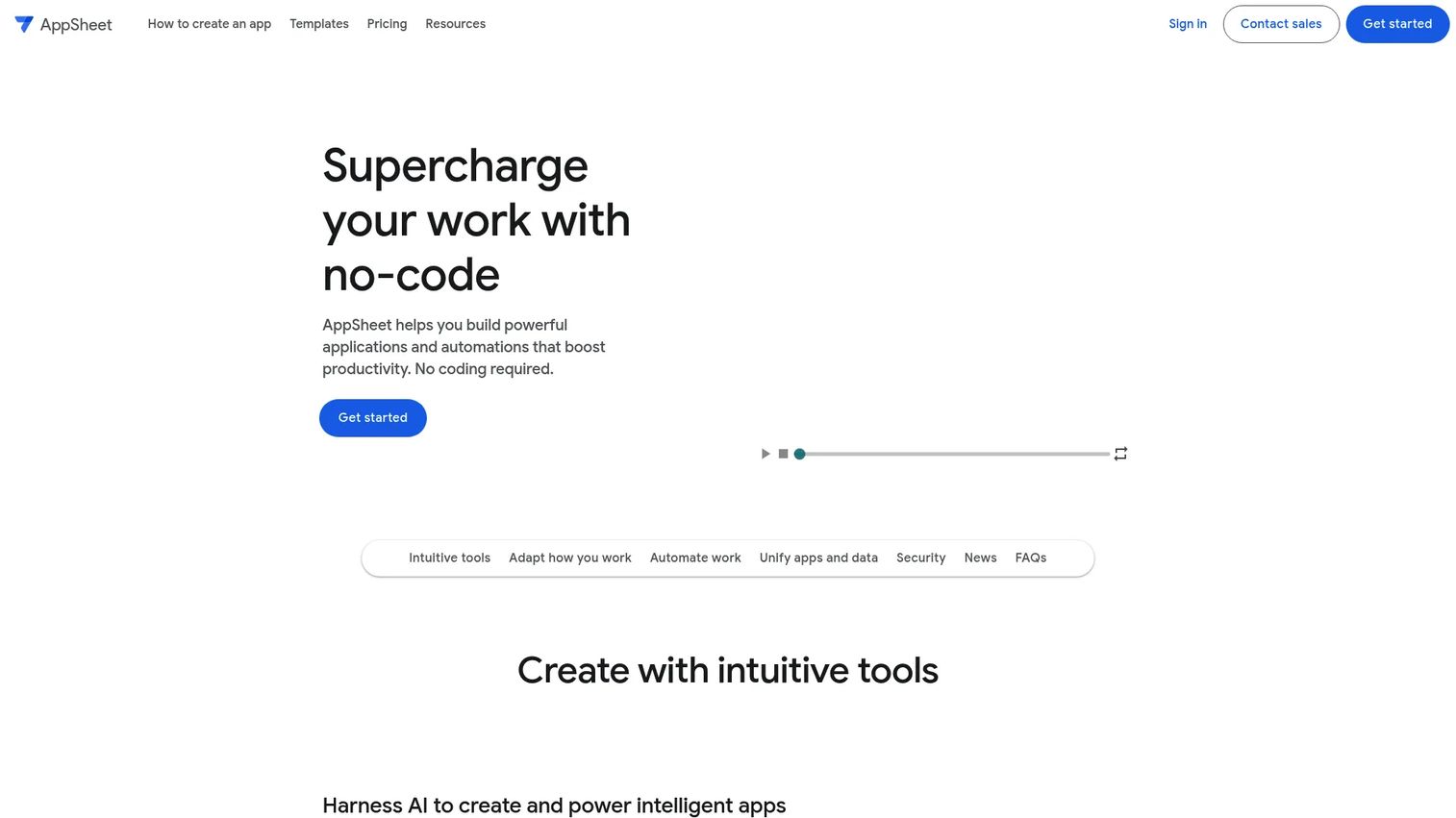
AppSheet is a no code platform for creating business applications and automated processes. It connects with spreadsheets, SQL databases, Salesforce, REST APIs, and other data sources.
Its Google Workspace fit makes it relevant for teams already running operations through shared business data. Apps can include triggers, branches, notifications, and access controls.
Best for: SaaS teams building internal tools from connected operational data.
Key features
- No code business app creation
- Automated workflow branches
- Connected enterprise data sources
- App access controls
- Google Workspace integration
Why choose AppSheet: Choose it when the app starts with data rather than a custom interface. Founders should still map complex data relationships before committing critical processes.
AppSheet pricing: Prototype with up to 10 users at no cost. Starter costs $5 per user monthly, while Core costs $10.
G2 rating: 4.8/5.
2. Bubble
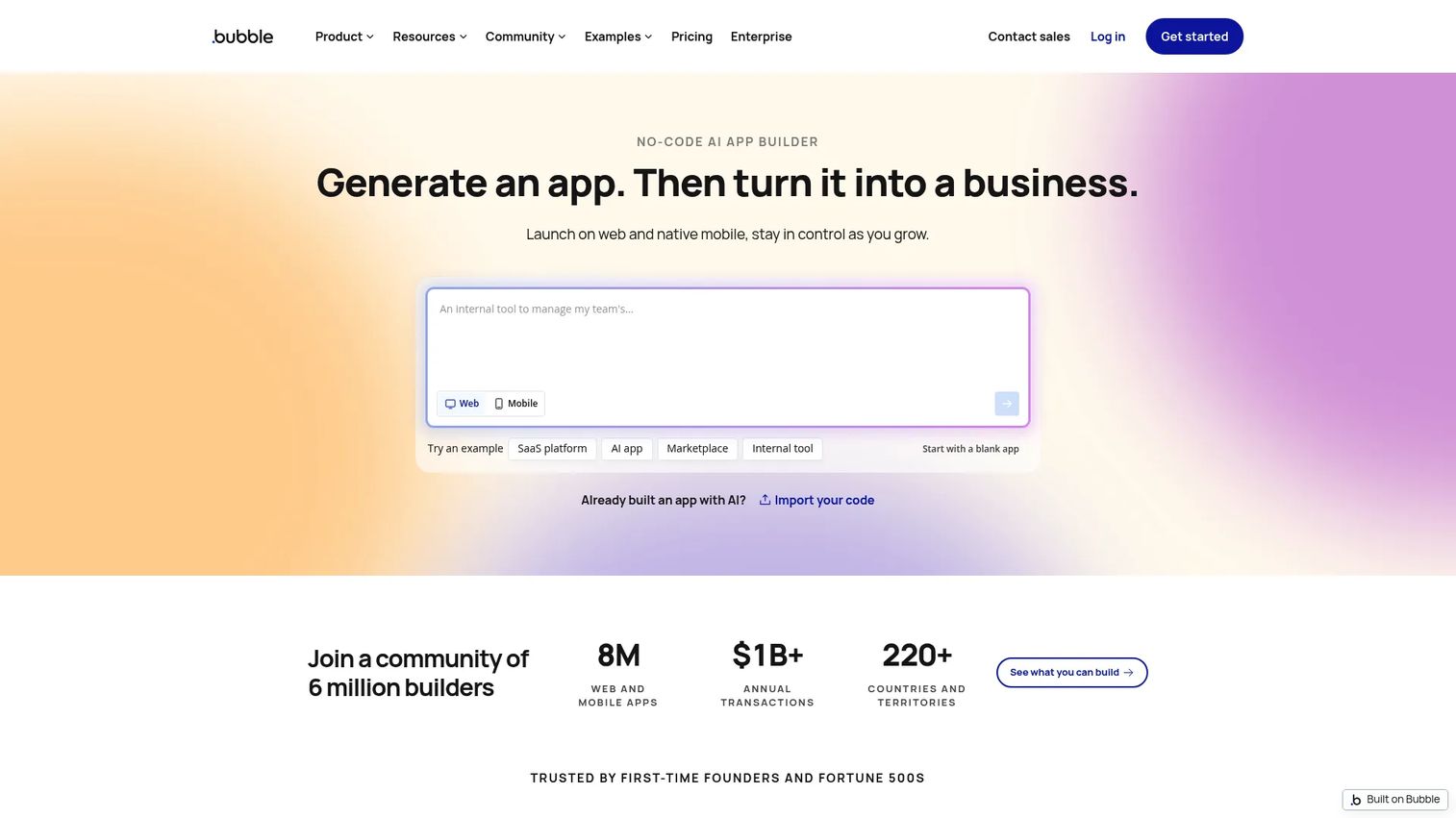
Bubble is a visual platform for creating customizable web and mobile applications. Its editor supports responsive layouts, workflows, privacy rules, databases, and API integrations.
The platform fits customer portals, marketplaces, dashboards, and SaaS style products. Compared with template driven builders, Bubble gives teams more control over interface behavior and application logic.
Best for: Founders validating a customer facing web app or custom internal portal.
Key features
- Responsive visual app design
- Built in application database
- Custom workflow logic
- Native mobile app building
- Version control and collaboration
Why choose Bubble: Pick Bubble when the interface and user journey need significant customization. Define performance requirements and developer ownership before placing mission critical operations inside the app.
Bubble pricing: A Free plan supports projects under construction. Starter costs $32 monthly when billed annually.
G2 rating: 4.4/5.
3. Glide
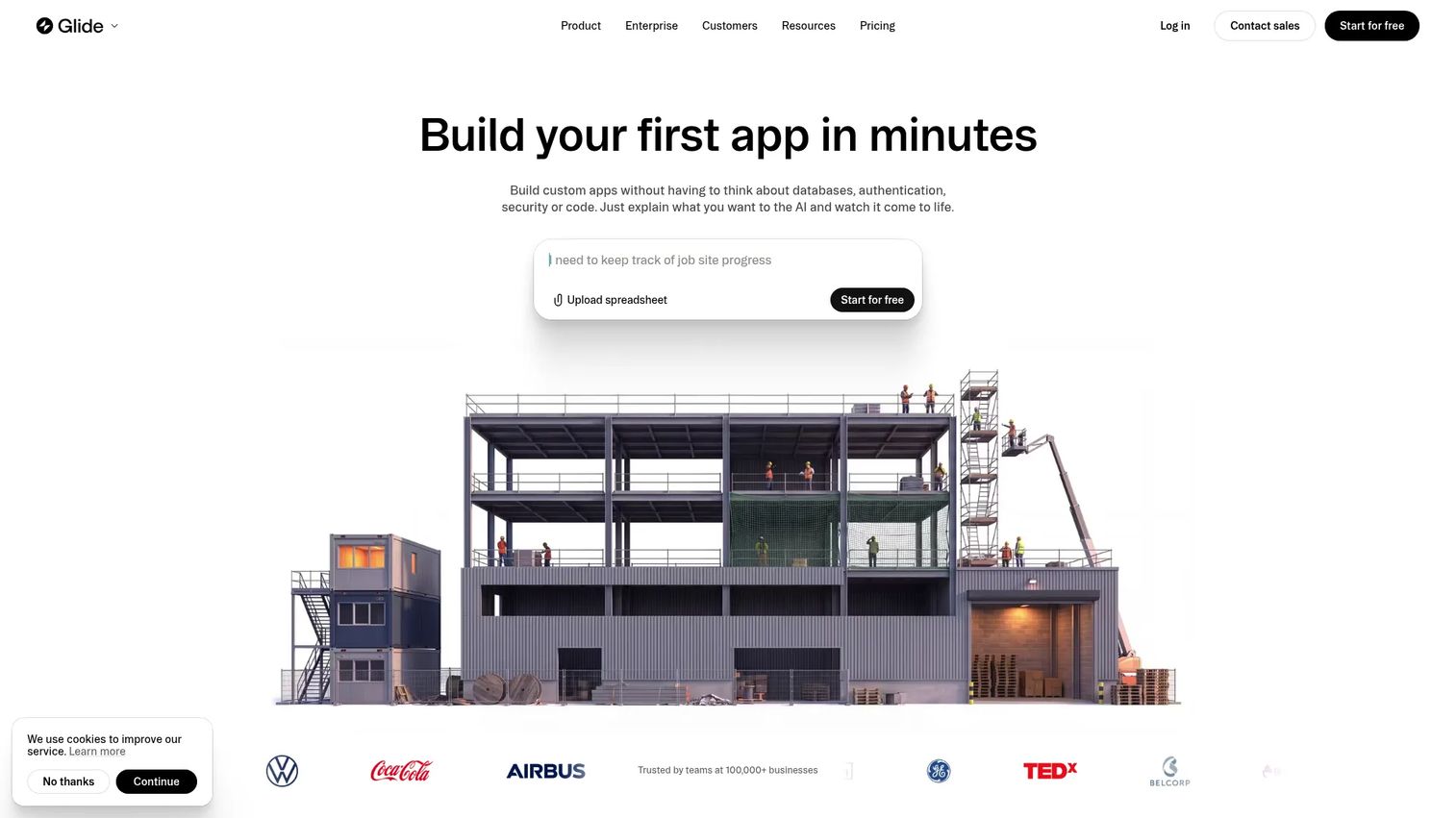
Glide builds internal business apps from spreadsheets, prompts, files, or structured data. It combines data, interfaces, permissions, and workflows within the same platform.
Teams can publish applications for internal users or broader audiences. Glide also supports business queries and actions using live application data.
The core appeal is speed to a usable app. An operations leader can start with familiar data rather than designing an architecture from zero.
Best for: Operations, customer success, and revenue teams building apps from existing data.
Key features
- Spreadsheet based app creation
- AI assisted app building
- Built in workflow actions
- User permissions and profiles
- Internal or public publishing
Why choose Glide: Glide fits teams seeking a useful first version without extensive training. Apps needing highly custom backend logic may warrant a more technical platform.
Glide pricing: A Free plan is available. Basic costs $25 monthly, Plus costs $50, and Pro costs $125.
4. AppMaster.io
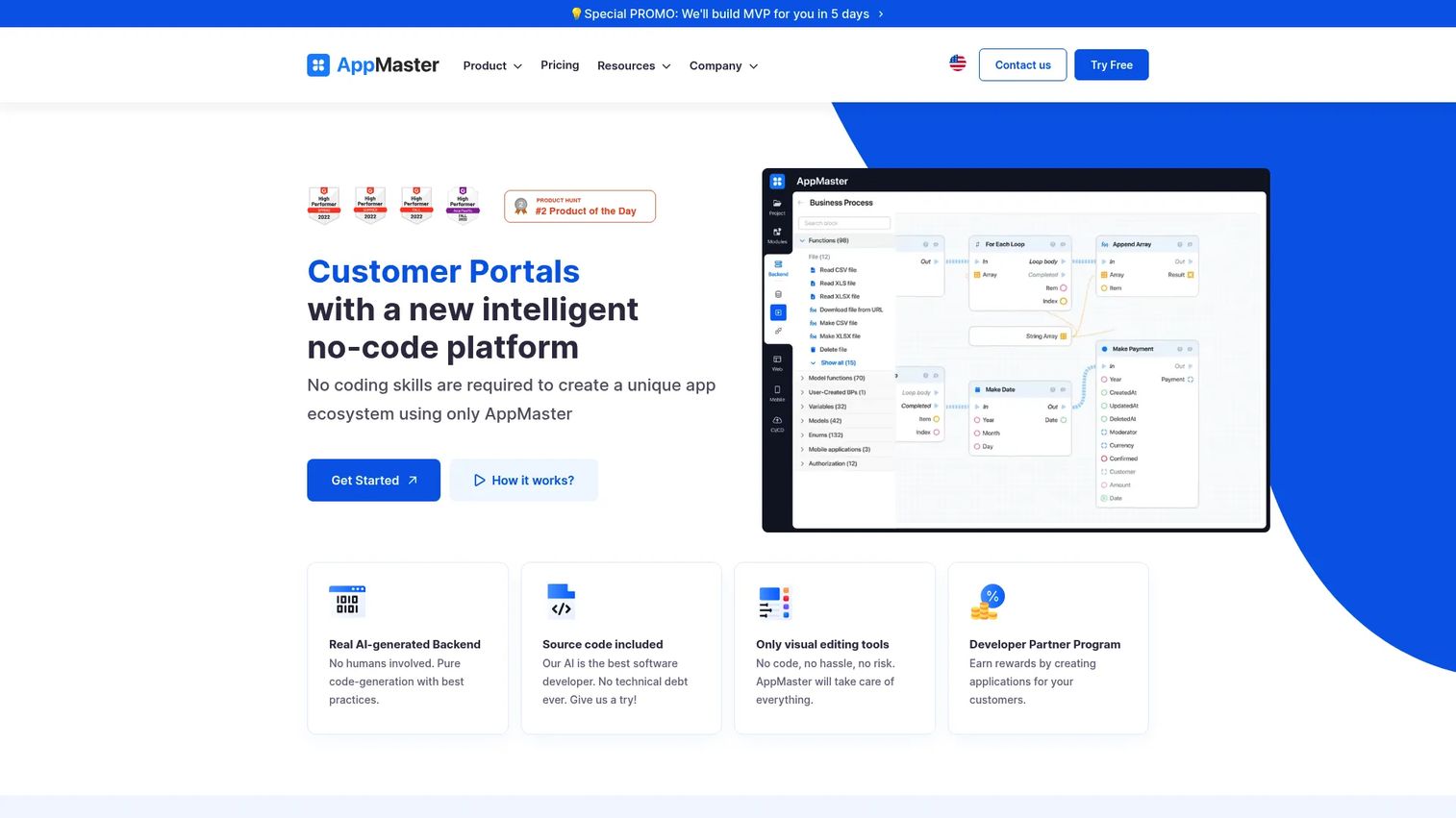
AppMaster.io is a no code platform for building backend services, web applications, and native mobile apps. It generates source code and supports deployment to cloud providers or private infrastructure.
Visual data models and business process editors give technical teams more architectural control. API integrations connect generated applications with outside systems.
This depth changes the ownership requirement. Someone still needs to make sound decisions about data models, infrastructure, and application boundaries.
Best for: Technical teams seeking visual development with generated full stack applications.
Key features
- Generated backend applications
- Native mobile app builder
- Visual web app builder
- Business process editor
- Source code export
Why choose AppMaster.io: It suits founders who want more control than a template based app maker provides. Assign a technical owner before the application reaches production.
AppMaster.io pricing: A Free subscription supports experimentation. Startup costs $195 monthly, and Startup Plus costs $299.
G2 rating: 4.9/5.
5. Buildfire
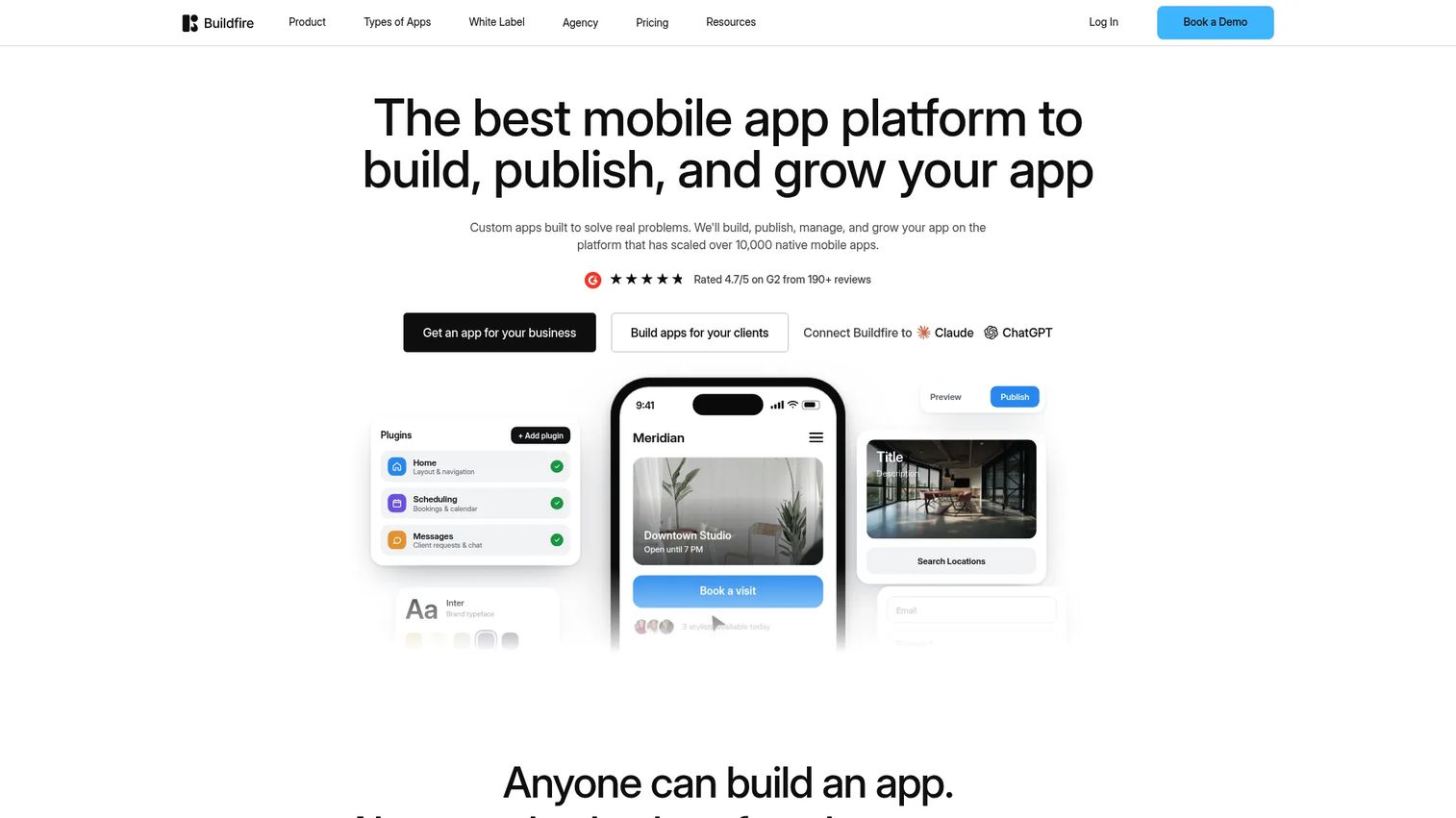
Buildfire is a mobile app development platform for creating and managing branded iOS, Android, tablet, and progressive web apps. It serves businesses, agencies, and resellers.
Its plugin marketplace covers content, media, forms, loyalty, commerce, and analytics use cases. The platform also provides push notifications, app management, and publishing support.
Buildfire makes the most sense when mobile distribution is central to the project. Internal database applications need a different evaluation around data modeling and operational governance.
Best for: Teams that need a branded mobile app without commissioning a custom build.
Key features
- Native iOS app publishing
- Native Android app publishing
- Extensive plugin marketplace
- Push notification tools
- App usage analytics
Why choose Buildfire: Choose it for customer, membership, event, or community apps where mobile reach matters. Confirm that available plugins support your required workflow before purchase.
Buildfire pricing: Standard costs $165 monthly. Growth costs $315, while Scale costs $440. Buildfire does not offer a free trial.
G2 rating: 4.7/5.
6. Thunkable
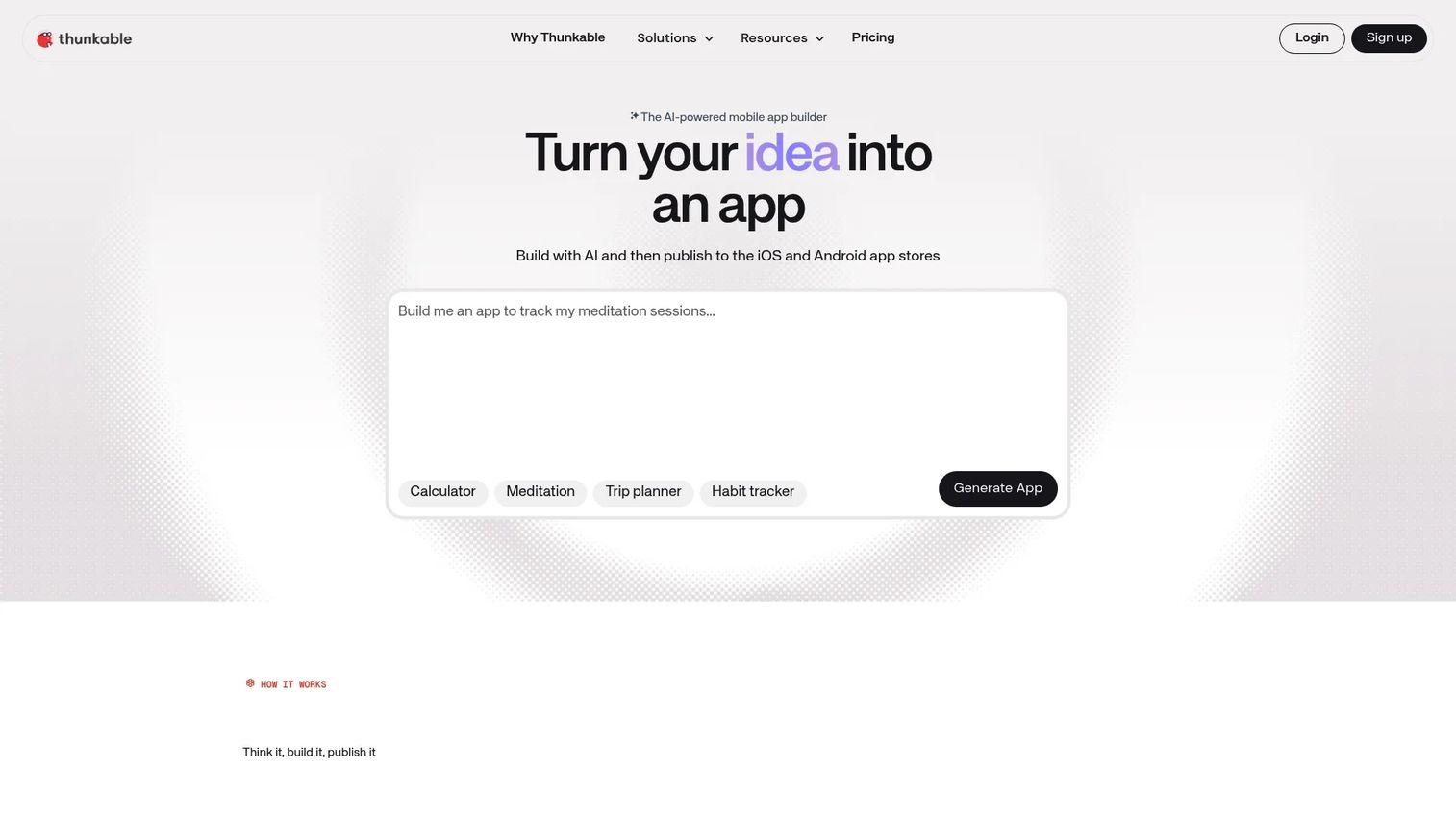
Thunkable is a no code app builder for native iOS and Android applications. It combines visual interface design with logic building, testing, and mobile publishing.
Teams can connect cloud storage, databases, and APIs. Supported mobile capabilities include notifications, sensors, cameras, location functions, and Bluetooth.
The platform works for prototypes and production focused mobile projects. Test authentication, data behavior, and integration depth against your planned usage before scaling.
Best for: Teams building mobile first prototypes or internal mobile workflows.
Key features
- Drag and drop interface
- Visual application logic
- Native mobile publishing
- Testing on physical devices
- Database and API connections
Why choose Thunkable: Use it when your project needs cross platform mobile delivery. Its visual approach also helps product teams validate interaction flows before heavier investment.
Thunkable pricing: Free includes three public projects. Accelerator starts at $18 monthly when billed yearly, while Builder starts at $37.
G2 rating: 4.4/5.
7. Appy Pie App Maker
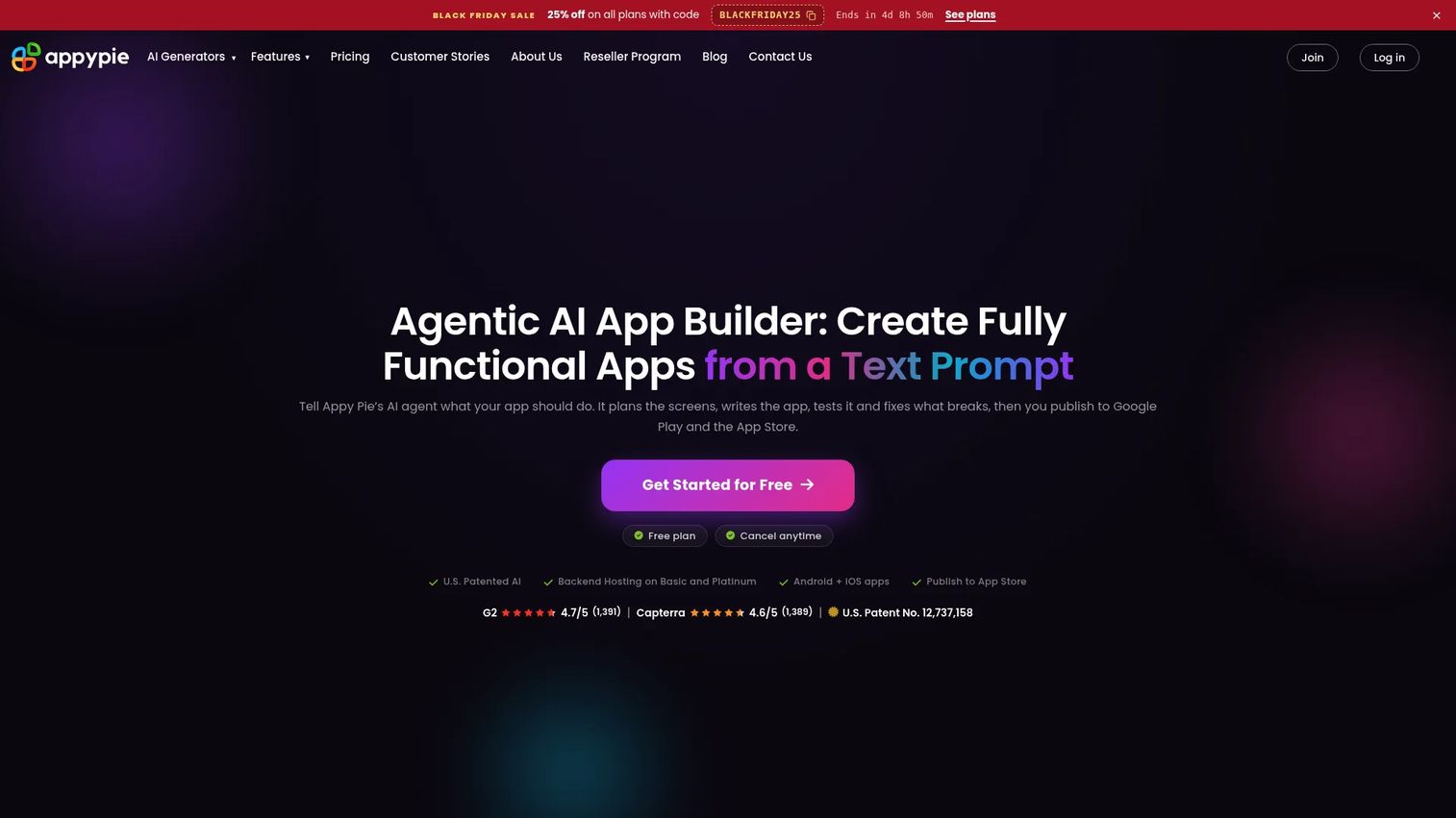
Appy Pie App Maker creates Android and iOS applications from text prompts and visual customization. It includes backend hosting, push notifications, and payment integrations.
The platform focuses on fast mobile creation for nontechnical users. Its templates suit straightforward branded applications more than deeply customized internal operating systems.
Publishing support differs by plan. Teams should decide whether they need one mobile store or both before choosing a tier.
Best for: Nontechnical teams creating straightforward small business mobile apps.
Key features
- Text prompt app generation
- Visual no code customization
- Hosted backend and database
- Mobile store publishing
- Push notifications and payments
Why choose Appy Pie App Maker: Select it when speed and template coverage matter more than custom architecture. Series B teams should reserve it for lightweight mobile projects.
Appy Pie App Maker pricing: Free supports building and previewing. Basic costs $16 monthly, while Platinum costs $60 monthly.
8. GoodBarber
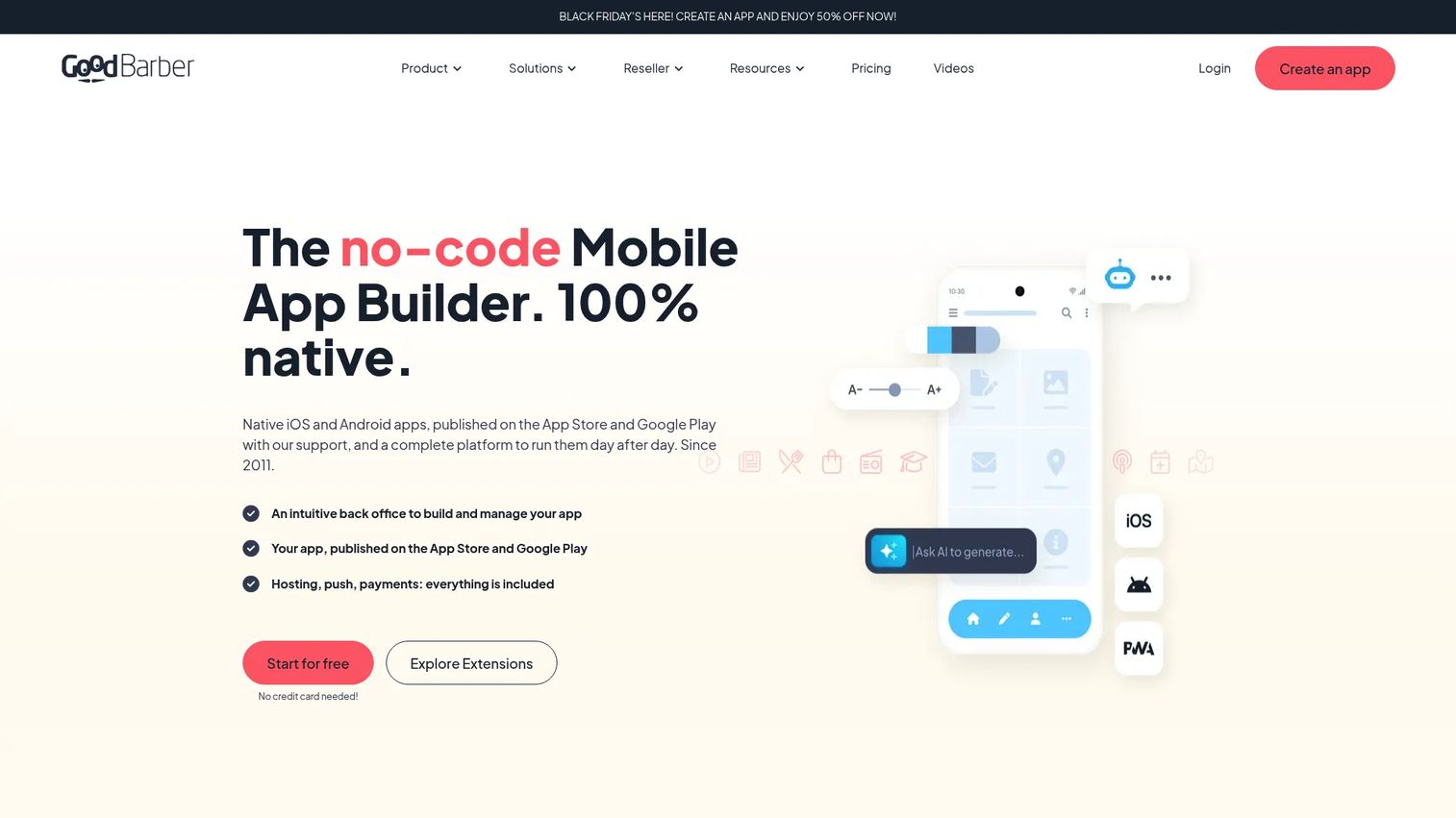
GoodBarber is a no code platform for native iOS apps, Android apps, and progressive web applications. It focuses on content, commerce, community, and branded customer experiences.
The platform includes a built in content management system, back office controls, push notifications, and more than 190 extensions. Commerce capabilities support teams building shopping focused applications.
GoodBarber fits customer facing mobile projects better than complex internal operations. Data heavy workflows require careful review of permissions and integration options.
Best for: Teams publishing content, shopping, membership, or community applications.
Key features
- Native mobile applications
- Progressive web applications
- Built in content management
- Commerce app capabilities
- Push notification tools
Why choose GoodBarber: Choose it when brand presentation and mobile publishing drive the business case. Review data ownership before connecting critical operational processes.
GoodBarber pricing: Content starts at €18 for the first month, then from €36 monthly. Every plan includes a 30 day trial.
G2 rating: 4.2/5.
9. Appery
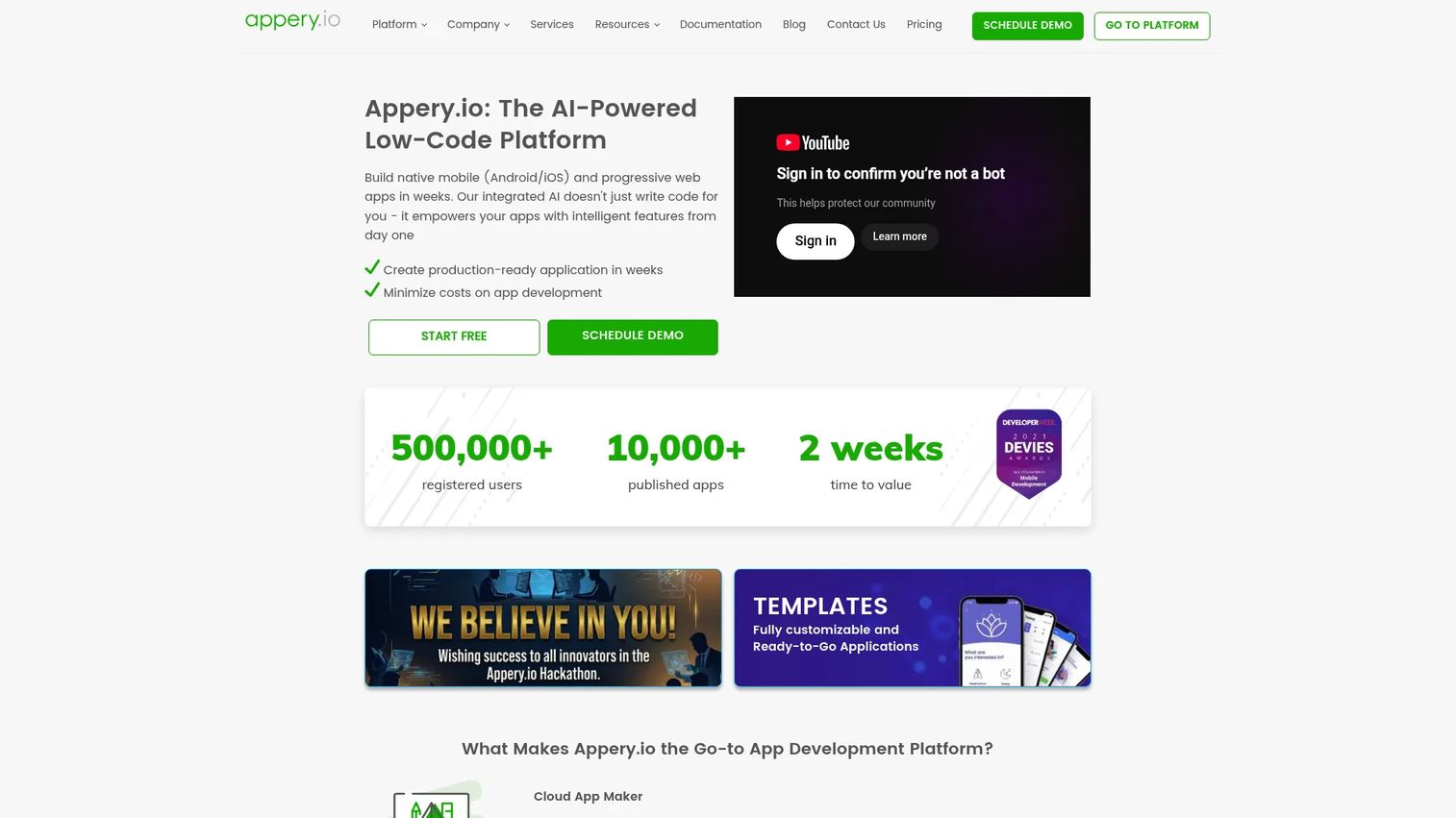
Appery is a cloud low code platform for mobile, web, and progressive web applications. It combines visual building with backend services and API connectivity.
Its cloud database supports application data, while server side JavaScript adds custom logic. API Express exposes enterprise data through REST APIs.
Appery suits teams that need more technical control than a template first mobile builder offers. Architecture and integration ownership should sit with someone comfortable evaluating APIs.
Best for: Technical teams building cross platform applications connected to backend services.
Key features
- Visual app design
- Hybrid mobile development
- Cloud database services
- REST API connectivity
- Push notification support
Why choose Appery: Pick Appery when integrations and backend access shape the project. It provides more control, but technical ownership remains important.
Appery pricing: Beginners costs $25 monthly. Pro costs $70 monthly when paid annually or $99 with monthly billing.
G2 rating: 4.5/5.
10. Anvil
Anvil is a full stack web development platform built around Python. Teams combine a drag and drop interface with client and server code.
The platform includes a PostgreSQL backed database, authentication, background tasks, and Git version control. Developers can also create HTTP APIs and integrate outside services.
Anvil occupies a useful middle ground. Data teams gain visual interface tools without giving up Python for application logic.
Best for: Python developers building dashboards, internal tools, or data applications.
Key features
- Python client and server code
- Drag and drop UI
- Built in PostgreSQL database
- Authentication and server modules
- One click cloud deployment
Why choose Anvil: Choose it when custom logic matters but full stack boilerplate wastes engineering time. Pure business users will need support from a Python capable owner.
Anvil pricing: Free includes unlimited apps and cloud hosting. Hobby costs $10 monthly when billed annually.
G2 rating: 4.8/5.
11. Claris FileMaker
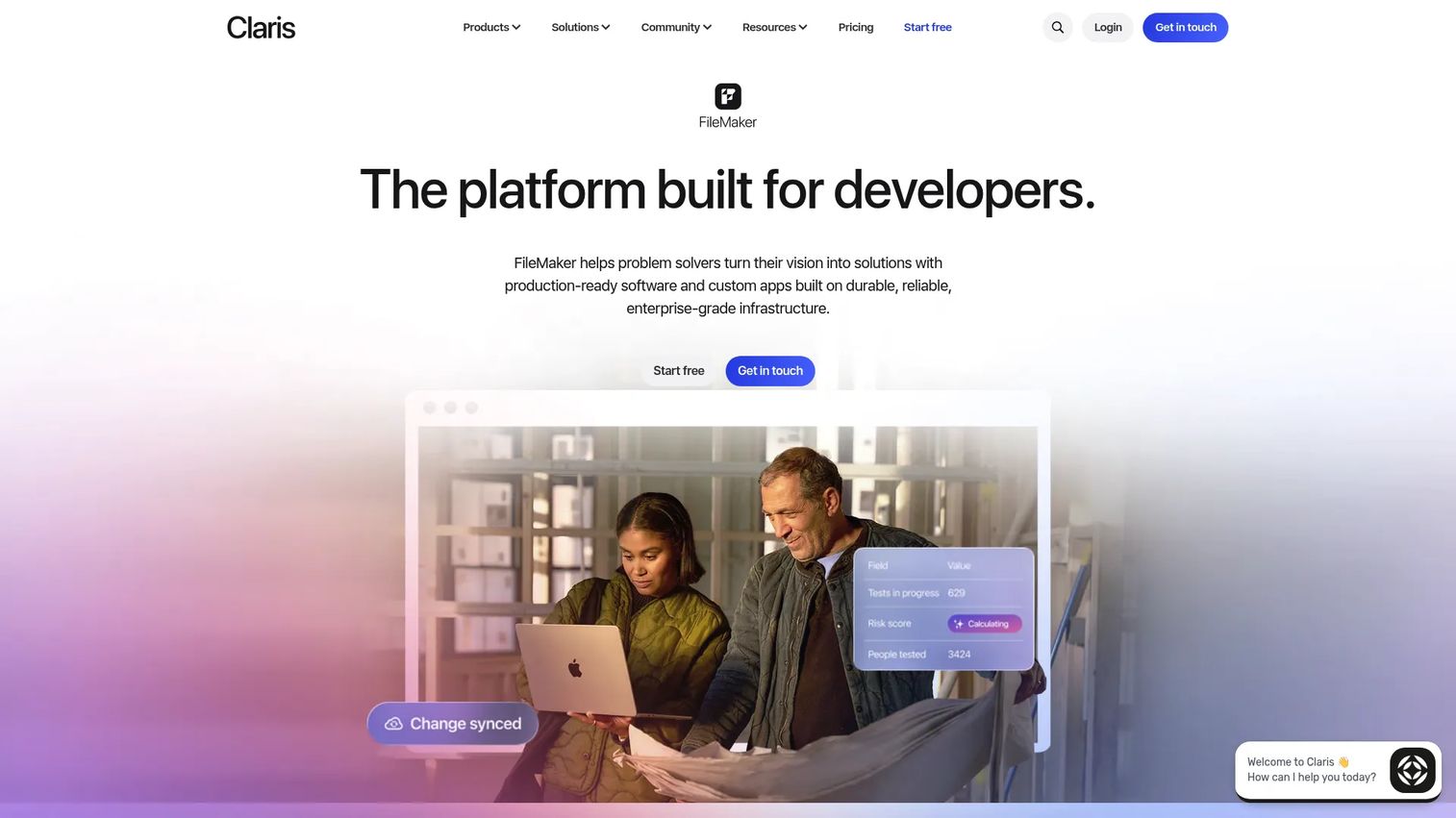
Claris FileMaker is a low code platform for custom business applications. It supports deployment across desktop, mobile, web, and multiuser environments.
Teams can build database driven workflows with scripts, forms, reports, and security controls. Integration options include REST APIs, OData, JSON functions, and external SQL sources.
FileMaker suits operational systems where data structure matters more than consumer style design. Buyers should assess available expertise and long term platform ownership.
Best for: Teams with structured business data and existing Claris familiarity.
Key features
- Custom database applications
- Cross platform deployment
- Script based workflow automation
- External SQL connectivity
- Cloud or self hosting
Why choose Claris FileMaker: Use it for durable operational applications built around structured records. Confirm that your team can maintain scripts and integrations after launch.
Claris FileMaker pricing: FileMaker Server Starter costs $17.50 per user monthly, billed annually. Cloud Starter costs $22 per user monthly.
G2 rating: 4.5/5.
12. TrackVia
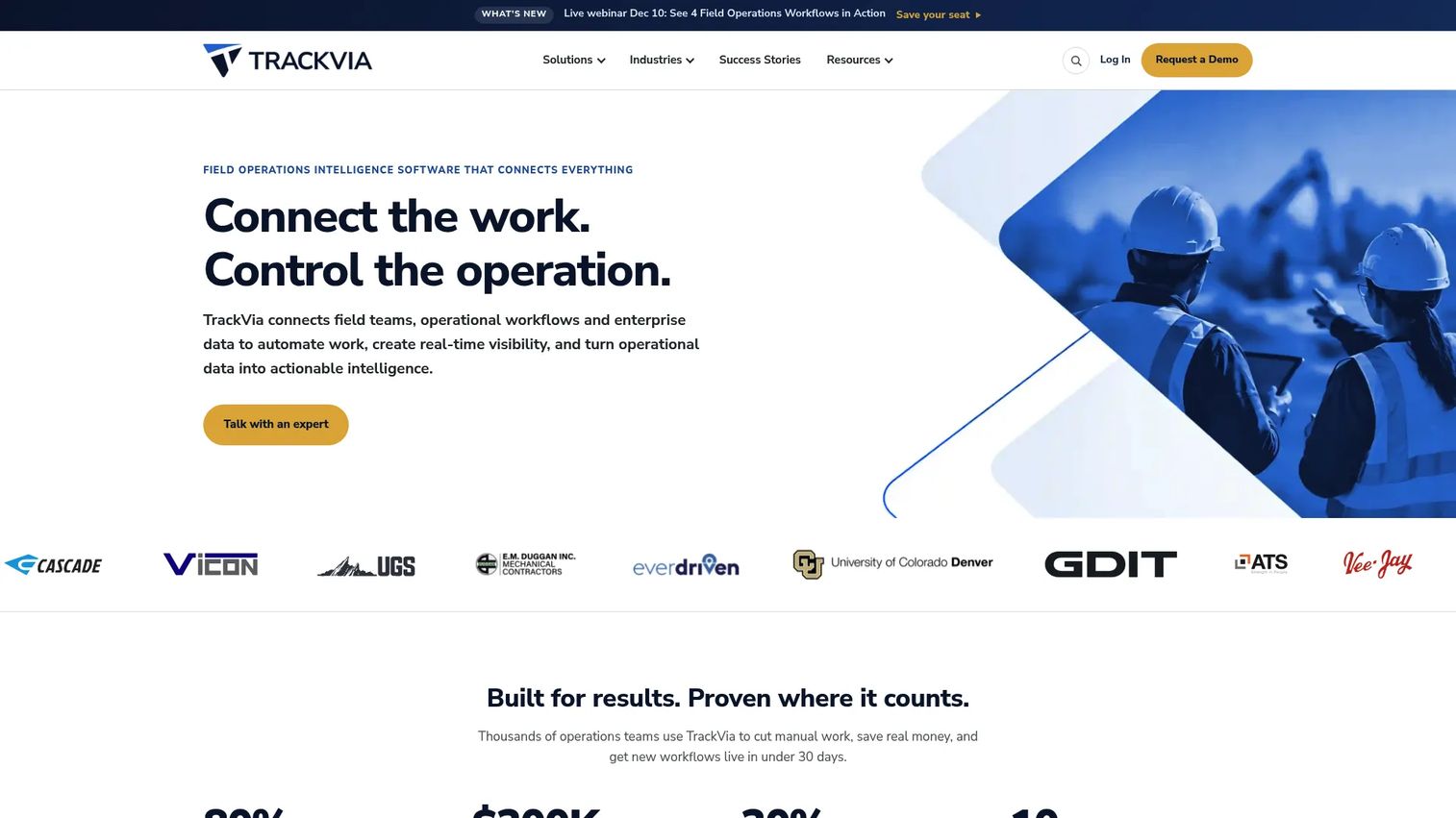
TrackVia is a configurable low code platform for operational workflows and field work. Teams can replace spreadsheets with controlled applications supporting mobile data capture and process automation.
Its mobile apps work offline and support photos, signatures, checklists, and barcode scanning. Dashboards provide operational views across active processes.
TrackVia focuses on governed operations rather than consumer app design. Minimum user requirements make it more relevant once a workflow spans a meaningful team.
Best for: Field and operations teams managing repeatable processes across many users.
Key features
- Low code application building
- Workflow process automation
- Offline mobile data capture
- Operational reports and dashboards
- REST API and webhooks
Why choose TrackVia: Choose it when workflow control carries more weight than visual experimentation. Model total cost against the user minimum and implementation scope.
TrackVia pricing: Quick Start costs $45 per user monthly with a 20 user minimum. Business costs $55 with a 40 user minimum.
G2 rating: 4.5/5.
13. Quixy
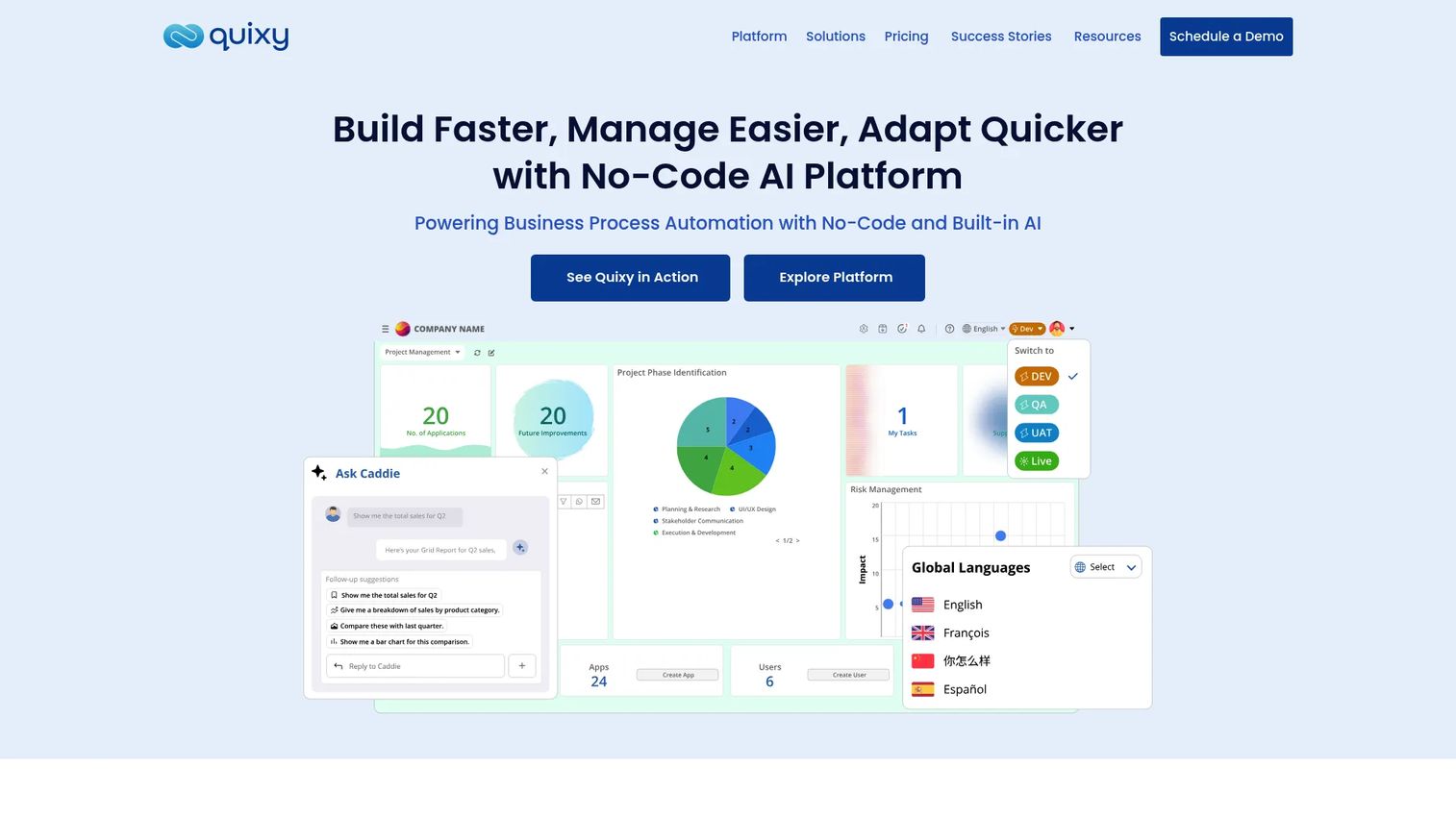
Quixy is a no code and low code platform for enterprise applications and process automation. It supports conditional, sequential, and parallel workflows.
Business rules and field level access controls help teams govern how employees use applications. The platform also includes data tables, reports, dashboards, and document generation.
Quixy fits multi department processes that need stronger control than standalone forms. Building discipline becomes important when several teams create applications.
Best for: Organizations creating governed workflow apps across departments.
Key features
- Drag and drop app builder
- Conditional workflow automation
- Field level access controls
- Reports and operational dashboards
- Mobile apps with offline use
Why choose Quixy: Select it when repeatable workflows and governance drive the purchase. Establish ownership standards before app creation spreads across departments.
Quixy pricing: Platform costs $20 per user monthly, billed annually, with a 20 user minimum. A 14 day trial is available.
G2 rating: 5.0/5.
14. Jotform Apps
Jotform Apps is a no code app maker for packaging forms, links, widgets, and interactive elements. Teams can create branded apps without writing code.
Applications work across smartphones, tablets, and desktop devices. Sharing options include direct links, email, QR codes, and home screen installation.
The platform fits customer intake and lightweight internal workflows. Applications requiring custom backend architecture should move to a deeper development platform.
Best for: Teams already using forms that need a simple application layer.
Key features
- Form based app creation
- Drag and drop building
- Custom branding controls
- Payment collection
- Shareable application links
Why choose Jotform Apps: Choose it for intake portals, approval requests, or packaged resource collections. It keeps form driven work accessible without introducing a larger development platform.
Jotform Apps pricing: Apps are included with the free Starter plan. Bronze costs $34 monthly when billed annually.
G2 rating: 4.7/5.
Considerations when choosing app building software
Start with the app's real job
Define the application before comparing vendors. Decide whether you need an internal workflow, customer portal, mobile product, prototype, or governed operating system.
The wrong platform usually optimizes for a different job. Mobile publishing features add little value to an internal approval queue.
Check data sources before design polish
List every system the application must connect with. Include spreadsheets, databases, CRM records, product data, support systems, and APIs.
Ask four questions:
- Can the app read the data?
- Can authorized users write changes?
- How quickly does information synchronize?
- Which validation rules prevent bad inputs?
Evaluate permissions and governance early
Review role based access, administrator permissions, audit logs, versioning, and publishing control. Environment separation matters when the application becomes operational infrastructure.
Open editing may feel convenient during testing. It becomes a risk once a large team depends on the workflow.
Look at deployment paths
Confirm where users need the application. Options include browser access, internal mobile distribution, app stores, and private infrastructure.
A mobile first builder fits iOS or Android publishing. An internal web builder usually makes more sense for administrative interfaces.
Know when no code becomes a ceiling
No code saves engineering time until the application needs custom architecture or advanced performance work. Complex security and production integrations can also change the calculation.
Ask who owns the application once it becomes critical. Plan the engineering handoff before the original builder becomes the only person who understands it.
Conclusion
App building software can remove internal tool bottlenecks without diverting an engineering team from customer work. The right platform depends on the application's job and ownership model.
AppSheet, Glide, TrackVia, Quixy, and Claris FileMaker fit data driven operational work. Bubble, AppMaster.io, and Anvil support more customized web or technical builds.
Buildfire, Thunkable, Appy Pie App Maker, and GoodBarber focus on mobile publishing. Appery adds API driven development, while Jotform Apps covers lightweight form based workflows.
Shortlist three platforms. Test each with one representative workflow and the required data. Then evaluate permissions, deployment, and the technical ceiling before moving critical operations.
Start your journey with Guideflow today!
Once your app is ready, Guideflow helps you create interactive product experiences for launches, sales follow ups, employee training, and customer education.
Start your journey with Guideflow today!
FAQs
AppSheet is a strong option for internal tools connected to operational data. Glide fits teams seeking fast spreadsheet backed applications.
TrackVia and Quixy suit governed workflows across larger teams. Compare data sources, permissions, user counts, and deployment before choosing.
App design software creates interface mockups and prototypes. App building software produces working applications with data, logic, permissions, and deployment.
A design prototype helps teams validate the experience. It does not replace the operational infrastructure behind a production application.
Yes. A no code app builder can handle many internal tools, forms, portals, mobile apps, and workflow applications.
Developers may still be needed for custom architecture or advanced integrations. Security and performance requirements can also create a handoff point.
Start with data sources, access controls, and the intended deployment model. Then evaluate pricing at scale, ownership, integration depth, and the technical ceiling.
The key question is operational continuity. Determine who maintains the app after it becomes part of the weekly business process.
Buildfire, Thunkable, GoodBarber, and Appy Pie App Maker focus on mobile application creation. Their strengths vary across templates, visual logic, plugins, and publishing support.
Check iOS and Android publishing requirements before selecting a plan. Also review push notifications, authentication, and custom logic support.
Bubble supports customizable no code web applications with built in workflows and data tools. Anvil fits Python teams, while AppMaster.io covers generated backend and web applications.
Review authentication, data structure, integrations, and performance requirements. These factors matter more than interface polish once the app reaches production.
No code can reach its ceiling when an app needs custom backend logic or advanced performance tuning. Complex permissions and deep production integrations may also require engineering involvement.
Plan the transition before the application becomes business critical. A documented data model and clear owner make that handoff easier.
Entry pricing ranges from free plans to several hundred dollars per month. Some operational platforms charge per user and impose minimum user commitments.
Compare the entry tier, billing frequency, application limits, and governance features. Mobile teams should also account for app publishing requirements.