AI did not simplify the marketing stack. According to Basis (2026), 98.4% of marketing and advertising professionals now use generative or agentic AI at work, with 61.4% doing so every day. The tools multiplied faster than most teams could evaluate them.
The result is a familiar problem: A growing number of subscriptions, unclear overlap, and a leadership team asking you to prove pipeline impact without adding headcount. The real question is not "Which AI tool looks interesting?" It is "Which one replaces a workflow I hate, connects to my stack, and helps me defend the number?"
This guide cuts through the noise. The 21 tools below were chosen because each one solves a specific marketing job, not because AI is in the name.
What's inside
This guide covers 21 ai marketing tools across demos, content, SEO, creative, automation, CRM, social, and analytics, chosen for digital and growth marketers who need measurable outcomes.
- Who it is for: Startup generalists, mid-market growth teams, and enterprise demand gen
- Selection criteria: Workflow fit, integration quality, pricing visibility, and measurable marketing impact
- What you will find: Verified pricing, G2 ratings, per-tool use cases, and a side-by-side comparison table
- Scope note: Every pricing and G2 figure was verified against live sources at the time of writing
TL;DR
- Best for product-led conversion: Guideflow for AI-assisted interactive demos, demo centers, and real-time engagement analytics
- Best general AI assistant: ChatGPT for research, ideation, and fast draft generation across any marketing task
- Best for branded creative: Canva for fast visual production without a design team
- Best automation layer: Zapier for connecting AI outputs to campaign workflows without engineering
- Best CRM-connected marketing: HubSpot when you need campaigns, automation, and pipeline reporting in one platform
- Best for SEO research depth: Ahrefs for keyword, backlink, and competitor intelligence; Semrush when you also need content optimization and local SEO
What is AI marketing software?
AI marketing software uses machine learning or generative AI to help marketers plan, create, personalize, automate, analyze, or optimize marketing work. It covers both standalone AI tools and AI features built into existing platforms like CRMs, SEO suites, and social schedulers.
The category spans a wide range of marketing jobs:
- Content ideation and drafting: Research, outlines, ad copy, email sequences, and blog posts
- Brand editing and tone control: Grammar, clarity, style guides, and brand voice enforcement
- Visual and creative production: Image generation, resizing, background editing, and social templates
- Video and audio: Recording, editing, transcription, voiceover, and dubbing
- SEO and competitive research: Keyword discovery, rank tracking, backlink analysis, and content gap identification
- Workflow automation: Connecting apps, routing leads, triggering follow-ups, and syncing data
- Email and lifecycle marketing: Segmentation, automation, predictive sending, and nurture flows
- CRM and customer engagement: Lead scoring, pipeline reporting, and account management
- Social media management: Scheduling, listening, inbox, and performance reporting
- Product demos and buyer education: Interactive demos, sandboxes, demo centers, and mobile demos
- Analytics and reporting: Dashboards, attribution modeling, forecasting, and executive reporting
What AI does not replace: Positioning, audience judgment, strategy, and quality control. Every tool on this list still requires human review before content goes live or a campaign goes out. The best AI tools remove the parts of your job that consume time without producing insight. The KPIs that matter most to growth marketers, CAC, ROAS, pipeline influenced, and funnel conversion rates, still depend on human decisions upstream.
When to use AI marketing tools
Speed up campaign execution without adding headcount
Lean teams use AI to compress the gap between brief, draft, design, and reporting. A one-person marketing team at a startup can use ChatGPT to generate a campaign brief, Canva to build the creative, and Zapier to route leads into the CRM, all without filing a ticket. Human review still matters for claims, compliance, and brand tone, but the mechanical production work can be cut significantly.
Turn product interest into measurable engagement
Static landing pages and PDF one-pagers often underperform when the product is complex. When a buyer's first question is "Can I see it work?", a static asset rarely answers it well. Guideflow's interactive demos let marketers embed a guided product experience directly on a landing page, in an email, or inside a demo center, so buyers can explore before booking a call. The sandbox format lets technically-minded buyers validate workflows freely, while the demo center organizes multiple demos into one branded hub.
Reduce reporting and workflow bottlenecks
Attribution disputes and messy handoffs consume more marketer time than most teams track. AI tools help by connecting data sources, generating draft dashboards, summarizing campaign performance, and triggering follow-ups when engagement signals appear. Tableau, HubSpot, and Adobe Experience Platform all address pieces of this problem, depending on data complexity and stack size.
AI marketing tools comparison
The table below covers all 21 tools with verified pricing and G2 ratings. Use it as a starting point; each tool section below goes deeper on fit and use case.
| # | Product | Best for | Key differentiator | Pricing | G2 rating |
|---|---|---|---|---|---|
| 1 | Guideflow | Product-led conversion | AI-assisted interactive demos and demo centers | Free; paid from $35/mo | 5.0/5 |
| 2 | ChatGPT | General marketing work | Flexible research, ideation, and content generation | Free plan available | 4.6/5 |
| 3 | Canva | Branded creative | AI design tools across social, video, and presentations | Free; Pro from $144/yr | 4.7/5 |
| 4 | Gemini | Google Workspace teams | Deep fit with Docs, Sheets, Gmail, and Slides | From $19.99/mo | 4.4/5 |
| 5 | Grammarly | Brand-safe writing | Grammar, tone, and brand style enforcement | Free; Pro from $12/mo | 4.7/5 |
| 6 | Notion | Campaign planning | AI workspace for docs, databases, and project context | Free; Plus from €9.50/mo | 4.6/5 |
| 7 | Zapier | Workflow automation | AI-powered automation across 9,000+ apps | Free; from $19.99/mo | 4.5/5 |
| 8 | ActiveCampaign | Lifecycle marketing | Email automation, segmentation, and CRM workflows | From $15/mo | 4.4/5 |
| 9 | Claude | Long-form strategy work | Long-context document analysis and structured reasoning | Free; Pro from $17/mo | 4.7/5 |
| 10 | Descript | Video and podcast editing | Text-based audio and video editing with AI | Free; from $16/mo | 4.6/5 |
| 11 | ElevenLabs | Voice content production | AI voice generation, cloning, and dubbing | Free; from $6/mo | 4.5/5 |
| 12 | Hootsuite | Social media management | AI-assisted scheduling, listening, and publishing | From $99/mo | 4.3/5 |
| 13 | HubSpot | CRM-connected marketing | Marketing automation tied to CRM and pipeline | Free; Starter from $7/mo/seat | 4.4/5 |
| 14 | Jasper AI | Marketing copy at scale | Brand voice controls and campaign content workflows | From $59/mo/seat (annual) | 4.7/5 |
| 15 | PhotoRoom | Product visuals | AI background removal and scene generation | Free; Pro from $7.50/mo | 4.3/5 |
| 16 | Semrush | SEO and content marketing | SEO, competitive research, and content optimization | Free; from $117.33/mo | N/A |
| 17 | Adobe Experience Platform | Enterprise personalization | Customer data orchestration and AI-driven experiences | Custom pricing | N/A |
| 18 | Ahrefs | SEO research | Backlink, keyword, and competitor intelligence | Free; Starter from $29/mo | 4.5/5 |
| 19 | Perplexity | Research and sourcing | AI answer engine with inline citations | Free; Pro from $20/mo | 4.4/5 |
| 20 | Brandwatch | Social listening | Consumer intelligence and brand monitoring | Custom pricing | 4.2/5 |
| 21 | Tableau | Marketing analytics | AI-assisted dashboards and visual reporting | From $15/mo | 4.4/5 |
Best AI marketing tools for 2026
1. Guideflow
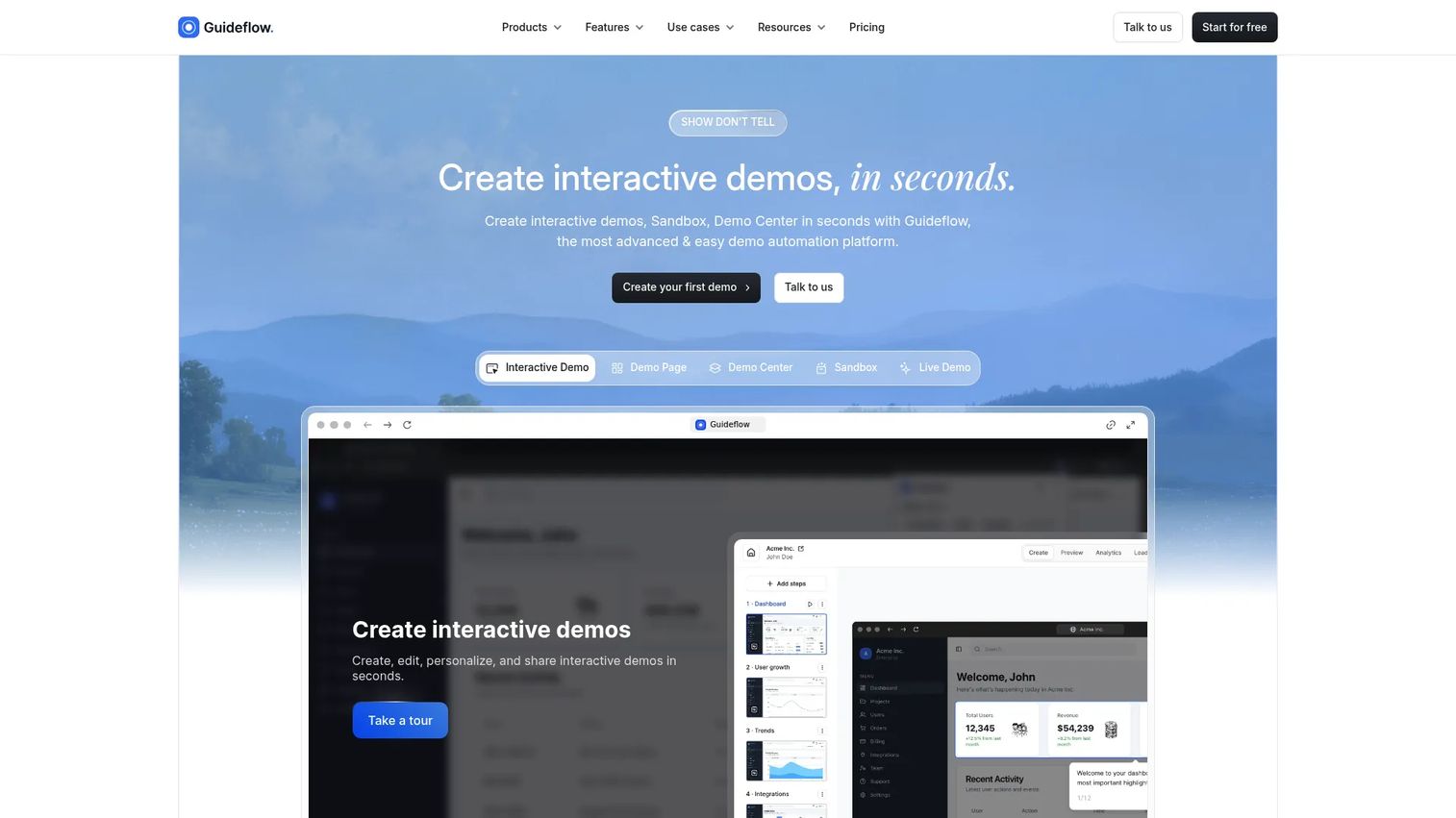
Guideflow is a demo automation platform that lets marketing teams turn their product into a self-serve, clickable experience buyers can explore before a sales call. Capture your product flow from a browser in minutes, then share it on a landing page, in a campaign email, or through a branded demo center. AI features handle step generation, translations, voiceovers, and avatars, so demos stay polished without a production cycle. Real-time analytics track impressions, completion rate, leads collected, and conversion signals at the session level.
Best for: B2B SaaS marketing teams who need buyers to experience the product before a call, across landing pages, campaigns, product launches, and partner portals.
Key features
- Interactive demos, sandboxes, demo centers, live demos, and mobile demos
- AI-assisted step generation, translations, and voiceovers
- Personalization of text, images, and data per lead or account
- Real-time engagement analytics with lead capture and CRM sync
- Integrations with HubSpot, Salesforce, Marketo, and Zapier
Why choose Guideflow: Choose Guideflow when product experience is the conversion asset. It replaces static screenshots, generic videos, and scheduled demo bottlenecks with a self-serve format that generates intent signals and qualifies leads automatically. Interactive demos guide the narrative, sandboxes let technical buyers validate workflows freely, and demo centers organize everything in one branded hub.
Guideflow pricing: Free plan includes up to 5 guideflows with screenshot capture and 7-day analytics. Paid plans start at $35/month (Solo, billed annually) and scale to $499/month (Growth), $1,499/month (Advanced), and $1,799/month (Startup, billed monthly). Enterprise pricing is by quote.
G2 rating: 5.0/5
Start your journey with Guideflow today!
2. ChatGPT
ChatGPT is a general-purpose AI assistant for campaign ideation, research, audience analysis, content briefs, ad concepts, email drafts, and data interpretation. It works best when you bring clear inputs: Brand guidelines, source material, a specific job, and a review step before anything goes live. Because the model can generate confident-sounding errors, marketers should verify factual claims and competitive data against primary sources.
Best for: Marketers who need a flexible AI assistant across planning, writing, research, and analysis, without committing to a category-specific tool.
Key features
- Prompt-based content generation for ads, emails, and briefs
- Research and ideation support across any marketing question
- File and document analysis with multimodal inputs
- Custom GPT workflows for repeatable marketing tasks
- Web search for current data and source discovery
Why choose ChatGPT: Use it when the team needs one flexible assistant for many different marketing tasks. It is particularly strong for fast brief generation, landing page drafts, and campaign concept exploration. Source verification is still on you.
ChatGPT pricing: Free plan available with access to core features. Paid plans (Go, Plus, Pro, Business, Enterprise) add higher usage limits, advanced models, and team features. Numeric prices for paid plans were not publicly displayed at the time of writing; check the pricing page at chatgpt.com/pricing for current figures.
G2 rating: 4.6/5
3. Canva
Canva is a visual communication platform for social graphics, ad creative, presentations, landing page visuals, short videos, and brand templates. Magic Studio AI tools handle image generation, background removal, text suggestions, and smart resizing across formats. For lean marketing teams, it eliminates the design dependency on many common campaign assets.
Best for: Marketers who need fast, branded creative across channels without waiting on a design team.
Key features
- AI image generation and Magic Studio tools
- Brand kits with colors, fonts, and logos
- Templates for social, ads, presentations, and video
- Drag-and-drop video editing with captions
- Shared asset libraries for team consistency
Why choose Canva: Strong fit when the team ships new creative frequently and brand consistency matters. It handles the visual production work that previously required a designer or a brief queue. The free plan covers most common formats.
Canva pricing: Free plan available. Pro costs $144/year per person. Business costs $250/year per person. Enterprise pricing requires contacting sales.
G2 rating: 4.7/5
4. Gemini
Gemini is Google's AI assistant for research, writing, coding, and productivity across the Google product suite. For marketing teams already working in Docs, Sheets, Gmail, Slides, and Google Search workflows, it reduces copy-paste work between research, planning, and execution. Use it for drafting campaign briefs, summarizing long documents, analyzing spreadsheets, and brainstorming ad copy.
Best for: Marketing teams whose work already lives in Google Workspace and who want AI assistance without switching tools.
Key features
- Gemini assistance inside Gmail, Docs, Sheets, Slides, and Meet
- Deep Research for complex multi-step queries
- Image and video generation capabilities
- Spreadsheet analysis and formula suggestions
- Presentation drafting and outline generation
Why choose Gemini: Choose Gemini when switching context between Google tools is the daily friction. It is less useful for teams who work outside the Google ecosystem or who need a dedicated writing or SEO tool.
Gemini pricing: Google AI Pro costs $19.99/month and includes Gemini in Workspace apps plus 5 TB storage. Google AI Ultra costs $99.99/month with higher access levels and 20 TB storage. A free Gemini tier is also available.
G2 rating: 4.4/5
5. Grammarly
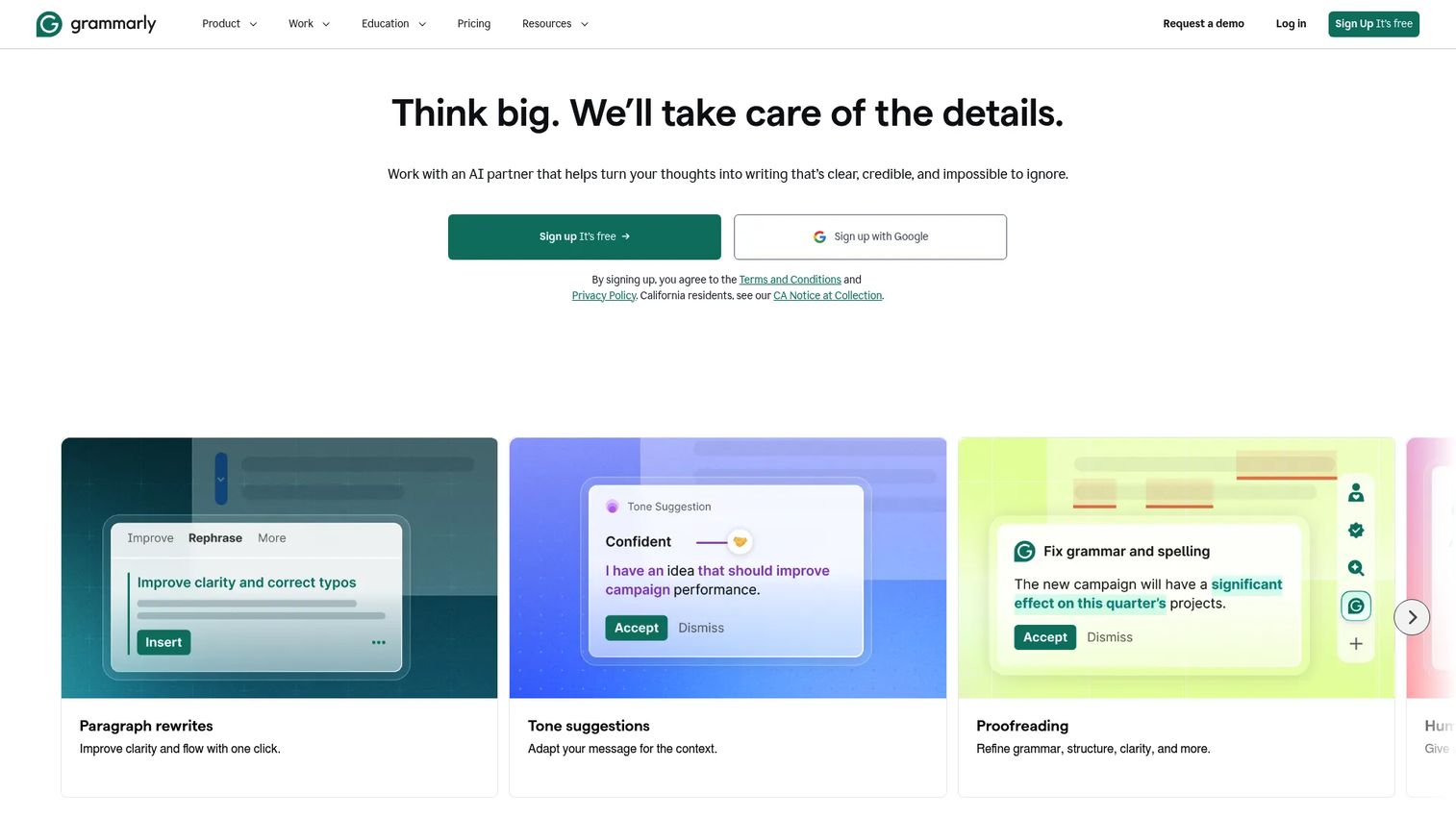
Grammarly is an AI writing and editing assistant for grammar, clarity, tone, style, and brand consistency. It works inside browsers, desktop apps, and document editors, so it catches issues wherever copy gets written. For marketing teams, it functions as a lightweight quality gate before copy goes to legal, brand review, or a campaign goes live.
Best for: Teams that produce high volumes of copy across channels and need a consistent tone and grammar standard enforced at the draft stage.
Key features
- Grammar, spelling, and clarity suggestions in real time
- Tone detection and adjustment recommendations
- Brand style guides with organization-wide rules
- AI text generation and full-sentence rewriting
- Plagiarism and AI-generated text detection
Why choose Grammarly: Best when review cycles slow campaign production. It is a practical guardrail, not a replacement for editorial judgment, but it catches the category of error that embarrasses a team in front of customers.
Grammarly pricing: Free plan available. Pro costs $12/member/month billed annually ($30/member/month monthly). Enterprise pricing is by quote.
G2 rating: 4.7/5
6. Notion
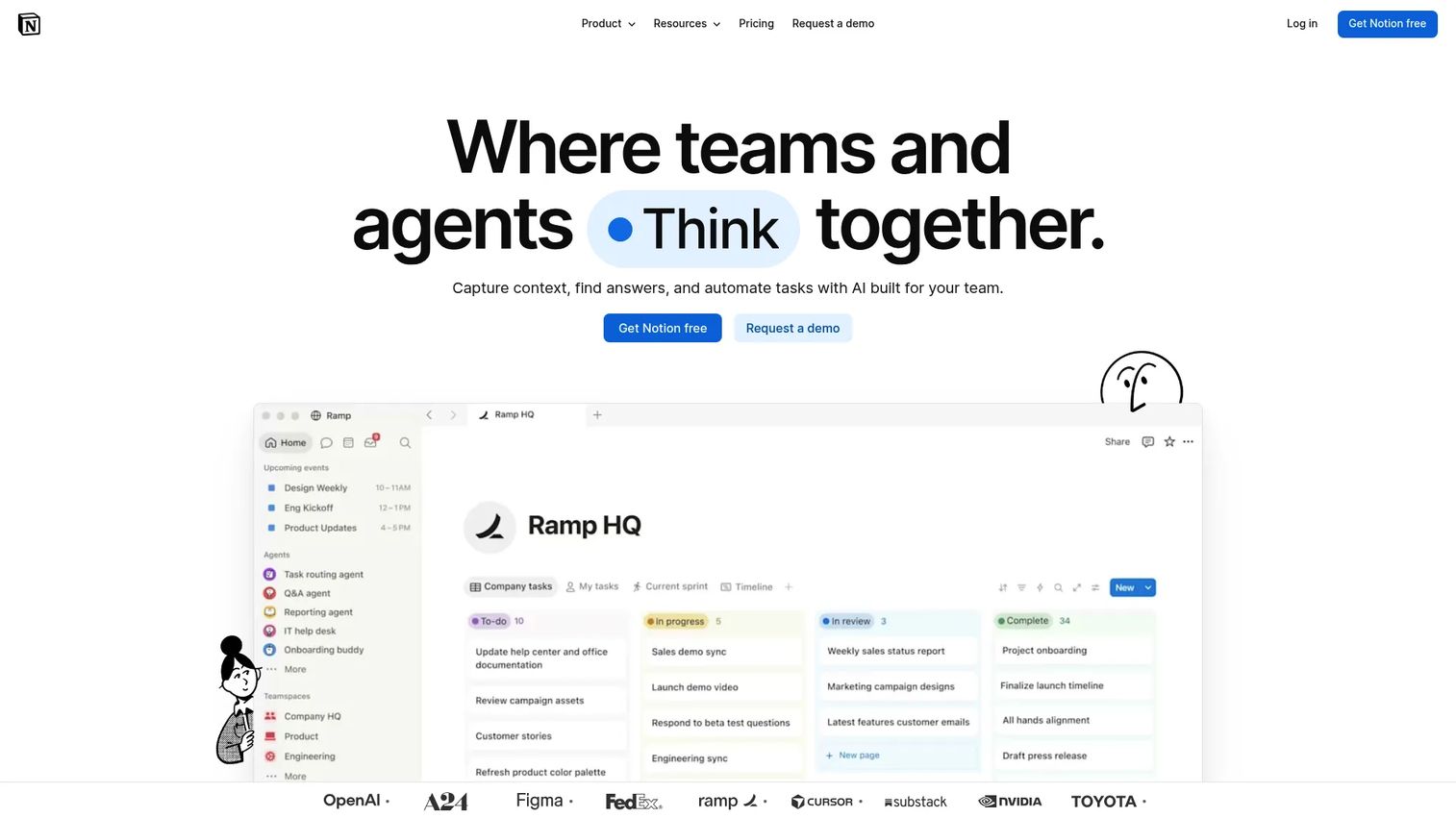
Notion is a workspace for docs, campaign calendars, content plans, launch trackers, and team knowledge, with AI assistance for summarizing, drafting, searching, and creating structured documentation. For marketing teams where context is scattered across Slack threads, Google Docs, and spreadsheets, Notion consolidates planning into one searchable place.
Best for: Marketing teams that need AI-assisted planning, editorial operations, and shared campaign context without spinning up a dedicated project tool.
Key features
- AI-powered workspace search with cited answers
- Campaign databases with custom properties and filters
- Docs, wikis, and project tracking in one workspace
- AI agents for workflow automation and task management
- Notion Calendar and Forms for scheduling and intake
Why choose Notion: Use it when the planning layer of marketing is broken. It is especially strong for content editorial teams, product launch trackers, and cross-functional campaign briefs. Less suited as a standalone reporting or analytics tool.
Notion pricing: Free plan available. Plus costs €9.50/member/month. Business costs €19.50/member/month. Enterprise pricing is custom.
G2 rating: 4.6/5
7. Zapier
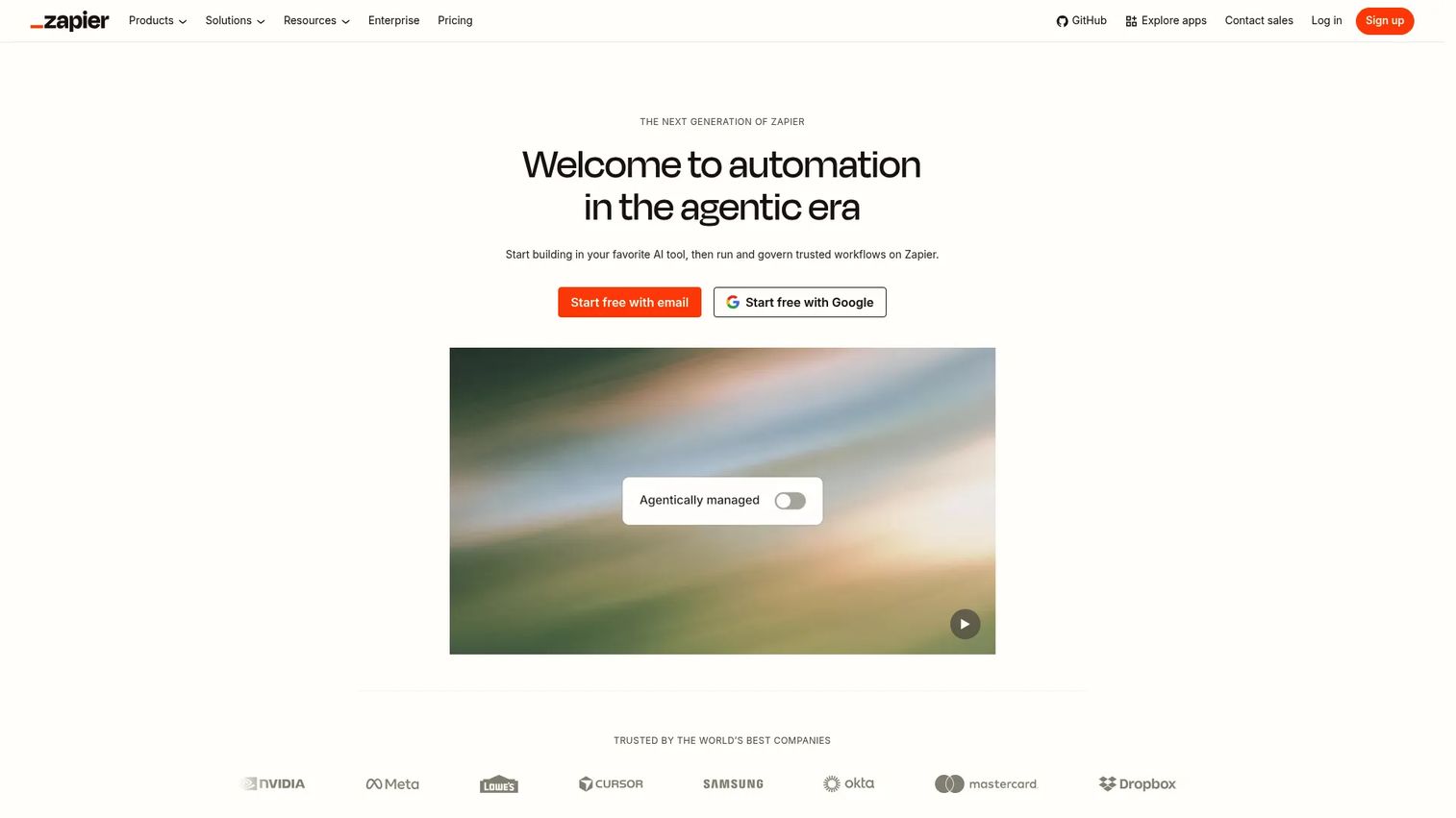
Zapier is an automation platform that connects marketing apps through no-code, AI-powered workflows. It handles lead routing, content handoffs, CRM updates, Slack alerts, and campaign operations across more than 9,000 app integrations. For marketers without engineering support, it closes the gaps between tools that do not natively talk to each other.
Best for: Marketers who lose time moving data between forms, CRMs, spreadsheets, email tools, and notification channels.
Key features
- Multi-step automated workflows with AI processing steps
- Connections to 9,000+ apps including CRMs, ad platforms, and email tools
- AI workflow builder for natural-language automation setup
- Zapier Tables for structured data storage
- Webhooks and conditional logic for complex routing
Why choose Zapier: Strong fit for scrappy teams with tool sprawl. It is the most practical answer to the question "Why am I copying this into the CRM manually?" when engineering is not available to build a native integration.
Zapier pricing: Free plan includes 100 tasks/month. Professional starts at $19.99/month. Team starts at $69/month. Enterprise pricing requires contacting sales.
G2 rating: 4.5/5
8. ActiveCampaign
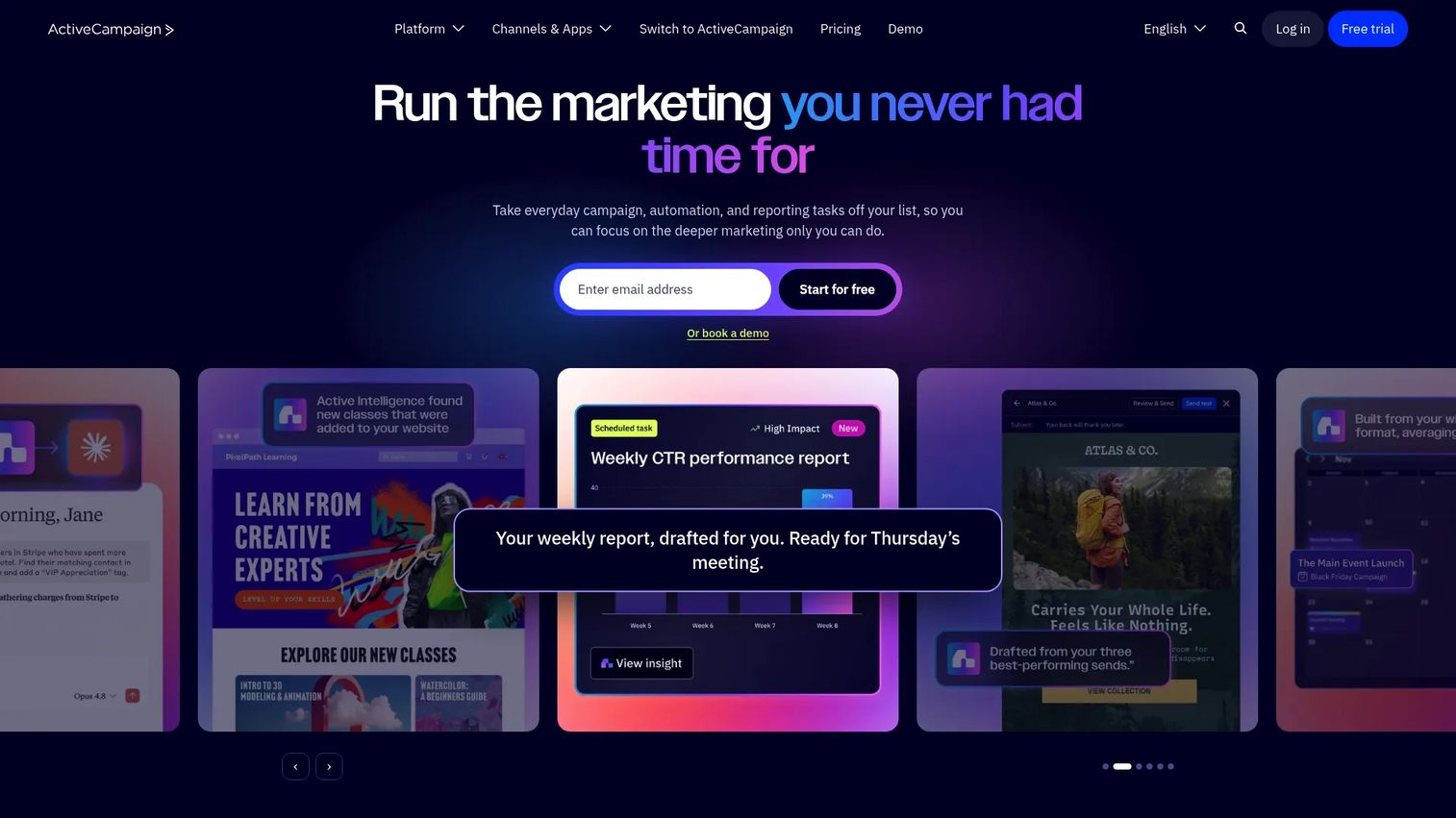
ActiveCampaign is an email marketing and automation platform with built-in CRM capabilities. It covers segmentation, lifecycle campaigns, lead scoring, predictive sending, and cross-channel marketing. For mid-market teams that have outgrown a basic newsletter tool but do not need the overhead of a full enterprise marketing suite, it sits in a practical middle ground.
Best for: Marketers running email, nurture, and lifecycle automation as a core growth lever, with CRM needs that do not require a dedicated Salesforce implementation.
Key features
- Multi-step marketing automation with AI-powered builders
- Email templates and cross-channel campaign management
- Audience segmentation and lead scoring
- Predictive sending and CRM workflows
- Landing pages, site messages, and conversion reporting
Why choose ActiveCampaign: Use it when email and lifecycle automation drive the majority of your pipeline. It is a strong consolidation candidate for teams paying for a separate email tool and a basic CRM.
ActiveCampaign pricing: Plans start at $15/month for accounts under 1,000 contacts, based on the company's pricing FAQ. Four tiers (Starter, Plus, Pro, Enterprise) are available, billed annually. A 14-day free trial is offered; no permanent free tier was verified.
G2 rating: 4.4/5
9. Claude

Claude is Anthropic's AI assistant, well-suited for long-form strategy work, document analysis, campaign planning, messaging refinement, and research synthesis. It handles large documents without truncating context, which makes it practical for reviewing lengthy research files, comparing messaging variants, or summarizing customer interviews.
Best for: Marketers working with long documents, research notes, and strategic planning where structured reasoning matters more than speed.
Key features
- Long-context document analysis and summarization
- Writing and copy assistance for strategy documents
- File and image uploads for analysis
- Research synthesis across multiple sources
- Projects and team collaboration features
Why choose Claude: Good fit when the input is messy and the output needs structure. PMMs using it for positioning work, content teams building topic clusters, and growth strategists reviewing market research all find it useful. It is a complement to ChatGPT for teams that want both.
Claude pricing: Free plan available. Pro costs $17/month (annual) or $20/month (monthly). Max starts from $100/month. Team costs $25/person/month (annual, minimum 5 members). Enterprise pricing is by quote.
G2 rating: 4.7/5
10. Descript
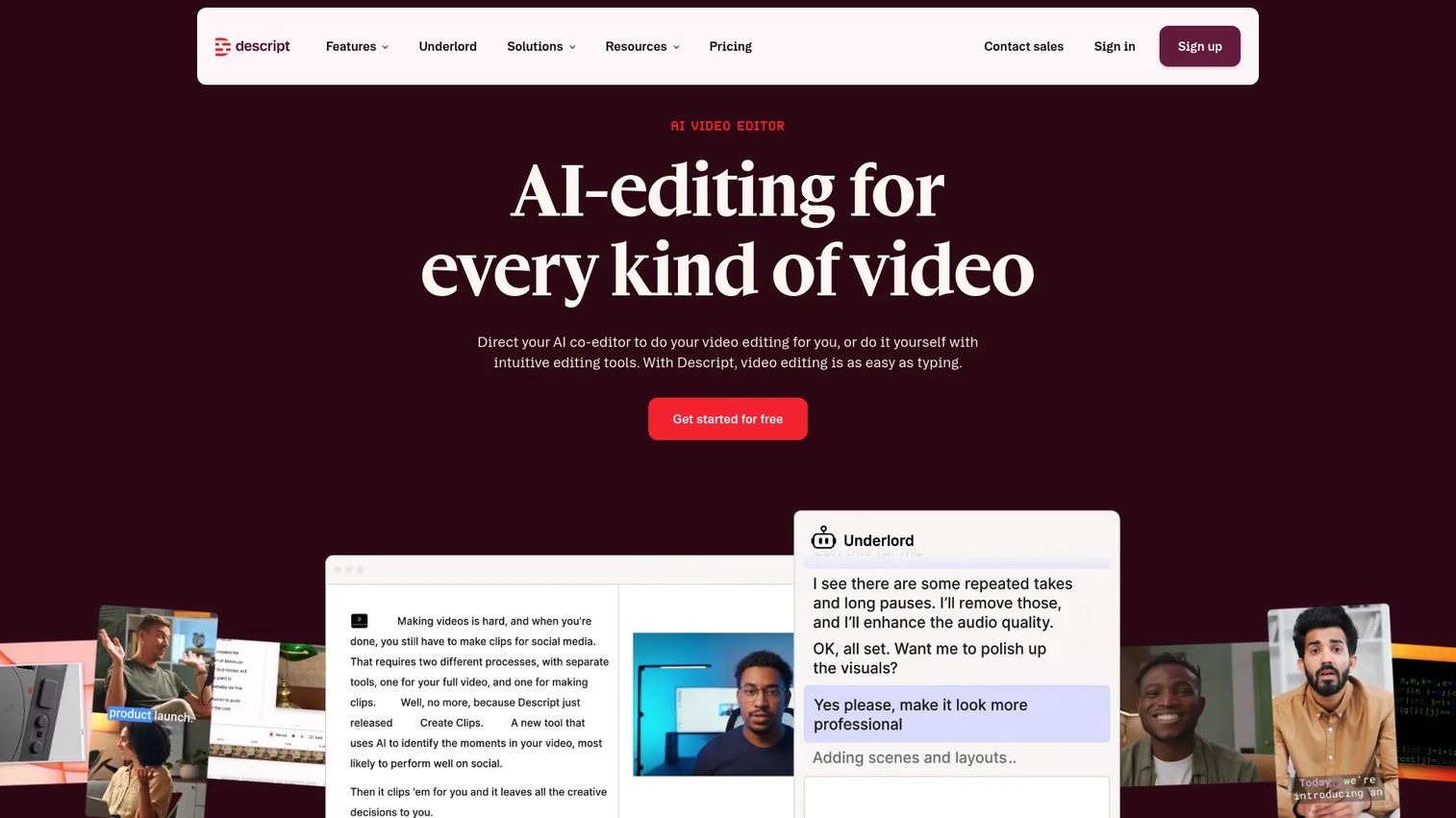
Descript is a text-based audio and video editor for webinars, podcasts, product videos, and social clips. Edit recordings by editing the transcript, and Descript updates the media file accordingly. AI features handle transcription, filler-word removal, studio-quality audio cleanup, and automated clip creation.
Best for: Marketers turning webinars, expert interviews, and recorded demos into reusable content without a dedicated video editor.
Key features
- Text-based video and audio editing
- AI co-editor (Underlord) for automated production tasks
- Transcription, captions, and filler-word removal
- Studio Sound for audio quality improvement
- Create Clips for social cut-down and translation
Why choose Descript: Use it when video editing blocks content velocity. It is particularly strong for teams that produce one or two long-form recordings per week and need multiple channel-ready cuts from each session.
Descript pricing: Free plan available. Hobbyist costs $16/person/month (or $24 annually). Creator costs $24/person/month (or $35 annually). Business costs $50/person/month (or $65 annually). Enterprise pricing is custom.
G2 rating: 4.6/5
11. ElevenLabs
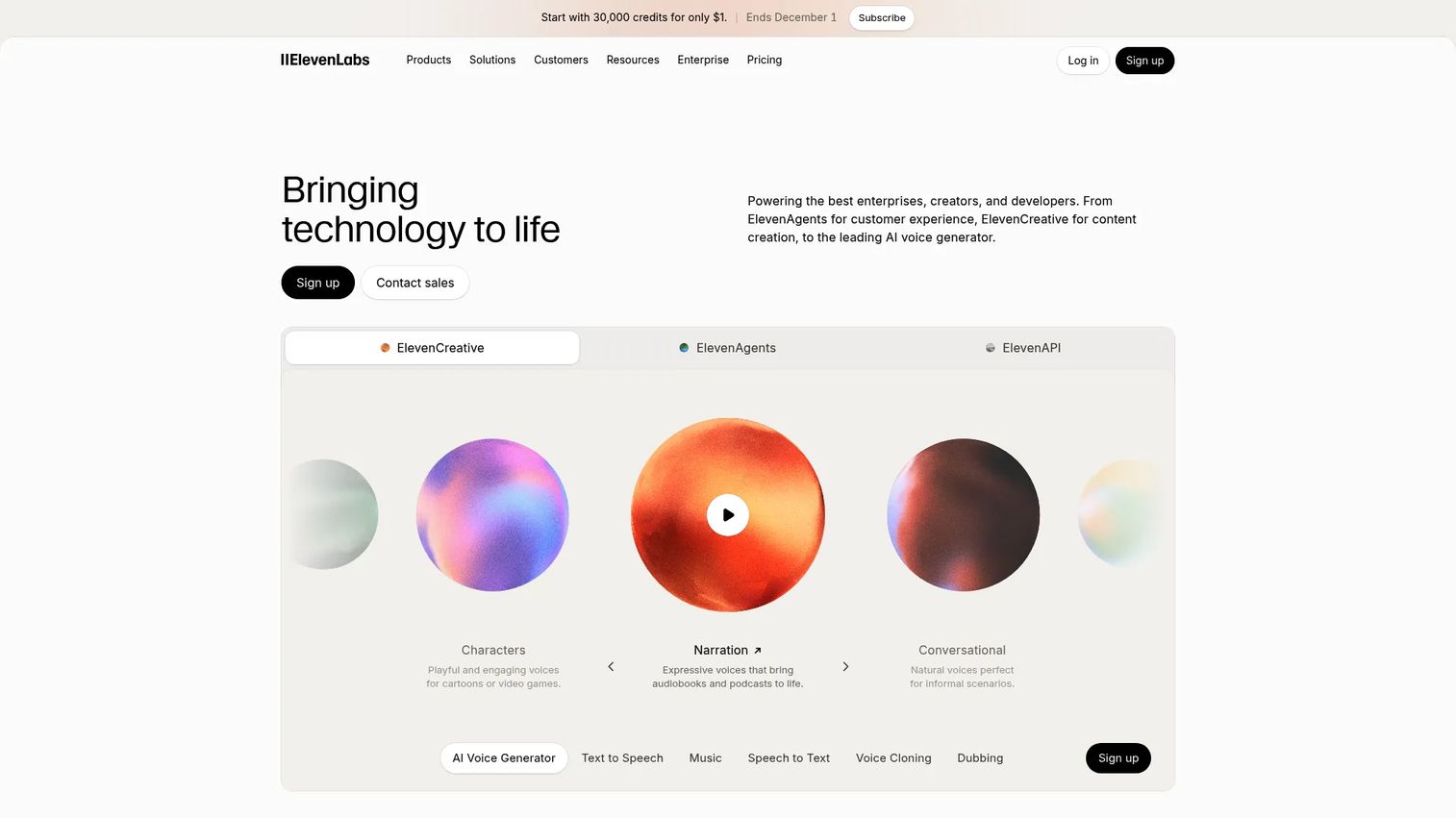
ElevenLabs is an AI voice and audio platform for text-to-speech, voice cloning, dubbing, sound effects, and conversational agent creation. For marketing teams producing explainer videos, ad narration, or localized content, it removes the dependency on a voiceover artist for every iteration. Define a voice usage policy before using synthetic voices in customer-facing campaigns.
Best for: Marketing teams creating voiceovers for videos, ads, explainers, and content localized across multiple languages.
Key features
- Text-to-speech with realistic AI voices
- Instant and professional voice cloning
- Automatic dubbing and Dubbing Studio workflows
- Audio localization across languages
- Sound effects and Studio production tools
Why choose ElevenLabs: Good fit when audio production slows video output or when localization requires narration in multiple markets. The free tier covers basic use; paid plans add credits for higher production volumes.
ElevenLabs pricing: Free plan at $0/month. Starter costs $6/month. Creator costs $22/month. Pro costs $99/month. Scale costs $299/month. Business costs $990/month. Enterprise pricing is custom.
G2 rating: 4.5/5
12. Hootsuite
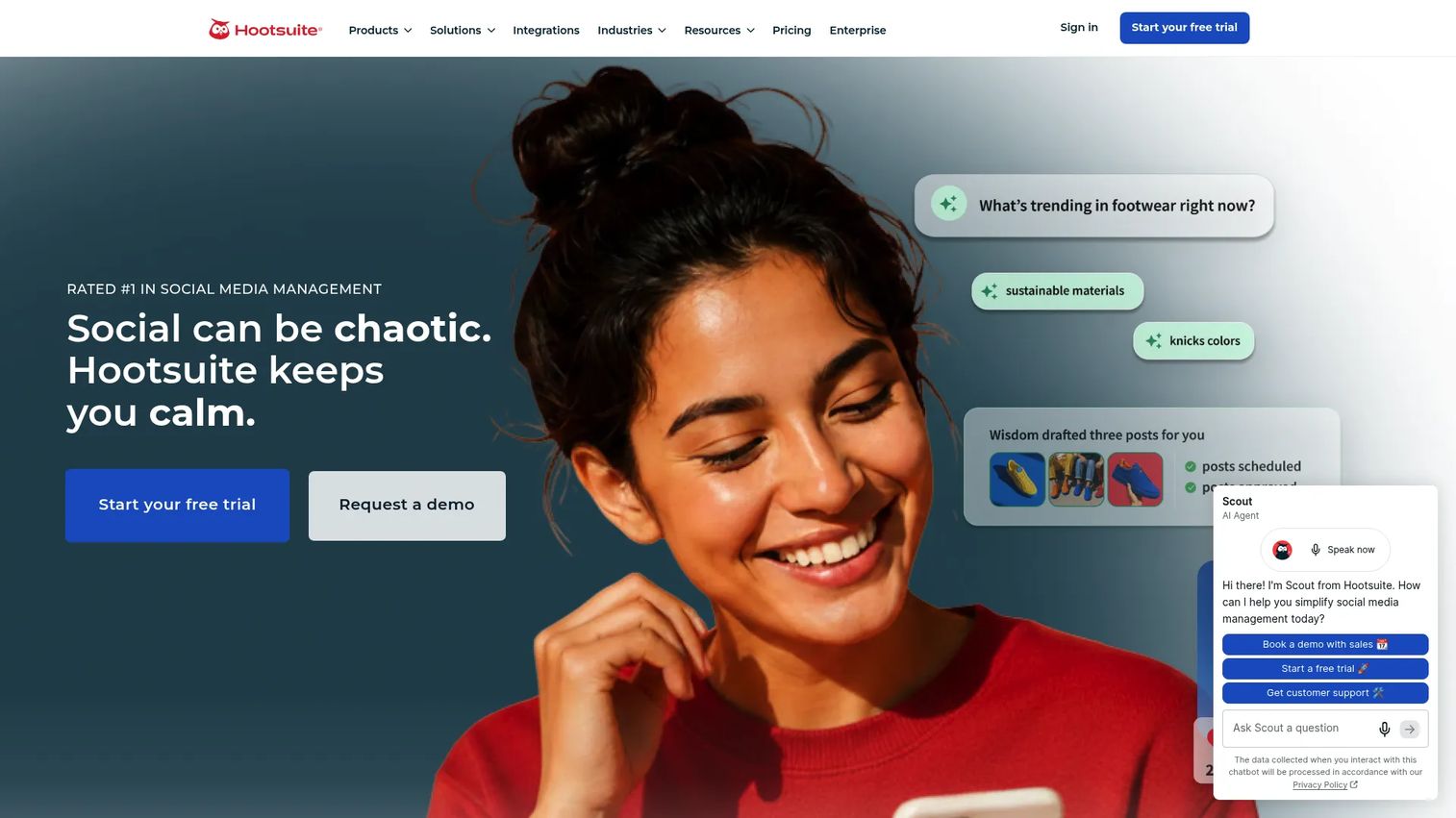
Hootsuite is a social media management platform for scheduling, publishing, social listening, inbox management, and performance reporting. For teams managing multiple accounts across multiple channels, it replaces native platform scheduling with a centralized approval and analytics workflow.
Best for: Social teams managing multiple accounts who need approval flows, unified reporting, and competitive listening in one dashboard.
Key features
- Social media scheduling and publishing across channels
- Unified inbox and customer messaging
- Social listening, trend tracking, and competitive analysis
- Performance reporting and analytics dashboards
- AI-assisted content suggestions
Why choose Hootsuite: Use it when social operations have grown past what native platform tools handle. The main trade-off is cost: At $99/month per user on annual billing, it is not the right call for a one-person team posting occasionally.
Hootsuite pricing: Standard costs $99/user/month (annual). Professional costs $199/user/month (annual). Advanced costs $399/user/month (annual). Enterprise pricing is custom. A 14-day free trial is available; no permanent free tier was verified.
G2 rating: 4.3/5
13. HubSpot
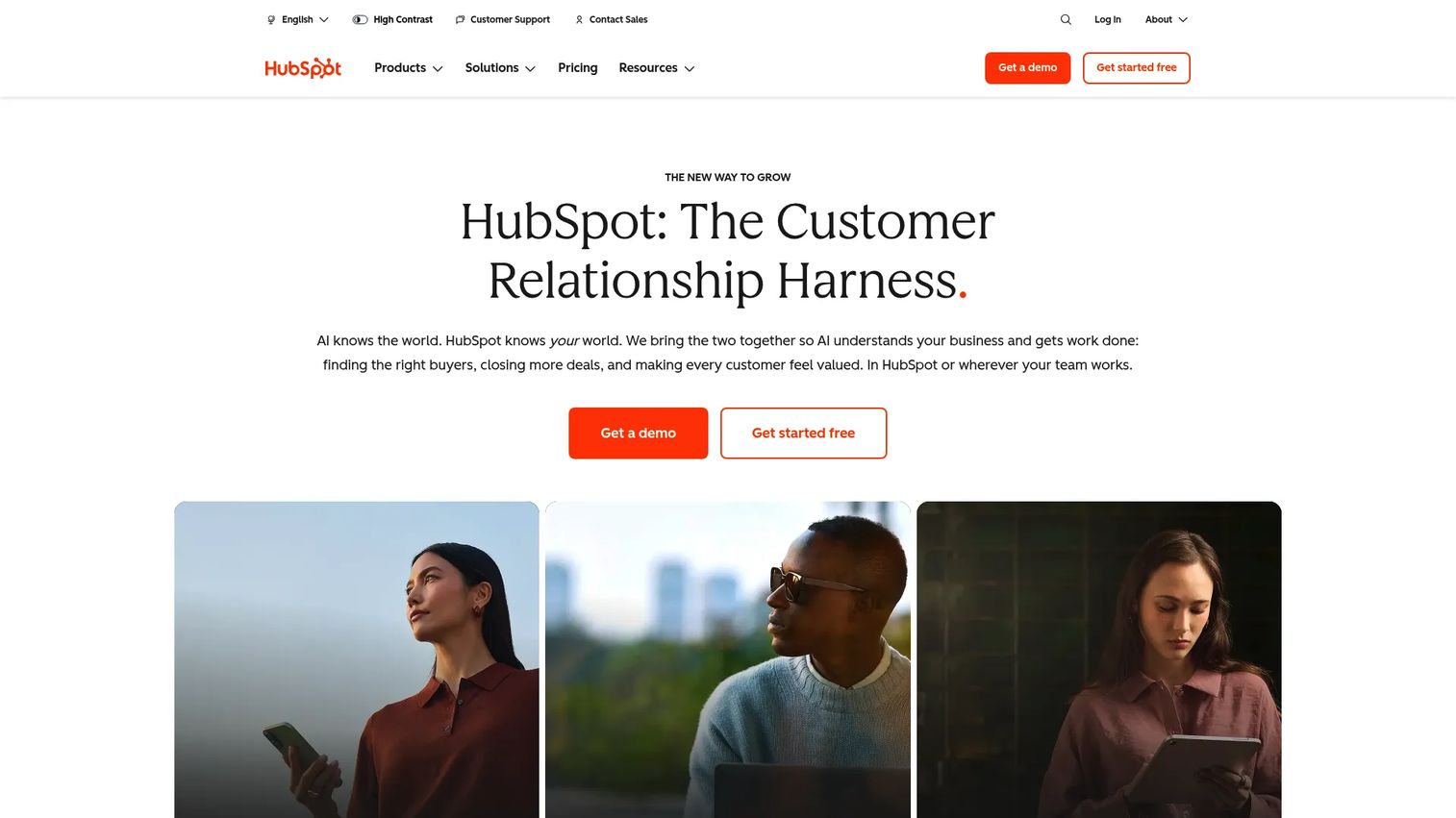
HubSpot is a CRM-connected marketing platform with email, automation, landing pages, forms, lead management, and reporting tied to a shared contact and company database. AI features assist with content creation, workflow suggestions, and customer agent workflows. The core value for growth teams is the connection between campaign activity and pipeline reporting.
Best for: Teams that want marketing automation and CRM in one place, with reporting that connects campaigns to closed revenue.
Key features
- Marketing automation with email, landing pages, and forms
- CRM with smart lists, lead scoring, and pipeline visibility
- AI content tools and customer agent workflows
- Campaign attribution and revenue reporting
- Integrations across the HubSpot product suite
Why choose HubSpot: Use it when marketing and sales need to share a single data model. The attribution and pipeline reporting is what makes it defensible at leadership level. It is a consolidation play for teams currently running separate CRM and email tools.
HubSpot pricing: Marketing Hub Free is available. Starter costs $7/seat/month (limited-time offer; standard is $20/seat/month). Professional costs $800/month (plus a $3,000 onboarding fee). Enterprise costs $3,600/month (plus a $7,000 onboarding fee).
G2 rating: 4.4/5
14. Jasper AI
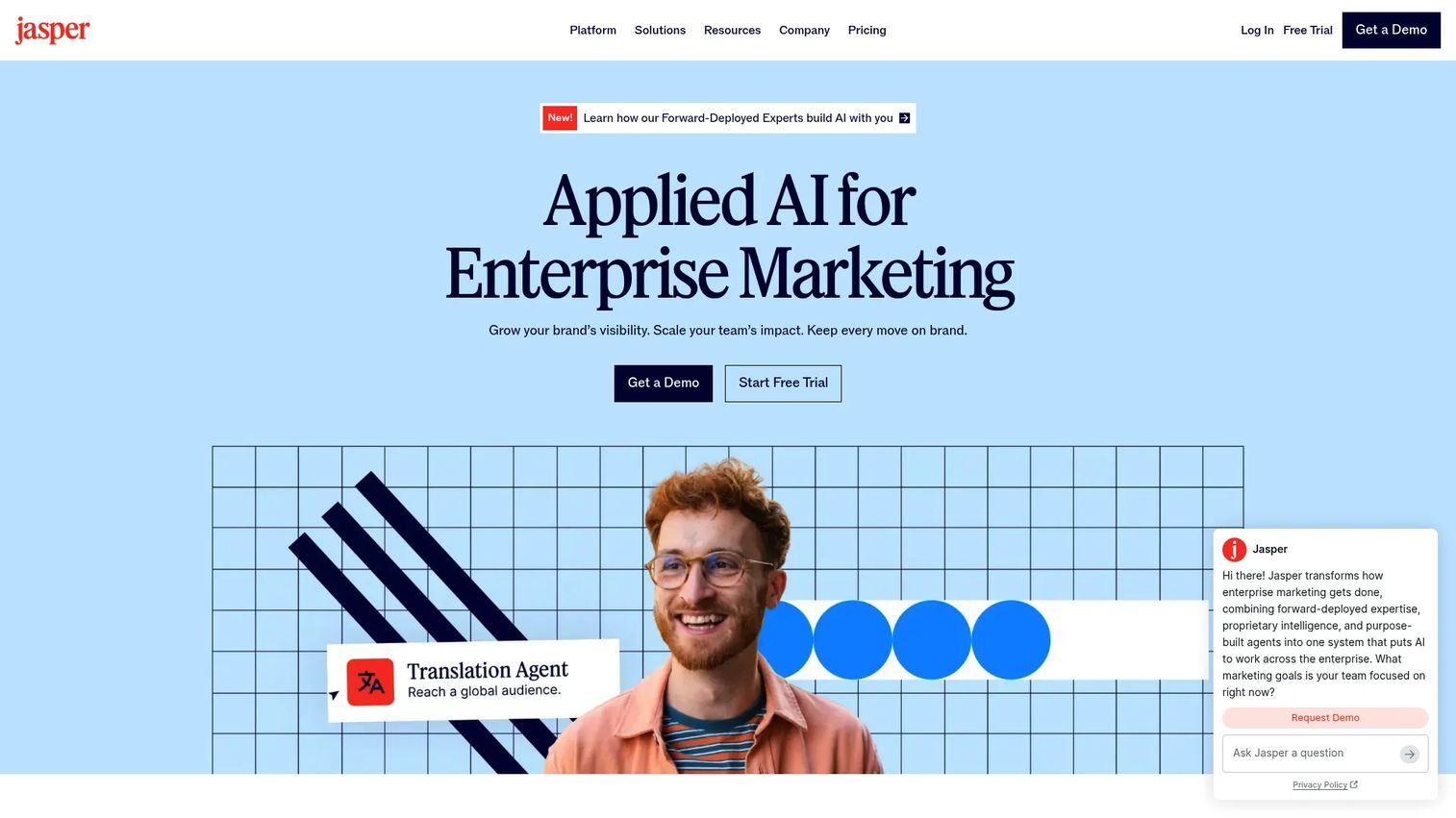
Jasper AI is a marketing-focused AI writing platform built around brand voice controls, campaign content workflows, and governance for teams producing copy at scale. Where general assistants give you a blank canvas, Jasper gives you marketing-specific templates, brand voice settings, and a workflow structure that makes content repeatable across a team.
Best for: Marketing teams producing high volumes of on-brand campaign copy, with multiple contributors who need consistent tone and messaging.
Key features
- Brand Voice, Knowledge, Audiences, and Style Guide controls
- Canvas for on-brand content creation
- Purpose-built marketing agents and campaign workflows
- Image generation and GEO (AI search visibility) optimization
- API and integrations for custom deployment
Why choose Jasper AI: Use it when copy volume is high, brand consistency is a frequent problem, and multiple team members are producing content simultaneously. It addresses the "this doesn't sound like us" issue that generic AI tools create.
Jasper AI pricing: Pro costs $59/seat/month billed annually ($69/month when billed monthly). Business pricing is custom. A 7-day free trial is available; no permanent free plan was listed.
G2 rating: 4.7/5
15. PhotoRoom
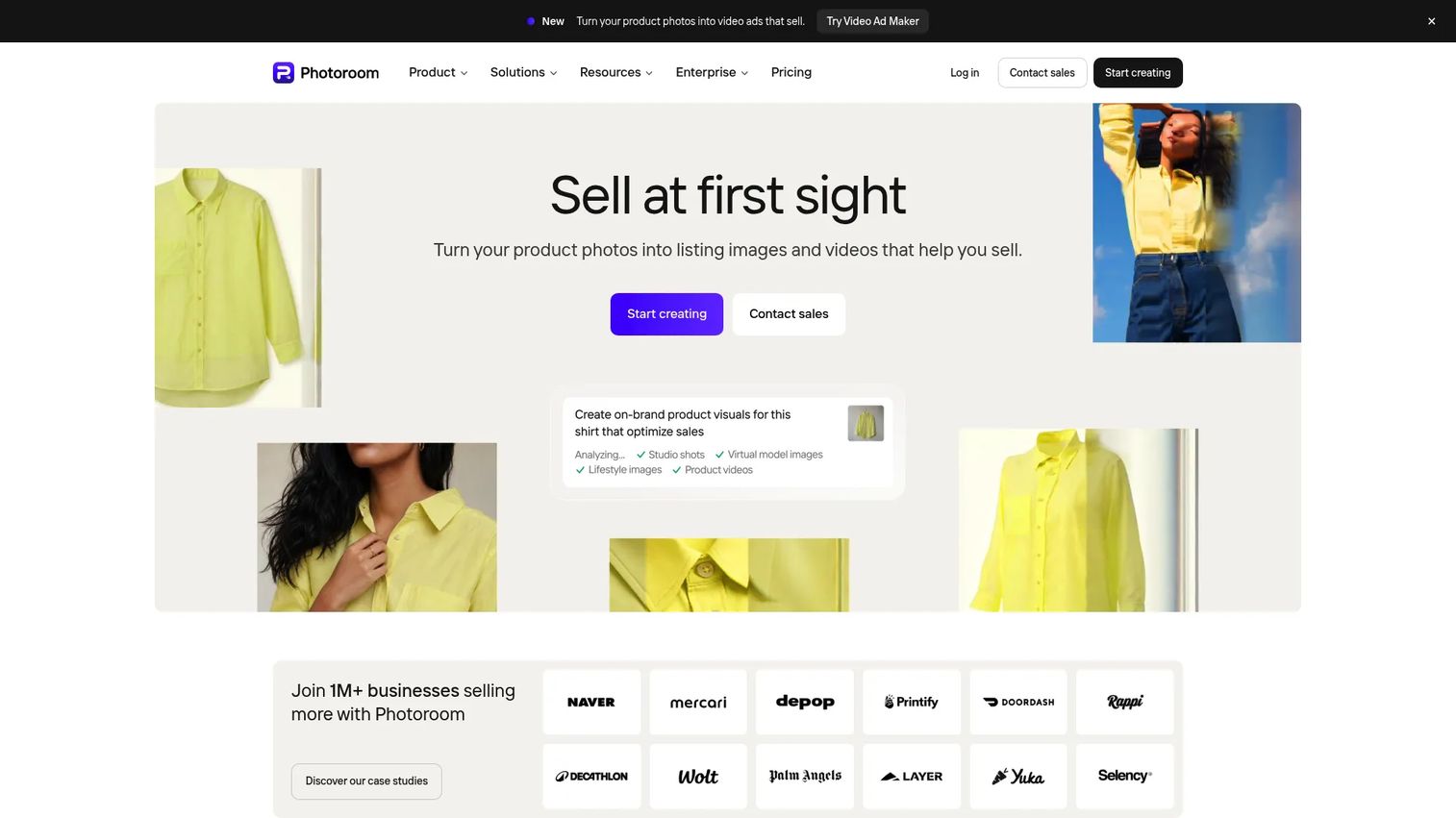
PhotoRoom is an AI visual editor for product imagery, background removal, scene generation, and batch editing. For ecommerce marketers and product marketing teams, it removes the dependency on a photographer for every new product or campaign visual.
Best for: Marketers who need fast product visuals for ads, marketplaces, or landing pages without a full photo shoot.
Key features
- AI background removal and replacement
- AI-generated product backgrounds and scenes
- Batch editing for high-volume image processing
- Object removal and AI-expand tools
- Video generation for product assets
Why choose PhotoRoom: Best when visual production blocks paid social testing or marketplace listings. It handles the category of work that previously required a designer or a studio day.
PhotoRoom pricing: Free plan available. Pro costs $7.50/month billed annually. Max costs $20.99/month billed annually. Ultra costs $82.50/month billed annually.
G2 rating: 4.3/5
16. Semrush
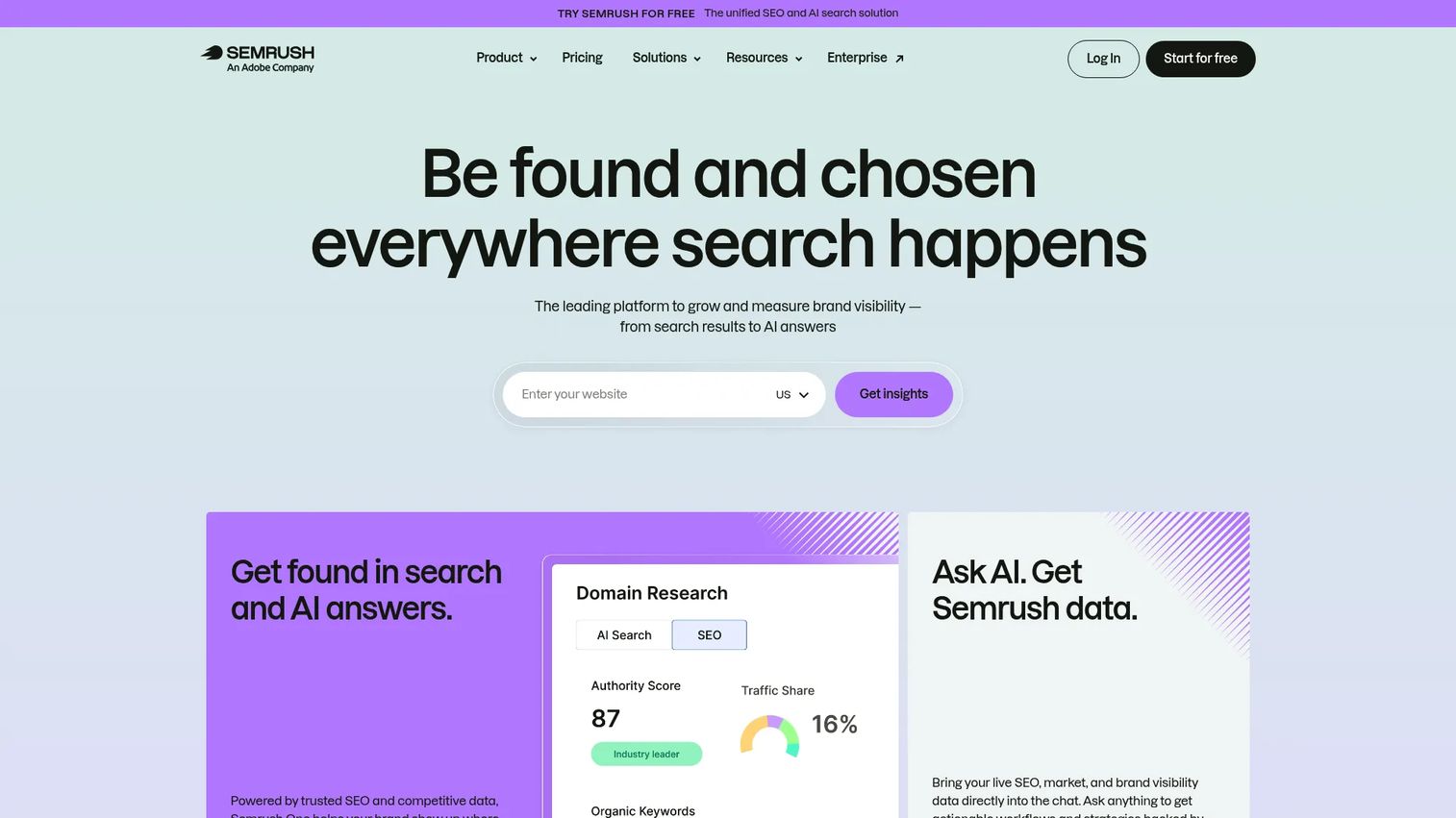
Semrush is a platform for SEO, competitive research, content optimization, local SEO, PPC insights, and AI search visibility monitoring. It goes wider than a pure keyword tool, covering brand visibility in AI answer engines alongside traditional search rankings.
Best for: Marketers who need SEO, competitive intelligence, and content optimization in one platform, alongside emerging AI search visibility tracking.
Key features
- Keyword research and competitor analysis
- Position tracking and site auditing
- Backlink analysis and link-building tools
- Content optimization and SEO writing assistance
- AI search visibility and sentiment monitoring
Why choose Semrush: Choose it when SEO and paid search both matter and when the team needs one platform for organic research, content optimization, and competitive tracking. It is broader than a pure SEO tool, which makes it useful for growth teams managing multiple channels.
Semrush pricing: Free plan available with limited daily reports. SEO plan costs $117.33/month billed annually. Starter costs $165.17/month. Pro+ costs $248.17/month. Advanced pricing is custom.
17. Adobe Experience Platform
Adobe Experience Platform is an enterprise customer data platform for unifying, governing, and activating customer data to power real-time personalization across the Adobe Experience Cloud. It handles customer profiles, identity unification, audience segmentation, journey orchestration, and AI-driven experience delivery at scale.
Best for: Enterprise marketing teams managing complex customer data, multi-channel personalization, and data governance requirements across large audiences.
Key features
- Real-time customer profiles and identity unification
- Data collection, ingestion, and modeling across sources
- Audience segmentation and activation to destinations
- AI and machine learning for predictive analytics
- Data governance, privacy controls, and RESTful APIs
Why choose Adobe Experience Platform: Use it when the central problem is customer data fragmentation across channels and brands. It is an enterprise infrastructure decision, not a point tool. The buying process involves Adobe sales, procurement, and an implementation scope discussion.
Adobe Experience Platform pricing: Contact Adobe sales for a quote based on your data volumes, modules, and usage requirements.
18. Ahrefs
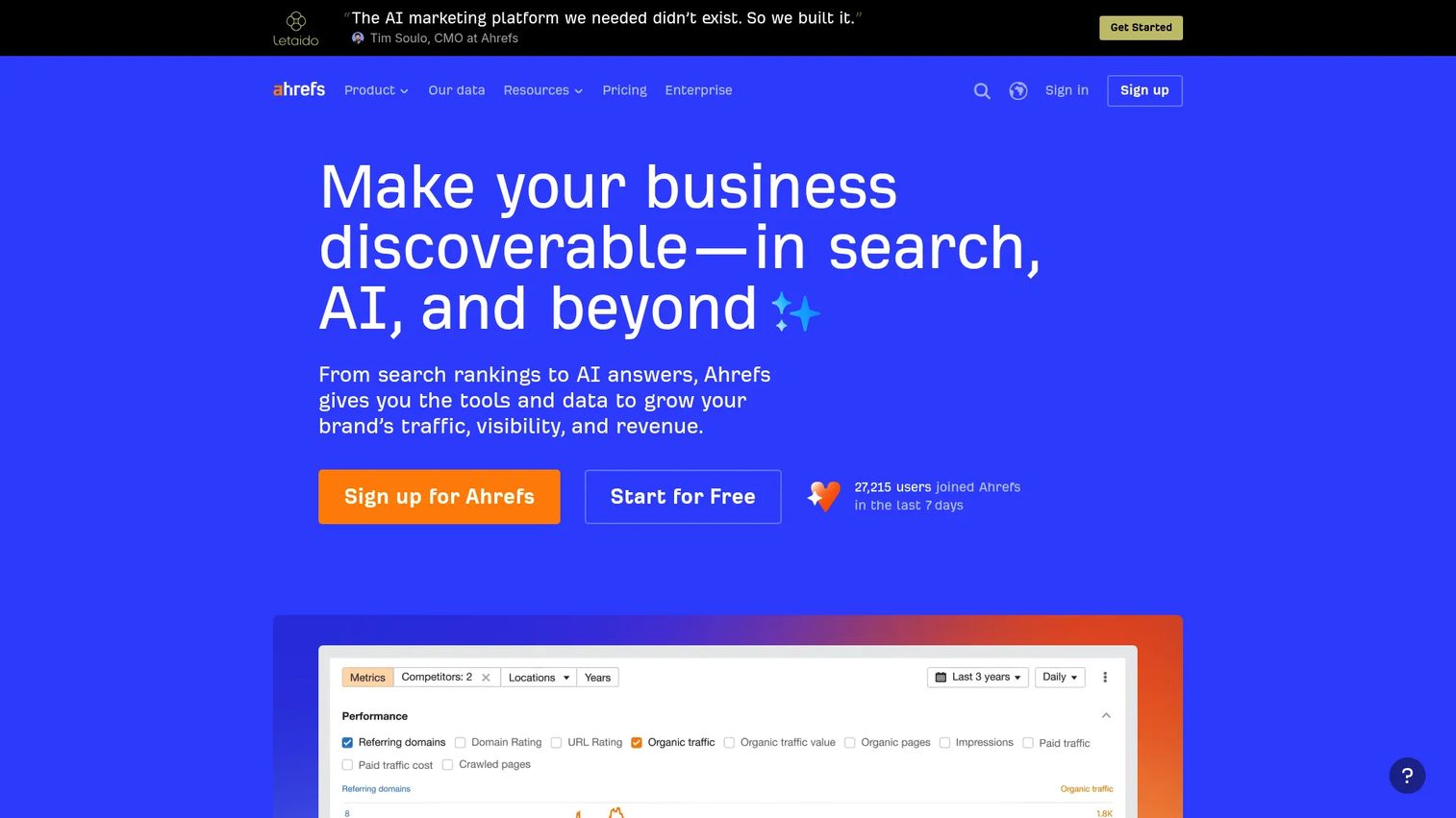
Ahrefs is an SEO and AI visibility platform for keyword research, backlink analysis, site audits, rank tracking, content gap discovery, and brand visibility monitoring in AI tools. For teams where organic search drives a significant share of pipeline, it provides the competitive intelligence to prioritize content investment.
Best for: Marketers prioritizing SEO research depth, backlink intelligence, and content opportunity discovery with competitive evidence.
Key features
- Site Explorer for backlink and organic traffic analysis
- Keywords Explorer with volume, difficulty, and traffic potential
- Site Audit for technical SEO issues
- Content Explorer for high-performing content research
- Brand Radar for AI search visibility tracking
Why choose Ahrefs: Use it when SEO decisions need better competitive evidence. It is especially strong for content teams planning topics around search demand. The Starter plan at $29/month is a low-barrier entry for small teams.
Ahrefs pricing: Free plan available. Starter costs $29/month. Lite costs $129/month. Standard costs $249/month. Advanced costs $449/month. Enterprise costs $1,499/month (annual commitment required).
G2 rating: 4.5/5
19. Perplexity
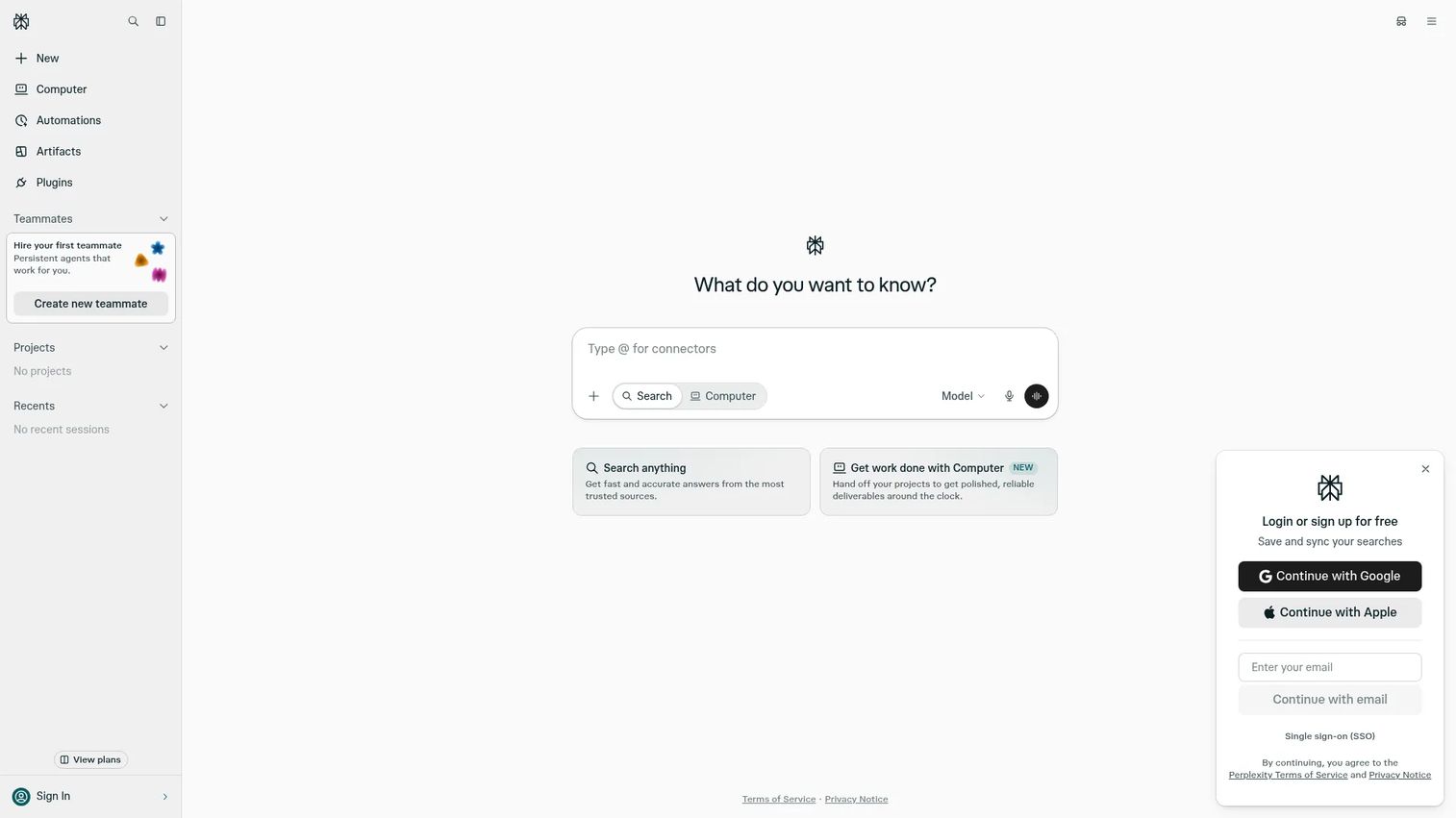
Perplexity is an AI answer engine that researches the web in real time and returns concise answers with inline citations. For marketers, it accelerates the research phase: Competitor scanning, trend discovery, brief validation, and source identification. Citations make it easier to verify what you are reading before it goes into a campaign or document.
Best for: Marketers who need faster source-backed research and trend scanning, particularly content strategists and PMMs validating campaign angles.
Key features
- Real-time web research with cited answers
- Deep Research and Pro Search for complex queries
- Multiple AI model access with model selection
- File uploads and document analysis
- Document and app creation tools
Why choose Perplexity: Good fit when research speed matters but source accountability still matters. It is not a replacement for opening primary sources, but it shortens the time to identify which sources are worth reading.
Perplexity pricing: Free plan at $0/month. Pro costs $20/month. Max costs $200/month. Enterprise Pro costs $40/seat/month. Enterprise Max costs $325/seat/month.
G2 rating: 4.4/5
20. Brandwatch
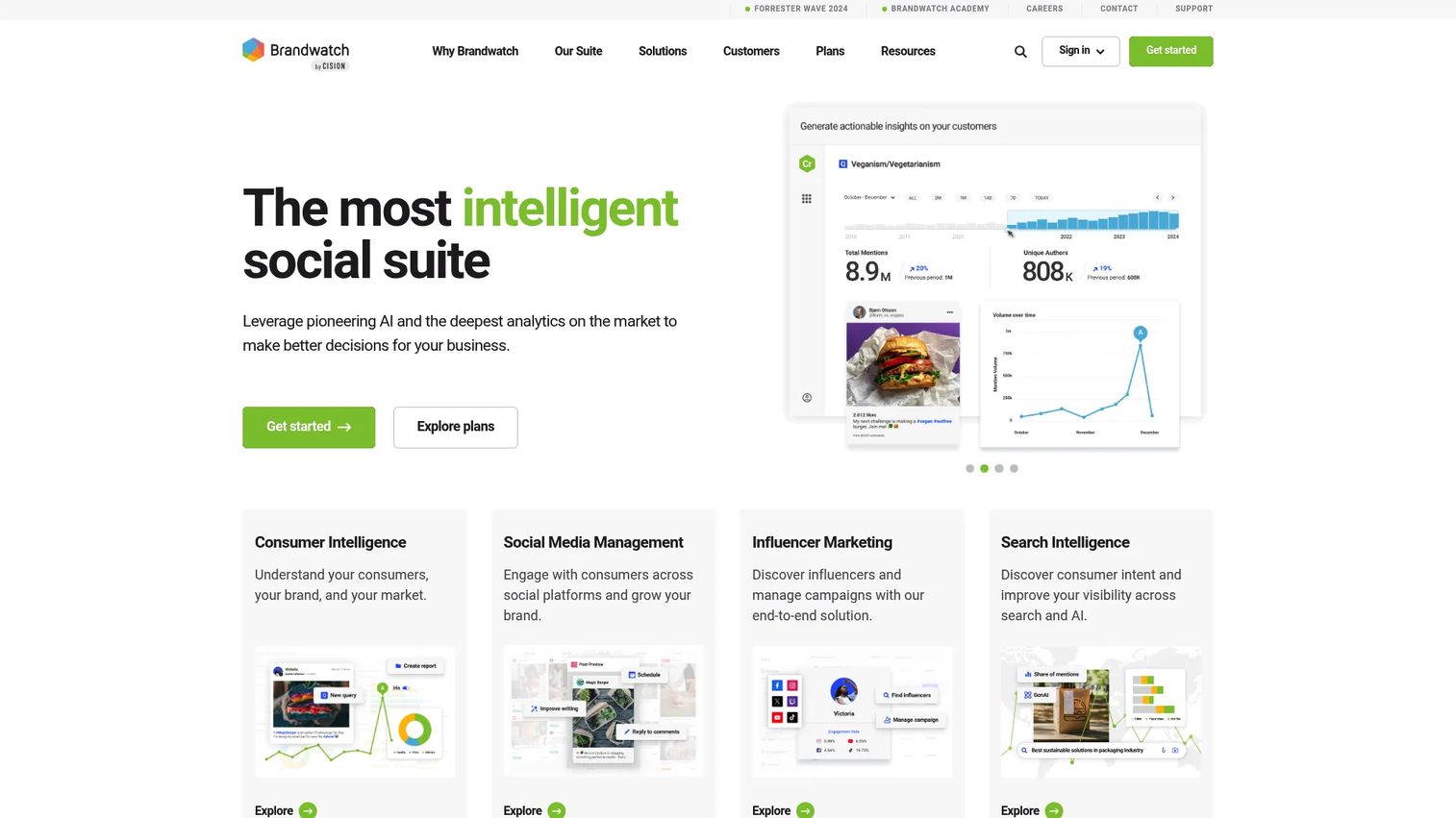
Brandwatch is a social intelligence platform combining consumer intelligence, social media management, and influencer marketing. It monitors more than 100 million online sources for brand mentions, sentiment signals, trending topics, and competitor activity. For teams running brand, social, and market research, it surfaces the audience insight that shapes campaign positioning.
Best for: Enterprise teams that need social listening, consumer intelligence, and brand health monitoring at scale, alongside publishing and influencer management.
Key features
- Social listening across 100 million+ online sources
- Sentiment analysis and trend detection
- Social media publishing, engagement, and reporting
- Influencer discovery, management, and campaign reporting
- Audience insights and competitor monitoring
Why choose Brandwatch: Use it when marketing decisions need evidence from real audience conversations, not just first-party data. Strong fit for brand teams, social teams, and insights functions that need to track perception before and after campaigns.
Brandwatch pricing: Contact Brandwatch sales for a quote across Consumer Intelligence, Social Media Management, and Influencer Marketing modules.
G2 rating: 4.2/5
21. Tableau
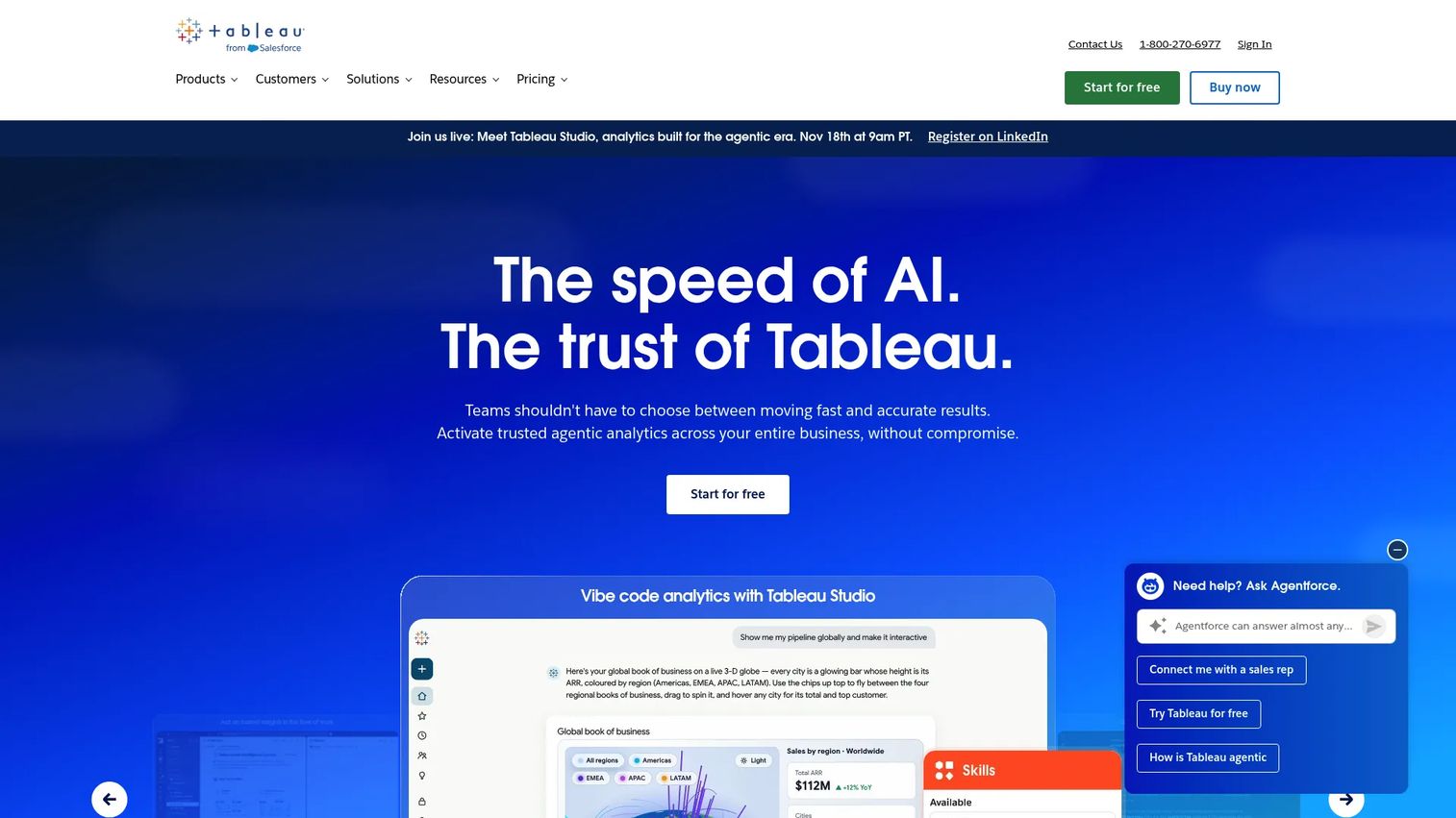
Tableau is an analytics and data visualization platform for building interactive dashboards, connecting multiple data sources, and generating AI-assisted insights through Tableau Pulse and Tableau Agent. For marketing teams with complex reporting requirements across ad spend, pipeline, and customer data, it replaces spreadsheet-based reporting with something leadership can actually use.
Best for: Marketing teams that need executive-ready dashboards and recurring attribution reporting across multiple data sources.
Key features
- Interactive data visualization and dashboard creation
- Multi-source data connection and preparation
- Tableau Pulse for AI-assisted metric monitoring
- Tableau Agent for natural-language analytics authoring
- Forecasting views and trend analysis
Why choose Tableau: Use it when spreadsheets cannot handle the reporting complexity and leadership needs clean, recurring dashboards. It works best when data sources are owned and clean; messy or incomplete data produces misleading dashboards regardless of the visualization layer.
Tableau pricing: Tableau Desktop Free Edition is available. Tableau Standard costs $15/user/month billed annually. Tableau Enterprise costs $35/user/month billed annually. Tableau Next costs $40/user/month billed annually. Tableau Cloud+ and Tableau+ Bundle pricing requires contacting sales.
G2 rating: 4.4/5
Considerations when choosing AI marketing tools
Start with the workflow you want to replace
The strongest argument for any AI tool is that it removes a specific, recurring pain. Before evaluating features, write down the exact task that costs the most time and produces the least insight. A tool that eliminates one real workflow bottleneck delivers more ROI than a broader platform you use inconsistently.
Check integration depth before the demo
Shallow integrations create more spreadsheet work, not less. Before committing to any tool, verify it connects cleanly to your CRM, marketing automation platform, analytics stack, and ad channels. Ask specifically about bidirectional data sync, field mapping, and what happens when a record updates in one system.
Decide how you will measure impact
Attribution is the digital marketer's permanent headache. Set the measurement criteria before you buy: Which metric improves, by how much, over what period. Tools tied to CAC, pipeline influenced, conversion rate, campaign velocity, or activation are easier to defend at review time than tools measured only by time saved.
Review data privacy and approval requirements
Enterprise teams will need to verify SOC 2 compliance, data processing agreements, AI training policies, and permission structures before procurement signs off. Even for smaller teams, check whether the tool sends customer data to external AI models for training, and whether that creates any exposure under your data agreements.
Test with a real campaign, not a generic prompt
Generic prompts produce generic output. Before buying, run a 14 to 30 day test using an existing campaign brief, your actual customer proof points, and your brand guidelines. Output quality on a real input is the only signal worth acting on.
Conclusion
The AI marketing tools market is large and growing fast. Grand View Research puts the global market at $35.4 billion in 2026 and projects a 27.6% compound annual growth rate through 2033. The challenge for growth marketers is not finding tools; it is picking the right ones for the job without adding to an already crowded stack.
Start with the workflow causing the most drag. For product-led conversion and buyer education, Guideflow delivers fundamentally different engagement than a static asset, with real-time analytics to prove it. For general AI assistance, ChatGPT and Claude cover most writing and research needs between them. For creative production, Canva and PhotoRoom handle the visual work. Zapier, HubSpot, and ActiveCampaign address automation and lifecycle needs at different scales. Semrush and Ahrefs anchor SEO research. Tableau, Brandwatch, and Adobe Experience Platform serve analytics and consumer intelligence at growing levels of complexity.
Pick one workflow, test one tool, and measure one metric. That is a faster path to defensible ROI than evaluating all 21 at once.
Start your journey with Guideflow today!
FAQs
AI marketing tools use machine learning or generative AI to help marketers plan, create, automate, analyze, or optimize marketing work. The category covers content generation, visual design, SEO research, email automation, CRM, social management, product demos, and analytics reporting. Some are standalone AI tools; others are AI features inside platforms marketers already use.
The answer depends on the highest-friction workflow. ChatGPT or Claude covers flexible writing and research. Canva handles branded creative quickly without design support. Zapier automates handoffs between tools without engineering. For teams where product demos drive pipeline, Guideflow's free plan and no-code capture make it accessible without a large budget.
ChatGPT and Claude are strong for ideation, briefs, and long-form drafts. Jasper AI adds brand voice controls for teams producing at scale. Grammarly handles editing and tone enforcement. Canva covers visual content and short video. Descript and ElevenLabs handle audio and video production. Semrush and Ahrefs inform content strategy through search demand data.
HubSpot connects campaign activity to pipeline and CRM data for defensible attribution. Tableau handles complex multi-source reporting for executive audiences. Adobe Experience Platform manages customer data at enterprise scale. Brandwatch surfaces brand sentiment and audience signals. Guideflow's analytics track demo engagement at the session level, including impressions, completion rate, and leads collected.
Paid tools make sense when they reduce manual hours, replace another subscription, or improve a measurable outcome. The clearest cases are tools that eliminate a recurring bottleneck: A designer dependency, a CRM data entry task, or a reporting cycle that takes a full day. Test against one existing workflow before committing budget broadly.
Start with a workflow inventory and identify which tools duplicate each other. Prioritize platforms with strong integrations over point tools that create new data silos. Assign clear owners and success metrics to each tool at adoption. Remove tools that are not actively used within 90 days of onboarding; unused tools rarely get used later.
No. They replace pieces of execution, production, and analysis. Marketers still own positioning, audience judgment, campaign strategy, quality control, and the decisions that require context no AI tool has access to. The teams using AI tools most effectively are spending less time on mechanical production and more time on the strategic decisions that tools cannot make.
Evaluate against four criteria: Workflow fit (does it remove a real recurring task?), integration quality (does it connect to the systems you already use?), output quality (does it perform well on a real campaign input?), and measurable impact (can you tie it to CAC, pipeline, conversion rate, or time saved?). Run a 14 to 30 day test against one metric before committing a full budget.