Leadership asks whether AI search is bringing you buyers. Your traffic report shows a few referrals, but it cannot explain which important pages AI systems accessed.
Buying another dashboard won’t automatically answer that question. You need to distinguish website access from visibility in answers, then connect visits to measurable business outcomes.
AI crawler analytics helps establish the access layer. Cloudflare’s 2025 research found that AI bots averaged 4.2% of HTML requests across its network. That network average provides context, not a benchmark for your website.
For growth teams, the useful question is whether those requests reach content that influences buying decisions. A crawl spike means little without page context.
Start by separating the evidence you need from the reporting you already own. Request data supports technical diagnosis. Citation monitoring supports content decisions. Conversion reporting helps defend investment.
Which approach fits your stack and budget without creating another reporting burden?
What’s inside
- Seven options assessed by category fit: Visibility platforms, infrastructure services, and a WordPress implementation path, with mismatches identified explicitly.
- Four selection criteria: Relevant data sources, page-level evidence, implementation ownership, and pricing clarity.
- Measurement boundaries: How crawler access differs from AI citation tracking, referral traffic, and revenue attribution.
- Practical evaluation guidance: Questions to ask before adding another subscription or requesting engineering support.
- Evidence-based product coverage: Vendor information and pricing researched on November 24, 2026, with G2 ratings distinguished from broader seller ratings.
These entries aren’t seven interchangeable crawler-monitoring products. In particular, aiOla serves a different job, while “WordPress plugin” describes an implementation category rather than one application.
TL;DR
- For prompt-level visibility reporting: Trackbase offers daily tracking and competitive analysis. Its documented capabilities support AI search visibility, rather than establishing dedicated request-log monitoring.
- For citation research and content optimization: Surva.ai combines AI answer monitoring with audits and recommendations. Starter costs $49 monthly.
- For crawler analytics alongside publishing: Zerply explicitly includes AI crawler traffic monitoring within its broader SEO and content platform.
- For infrastructure ownership: Evaluate Cloudflare when your team needs CDN and security controls. Vercel belongs in the discussion when it hosts your website.
- For a WordPress starting point: Evaluate a specific plugin before assuming bot detection or reporting capabilities.
- For field-sales CRM automation: aiOla serves voice-driven Salesforce workflows. Don’t purchase it for AI crawler analytics.
What is AI crawler analytics?
AI crawler analytics tracks and analyzes requests from AI-related bots to understand which website resources they access and whether those requests succeed.
It usually draws on server-side analytics, CDN logs, or other request records. Browser-based reporting answers a different question, primarily describing visitors who load tracking code.
Useful crawler logs should provide enough detail to investigate individual pages:
- Identity: Claimed bot name and user agent
- Destination: Requested URL, including files and discovery resources
- Timing: Request timestamps and crawler return frequency
- Response: Status codes, including errors and blocked requests
- Delivery: Cache results and bandwidth where available
- Source: The CDN or origin server recording the event
- Context: Referrer information when present
GPTBot tracking, ClaudeBot tracking, PerplexityBot tracking, and OAI-SearchBot tracking are common evaluation requirements. Treat each identifier separately rather than combining every automated request into “AI traffic.”
Also distinguish crawler identifiers from policy controls and answer surfaces. Google-Extended belongs in the policy discussion, while Google AI Overviews and Gemini belong in visibility measurement. Googlebot and Bingbot provide search-crawler comparison points.
A reporting specification can include ChatGPT-User and GoogleOther, but classification should follow each operator’s documentation. Don’t infer a bot’s purpose solely from its name.
Keep access, visibility, and outcomes separate
| Measurement layer | Question it answers | Evidence to request |
|---|---|---|
| Crawler access | Did a bot request this page? | Timestamped request records and response codes |
| AI citation tracking | Did an answer reference this content? | Captured answers and cited URLs |
| AI referral tracking | Did someone arrive from an AI service? | Referral sessions and landing pages |
| Business outcomes | Did those visitors take valuable actions? | Conversion events and CRM attribution |
This distinction matters when evaluating generative engine optimization analytics, often called GEO analytics. A visibility score summarizes observations; it doesn’t replace the underlying evidence.
For marketers, crawler coverage becomes useful when compared against an inventory of priority URLs. That exposes uncrawled pages and unsuccessful requests worth investigating.
Include robots.txt and discovery files such as llms.txt in the review. Their presence alone doesn’t demonstrate access, citation, or commercial impact.
When to use AI crawler analytics
Check access to pages that influence pipeline
Start with pricing and comparison pages, then add documentation and content associated with qualified leads. Ask whether recognized bots reached those URLs during your reporting window.
Compare results with your existing organic-search reporting rather than assuming one reflects the other. Record pages without observed requests separately from pages returning errors.
This gives content and web teams a concrete investigation queue instead of another aggregate traffic chart.
Diagnose errors before expanding content investment
Use AI bot tracking when priority URLs show unsuccessful responses or unexpected changes in request activity. Investigate 404 crawler errors alongside blocked paths and access policies.
Bring the web team into reviews of CDN rules, rate limits, and WAF decisions. Fix identified configuration problems before concluding that the content needs rewriting.
Record the change date so subsequent observations have a useful reference point.
Connect discovery evidence to marketing decisions
Combine access reporting with AI search visibility when leadership asks where optimization work should go next. Compare cited pages with landing pages receiving AI search referrals.
Then inspect conversion events and associated opportunities in your existing analytics stack. Keep correlation explicit rather than presenting crawler activity as the cause of revenue.
The goal is a defensible next action, such as fixing access or improving a landing page’s conversion path.
AI crawler analytics tools comparison
The options below cover different parts of the measurement problem. Zerply documents crawler-traffic analytics; Trackbase and Surva.ai emphasize visibility in AI answers.
Cloudflare and Vercel belong to the infrastructure layer. Their platform pricing should not be mistaken for a complete crawler-reporting implementation.
Two entries need particular care. aiOla’s documented product serves field-sales automation, while WordPress plugins require individual evaluation before making any feature claim.
Use the table to identify the relevant category first. Then ask vendors to demonstrate the exact evidence your team needs, including requested URLs and response codes.
Ratings also require context. A seller score does not measure the quality of a particular crawler analytics capability.
| # | Product | Best for | Key differentiator | Pricing | G2 rating |
|---|---|---|---|---|---|
| 1 | Trackbase | Prompt-level AI visibility reporting | Daily tracking and competitive visibility analysis | Essential €49/month | N/A |
| 2 | Surva.ai | AI answer visibility and citation research | Visibility audits and content recommendations | Starter $49/month or $39/month billed yearly | 4.3/5 |
| 3 | Zerply | Crawler traffic analysis alongside SEO publishing | AI traffic analytics within an agentic SEO platform | Starter $41/month | 5.0/5 |
| 4 | aiOla | Field-sales CRM automation, outside this category | Voice agents for Salesforce workflows | Custom pricing | 5.0/5, unrelated category |
| 5 | Cloudflare | CDN and security infrastructure | Edge services and web application firewall controls | Free; Pro $20/month annually or $25 monthly | 4.5/5, seller rating |
| 6 | Vercel | Existing Vercel-hosted web properties | Deployment infrastructure and traffic insights | Hobby free; Pro $20/month | 4.6/5, seller rating |
| 7 | WordPress plugin | Evaluating a CMS-based implementation path | Plugin selection within an existing WordPress site | Free directory options; paid upgrades vary | N/A, category rather than product |
Best 7 tools and implementation options for AI crawler analytics
1. Trackbase
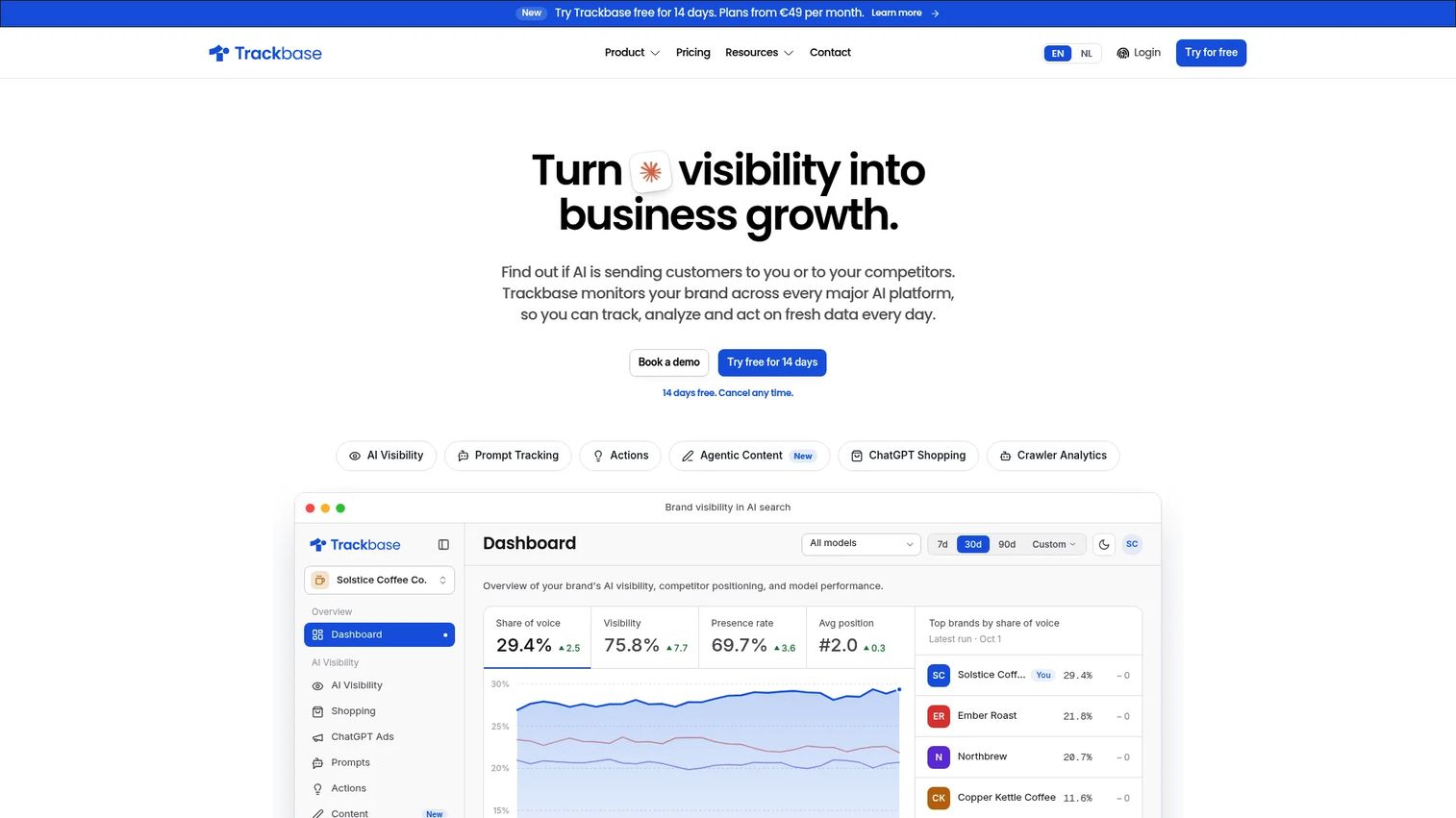
Trackbase tracks how brands appear across AI platforms. Its documented offering includes visibility scoring and cited-page analysis, alongside recommendations for improving content. Position it as an answer-monitoring option rather than assuming it provides raw crawler-request analytics.
Best for: Marketing teams and agencies that need recurring prompt-level visibility reporting and competitive context.
For a growth marketer, the useful evaluation starts with the questions buyers ask before purchasing. Build a representative prompt set and inspect how the resulting reports support a content decision.
Keep that exercise separate from proving that a bot fetched your pricing page. Ask to see request-level evidence before including server-side monitoring in the purchase case.
Plan selection also deserves attention. Essential covers one brand, 10 prompts, three AI models, and three competitors. Professional expands coverage to 20 prompts, 10 competitors, and all 11 supported models.
Those limits affect the breadth of your research. Map the questions you need to monitor before choosing a subscription, particularly when supporting several products.
Key features
- Daily prompt tracking and AI visibility scoring
- Competitor rankings and share-of-voice analysis
- AI-cited source and page tracking
- Content drafting with approval workflows
- Google Search Console integration
Why choose Trackbase: Choose it when the immediate decision concerns where your brand appears in AI answers. Request a separate demonstration of any crawler-monitoring requirement.
Trackbase pricing: Essential costs €49/month; Professional costs €199/month, both billed monthly. Enterprise / Agency uses custom pricing; there is no free tier.
2. Surva.ai
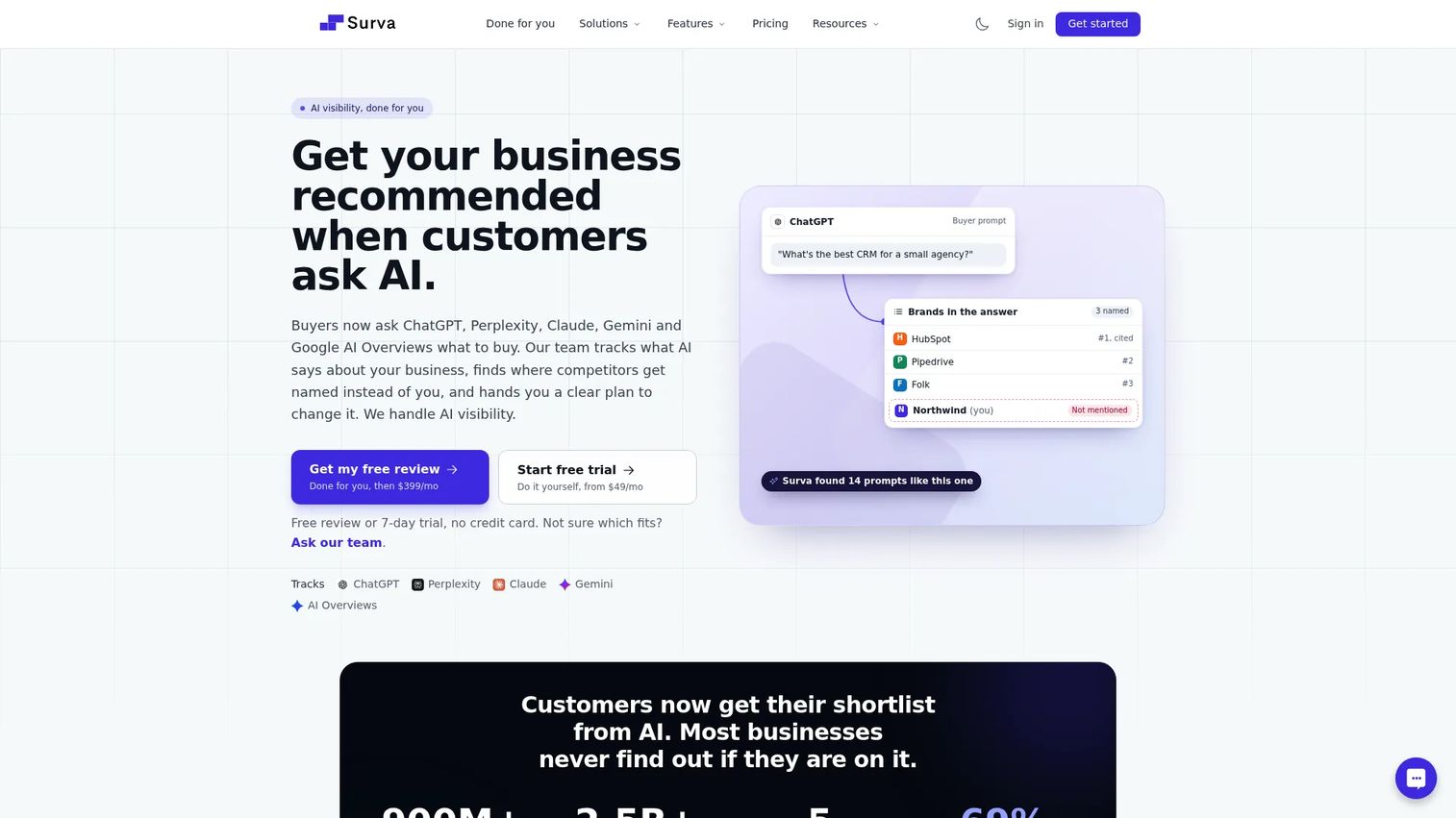
Surva.ai monitors how businesses appear in AI-generated answers. Its documented coverage includes ChatGPT, Perplexity, Claude, Gemini, and Google AI Overviews. Citation-source analysis and visibility-gap reporting place it in the optimization layer of an AI search stack.
Best for: SEO and content teams that want to connect answer monitoring with research for their next content changes.
The distinction matters when leadership asks why a competitor appears more often. A visibility platform can support that investigation through observed answers and referenced sources.
For a buying evaluation, bring a specific comparison question and a page you expect assistants to cite. Ask the vendor to show the evidence behind its recommendation.
Keep crawler access as a separate requirement. The documented feature set supports AI visibility and content work; it doesn’t establish the proposed Cloudflare Worker or server-log-upload workflows.
Surva.ai also includes Customer Voice surveys and testimonial widgets. Assess whether those capabilities replace existing subscriptions before treating broader packaging as additional value.
For agencies, test how clearly the output separates client priorities from competitor observations. An actionable report should identify the page or topic your team will work on next.
Key features
- AI answer visibility across major platforms
- Competitor intelligence and visibility-gap analysis
- AI SEO audits and citation-source analysis
- Article creation and content recommendations
- Customer surveys and testimonial widgets
Why choose Surva.ai: Evaluate it when citation research needs to inform content production. Ask for direct evidence before adding crawler access or conversion attribution to its remit.
Surva.ai pricing: Starter costs $49/month or $39/month billed yearly. Growth starts at $99/month billed yearly, Business at $299; all plans offer a seven-day free trial.
G2 rating: 4.3/5.
3. Zerply
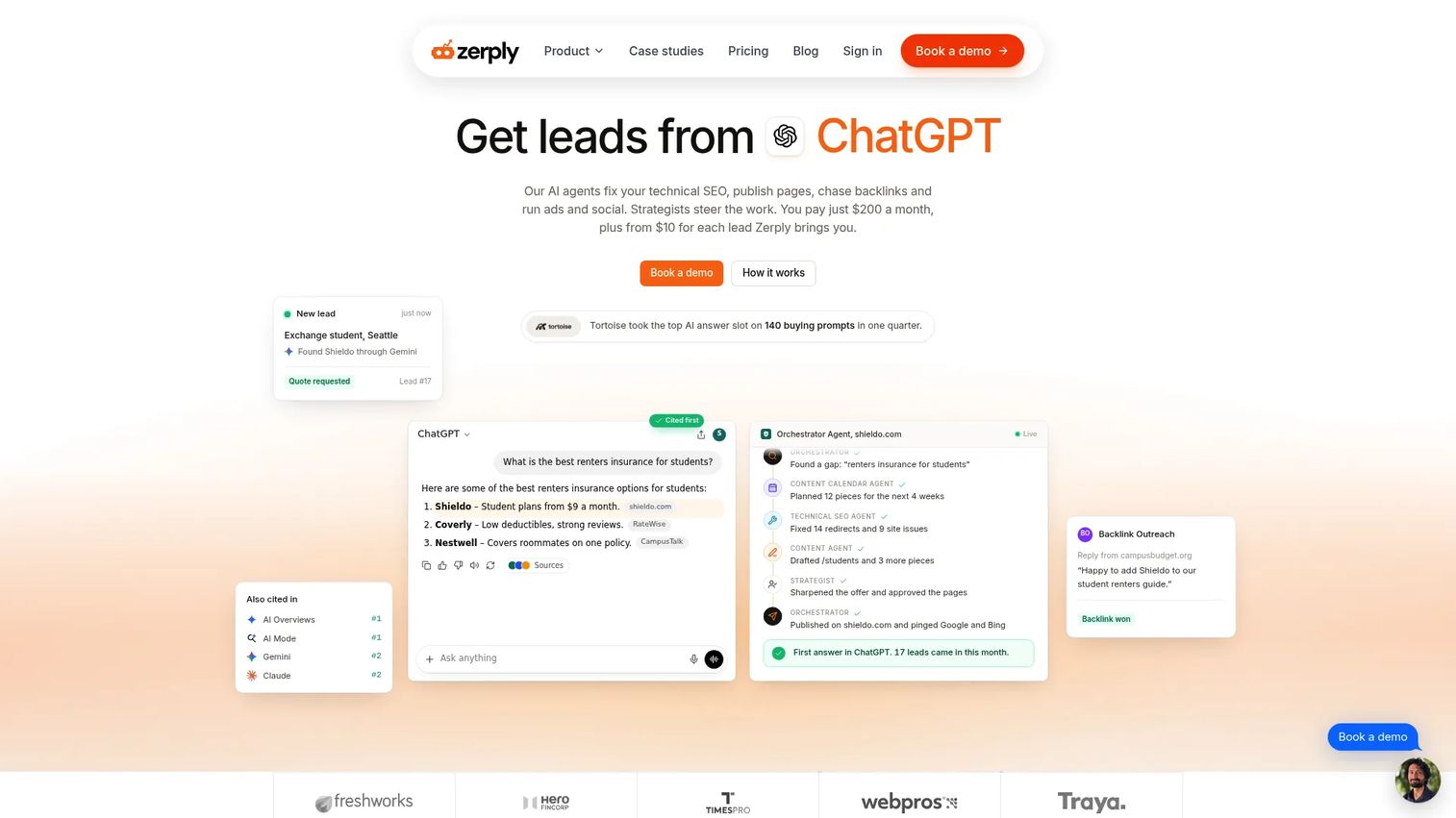
Zerply combines AI-search visibility monitoring with SEO research and content publishing. Its documented AI traffic analytics explicitly includes monitoring AI crawler visits. That makes it relevant to teams investigating access while also managing the content they want discovered.
Best for: SEO teams that want crawler-traffic reporting alongside content research and publishing workflows.
The practical buying question is how much detail sits behind the traffic view. Ask for a demonstration using a priority URL rather than accepting a site-wide activity total.
Request bot identity, response status, and the reporting window. If access log analysis is central to your workflow, examine the underlying data source and export options during evaluation.
Zerply’s Foundry publishing supports blogs and landing pages on a domain subpath. That can matter when the same team owns publishing and the investigation of discovery gaps.
Its documented scope also includes agents for keyword research and backlink analysis. Evaluate those against subscriptions you already pay for, rather than counting every added capability as savings.
Do not assume content analytics includes crawler-policy enforcement. Ask separately about any requirement involving robots.txt changes, WAF controls, or auditable approval records.
Key features
- AI crawler traffic analytics
- AI-search visibility monitoring
- SEO and AEO research agents
- Keyword research and backlink analysis
- Foundry blog and landing-page publishing
Why choose Zerply: Shortlist it when crawler observations need to inform a continuing SEO publishing process. Establish reporting detail before replacing an existing technical analytics workflow.
Zerply pricing: Starter costs $41/month, Pro $166/month, and Business $249/month; Enterprise uses custom pricing. Paid plans offer a seven-day trial for $7.
G2 rating: 5.0/5
4. aiOla

aiOla provides voice AI agents for field-sales teams. Its documented product captures information and executes Salesforce workflows. This is a different purchase from AI crawler analytics, despite both categories using analytics-related terminology.
Best for: Enterprise field-sales teams that need voice-driven CRM updates and workflow execution.
Keep aiOla outside a crawler-monitoring purchase decision. The relevant evaluation concerns how sales information reaches Salesforce and what actions agents can perform.
For a marketing operations buyer, this distinction prevents a category error. Improving CRM data capture does not establish evidence that an AI search crawler accessed a website.
The product’s observability and agent-performance monitoring should also be interpreted within that context. Monitoring a voice agent’s behavior is different from recording requests made by external bots.
If your brief requires request timestamps or crawler coverage, ask the provider to demonstrate that exact workflow before proceeding. Don’t infer those capabilities from a general promise of AI automation.
Teams reviewing aiOla for its intended job should instead test standard and custom Salesforce objects. Include the field-sales users who will provide information through voice.
Key features
- No-code Salesforce agent builder
- Voice-based field-sales data capture
- Bidirectional Salesforce synchronization
- Standard and custom object support
- Agent performance monitoring
Why choose aiOla: Choose it for its documented field-sales automation use case. It is not a supported recommendation for monitoring AI bots visiting your website.
aiOla pricing: Custom pricing.
G2 rating: 5.0/5
5. Cloudflare
Cloudflare provides CDN, security, and edge developer services. Its relevance starts with infrastructure ownership and request handling. Evaluate it as the environment supporting crawler investigation, rather than equating a website subscription with a finished marketing dashboard.
Best for: Organizations whose web or platform team owns CDN configuration and security controls.
Start with an inventory of what your current deployment records. Ask engineering which requests are observable and what information can reach the marketing reporting workflow.
For Cloudflare Worker AI crawler tracking, define the required fields before discussing implementation. Include the requested URL and timestamp, together with response status and bot-classification evidence.
Treat Workers and Logpush requirements as technical evaluation items. Establish availability and associated charges for your deployment instead of assuming the website plan covers every logging requirement.
Security ownership matters too. An investigation into unsuccessful requests may require someone who can explain why a firewall rule acted on particular traffic.
The commercial decision should include the work needed to make that evidence usable. A low platform entry price does not describe dashboard development or ongoing reporting ownership.
Key features
- Global content delivery network
- Web application firewall
- Managed security rules
- Serverless edge compute
- DDoS protection
Why choose Cloudflare: Evaluate this route when infrastructure control is central and your team can own the reporting implementation. Start with existing services before adding another analytics subscription.
Cloudflare pricing: Free costs $0; Pro costs $20/month billed annually or $25/month billed monthly. Business costs $200/month billed annually or $250/month billed monthly.
G2 rating: 4.5/5
6. Vercel
Vercel provides web application deployment and infrastructure services. Its documented capabilities include a global CDN, deployment environments, and traffic insights. For an existing customer, the practical starting point is the team that owns the production website.
Best for: Growth and web teams investigating crawler access on properties already hosted on Vercel.
Ask that team to distinguish browser analytics from request-level evidence. A traffic chart alone doesn’t establish whether a specific bot accessed a specific URL.
Build the evaluation around a production page associated with pipeline. Request the available diagnostic evidence and establish whether it answers the access question.
Deployment context can also help organize investigations. Record when a page change went live, then compare observations within a defined reporting window.
Before budgeting for a log-drain workflow, establish the relevant product support and commercial terms. The documented platform plan price is not a complete estimate for an external analytics pipeline.
There is little reason to introduce a hosting migration solely to obtain another chart. Evaluate what the current environment can supply before considering infrastructure changes.
For marketers, ownership is the deciding factor. Someone must be accountable for turning technical observations into an understandable recurring report.
Key features
- Automatic CI/CD and deployments
- Global delivery network and CDN
- Preview URLs and deployment environments
- Traffic and performance insights
- Web application firewall
Why choose Vercel: Use the existing hosting relationship to investigate available access evidence. Evaluate a separate analytics layer when the required reporting extends beyond platform insights.
Vercel pricing: Hobby is free; Pro costs $20/month. Enterprise uses custom pricing.
G2 rating: 4.6/5
7. WordPress plugin
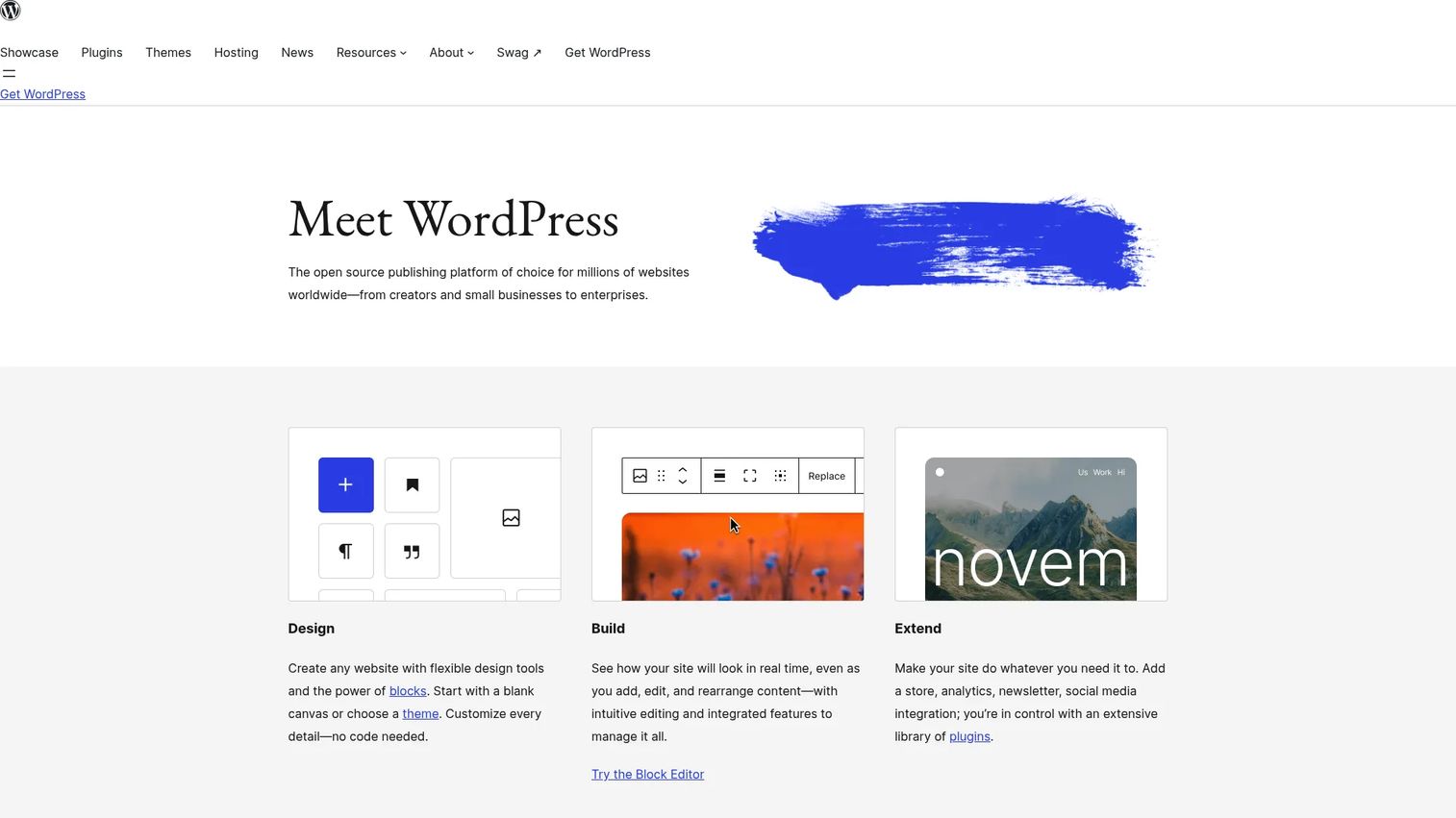
WordPress supports plugins that extend website functionality. “WordPress plugin” is an implementation path, not a specific crawler analytics product. Any recommendation must therefore depend on the capabilities of the individual extension selected.
Best for: Content teams that control their WordPress installation and want to investigate a CMS-based approach.
Begin with the question you need the plugin to answer. For example, can it show when a recognized bot requested a particular product page?
Ask for a sample record before installing it across production. Examine how detection works and whether the report distinguishes claimed user-agent identity from stronger verification.
Also investigate the observation boundary. Your evaluation should establish which requests the plugin sees, rather than assuming its totals represent all website traffic.
Involve the site administrator in decisions about retention and maintenance. A dashboard becomes another operational responsibility if nobody owns updates or investigates changes in reporting.
The official directory establishes that plugin options exist; it does not establish a unified crawler feature set. Don’t assume every extension provides page-level logs or reliable bot classification.
Use a staging evaluation and compare the output with another available source before building recurring leadership reports around it.
Key features
These describe the implementation route, not guaranteed crawler capabilities:
- WordPress website functionality extensions
- Official plugin directory
- Individual plugin feature selection
- Free directory options
Why choose a WordPress plugin: Consider this path when CMS ownership makes it practical to evaluate an extension. Select a named product before committing to a measurement specification.
WordPress plugin pricing: The official directory offers free plugins. Individual extensions may offer paid upgrades.
Considerations when choosing AI crawler analytics
Bot identification and verification
Ask how the product distinguishes a claimed crawler identity from a validated one. User-agent detection alone should not carry the same confidence as supporting verification evidence.
Request details on IP validation or reverse DNS bot verification where applicable. Have your technical team assess the method against operator documentation.
Data source and implementation ownership
Identify whether reporting depends on CDN logs, origin records, an upload process, or an application component. Assign an owner for collection and another for interpretation.
Ask what the proposed tool replaces in your stack. Include implementation work and ongoing administration in the business case.
Page-level evidence and crawl gaps
Bring a priority-page inventory into every evaluation. Require a clear distinction between successful requests, errors, blocked requests, and URLs with no observed activity.
Inspect the reporting window and collection coverage before labeling a page “uncrawled.” Missing observations need investigation rather than immediate content changes.
Connections to visibility and outcomes
Keep request evidence alongside citation observations and referral conversions, with each source identified. An AI visibility score should come with an understandable methodology.
For answer engine optimization analytics, ask which decision each report supports. Avoid buying overlapping dashboards that require manual reconciliation every week.
Governance and data handling
Document crawler-policy decisions across robots.txt, CDN settings, and WAF rules. Include llms.txt in discovery-file reviews without treating it as proof of visibility.
Ask what request information is stored and who can access it. Evaluate privacy-first analytics claims through retention settings and documented data handling.
Choose the measurement layer before the subscription
The right AI crawler analytics purchase starts with a specific unanswered question.
Trackbase fits recurring visibility research and competitive monitoring. Surva.ai supports citation analysis and content optimization. Zerply is relevant when you want documented crawler-traffic analytics alongside SEO publishing.
Cloudflare deserves attention when your team owns the delivery and security layer. Vercel is worth investigating through the web team when it already hosts your site.
A WordPress plugin requires a named extension and a capability test before it becomes a recommendation. aiOla belongs in a separate field-sales automation evaluation.
For your next step, select 20 to 50 pages that matter to pipeline. Treat that range as a manageable starting scope, not a measurement standard.
Ask your technical owner what access evidence already exists. Then compare those observations with citation research and referral outcomes.
Only add software when you can name the reporting gap it closes. The useful deliverable is a decision your team can act on, with enough evidence to explain why.
FAQs
AI crawler analytics examines requests from AI-related bots to understand which pages they access and what responses they receive. It generally relies on server-side, CDN, or edge records rather than browser engagement reports. For marketers, its value is identifying access issues affecting priority content. Evaluate it separately from monitoring how frequently your brand appears in generated answers.
Look for timestamped requests associated with those identifiers in the data available from your server, CDN, or crawler-monitoring system. GPTBot tracking and ClaudeBot tracking should expose the requested URL and response status, rather than only a daily total. Ask how the system validates bot identity because user-agent strings can be imitated. Missing records also require checking collection coverage before concluding that no request occurred.
No. Crawler activity records access, while AI search visibility concerns whether an assistant surfaces or cites your brand. Referral sessions and commercial outcomes belong to additional measurement layers, with their own evidence. Compare those sources using consistent URLs and reporting periods, but avoid presenting a sequence of observations as proof that crawling caused a sale.
Include GPTBot and OAI-SearchBot tracking, alongside ClaudeBot and PerplexityBot tracking, in your evaluation requirements. Consider ChatGPT-User and GoogleOther separately, and retain Googlebot and Bingbot as search-crawler comparison points. Google-Extended belongs in policy review rather than being treated as an equivalent request identity. Use operator documentation to maintain classifications instead of assuming every identifier serves the same purpose.
Standard client-side analytics often misses bots that do not execute browser tracking code. Request-level records are more appropriate when the question concerns whether a crawler fetched a URL or received an error. Keep browser analytics for human visits and conversion behavior rather than expecting one report to answer both questions. Ask your implementation owner to document what each collection method observes.
Prioritize pricing and product pages, then comparison content and documentation that helps buyers evaluate fit. Include help articles and blog posts associated with qualified demand rather than choosing URLs solely by traffic volume. Maintain that inventory as campaigns launch and product information changes. Comparing observations against an explicit list makes crawler coverage more actionable than reviewing the most-requested pages alone.
No. The appropriate collection route depends on your hosting environment and the request data your team can access. Evaluate origin logs or another CDN, and investigate application-level options where appropriate. Before selecting a platform, ask your web owner to demonstrate a record for a priority URL and explain the limits of that evidence.
Use a weekly operational review for errors and changes in coverage, with extra checks after significant website releases. Schedule a monthly policy review covering robots.txt AI crawler rules, discovery files such as llms.txt, and WAF rules for AI crawlers. Compare business outcomes over consistent periods rather than reacting to individual request spikes. Assign owners to investigations so reporting produces fixes instead of another recurring presentation.