You can select CAD software in a week and spend six months paying for the wrong choice. The cost appears during prototype revisions, supplier handoff, simulation, or file conversion.
A model may print poorly. An assembly may lose design intent. Stakeholders may struggle to review files without installing specialist software.
The market reflects how central these workflows have become. GII Research valued the 3D CAD software market at $13.78 billion in 2025. Its 2026 report projects $22.79 billion by 2032.
Your choice should match the modeling method, assembly depth, collaboration process, file requirements, and licensing model. The best interface means little if the handoff you depend on breaks.
What’s inside
This guide is for product managers, engineering leads, mechanical design teams, founders, educators, and makers comparing 3D CAD design software.
We selected tools using these criteria:
- Modeling fit across parametric, direct, surface, solid, and mesh workflows
- Interoperability with manufacturing, simulation, architecture, and 3D printing processes
- Collaboration, revision management, and stakeholder review support
- Verified pricing, platform availability, and professional workflow depth
You’ll also learn how common CAD file formats affect suppliers and slicers. Use the comparison to shortlist tools by workflow rather than interface preference.
TL;DR
- Best for mechanical engineering teams: SOLIDWORKS provides mature part, assembly, drawing, simulation, and sheet metal workflows
- Best cloud CAD for product teams: Onshape combines browser access with collaboration and built in version control
- Best free open source option: FreeCAD offers parametric modeling, extensible workbenches, and broad file support
- Best for industrial design surfaces: Rhinoceros 3D suits flexible NURBS work, while CATIA supports complex enterprise programs
- Best for beginners and education: Tinkercad provides free browser based modeling with classroom resources
- Best for fast concepts and 3D printing: Shapr3D supports visual design, while SelfCAD combines modeling with slicing
What is 3D CAD software?
3D CAD software is computer aided design software used to create, modify, analyze, and document three dimensional digital models of physical objects.
Teams use 3D CAD modeling to define geometry before prototyping or manufacturing. A model may represent one component, a complete machine, a building, or a printable object.
Core modeling approaches
- Parametric modeling: Uses sketches, dimensions, constraints, and editable model history
- Direct modeling: Changes geometry without managing a long feature tree
- Surface modeling: Creates complex curves, exterior forms, and connected surfaces
- Solid modeling: Builds enclosed volumes for engineering and manufacturing
- Mesh modeling: Uses polygons for sculpting, visualization, and print repair
Parametric modeling software suits configurable parts where dimensions must remain editable. Direct modeling software supports quick geometry changes, including work on imported files.
Surface tools fit industrial design and complex exterior forms. Mesh software serves visual assets, sculpting, rendering, and selected additive manufacturing tasks.
Key features to look for
- Sketch constraints and precise dimension control
- Parts, assemblies, bills of materials, and production drawings
- STEP, STL, OBJ, IGES, DXF, IFC, and 3MF support
- Simulation, CAM, rendering, or analysis handoff
- Cloud collaboration and model revision history
- Print repair and slicer compatibility
- Team, student, startup, maker, or education licensing
CAD software differs from slicers, rendering applications, and general animation tools. A slicer converts a printable model into machine instructions. Rendering software produces visual output.
Some 3D CAD programs overlap these categories. However, engineering teams should prioritize design intent, tolerances, assembly behavior, and supplier interoperability.
The term “3D drawing software” often describes lightweight modeling or drafting tools. Production work usually requires stronger geometry controls and documented revisions.
When to use 3D CAD software
Design physical products before prototyping
Use CAD to validate geometry, fit, tolerances, and manufacturability before cutting tooling or printing parts. Editable dimensions help engineers test changes without rebuilding every model.
For product managers, this shortens the feedback loop between product requirements and engineering constraints. It also exposes feasibility concerns before they consume prototype budget.
Build assemblies for engineering review
Assembly design software connects parts through defined relationships and movement constraints. Professional tools can also support interference checks, bills of materials, and simulation handoff.
These models give mechanical, electrical, manufacturing, procurement, and product stakeholders a shared review artifact. The workflow works best when permissions and revision ownership are clear.
Prepare models for 3D printing or manufacturing
CAD software for 3D printing should produce watertight geometry and dependable STL or 3MF exports. Mechanical suppliers often request STEP files because they preserve solid geometry better than mesh formats.
Beginner friendly 3D printing design software can handle simple objects. Production workflows need stronger file integrity, dimension control, repair tools, and documented revisions.
3D CAD software comparison
The best 3D CAD design software depends on the handoff you cannot afford to break. Mechanical teams need assembly depth. Industrial designers may prioritize surface control. Makers often care more about slicer compatibility and cost.
The pricing below comes from current vendor sources. G2 ratings reflect the supplied live listing research. N/A means the research found no current aggregate rating.
| # | Product | Best for | Key differentiator | Pricing | G2 rating |
|---|---|---|---|---|---|
| 1 | SOLIDWORKS | Mechanical engineering teams | Mature parts, assemblies, drawings, and simulation | From $2,820 per year | 4.4/5 |
| 2 | Autodesk Fusion 360 | Product design and manufacturing | CAD, CAM, CAE, PCB, and collaboration | Free personal plan, paid from $85 per month | N/A |
| 3 | Onshape | Cloud first product teams | Browser CAD with integrated version control | Free plan, paid from $1,500 per user yearly | 4.7/5 |
| 4 | Autodesk Inventor | Autodesk manufacturing teams | Detailed mechanical design and documentation | From $320 monthly | 4.4/5 |
| 5 | CATIA | Aerospace and complex product programs | Advanced surfaces and systems engineering | From $7,229 per year | 4.2/5 |
| 6 | PTC Creo | Parametric product engineering | Engineering depth with simulation and manufacturing extensions | Custom pricing | 4.1/5 |
| 7 | Solid Edge | Midmarket mechanical design | Synchronous direct and parametric editing | From $292.69 per month | 4.2/5 |
| 8 | FreeCAD | Open source parametric CAD | Extensible workbenches without license fees | Free | 4.2/5 |
| 9 | Shapr3D | Fast concepts and 3D printing | Visual modeling across tablets and desktops | Free plan, Pro costs $299 yearly | 4.8/5 |
| 10 | Rhinoceros 3D | Industrial design and surfaces | Flexible NURBS and computational modeling | Commercial license costs $995 | 4.4/5 |
| 11 | AutoCAD | Drafting and DWG workflows | Established 2D documentation with 3D tools | From $260 monthly | 4.4/5 |
| 12 | Tinkercad | Beginners and classrooms | Free block based browser modeling | Free | 4.5/5 |
| 13 | SketchUp | Architecture and spatial concepts | Fast push and pull modeling | From $10.75 per user monthly, billed annually | 4.5/5 |
| 14 | Blender | Mesh modeling and visualization | Free modeling, sculpting, rendering, and animation | Free | 4.6/5 |
| 15 | SelfCAD | Browser based 3D printing workflows | Modeling, sculpting, and slicing together | Free plan, paid from $14.99 monthly | 4.3/5 |
Best 15 tools for 3D CAD software in 2026
1. SOLIDWORKS
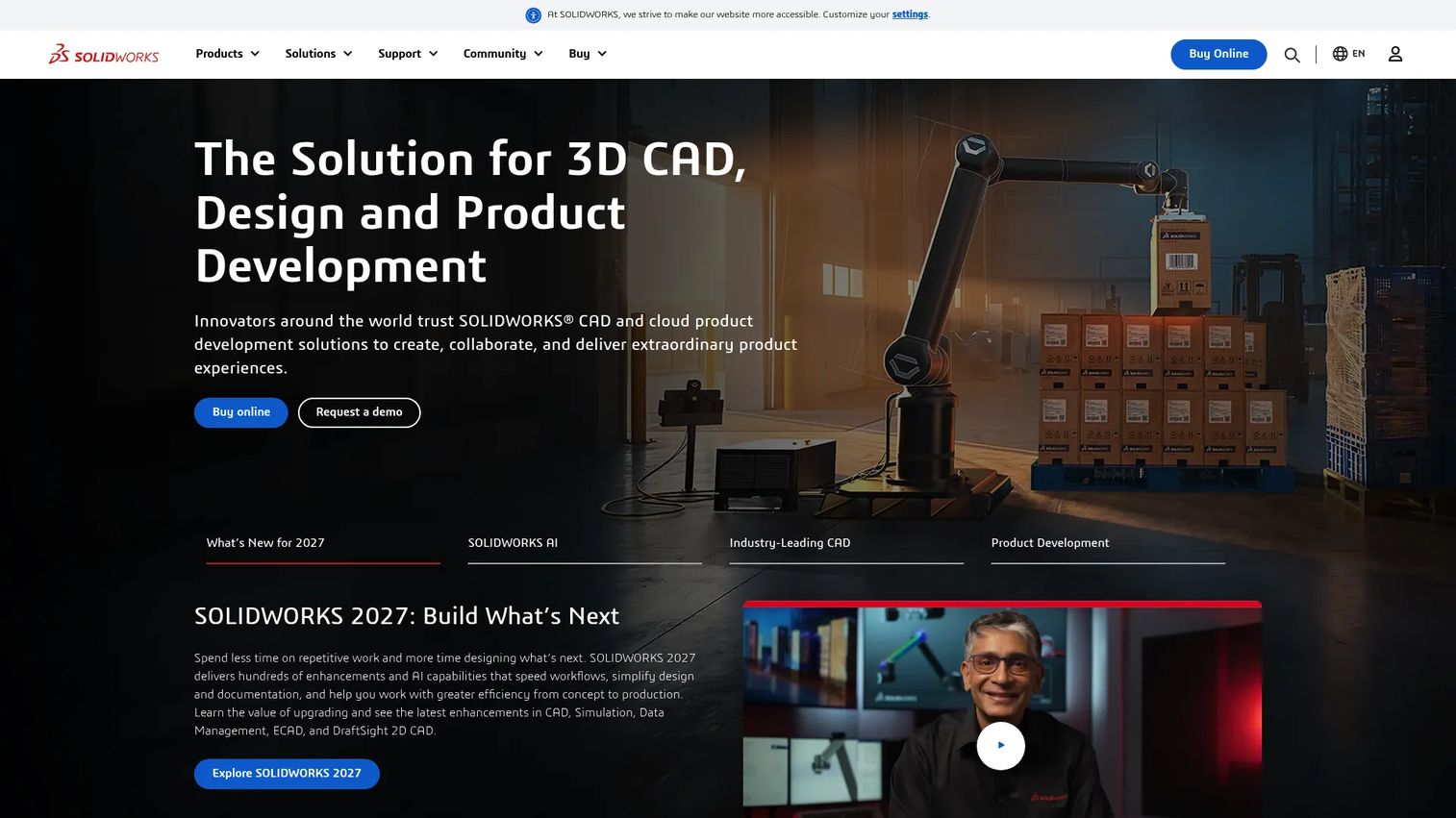
SOLIDWORKS is professional mechanical design software for creating parts, assemblies, drawings, and manufacturing documentation. Its parametric workflow preserves relationships between sketches, features, dimensions, and connected components.
The platform also covers sheet metal, weldments, mold tooling, and basic stress analysis. Premium adds routing, motion analysis, static analysis, and complex surface flattening.
This breadth makes SOLIDWORKS a practical standard for teams moving from engineering design into production. Product managers also benefit from hiring familiarity and established supplier workflows.
Best for: Mechanical engineering teams building production ready parts and assemblies.
Key features
- Parametric part modeling
- Large assembly tools
- Production drawing creation
- Sheet metal workflows
- Simulation and motion analysis
Why choose SOLIDWORKS: Choose it when assembly depth, drawing quality, and manufacturing handoff matter more than lightweight concept work. Budget for seat management, training, and model governance.
Its configuration tools also suit product families that share geometry. PMs should test the representative assembly that creates the most downstream risk.
SOLIDWORKS pricing: Standard costs $2,820 yearly. Professional costs $3,456 yearly, while Premium costs $4,716 yearly.
G2 rating: 4.4/5.
2. Autodesk Fusion 360
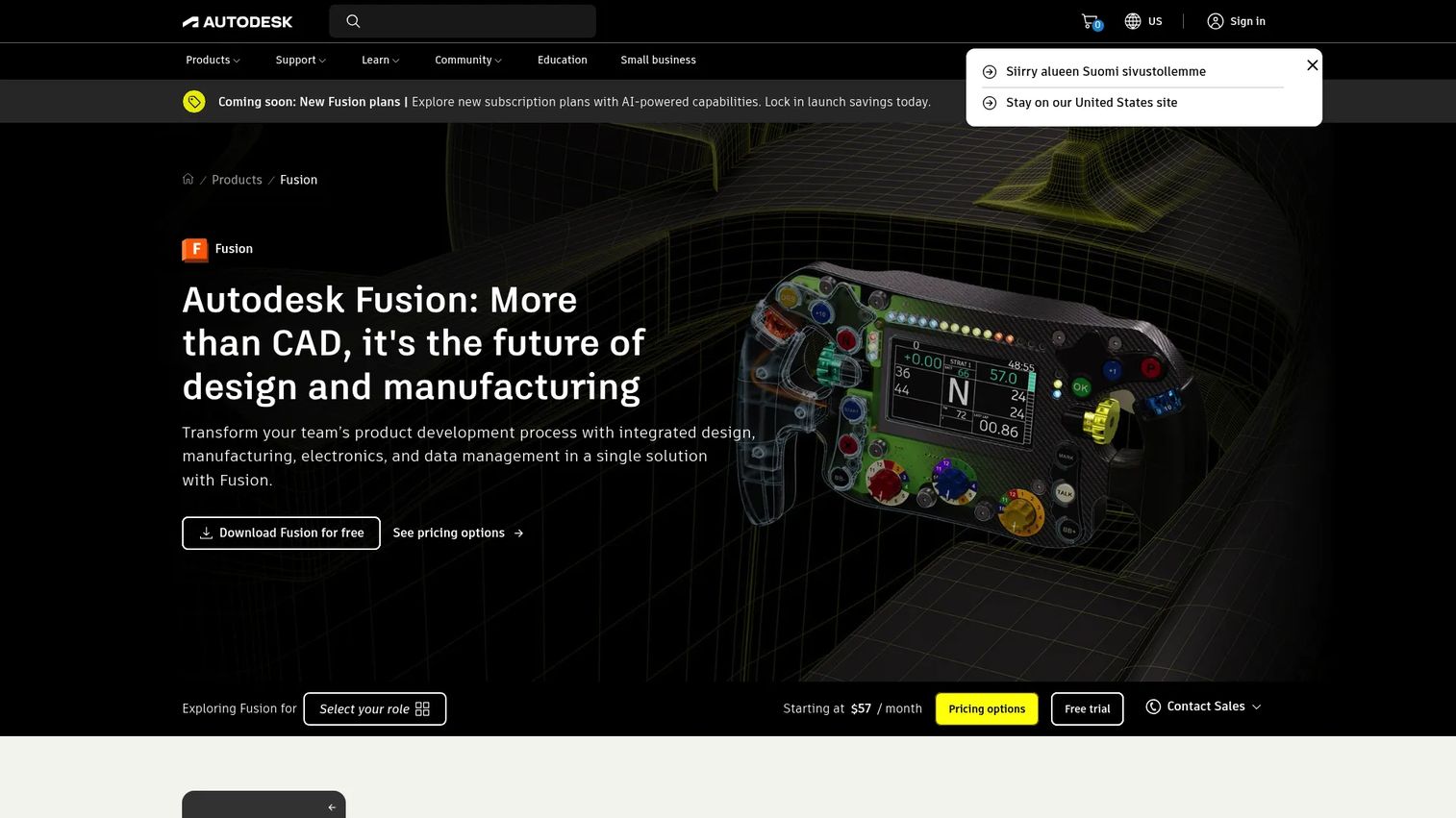
Autodesk Fusion 360 combines 3D CAD, CAM, CAE, PCB design, data management, and collaboration. It supports parametric, mesh, and freeform modeling within a cloud connected workspace.
Integrated manufacturing tools help teams move from product design into machining without changing the core environment. Simulation and generative design support further technical evaluation before production.
Fusion works well for startups, makers, and product teams that want one workflow across concept development and manufacturing preparation. It can reduce early tool sprawl during validation.
Best for: Product teams that need CAD, CAM, electronics, and prototyping capabilities together.
Key features
- Parametric and direct modeling
- Integrated CAM workflows
- PCB design tools
- Simulation and generative design
- Cloud data management
Why choose Autodesk Fusion 360: Use it when your team wants to move from concept to prototype without assembling several specialist applications immediately. Review permissions and cloud governance before standardizing.
Fusion also suits teams balancing mechanical and electronics work. PMs should validate whether its collaboration model matches release approval requirements.
Autodesk Fusion 360 pricing: Fusion costs $85 monthly or $680 yearly. A free Starter option supports personal, noncommercial use.
G2 rating: N/A.
3. Onshape
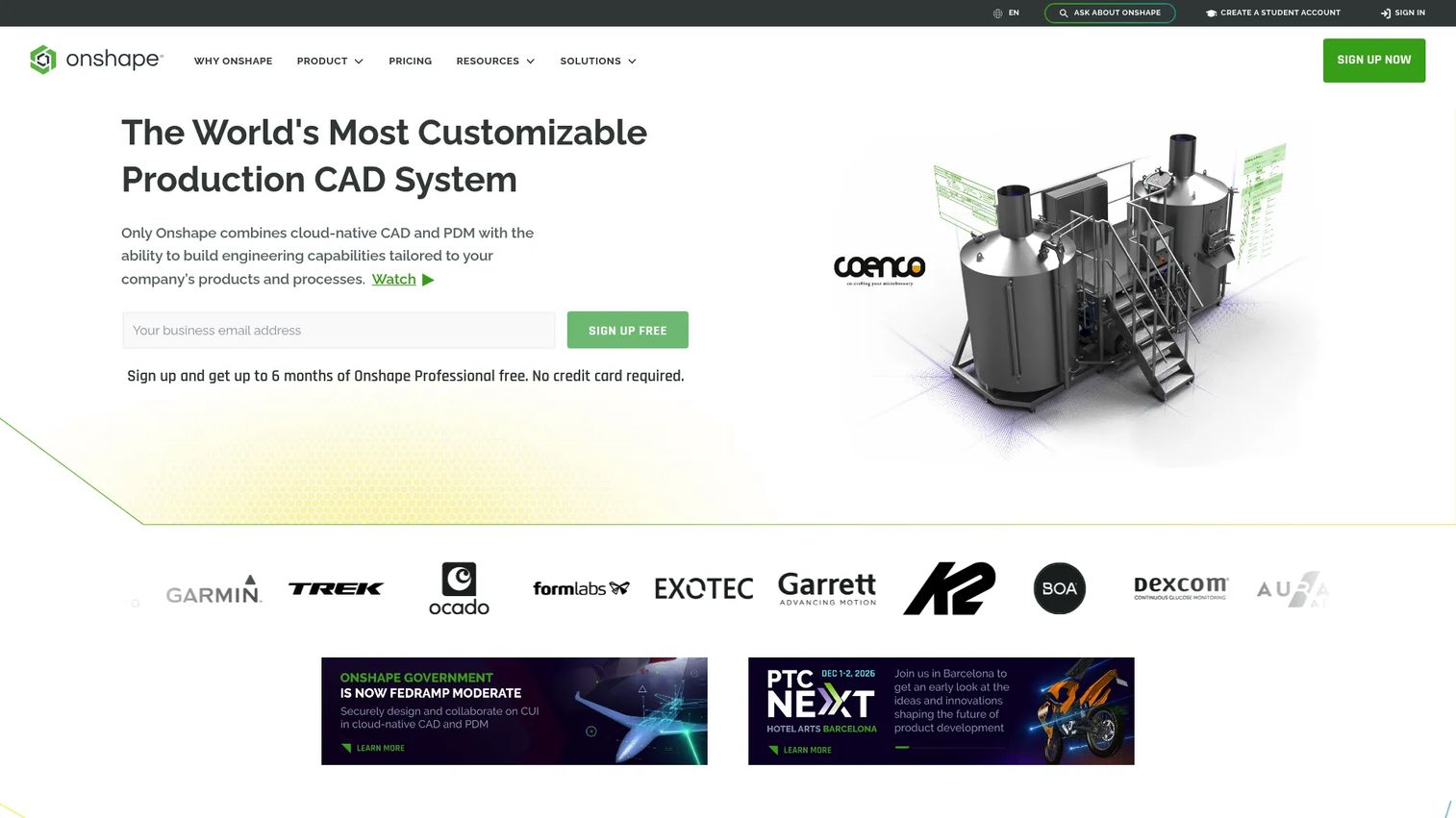
Onshape is cloud CAD software with integrated product data management. Engineers access it through a browser or mobile application without passing local files between team members.
Its collaboration model supports concurrent work, comments, branching, versions, and formal releases. Part Studios let teams design related components together while maintaining shared references.
This approach reduces confusion around duplicate model files and unclear revisions. Product managers gain a clearer history of design decisions and release status.
Best for: Distributed product teams that need browser access, collaboration, and version control.
Key features
- Cloud native 3D CAD
- Real time collaboration
- Integrated version control
- Part Studios
- Release management
Why choose Onshape: Choose it when file based CAD handoffs are slowing reviews or creating revision uncertainty. Evaluate data governance, offline expectations, and procurement requirements first.
Its built in product data management can reduce operational overhead for teams without a separate system. The model is especially relevant when many stakeholders review the same design.
Onshape pricing: Free supports noncommercial use with public storage. Standard costs $1,500 per user yearly, while Professional costs $2,500.
G2 rating: 4.7/5.
4. Autodesk Inventor
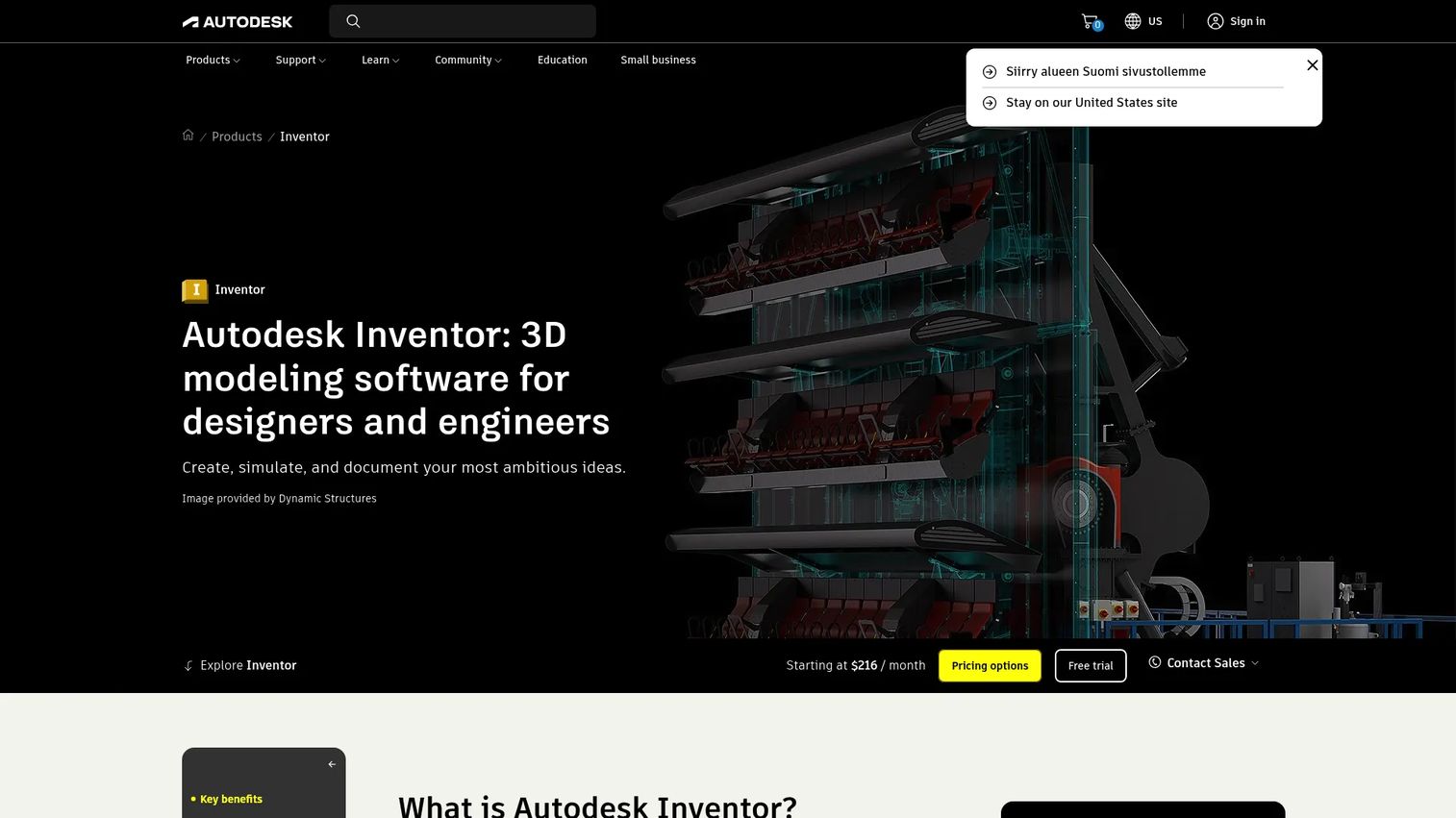
Autodesk Inventor is desktop mechanical design software for parts, assemblies, drawings, and manufacturing documentation. It supports parametric, direct, freeform, and rules based modeling.
Engineering features include interference checking, sheet metal, frame design, and tube or pipe design. Dynamic simulation and stress analysis help teams evaluate movement and structural behavior.
Inventor fits organizations already working inside Autodesk design and manufacturing processes. Its interoperability also supports work with nonnative CAD data.
Best for: Manufacturing teams standardized on Autodesk design and documentation workflows.
Key features
- Parametric and direct modeling
- Assembly interference checking
- Automated production drawings
- Sheet metal and frame design
- Dynamic simulation tools
Why choose Autodesk Inventor: Select it when detailed desktop mechanical CAD and production documentation are central. Compare it with Fusion when deciding between deeper mechanical work and broader cloud connected prototyping.
Inventor also supports model based definition through three dimensional tolerances. PMs should involve manufacturing teams when evaluating drawing and supplier requirements.
Autodesk Inventor pricing: Inventor costs $320 monthly or $2,585 annually. Autodesk offers a 30 day trial and Flex access.
G2 rating: 4.4/5.
5. CATIA

CATIA supports complex product design, engineering, simulation, and systems development. Its scope includes advanced surfaces, multidisciplinary collaboration, and model based systems engineering.
The platform serves aerospace, automotive, construction, and manufacturing programs where many disciplines contribute to one product definition. Knowledge based design capabilities help teams automate repeated engineering rules.
CATIA fits large product programs with demanding surface geometry or system complexity. The investment makes the most sense when lighter CAD cannot support the engineering process.
Best for: Enterprise engineering teams building complex or high performance products.
Key features
- Advanced surface modeling
- Complex product design
- Integrated modeling and simulation
- Systems engineering support
- Knowledge based automation
Why choose CATIA: Choose it when product complexity and multidisciplinary engineering justify a high depth environment. Plan for structured rollout, role based training, and strong governance.
Product managers should map every expected handoff before purchase. That includes systems models, detailed geometry, simulation inputs, and manufacturing outputs.
CATIA pricing: Essential costs $7,229 yearly. Master costs $9,230, while Elite costs $14,926 yearly.
G2 rating: 4.2/5.
6. PTC Creo

PTC Creo is parametric 3D CAD software for integrated product design, simulation, and manufacturing. Its history based modeling supports detailed design intent across complex mechanical products.
Capabilities include generative design, CAM, additive manufacturing, and model based definition. PTC also offers packages for large assemblies, injection molding, machining, and real time simulation.
Creo suits engineering teams that need rigorous feature control and specialist product development extensions. Its package structure allows companies to align capabilities with specific workflows.
Best for: Engineering teams needing deep parametric modeling and product development extensions.
Key features
- Parametric product modeling
- Direct geometry editing
- Simulation and analysis
- Generative design
- Additive manufacturing tools
Why choose PTC Creo: Use it when editable design intent and simulation handoff carry more weight than a short learning curve. Involve engineering leads before selecting packages.
Creo decisions influence templates, training, model ownership, and supplier exchange. Test imported models and one complex assembly during evaluation.
PTC Creo pricing: Custom pricing. Packages include Creo Design Essentials, Creo+, and specialist suites for assemblies, machining, simulation, or molding.
G2 rating: 4.1/5.
7. Solid Edge
Solid Edge is Siemens mechanical CAD software for part design, assemblies, sheet metal, documentation, and simulation. Its Synchronous Technology combines direct geometry editing with parametric control.
That combination helps engineers revise imported geometry or make late changes without rebuilding a long history tree. The platform also covers surface design, frames, weldments, and additive manufacturing preparation.
Solid Edge fits midmarket engineering organizations that need professional mechanical CAD with flexible editing. Cloud collaboration and data management support broader product development coordination.
Best for: Mechanical teams that need flexible editing and manufacturing ready CAD.
Key features
- Synchronous direct editing
- Parametric design control
- Sheet metal tools
- Assembly modeling
- Simulation and documentation
Why choose Solid Edge: Select it when imported geometry and late design changes are common. Check its fit with your PLM, supplier, and manufacturing processes.
Teams should also test drawing creation from a representative assembly. Product managers can then compare design speed against downstream documentation quality.
Solid Edge pricing: Standard costs $292.69 monthly. Advanced costs $363.56 monthly, with free trial, community, student, and drafting options available.
G2 rating: 4.2/5.
8. FreeCAD
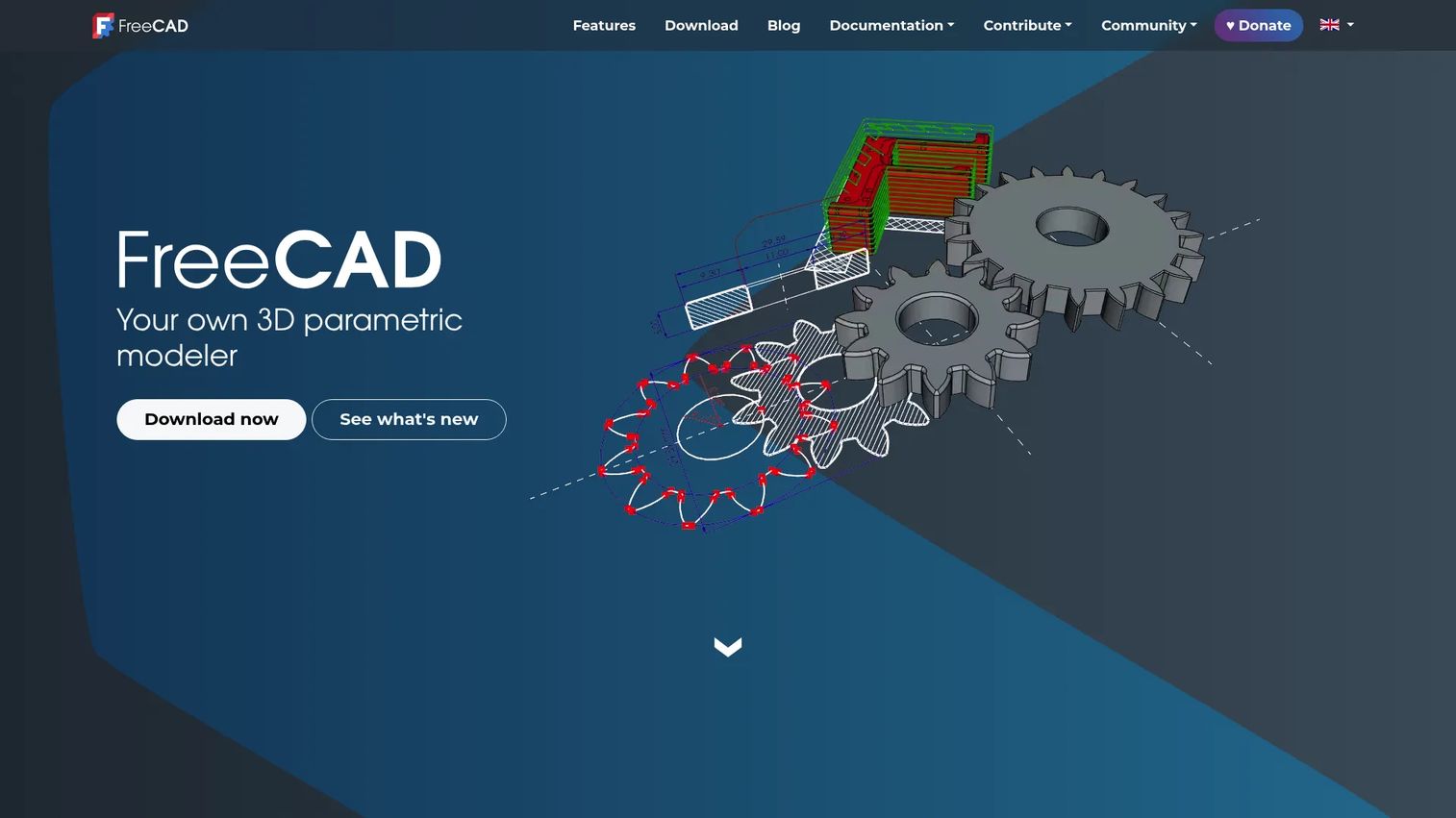
FreeCAD is free, open source parametric modeling software for designing physical objects. Its editable history and constrained sketching support mechanical design, product development, education, and prototyping.
Specialized workbenches extend the application into assembly, BIM, FEA, CAM, CNC, and robotics. It runs across major desktop operating systems and supports Python scripting.
FreeCAD also handles formats including STEP, IGES, STL, DXF, SVG, OBJ, and IFC. That breadth helps with supplier exchange and cad software for 3D printing workflows.
Best for: Makers, educators, and technical users seeking open source parametric CAD.
Key features
- Open source licensing
- Parametric model history
- Modular workbenches
- Cross platform support
- STEP and STL exchange
Why choose FreeCAD: Choose it when budget, openness, and file ownership matter more than commercial support. Account for training and workflow consistency before adopting it across a team.
Its workbench model offers flexibility, but teams should document which modules form the approved process. A shared setup prevents each user from creating a different workflow.
FreeCAD pricing: Free, with no licensing fees or paid plans.
G2 rating: 4.2/5.
9. Shapr3D
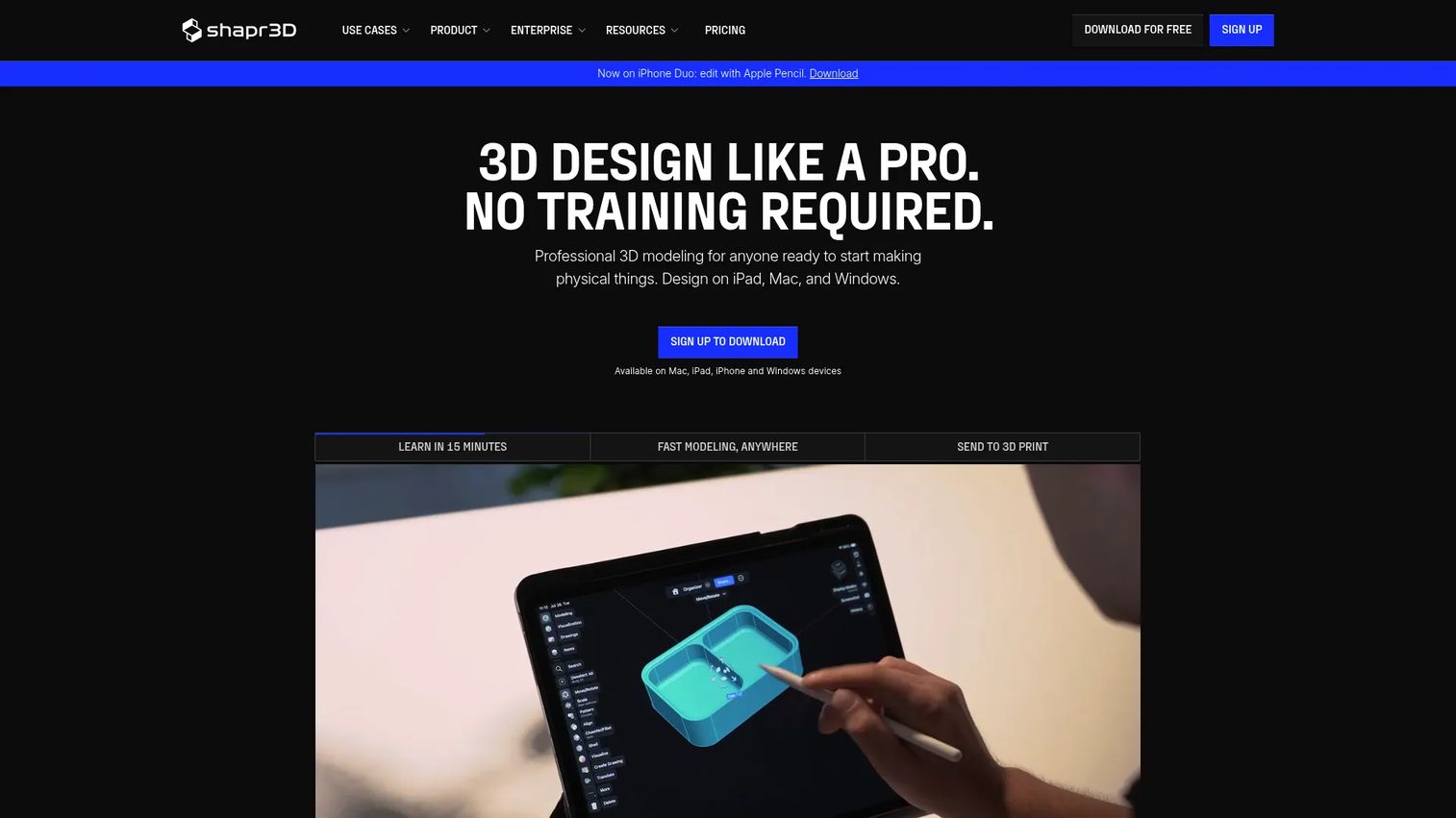
Shapr3D is visual product design software available across Mac, iPad, iPhone, Windows, and Vision Pro. Its interface supports direct and history based modeling with sketch constraints.
Tablet workflows make it useful for concept exploration in workshops or stakeholder discussions. The platform also supports technical drawings, visualization, collaboration, and CAD file exchange.
As cad software for 3D printing, Shapr3D suits users who want to move quickly from concept geometry to export. It also helps PM led teams communicate physical product ideas before detailed engineering.
Best for: Designers and product teams that need fast concept modeling across devices.
Key features
- Direct and history modeling
- Tablet based design
- Sketch constraints
- Technical drawings
- CAD and print exports
Why choose Shapr3D: Choose it when portability and concept communication matter. Confirm that exports preserve what your downstream engineering tool requires.
The platform can help align stakeholders before models move into detailed mechanical CAD. It suits early validation without removing the need for production engineering controls.
Shapr3D pricing: Basic is free. Pro costs $299 yearly, excluding VAT, while Enterprise uses custom pricing.
G2 rating: 4.8/5.
10. Rhinoceros 3D

Rhinoceros 3D is a flexible modeler for curves, surfaces, solids, meshes, and point clouds. Its NURBS tools support accurate freeform geometry for industrial design, architecture, jewelry, and fabrication.
Rhino also covers drafting, rendering, animation, and digital fabrication. Grasshopper adds visual programming for computational and generative design workflows.
A broad plugin network lets specialist teams extend the application around their design process. However, PMs should define how Rhino geometry moves into mechanical engineering or manufacturing systems.
Best for: Industrial designers working with complex surfaces or computational forms.
Key features
- NURBS surface modeling
- SubD and mesh tools
- Grasshopper visual programming
- Broad file translation
- Plugin support
Why choose Rhinoceros 3D: Select Rhino when exterior form and geometric flexibility matter more than traditional assembly design. Test the engineering handoff before making it the system of record.
Its perpetual license can also suit teams avoiding recurring subscriptions. Designers should test tolerances and surface continuity on a representative product.
Rhinoceros 3D pricing: A commercial Rhino 8 license costs $995. Education licenses cost $195, and a 90 day trial is available.
G2 rating: 4.4/5.
11. AutoCAD
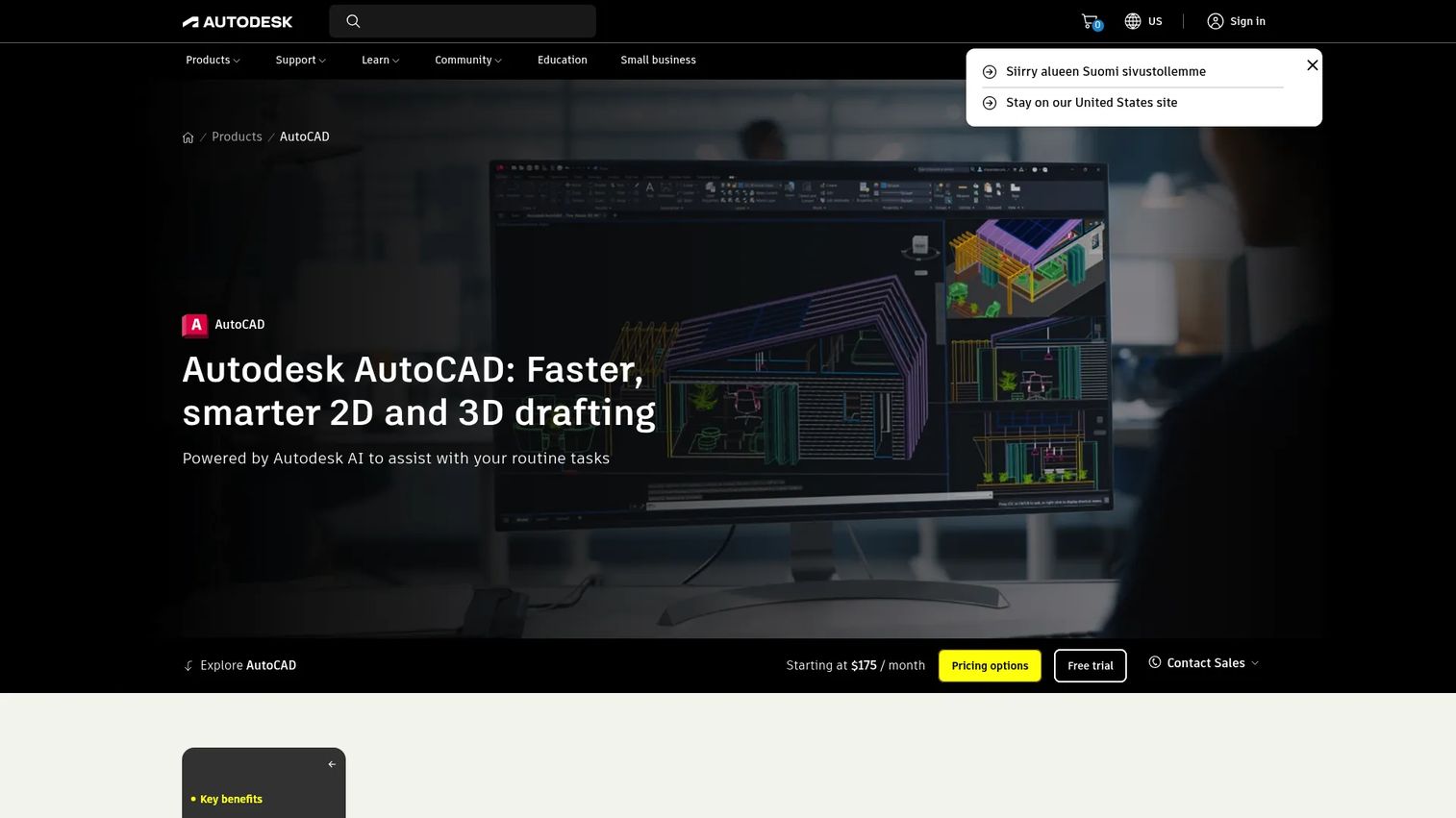
AutoCAD supports precise 2D drafting, documentation, and three dimensional modeling. It remains closely associated with DWG workflows across architecture, engineering, construction, facilities, and design.
Subscriptions include desktop, web, and mobile access. Specialized toolsets cover architecture, mechanical work, electrical design, MEP, mapping, raster design, and Plant 3D.
AutoCAD also supports automation through APIs and AutoLISP. Its 3D capabilities work for selected models, though complex assemblies usually need dedicated mechanical CAD.
Best for: Teams needing drafting standards, documentation, and DWG compatibility.
Key features
- Precision 2D drafting
- DWG file compatibility
- Basic 3D modeling
- Specialized industry toolsets
- API and AutoLISP automation
Why choose AutoCAD: Use it when documentation and file compatibility drive the workflow. Avoid treating it as assembly design software when mechanical constraints or simulation are central.
For PMs, the key question concerns the required output. AutoCAD fits drawing led processes better than feature rich mechanical product development.
AutoCAD pricing: AutoCAD costs $260 monthly or $2,095 annually. A 15 day trial and eligible education access are available.
G2 rating: 4.4/5.
12. Tinkercad
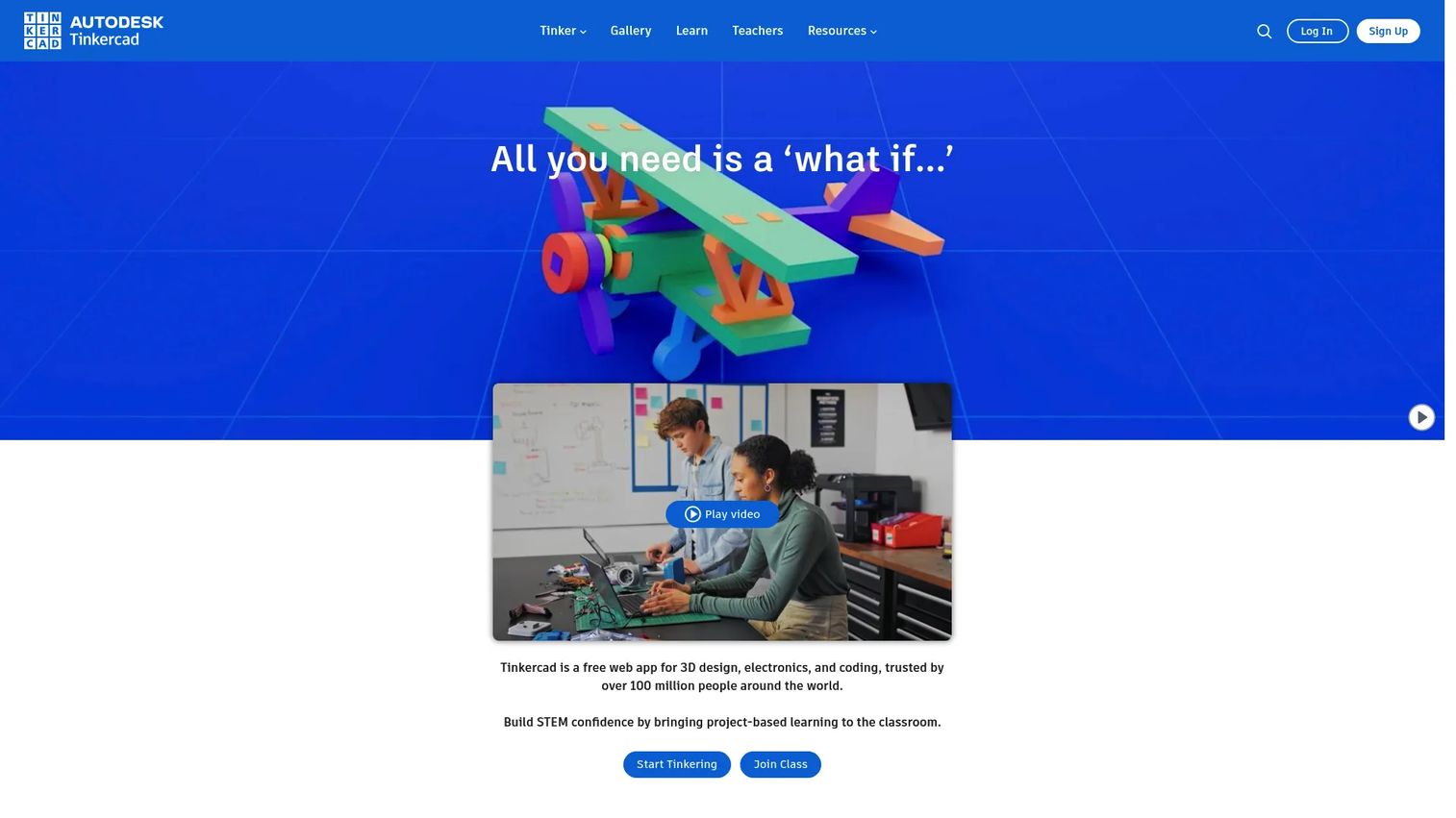
Tinkercad is a free web application for 3D design, electronics, and coding. Its block based modeling approach helps beginners combine simple forms without learning a complex feature tree.
Classroom resources include projects, tutorials, curriculum, and virtual electronics activities. Codeblocks introduces programmable design through visual coding.
Tinkercad works as entry level 3D drawing software and cad software for 3D printing. It suits simple models, workshops, classroom projects, and fast concept communication.
Best for: Beginners, educators, students, and simple printable projects.
Key features
- Browser based modeling
- Block based design
- Classroom resources
- Electronics simulation
- Coding activities
Why choose Tinkercad: Choose it when learning speed matters more than production design intent. It gives new users a low barrier introduction to three dimensional form.
PMs can also use it for workshops where participants need to communicate rough physical concepts. Detailed engineering should move into stronger CAD later.
Tinkercad pricing: Free for everyone.
G2 rating: 4.5/5.
13. SketchUp
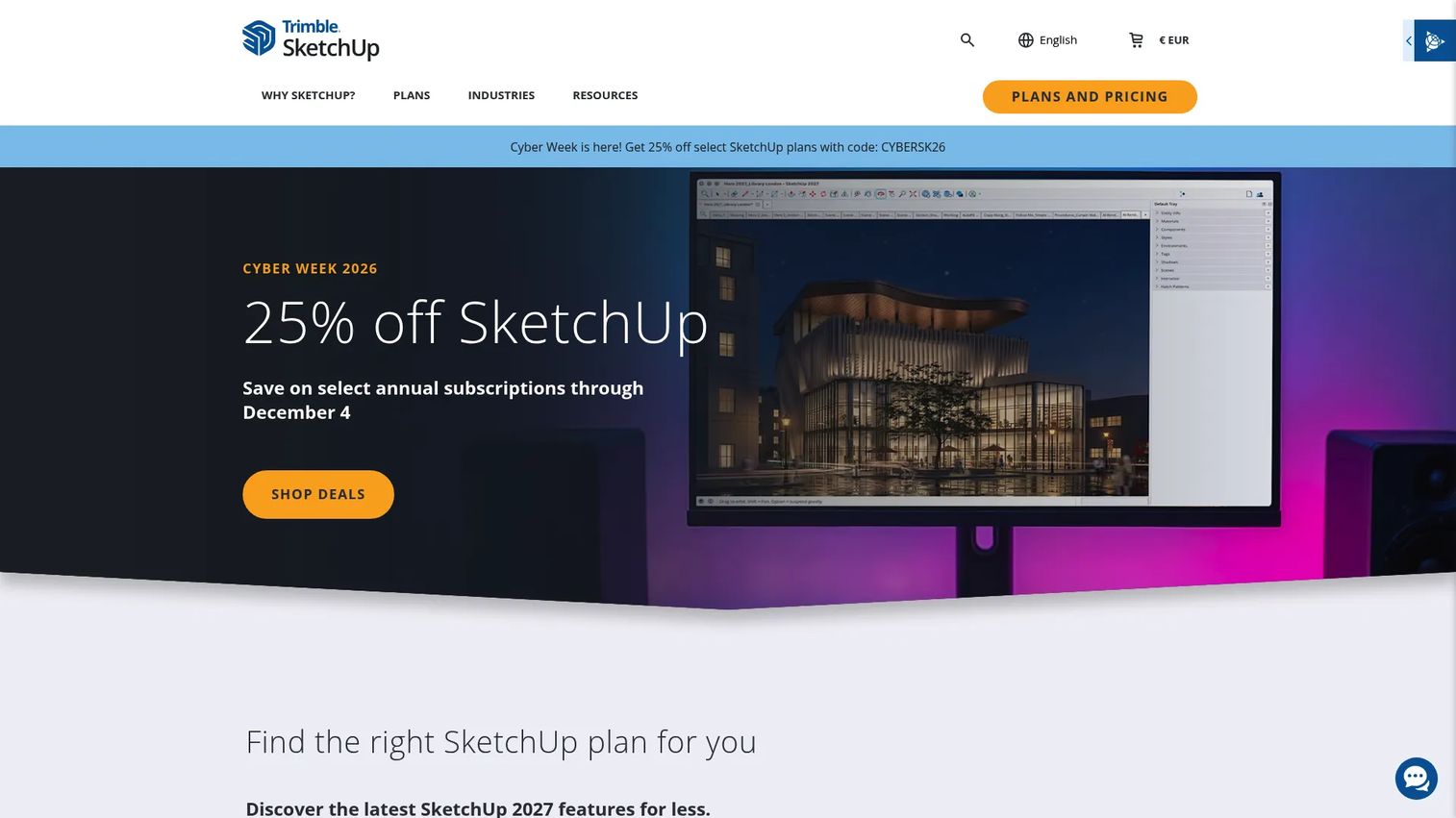
SketchUp supports fast concept modeling for buildings, interiors, landscapes, furniture, and spatial layouts. Its push and pull workflow helps users create forms without managing mechanical feature histories.
The platform includes web and desktop options, depending on the plan. LayOut adds documentation, while 3D Warehouse provides reusable models.
Higher plans add extensions, advanced visualization, Revit import, and point cloud workflows. These capabilities suit architecture and construction teams more than production mechanical engineering.
Best for: Architecture concepts, spatial layouts, and quick visual models.
Key features
- Push and pull modeling
- Web and desktop access
- LayOut documentation
- 3D Warehouse models
- Extension support
Why choose SketchUp: Choose it when spatial communication and concept speed drive the decision. Check whether downstream teams require BIM, fabrication, or mechanical CAD outputs.
PMs should test one representative export with the receiving team. A visually convincing model still needs usable downstream geometry.
SketchUp pricing: Go starts at $10.75 per user monthly, billed annually. Pro costs $33.25, while Studio costs $71.58 on the same basis.
G2 rating: 4.5/5.
14. Blender
Blender is free, open source 3D creation software covering modeling, sculpting, rendering, animation, and visual effects. Its mesh based workflow supports creative assets, concept visualization, and print model preparation.
Blender also includes compositing, motion tracking, video editing, and Python scripting. Those capabilities make it useful across visual production workflows.
It is not traditional engineering CAD. Models do not provide the same parametric design history, assembly controls, production drawings, or tolerance management found in mechanical tools.
Best for: Mesh modeling, sculpting, visualization, rendering, and animation.
Key features
- Mesh modeling
- Digital sculpting
- Cycles and EEVEE rendering
- Animation and rigging
- Python scripting
Why choose Blender: Use it when visual output, mesh editing, or creative modeling matters more than engineering design intent. Keep production dimensions in a mechanical CAD system.
Blender can still support cad software for 3D printing workflows through mesh preparation. Test watertight geometry and dimensional accuracy before sending files to a slicer.
Blender pricing: Free, with no subscription or paid tiers.
G2 rating: 4.6/5.
15. SelfCAD
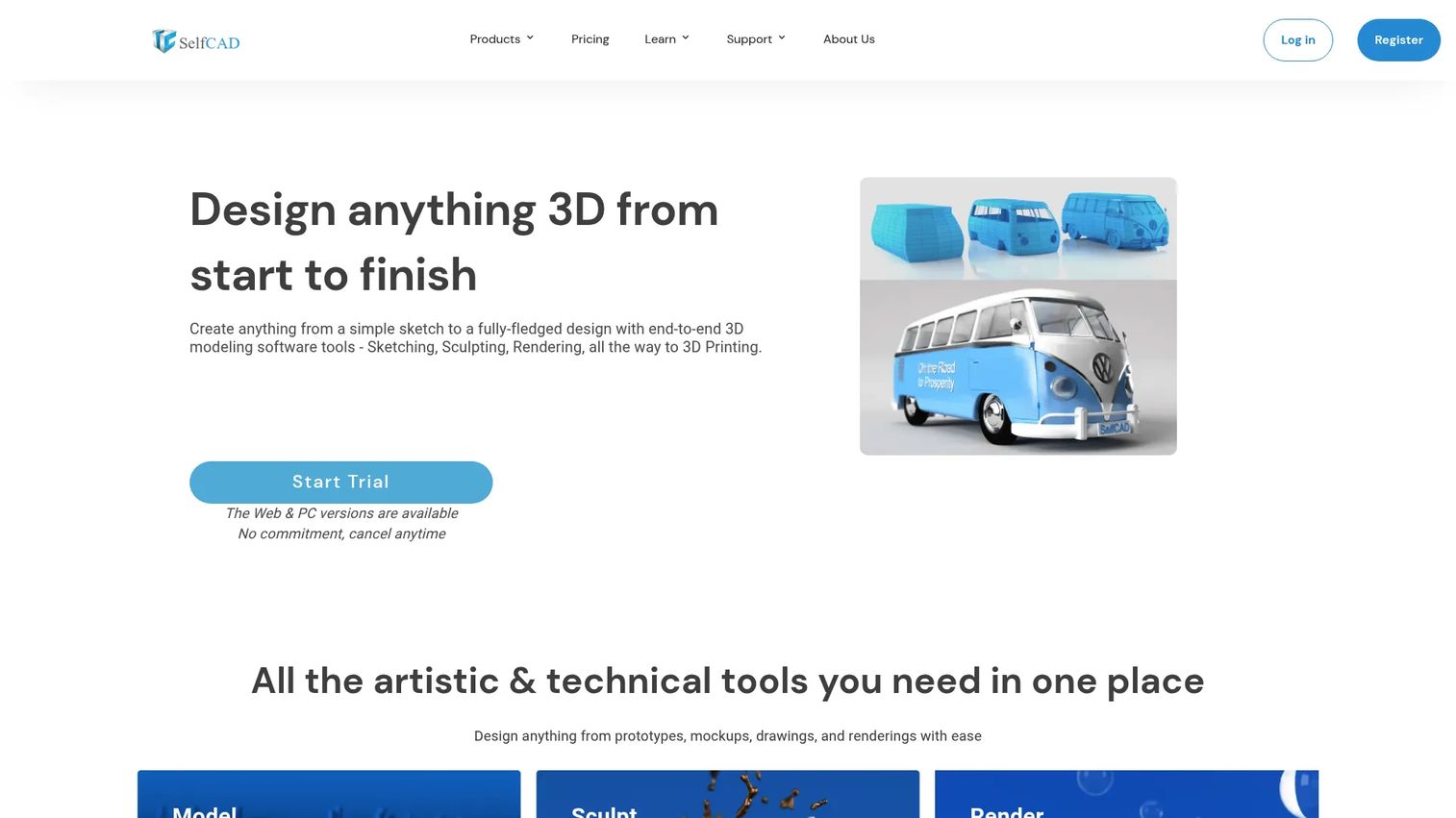
SelfCAD combines browser based modeling, sculpting, rendering, slicing, and 3D printing preparation. It targets beginners, educators, makers, and professionals seeking an accessible all in one workflow.
Image to 3D tools support fast model creation from reference material. Interactive tutorials help new users learn while working inside the application.
Its integrated slicer makes SelfCAD practical as 3D printing design software. Users can create geometry and prepare it for printing without moving immediately into another application.
Best for: Hobbyists and educators who want browser modeling with integrated slicing.
Key features
- Browser based modeling
- Sculpting tools
- Integrated slicer
- Image to 3D
- Interactive tutorials
Why choose SelfCAD: Select it when learners need modeling and slicing together. Compare its precision with Tinkercad and its cross device workflow with Shapr3D.
For team adoption, test one complete print workflow. The trial should cover modeling, repair, slicing, and dimensional checks.
SelfCAD pricing: A free plan is available. Pro costs $14.99 monthly or $139.99 yearly, while a perpetual license costs $599.
G2 rating: 4.3/5.
Considerations when choosing 3D CAD software
Match the modeling method to the workflow
Use parametric modeling for configurable parts that need controlled dimensions. Direct editing fits rapid changes or imported geometry.
Surface modeling suits industrial forms and complex exteriors. Mesh tools serve sculpting, visualization, and print repair rather than production assemblies.
Check file formats before you buy seats
STEP supports mechanical exchange, while STL and 3MF serve 3D printing. OBJ fits visualization, and IGES remains relevant for older surface workflows.
DXF supports two dimensional exchange. IFC matters in building processes. Test exports with suppliers and slicers before committing.
Evaluate assemblies, simulation, and manufacturing handoff
Confirm whether models can become drawings, CAM inputs, simulation geometry, or supplier ready packages. A strong modeler can still create a weak downstream process.
Use the same representative assembly during every trial. Compare interference checking, drawing output, and revision handling.
Consider collaboration and version control
File based CAD requires clear naming, ownership, and storage rules. Cloud CAD can centralize revisions, permissions, comments, and release management.
Check offline requirements and security review needs. Stakeholders should also be able to inspect models without creating uncontrolled copies.
Compare licensing against actual usage
Pricing models include subscriptions, free plans, perpetual licenses, and education programs. Some vendors also provide startup or maker access.
Calculate the required seat count and rollout cost. Include training, vendor onboarding, upgrades, and specialist extensions in the estimate.
Conclusion
The best 3D CAD software matches the workflow and handoff your team needs to protect.
SOLIDWORKS offers broad mechanical engineering depth. Onshape suits distributed teams that want cloud collaboration and integrated revision control. Fusion connects product design with manufacturing tools.
FreeCAD provides open source parametric modeling without licensing fees. Shapr3D supports quick concepts across tablets and desktops, while Rhino handles surface heavy design. Tinkercad remains the clearest entry point for beginners.
Shortlist two or three tools by modeling method. Then create the same representative part or assembly in each application.
Export STEP, STL, and drawing outputs. Ask engineering, manufacturing, procurement, and product stakeholders to review the results. The winning tool should preserve design intent across every critical handoff.
If your company sells complex software, interactive product experiences can support landing pages, sales follow ups, customer education, and partner enablement.
Start your journey with Guideflow today!
FAQs
SOLIDWORKS is a strong default for mature mechanical design workflows. PTC Creo, Autodesk Inventor, and Solid Edge also support detailed parts, assemblies, drawings, and manufacturing processes.
The right choice depends on supplier requirements and simulation handoff. Existing engineering skills and file governance also matter.
FreeCAD is the strongest listed choice for open source parametric CAD. It includes editable model history, technical drawing capabilities, specialist workbenches, and broad file support.
Tinkercad suits beginners and classrooms. Blender fits mesh modeling, visualization, sculpting, and creative 3D work.
Shapr3D and Fusion suit product designers who need accurate geometry with print exports. FreeCAD works for open source parametric design, while Tinkercad serves beginners.
SelfCAD combines modeling with an integrated slicer. Blender suits mesh editing and sculpting, provided you check dimensional accuracy and watertight geometry.
CAD software focuses on precise, dimensioned geometry for engineering, architecture, manufacturing, or documentation. General 3D modeling software may prioritize sculpting, rendering, animation, and visual assets.
Some applications overlap both categories. Engineering teams should prioritize tolerances, assemblies, design history, drawings, and file interoperability.
Cloud CAD supports centralized versions, concurrent collaboration, and access across supported devices. It can reduce duplicate files and unclear revision ownership.
Desktop CAD can fit established local workflows or specific performance requirements. Procurement, security, and offline access should shape the decision.
STEP supports solid geometry exchange between mechanical systems. STL and 3MF serve 3D printing, while OBJ supports mesh based visualization.
IGES covers older surface exchange. DXF supports two dimensional drafting, and IFC serves building information workflows. Test every critical export before buying seats.
Tinkercad works well for first time users and simple printable objects. SketchUp suits spatial design, while Shapr3D provides visual direct modeling across supported devices.
FreeCAD suits learners who want parametric modeling without licensing costs. The right cad 3D programme depends on whether the goal is engineering, architecture, or printing.
Start with the workflow outcome rather than the vendor name. Decide whether the team needs fast concepts, parametric parts, assemblies, simulation inputs, production drawings, or print exports.
Test every candidate with the same model and handoff. Include engineering, manufacturing, procurement, and design stakeholders in the review.