How to view the list of draft articles in Zendesk Guide Admin
Here is how to view the list of draft articles in zendesk guide admin
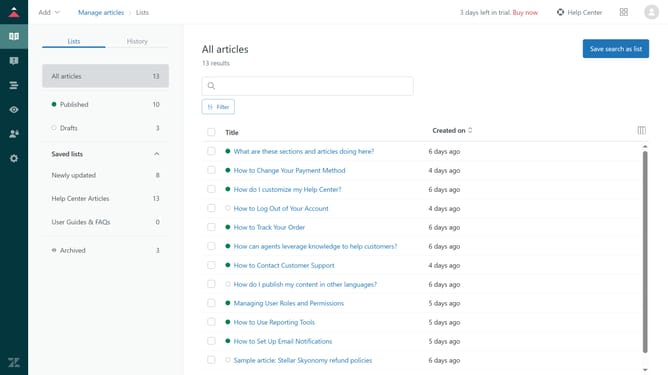
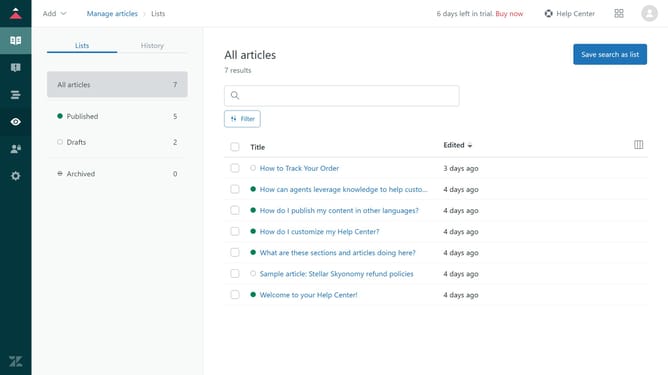
- First in Guide admin, click on the "Manage Articles" icon in the left sidebar
- Then click on the "Lists" tab
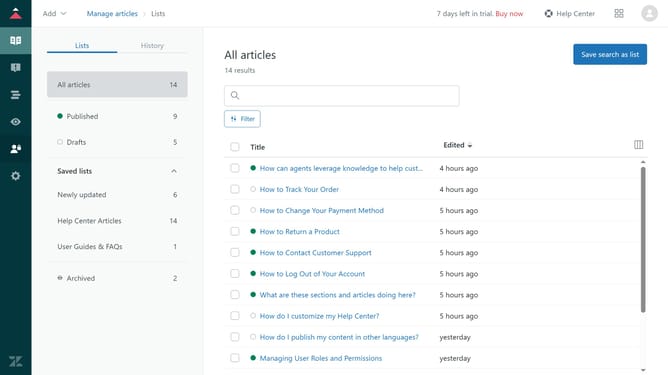
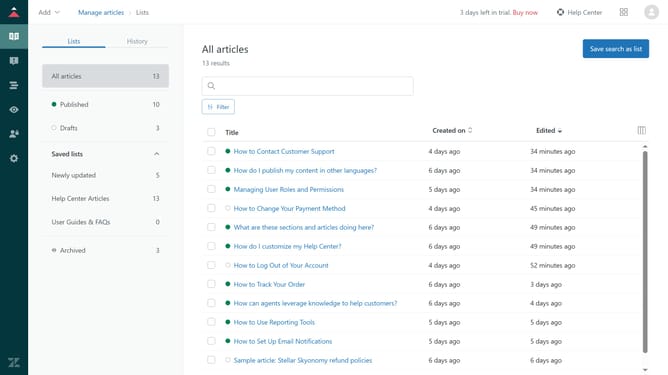
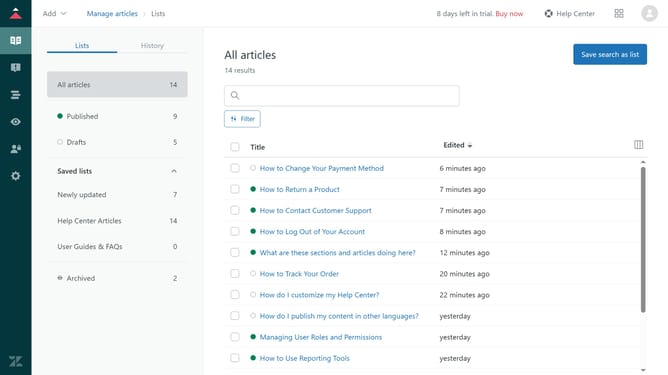
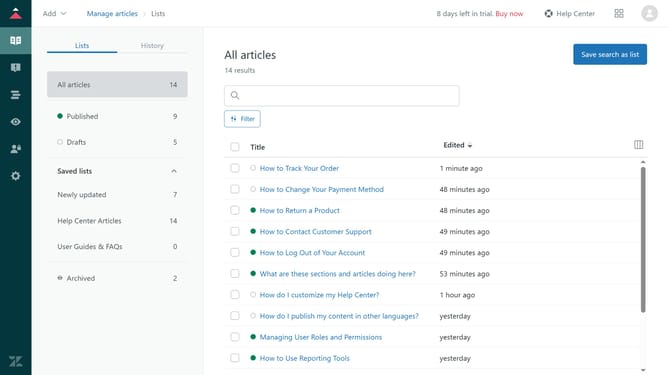
- Next click on "Drafts" section in the left sidebar to display all unpublished articles
- Browse through the list or use the search bar to find a specific draft. Apply filters to your drafts list if needed
Why should you view the list of draft articles in Zendesk Guide Admin
Zendesk is a versatile platform designed to enhance customer service experiences and streamline support operations.
The feature of viewing draft articles in Zendesk Guide Admin offers seamless control over content development. It helps in organizing, tracking, and managing drafts efficiently, ensuring that your team's knowledge base is always up-to-date and error-free.
By maintaining a clear list of draft articles, you can effortlessly monitor progress, collaborate with team members, and ensure that every piece of content meets your company's standards before publication.
Last update