How to close a community post for comments in your Help Center in Zendesk
Here is how to close a community post for comments in your help center in zendesk
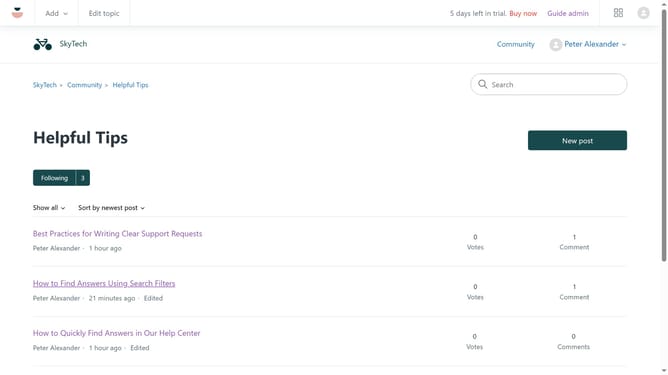
- First navigate to your Help Center, find and click on the community post you want to close for comments
- Then click on the "Settings" (gear icon) in the post options menu
- Finally click on "Close for comments" option in the settings dropdown menu
- The post will now be closed for any further comments
Why should you close a community post for comments in your Help Center in Zendesk
Zendesk is a powerful tool designed to enhance customer support experiences.
When managing community interactions in Zendesk’s Help Center, closing a post for comments is a efficient feature. This allows you to maintain control over discussions, ensuring conversations remain relevant and focused.
Utilizing this feature helps prevent off-topic discussions and reduces clutter. It also encourages positive engagement by keeping interactions on track.
Ultimately, closing posts for comments streamlines community management, leading to improved user satisfaction and a more organized help center.
Last update