How to view resolved comments in Slite
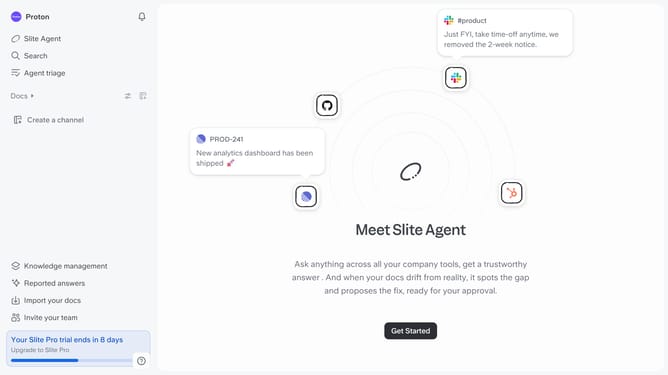
Here is how to view resolved comments in slite
- First click on "Docs" in the left sidebar
- Then open the Slite document you want to edit
- Next, click on the comment icon in the top right menu bar
- Finally, click on the "Resolved" tab to view resolved comments
Why should you How to view resolved comments in Slite
Slite is a collaborative workspace designed to streamline team communication and document sharing efficiently.
One of Slite's standout features is the ability to view resolved comments. This allows team members to revisit completed discussions and gain insights from past resolutions.
Using this feature fosters transparency and keeps everyone aligned with past decisions, ensuring that context is never lost. Moreover, it encourages learning from previous feedback and enhances collaborative efforts.
Ultimately, the ability to view resolved comments in Slite enriches team communication by preserving valuable insights for future reference.
Last update