How to view document insights in Slite
Here is how to view document insights in slite
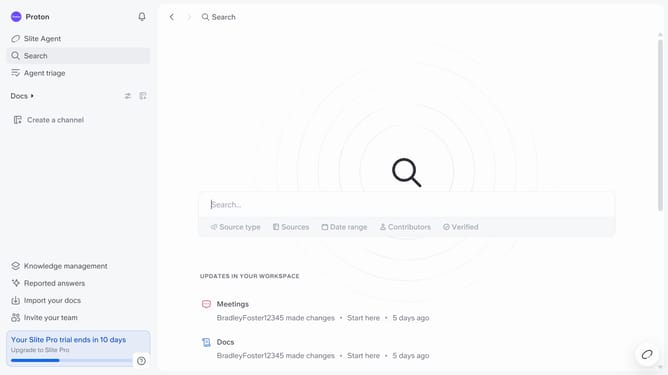
- First click on "Docs" in the left sidebar
- Then open the Slite document you want to edit
- Finally click on the "i" icon in the top menu
Why should you How to view document insights in Slite
Slite is a collaborative workspace designed to organize your team's knowledge seamlessly.
Viewing document insights in Slite allows you to gain a deeper understanding of how your team engages with shared content. This feature highlights which documents are getting the most attention, ensuring you keep track of critical information and team activity.
Utilizing document insights can enhance team productivity by enabling targeted updates and fostering more effective collaboration. This empowers your team to focus on content that truly matters.
Last update