How to add a collapsible section in a document in Slite
Here is how to add a collapsible section in a document in slite
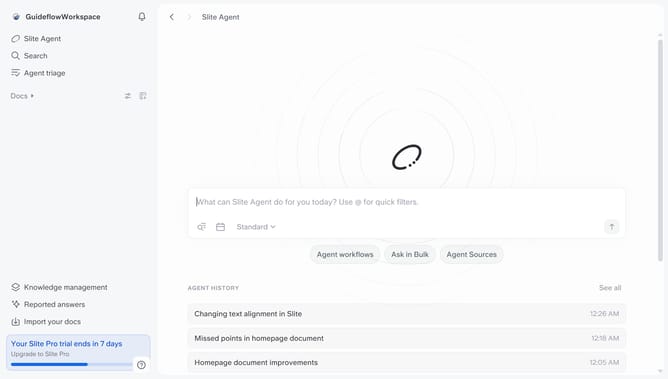
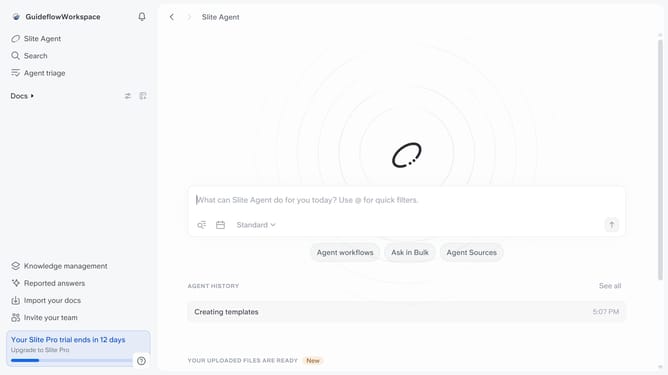
- First click on "Docs" item in the left sidebar
- Then click on the Slite doc you want to open
- Then click where you want to add the collapsible section and type "/" to open the formatting menu
- Then select "Collapsible section" from the dropdown menu
- Finally click on the text area and add your collapsible text
Why should you How to add a collapsible section in a document in Slite
Slite is a collaborative documentation tool designed to enhance team communication and organization.
One of Slite's standout features is the ability to add collapsible sections to your documents. This feature allows you to organize content in a clean and concise manner, making it easier for team members to focus on key information without being overwhelmed by details.
Collapsible sections help in decluttering documents by hiding supplementary content until it’s needed. This design enhances readability and improves user experience, especially for lengthy documents. Overall, it streamlines information sharing and boosts productivity by creating a more efficient workflow.
Last update