How to add an update field in a document in Slite
Here is how to add an update field in a document in slite
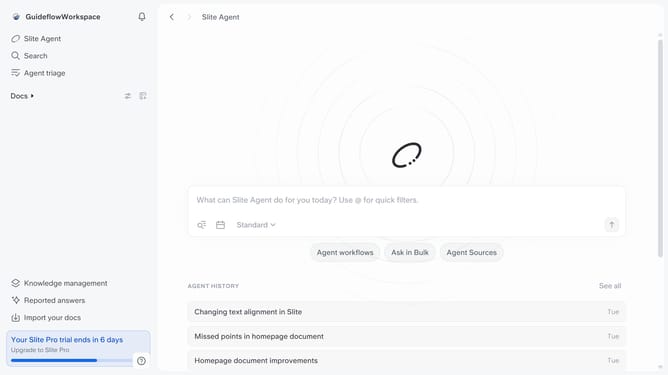
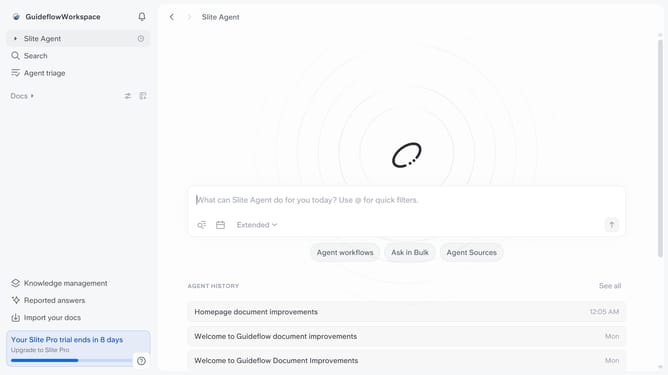
- First click on "Docs" item in the left sidebar
- Then open the Slite doc you want to edit
- Then click where you want to add the update field and type "/" to open the formatting menu
- Finally, in the dropdown menu, select the "Updates" item
Why should you How to add an update field in a document in Slite
Slite is your go-to collaborative platform for seamless team documentation and communication.
Adding an update field in a document within Slite is a powerful feature that enhances information accuracy and keeps your team informed effortlessly.
This feature promotes transparency by allowing team members to see the latest changes at a glance. It ensures that everyone is on the same page, maintaining alignment across projects and tasks.
Using update fields reduces the time spent sifting through previous communications, giving your team more time to focus on what truly matters—collaboration and productivity.
Last update