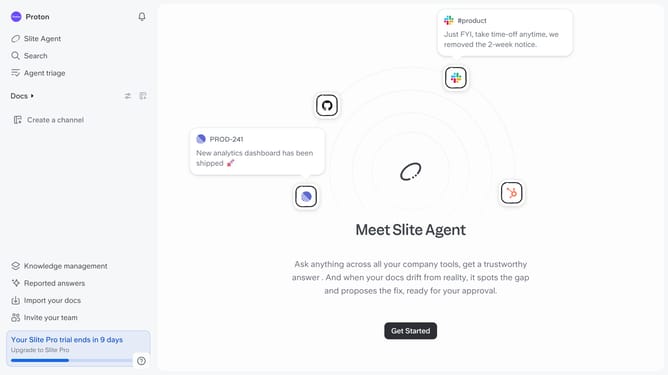
How to add a title to a document in Slite
Here is how to add a title to a document in slite
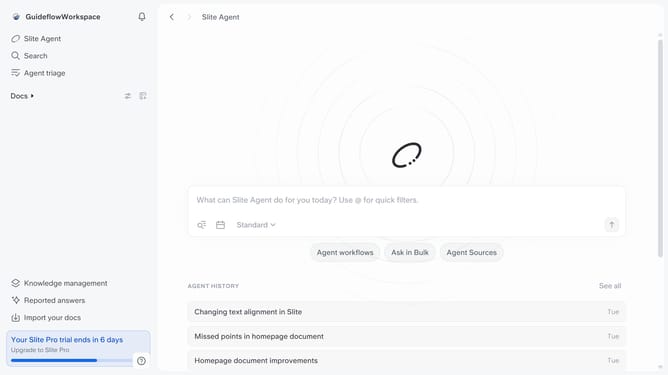
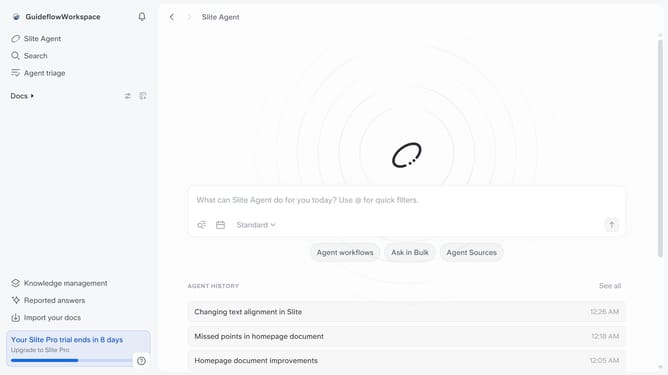
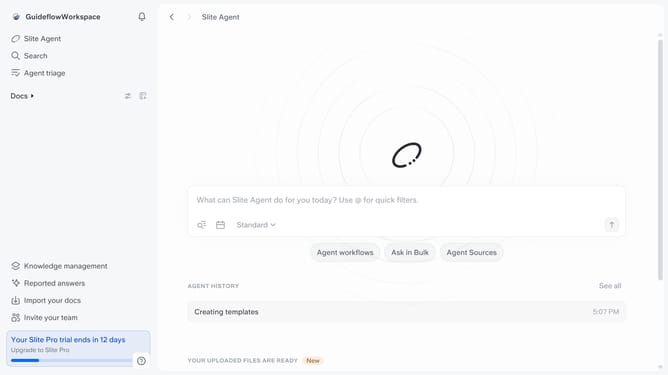
- First click on "Docs" in the left sidebar
- Then click on the document that you want to manage
- Finally enter the title you want to add for the chosen document
Why should you How to add a title to a document in Slite
Slite is a collaborative platform designed to streamline team communication and documentation effortlessly.
Adding a title to a document in Slite is a seamless feature that enhances organization and clarity. When you title your documents, it allows for easy retrieval and efficient categorization, ensuring that your team can quickly locate essential information without hassle.
This feature not only keeps your workspace tidy but also improves collaboration by providing clear context for each document. A well-titled document helps team members understand the content at a glance, saving time and boosting productivity. Embrace this feature to maintain a structured and coherent workspace.
Last update