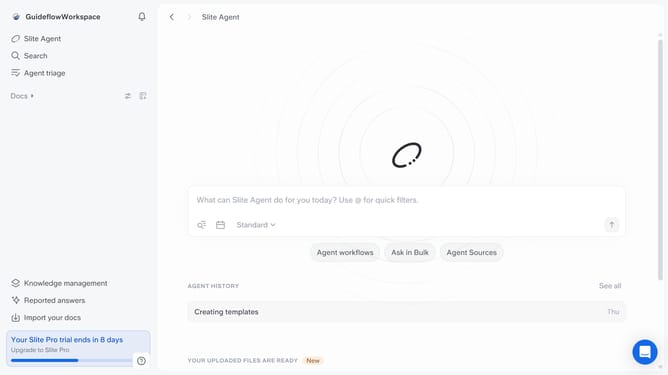
How to add an audio in a document in Slite
Here is how to add an audio in a document in slite
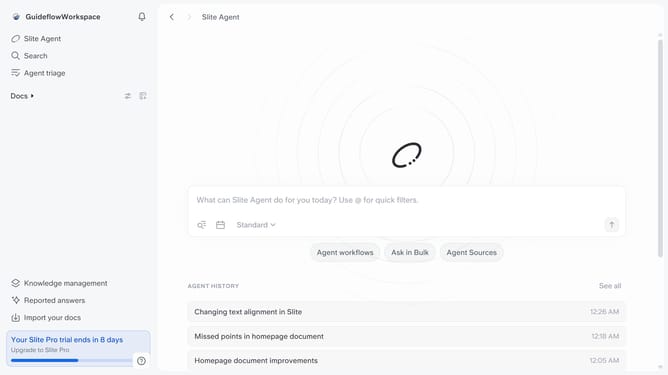
- First click on "Docs" item in the left sidebar
- Then open the Slite doc you want to edit
- Then click where you want to add the file and type "/" to open the formatting menu
- Then click on "Audio" in the dropdown menu
- Finally click on the "Upload one or more files" button to add your audio file
Why should you How to add an audio in a document in Slite
Slite is your go-to hub for seamless team collaboration and knowledge sharing.
Integrating audio into a Slite document enriches the experience by adding a new dimension to your content. This feature empowers users to convey tone, emotion, and clarity effectively, which often transcends written words.
Including audio clips fosters better understanding and engagement, bringing dynamism to team discussions, project updates, or learning resources. It’s an intuitive way to enhance communication, making every piece of information more accessible and memorable.
Last update