How to add a Trello board in a document in Slite
Here is how to add a trello board in a document in slite
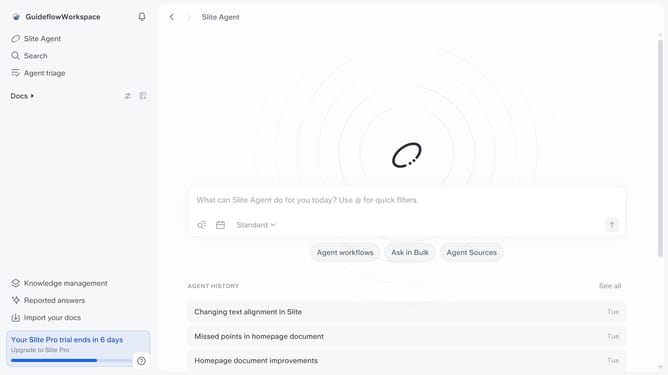
- First click on "Docs" item in the left sidebar
- Then open the Slite doc you want to edit
- Then click where you want to add the component and type "/" to open the formatting menu
- Then, click on "Trello" in the dropdown menu
- Finally, click on the Trello input field and enter your card link
Why should you How to add a Trello board in a document in Slite
Slite is your collaborative workspace for seamless team communication and documentation.
Integrating a Trello board within a Slite document enhances your workflow by bringing project management insights directly into your collaborative environment. This feature allows teams to visualize tasks and updates without switching platforms, saving time and boosting productivity.
By embedding Trello boards into Slite, you leverage real-time synchronization. This ensures every team member stays informed about project statuses, fostering transparent and efficient teamwork.
Last update