How to add 2 columns in a document in Slite
Here is how to add 2 columns in a document in slite
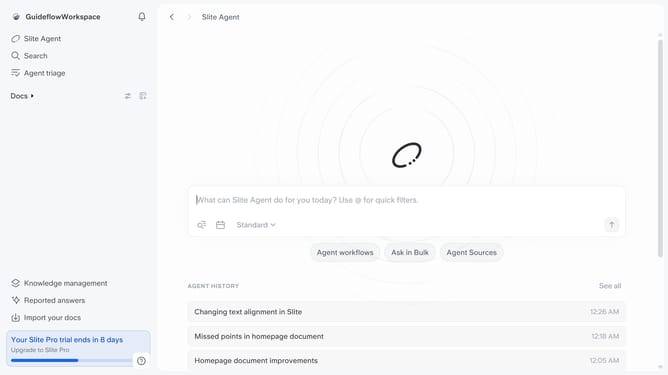
- First click on "Docs" item in the left sidebar
- Then open the Slite doc you want to edit
- Then click where you want to add the columns and type "/" to open the formatting menu
- Finally, select "2 columns" from the dropdown menu
Why should you How to add 2 columns in a document in Slite
Slite is a collaborative workspace designed to streamline team communication and information sharing effortlessly.
Adding two columns in a Slite document enhances your content's organization and readability. This feature allows users to present information side-by-side, making comparisons or showcasing related content visually appealing and logical.
Using columns can significantly benefit teams by enabling a structured layout that captures attention and improves information retention. It provides a clean and professional look, facilitating a more engaging reading experience for your audience.
Overall, this feature empowers teams to communicate ideas more effectively, maximizing the potential of their collaborative efforts within the Slite environment.