How to add caption to an embedded link in a document in Slite
Here is how to add caption to an embedded link in a document in slite
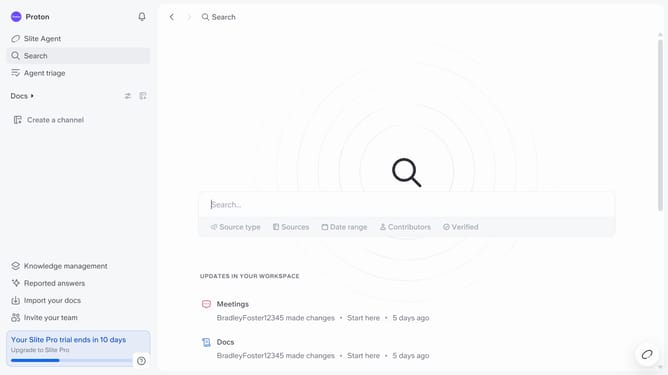
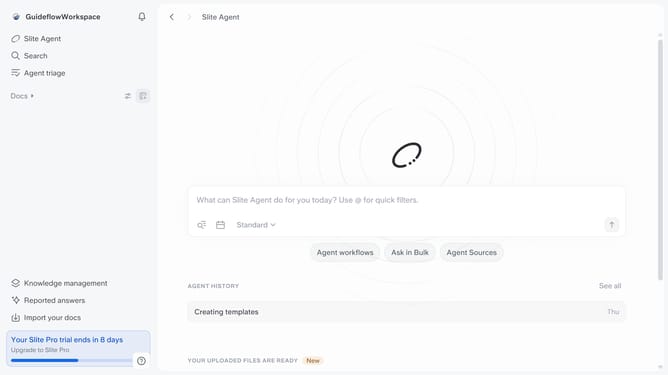
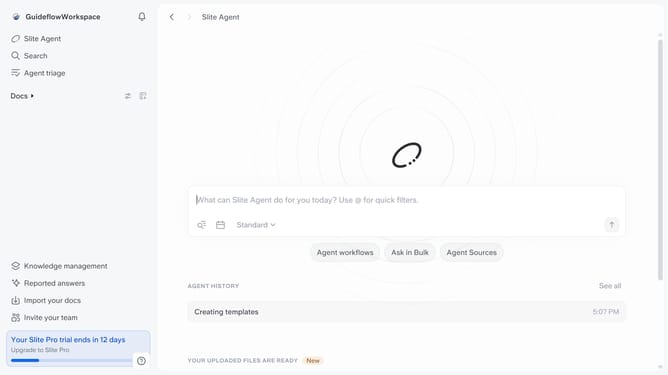
- First click on "Docs" item in the left sidebar
- Then open the Slite doc you want to edit
- Click on the video to show options
- Finally, click on the "Add a caption" field and enter your caption
Why should you How to add caption to an embedded link in a document in Slite
Slite is a collaborative workspace tool designed to enhance team communication and streamline document management.
Adding a caption to an embedded link in a Slite document transforms a simple hyperlink into an engaging, informative snippet that captures attention and provides context. This feature allows users to attach meaningful descriptions to their links, making it easier for team members to understand the content and relevance of the linked resource at a glance.
Integrating captions with links not only enriches the document but also enhances team collaboration by reducing misunderstandings and saving time. As a result, readers can effortlessly navigate through complex documents, knowing precisely what to expect when they click a link.
Last update