How to add a separator in a document in Slite
Here is how to add a separator in a document in slite
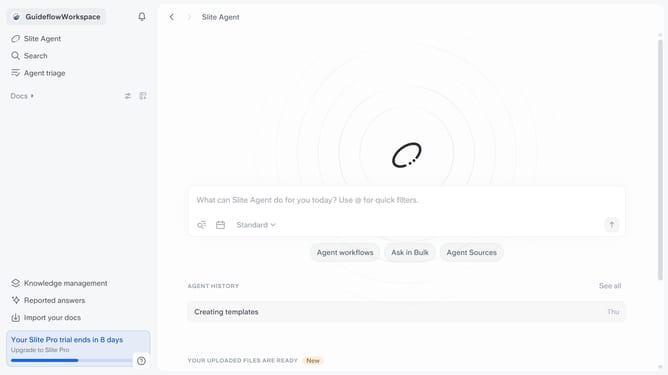
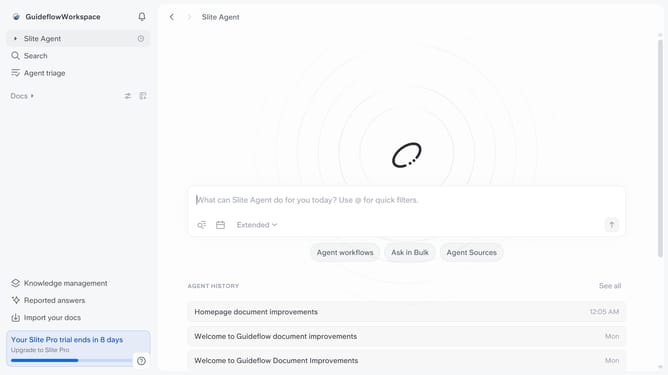
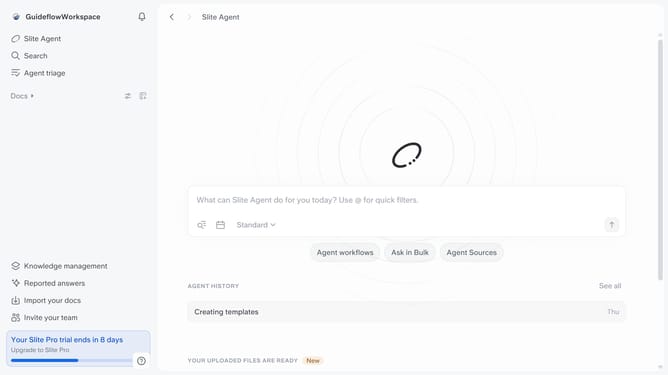
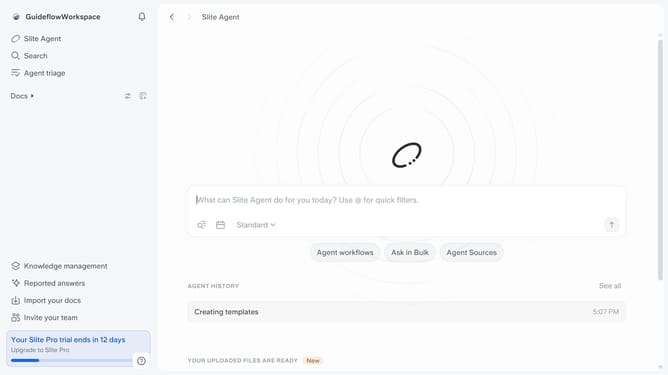
- First click on "Docs" item in the left sidebar
- Then open the Slite doc you want to edit
- Then click where you want to add the separator and type "/" to open the formatting menu
- Finally select "Separator" from the menu
Why should you How to add a separator in a document in Slite
Slite is a collaborative workspace designed to streamline team documentation and communication effortlessly.
In Slite, adding a separator in a document enhances organization by dividing content into distinct sections. This feature ensures clarity, making documents easier to read and navigate for all team members.
Using separators helps in creating a visually appealing structure, breaking down complex information into manageable parts. By doing so, it fosters better understanding and retention, ensuring that key points are easily distinguishable.
Overall, integrating separators not only boosts the document’s aesthetic appeal but also significantly improves its functionality and accessibility, fostering effective collaboration within teams.
Last update