How to mention someone in a document in Slite
Here is how to mention someone in a document in slite
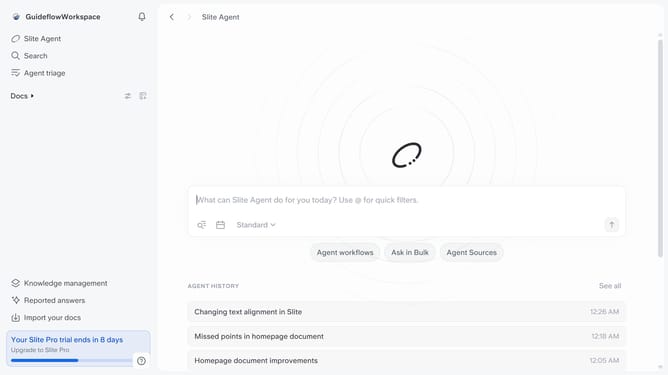
- First click on "Docs" item in the left sidebar
- Then open the Slite doc you want to edit
- Then click where you want to mention someone and type "/" to open the formatting menu
- Then click on the "@Mention" option
- Finally select a name to mention from the list
Why should you How to mention someone in a document in Slite
Slite is a collaborative workspace designed to streamline team communication and document sharing.
Mentioning someone in a document within Slite is a seamless way to enhance collaboration. This feature allows you to directly notify team members about relevant content, ensuring they stay informed and engaged in real time.
Using mentions not only fosters effective communication but also saves time by reducing the back-and-forth usually required to draw attention to specific details. With mentions, every team member can stay aligned, improving overall productivity and project flow.
Last update