How to add a hint in a document in Slite
Here is how to add a hint in a document in slite
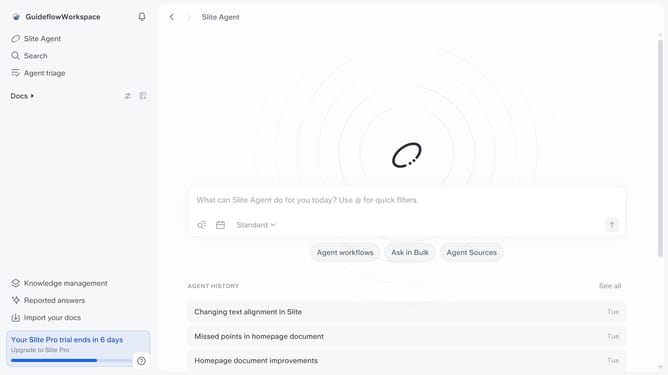
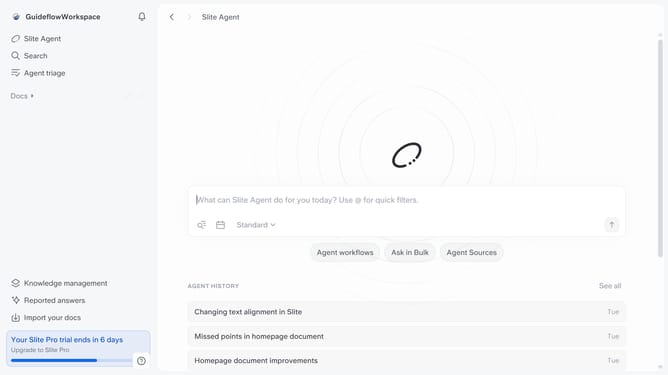
- First click on "Docs" item in the left sidebar
- Then open the Slite doc you want to edit
- Then click where you want to add the hint and type "/" to open the formatting menu
- Then select "Checklist" from the dropdown menu
- Finally type your text in the input field
Why should you How to add a hint in a document in Slite
Slite is a collaborative workspace designed to streamline team documentation and communication.
In Slite, adding a hint within a document enriches the information shared, subtly guiding the reader’s understanding without overwhelming them.
This feature allows you to seamlessly provide additional context, making documents more interactive and informative. By offering gentle nudges or reminders, users can enhance clarity and focus, leading to more efficient collaboration.
Hints in Slite support smoother knowledge sharing, fostering a more productive work environment by ensuring everyone stays aligned effortlessly.
Last update