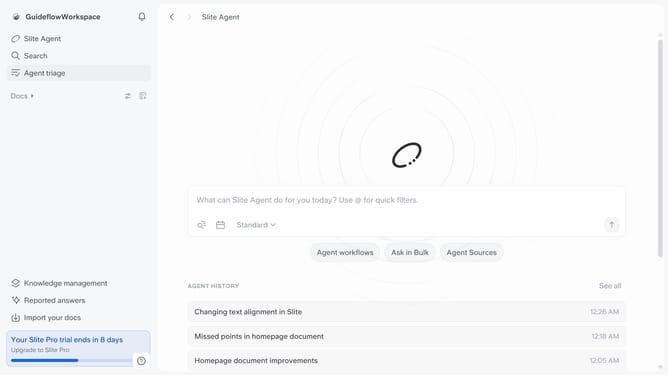
How to add column in a table in a document in Slite
Here is how to add column in a table in a document in slite
- First click on "Docs" item in the left sidebar
- Then open the Slite document you want to edit
- Finally click on the "+" button to add a column in the table
Why should you How to add column in a table in a document in Slite
Slite is an intuitive collaborative workspace designed to enhance team productivity by organizing notes effortlessly.
Adding a column in a table within a Slite document is a seamless feature that enhances the flexibility of your note-taking. It allows you to organize information clearly, adapting the document to fit your needs perfectly, thus boosting efficiency in collaboration.
Using this feature, teams can effortlessly customize their data display, ensuring every piece of information is accessible and structured. This promotes streamlined communication and clarity, crucial for dynamic project management.
Last update