How to add a YouTube Video in a document in Slite
Here is how to add a youtube video in a document in slite
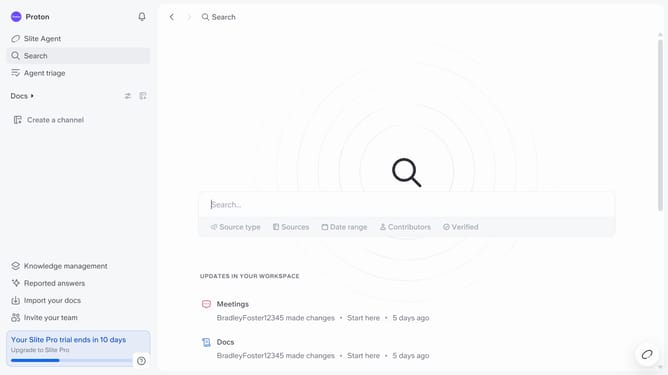
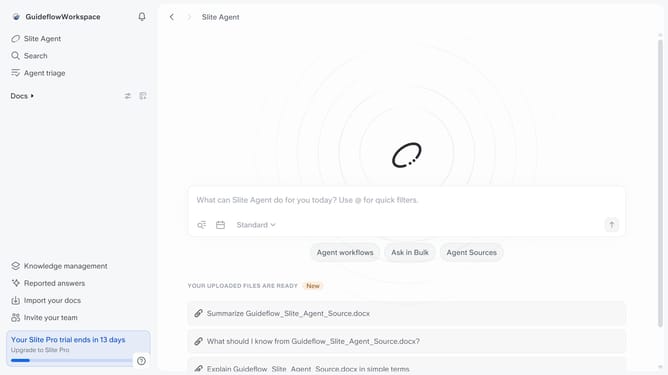
- First click on "Docs" item in the left sidebar
- Then open the Slite doc you want to edit
- Then click where you want to add the component and type "/" to open the formatting menu
- After that, select "YouTube" from the dropdown menu
- Then, paste the YouTube link into the link input field
- Finally, click on the "Embed" button to apply changes
Why should you How to add a YouTube Video in a document in Slite
Slite is a collaborative tool designed to streamline team documentation and communication.
One of Slite's standout features is the seamless integration of YouTube videos into your documents. This allows you to easily enrich your content with engaging multimedia. By embedding videos, teams can enhance understanding and retain attention more effectively than with text alone.
Using this feature fosters a more dynamic and interactive workspace, making it perfect for presentations, training materials, or project updates. It adds depth and clarity, ensuring your message is communicated powerfully.
Last update