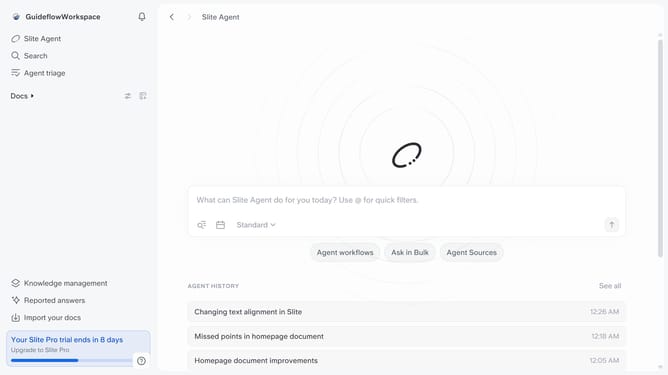
How to add a page cover from your files in Slite
Here is how to add a page cover from your files in slite
- First click on "Docs" item in the left sidebar
- Then click on the Slite doc you want to open
- Next, click on the "Edit layout" button
- After that, click on the "Edit cover image" button
- Then select the "Upload" tab
- Finally, click on the "Drag and drop or click to upload an image" area and upload your preferred image
Why should you How to add a page cover from your files in Slite
Slite is your go-to platform for seamless team collaboration and document management.
One of its standout features is the ability to add page covers from your own files. This feature lets teams personalize their workspace, creating a visually engaging experience that enhances creativity.
By customizing page covers, users can align documents with their brand or project theme, making it easier to identify and navigate through different sections quickly.
This visual customization not only boosts team morale but also reinforces company identity, bringing a personal touch to your collaborative efforts.
Last update