How to add today's date in a document in Slite
Here is how to add today's date in a document in slite
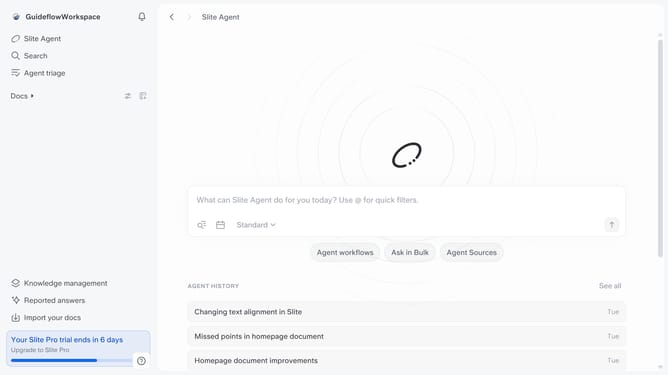
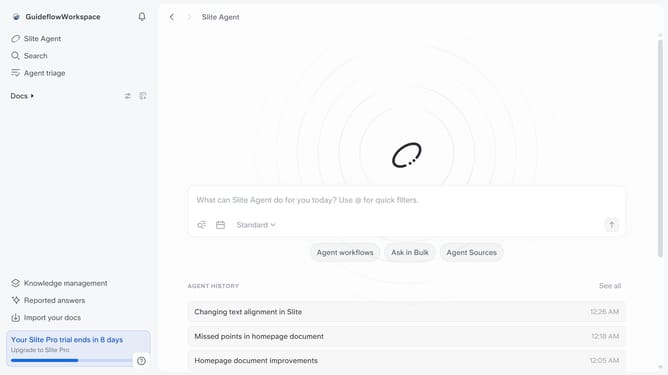
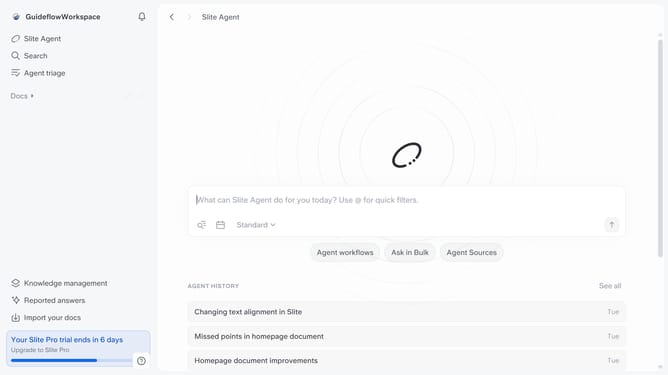
- First click on "Docs" item in the left sidebar
- Then open the Slite doc you want to edit
- Then click where you want to add the date and type "/" to open the formatting menu
- Then select "Date" from the dropdown menu
- Finally click on the "Today" button in the dropdown menu
Why should you How to add today's date in a document in Slite
Slite is a collaborative workspace designed to streamline team communication and document sharing.
Adding today's date in a document within Slite is a simple yet powerful feature that enhances organizational clarity.
Inserting the current date helps keep your documentation accurate and up-to-date, making it effortless to track content relevance and changes.
This feature is particularly beneficial for teams managing multiple projects, as it ensures everyone remains aligned with the most recent information.
Last update