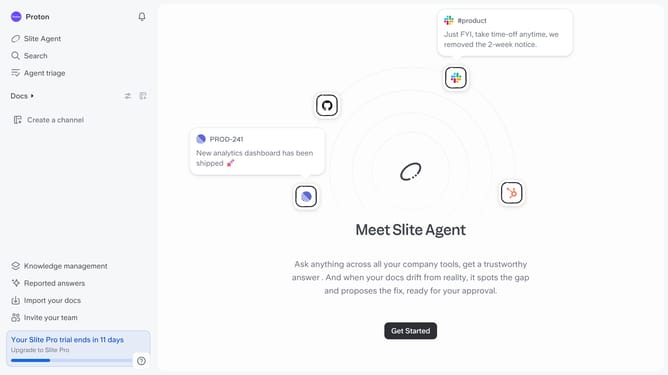
How to summarize docs with AI in Slite
Here is how to summarize docs with ai in slite
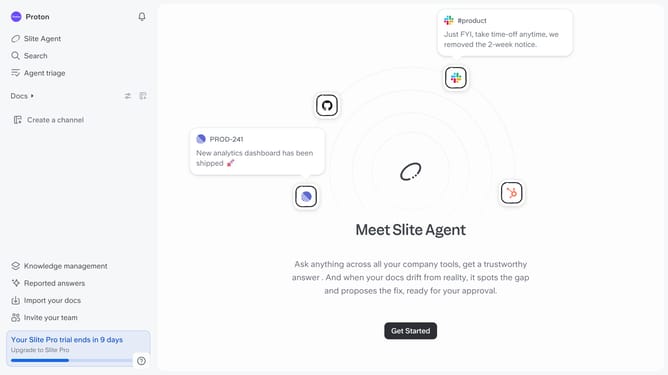
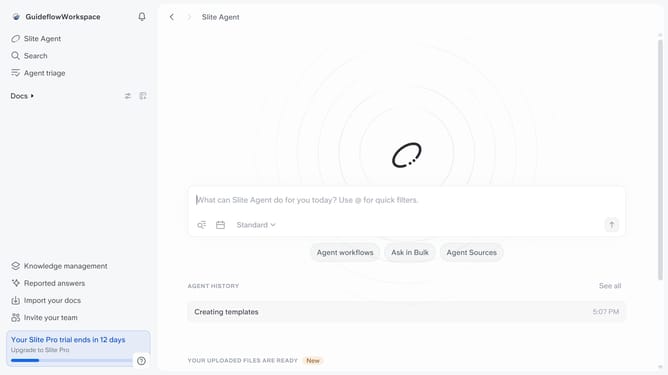
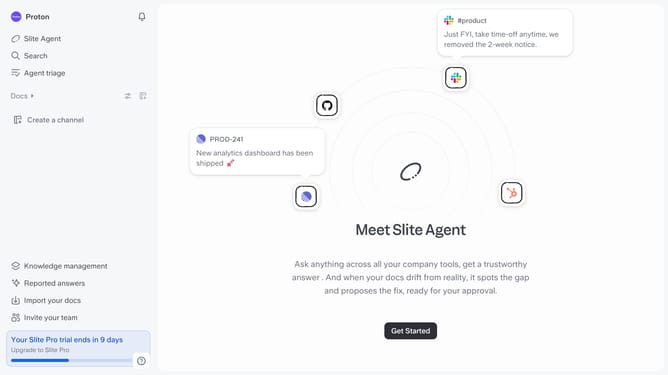
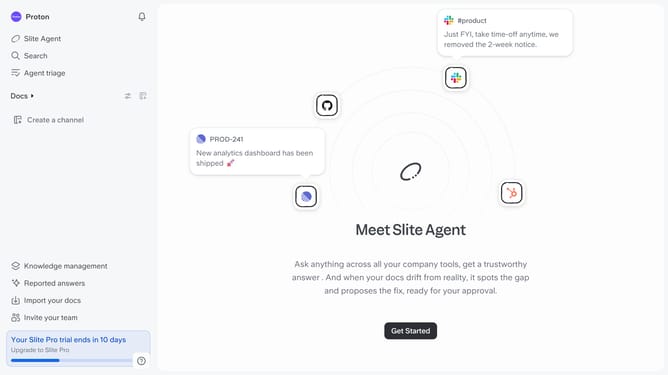
- First click on "Docs" item in the left sidebar
- Then click on the Slite doc you want to open
- Then click where you want to add the table and type "/" to open the formatting menu
- Finally, select "Summarize doc" from the dropdown menu
Why should you How to summarize docs with AI in Slite
Slite is a collaborative workspace designed to streamline team knowledge and communication.
With its AI-powered document summarization feature, Slite enables users to compress lengthy documents into concise summaries effortlessly.
This feature saves time and enhances productivity by allowing teams to quickly grasp essential information without sifting through endless text.
Using AI to summarize documents not only boosts efficiency but also ensures that everyone stays aligned, focusing on what's truly important in their projects.
Last update