How to mention yourself in a document in Slite
Here is how to mention yourself in a document in slite
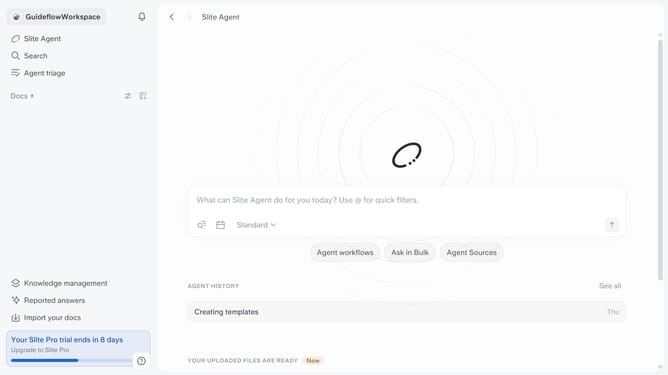
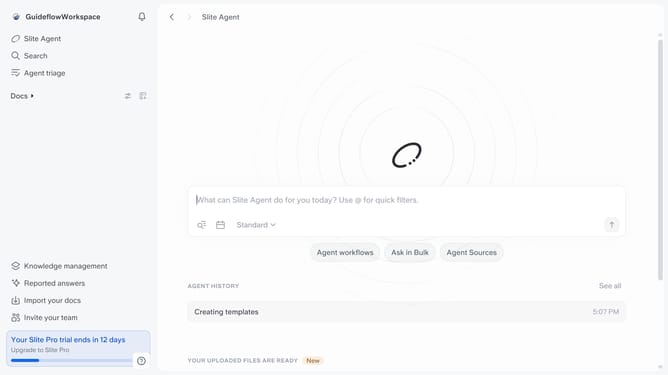
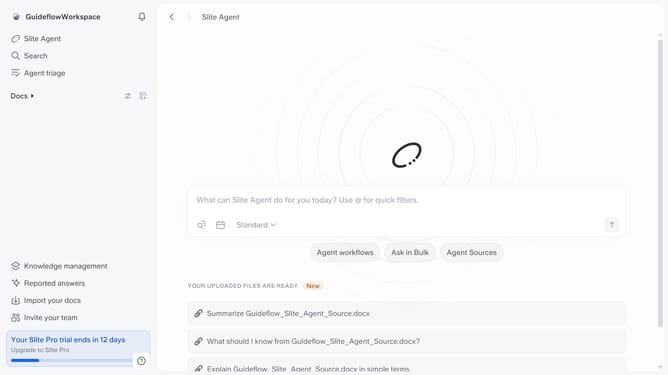
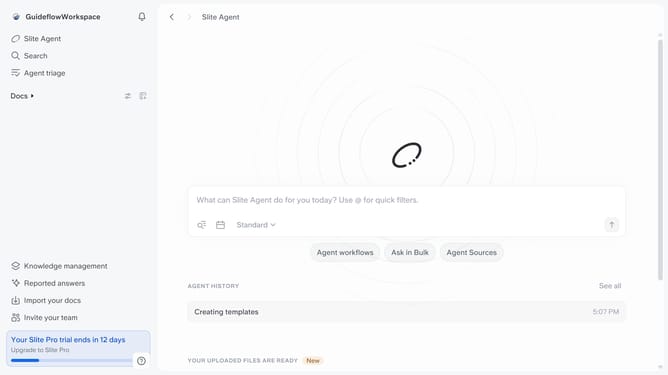
- First click on "Docs" item in the left sidebar
- Then open the Slite doc you want to edit
- Then click where you want to mention yourself and type "/" to open the formatting menu
- Finally click on "@me" in the context menu
Why should you How to mention yourself in a document in Slite
Slite is a collaborative workspace designed to streamline team communication and document sharing.
When you mention yourself in a document in Slite, it boosts personal accountability, making collaborative efforts more synchronized. You can easily keep track of your contributions and make it easier for team members to connect with you directly regarding specific content.
This feature enhances clarity, ensuring everyone involved knows who to reach out to for further insights or questions. It's a simple way to foster a more connected and efficient team environment.
Last update