How to add a Figma file in a document in Slite
Here is how to add a figma file in a document in slite
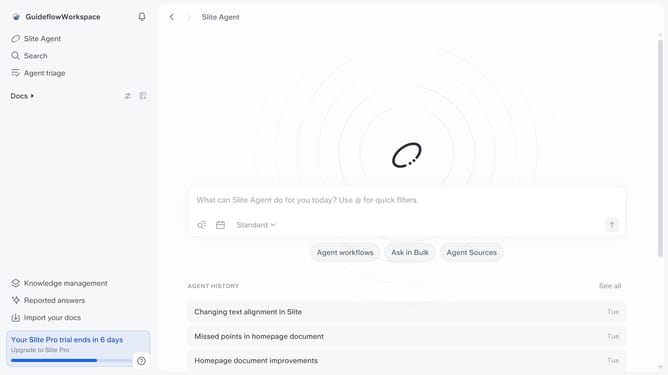
- First click on "Docs" item in the left sidebar
- Then open the Slite doc you want to edit
- Then click where you want to add the component and type "/" to open the formatting menu
- Then click on the "Figma" option
- Then paste the URL into the input field
- Finally, click on the "Embed" button to apply changes
Why should you How to add a Figma file in a document in Slite
Slite is a collaborative workspace designed to boost team productivity through seamless communication and organization.
Integrating a Figma file into a Slite document enhances your collaborative experience, making design discussions more dynamic. It's a straightforward feature that allows you to embed your interactive designs directly into your shared notes.
This integration streamlines project workflows by providing instant visual context, enabling teams to discuss, review, and iterate on design elements all in one place, which significantly enhances productivity and cohesion.
Last update