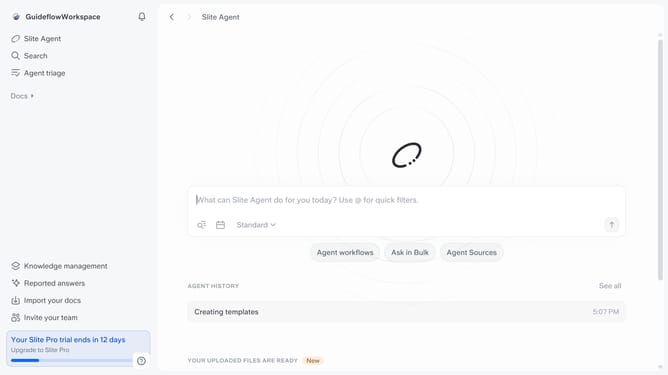
How to add a code snippet in a document in Slite
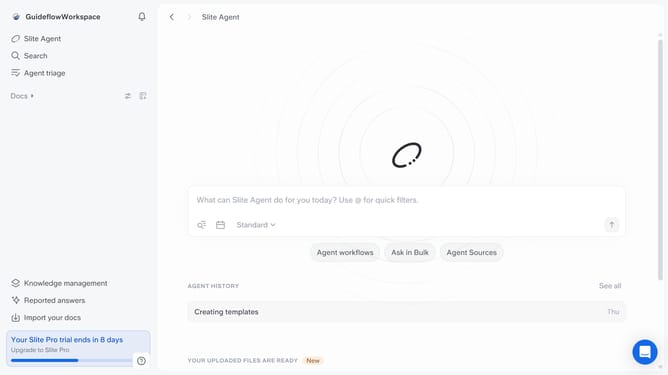
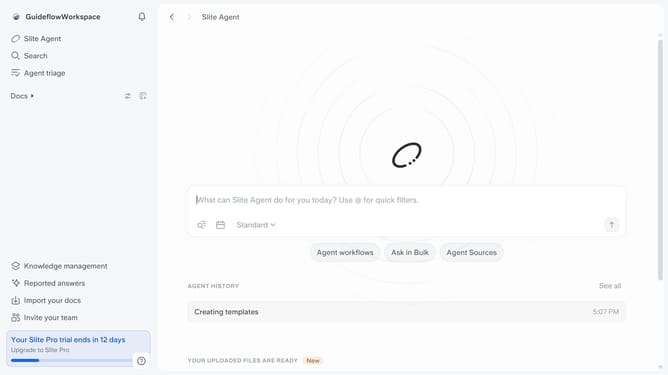
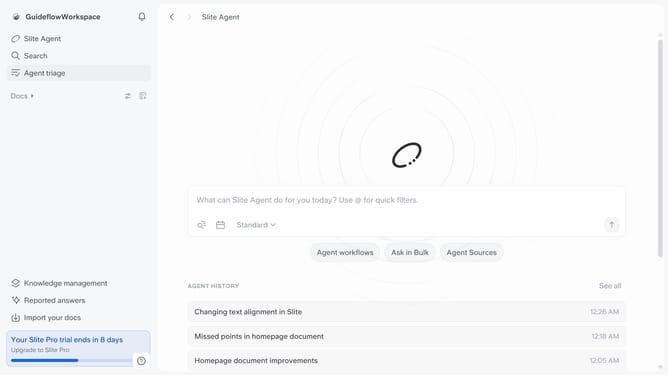
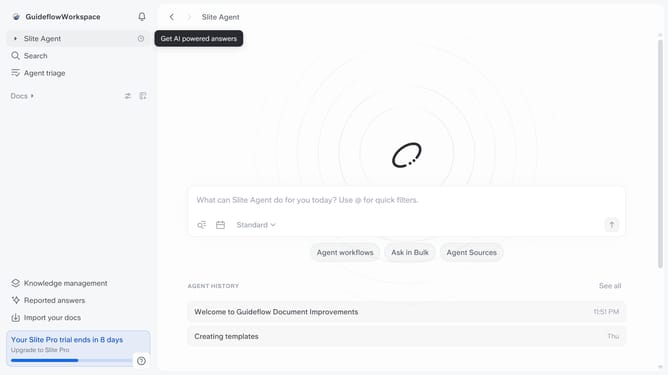
Here is how to add a code snippet in a document in slite
- First click on "Docs" item in the left sidebar
- Then open the Slite doc you want to edit
- Then click where you want to add the code snippet and type "/" to open the formatting menu
- Finally, select "Code snippet" from the dropdown menu
Why should you How to add a code snippet in a document in Slite
Slite is a collaborative workspace that streamlines knowledge sharing and team communication.
Among its many features, adding a code snippet in a document stands out for developers and teams who need to share or review code effortlessly. This function allows you to seamlessly embed clean, formatted code directly into your documents.
Using code snippets ensures clarity, maintains consistency, and boosts productivity by allowing team members to focus on content rather than formatting. It is especially beneficial for technical documentation, fostering effective collaboration and simplifying the review process.
Last update