How to add a table of contents in a document in Slite
Here is how to add a table of contents in a document in slite
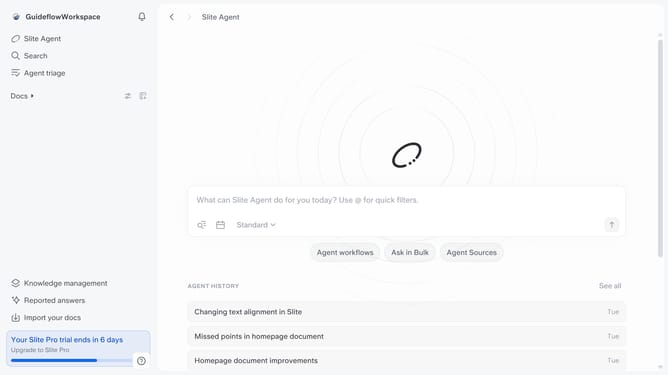
- First click on "Docs" item in the left sidebar
- Then open the Slite doc you want to edit
- Then click where you want to add the table of contents and type "/" to open the formatting menu
- Finally click on "Table of contents" from the menu
Why should you How to add a table of contents in a document in Slite
Slite is a collaborative workspace designed to streamline team documentation and communication.
Adding a table of contents in a Slite document enhances document navigation and organization, making it easier for team members to find the information they need swiftly. This feature auto-generates links to various sections, saving time and maintaining focus during collaboration.
By using a table of contents in Slite, teams can ensure that their documents are not only well-structured but also highly accessible, improving overall productivity and cohesion in team projects.
Last update