How to add a link to a doc in a document in Slite
Here is how to add a link to a doc in a document in slite
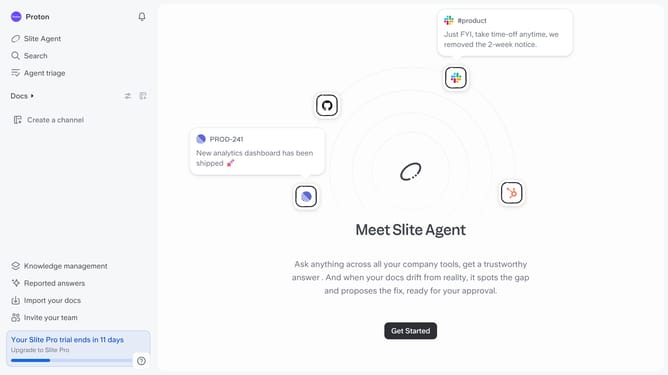
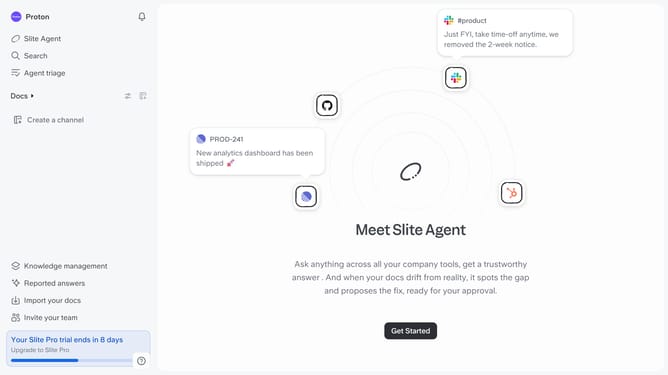
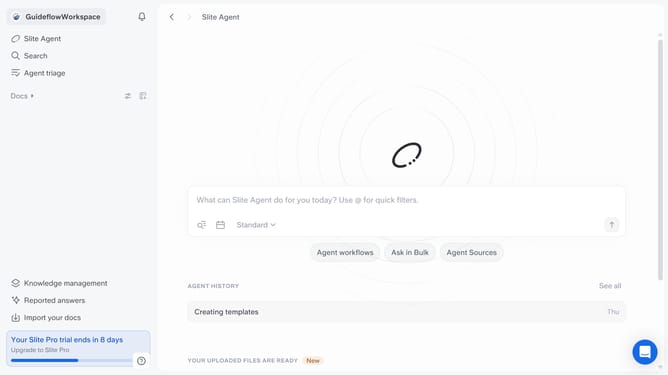
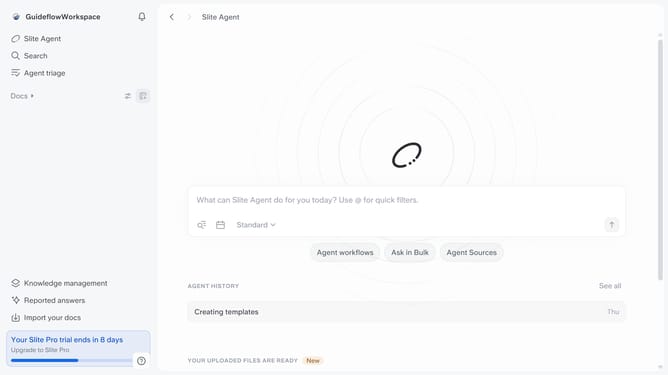
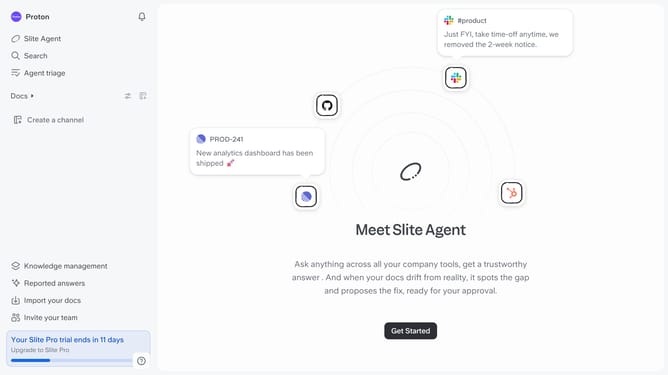
- First click on "Docs" item in the left sidebar
- Then open the Slite doc you want to edit
- Then click where you want to add the document link and type "/" to open the formatting menu
- Then click on the "Link to doc" option from the dropdown menu
- Finally select a document item from the dropdown menu
Why should you How to add a link to a doc in a document in Slite
Slite is a collaborative workspace designed for teams to organize their knowledge seamlessly.
In Slite, adding a link to another document within your current doc enhances navigation and connectivity. This feature allows team members to seamlessly access related content, keeping all necessary information interlinked and easily accessible.
By using this feature, collaboration becomes more efficient as it reduces time spent searching for documents. This interconnected approach fosters a streamlined workflow, helping teams stay focused and aligned on their goals.
Overall, integrating links within documents boosts productivity by promoting a more organized and cohesive workspace, ensuring everyone stays in sync.
Last update