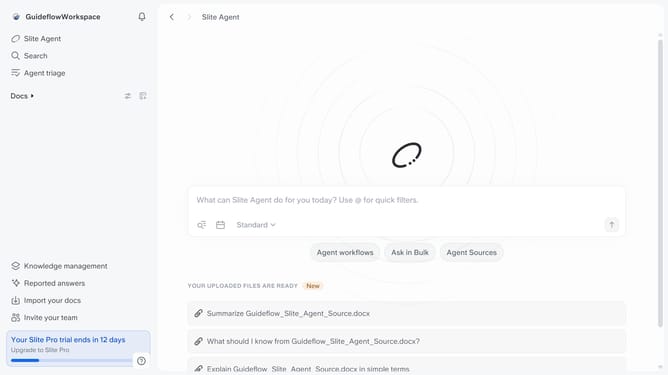
How to add an emoji in a document in Slite
Here is how to add an emoji in a document in slite
- First click on "Docs" item in the left sidebar
- Then open the Slite doc you want to edit
- Then click where you want to add the emoji and type "/" to open the formatting menu
- Then select "Emoji" from the dropdown menu
- Finally click on an emoji in the emoji picker
Why should you How to add an emoji in a document in Slite
Slite is a collaborative tool designed to enhance team communication and knowledge sharing with ease.
Adding an emoji in a Slite document is a delightful way to convey emotions and context quickly. Emojis serve as a visual language that can express enthusiasm, urgency, or a touch of humor, bringing life to what might otherwise be plain text.
Using emojis in Slite documents can make the content more relatable and engaging, capturing the reader’s attention instantly. This feature aids in fostering a more personal connection within team interactions, making communication not just effective but enjoyable.
Last update