How to delete row in a table in a document in Slite
Here is how to delete row in a table in a document in slite
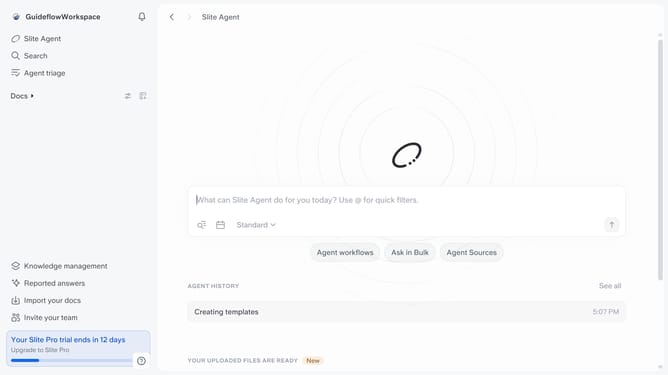
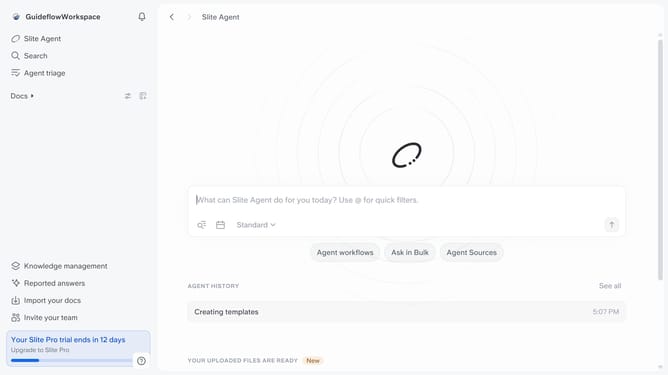
- First click on "Docs" item in the left sidebar
- Then open the Slite document you want to edit
- Next click on the three dots icon next to the row you want to delete
- Finally click on the "Delete" button in the dropdown menu
Why should you How to delete row in a table in a document in Slite
Slite is a collaborative workspace empowering teams to collect, organize, and share information seamlessly.
Deleting a row in a table within a Slite document is intuitive and time-saving, helping you maintain organized and clutter-free documents effortlessly. This feature allows for quick adjustments without disrupting your workflow.
Using this feature streamlines your content, ensuring that your documents remain clear and concise. Perfect for dynamic environments, it optimizes collaboration by enabling easy edits and fostering efficient communication among team members.
Last update