How to add a Google Drive file in a document in Slite
Here is how to add a google drive file in a document in slite
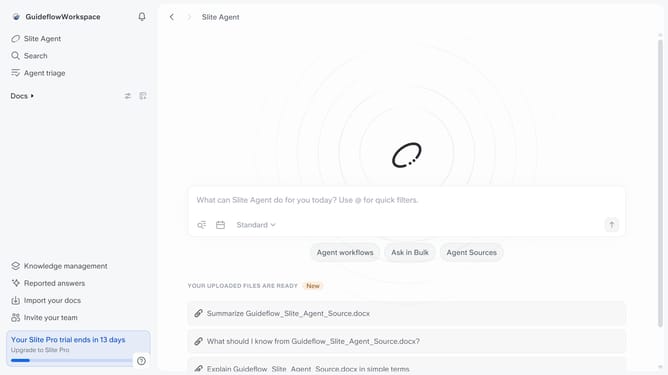
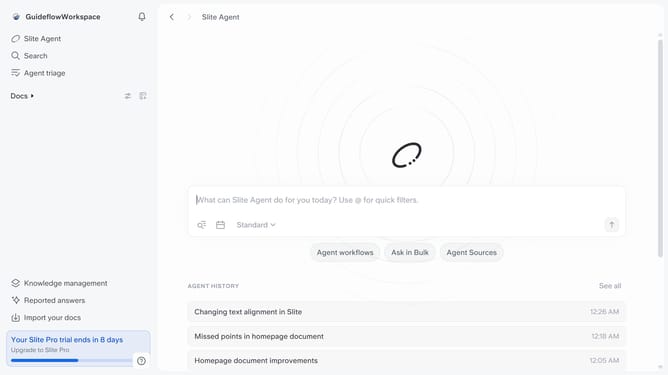
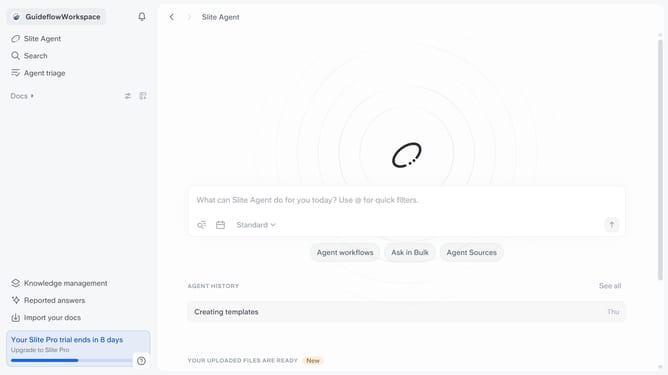
- First click on "Docs" item in the left sidebar
- Then open the Slite doc you want to edit
- Then click where you want to add the component and type "/" to open the formatting menu
- Then click on "Google Drive" in the dropdown menu
- Then click on the input field to paste a Google Drive file link
- Finally, click on the "Embed" button to apply changes
Why should you How to add a Google Drive file in a document in Slite
Slite is a collaborative platform designed to organize team communication seamlessly.
One of its standout features is the ability to effortlessly integrate Google Drive files into your Slite documents.
This integration enhances team collaboration by providing instant access to essential files without ever leaving the Slite environment.
By embedding Google Drive files, you can maintain a single source of truth, ensuring all team members work with the latest information, boosting productivity and efficiency.
Leverage this feature for smoother workflows and more organized projects.
Last update