How to add a Google Maps location in a document in Slite
Here is how to add a google maps location in a document in slite
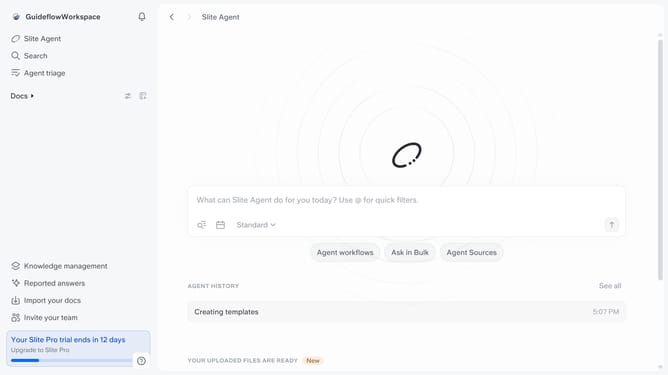
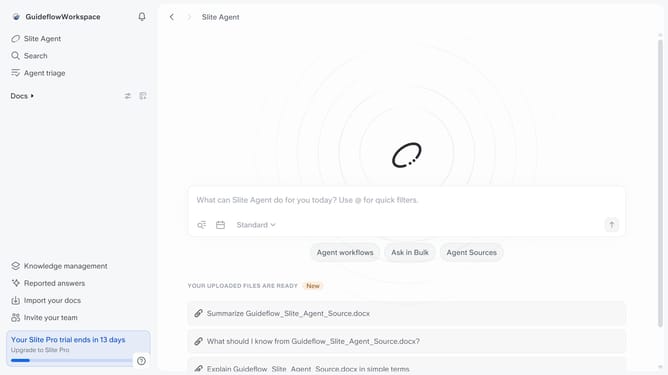
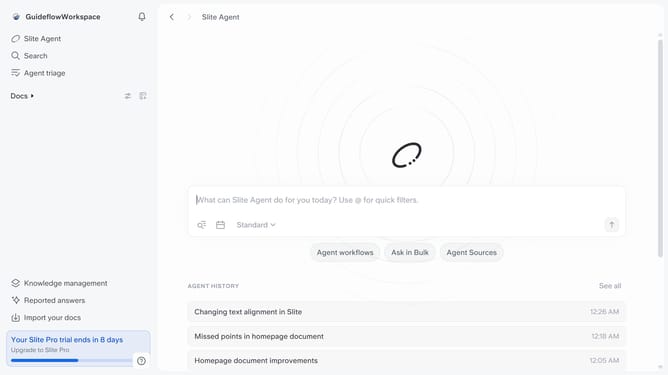
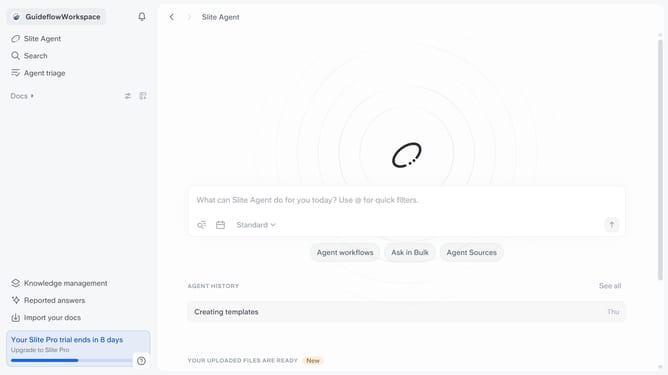
- First click on "Docs" item in the left sidebar
- Then open the Slite doc you want to edit
- Then click where you want to add the component and type "/" to open the formatting menu
- After that, click on the "Google Maps" item
- Then click on the input field to paste a Google Maps file link
- Finally, click on the "Embed" button to apply changes
Why should you How to add a Google Maps location in a document in Slite
Slite is a collaborative tool designed to enhance team communication and document organization seamlessly.
Adding a Google Maps location in a Slite document enhances the utility and context of shared information. With this feature, you can effortlessly include real-world locations, making your documents more informative and engaging.
Incorporating a map location is perfect for planning events, sharing meeting points, or detailing project sites, allowing team members to visualize locations directly within the document. This enhances understanding and streamlines coordination by providing clear, visual references.
Last update