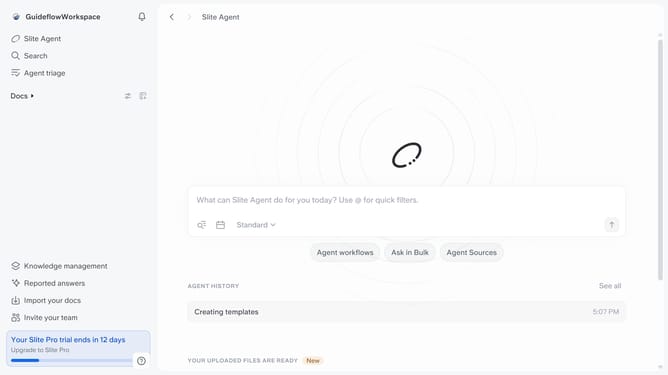
How to view document templates in Slite
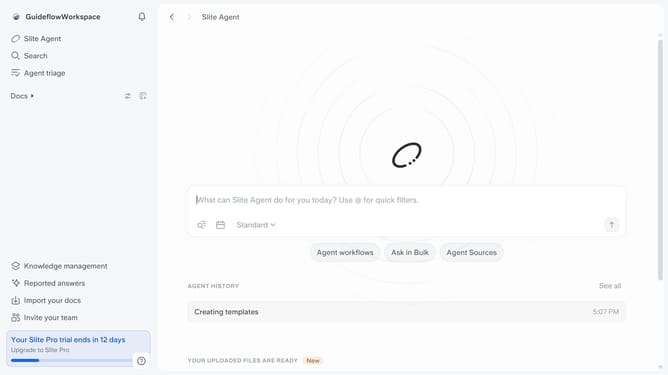
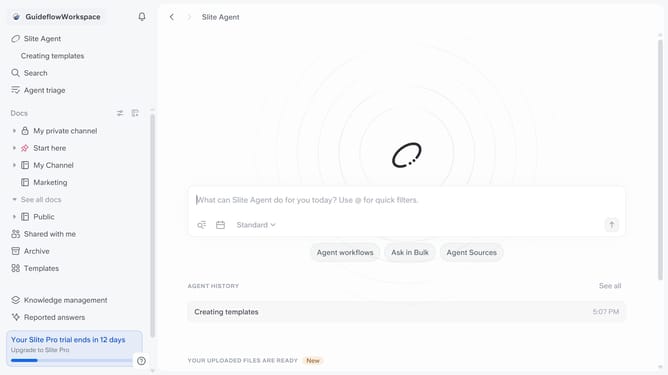
Here is how to view document templates in slite
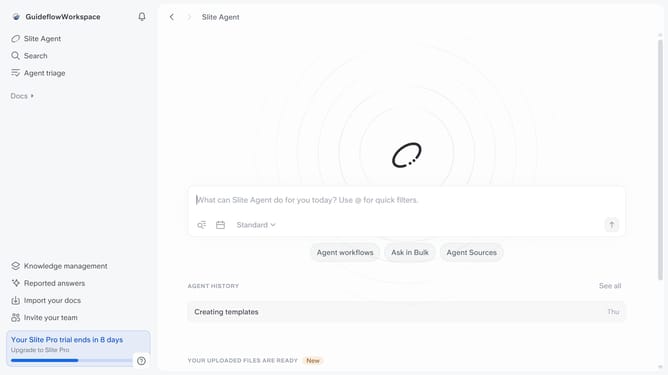
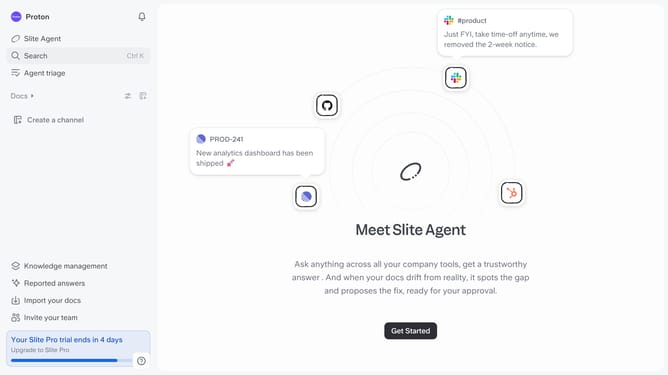
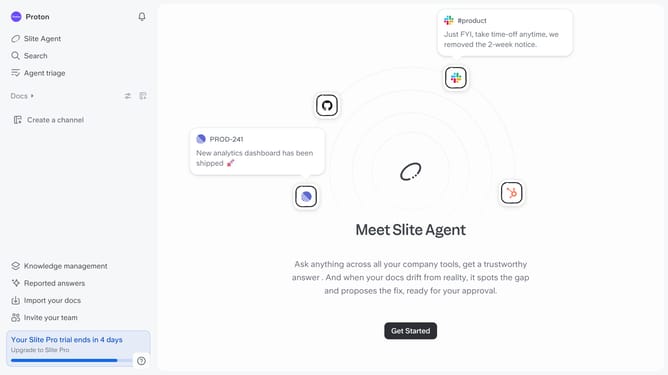
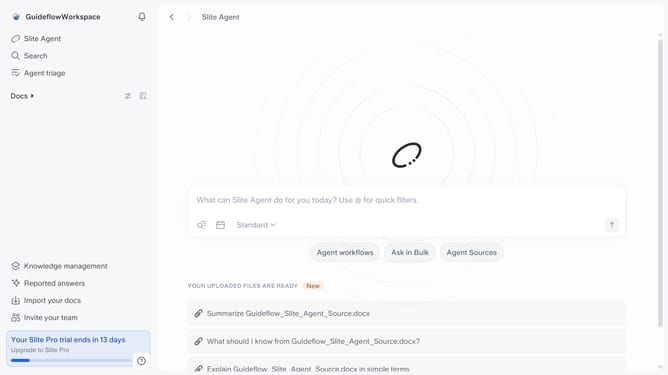
- First click on "Docs" in the left sidebar
- Then click on "Templates" in the left sidebar
- Finally click on Slite template titles in the left sidebar to view options
Why should you How to view document templates in Slite
Slite is a collaborative workspace designed to streamline teamwork by organizing documents and shared knowledge effortlessly.
With Slite, accessing document templates is a breeze. These templates offer a framework to kickstart projects, ensuring consistency and professionalism across documents.
Using these templates can greatly enhance efficiency by reducing the time spent on formatting, allowing your team to focus on content and creativity.
By standardizing documents, teams can maintain a cohesive brand identity and streamline their collaborative efforts, making it an invaluable tool for any dynamic workplace.
Last update